Thirty seconds sounds short. For a feature film, it is a single scene transition. For a social media reel, it is a complete story arc. For Seedance 2.5, it represents the full runtime ceiling of the model as currently deployed. But here is what most creators get wrong: they treat that number as a hard wall when, in practice, it is more of a starting point for understanding how to work with the tool.
This article goes deep on what the 30-second cap actually means technically, how it compares to other AI video platforms, and what experienced creators do to build longer narratives without ever hitting a real creative ceiling.
What the 30-Second Limit Actually Means
When ByteDance published the specs for Seedance 2.5, the 30-second maximum was framed as a capability milestone. At the time of its release, most competing text-to-video models were generating clips between 4 and 10 seconds. Hitting 30 seconds with coherent motion, synchronized audio, and consistent subjects across the duration was a significant technical achievement.
The limit exists because of how diffusion-based video models allocate compute during inference. Every additional second of video output requires substantially more memory and processing time than adding another frame within an existing second. At 30 seconds and 24fps, Seedance 2.5 is generating 720 frames while maintaining spatial and temporal consistency across every one of them.
The Technical Reality Behind the Cap
The 30-second boundary is a function of the model's context window for video tokens. Think of it the way you think about an LLM's token limit: the model can only hold so much information in memory at once while generating. Pushing beyond that boundary would require either a larger model architecture, a different generation strategy (such as chunk-based generation with overlap), or significantly more GPU memory per inference call.
This is not a business decision designed to upsell you to a paid tier. It is a fundamental constraint of the current architecture. The good news is that ByteDance has already demonstrated the ability to increase this ceiling between model versions, and Seedance 1.5 Pro showed iterative improvements in temporal coherence that made every second of the output more usable.
Why 30 Seconds Was the Target
Thirty seconds hits a specific sweet spot for the distribution channels where AI video sees the highest adoption. TikTok, Instagram Reels, and YouTube Shorts all perform best with clips in the 15-45 second range. A model that outputs exactly 30 seconds of high-quality footage drops into that workflow without requiring any trimming on the front end.
For advertising, a 30-second spot is still the industry standard broadcast unit. The model's ceiling aligns perfectly with the most common deliverable in commercial video production. This was almost certainly intentional.
💡 Worth noting: The 30-second limit applies to a single generation call. Your final video has no length ceiling if you plan your workflow correctly.
Where the Limit Bends
Here is the part most tutorials skip. The 30-second cap applies to a single inference call, not to your finished video. Creators who understand this build projects that run 2, 5, or even 10 minutes long using Seedance 2.5 as the generation engine.

Chaining Clips Together
The most straightforward workaround is sequential generation with careful prompt continuity. You write a prompt for Scene 1, generate 30 seconds, then write Scene 2 using the ending frame of Scene 1 as a style and subject anchor. When you edit the clips together in a standard timeline editor, the visual consistency carries across the cut.
The technique works because Seedance 2.5 is remarkably consistent about maintaining subject appearance, lighting conditions, and camera perspective within a single generation. If your Scene 1 ends with a woman in a red jacket walking left-to-right in afternoon light, your Scene 2 prompt can reference those exact details and the model will maintain continuity.
Platforms like PicassoIA make this easier by letting you store and reference previously generated outputs. Tools like Modify Video can then help you restyle or adjust the clips before editing them into a sequence, giving you an end-to-end workflow without leaving the platform.
What Changes at Higher Settings
The free version of Seedance 2.5 Lite on PicassoIA generates clips up to 10 seconds. The full Seedance 2.5 model extends that to the full 30-second ceiling with higher resolution output and improved motion coherence at longer durations.
The quality difference between a 10-second and 30-second output from the same prompt is worth examining. At 10 seconds, the model has to make relatively few decisions about how subject motion evolves over time. At 30 seconds, it is managing long-arc movement, camera drift, and background changes across a much longer generation window. The model handles this well when your prompt provides clear motion direction.
How Seedance 2.5 Compares to Rivals
The 30-second ceiling becomes more meaningful when you see where it sits relative to competing platforms.
| Platform | Max Duration | Audio | Resolution |
|---|
| Seedance 2.5 | 30 seconds | Synchronized | Up to 1080p |
| Seedance 2.5 Lite | 10 seconds | Synchronized | Standard |
| Seedance 1.5 Pro | 10 seconds | Synchronized | Up to 720p |
| P Video | Variable | Optional | Up to 720p |
| Flux 3 | Short clips | Synchronized | Standard |
The closest competitor in the synchronized-audio category is Seedance 1.5 Pro, which caps at 10 seconds. That 3x difference in maximum duration gives Seedance 2.5 a genuine advantage for creators who want complete social media clips from a single generation call.
P Video from PicassoIA takes a different architectural approach that trades maximum duration for flexibility in the input format. Flux 3 is optimized for synchronized audio quality rather than duration. The right tool depends on your specific output requirement.
💡 For marketing content: A 30-second Seedance 2.5 clip is often all you need. For documentary or narrative work, plan for multi-clip workflows from the start.
Real User Workflows Around the Limit
Talking to creators who use Seedance 2.5 regularly reveals two distinct workflow patterns that consistently produce the best results within the 30-second ceiling.
The Multi-Segment Approach
Experienced creators treat 30 seconds not as a limitation but as a unit of production. They plan their scripts in 30-second segments before touching any generation tool. Each segment gets its own visual brief: subject, environment, lighting, camera angle, and motion direction. The segments are written to cut together naturally, with each one ending in a position that makes sense for the next to begin.
This approach borrows from professional storyboarding practice. A 3-minute brand video becomes 6 segments. A 10-minute explainer becomes 20. The generation time is the same per segment regardless of project length, so the workflow scales without adding creative complexity.
After generating, platforms like PicassoIA offer Video Upscale to sharpen any clips that need quality improvement before final assembly.
Optimizing Every Second
The second pattern focuses on extracting maximum value from every second of the 30-second window rather than expanding the total runtime. These creators write very precise motion prompts that describe exactly what should happen at specific moments in the clip.
A typical prompt from this style might read: "A woman in a linen blazer turns toward the camera in the first 3 seconds, walks forward for the next 10 seconds as the camera slowly dollies back, stops and looks up at the 15-second mark, then the camera cranes up and widens to reveal the full rooftop skyline in the final 15 seconds."
Seedance 2.5 follows temporal motion instructions better than most models at its generation length. Prompts that give the model a clear timeline to follow consistently outperform generic motion descriptions.
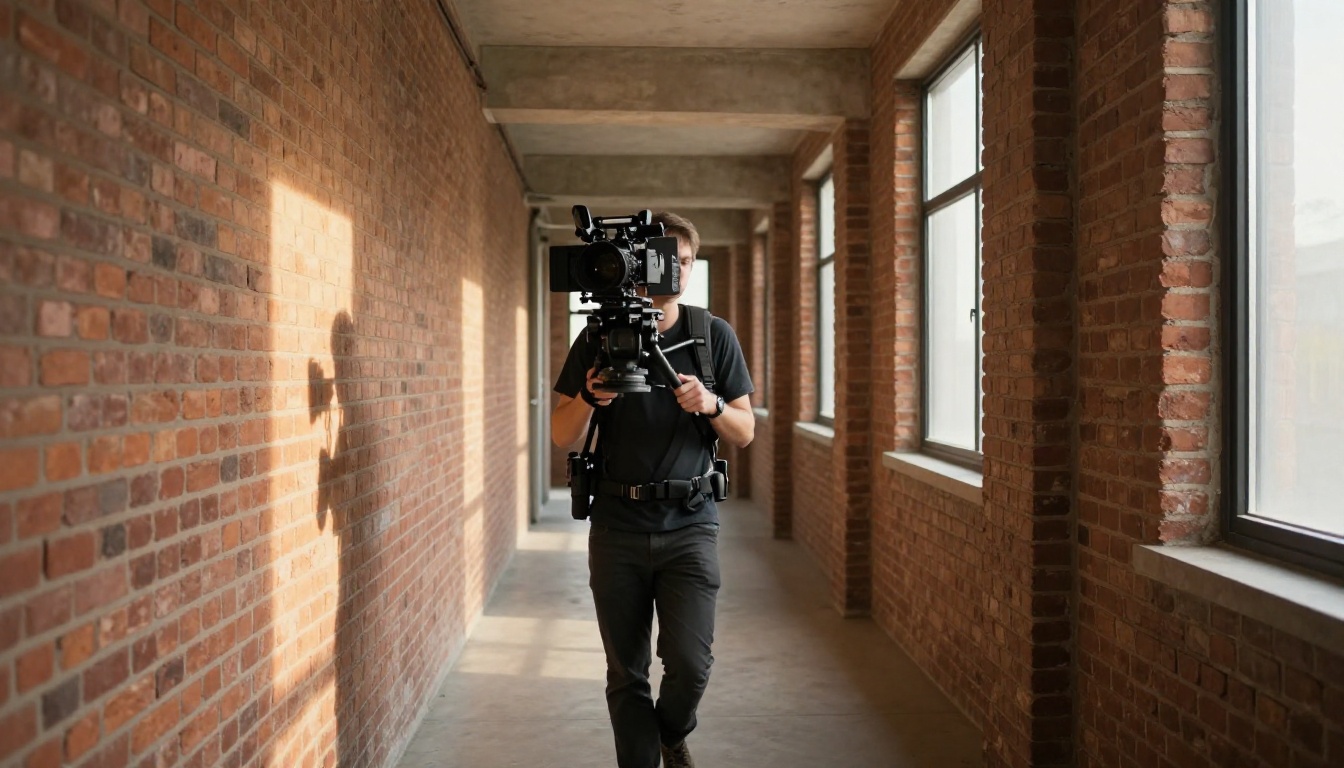
PicassoIA gives you access to Seedance 2.5 alongside a full ecosystem of video tools that make the 30-second ceiling far less relevant to your finished work.
Models That Extend Your Options
Beyond Seedance, the platform hosts models that fill different parts of the video production pipeline:
- P Video: Flexible text-to-video for concepts that need more experimental motion styles
- Modify Video: Restyle generated clips with new visual treatments without re-generating
- Reframe Video: Change the aspect ratio of any clip for different platform specs
- Video Upscale: Sharpen and upscale footage to 4K at up to 120fps after generation
- Omni Human 1.5: Add realistic lipsync to any video character
- Flux 3: Generate video with synchronized audio from text descriptions

How to Use Seedance 2.5 on PicassoIA
Getting a 30-second clip from Seedance 2.5 on PicassoIA takes four steps:
Step 1 — Write a temporal prompt. Describe your subject, environment, and lighting in the first sentence. Add camera movement in the second. Describe what motion happens and approximately when in the third. The more specific your timeline instructions, the more the model can do with the full 30 seconds.
Step 2 — Set your duration. Select the maximum 30-second option. If you are testing a concept, 10 seconds from Seedance 2.5 Lite will give you a free preview of how the model interprets your prompt before committing to a full generation.
Step 3 — Review the output. Watch the full 30 seconds before deciding to keep or regenerate. Pay attention to motion coherence in the last 10 seconds of the clip, where some prompts lose their structure. If the ending drifts, add a closing instruction to your prompt like "the clip ends with a slow fade to stillness."
Step 4 — Post-process if needed. Run the clip through Video Upscale for sharper output, or through Modify Video to adjust the visual style before delivery.
What Actually Matters in 30 Seconds
The conversation about duration limits often misses the more important question: what can you actually accomplish in 30 seconds of high-quality AI video?

Storytelling in Short Form
Thirty seconds is enough time to introduce a character, show them encountering a problem, and hint at a resolution. It is enough for a complete product demonstration. It is enough for an atmospheric location piece, a sports highlight, a tutorial intro, or an emotional brand moment.
The creators who feel constrained by the 30-second limit are usually trying to use AI video for formats that genuinely require longer runtimes, like documentary narratives or long-form explainers. For those formats, a multi-clip workflow is not a workaround but the correct production approach.
The Quality Tradeoff
There is an inverse relationship worth understanding: as AI video models push toward longer maximum durations, they typically sacrifice per-frame quality and motion coherence to achieve it. Seedance 2.5 at 30 seconds maintains the quality level of models that only generate 5 or 10 seconds. That is the technical achievement that makes the ceiling worth examining closely.
For social media creators, advertisers, and brand teams, 30 seconds of footage at this quality level is more valuable than 90 seconds of lower-fidelity output. The ceiling, it turns out, is also a quality guarantee.
💡 Practical tip: Generate your clips at the full 30 seconds even if you plan to use only 15. The extra footage gives you room to trim for pacing and find the best frames.

Start Generating on PicassoIA
The 30-second limit on Seedance 2.5 is real, but it is not the ceiling most people imagine it to be. With smart prompt structuring, multi-clip planning, and PicassoIA's post-processing tools, 30 seconds per generation becomes a building block rather than a constraint.
The best way to understand this is to generate your first clip and see what the model actually does within that window. Seedance 2.5 on PicassoIA gives you access to the full 30-second capability alongside every tool you need to assemble clips into longer projects.
Try Seedance 2.5 Lite for a free 10-second preview of your concept, then scale up to full 30-second generations as you refine your prompts. Add Video Upscale to sharpen the output, Modify Video to adjust the visual style, and you have a complete AI video production pipeline running on a single platform.
All 87 text-to-video models on PicassoIA are available at picassoia.com/en/all-models. The 30-second ceiling is exactly where your work begins.


