Yes, you can sell AI art on Etsy, and thousands of shops already do. But "legal" involves four separate things at once: Etsy's seller rules, copyright law, trademark law, and the license of the tool that made the image. Miss one and the best case is a removed listing, the worst case is a suspended shop. Below you'll find what each layer asks of you, which products actually have buyers, and a file workflow that holds up when a customer prints your art at poster size.
The Short Answer
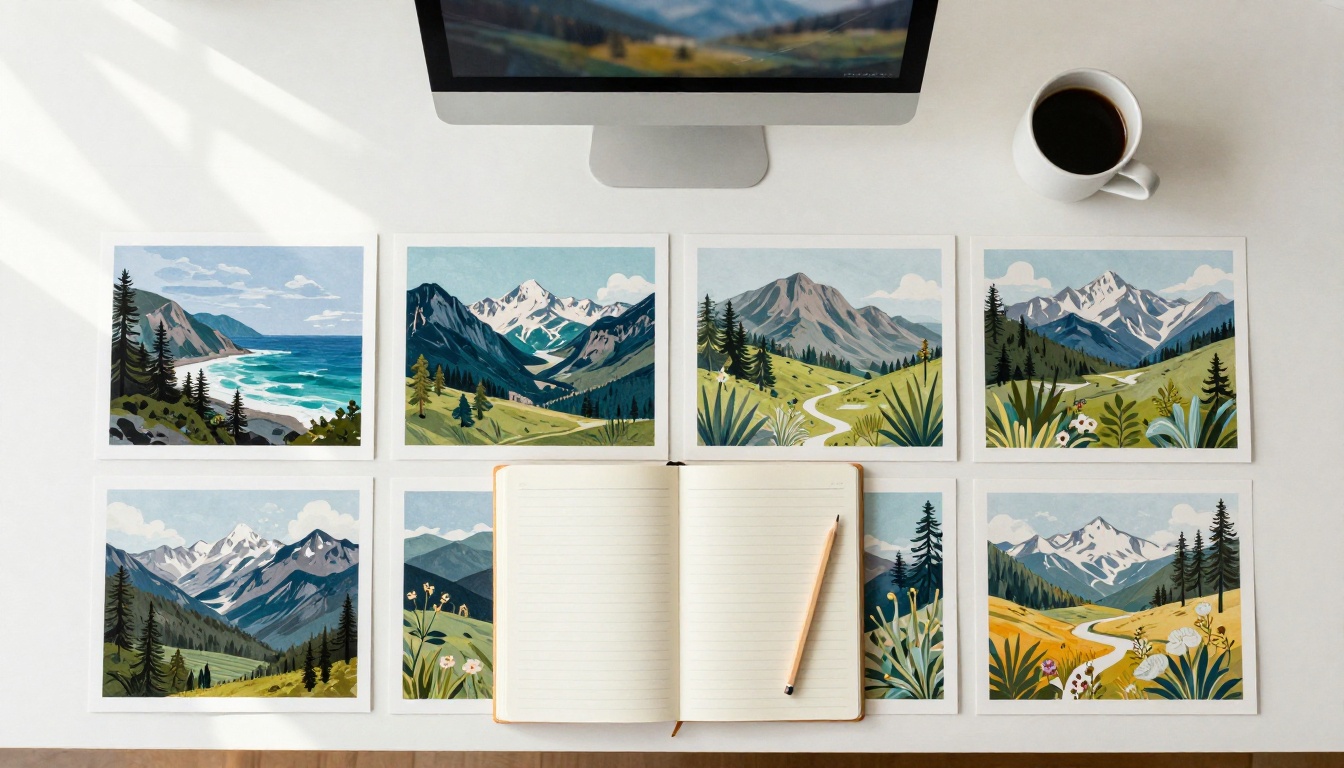
Selling AI-generated art on Etsy is allowed when you disclose the AI use, hold the right to sell the output, and don't copy protected work. No law bans it. What separates safe shops from risky ones is how closely they follow the rules around it.
What "Legal" Includes
Four layers apply to every listing you publish:
| Layer | What it asks of you | What goes wrong |
|---|
| Etsy policy | Label the item correctly and disclose AI use | Listing removal, shop suspension |
| Copyright | Don't copy protected work, and know what you can protect | Takedown notices, no protection for your own art |
| Trademark | No brands, characters, or logos in images, titles, or tags | Reports from brand owners, strikes |
| Tool license | Commercial use must be allowed by the model you used | Ownership and account disputes |
💡 Tip: Treat this article as a practical overview, not legal advice. If your shop earns real money, one hour with an IP lawyer in your country costs far less than a suspended month.
What Etsy Requires From You
Etsy introduced its Creativity Standards in July 2024, and they are the rules that matter most to AI sellers. Policy wording gets edited, so reread the current version in Etsy's Seller Policy before you publish a new batch.
Creativity Standards in Plain Words
Etsy labels items by how much human involvement went into them: Made by, Designed by, Handpicked by, and Sourced by. AI art sold by the person who wrote the prompts and chose the final image fits Designed by. Etsy accepts AI when your own prompts and creative direction shaped the result, and it expects you to say so. What it does not want is anonymous machine output passed off as handmade craft.
How to Disclose AI Use
Write one plain sentence near the top of every description, not buried under the shipping notes:
This artwork was created with AI tools from my original prompts, then edited and finished by me.
Use the same wording on every listing so your shop reads as consistent. Fill in any creative-process fields Etsy shows during listing creation, and never describe AI work as "hand painted," "hand drawn," or "original photography."
What Gets Listings Removed
Most takedowns come from a short list of mistakes:
- Calling AI work handmade, hand painted, or a real photograph
- Copying another seller's images, titles, or description text
- Brand, character, team, or celebrity names in titles, tags, or the artwork itself
- Mockups that show a frame, size, or product the buyer does not receive
- Blurry or low-resolution files that earn "not as described" reports
Copyright Is the Tricky Part
Who Owns an AI Image?
In the United States, copyright needs a human author. The US Copyright Office has said that an image generated from a text prompt alone cannot be registered, because the person did not control how the system turned words into pixels. Work that adds real human choices is different: a selection and arrangement of AI images, or substantial edits you make yourself, can qualify. Protection reaches the human contribution only. Other countries take other positions, and some are still reviewing theirs, so check the rules where you live and where your buyers live.
Protecting Your Own Designs
The practical result: a competitor may copy your plain AI print, and you might have no copyright claim to stop them. So build value in things that are harder to clone.
- Bundles and sets, because the selection and arrangement is yours
- Hand edits such as painting over, compositing, or adding your own photography
- A consistent shop style that buyers recognize at a glance
- Original mockups, titles, and descriptions, which are your own writing and photography
Training Data Lawsuits
Several lawsuits from artists and image libraries against AI companies, over the data used to train image models, are still moving through the courts. Their outcomes could change the rules for everyone who sells AI output. Until then, keep a record for every product: the tool, the model, the prompt, the date, and the license terms that applied. Pick tools whose terms clearly grant commercial use, and reread those terms whenever they update.
Trademarks and Look-Alike Prompts
Copyright protects a specific work. Trademark protects brands, logos, and characters. An image that evokes a famous character or team is a problem even if the AI drew it from scratch, because the buyer's search gives it away: nobody types a character's name by accident.
Words to Keep Out of Prompts
Leave these out of prompts, titles, tags, and file names:
- Character, studio, and franchise names
- Brand names, logos, and sports teams
- Band names, celebrity names, and celebrity faces
- Living artists' names
Describe the look instead. Rather than naming a living painter, write loose oil brushwork, muted ochre palette, heavy impasto texture. You get the same mood without the risk, and your listing survives a report.
What Sells Best on Etsy
No outsider has full Etsy sales data, so treat every "top seller" list with caution, this one included. What holds steady is search demand: the categories below attract buyers all year and suit what image models do well. Test ten listings in a category before you build a catalog around it.
| Product | Format | Competition | Effort |
|---|
| Landscape and abstract wall art | Digital download, several sizes | Very high | Low |
| Nursery and kids prints | Digital download or print | High | Low |
| Wedding and event signs | Editable template | High | Medium |
| Planner pages and stickers | PNG sheets, PDF | High | Medium |
| Clip art bundles | Transparent PNG sets | High | Medium |
| Seamless patterns | JPG or PNG tiles | Medium | Medium |
| Coloring pages | Printable PDF | Medium | Low |
| Posters and canvases | Physical, via a print partner | Very high | Medium |
Competition is a rough estimate based on how crowded search results tend to be.
Wall Art Printables
Wall art is the largest category by far. Buyers search by room and mood: moody landscape, boho bedroom, kitchen botanical, neutral abstract. Photographic scenery, abstract textures, and botanical studies play to the strengths of current models. Flux 2 Pro and Seedream 4.5 produce clean photographic detail, and Imagen 4 is a solid option for natural landscapes. Sell matching sets of three rather than single prints: a set looks like a finished wall in the mockup and raises the order value.

Nursery and Kids Art
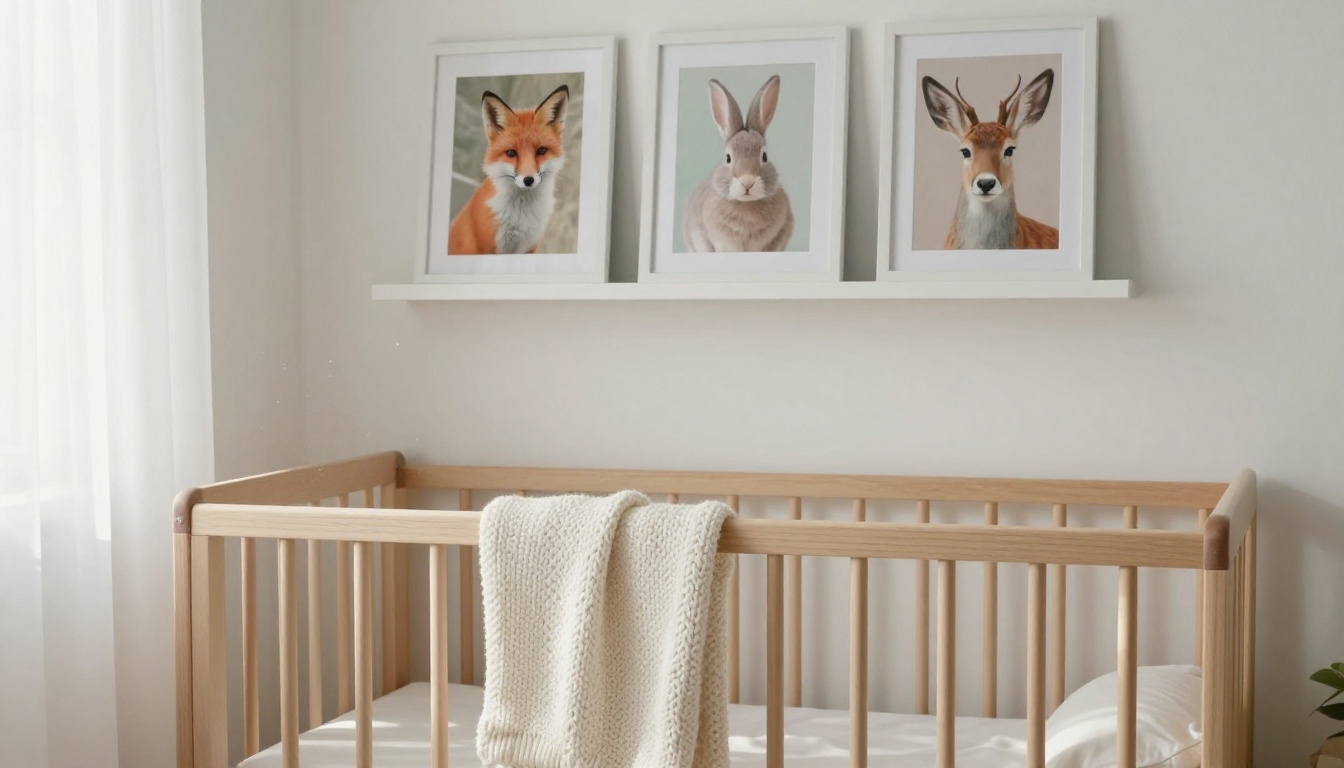
Nursery art sells on softness and safety: pastel palettes, friendly animals, no frightening details, no text. Keep a set consistent by reusing the same prompt skeleton and swapping only the animal. Recraft V4 suits clean illustrated shapes, while Nano Banana Pro is useful when you want to edit an image you already like instead of starting over. Show the set above a crib or a shelf in your mockup.
Planners, Stickers, and Clip Art
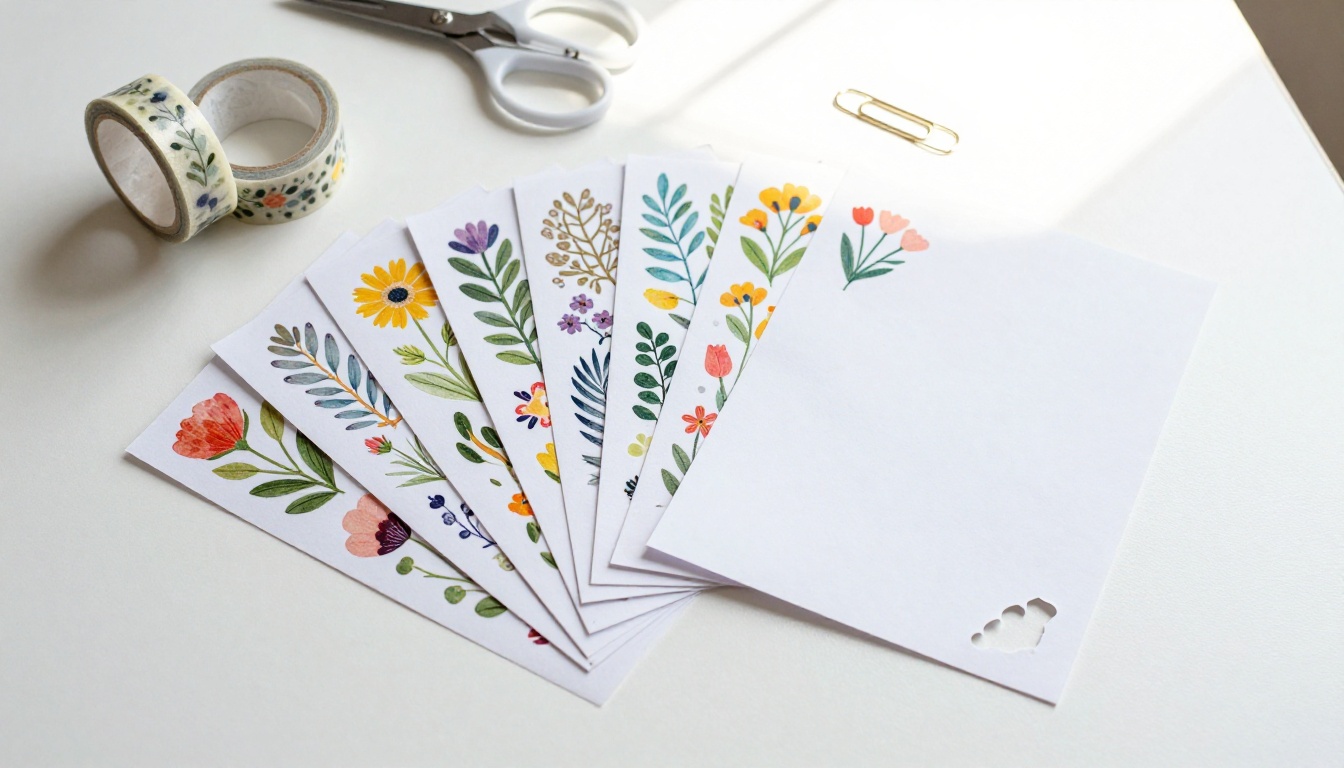
Planner pages, sticker sheets, and clip art need transparent backgrounds and sharp edges. Generate the artwork, then cut it out with Recraft Remove Background so each element exports as a transparent PNG. When you need artwork that scales to any size, Recraft V4 SVG outputs vectors. Anything with lettering, such as wedding signs or quote prints, should start in Ideogram V3 Quality, which handles text better than most image models. Even so, proofread every letter before you sell it.
Physical Prints and Posters
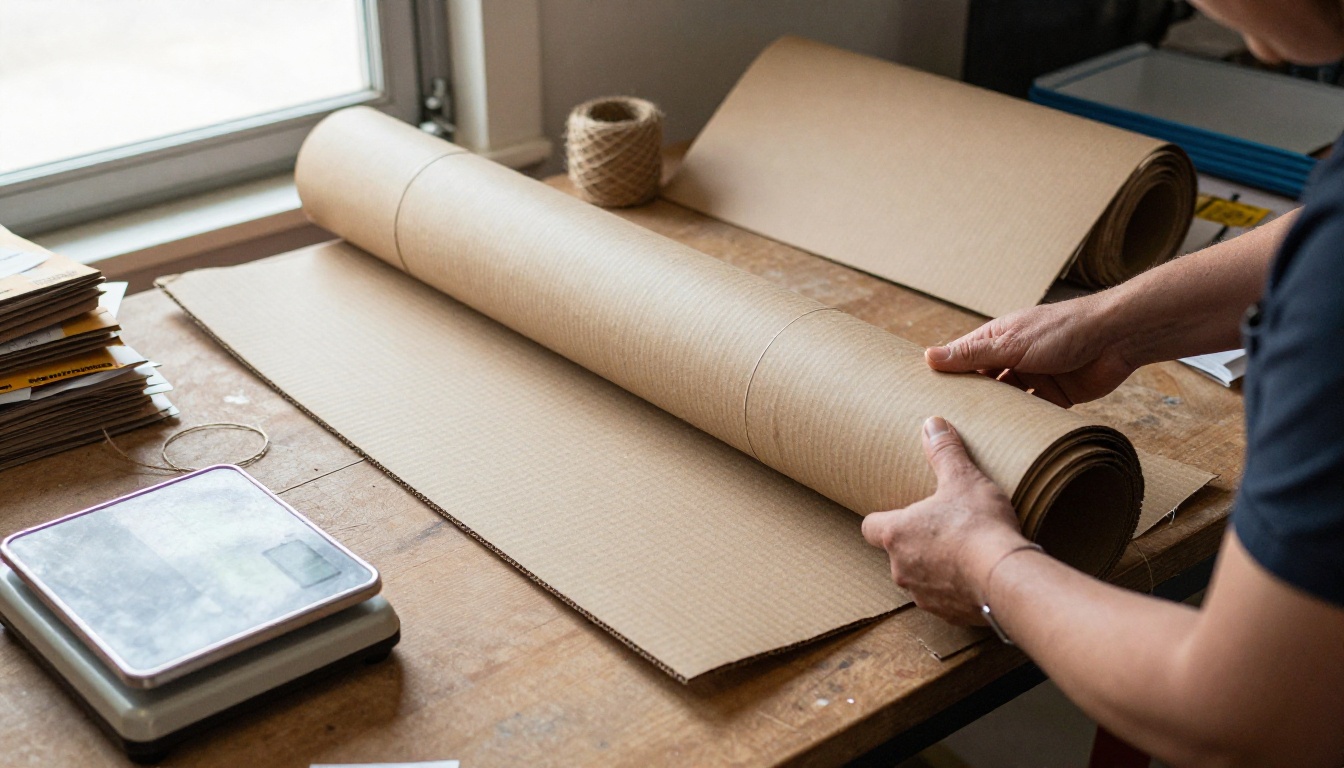
Posters, canvases, and mugs go through a print partner. Etsy expects you to disclose any production partner, and you stay responsible for the design, so the copyright and trademark rules above still apply. Order a proof copy first, because screens lie about color. If you ship prints yourself, a rigid tube, kraft wrap, and a postal scale will handle most orders.
Listing Titles, Tags, and Photos
A good product still has to be found. Etsy gives you a long title and 13 tags, so use them for the phrases buyers really type: room, style, and size, for example large neutral abstract wall art for living room. Skip brand names, and skip tags that promise something the file does not deliver. For photos, lead with the strongest room mockup, then add a size chart, a close-up of the detail, and a plain list of what the download includes. Say clearly that the buyer receives digital files and nothing ships, since buyers who expect a physical item leave poor reviews. Finish the description with your disclosure sentence and a short note on print sizes and ratios. Refresh your two weakest listings every month: change the first photo, reorder the tags, and watch what moves.
How to Use Seedream 4.5 on PicassoIA
If you want a repeatable process for wall art, this is the one to follow. Seedream 4.5 is a good first model for photographic scenery, and every step below works with the other image models too.
Step by Step
- Open the model page. Go to Seedream 4.5 on Picasso IA and start a new generation.
- Write a specific prompt. Name the subject, the light, the lens, and the texture: misty pine forest at dawn, volumetric light from the left, 85mm lens, soft film grain, no text.
- Pick a portrait ratio. Choose 2:3 or 3:4 if the model offers it. Wall art is rarely landscape-oriented.
- Generate variations. Make six to eight, then keep only the sharp ones. Reject warped details, odd textures, and anything with stray letters.
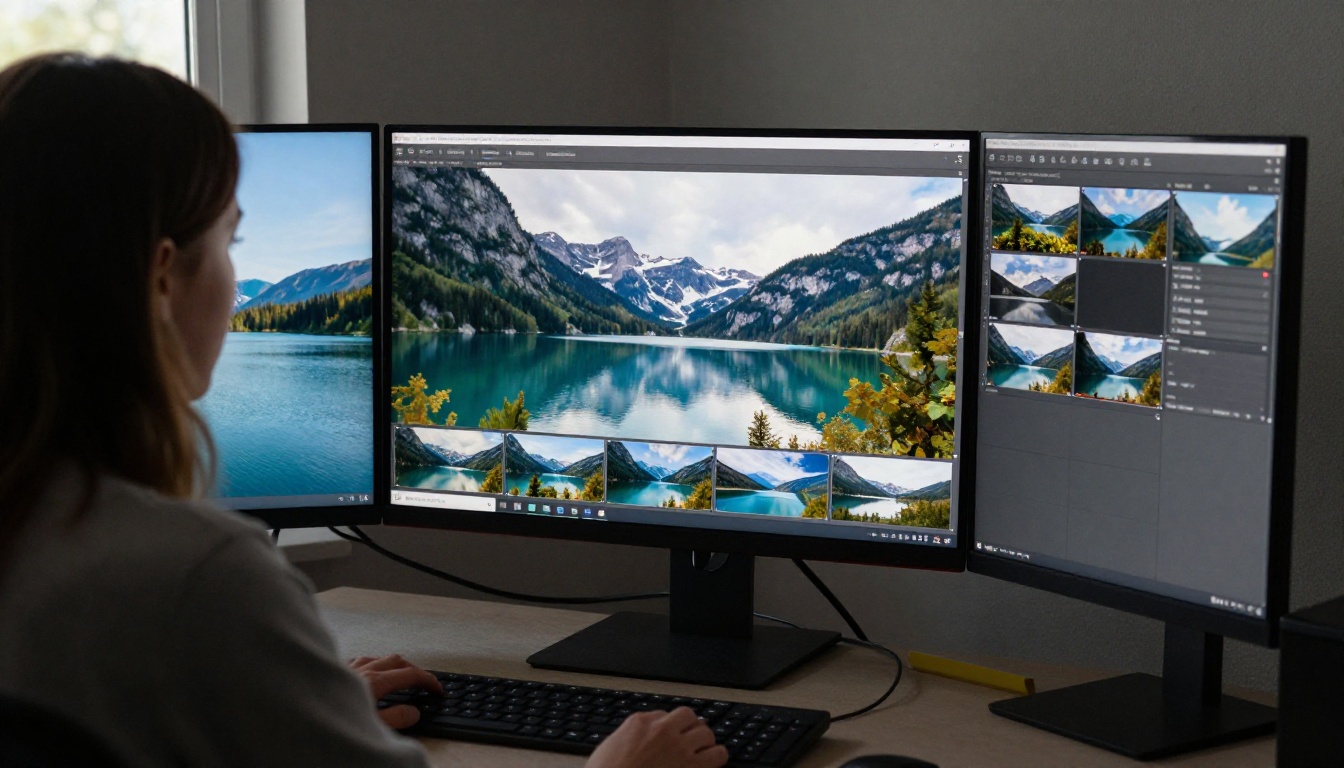
- Upscale for print. Run the best image through Real-ESRGAN for a 4x enlargement, Clarity Pro Upscaler for photorealistic detail, or Topaz Image Upscale when you need the largest size.
- Export size packs. Crop each ratio on its own and save at 300 DPI. Never stretch an image to fit a new ratio.
- Build mockups. Show the print in a room, in a frame, and as a close-up of the paper texture.
💡 Tip: Generate at the largest size the model allows, then upscale once. Enlarging a small image twice tends to add smoothing artifacts that show up in print.
Print Size and Pixel Math
At 300 DPI, the pixel counts a buyer's printer needs are simple multiplication:
| Print size (inches) | Ratio | Pixels at 300 DPI |
|---|
| 5 x 7 | 5:7 | 1500 x 2100 |
| 8 x 10 | 4:5 | 2400 x 3000 |
| 11 x 14 | 11:14 | 3300 x 4200 |
| 16 x 20 | 4:5 | 4800 x 6000 |
| 18 x 24 | 3:4 | 5400 x 7200 |
| 24 x 36 | 2:3 | 7200 x 10800 |
Most sellers ship five ratio folders in one download: 2:3, 3:4, 4:5, 5:7, and an international paper size. Open every file at 100 percent zoom before you upload it, since a soft file produces a refund request.
Add a short listing video. Etsy lets you attach a short video to a listing. Take your best mockup and animate it with Seedance 2.0 or Kling v3 Video: a slow push-in on the framed print is enough. Add a quiet background track from Lyria 3 or Music 2.6. Check the license of each tool before you publish, since video and music models carry their own commercial terms.
Costs and Taxes
Etsy charges for every listing and every sale. These are the standard US rates at the time of writing, and they change, so check Etsy's fee page before you price anything:
| Fee | Rate |
|---|
| Listing fee | $0.20 per listing, renewed every four months or after a sale |
| Transaction fee | 6.5% of the item price plus shipping |
| Payment processing | 3% plus $0.25 per order in the US |
| Offsite Ads (only if a sale comes through them) | 12% to 15%, capped at $100 per order |
A $10 digital download therefore costs about $0.65 in transaction fees, $0.55 in processing, and $0.20 for the listing, leaving roughly $8.60. That margin is why digital sets work, and also why a bundle at $15 beats three singles at $5.
Taxes are separate. Etsy collects and remits sales tax or VAT in many regions, but income tax on your profit is your job, whether or not you receive a tax form. Open a separate bank account for the shop and log every sale from day one.
Make Your First Listing Set
Pick one niche and build three matching pieces this week. Open Picasso IA, choose Seedream 4.5 or Flux 2 Pro, and generate your three prints. Upscale them, cut the five ratio folders, make two mockups, add the AI disclosure sentence, and publish. Then watch which search terms bring visitors and build the next set around those.
Experiment with a different model for each set. Image, video, and music tools all sit in one place, so the same afternoon that produces your prints can also produce a listing video and a soundtrack. Your first sale will tell you more than any list of best sellers can.


