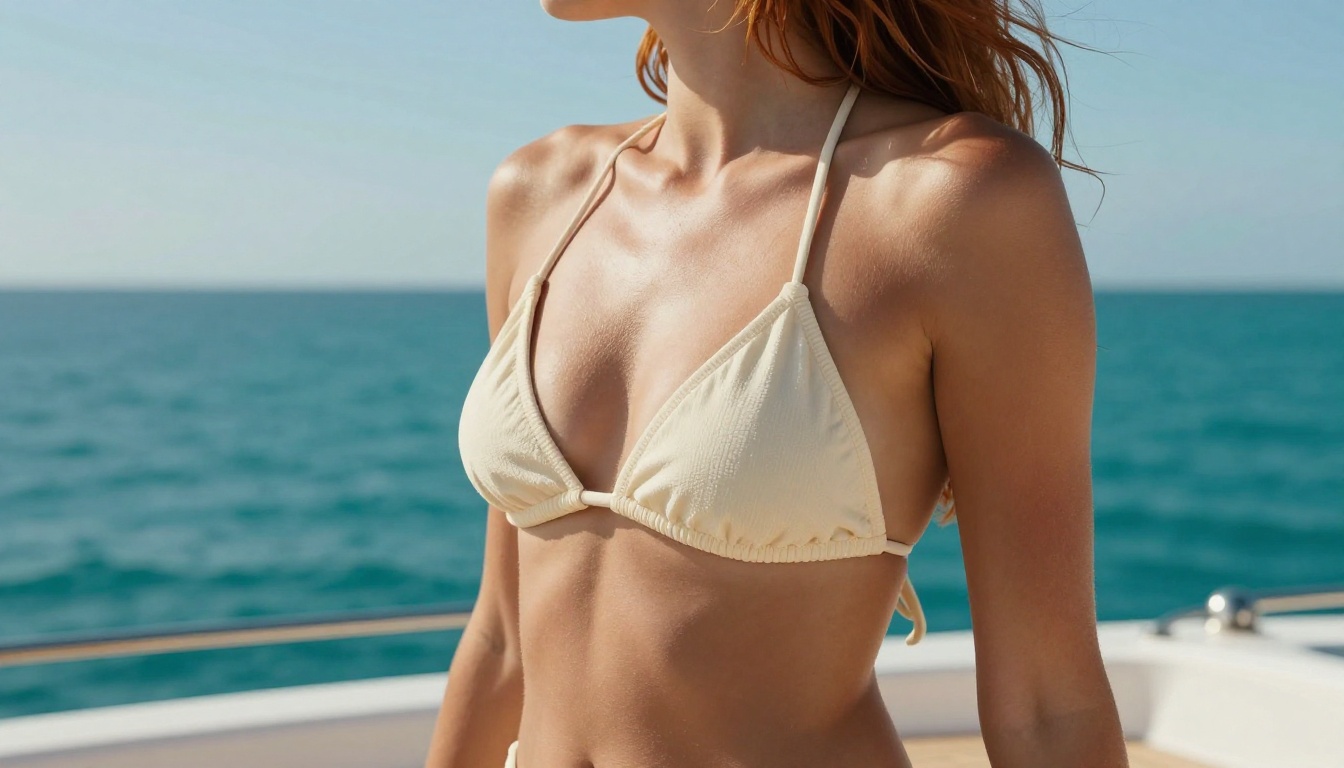
Juggernaut XL NSFW: CFG, Samplers and Negative Prompts
A practical breakdown of Juggernaut XL's optimal settings for NSFW generation, covering CFG scale, sampling steps, negative prompts, LoRA pairings, VAE configuration, hi-res fix settings, and the exact prompt structures that produce photorealistic, beautiful results every single time.
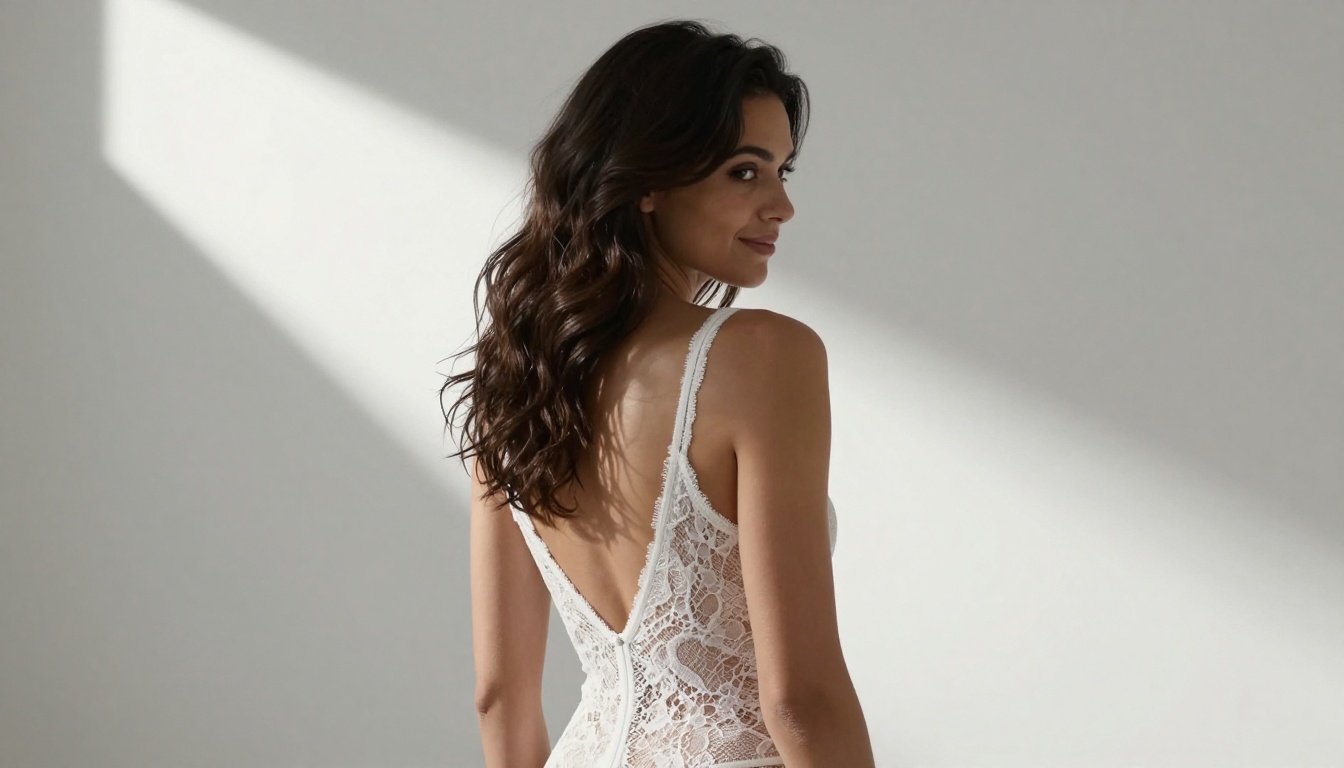
Juggernaut XL isn't just another SDXL checkpoint. Among the dozens of text-to-image models built on Stable Diffusion XL, it has earned a reputation for something very specific: producing photorealistic portraits that actually look like photographs. Skin has texture. Eyes have depth. Hair moves with weight. For anyone generating NSFW content, that level of realism changes everything, and getting it consistently requires knowing which settings to use and why.
This article breaks down exactly that. No vague recommendations. No theoretical discussions about diffusion mathematics. Just the CFG values, samplers, step counts, and prompt structures that produce results worth keeping.
What Juggernaut XL Actually Does Well
Skin Texture Nobody Else Gets Right
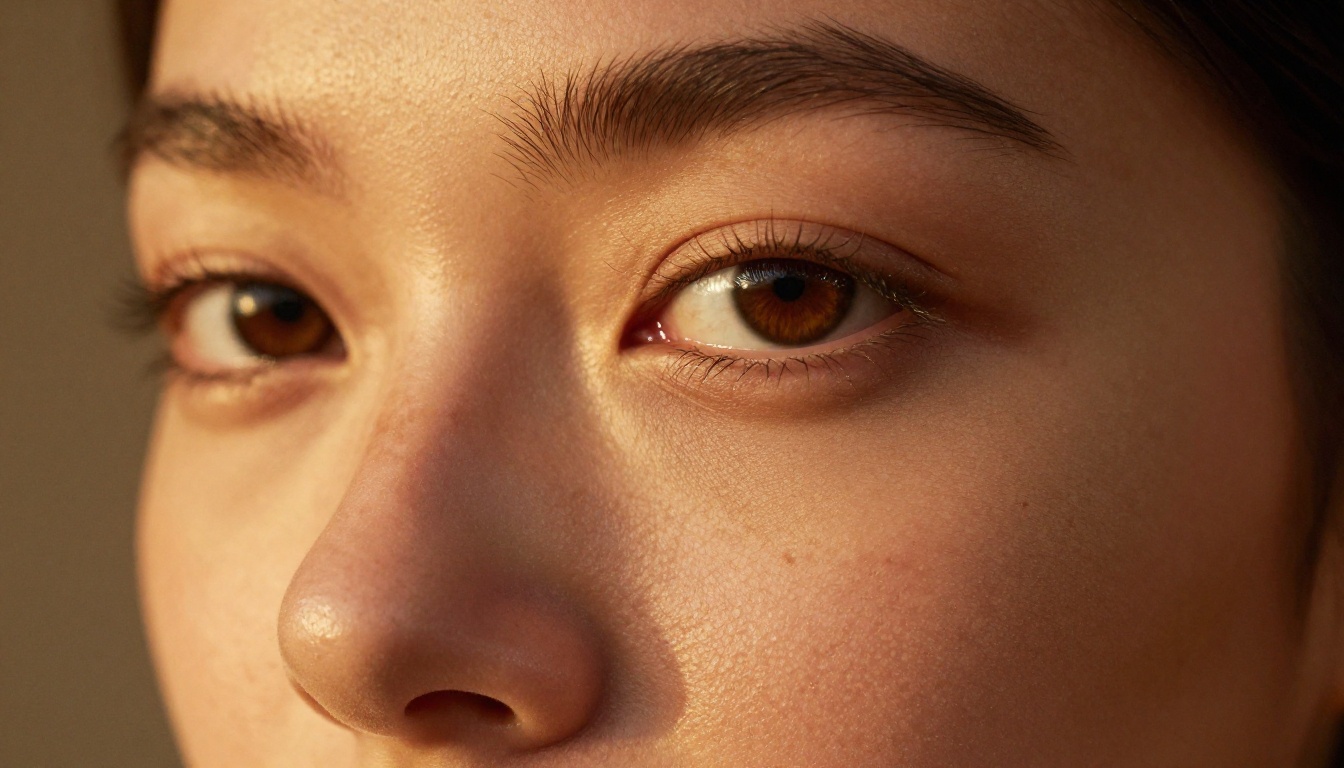
The distinguishing quality of Juggernaut XL is its treatment of skin. Most SDXL models default to a smoothed, slightly plastic look, particularly at default settings. Juggernaut XL was trained with a heavy emphasis on photographic realism, which means pores, subtle flush, fine hair, natural color variation, and the organic imperfections that make a face look human rather than rendered.
At optimal settings, you get results that look like they came off a Phase One medium format back. Not every generation, but often enough that it's worth learning the workflow.
The Photorealism Gap
To understand why settings matter so much, consider that Juggernaut XL can produce both stunning photorealism and flat, oversaturated images depending on just two variables: CFG scale and sampling method. The same checkpoint, the same prompt, different outputs based entirely on configuration.
This is not a flaw. It's leverage. Once you know which knobs do what, you can dial in exactly the look you're after.
Core Settings That Actually Work
CFG Scale: The Most Important Number
CFG scale controls how strictly the model follows your prompt. Too low (below 4) and the image wanders; too high (above 10) and you get oversharpened, blown-out results with skin that looks like latex.
The sweet spot for Juggernaut XL:
Use Case
CFG Scale
Photorealistic portraits
6 to 7
NSFW glamour and lingerie
7 to 8
Artistic and moody lighting
5 to 6
High prompt adherence
8 to 9
Most people default to 7. That works well. For NSFW content specifically, 7.5 is worth testing since it increases adherence to body proportion prompts without introducing the overcooked look that comes at CFG 9 and above.
💡 Pro tip: If skin looks plasticky or shiny, lower CFG by 0.5 increments until it resolves. It's almost always a CFG issue before it's a prompt issue.
Sampling Steps and Samplers
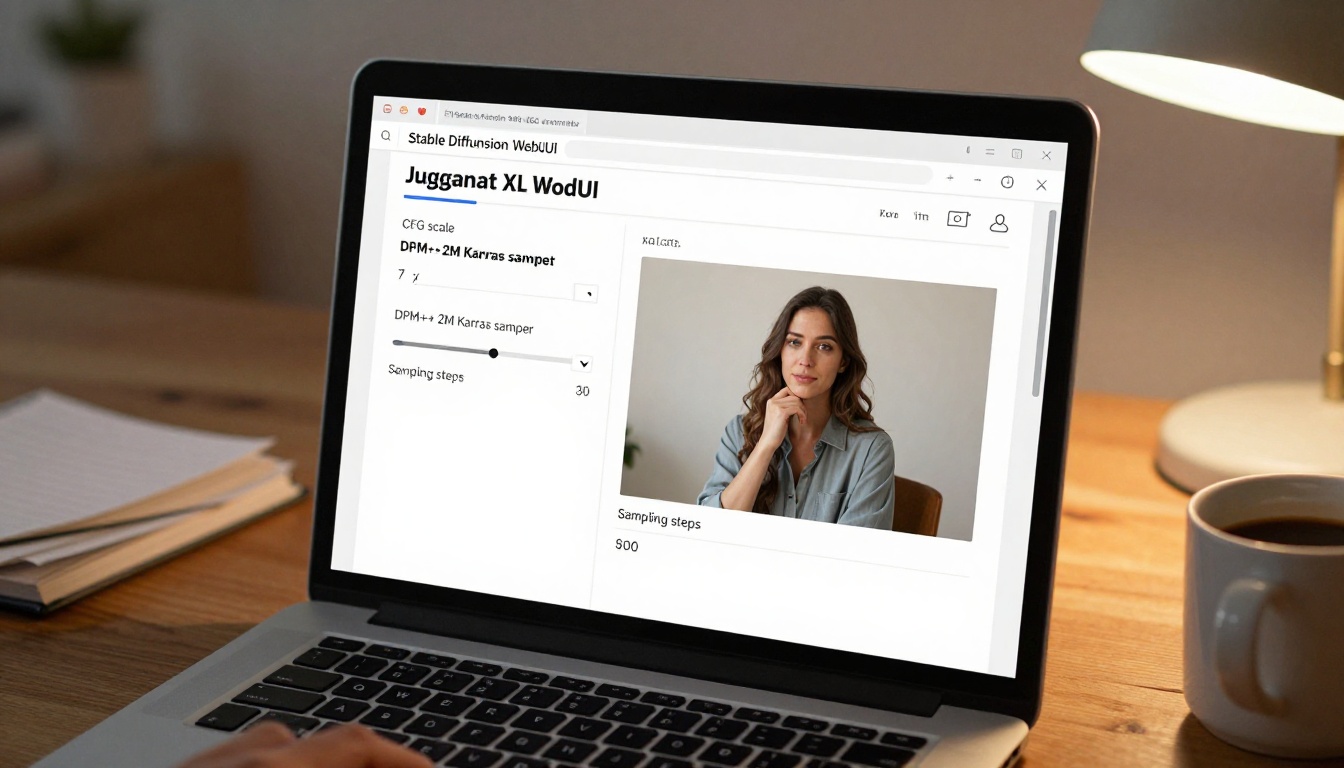
Juggernaut XL performs best with DPM++ 2M Karras as the primary sampler. It produces sharp, clean results with excellent skin rendering and consistent face anatomy. At 25 to 30 steps, you get 90% of the quality ceiling with reasonable generation time.
Recommended sampler configurations:
DPM++ 2M Karras at 25 to 30 steps: best overall balance
DPM++ SDE Karras at 20 to 25 steps: more painterly, slightly softer
Euler a at 30 to 40 steps: good for creative variance, less consistent
DDIM at 40+ steps: slower, more predictable
Avoid UniPC for portraits. It tends to flatten mid-tones and loses the subtle skin gradient work that makes Juggernaut XL worth using.
Resolution and Aspect Ratio
SDXL models were trained at 1024x1024 and perform best at or near native resolution. For portrait work:
1024x1024: standard square portrait, best anatomy
896x1152: tall portrait, good for full-body shots
1152x896: landscape, good for scenes and environmental shots
768x1280: full-body standing portrait
Never generate at 512x512 with Juggernaut XL. The model wasn't trained at that resolution and anatomy breaks down badly.
For NSFW content, 896x1152 is often the most practical. It gives you full-body framing without stretching proportions, and the taller format naturally creates a more flattering, editorial composition.
Negative Prompts You Can't Skip
The Baseline Negative
A strong negative prompt is the difference between a result you'd share and one you'd delete. For Juggernaut XL, this is a starting baseline that works across most NSFW portrait prompts:
(worst quality, low quality, normal quality:1.4), (lowres), bad anatomy, bad hands, text, error, missing fingers, extra digit, fewer digits, cropped, jpeg artifacts, signature, watermark, username, blurry, artist name, plastic skin, doll-like, overexposed skin, painting, illustration, cartoon, 3d render, cgi, airbrushed
This negative does three things: suppresses quality artifacts from SDXL's lower-end training data, eliminates common anatomy failures (hands are notorious), and prevents the model from drifting toward a painted or illustrated look.
💡 Important: The weight (worst quality:1.4) is not excessive. Juggernaut XL responds well to weighted negatives. Going higher than 1.6 on quality negatives starts to affect skin tone adversely.
Quality Booster Additions
For NSFW content specifically, add these to your negative prompt:
flat lighting, harsh shadows, grainy noise, overprocessed skin, fake bokeh, distorted face, asymmetrical eyes, bad proportions, skinny fingers, extra limbs, fused fingers, long neck
And on the positive side, these quality boosters consistently improve output:
RAW photo, 8k uhd, film grain, Fujifilm XT3, photorealistic, sharp focus, natural lighting
Proven Positive Prompt Formulas
Portrait and Beauty Prompts
For standard glamour portraits, this structure consistently works:
RAW photo, (photorealistic:1.3), portrait of a beautiful woman, [physical description], [clothing], [setting], [lighting], bokeh, 85mm f/1.8, film grain, natural skin texture, pores visible, 8k uhd
Example:
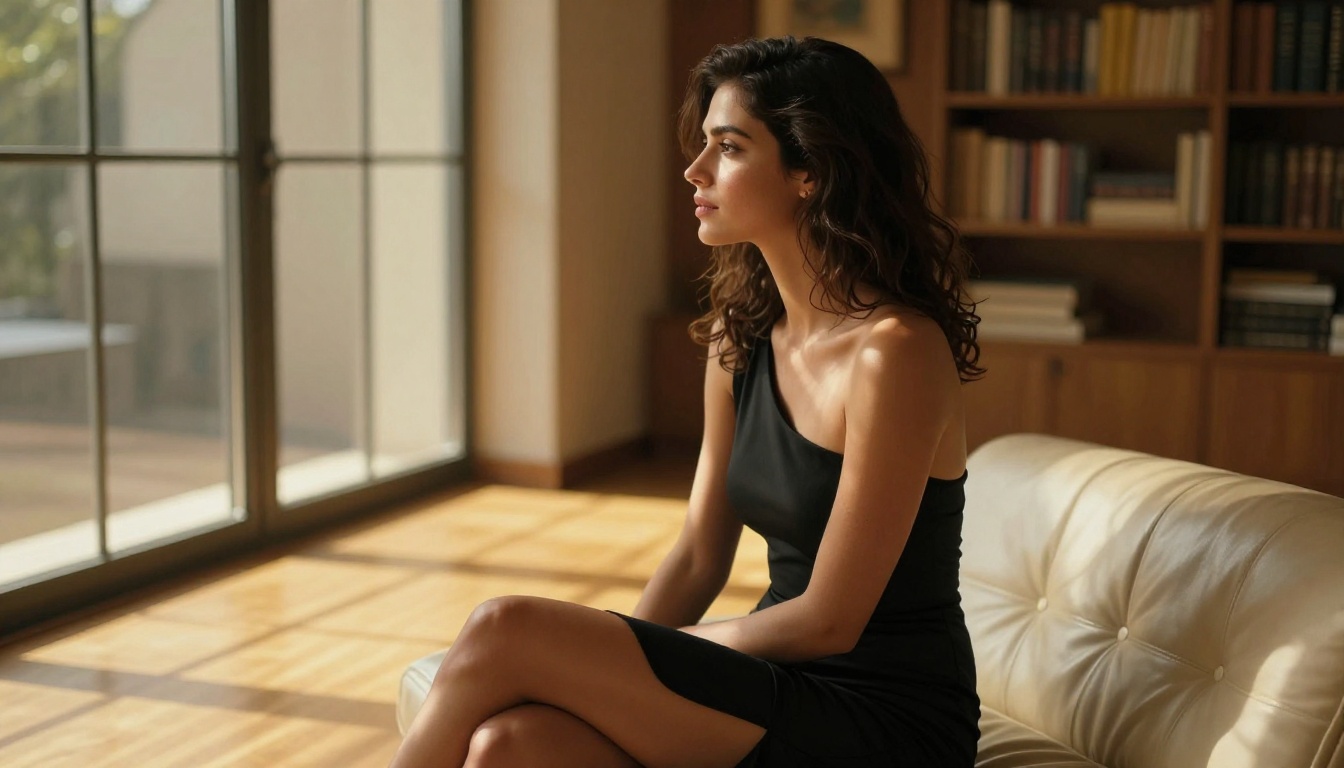
RAW photo, (photorealistic:1.3), portrait of a beautiful woman with dark wavy hair, wearing a silk slip dress, standing near large windows at golden hour, soft backlight creating rim glow on hair, bokeh background, 85mm f/1.8, film grain, natural skin texture, 8k uhd
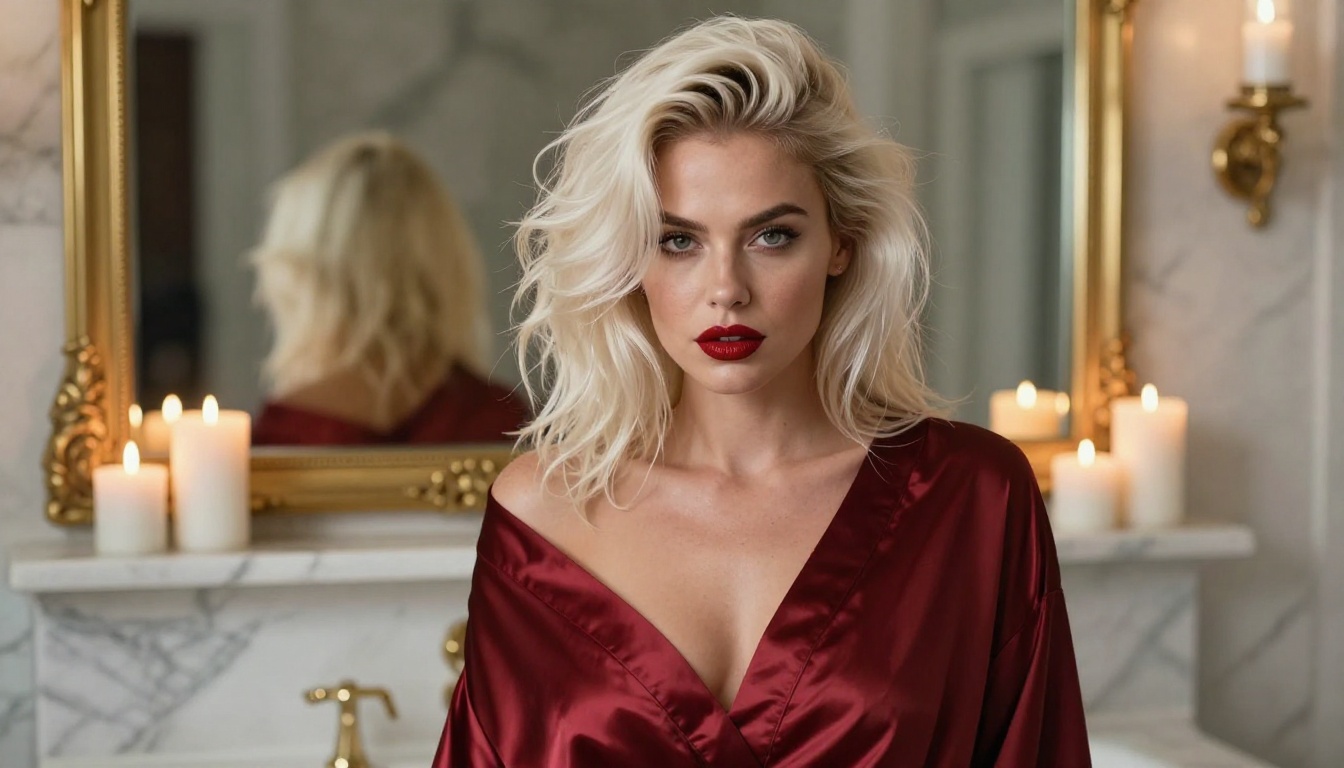
The essential elements are the RAW photo prefix, the explicit photorealistic weight, and the lighting description. Juggernaut XL responds very well to directional lighting prompts (golden hour, window light, candlelight) and uses them to shape skin tone in a way that looks genuinely photographic.
Glamour and Lingerie Prompts
For lingerie and boudoir content, the setting description does more work than the clothing description:
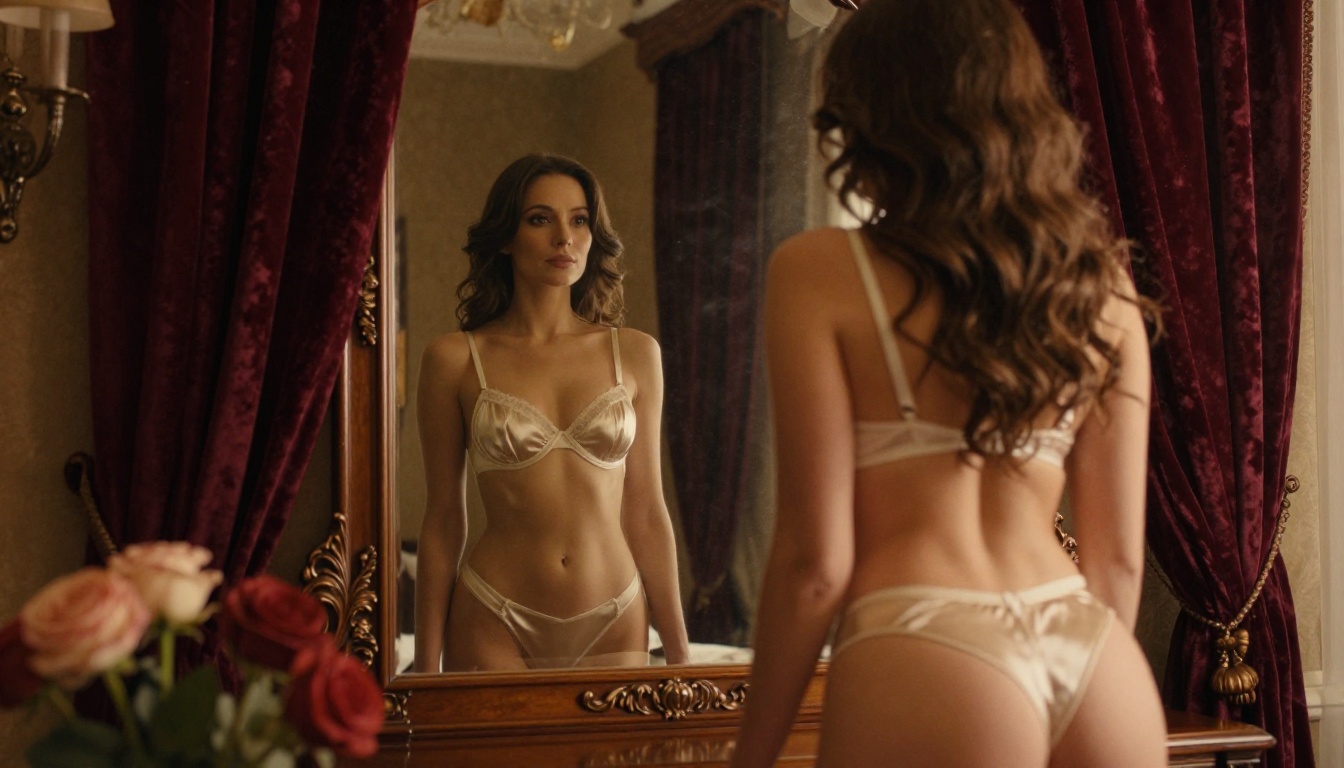
RAW photo, (photorealistic:1.4), beautiful woman in [specific lingerie], [boudoir setting with specific furniture], [warm ambient light source], [camera angle], 50mm f/1.4, Kodak Portra 400 film grain, skin texture, 8k
What to be specific about:
Fabric type (silk, lace, satin, cotton) not just color
"Sexy woman" with no further detail produces generic results
"Bedroom" with no style description produces inconsistent environments
"Good lighting" means nothing to the model
Artistic NSFW Prompts
For implied nudity and artistic compositions, the framing matters enormously:
RAW photo, (photorealistic:1.3), artistic portrait, beautiful woman, [implied nudity description using fabric/shadow/posture], [fine art photography style], [specific natural light], [composition note], Canon EOS R5, 85mm, film grain
The phrase "implied nudity" with supporting framing details (sheer fabric, draped sheets, strategic shadow) tends to produce more artistically coherent results than explicit requests. You get images that look like editorial photography rather than random generations.
💡 Note on artistic framing: Prompts referencing specific photography styles (boudoir photography, fine art portrait, editorial glamour) steer the model toward compositional choices that look intentional rather than accidental.
LoRA Pairings That Elevate Results
Best Style LoRAs
Juggernaut XL pairs exceptionally well with photorealism-enhancing LoRAs at low weights. The goal is to nudge quality, not override the base model's character:
LoRA Type
Weight Range
Effect
Detail Tweaker XL
0.3 to 0.6
Sharpens skin texture and fabric detail
Kodak Film Grain
0.2 to 0.4
Adds organic grain character
Cinematic Color
0.2 to 0.4
Warm film-like color grading
FaceDetailer
0.4 to 0.7
Improves eye and lip realism
Keep total LoRA weight below 1.0 when stacking. Above that threshold, Juggernaut XL's photorealism training gets overridden and you lose the skin quality that makes the model worth using.
Detail Enhancement LoRAs
For NSFW content specifically, two LoRA types produce outsized improvements:
Skin Detail LoRAs (applied at 0.3 to 0.5) add fine skin texture, visible pores, and the organic imperfection that separates photorealistic from illustrated. These are the single highest-impact add-on for portrait work.
Lighting LoRAs targeting Rembrandt or three-point lighting patterns (applied at 0.2 to 0.4) dramatically improve how Juggernaut XL handles face shadows. Without them, NSFW portraits sometimes suffer from flat-lit skin that looks more like a beauty filter than photography.
VAE, CLIP Skip, and Hi-Res Fix
The Right VAE for Skin Tones
Juggernaut XL ships with a baked-in VAE, but results improve noticeably with sdxl-vae-fp16-fix or the SDXL 0.9 VAE. The baked-in VAE occasionally shifts warm skin tones toward a slightly greenish neutral, especially on darker skin. The fixed VAE eliminates this.
Setting: load the VAE in the Stable Diffusion WebUI settings under "SD VAE" and select it in your checkpoint configuration.
CLIP Skip Settings
For Juggernaut XL, CLIP skip 1 or 2 both work, but skip 2 is more commonly recommended in community testing. Skip 2 reduces the model's adherence to overly literal prompt interpretation, which helps with body proportions in NSFW content where explicit positional prompts can create awkward results at skip 1.
💡 Juggernaut XL is not as sensitive to CLIP skip as older SD 1.5 models. If you're getting good results at skip 1, don't change it.
Hi-Res Fix vs. Img2Img
For upscaling to high resolution from a 1024x base, these hi-res fix settings work:
Upscaler: R-ESRGAN 4x+
Hires steps: 15 to 20
Denoising strength: 0.35 to 0.45
Scale factor: 1.5x to 2x
Denoising above 0.5 on hi-res fix regenerates too much of the original composition and you lose good details you worked to get. Below 0.3 and the upscale just smears the original without adding sharpness.
The img2img alternative at denoising 0.45 with the same upscaler gives slightly more control over specific body regions but adds a generation cycle.
3 Common Mistakes and How to Fix Them
Over-Saturated Skin
This is the most common Juggernaut XL complaint. The model skews warm and can push skin into an orange-red territory that looks unnatural.
Fix it with:
Add "desaturated skin tones, natural color" to your positive prompt
Reduce CFG scale by 0.5
Apply a slight cooling correction in post (color temperature shift toward blue by 5 to 10 points)
Add "(oversaturated:1.3)" to your negative prompt
The root cause is usually CFG too high combined with a positive prompt that includes words like "warm" or "golden." Both pull the model in the same direction and compound the saturation.
Anatomy Issues in Full-Body Shots
Full-body NSFW shots at tall resolutions are where Juggernaut XL struggles most. Extra fingers, misaligned limbs, and distorted proportions at 768x1280 are common without mitigation.
Fix it with:
Add "perfect anatomy, correct proportions, (realistic body:1.2)" to positive
Add "(deformed, distorted, extra limbs, extra fingers, bad hands:1.4)" to negative
Run ADetailer or a dedicated hand restoration LoRA
Consider generating the face and body separately at lower resolutions and compositing
💡 The best Juggernaut XL outputs for full-body NSFW are generated at 896x1152 with DPM++ 2M Karras and then upscaled rather than natively generated at larger sizes.
Inconsistent Face Quality
Getting a great face in one generation and a terrible face in the next is frustrating. The inconsistency usually comes from seed sensitivity at these settings.
Fix it with:
Lock a good seed and vary only the prompt or CFG scale
Use ADetailer with "face_yolov8n.pt" to restore face details in post
Add "(detailed face, symmetric features:1.2)" to positive
Use FaceDetailer LoRA at weight 0.5
Similar SDXL Models Worth Trying
If you enjoy Juggernaut XL's photorealistic approach, several related models are worth exploring with the same settings philosophy.
SDXL is the base architecture that Juggernaut XL builds on. Understanding the base model helps you understand which improvements are checkpoint-specific vs. universal to the architecture.
Realistic Vision v5.1 takes a similar photorealism-first approach, with particularly strong performance on skin tones and natural lighting scenarios.
DreamShaper XL Turbo runs faster with fewer steps and is worth considering for rapid iteration when you're testing prompt formulas before committing to a full-quality generation.
RealVisXL v3.0 Turbo sits in the same photorealistic niche as Juggernaut XL, with some users reporting better consistency on full-body anatomy, specifically in the areas where Juggernaut XL can struggle.
For those who want to move beyond SDXL entirely, Flux Dev and Stable Diffusion 3.5 Large represent the next generation of architecture with fundamentally better prompt adherence and anatomy handling at the cost of higher system requirements.
Generate Your Own on PicassoIA
The settings and prompts in this article work. But reading them and generating with them are different things. The fastest way to see what photorealistic SDXL actually looks like is to run these prompts through a real generator and compare results at different CFG values.
PicassoIA has a full collection of SDXL-based models, including SDXL, Realistic Vision v5.1, and DreamShaper XL Turbo. Pick a prompt from the formulas above, load it into whichever model appeals to you, and start adjusting CFG and sampler while watching what changes. That direct feedback loop is how you actually internalize which settings produce the results you want.
The model does the heavy lifting. Your job is to know how to ask.