Veo 3.1 is one of the most impressive AI video models shipping right now. Photorealistic motion, native audio that syncs with visual events, 1080p output, and prompt adherence that outperforms most of what came before it. If you have tried it, you already know the quality is real.
But one question comes up constantly, and most articles dance around it without giving a straight answer: how far does Veo 3.1 actually go when the content gets suggestive or adult?

What Veo 3.1 Actually Allows
The straight answer
Veo 3.1 will not generate pornographic or explicitly sexual content. That restriction applies to Veo 3.1 Fast and Veo 3.1 Lite equally, across every access point, including the API in Google DeepMind's developer platform and the VideoFX interface in Google Labs.
The content policy prohibits nudity with sexual intent, sexual acts whether explicit or implied, and content designed to work around those rules using coded language or framing. The ceiling sits somewhere around PG-13 content with occasional R-rated moments in artistic or editorial contexts — more permissive than people assume on the low end, but not what most users who ask this question are actually looking for.
What Veo 3.1 generates without issue:
- Swimwear, bikinis, and lingerie framed as fashion or lifestyle content
- Romantic scenes with kissing and light physical contact
- Dance or athletic content in revealing clothing
- Fashion editorials with form-fitting or minimal outfits
- Classical nudity references in artistic or documentary contexts
What Veo 3.1 consistently blocks:
- Nudity with sexual framing or intent
- Explicit or implied sexual acts
- Prompts using language that signals adult content, even indirectly
- Any sexualization of minors under any framing whatsoever
How the safety system works
The restriction is not a single filter. Veo 3.1 uses a layered safety system: prompts are screened before generation begins, the model itself has been fine-tuned away from prohibited content at the parameter level, and outputs go through a second evaluation after generation. Google's SynthID watermark is embedded in every output frame as an additional layer of accountability.
💡 What this means in practice: There is no reliable path around all three layers simultaneously. If the prompt check passes, the post-generation check often catches the output anyway. There is no effective workaround that functions at scale.

Veo 3.1 vs Other Major Models
The competitive picture
People sometimes assume a competitor like Sora 2 or Kling v3 Video is more permissive. In practice, all major commercial video models enforce similar content policies through their consumer-facing interfaces.
| Model | Platform | Adult Content | Notes |
|---|
| Veo 3.1 | Google | Blocked | Multi-layer filters, SynthID watermark |
| Sora 2 | OpenAI | Blocked | Usage policy plus model-level training |
| Kling v3 Video | Kwai | Blocked | International compliance requirements |
| Ray 3.2 | Luma AI | Blocked | ToS enforcement at inference time |
| Seedance 2.5 | ByteDance | Blocked | Platform distribution standards |
| Pixverse v6 | Pixverse | Blocked | Consumer safety policy |
| Hailuo 2.3 | Minimax | Blocked | Regional platform restrictions |
The only meaningful difference between these models is how liberal the "suggestive" threshold is. Some pass a woman in a swimsuit without friction. Others flag snug clothing or low necklines. Veo 3.1 sits in the middle range on this spectrum, probably more permissive than Sora 2 for editorial-style content.
Why this pattern holds across all platforms
These restrictions are not capability limits. Every one of these models was trained on datasets that included mature imagery. The filters are product decisions driven by enterprise clients and institutional partners who cannot be associated with adult content under any circumstances.
A single high-profile incident of a mainstream AI platform generating explicit content can cost these companies millions in lost contracts. The math makes content policy straightforward regardless of what the model could technically produce.
This is also why changes happen slowly. There is no competitive pressure to relax content policy because all major players made the same decision for the same business reasons. The models are capable. The platforms are not willing.
The Gray Zone Veo 3.1 Operates In
Suggestive, not explicit
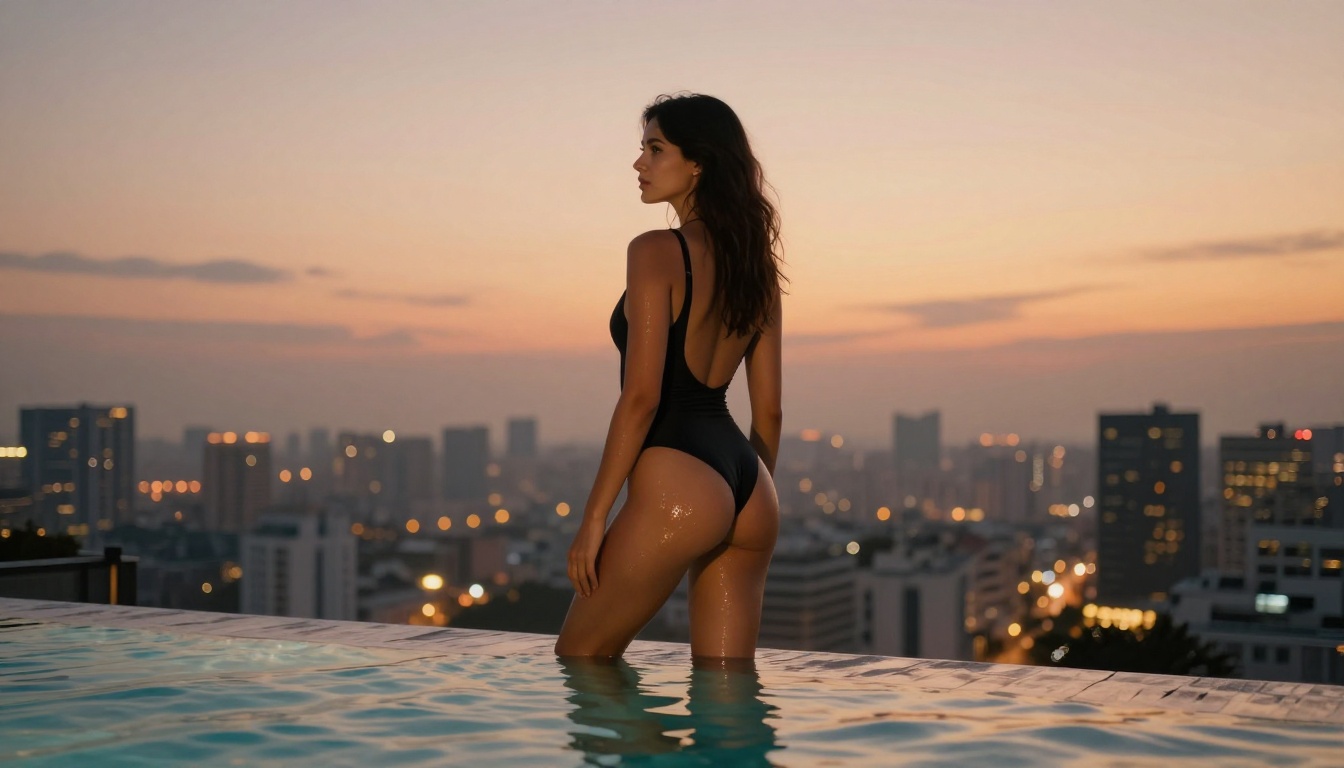
The content Veo 3.1 produces without triggering refusals is wider than most users expect. A couple on a secluded beach at twilight, one kissing the other's shoulder, goes through. A dancer in a sheer costume under stage lighting goes through. A fashion editorial with a model in minimal swimwear posed artistically usually goes through, depending on how the prompt is written.
The main variables are framing and vocabulary:
- Athletic or fitness framing: passes comfortably, even with very minimal clothing
- Fashion or editorial framing: passes most of the time for bikini-level content
- Romantic framing without explicit vocabulary: often passes for kissing and close contact
- Sexualized framing or intent-signaling language: blocked reliably
The prompt matters as much as the content. "Athletic woman on a beach at sunrise, stretching after a swim, warm natural light" gets through more reliably than "beautiful woman seductively posing on the beach." The same visual, different framing, different outcome.
💡 Practical tip: Write prompts around aesthetics, activity, or sport rather than attraction. Veo 3.1's filter is largely language-triggered at the prompt stage, and the model is generous with athletic and fashion content when the framing is professional.
Why video models are more conservative than image models
Video models tend to enforce stricter content thresholds than their image generation counterparts, even from the same company. Several factors drive this:
- Moving images carry higher perceived social impact than static ones
- Video content is easier to misuse in social distribution contexts
- Platform liability for video outputs is greater than for images in most legal frameworks
This means the effective ceiling for suggestive content on any video model is generally lower than on a comparable image model. A text-to-image model from the same company will often pass content that the video equivalent blocks. This has direct practical implications for the workflow covered in the next section.

The Real Path to NSFW AI Video
The image-first approach
The most effective path to adult AI video content right now is not finding a video model that allows it directly. It is generating the image on an unrestricted platform first, then animating it with a video model that evaluates only the motion prompt, not the visual content of the input.
Here is why this works: video models check your text prompt for content policy violations with sophisticated language detection, but their visual analysis on input images is significantly less developed. A photorealistic still image with suggestive but non-explicit content can often be animated into video without triggering the same filters that would block a direct text description of the same scene.
The workflow breaks down simply:
- Generate the source image on a model with no content restrictions
- Write a motion prompt describing only what moves and how the camera behaves
- Pass both through an image-to-video model
- The video model adds motion without having to generate the subject from text
On PicassoIA, Wan 2.7 I2V and Hailuo 2.3 both handle image-to-video animation with strong fidelity to the source frame. The motion stays naturalistic and the output remains close to what you put in as the starting image.
PicassoIA Models With No Content Filters
When the goal is genuinely adult content, the starting point is always Seedream 4.5. It accepts adult content without restrictions, supports image editing, and generates ultra-realistic results in under 3 seconds. The output quality is high enough to serve as a first frame for premium video animation, and the realism holds up at close range.
⚠️ Do not confuse models: Seedream 4.5 and Seedream 5 Lite are different. Seedream 5 Lite does not support NSFW content and will refuse adult prompts. The model you want is Seedream 4.5.
Second on the list is PicassoIA Image Editor Pro, an img2img model with a specific advantage at scale: unlimited generations on Elite and Infinite plans. You can generate 1,000 images and pay nothing beyond your subscription cost. Generating the same volume on a credit-based model like Nano Banana 2 would cost around $100. It accepts NSFW content, returns results in under a second, and includes a 3-generation free trial with no credit card required.
The full ranked list of unrestricted models on PicassoIA:
- Seedream 4.5 ⭐ — Top pick. Ultra-realistic results, image editing, under 3 seconds per generation
- PicassoIA Image Editor Pro — Unlimited generations, under 1 second, includes a free 3-gen trial
- Qwen Image 2 — Open-source, edits or creates from scratch with detailed photorealism
- Grok Imagine Image — Realistic swimwear and bikini conversion from any photo
- Recraft V4 — Very realistic text-to-image output
- P-Image — NSFW text-to-image in under 1 second
- Wan 2.2 Image — Highly realistic images from text, no content filters applied
- Wan 2.2 I2V Fast — Animate still images into smooth, natural dynamic video
- PicassoIA Video — Unlimited text-to-video generation, up to 720p and 5 seconds per clip
- P-Video — Up to 1080p, safety filter off by default, draft mode for instant previews
- Grok Imagine Video — Clips up to 15 seconds, no watermarks, also edits existing video
- LTX 2.3 Pro — Up to 4K at 50fps, with retake and extend editing for precise control
Unlike mainstream AI platforms, PicassoIA gives creators full creative freedom with uncensored, high-performance models at each tier of the production workflow.

How to Use These Models on PicassoIA
The 4-step production workflow
Getting from a text idea to a finished animated video clip using unrestricted models takes less than 15 minutes on the first attempt, and significantly less once you know what prompts work.
Step 1: Generate the base image with Seedream 4.5
Go to Seedream 4.5 and describe your scene in detailed photorealistic terms. Focus on subject, environment, lighting, and camera angle. Use photography-style vocabulary: "RAW photography, 85mm f/1.4, natural golden hour light, photorealistic, 8K detail". Results arrive in around 3 seconds.
Step 2: Iterate with PicassoIA Image Editor Pro
Take your output directly into PicassoIA Image Editor Pro for adjustments. Change pose, clothing, lighting, or background without starting over from scratch. With unlimited generations on Elite and Infinite plans, you can iterate as many times as needed at no additional cost. Use Grok Imagine Image specifically for swimwear conversion tasks where realism in the final garment matters.
Step 3: Animate with image-to-video
Upload your final still to Wan 2.7 I2V or Hailuo 2.3. Write a motion-only prompt. Do not describe the subject again. Focus entirely on movement: "Hair and fabric move gently in ocean breeze. Slow camera pull-back from 4 meters. Soft waves at feet. Consistent natural light throughout the clip."
Step 4: Use P-Video for direct text-to-video
For generating video directly from text without an image input, P-Video has its safety filter off by default. Use draft mode first for an instant low-resolution preview before committing to a full 1080p render. Grok Imagine Video is the other strong option here, producing clips up to 15 seconds with no watermarks and clean output at 720p.
💡 Tip: The image-first workflow consistently outperforms direct text-to-video for adult content. You control exactly what the starting frame looks like, and the animation model only needs to add motion, not interpret a complex subject from scratch. The result is higher fidelity and more predictable output.
Veo 3.1 Is Still Worth Using
None of this is a case against Veo 3.1. For everything it is designed to produce, it is genuinely excellent. The physics simulation is the best available in its class. The audio synchronization is seamless. And compared to Veo 2, the generational leap is substantial.
Veo 3.1 Fast in particular hits a strong balance of speed and output quality for rapid iteration on commercial projects. Veo 3.1 Lite brings accessible pricing without a significant quality drop. Both sit comfortably ahead of what Veo 3 Fast could do before them.
If your work involves commercial content, brand video, educational material, documentary footage, or creative film, Veo 3.1 is worth having access to. The content policy is appropriate for the market it serves. The two use cases simply do not overlap, and that division is by design.
The split in the AI video market looks like this in 2027:
For mainstream creative work:
Veo 3.1, Kling v2.6, and LTX 2.3 Pro deliver best-in-class quality with appropriate restrictions for professional contexts. These are the right tools for brands, studios, and creators working with public-facing content.
For adult content creation:
Seedream 4.5, PicassoIA Image Editor Pro, P-Video, and Grok Imagine Video on PicassoIA deliver no restrictions alongside quality that has closed most of the gap with mainstream models.
The image-first workflow using Seedream 4.5 followed by Wan 2.7 I2V produces results that are genuinely impressive. The quality gap between restricted mainstream platforms and unrestricted alternatives is smaller in 2027 than it has ever been.
If Veo 3.1's content limits are blocking what you need to create, the right move is not a workaround attempt on a restricted platform. It is using a platform that was built for this use case.
Start with Seedream 4.5, refine in PicassoIA Image Editor Pro, animate with P-Video or Grok Imagine Video. The full catalog of models without content restrictions is at picassoia.com/en/all-models.


