Two of the most talked-about AI video models right now sit only one generation apart, yet the gap between them is wider than the version numbers suggest. Kling 2.6 Pro arrived as a serious upgrade over earlier Kling releases, delivering consistent 1080p output and solid motion quality that made it a go-to for creators working on social content, product videos, and short-form storytelling. Then Kling 3.0 dropped, promising cinematic motion control, improved prompt adherence, and outputs that rival footage from professional cameras. The question is not which one is newer. The question is which one actually fits the work you are doing right now.
This comparison digs into both models side by side: resolution, motion realism, how each handles complex prompts, generation speed, output duration, and cost. You will also find step-by-step instructions for using both on PicassoIA, where both models are live and ready to run.
What Changed Between 2.6 Pro and 3.0
The Architecture Shift
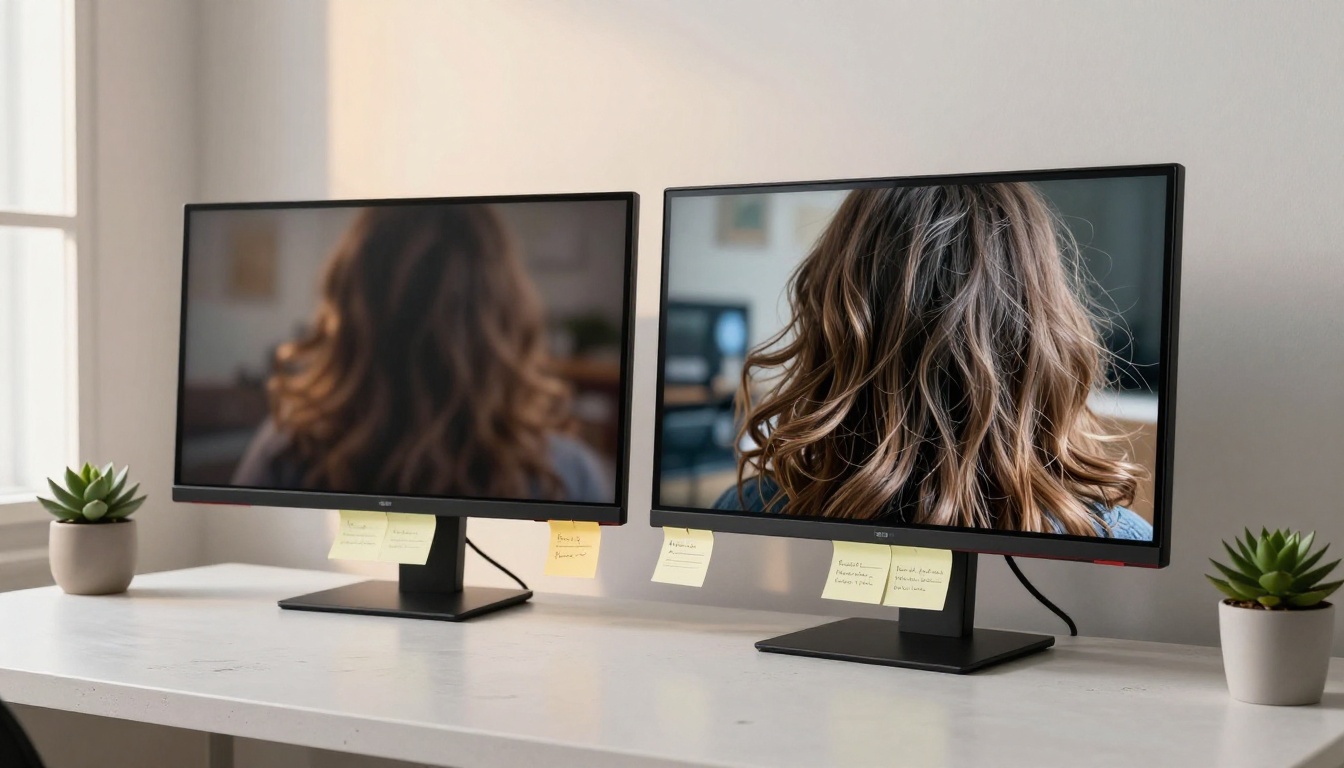
Kling 2.6 Pro was built on a video diffusion architecture that prioritized temporal consistency: keeping objects, faces, and backgrounds stable across frames without visible flickering or warping. That consistency made it reliable for most creator workflows. The trade-off was a slightly mechanical quality to motion, particularly in scenes involving fluid organic movement like hair, water, or fabric.
Kling 3.0 introduces what the Kwai team calls a motion-native architecture. Instead of treating motion as a byproduct of frame-to-frame diffusion, the model learns motion trajectories directly as part of its generation process. The result is video where movement feels intentional and physically grounded rather than interpolated. You see this most clearly in scenes with complex character movement, crowd dynamics, and environmental effects like wind and rain.
New Capabilities in 3.0
Beyond the architecture change, Kling 3.0 adds three features that 2.6 Pro does not have:
- Camera motion control: Define dolly movements, pans, tilts, and zooms directly in your prompt or via motion parameters
- Extended output duration: Up to 10 seconds per clip at full resolution, compared to 5 seconds on 2.6 Pro
- Audio-aware generation: The model can receive audio context that influences pacing and motion rhythm in the output
For creators doing narrative content, music videos, or brand films, these additions change what is possible in a single generation pass.
Video Quality Side by Side
Resolution and Visual Clarity
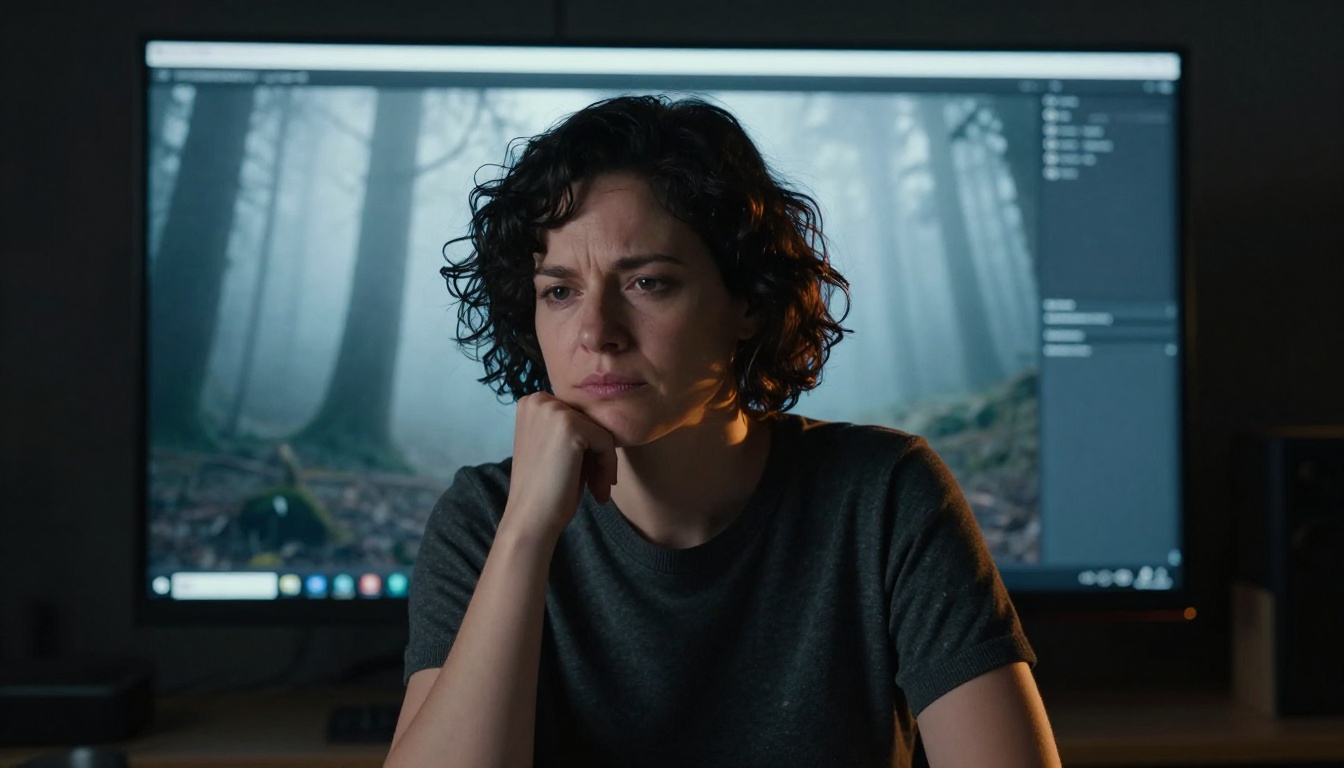
Both models output at 1080p by default. At that baseline, Kling v2.6 holds up well: fine details like facial features and text are rendered cleanly, and compression artifacts are minimal. Where it shows age is in micro-detail at the pixel level. Zoom in on fabric texture, skin pores, or distant foliage and you will see a slight softness that was the norm for AI video twelve months ago.
Kling v3 Video renders the same scenes with noticeably sharper fine detail. Individual hair strands stay defined across motion. Fabric folds hold their texture as a character moves. Environmental details like leaf veins, cobblestones, and water surface textures retain their specificity frame after frame. The improvement is not dramatic when you watch a clip casually, but it is immediately visible when you compare frames side by side or use the footage in a high-quality production pipeline.
Motion Realism and Fluidity
This is where the gap matters most for creators. On 2.6 Pro, motion is reliable but predictable. A person walking looks like a person walking. Wind blowing through trees looks correct. But the motion has a certain AI smoothness that experienced viewers will recognize.
On Kling 3.0, particularly with Kling v3 Motion Control, motion has physical weight. A dancer's hair follows the inertia of her movement. Water reacts to objects entering it with ripple patterns that radiate realistically. Clothing moves with secondary animation that accounts for momentum. If motion realism is central to your content, 3.0 is not a marginal improvement. It is a different category.
Prompt Accuracy in Practice
How Each Model Reads Your Text
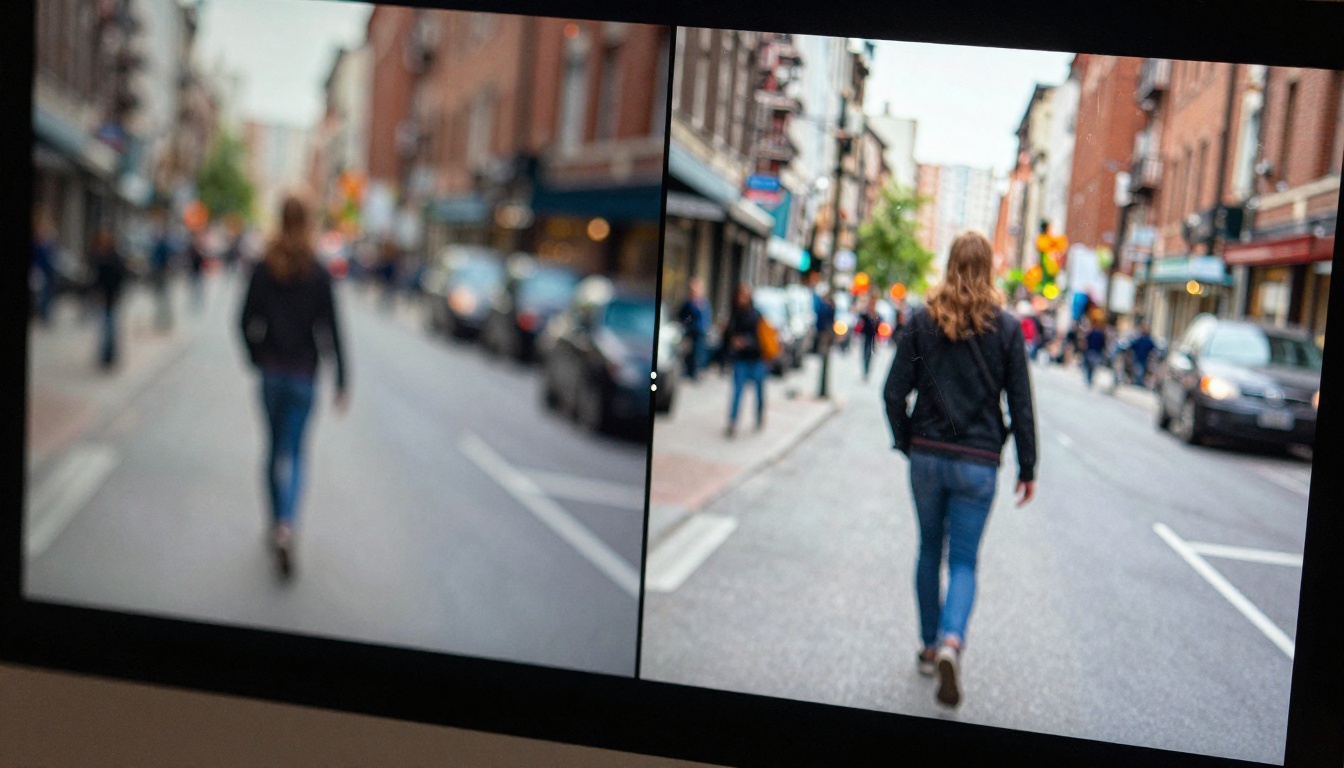
Kling 2.6 Pro handles straightforward prompts with high accuracy. Single subject, clear action, defined environment: the model nails it. Where it struggles is with multi-element prompts that specify precise spatial relationships or require multiple distinct actions happening simultaneously. If you write "a woman reads a book while rain falls outside the window behind her," 2.6 Pro will often get the woman and the book right but render the rain incorrectly or miss the window entirely.
Kling 3.0 processes compound prompts with noticeably better accuracy. The spatial reasoning in its text encoder has been improved, which means instructions about depth, layering, and simultaneous action land more consistently. The same rain-and-book prompt on 3.0 typically produces a scene where all three elements are present and correctly positioned.
💡 Prompt tip: Both models respond better to concrete descriptive language than to abstract qualitative terms. Instead of "beautiful motion," write "slow camera pull-back revealing the full cityscape from rooftop level." Specificity beats adjectives every time.
Complex Scene Performance
For creators working on product videos, the accuracy difference becomes economically significant. A product placed in a specific environment with defined lighting conditions is a multi-element prompt by nature. On 2.6 Pro, you typically need two to three generation attempts to get all elements correctly placed. On 3.0, first-pass accuracy on product scenes is noticeably higher, which translates directly to fewer credits spent per usable output.
That said, simple single-subject scenes on 2.6 Pro still produce results that are difficult to distinguish from 3.0 outputs without careful comparison. If your workflow is primarily simple B-roll, portraits, or abstract visuals, the prompt accuracy advantage of 3.0 may not justify the cost difference.

Speed and Output Length
Generation Times Compared
| Model | Avg Generation Time | Max Duration | Resolution |
|---|
| Kling 2.6 Pro | 45-90 seconds | 5 seconds | 1080p |
| Kling 3.0 | 90-180 seconds | 10 seconds | 1080p |
Kling 2.6 Pro generates faster. For creators running high-volume workflows where speed matters as much as quality, Kling v2.5 Turbo Pro offers an even faster path without dropping too far in quality. If you are producing social content at scale and need dozens of clips per day, 2.6 Pro's speed advantage compounds into real time savings.
Max Duration Per Clip
Kling 3.0's 10-second maximum per clip is a significant workflow change. With 2.6 Pro at 5 seconds, longer sequences require stitching multiple clips together in post, which introduces consistency challenges between clips: lighting shifts slightly, motion rhythm resets, and character appearance can drift across joined clips.
At 10 seconds, 3.0 gives you enough runway to tell a complete visual moment in a single generation. An establishing shot that opens wide and slowly reveals a character. A product reveal that moves from macro detail to full product view. A mood sequence set to music. These narrative beats fit naturally into a 10-second window in ways they never did at 5 seconds.
Pricing Per Credit
Cost for Short-Form Creators
Kling 3.0 costs more per generation than 2.6 Pro. On most platforms including PicassoIA, the premium runs between 1.5x and 2x the credit cost of a comparable 2.6 Pro generation. For short-form creators producing TikTok or Instagram Reels content where clips are cut to 1-3 seconds anyway, that premium rarely pays off. You are paying for 10 seconds and using 2.
💡 Credit strategy: If you primarily cut your AI footage to clips under 4 seconds, Kling v2.6 delivers nearly identical visual results at lower cost. Save 3.0 credits for scenes where the full duration and motion control features are actually in use.
Cost for Long-Form Projects
For creators building longer-form content such as YouTube videos, brand campaigns, or narrative short films, the cost calculus flips. Kling 3.0's higher per-clip cost is offset by higher first-pass accuracy on complex prompts, longer usable duration per clip, and fewer throwaway generations needed to get a keeper. On longer projects, the total credit spend often ends up similar or even lower with 3.0 because you waste fewer generations on bad outputs.
The break-even point sits roughly at projects where prompt complexity is high and each clip needs to run longer than 4 seconds. Below that threshold, 2.6 Pro is the smarter budget choice.
When 2.6 Pro Still Wins
The Cases Where Older Beats Newer
There are specific scenarios where Kling v2.6 is the better tool. Not because it is technically superior, but because the workflow advantages outweigh the quality gap:
- High-volume social content: 2x faster generation means double the output in a given session
- Simple B-roll and abstract visuals: No complex prompts, no multi-element scenes, no motion control needed
- Budget-constrained projects: Lower cost per clip with quality that exceeds client expectations for most standard deliverables
- Prompt iteration rounds: Use 2.6 Pro to refine a scene quickly, then generate the keeper on 3.0
Budget-Conscious Workflows
Not every project needs the best model available. A social media manager producing daily content for a retail brand does not need cinematic motion physics. They need reliable, fast, good-looking clips that stay on-brief. Kling v2.6 handles that workload without burning budget on features the final deliverable will never showcase.
If you want to go even faster for iterative testing, Kling v2.1 is also available on PicassoIA and offers solid 720p output at a lower credit cost, making it useful for rough concept validation before committing to a final generation.
Where Kling 3.0 Dominates
Motion Control That Actually Works
The standout feature of Kling 3.0 is not its resolution or its prompt accuracy. It is the motion control. Kling v3 Motion Control lets you specify camera movement with precision: slow push-in toward a subject, orbital pan around an object, crane-style rise revealing a landscape. These are cinematographic moves that previously required either expensive physical equipment or time-consuming post-production work.
For brand film creators, the ability to specify camera choreography in a prompt changes the production tier of what AI video can deliver. A product reveal that opens on a tight detail shot and slowly pulls back to show full context is now a single generation away.
Cinematic Output at Scale
For production teams building content libraries or running agency workflows at scale, Kling v3 Omni Video expands the capability further. The Omni variant handles multi-modal inputs including image references and audio, allowing you to anchor your generation to specific visual references while still getting the full 3.0 motion quality.
The combination of cinematic motion, extended clip duration, and multi-modal input makes Kling 3.0 appropriate for outputs that would previously require a mix of live footage and AI compositing. If your content sits in the premium tier, the model sits there too.
How to Use Both on PicassoIA
Using Kling v2.6 on PicassoIA
- Go to Kling v2.6 on PicassoIA
- Enter your prompt in the text field. Be specific: include subject, action, environment, and lighting direction
- Set duration to 5 seconds (the maximum for this model)
- Choose aspect ratio based on your platform: 16:9 for YouTube and desktop, 9:16 for TikTok and Reels
- Set quality to Pro if the option is available in your plan
- Click generate and expect output in 45-90 seconds
- Download the clip directly or route it into your editing workflow
Tips for better 2.6 Pro results:
- Keep prompts under 150 words to avoid the model de-prioritizing elements
- Use camera angle descriptors: "low angle," "close-up," "wide establishing shot"
- Stick to physical descriptions of what should appear on screen rather than abstract emotional language
Running Kling v3 in Your Workflow
- Navigate to Kling v3 Video or Kling v3 Motion Control on PicassoIA
- If using Motion Control, specify camera movement as the first line of your prompt: "Slow dolly push-in toward subject from 10 feet, then..."
- Set duration to your target length, up to 10 seconds
- For image-to-video workflows, upload a reference image and write a motion prompt that describes how the scene should animate
- Use the aspect ratio and resolution settings that match your delivery format
- Expect generation times of 90-180 seconds depending on scene complexity
- On first pass, review motion trajectory before downloading. If camera movement is off, refine the motion descriptor in your prompt and regenerate
Tips for better 3.0 results:
- Motion control prompts work best when you describe the camera path rather than the subject's movement
- For natural organic motion in characters, include "natural secondary motion" in your prompt
- Use Kling v2.6 Motion Control as a faster alternative when you want motion parameters without the full 3.0 cost
The Right Pick for Your Output
The honest answer is that most creators should use both models, depending on what each project needs.
| Scenario | Recommended Model |
|---|
| Daily social content, high volume | Kling v2.6 |
| Brand films and narrative content | Kling v3 Video |
| Complex prompt with multiple elements | Kling v3 Video |
| Simple B-roll or abstract visuals | Kling v2.6 |
| Camera movement is essential | Kling v3 Motion Control |
| Budget is the primary constraint | Kling v2.6 |
| Output clips longer than 5 seconds | Kling v3 Video |
| Fast prompt iteration rounds | Kling v2.6 |
If you are only picking one and need a default for serious production work, Kling 3.0 is the stronger starting point. The motion quality, extended duration, and camera control features have a direct impact on the professional credibility of the output. The cost premium is real, but so is the output difference.
If budget, speed, or simplicity are the priority, Kling 2.6 Pro remains one of the most reliable AI video models available and will outperform most alternatives in its price range.
Both models are live on PicassoIA right now. You can run Kling v2.6 and Kling v3 Video side by side with the same prompt to see the difference for your specific use case. The platform also gives you access to Kling v3 Omni Video for multi-modal inputs and Kling Avatar v2 for character animation workflows. Run your own prompts. The comparison you see on your own content type will tell you more than any spec sheet.