The race to dominate AI video generation has reached an exciting turning point. Two models have emerged as serious contenders: Kling 2.0 from Kuaishou Technology and Sora 2 from OpenAI. Both promise to transform how creators produce video content, but they take distinctly different approaches to solving the same problem.
If you're trying to decide between these two platforms, you're not alone. Content creators, marketers, and video producers are all asking the same question: which one should I use? The answer isn't straightforward because each model shines in different scenarios.
This comparison will cut through the marketing claims and give you the real story about how these tools perform, what they cost, and when to use each one.
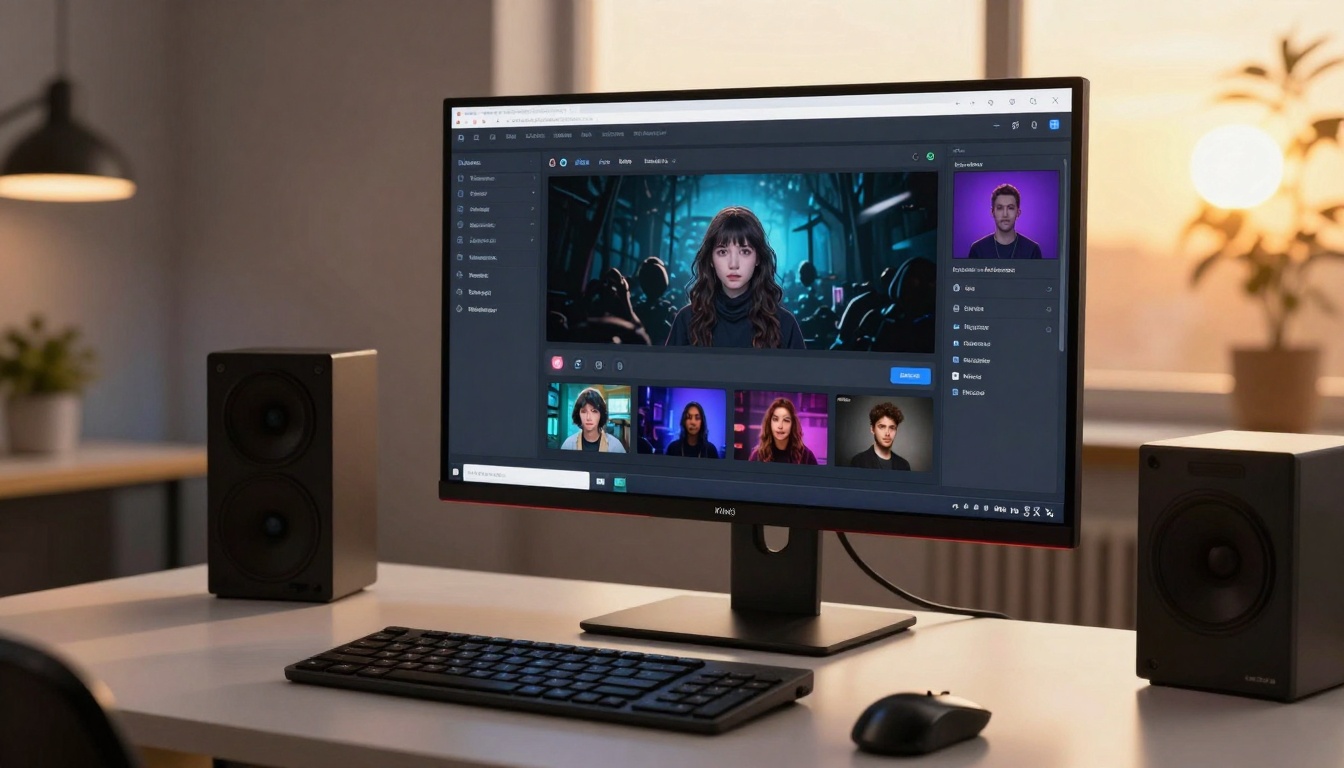
What Makes Each Model Unique
Before diving into head-to-head comparisons, we need to understand what each platform is trying to achieve.
Kling 2.0 positions itself as the practical choice for creators who need quick results. It generates 720p videos in either 5 or 10-second lengths, with support for three aspect ratios (16:9, 9:16, and 1:1). The model's standout feature is its CFG scale control, which lets you adjust how closely the output matches your prompt. Think of it as a creativity dial where higher values stick closer to your description, while lower values give the AI more freedom to interpret.
Sora 2 takes a different path. OpenAI built this model for creators who prioritize visual fidelity and longer storytelling. It offers 4, 8, or 12-second video options with two resolution tiers: standard (720p) and high (1024p). The killer feature here is audio synchronization, something Kling 2.0 doesn't offer at all. Sora 2 also supports two aspect ratios: portrait (720x1280) and landscape (1280x720).
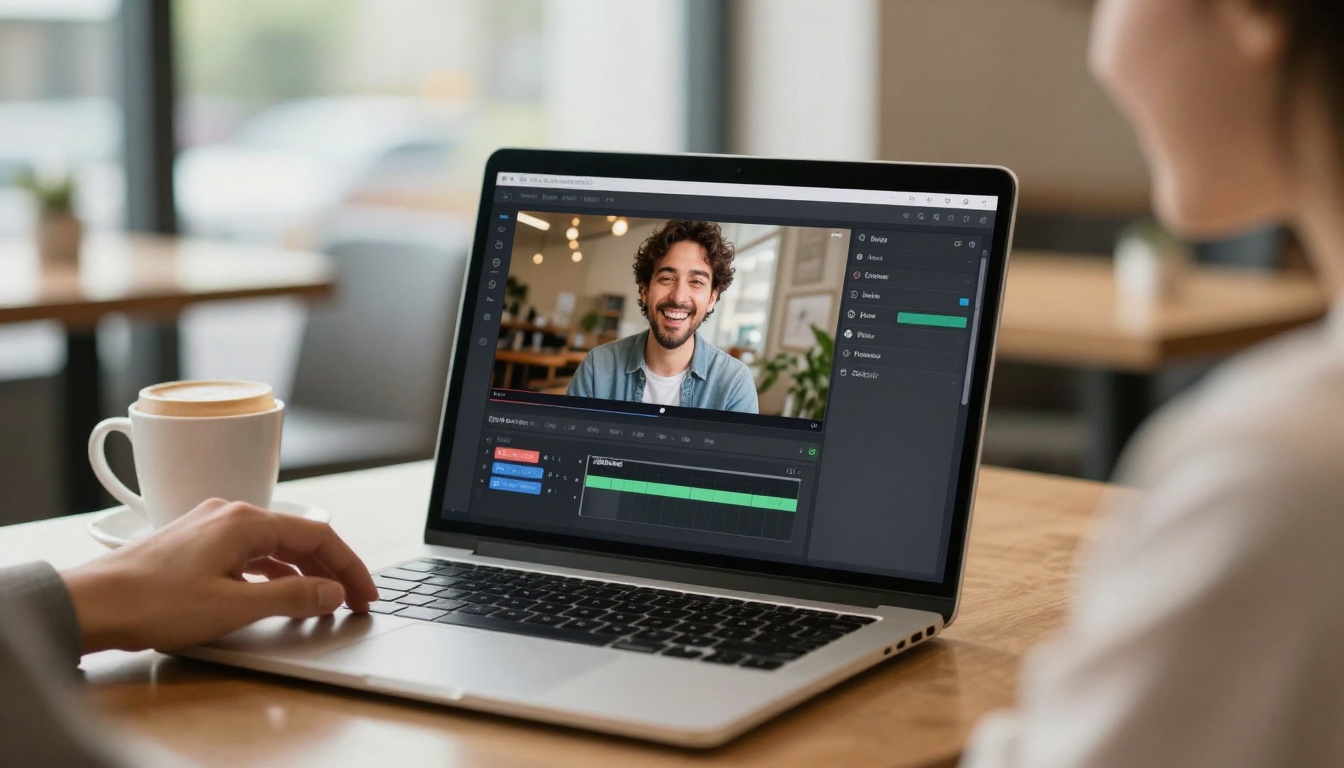
The philosophical difference is clear. Kling 2.0 wants to be your rapid prototyping tool, while Sora 2 aims to be your premium video production assistant.
Video Quality and Output Characteristics
When you're generating video with AI, quality matters more than speed. A slightly longer wait time is worth it if the output actually looks good.
Visual Fidelity: Sora 2 has a noticeable edge in overall visual quality. The model produces cleaner motion, better temporal consistency, and more realistic lighting. When you generate a scene with complex movements, like a person walking through a crowded street, Sora 2 handles the details more gracefully. Kling 2.0 sometimes struggles with maintaining coherence across frames, especially in action-heavy scenes.
Motion Quality: Both models handle camera movements differently. Kling 2.0 tends to create smoother pans and tilts, which makes it excellent for landscape shots or slow reveals. Sora 2 excels at character animation and scenes with multiple moving elements. If you're creating a video of someone interacting with objects, Sora 2 will give you more natural results.
Color and Lighting: Sora 2 produces more cinematic color grading out of the box. Its understanding of lighting scenarios feels more sophisticated, particularly in indoor scenes or during golden hour shots. Kling 2.0's color palette can sometimes feel oversaturated, though this might appeal to creators targeting social media platforms where vibrant colors perform better.
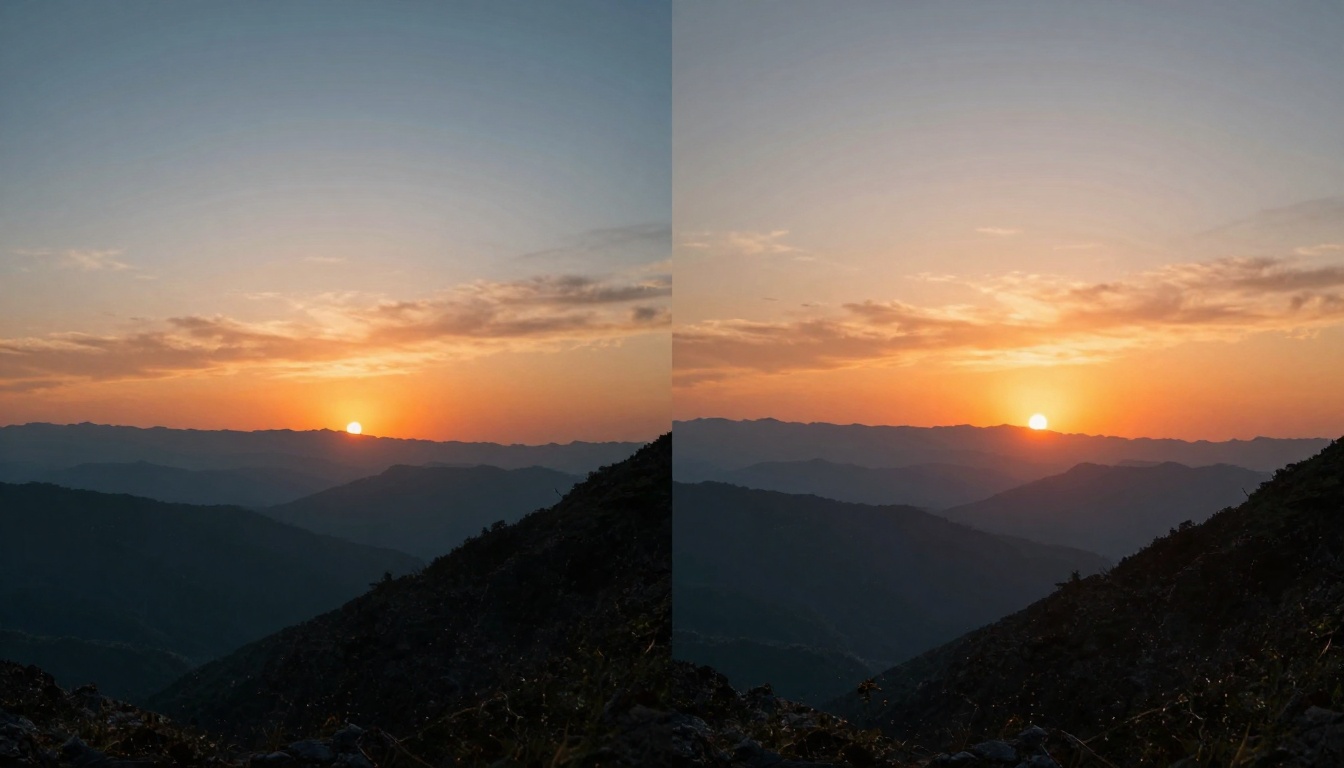
One technical point worth mentioning: Sora 2's high resolution mode (1024p) produces noticeably sharper footage than its standard mode. The jump in quality is significant enough that you'll want to use it for anything going into professional presentations or marketing materials. Kling 2.0 only offers 720p, which is fine for social media but might not cut it for more demanding applications.
The length and shape of your video matters more than you might think. Different platforms and use cases demand different formats.
Duration Flexibility: Kling 2.0 gives you 5 or 10-second options. Sora 2 counters with 4, 8, or 12 seconds. On paper, Sora 2 has more flexibility, but in practice, most creators stick to either the shortest or longest option available. The real question is whether you need that extra 2 seconds. For many social media formats, 10 seconds is plenty. For more narrative content, 12 seconds opens up more storytelling possibilities.
Aspect Ratio Support: This is where Kling 2.0 pulls ahead. Its support for 1:1 (square) format gives you more options for Instagram posts and other square-format platforms. Sora 2 only offers portrait and landscape, which covers most needs but misses this increasingly popular format.
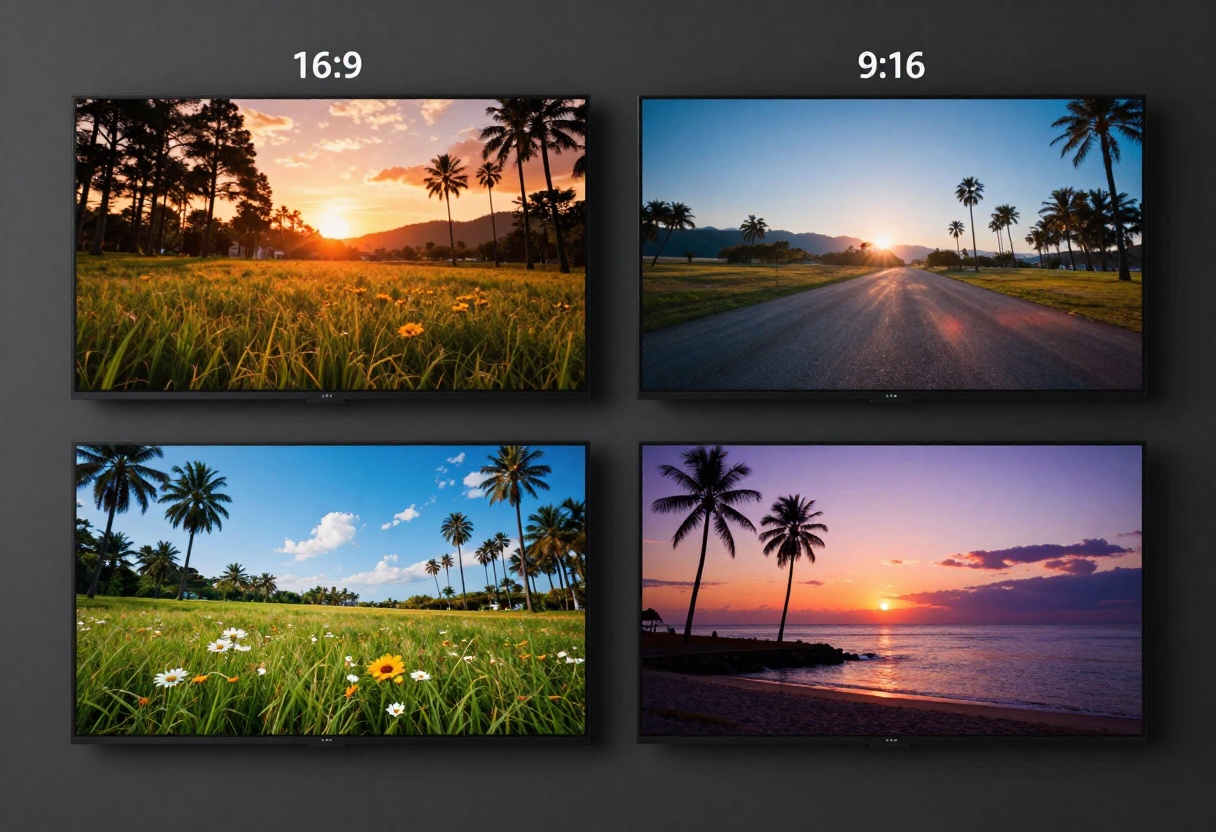
If you're creating content for multiple platforms, Kling 2.0's aspect ratio variety might save you significant time. Rather than generating a landscape video and then cropping it to square (which often looks awkward), you can generate square content directly.
Prompt Handling and Control
How well does each model understand what you're asking for? This is where things get interesting.
Prompt Interpretation: Both models do a solid job with straightforward prompts like "a sunset over mountains" or "a cat playing with yarn." Where they differ is in handling complex, multi-element prompts. Sora 2 tends to capture more details from longer descriptions. If you write a paragraph describing a scene with specific elements, lighting conditions, and camera movements, Sora 2 will usually incorporate more of those details.
Kling 2.0 works better with concise, focused prompts. If you keep your description to one or two sentences highlighting the main subject and action, you'll get better results. Overloading a Kling 2.0 prompt with details can confuse the model and lead to outputs that miss key elements.
Control Parameters: Kling 2.0's CFG scale is genuinely useful. Setting it higher (closer to 1.0) makes the model stick closely to your prompt, which is perfect when you have a clear vision. Lower values (around 0.3-0.5) give the AI more creative freedom, sometimes producing surprising and delightful results you wouldn't have thought to ask for.
Sora 2 doesn't offer this kind of granular control over the generation process. What you do get is the ability to provide a reference image for the first frame, which can be powerful for maintaining brand consistency or starting with a specific visual style.
Negative Prompts: Kling 2.0 supports negative prompts, letting you specify what you don't want in the video. This is incredibly helpful for avoiding common AI artifacts or unwanted elements. Sora 2 doesn't offer this feature, so you're stuck hoping the model doesn't include things you want to avoid.
Speed and Processing Time
When you're in production mode, generation speed can make or break your workflow.
Generation Times: Kling 2.0 lives up to its promise of quick processing. A 5-second video typically completes in 2-3 minutes, while 10-second videos take 4-6 minutes. These times can vary based on server load, but they're consistently faster than Sora 2.
Sora 2's processing times are more variable. A 4-second video might take 5-8 minutes, while a 12-second video at high resolution can push past 15 minutes. The quality difference partly justifies this wait, but it definitely impacts how many iterations you can do in a session.
If you're the type who likes to generate multiple variations and pick the best one, Kling 2.0's speed advantage becomes significant. You could create three Kling videos in the time it takes Sora 2 to produce one high-res output.
Ideal Use Cases
Here's where we get practical. When should you choose each model?
When to Use Kling 2.0
Social Media Content: The combination of quick generation, square format support, and punchy colors makes Kling 2.0 perfect for Instagram, TikTok, and Twitter content. If you're creating daily content, the speed advantage alone makes it worth using.
Rapid Prototyping: Need to test multiple video concepts quickly? Kling 2.0's fast turnaround lets you iterate rapidly and find what works before committing to final production.
Background Elements: Creating video backgrounds for presentations, websites, or apps? Kling 2.0's 10-second loops can work perfectly for this purpose.
Budget-Conscious Projects: When cost matters more than absolute quality, Kling 2.0 delivers solid results without breaking the bank.
When to Use Sora 2
Professional Marketing: Client presentations, product launches, and marketing campaigns benefit from Sora 2's superior visual quality and longer duration options.
Educational Content: The 12-second option gives you enough time to demonstrate a concept or show a process step-by-step.
Audio-Important Projects: If your video needs synchronized audio, Sora 2 is your only choice between these two models.
High-End Social Media: For Instagram Reels or YouTube Shorts where visual quality really matters, Sora 2's output will stand out in the feed.
Feature Comparison Table
| Feature | Kling 2.0 | Sora 2 |
|---|
| Max Duration | 10 seconds | 12 seconds |
| Resolution | 720p only | 720p (standard) or 1024p (high) |
| Aspect Ratios | 16:9, 9:16, 1:1 | Portrait (720x1280), Landscape (1280x720) |
| Audio Sync | No | Yes |
| CFG Scale Control | Yes | No |
| Negative Prompts | Yes | No |
| Reference Image Input | Yes (first frame) | Yes (first frame) |
| Average Processing Time | 2-6 minutes | 5-15 minutes |
| Best For | Social media, rapid iteration | Professional content, marketing |
Limitations and Drawbacks
Every tool has weaknesses. Being aware of them helps you work around them.
Kling 2.0 Limitations:
- No audio generation means you'll need to add music or sound effects separately
- 720p ceiling limits use in professional productions
- Temporal consistency can be shaky in complex scenes
- Sometimes oversaturates colors, requiring post-processing
Sora 2 Limitations:
- Longer processing times slow down iteration
- No square format support for Instagram
- Higher cost per generation
- Requires OpenAI API key for custom usage (optional but useful)
- Can't use negative prompts to avoid unwanted elements
Neither model is perfect, and acknowledging these limitations helps set realistic expectations.
Getting Started on PicassoIA
Both Kling 2.0 and Sora 2 are available through PicassoIA, which simplifies the entire process. Rather than dealing with multiple platforms, API keys, and different interfaces, you can access both models from one dashboard.
Creating Your First Video with Kling 2.0
Getting started with Kling 2.0 on PicassoIA is straightforward. The interface is designed to get you generating videos quickly without a steep learning curve.
Step 1: Navigate to the Kling 2.0 model page on PicassoIA.
Step 2: Write your prompt. Keep it focused and descriptive. Something like "A golden retriever running through a field of sunflowers at sunset, slow motion" works better than a long, complex description.
Step 3: Choose your duration (5 or 10 seconds) based on your intended use. Social media posts work fine with 5 seconds, while anything more narrative benefits from the full 10.
Step 4: Select your aspect ratio. Use 16:9 for YouTube or landscape content, 9:16 for vertical video platforms like TikTok or Instagram Stories, and 1:1 for Instagram feed posts.
Step 5: Adjust the CFG scale if needed. Start with the default (0.5) and increase it if you want tighter adherence to your prompt, or decrease it for more creative interpretation.
Step 6: Add a negative prompt if you want to exclude specific elements. This helps avoid common issues like "text overlays, watermarks, blurry footage."
Step 7: Click generate and wait 2-6 minutes depending on your duration setting.
Creating Your First Video with Sora 2
Sora 2 on PicassoIA offers more options but requires a bit more thought in setup.
Step 1: Go to the Sora 2 model page on PicassoIA.
Step 2: Craft your prompt with detail. Sora 2 handles longer, more descriptive prompts better than Kling 2.0. Include specifics about lighting, camera movement, and mood.
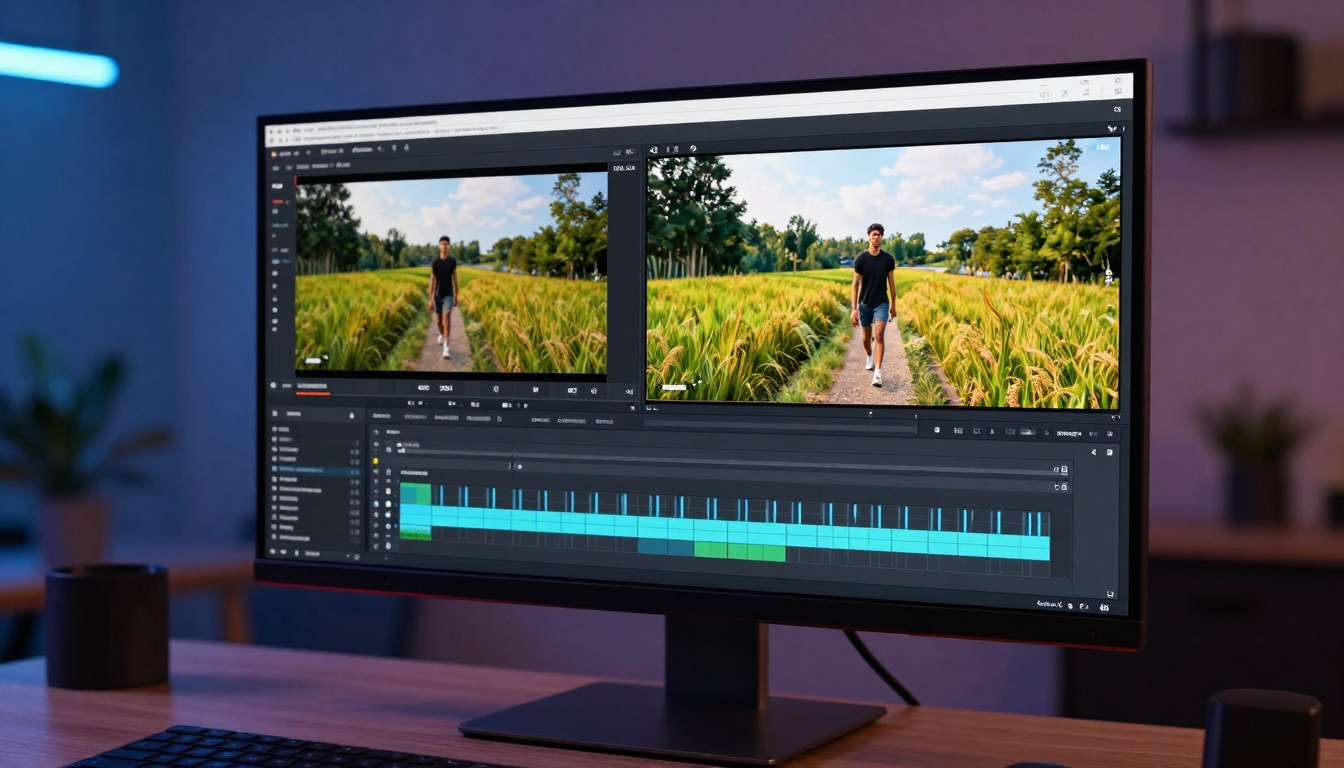
Step 3: Choose your duration (4, 8, or 12 seconds). For social media, 4-8 seconds usually works. For more complete stories or demonstrations, go with 12 seconds.
Step 4: Select your resolution. Use standard (720p) for social media and web use. Choose high (1024p) for professional presentations or anywhere visual quality is paramount.
Step 5: Pick your aspect ratio. Portrait (720x1280) for vertical video platforms, landscape (1280x720) for YouTube and traditional video formats.
Step 6: Optionally upload a reference image if you want to control the first frame. This is particularly useful for maintaining visual consistency with existing branding.
Step 7: If you have your own OpenAI API key, you can enter it to be charged directly by OpenAI instead of using PicassoIA's credits.
Step 8: Click generate and wait 5-15 minutes depending on your settings.
Tips for Better Results
Regardless of which model you choose, these strategies will improve your output quality.
Be Specific About Movement: Instead of "a person walking," try "a woman in a red jacket walking slowly toward the camera on a cobblestone street." The more specific you are about motion and direction, the better.
Include Lighting Details: Mentioning time of day or lighting conditions helps both models significantly. "Morning light," "dramatic shadows," or "soft overcast sky" all improve results.
Describe the Camera: Including camera directions like "wide shot," "close-up," or "slow zoom in" helps establish the perspective you want.
Test Multiple Variations: Neither model is perfectly consistent. Generate 2-3 versions of important content and pick the best result.
Keep Complexity Reasonable: Both models struggle with scenes that have too many moving parts. Focus on one main subject or action per generation.
Use the Preview Frame: If your model supports reference images, use this feature to establish style, color palette, or specific compositions.
The Verdict
So which one wins? The answer depends entirely on what winning means for your specific situation.
Choose Kling 2.0 if:
- You need content quickly and frequently
- Budget is a primary concern
- You're creating social media content
- Square format support matters
- You want more control over prompt adherence
Choose Sora 2 if:
- Visual quality is non-negotiable
- You need audio synchronization
- You're working on professional or client projects
- Longer duration options are important
- You can afford the extra processing time
For many creators, the ideal solution involves using both models strategically. Generate rapid iterations and test concepts with Kling 2.0, then create final production versions with Sora 2 when you've landed on the right approach.
The AI video generation space moves quickly, and both these models will continue improving. What matters most is picking the right tool for each specific project rather than trying to find one model that does everything perfectly.
Try both on PicassoIA and see which workflow fits your creative process. The platform makes it easy to switch between models without managing separate accounts or API integrations.
Ready to create AI videos? Start generating with Kling 2.0 or Sora 2 on PicassoIA today.


