The AI video generation space has been moving fast in 2027, but the arrival of Kling 2.5 Turbo in the uncensored video race marks something different. This is not just another incremental release from Kwai's video lab. It is a deliberate move into territory that most mainstream AI platforms have avoided: fast, high-quality video generation with significantly fewer content restrictions than anything built under major cloud provider umbrellas. For creators who have spent months bumping against safety filters that block entirely legitimate creative work, this shift matters.
What Kling 2.5 Turbo Actually Is
Kling has been building its reputation since version 1.5, steadily improving motion quality, temporal coherence, and resolution across each iteration. With the 2.5 Turbo series, KwaiVGI made a deliberate tradeoff: fewer diffusion steps in exchange for dramatically faster generation times, without destroying the output quality that made Kling competitive in the first place.
Speed as the Core Feature
The "Turbo" designation in the Kling lineup is not marketing. It reflects a fundamentally different inference architecture that cuts generation time by roughly 40-60% compared to the non-Turbo variants. Where Kling v2.1 Master takes several minutes to produce a 1080p clip, the Turbo pipeline delivers usable results in a fraction of that time.
For creators iterating on visual ideas, that speed difference is enormous. You can run 10 concept tests in the time it previously took to produce 3. Fast iteration is how you find what actually works before committing to a full production pass.
The Uncensored Angle, Explained
"Uncensored" in the context of AI video generation exists on a spectrum. At one end, you have models that simply allow a broader range of creative content, including suggestive scenes, mature themes, and artistic depictions that would trigger filters on OpenAI or Google-hosted systems. At the other end, some generators offer fully explicit adult output.
Kling 2.5 Turbo sits in a productive middle zone. It accepts prompts involving mature aesthetics, intimate scenes, and adult-leaning creative contexts without requiring users to strip all such language from their inputs. That creative latitude, combined with cinematic quality output, is what makes it genuinely useful for professional adult content creators, filmmakers working with mature themes, and anyone who has had a legitimate prompt refused by an overly aggressive safety classifier.
The AI Video Race Right Now
The uncensored AI video space is not a single model. It is an ecosystem of competing approaches, each with different strengths, different price points, and different philosophical positions on content restrictions.
Who's Actually Competing
Several models have entered this space from different angles:
- Kling v2.5 Turbo Pro: Fast generation, strong motion quality, high mature content tolerance
- Wan 2.7 I2V: Open-weight architecture with fewer built-in restrictions, excellent for image-to-video animation
- Hailuo 02: 1080p output with impressive temporal coherence but stronger content policies
- Pixverse v6: Built-in cinematic audio with solid quality, moderate content latitude
- LTX 2 Pro: 4K output capability, very fast, but harder to push into mature content territory
Each of these sits at a different point on the speed-quality-restriction triangle. Kling 2.5 Turbo's value is that it offers the best intersection of speed and permissiveness without collapsing quality.
Kling vs. Veo 3 and Sora 2
Veo 3 and Sora 2 are the prestige models. They produce stunning results with synchronized native audio, remarkable physical simulation, and cinematic depth. They are also built inside Google and OpenAI's content safety systems, which means even mildly suggestive prompts frequently get refused or sanitized.
If your creative work needs absolute cinematic fidelity and you produce fully safe-for-work content, Veo 3 and Sora 2 are hard to beat. For creators working in mature aesthetics, the restrictions are a genuine barrier. Kling 2.5 Turbo does not produce audio natively, and its maximum resolution sits below what Veo 3.1 can output, but in terms of creative freedom for the content it generates, it operates in a different category entirely.
| Model | Max Resolution | Native Audio | Content Latitude | Speed |
|---|
| Kling v2.5 Turbo Pro | 1080p | No | High | Very Fast |
| Kling v2.6 | 1080p | No | High | Fast |
| Veo 3 | 1080p | Yes | Low | Moderate |
| Sora 2 | 1080p | Yes | Low | Moderate |
| Hailuo 02 | 1080p | No | Medium | Fast |
| Wan 2.7 I2V | 1080p | No | High | Moderate |
| Pixverse v6 | 1080p | Yes | Medium | Fast |
| LTX 2 Pro | 4K | No | Medium | Very Fast |
💡 Content latitude ratings reflect observed behavior across typical creative prompts. Always verify platform behavior directly for your specific use case.
Kling's Full Lineup on PicassoIA
PicassoIA carries the full Kling ecosystem, which makes it worth understanding the differences between versions before you start generating.

Which Version Fits Your Workflow
The Kling family on PicassoIA spans multiple generations with meaningfully different use cases:
Turbo Pro vs. Standard: The Real Difference
The core distinction between Turbo and non-Turbo Kling models is inference speed, not quality ceiling. Turbo reduces the number of denoising steps in the diffusion process, which cuts compute time significantly. For a 5-second clip, that means the difference between a 90-second wait and a 3-minute wait.
The quality ceiling is lower on Turbo for very complex scenes requiring fine detail. If you are generating a highly detailed architectural interior with specific lighting conditions and want to get it right on the first pass, the v3 Video or v3 Omni variant might give you a cleaner result. For the iterative exploration phase, where you are testing dozens of prompt variations to find what works, Turbo Pro is the right tool.
Using Kling 2.5 Turbo Pro on PicassoIA
Step 1: Build Your Prompt
Kling responds well to prompts that describe the scene, the camera, and the motion separately. A prompt structured as [Subject + context] + [Camera movement] + [Lighting/atmosphere] gives the model clear parameters to work with.
Weak prompt: "A woman on a beach"
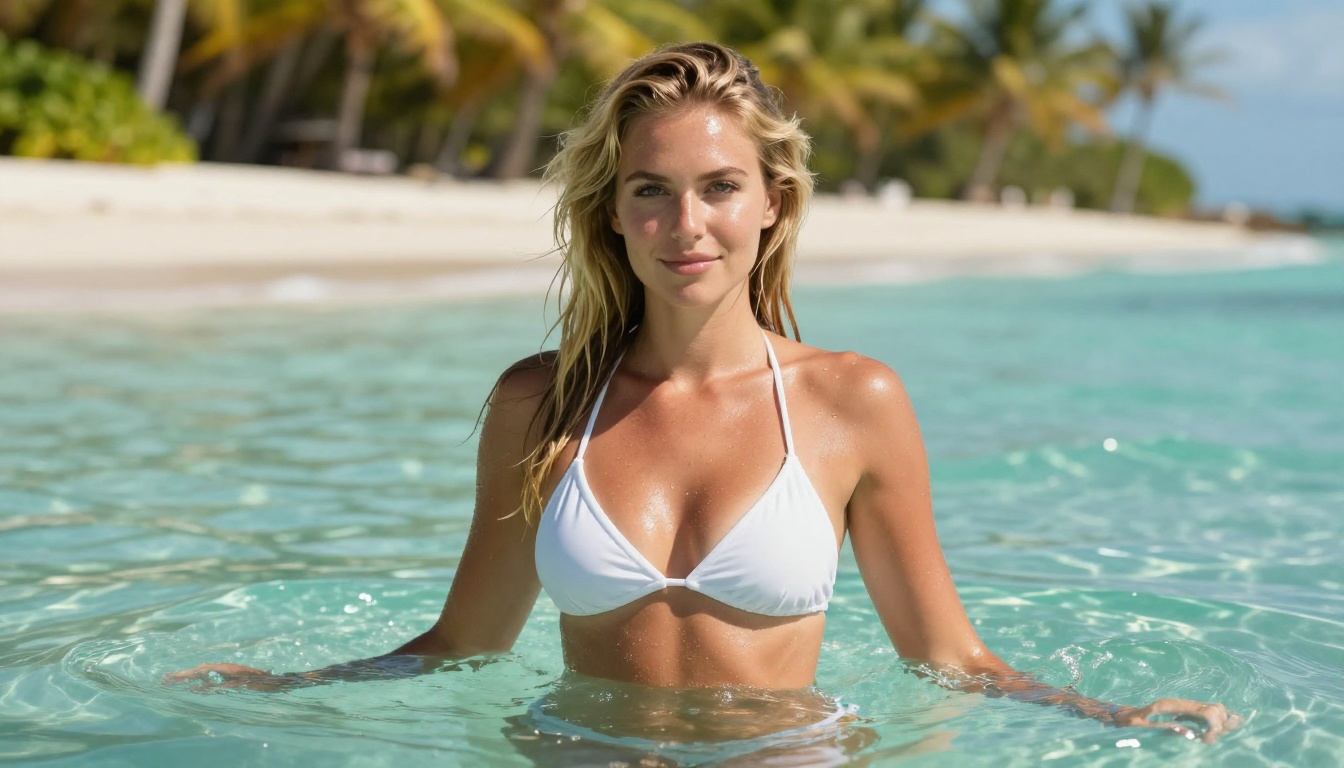
Strong prompt: "A woman in a white bikini standing at the shoreline as gentle waves break around her feet, camera slowly dollying in from a low angle, golden late afternoon sunlight from the right, shallow depth of field, cinematic film grain"
The second prompt defines the subject, the motion, the camera angle, the lighting, and the aesthetic style. Kling 2.5 Turbo follows compositional cues well, especially camera movement directions like "slow dolly," "gentle pan," and "slight push in."
For mature content, describe what you want using photographic and cinematic language rather than explicit language. Think like a director giving notes to a cinematographer, not like someone typing a search query.
Step 2: Set Resolution and Duration
Kling v2.5 Turbo Pro generates at up to 1080p. For iteration and concept testing, use 720p first to get your prompt dialed in, then run the final version at 1080p. This is standard professional workflow and saves considerable time across a production session.
Duration options typically run from 5 to 10 seconds. Shorter clips give you more control over the temporal arc of the content. A 5-second clip has one primary motion event. A 10-second clip needs to sustain interest through multiple beats, which requires more precise prompting.
Step 3: Generate and Iterate
Once your first clip comes back, evaluate it on three axes:
- Composition: Is the subject placed where you intended?
- Motion: Does the camera and subject movement match your description?
- Atmosphere: Does the lighting and tone match the intended mood?
If any of these are off, adjust that specific element of your prompt and regenerate. Because Turbo is fast, you can make multiple passes in a single session without significant time cost.
💡 Pro tip: Save the seed value from any generation you like. Kling allows you to reuse seeds, which lets you maintain consistency across a series of related clips built from the same starting point.
Output Quality: What to Expect
Motion Smoothness
Kling 2.5 Turbo produces smooth motion for most subject types. Human subjects move naturally in wide and medium shots. Close-ups of hands or faces can occasionally show slight temporal flickering on fine detail areas like hair or fingers, which is a known characteristic of Turbo-class models using fewer diffusion steps.
For landscape shots, product shots, and environment transitions, motion smoothness is excellent and comparable to the non-Turbo variants. Water, fabric, and environmental elements all animate convincingly.
Prompt Adherence
Kling 2.5 Turbo follows prompt instructions reliably for composition, camera movement, and broad atmospheric descriptors. Where it sometimes diverges is in complex multi-element scenes where two or more subjects need to interact in specified ways. Single-subject scenes with clear camera direction produce the most predictable results.
The model responds particularly well to cinematic framing language: terms like "establishing shot," "close-up," "two-shot," "dolly in," and "rack focus" all translate effectively into the generated output.
Character Consistency
Within a single generation, Kling maintains character appearance well throughout the clip duration. The model does not suffer from the mid-clip subject deformation that plagued earlier AI video generators. Faces, clothing, and body proportions remain stable even through significant camera movement.
Across separate generations, maintaining a specific character requires consistent detailed physical description in each prompt. Kling 2.5 Turbo does not have built-in identity persistence across generations, so the prompt is your primary consistency tool.
3 Things Kling 2.5 Turbo Does Better

Raw Generation Speed
The numbers are not close. Kling 2.5 Turbo generates a 5-second clip significantly faster than any non-Turbo model in the Kling lineup, and meaningfully faster than Veo 3 or Sora 2. For creators producing high volumes of content across a day, that speed compounds into a real productivity advantage. You do more in less time, and prompt iteration becomes practical rather than costly.
Creative Latitude
For mature creative work, Kling 2.5 Turbo accepts a range of prompts that Veo 3 and Sora 2 would refuse. This is not a minor technical distinction. It is a workflow-level change. Creators who have been using image generators like Seedance 2.5 Lite for quick video tests but wanted equivalent freedom in higher-quality video now have a viable option that produces cinematic output.
Cost Efficiency
Because Turbo generates faster with lower compute overhead per clip, the cost per video second is lower than the premium non-Turbo variants. For creators running large production volumes, this translates to a meaningful cost reduction without proportionate quality loss on the content types where Turbo performs best.
Where the Trade-Offs Show Up
Audio vs. Visuals-Only Models
Kling 2.5 Turbo does not generate synchronized audio. If your production requires video with native sound, ambient audio, or voice synchronized to on-screen action, you need a model like Veo 3, Seedance 2.0, or Pixverse v6. These models generate audio in parallel with the video, which adds significant production value without requiring post-production audio work.
For creators who plan to add voiceover, music, or custom sound design in post, the lack of native audio in Kling 2.5 Turbo is irrelevant. You get clean video output that pairs with any audio pipeline you prefer.
When Veo 3 Makes More Sense
There are specific production scenarios where Veo 3.1 or Veo 3 are simply the better choice:
- Your content is fully safe-for-work and requires native synchronized audio
- You are producing documentary-style content where physical accuracy matters deeply
- You need the highest possible fidelity on the first generation without iterating
If those conditions describe your project, Veo 3 is worth the restricted content policy and slower generation time. If you are working with mature creative themes or need speed above all else, Kling 2.5 Turbo is the right call.
💡 For the highest quality output: Pair your Kling clip with Video Upscale by Topaz Labs or Upscale v1 by Runway to push 1080p footage to sharp 4K.

Polish Output After Generation
No AI video generator produces perfect output on every run. The smart workflow treats the first generation as raw material, not a finished product. After generating with Kling v2.5 Turbo Pro, run the output through a quality pass:
- Video Upscale: Topaz Labs' upscaler pushes Kling's 720p or 1080p output to 4K with 120fps interpolation, turning a good clip into a great one
- Upscale v1: Runway's alternative for 4K sharpness improvement on already-strong footage
This two-step workflow, Kling for generation and Topaz for finishing, produces results that sit well above what either tool delivers alone.
Pair It with Image-to-Video
Some of the best Kling 2.5 Turbo outputs come from starting with a strong reference image rather than generating from text alone. Generate a photorealistic image first, then feed it into Kling v2.6 or Kling v2.1 as the starting frame for image-to-video animation.
This approach gives you precise control over the first frame, which is the single strongest predictor of overall clip quality. You control the composition, lighting, subject appearance, and aesthetic in the image generator, then let Kling animate it with natural motion.
Other strong image-to-video options on PicassoIA include Wan 2.7 I2V for high-fidelity animation, Gen4 Turbo for cinematic style, and Grok Imagine Video 1.5 for creative prompt interpretation.
What to Make with Kling 2.5 Today
The practical applications of Kling v2.5 Turbo Pro range from social media content creation to professional adult media production to artistic short films. The common thread is the combination of speed and creative latitude that no other major platform currently offers in the same package.
For content creators building platforms on fan subscriptions or adult content sites, Kling 2.5 Turbo represents a step-change in production capacity. What previously required expensive custom models or manual video production can now be produced at scale through prompt iteration.
For filmmakers and visual artists working with mature or boundary-pushing aesthetic themes, the model offers cinematic quality output without the creative compromises that come with building inside heavily moderated AI platforms.
For brand and advertising creatives who work in fashion, beauty, or lifestyle categories where attractiveness and sensuality are legitimate creative tools, Kling 2.5 Turbo produces imagery that is both high quality and commercially useful.
PicassoIA brings all of this into one place. With 87 video generation models, quality upscaling, lipsync, effects, and more, everything in your AI video production workflow sits in a single platform. You do not need to manage accounts across five different services or transfer files between disconnected tools.
Browse the full range of what is available at picassoia.com/en/all-models and start generating your first Kling 2.5 Turbo clip today. The uncensored video race is moving fast, and this is one of the best seats in it.


