Marketing budgets have always been tight. Timelines even tighter. For the past two years, AI video generation has promised to change both, but the actual results from the top models vary wildly depending on what you're trying to produce. Two models in particular have taken most of the attention from professional marketing teams in 2027: Kling 2.6 Pro and Veo 3.1. Both are capable. Both are impressive on paper. But they're built differently, optimized for different strengths, and the choice between them can genuinely affect how good your campaign looks, how fast it ships, and how much it costs to produce at scale.
This piece puts them side-by-side without the hype, focusing on what actually matters when you're producing content for real audiences: motion fidelity, audio integration, prompt adherence, output speed, and cost per clip. If you're a marketing manager, creative director, or media buyer trying to decide where to route your AI video budget, this is what you need to know.
What Kling 2.6 Pro Actually Does Well
Kling v2.6 from Kuaishou is not a new name in the AI video space, but version 2.6 Pro is where the model finally hit a level of quality that makes it genuinely usable for brand work. Earlier versions had visible artifacts in fast-motion scenes and struggled with anything requiring extended camera movement. Version 2.6 changed both of those things in a meaningful way.
The biggest shift is not about raw resolution or clip length. It's about how the model handles the interior logic of a scene. When something moves in a Kling 2.6 Pro clip, it moves like it has weight. A jacket swings naturally when a subject turns. A liquid product pours with realistic viscosity. Backgrounds hold their perspective instead of subtly warping. These are not small details. In a marketing context, where viewers are conditioned to spot cheap-looking video immediately, these specifics are what separate content that sells from content that gets scrolled past.
Motion That Holds Up on Big Screens
The clearest improvement in Kling v2.6 is temporal consistency across the full clip duration. Objects don't flicker between frames. Faces don't morph mid-shot. Hair behaves like hair. When you're producing a 6-second social cut for Instagram Reels or a 15-second pre-roll for YouTube, that kind of stability is not optional, it's the baseline requirement for professional output.
What makes Kling 2.6 Pro particularly strong for marketing is its handling of subject-to-camera motion. If your prompt asks for a product rotating on a surface, or a model walking toward the lens, Kling holds the motion arc without drifting or losing subject coherence. For anyone who has spent time wrestling with AI video outputs, that alone is a significant quality-of-life improvement over earlier model generations.
The model also performs well with environmental motion: wind through fabric, steam rising from a cup, water on a surface. These subtle atmospheric details are exactly what lifestyle marketing relies on to make scenes feel real rather than constructed. For e-commerce brands in particular, where product video content lives at the bottom of a funnel and has to carry real persuasive weight, this kind of detail fidelity is worth paying attention to.
💡 Prompt tip: For product-focused ads, Kling 2.6 Pro responds well to specific camera direction in prompts. Write "slow dolly-in on product from 45 degrees" rather than generic movement descriptors. The more specific your camera instruction, the more controlled the output.

Prompt Control for Brand Consistency
Marketing teams work within strict brand guidelines. Color palettes, tone, lighting style, and even the emotional register of a scene all need to stay consistent across a campaign. Kling v2.6's prompt adherence has been tuned significantly in recent model updates, meaning you can be specific about visual attributes and expect them to actually appear in the output.
This is especially important when running multi-clip campaigns where every piece needs to feel cohesive. Kling handles style descriptors well: warm tones, overcast natural light, minimal foreground elements, matte product finishes. It is less reliable when asked to maintain a specific human subject across multiple generations, which is a known limitation of text-to-video models generally. But for product-led and lifestyle marketing, where the subject is a product rather than a recurring person, it holds up consistently across multiple runs of the same prompt.
For teams managing large volumes of creative, Kling v2.5 Turbo Pro offers a faster generation variant that trades a small amount of peak fidelity for meaningfully shorter turnaround times, useful when you're generating 15 or 20 creative variants for a split test and speed matters more than achieving the absolute best single output.

Where Veo 3.1 Pulls Ahead
Veo 3.1 from Google is a different kind of model. It was built with cinematic production quality as the primary target, and that design intent shows clearly in the output. If Kling 2.6 Pro is optimized for reliable, controllable video generation at volume, Veo 3.1 is optimized to produce footage that could plausibly pass as shot on a real camera by a real crew with a real budget.
That framing is not hyperbole. When you put a well-crafted Veo 3.1 output next to the same scene shot on a mid-range camera with natural light, the gap in perceived production quality is smaller than you would expect from an AI-generated clip. That's the benchmark Veo 3.1 is competing against, and it comes closer to clearing it than any other publicly accessible model right now.
Built-In Audio Changes Everything
The single feature that separates Veo 3.1 from almost every other AI video model is native audio generation. Not post-processing. Not a separate audio layer bolted on after the fact. The model generates synchronized audio alongside the video, including ambient sound and environmental acoustics that match the scene being depicted.
For marketing, this has a specific, practical value that goes beyond novelty. Short-form video ads on TikTok, Reels, and YouTube Shorts are increasingly consumed with sound on, and content with matching ambient audio performs measurably better in terms of watch time and completion rate. A lifestyle video with realistic ambient sound, a soft cafe hum, the sound of a product being picked up, natural environmental texture, feels more credible and holds attention longer than the same clip with silence or generic background music dropped in during editing.
Producing even basic ambient audio separately for every AI video clip is a workflow step, a cost, and a source of sync errors. Veo 3.1 removes all of that from the process.
💡 Audio prompt tip: Veo 3.1's audio generation works best when you describe the sonic environment explicitly in your prompt, not just the visual scene. "A busy morning cafe with soft espresso machine sounds and low background conversation" produces better results than a purely visual description.
Cinematic Realism at Scale
Where Veo 3.1 genuinely outperforms most available models is in the rendering of camera behavior. The model understands depth of field, natural focus pulls, and subtle lens characteristics in a way that most text-to-video systems cannot reproduce consistently. Outputs look like they were planned by a cinematographer rather than produced by an algorithm. The bokeh falls where it should. The focus plane shifts naturally when it should. Handheld motion, when specified, adds the right amount of organic instability without becoming distracting.
This matters specifically for premium brand categories: luxury goods, automotive, fashion, and beauty. In these markets, the production quality of the creative is inseparable from the perception of the product itself. A video that looks cheap, even slightly cheap, does not just fail to sell. It actively damages the brand perception it was meant to build. Veo 3.1 removes that risk at a fraction of the cost of commissioning production.
You can also access Veo 3.1 Fast when your workflow prioritizes iteration speed over maximum fidelity, and Veo 3.1 Lite for lower-cost testing runs before committing to a full-quality generation. Both are available on PicassoIA without separate API contracts or account setup.
Side-by-Side: The Numbers That Matter
Output Quality Compared
| Feature | Kling 2.6 Pro | Veo 3.1 |
|---|
| Max Resolution | 1080p | 1080p |
| Native Audio | No | Yes |
| Temporal Consistency | High | Very High |
| Prompt Adherence | Strong | Very Strong |
| Camera Behavior Realism | Good | Excellent |
| Face and Subject Stability | Moderate | High |
| Ideal Clip Length | 5-10 seconds | 5-10 seconds |
| Style Range | Broad | Cinematic-focused |
| Multi-variant Production | Excellent | Good |
| Premium Brand Output | Good | Excellent |
Speed, Cost, and Workflow
Neither model is free, and for teams running large-scale campaigns, the economics of AI video production matter as much as the quality ceiling.
Kling v2.6 delivers faster generation times for standard 5-10 second clips. For teams that need to produce high volumes of creative variants quickly, for instance A/B testing 12 different versions of a product ad headline or visual hook, this speed advantage compounds. Each iteration cycle is shorter, which means more rounds of testing fit into the same production window.
Veo 3.1 takes longer to generate but delivers more production-ready outputs. In a workflow where each clip requires less post-processing and editorial cleanup before it's usable, the actual time-to-publish can be shorter even when generation time is longer. For performance marketing teams where the cost of unusable creative is real money, this tradeoff typically favors Veo 3.1 for hero content.
| Workflow Factor | Kling 2.6 Pro | Veo 3.1 |
|---|
| Generation Speed | Faster | Moderate |
| Post-Processing Required | More | Less |
| Volume Creative Production | Better | Good |
| Premium Single-Clip Output | Good | Better |
| Audio Workflow Integration | Separate tool required | Included |
| Iterative A/B Testing | Excellent | Good |
| Cost Per Campaign-Ready Clip | Lower | Moderate |
Real Use Cases for Each Model
When Kling 2.6 Pro Makes Sense
- Social media ad variants at volume: When you need 10-20 versions of a clip for A/B testing and speed matters more than cinematic polish in any individual clip
- Product rotation and showcase videos: The motion stability makes it reliable for e-commerce product display where the subject needs to hold its form across the full clip
- Lifestyle content at scale: For brands publishing daily short-form content that need consistent, usable output without heavy editorial overhead after generation
- Budget-conscious campaign testing: When you're validating a new creative direction before committing full production costs to it
- Direct-to-consumer performance marketing: Fast iteration on hooks, openings, and visual framing where the first two seconds are all that matter
Kling v2.6 Motion Control is worth adding to this workflow for teams that need precise camera path control. It lets you define how the camera moves through a scene rather than letting the model decide, which is useful for maintaining consistent visual language across a multi-clip campaign.
When Veo 3.1 Makes Sense
- Hero brand films: When the video is the primary creative asset for a campaign launch, not a supporting piece, and the quality ceiling is the most important variable
- Sound-on ad formats: For placements on TikTok, YouTube Shorts, and Reels where audio is part of the creative experience and native audio sync adds real value
- Premium brand categories: Luxury, automotive, beauty, and fashion where production quality directly signals brand positioning
- Agency client work: When you're producing content for clients who will review the footage closely and whose expectations are calibrated to broadcast-quality production
- Narrative-driven brand content: When the video needs to tell a story across its full duration rather than showcase a single product moment
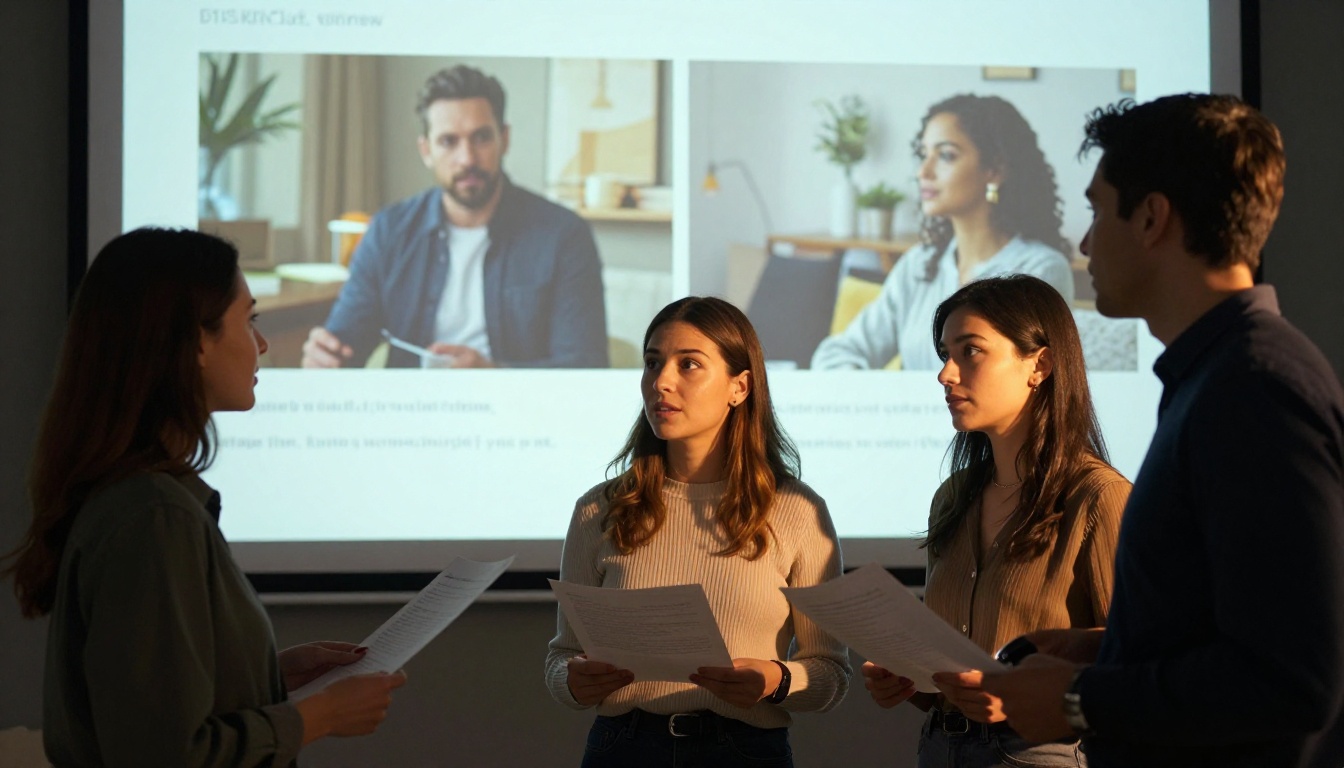
How to Use Veo 3.1 on PicassoIA
Since Veo 3.1 is available directly on PicassoIA, here's how to put it to work on your next marketing campaign without any additional setup or API configuration.
Step 1: Open Veo 3.1
Go to Veo 3.1 on PicassoIA and open the model interface. You'll see a text prompt field and parameter controls. No external API key is required.
Step 2: Write a Cinematic Prompt
The prompt structure that performs best for marketing videos follows this pattern:
[Scene description] + [Subject action] + [Lighting and mood] + [Camera movement] + [Audio environment]
Example: "A woman in her early 30s picks up a premium skincare product from a minimal marble bathroom counter, soft overcast morning light through frosted glass from the left, slow push-in from mid-distance, quiet ambient bathroom acoustics with distant urban background"
Be specific in every dimension. Veo 3.1 responds to detail. The more precisely you describe the lighting character, the camera behavior, and the sonic environment, the closer the output will match your creative direction.
Step 3: Set Duration and Resolution
Select clip duration (5-8 seconds works well for most social formats) and output resolution. For connected TV or large-format display, use the maximum available resolution. If you're prototyping before a full production run, Veo 3.1 Fast gives you faster iterations at slightly reduced peak quality.
Step 4: Review and Iterate
After generation, preview the clip and check for temporal consistency issues, particularly around edges, fine detail, and subject motion. Most marketing-ready outputs from Veo 3.1 require one to three prompt iterations before they reach the quality level needed for deployment. Each iteration takes less time than a traditional production revision cycle.
Other Models Worth Testing
Both Kling 2.6 Pro and Veo 3.1 are strong, but depending on your specific workflow, other models on PicassoIA may fit better for particular tasks or budget points.
Seedance 2.0 from ByteDance also generates built-in audio alongside video and is worth benchmarking for content-heavy social media workflows where music-adjacent audio is part of the output requirement.
LTX 2.3 Pro from Lightricks delivers 4K resolution output, which matters when you're producing for large-format display, streaming platforms, or any environment where 1080p feels limiting for the final placement.
Sora 2 Pro from OpenAI offers strong narrative consistency across a clip's duration, making it a good fit for brand films where the video tells a sequential story rather than depicting a single scene.
Kling v3 Video and Kling v3 Omni Video represent the latest generation in the Kling line and are worth benchmarking if you're already running Kling in your workflow and want to see whether the newer versions change your output quality in ways that matter for your specific content type.
💡 Testing tip: Run the same prompt through three different models before committing one to a campaign. PicassoIA makes this fast since every model is available in the same interface without separate account setups or API keys per model.
Start Producing
At the end of the comparison, the right answer is not in a feature table. It's in what your specific campaign actually needs.
If you're running high-volume social ad creative and need fast, consistent, controllable output at scale, Kling v2.6 is the smarter default. If you're producing a hero brand film, a premium launch campaign, or any format where sound-on viewing is expected and production quality is part of the brand signal, Veo 3.1 is worth every extra second of generation time.
The fastest way to find out which one fits your workflow is to stop reading and start generating. Write a prompt for your next campaign concept, run it through both models on PicassoIA, and let the output tell you what no benchmark table can. Both models are accessible now, in the same place, without separate contracts or technical setup. Pick a concept and see what comes back.