What started as a curiosity in 2023 has become a real creative tool: AI video generation that produces results indistinguishable from filmed footage. Kling 3.0 is the latest release from Kuaishou, and if you've been searching for Kling 3.0 for uncensored adult video, you're not alone. Millions of creators are pushing these models to their limits, testing exactly where the content boundaries sit and which platforms offer the most freedom.
This article covers what Kling 3.0 actually delivers, where its content controls sit, and which models on PicassoIA produce the most realistic uncensored adult video clips in 2027.
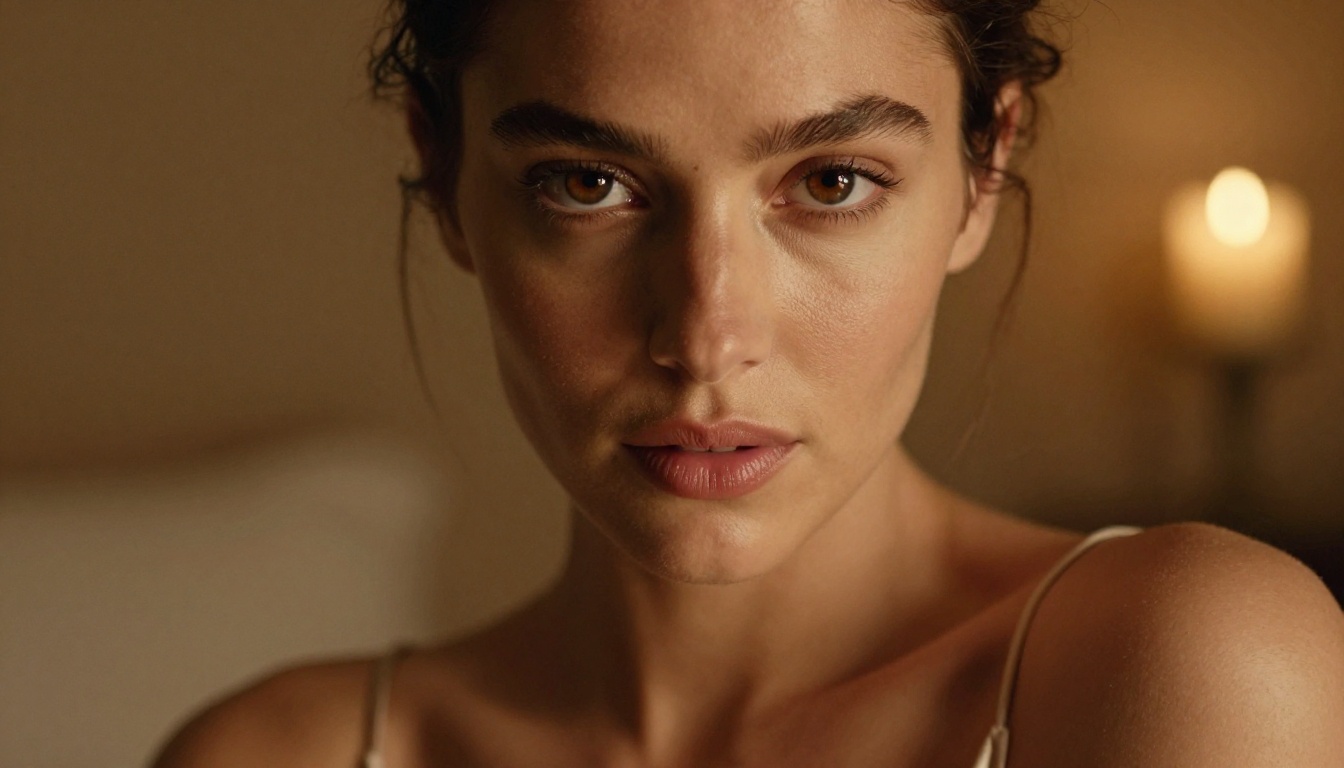
What Kling 3.0 Actually Delivers
Kling has gone through several major version jumps in a short time. Version 1.5 introduced 1080p output. Version 2.0 brought smoother motion and better temporal consistency. With Kling 3.0, the team focused on three things: motion naturalness, prompt adherence, and content flexibility.
Resolution and Frame Rates
Kling v3 renders at up to 1080p at 24fps for standard clips and supports 5-second to 10-second durations depending on the variant. The Kling v3 Video model on PicassoIA outputs cinematic-quality footage from both text and image inputs, making it one of the most versatile options currently available.
The Kling v3 Omni Video variant adds multi-modal input support, accepting text, image, or audio as starting points. This makes it exceptionally useful for adult content creation where you want a specific reference image animated into motion.
Motion Realism in Version 3
This is where Kling 3.0 genuinely stands apart from earlier versions. Fabric movement, hair physics, and water dynamics are dramatically improved. A woman in a silk dress walking through a doorway no longer looks like a warping mesh: it looks like film.
For adult content specifically, this matters enormously. The difference between a 2024-era model and Kling 3.0 is the difference between obvious AI artifacts and content that could pass for real footage. Skin movement, subtle muscle deformation, and the way clothes interact with body motion are all handled at a fidelity that earlier versions could not reach.
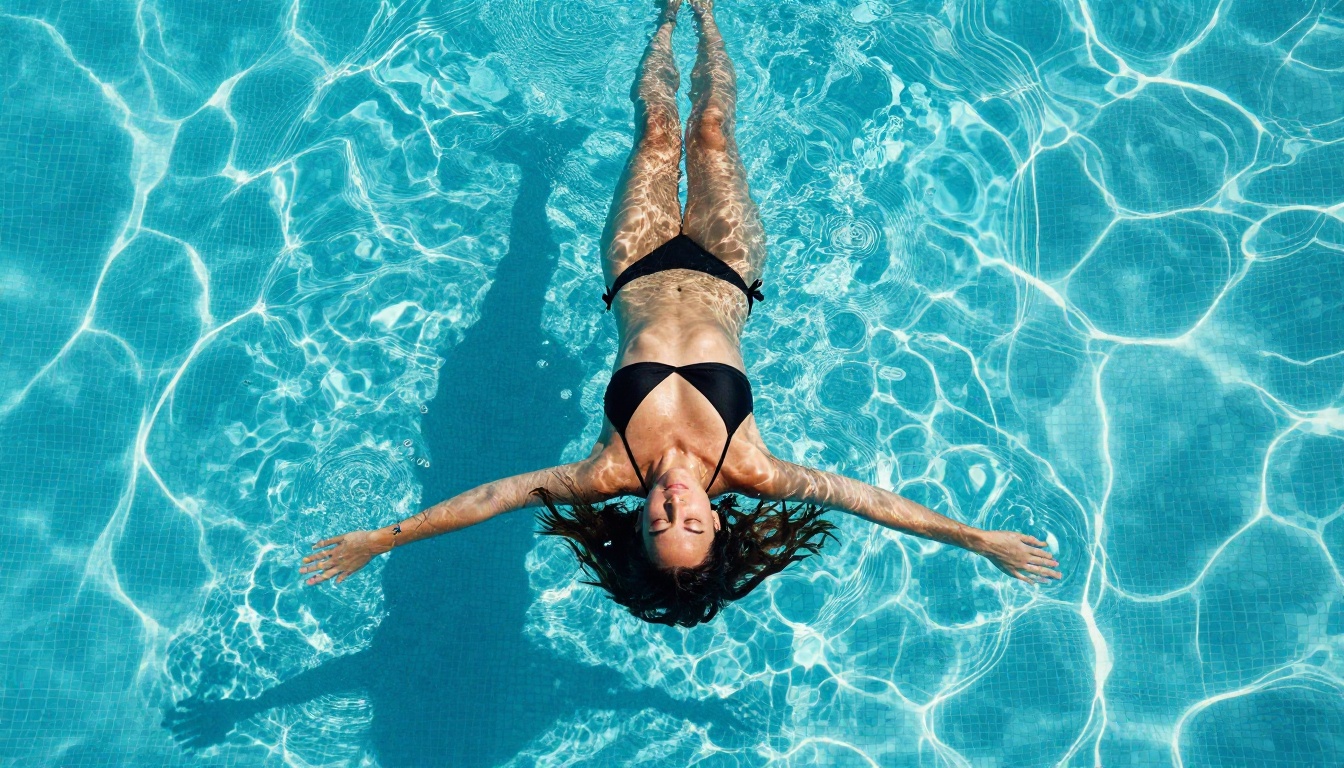
Content Filters and What Changes in 3.0
Here's the honest picture: Kling 3.0 is not fully uncensored by default. Like most major AI video platforms, it ships with content moderation layers. These affect:
- Explicit nudity in generated clips
- Certain prompt keywords that trigger rejections
- Output review on shared or public generations
That said, Kling 3.0's filters are meaningfully more permissive than what you find on Runway Gen-4, Pika, or Sora. Suggestive content, intimacy between subjects, and mature themes pass through where competitors block them outright.
The platform you access Kling through also matters. PicassoIA's implementation gives you access to Kling v3 Motion Control alongside the standard and omni variants, with less friction on mature prompts than direct API access through some other channels.
Kling 3.0 vs. Other Adult Video AI Models
If uncensored adult video is your primary goal, Kling 3.0 is a strong contender but not necessarily the top choice. Here's how it compares across the full field of models available today.
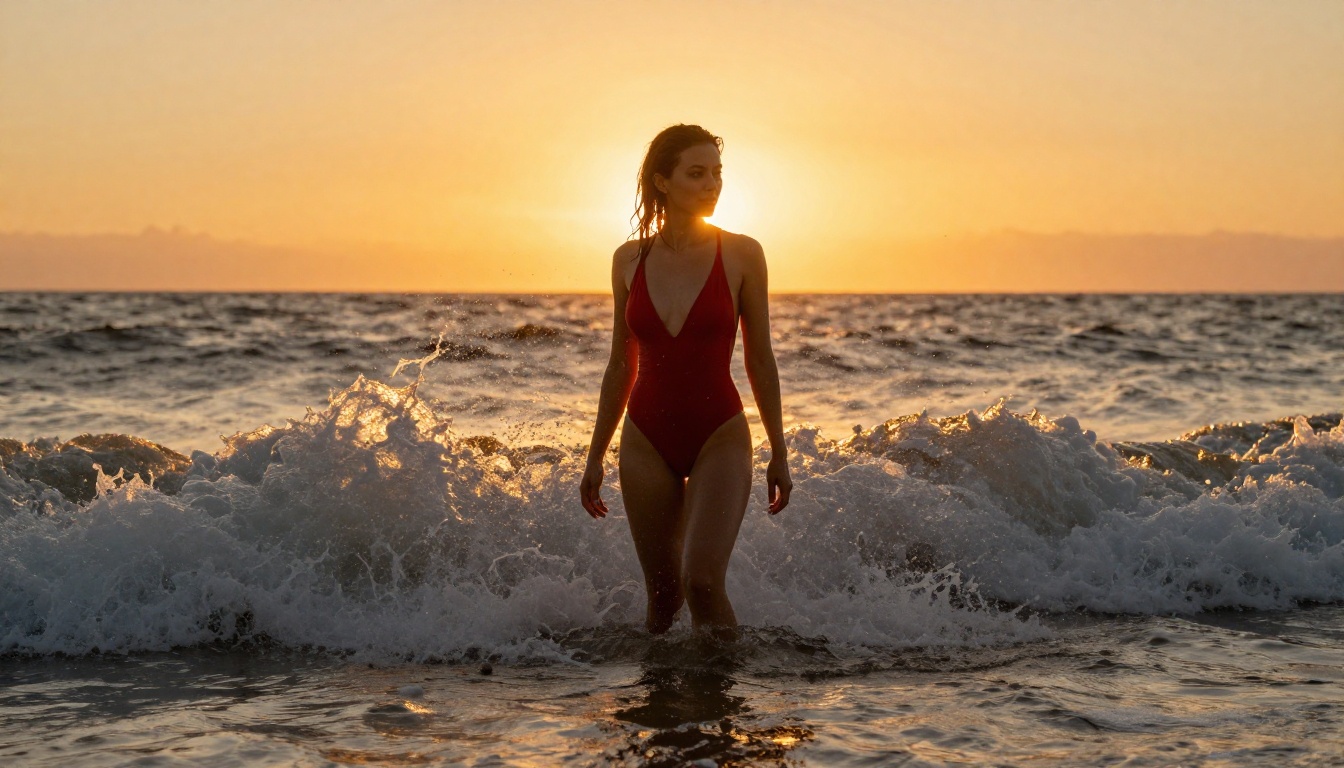
Where Kling Falls Short
| Aspect | Kling v3 | P-Video | Grok Imagine Video |
|---|
| Filter level | Moderate | Off by default | Low |
| Max duration | 10s | 10s | 15s |
| Max resolution | 1080p | 1080p | 720p |
| Watermarks | None | None | None |
| NSFW pass rate | Good | Excellent | Excellent |
P-Video ships with its safety filter disabled by default. That single difference makes it the go-to option when your prompt would trigger a rejection elsewhere. You can push adult content further with P-Video than with Kling 3.0 in most prompt scenarios.
Grok Imagine Video supports clips up to 15 seconds with no watermarks and handles adult themes with very little friction. Its image-to-video mode auto-matches the proportions of your source photo, which is genuinely useful when you're working from a reference image generated with Seedream or another still model.
Models That Genuinely Compete
Beyond Kling 3.0, these video models on PicassoIA deserve your attention for adult content:
PicassoIA Video offers unlimited video generation with no per-clip credits burning through your budget. At 720p and 5 seconds per clip, it's ideal for rapid iteration and testing prompts before committing to a longer, higher-resolution render.
LTX 2.3 Pro is the highest-fidelity option currently available: up to 4K at 50fps, with retake and extend modes that let you replace specific segments or append footage to the start or end. For professional adult content production, nothing else comes close on output quality.
Wan 2.2 I2V Fast animates static images into smooth, natural-looking video clips at speed. If you've already generated a still image with Seedream 4.5, Wan 2.2 I2V Fast can breathe motion into it in seconds.
Best Models for Uncensored Adult AI Content on PicassoIA

Since adult video generation usually starts with a strong reference image, you need to think about both the image and video pipelines together. PicassoIA has the most permissive and highest-quality lineup for this workflow.
Top NSFW Image Models
Seedream 4.5 is the clear recommendation for anyone starting from a text prompt. It accepts NSFW content, produces hyper-realistic results, and generates in under 3 seconds. The quality ceiling is genuinely high: outputs regularly pass for professional photography at first glance. Note that the newer Seedream 5 Lite does not support adult content, so stick with 4.5 for this workflow.
PicassoIA Image Editor Pro operates as an image-to-image model, which makes it ideal if you have a reference but want to modify it. Its biggest practical advantage is unlimited generations on Elite and Infinite plans. If you need 500 iterations to get exactly the right frame for animating, those 500 generations cost nothing beyond your subscription. Compare that to models where 1,000 images would run you around $100. It also returns results in under 1 second and includes a 3-generation free trial without a credit card.
Qwen Image 2 is an open-source model that handles both creation and editing with very detailed realism. Being open-source means it carries minimal content restrictions and produces surprisingly sharp detail on complex scenes.
Grok Imagine Image excels at converting any image to a more revealing format in a realistically convincing way. For wardrobe changes and subtle transformations on existing images, it's uniquely effective.
Recraft V4, P-Image, and the Wan 2.2 Image model round out the top tier for pure text-to-image NSFW generation, each offering different speed and style trade-offs.
💡 Workflow tip: Generate your base image with Seedream 4.5, refine it with PicassoIA Image Editor Pro, then animate the final frame with Kling v3 or Wan 2.2 I2V Fast. That three-step pipeline produces the highest-quality adult video output available through any AI platform today.
Full NSFW Model Lineup
- Seedream 4.5 — Best starting point for still images. Under 3 seconds, accepts NSFW, highly realistic.
- PicassoIA Image Editor Pro — Unlimited generations, under 1 second, free trial included.
- Qwen Image 2 — Open-source, edit or create, very detailed realism.
- Grok Imagine Image — Image-to-image revealing transformations with photographic realism.
- Recraft V4 — Text-to-image, very realistic outputs.
- P-Image — NSFW text-to-image in under 1 second.
- Wan 2.2 Image — Realistic text-to-image generation without content filters.
- Wan 2.2 I2V Fast — Animate still images into natural, smooth video.
- PicassoIA Video — Unlimited video clips from text, up to 720p and 5 seconds per clip.
- P-Video — Safety filter off by default, up to 1080p, draft mode for instant previews.
- Grok Imagine Video — Up to 15 seconds, no watermarks, image-to-video auto-matches source proportions.
- LTX 2.3 Pro — Highest fidelity at up to 4K/50fps, with retake and extend editing for precise control.
👉 Browse the full catalog at picassoia.com/en/all-models.
How to Use Kling v3 on PicassoIA
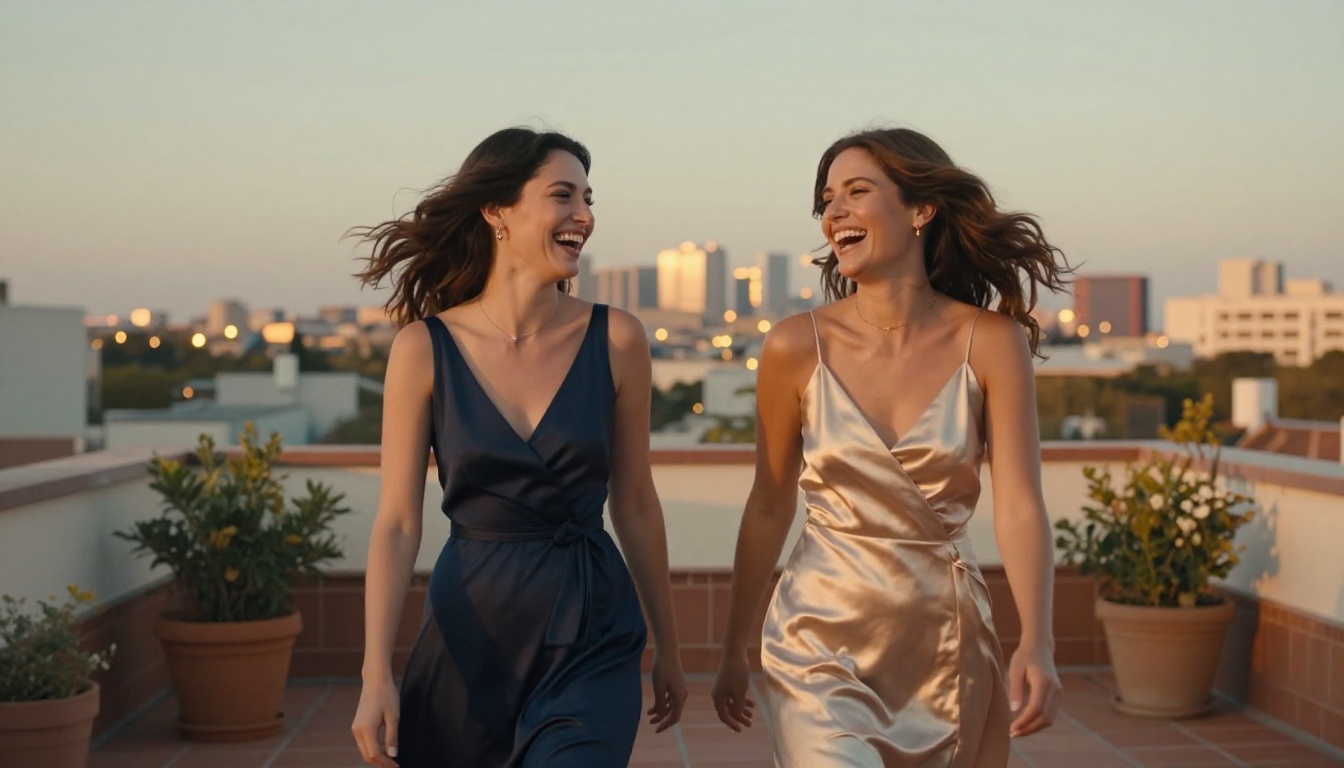
Since Kling 3.0 is available on PicassoIA through three distinct variants, here's exactly how to get the best results for adult content creation.
Step-by-Step
Step 1: Generate your source image
Head to Seedream 4.5 and generate a photorealistic base image. Describe your subject with specific physical details: lighting conditions, outfit, pose, and environment. The more precise your description, the better the animation will look. Use camera lens specifications ("85mm f/1.4"), lighting direction ("volumetric morning light from the left"), and film stock references ("Kodak Portra 400") to push toward photographic realism.
Step 2: Refine with Image Editor Pro
Run your best result through PicassoIA Image Editor Pro. Since iterations are unlimited, you can adjust pose, lighting, outfit, or facial expression without burning extra credits. Get the frame exactly right before moving to video.
Step 3: Open Kling v3 Video
Navigate to Kling v3 Video or Kling v3 Omni Video on PicassoIA. Upload your generated image as the first frame.
Step 4: Write your motion prompt
Your video prompt should describe motion, not appearance. The model already knows what the subject looks like from the image input. What matters now is: what is she doing, and how does the camera move?
Example: "Woman slowly turns toward the camera, brushing hair from her face. Gentle dolly-in from wide to medium. Warm natural light shifts slightly as she moves. Fabric ripples with the movement."
Step 5: Select resolution
For adult content you want to keep, always choose 1080p. Lower resolutions lose fine detail in skin texture, hair, and fabric that makes the footage feel real.
Step 6: Iterate with Motion Control
Use Kling v3 Motion Control for precise camera path control when the standard variant produces inconsistent camera movement. Motion Control lets you define exactly how the camera behaves across the clip.
Prompt Tips That Actually Work
- Be chronological: Describe what happens at the start, middle, and end of the 5 seconds.
- Name the camera move: "slow dolly-in", "gentle pan left", "static shot" — these dramatically affect output quality.
- Avoid vague motion descriptions: "She moves" is too weak. "She slowly raises her right arm, fingers trailing along her collarbone" gives the model something to follow.
- Use motion adjectives: slow, fluid, graceful, languid — these words pull Kling 3.0 toward more natural, cinematic motion rather than the jerky artifacts common in earlier models.
- Specify lighting changes: If the light should shift during the clip ("warm sunset light intensifying"), say so. Kling 3.0 handles dynamic lighting well when prompted.

Getting the Best Results from AI Adult Video

Raw model capability matters less than workflow discipline. Here's what separates creators getting mediocre AI adult video from those getting results that genuinely impress.
Start with a Strong Source Image
The single biggest predictor of video quality is the quality of your first frame. A blurry, poorly composed source image produces a blurry, poorly composed video at 24 frames per second. Every flaw in your source image gets multiplied across the clip.
Spend time on the still image first. Use Seedream 4.5 for initial generation, then run the best result through PicassoIA Image Editor Pro for refinement. Only move to video generation once the still frame is exactly right.
Prompt Structure That Works
Think of your video prompt in three layers:
| Layer | What to Include | Example |
|---|
| Subject | Who, what they're doing | "Woman in red bikini lying by the pool" |
| Motion | How things move | "Slowly turns head, water ripples nearby" |
| Camera | How the shot moves | "Gentle zoom-in from wide to medium" |
Writing all three layers produces significantly more consistent results than a single vague description. Models like Kling 3.0 and P-Video respond strongly to structured prompts because they have more information to anchor the generation.
Resolution and Duration Trade-offs
| Setting | Best For | Trade-off |
|---|
| 480p / 5s | Testing prompts fast | Lower detail |
| 720p / 5s | Social sharing | Good balance |
| 1080p / 5s | Final output | Slower generation |
| 1080p / 10s | Longer scenes | Highest credit cost |
For uncensored adult content you want to keep and share, 1080p at 5 seconds is the sweet spot. Long enough to capture meaningful motion, high enough resolution to hold up on any screen.
Beyond Video: Uncensored Image Generation
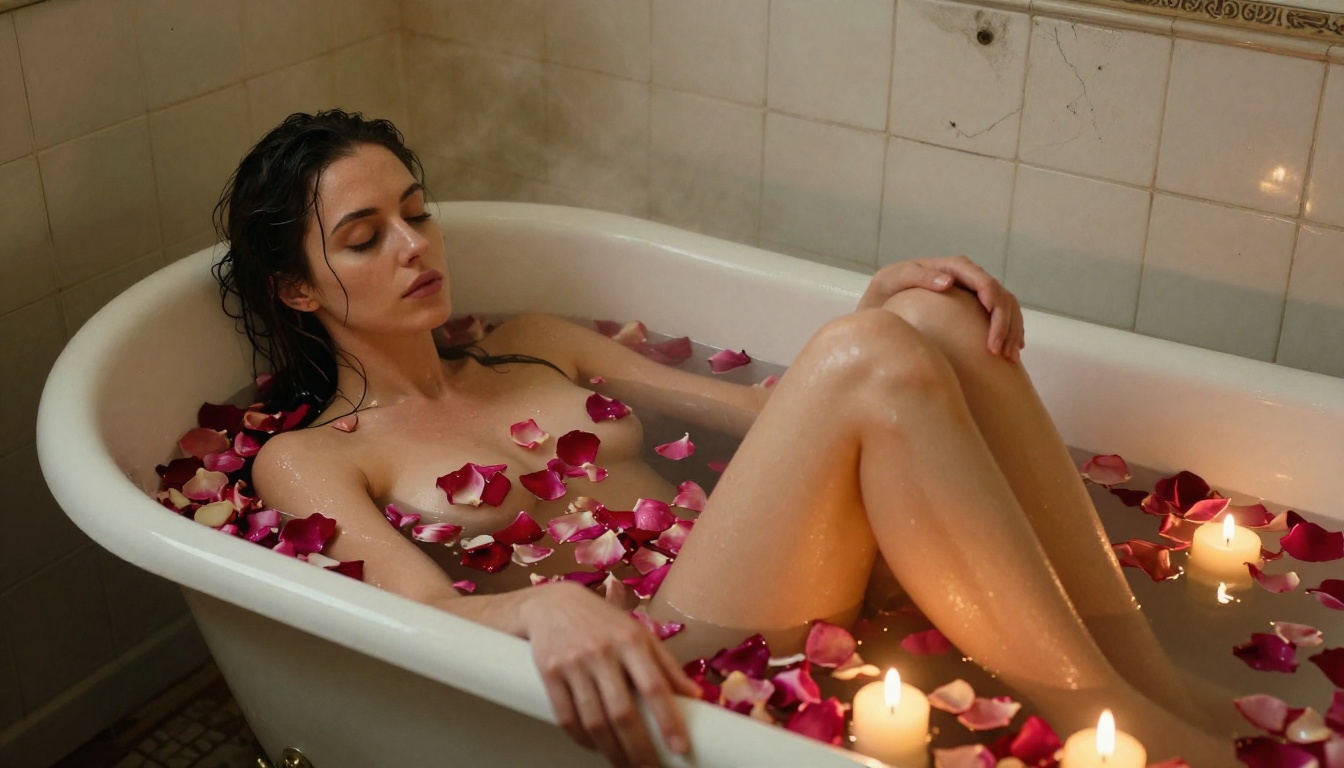
Some of the most in-demand adult AI content is actually still imagery, not video. The rendering quality from current top models is genuinely photographic, and there are use cases where a single perfect frame is more valuable than 5 seconds of motion.
Seedream 4.5 for Photorealistic Stills
Seedream 4.5 is the current standard for photorealistic NSFW images. Its outputs at 16:9 in simulated RAW photography style are difficult to distinguish from actual photography when the prompt is well-constructed.
Prompt elements that significantly improve output quality:
- Camera lens specification: "85mm f/1.4 shallow depth of field"
- Lighting direction: "volumetric morning light from the left"
- Film stock reference: "Kodak Portra 400 grain, natural color grading"
- Skin texture detail: "visible pores, subtle freckles, natural imperfections"
These elements tell the model to prioritize photographic realism over stylized AI aesthetics, which is exactly what you want for convincing adult content.
PicassoIA Image Editor Pro for High-Volume Iteration
Once you have a good base image, PicassoIA Image Editor Pro lets you iterate without limit. Change the outfit, adjust the lighting, shift the pose: all at under 1 second per iteration. For anyone doing volume content creation, the unlimited generation model changes the economics entirely.
💡 At roughly $100 for 1,000 images on premium per-credit models, versus $0 extra with an Elite or Infinite PicassoIA plan, the math makes unlimited generation the only rational choice for high-volume adult content production.
Not all platforms are created equal when it comes to adult content. Here's how the current options stack up:
| Platform | Top Models | Uncensored | Max Resolution | Max Duration | Unlimited Option |
|---|
| PicassoIA | P-Video, Kling v3, LTX 2.3 Pro | Yes (multiple models) | 4K | 15s | Yes (PicassoIA Video) |
| Direct Runway | Gen 4.5 | No | 1080p | 10s | No |
| Direct Pika | Pika 2.2 | No | 720p | 5s | No |
| Direct Sora | Sora 2 Pro | No | 1080p | 20s | No |
The difference is stark. PicassoIA operates multiple models with reduced content filtering by default, while every major direct platform enforces strict NSFW policies across the board. For anyone serious about adult AI video, the platform choice matters as much as the model choice.
Additionally, PicassoIA gives you access to models from multiple providers in a single interface. You can test Kling v3, P-Video, Grok Imagine Video, and LTX 2.3 Pro without juggling four separate accounts or API subscriptions. That alone makes it the most practical option for creators who want to find what works without friction.
Start Creating Your Own Adult AI Content
The technology is here. Kling 3.0 produces cinematic-quality motion from a single image, and paired with Seedream 4.5 for source image generation and PicassoIA's unlimited video option, you have a full production pipeline that didn't exist 18 months ago.
The creators getting the best results right now are the ones treating AI video like a craft: iterating on still images before they ever hit the video model, writing precise chronological motion prompts, and using the right tool for each stage of the workflow.
Try Kling v3 Video for your first image-to-video clip. Push the quality of your source frame with Seedream 4.5. Use PicassoIA Image Editor Pro to iterate on stills without burning credits. And when you're ready to push beyond what the major platforms allow, P-Video and Grok Imagine Video are there with the lowest content barriers in the market.
👉 Browse every model and start generating at picassoia.com/en/all-models.


