Short-form video is no longer a side project. For millions of Instagram creators, Reels have become the primary format for growth, monetization, and audience building. The problem has always been production time: getting a clip that actually looks cinematic requires equipment, editing skills, and hours of work. Kling 3.5 changes that equation entirely.
This is not another AI toy that generates blurry, flickering clips. The Kling 3.5 model produces smooth, high-fidelity video with coherent motion, realistic physics, and the kind of cinematic quality that makes viewers stop scrolling. When paired with the 9:16 aspect ratio that Instagram Reels demands, it becomes one of the most practical tools a creator can have.
What Kling 3.5 Actually Does

Kling 3.5 is the latest iteration of Kuaishou's Kling series, one of the most capable text-to-video and image-to-video model families in the market. Where earlier versions struggled with temporal consistency (objects that morph mid-clip, faces that drift), 3.5 addresses these issues with improved frame-level coherence across the full 5-to-10 second generation window.
The output is not just "good for AI." It competes directly with professionally shot content on core metrics: sharpness, color grading, motion naturalism, and depth-of-field simulation.
Frame quality at Reel scale
Most AI video models degrade noticeably when the output is viewed on a small mobile screen at full brightness. Kling 3.5 holds up. Fine details in hair, fabric, and environmental textures remain sharp even when the video is compressed to Instagram's delivery codec. This matters because Reels go through aggressive lossy compression before they reach viewers.
Motion consistency you can trust
Early AI video had a fundamental problem: objects, people, and backgrounds would subtly shift between frames in ways the human eye catches immediately. Kling 3.5's architecture introduces stronger temporal anchoring, meaning a subject's face stays consistent from second one to second five without the uncanny drift that plagued earlier models.
💡 Pro tip: For Reels, aim for prompts that describe continuous motion rather than scene changes. Kling 3.5 handles single-scene motion (a person walking, water flowing, wind in trees) far better than abrupt cuts.
Why Reels Specifically Benefit

Not every AI video model is equally useful for every platform. Kling 3.5 has properties that make it particularly well-suited to the Reels format specifically, not just as a general-purpose video generator.
The 9:16 format fit
Instagram Reels play in portrait orientation, 9:16 aspect ratio. Kling 3.5 supports native vertical generation, which means you are not cropping a widescreen video down and losing subject framing. When you prompt for a vertical composition, the model places subjects in the frame as a vertical-native shot, not a cropped horizontal one.
The difference is significant. A horizontally shot video cropped to 9:16 loses 44% of the frame area. A natively vertical generation uses 100% of the canvas for the subject you actually want.
Attention in the first 3 seconds
Instagram's Reels algorithm strongly weights watch-through rate. Clips that hook viewers in the first 3 seconds perform dramatically better in distribution. Kling 3.5 allows you to design the opening frame precisely, because with image-to-video generation you control the exact first frame. You can use a visually striking generated image as the anchor, then animate it into motion.
💡 Strategy: Generate a bold, visually dense image first, then use it as the source for video generation. This gives you full control over the hook frame.

The AI video space has crowded quickly. Understanding where Kling 3.5 sits relative to competing models helps you make better creative decisions.
| Model | Speed | Max Resolution | Native Audio | Best For |
|---|
| Kling 3.5 | Medium | 1080p | No | Cinematic motion, faces |
| Kling v3 Video | Medium | 1080p | No | Cinematic storytelling |
| Seedance 2.5 | Fast | 1080p | Yes | Audio-synced social clips |
| Veo 3 | Slow | 1080p | Yes | Photorealistic scenes |
| Ray 3.2 | Fast | 1080p | Yes | HDR cinematic shots |
Speed vs. quality tradeoff
Kling 3.5 is not the fastest model available. Generation typically takes 30 to 90 seconds depending on load. For most Reels workflows, this is acceptable: you are generating one or two clips, not batch-producing hundreds. The quality output justifies the wait.
For creators who need faster turnaround with native audio, Seedance 2.5 is a strong alternative with built-in synchronized audio.
Output quality at 1080p
At 1080p output, Kling 3.5 delivers sharpness and color accuracy that outperforms most of its direct competitors in controlled subject motion scenarios. The model is particularly strong on:
- Human subjects: Face consistency, natural body movement, realistic hair physics
- Environmental motion: Wind, water, fire, fabric in movement
- Camera simulation: Rack focus, dolly movements, slow-motion feel
Where it is weaker: rapid action sequences, multiple simultaneous subjects, and complex scene changes within a single generation.
How to Use Kling on PicassoIA for Reels

PicassoIA hosts the full Kling model family, giving you access to multiple Kling versions for different use cases. Here is the workflow for producing Reels-ready content.
Step 1: Pick your Kling model
PicassoIA makes available several Kling versions, each with distinct strengths:
For most Reels creators, start with Kling v3 Video or Kling v2.6.
Step 2: Write your prompt for vertical content
The way you write your prompt directly shapes how the model frames the shot. For Reels:
- Specify vertical framing: Include phrases like "portrait orientation," "vertical frame," "tight shot," or "close-up" to push the model toward compositions that work in 9:16.
- Describe continuous motion: One primary action, sustained across the clip. "A woman walks slowly through morning fog" works better than "a scene with multiple people doing different things."
- Include lighting direction: "Soft backlight from a window," "warm golden hour from the left," or "overhead studio softbox" give the model clear cues for atmosphere.
- Keep it to one setting: Scene changes confuse the temporal model. One environment, one subject, one motion arc.
Step 3: Generate, review, and export
Once your clip generates, review it at full resolution before downloading. Check for:
- Face drift (the subject's features shifting mid-clip)
- Background inconsistency (elements appearing or disappearing)
- Motion speed (too fast reads as jerky on mobile; too slow loses attention)
If any of these appear, adjust your prompt and regenerate. Kling 3.5's quality is high, but prompt quality directly affects output quality. A vague prompt gets a vague clip.
Lipsync Reels with Kling

One of the highest-performing Reels formats is the talking-head video: a person speaking directly to camera, delivering value, entertainment, or story. Kling's lipsync capability opens this format to creators who don't want to be on camera themselves.
Kling Lip Sync in action
Kling Lip Sync takes a source video or image and syncs mouth movement to an audio track. The result is a natural-looking talking-head clip where the lip motion matches the speech with frame-accurate precision.
The workflow:
- Generate a portrait-style image of your subject using PicassoIA's image tools
- Record or generate the audio track (narration, voiceover, scripted speech)
- Run the image and audio through Kling Lip Sync
- Review the output for lip accuracy and natural head motion
For even more realistic results, Omni Human 1.5 from ByteDance produces full-body animation from a single photo with synchronized audio, while Lipsync 2 Pro offers frame-accurate lip sync for pre-existing video footage.
Best practices for talking-head Reels
💡 Tip: Keep your lipsync clips to 15-30 seconds for maximum Reels algorithm performance. The watch-through rate on shorter, punchy clips is significantly higher.
- Portrait framing only: Your subject should fill 60-70% of the vertical frame. Centered, with a small amount of headroom.
- Static background: Movement in the background competes with the talking subject for visual attention.
- Clear audio: Lipsync accuracy depends on audio clarity. Clean, noise-free recordings produce better sync.
- Eye contact matters: Prompts that position subjects looking directly at camera perform better on Reels than angled shots.
Creating Content at Scale
The real advantage of AI video for Instagram is not just quality: it is volume. A single creator can produce what would previously require a full production team.
Batch generation strategies
For creators who post daily or multiple times per week, the foundation is systematizing your prompt workflow:
- Build a prompt library: Save your best-performing prompts. When a clip performs well on Reels, the prompt that generated it is repeatable. Save it, iterate on it, reuse its structure.
- Series-based content: Generate 5 to 7 thematically related clips from variations of a single prompt. This gives you a week of content from one prompt session.
- A/B testing at low cost: Unlike traditional video, you can generate two variations of the same concept for almost no additional cost. Post both and let the algorithm decide which performs better.
Staying consistent with style
Consistency builds audience recognition. When viewers see your Reels, they should immediately recognize your visual style before seeing your username.
To maintain style consistency across AI-generated content:
- Lock in your lighting descriptor: Choose one and use it every time. "Warm golden hour from the left" is a signature lighting look.
- Anchor to a subject archetype: Always use the same type of subject (same gender, approximate age, clothing aesthetic) so your feed looks cohesive.
- Color grade phrasing: Phrases like "Kodak Portra 400 color palette" or "muted earth tones" reliably produce consistent color science across generations.
Kling 3.5 in the Context of the Kling Family
Understanding the Kling version lineup helps you make better decisions about which model to use for each specific Reel type.
The 3.5 designation represents Kuaishou's latest inference improvements layered on the v3 architecture. In practical terms: better prompt adherence, improved face consistency, and sharper fine-detail rendering in complex scenes.
What Real Creators Are Producing
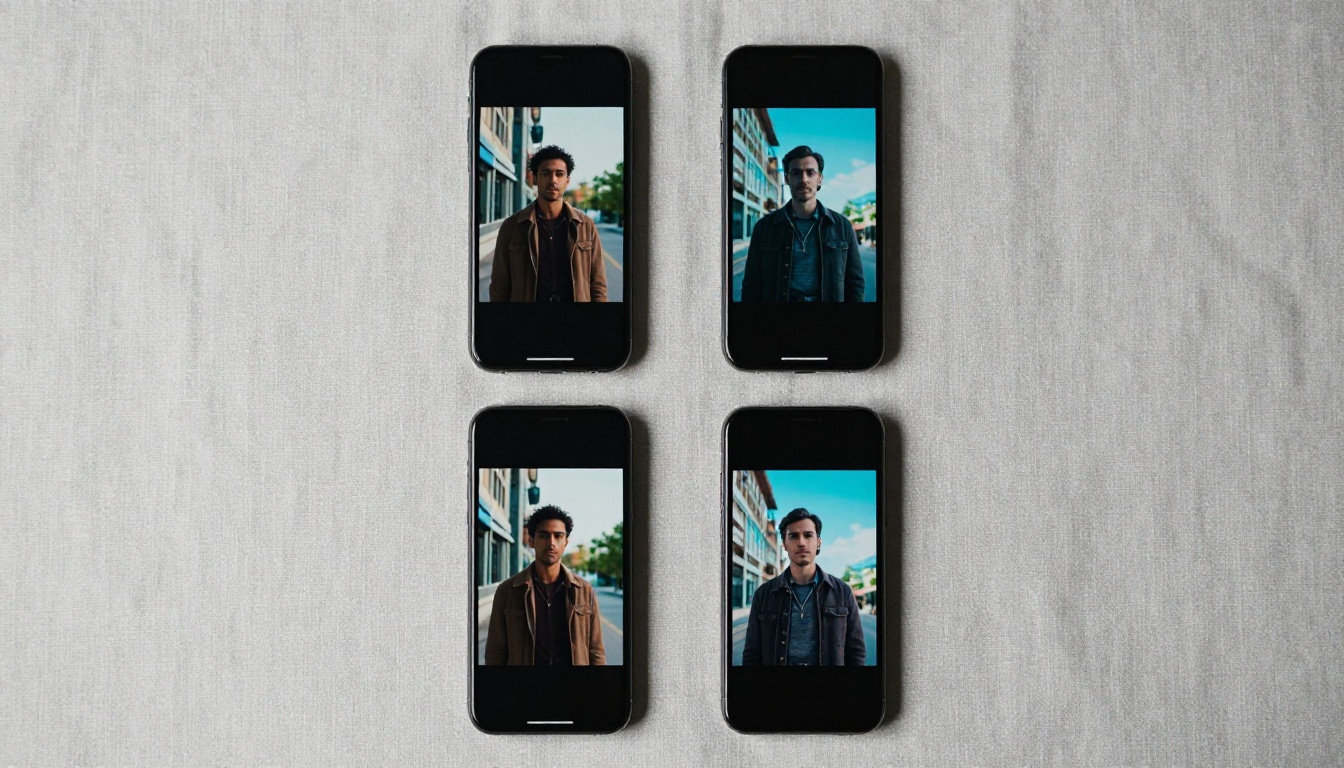
The range of Reels content being generated with Kling models spans multiple niches, not just the obvious tech-forward categories.
Fashion and aesthetics: Creators generate cinematic model shots without hiring models or photographers. A detailed prompt describing clothing, setting, and lighting produces magazine-quality still-to-motion content.
Travel and lifestyle: Place-based content is expensive to produce authentically. Kling 3.5 can generate convincing environmental footage of locations that would otherwise require travel budgets.
Fitness and wellness: Instructional-style content using Kling Avatar v2 lets creators build a consistent AI presenter persona that delivers fitness content without appearing on camera.
Educational content: Talking-head formats using Kling Lip Sync allow creators to produce educational Reels faster than recording and editing traditional talking-head video.
Brand content: Small businesses use Kling to produce professional product showcase videos that previously required videographer day rates.
💡 Note on authenticity: The most effective Reels produced with AI video tools don't announce themselves as AI-generated. The quality ceiling of Kling 3.5 is high enough that disclosure is a choice, not a requirement. Many top-performing creators use AI video as a production efficiency tool, not a replacement for genuine creative vision.
Your First Reel with PicassoIA

The barrier to producing cinematic Instagram Reels with AI has dropped to the cost of a single prompt. If you have not tried generating video with the Kling model family on PicassoIA, here is where to start.
Go to Kling v3 Video on PicassoIA and enter a simple scene: "A young woman walks through a quiet autumn forest, golden light filtering through the trees, slow dolly forward camera movement, cinematic, photorealistic, 9:16 portrait."
Review the output at full resolution. Adjust the prompt, regenerate, compare the results. Within a few iterations you will develop an intuitive feel for how the model responds to specific descriptors.
For talking-head content, pair your generated footage with Kling Lip Sync and a voiceover to produce a fully AI-constructed presenter Reel. The Kling Avatar v2 model adds another layer by animating a static portrait directly into video.
PicassoIA makes the entire Kling model family available in one place, alongside P Video Animate and over 87 other text-to-video models, so you can compare outputs from different generators and build the workflow that fits your specific Reels content style. Visit picassoia.com/en/all-models to see the full catalog.
The question is not whether AI video belongs in your Reels workflow. It is whether you will use it before your competition does.


