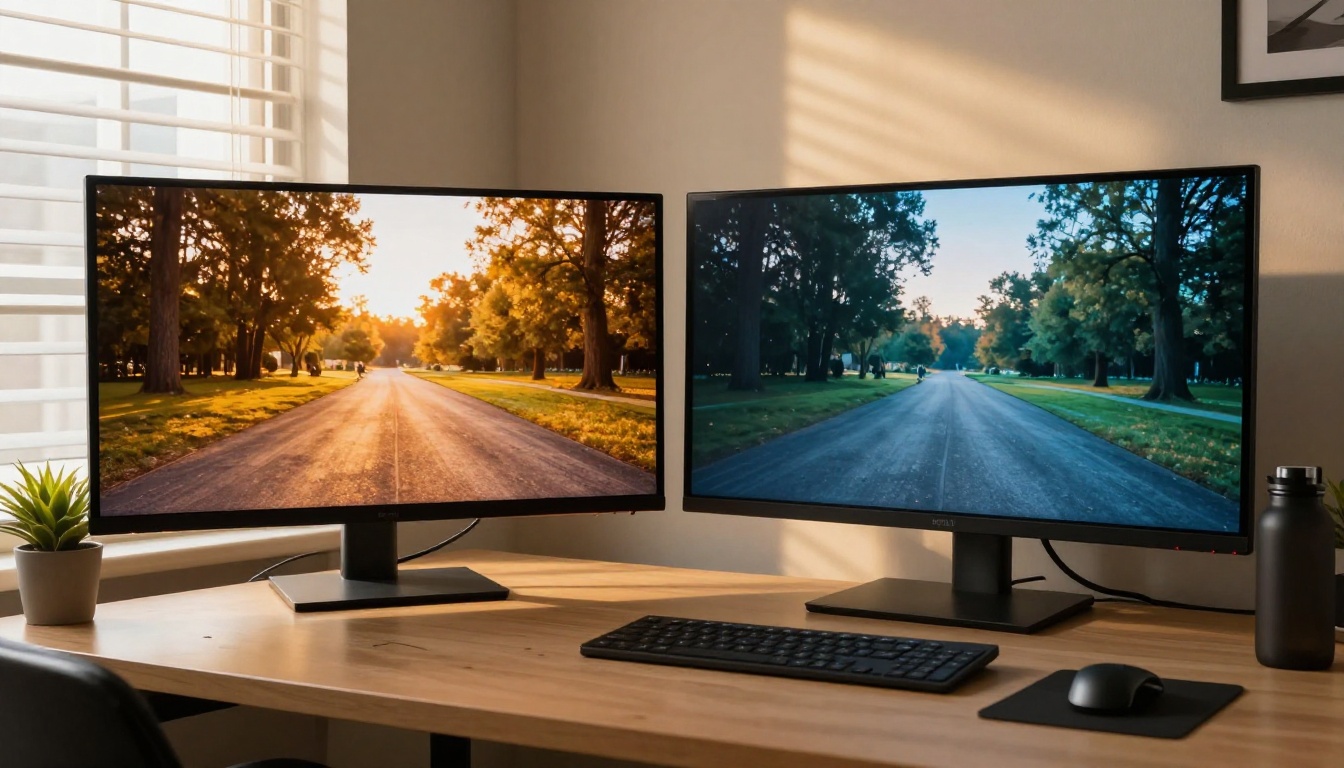
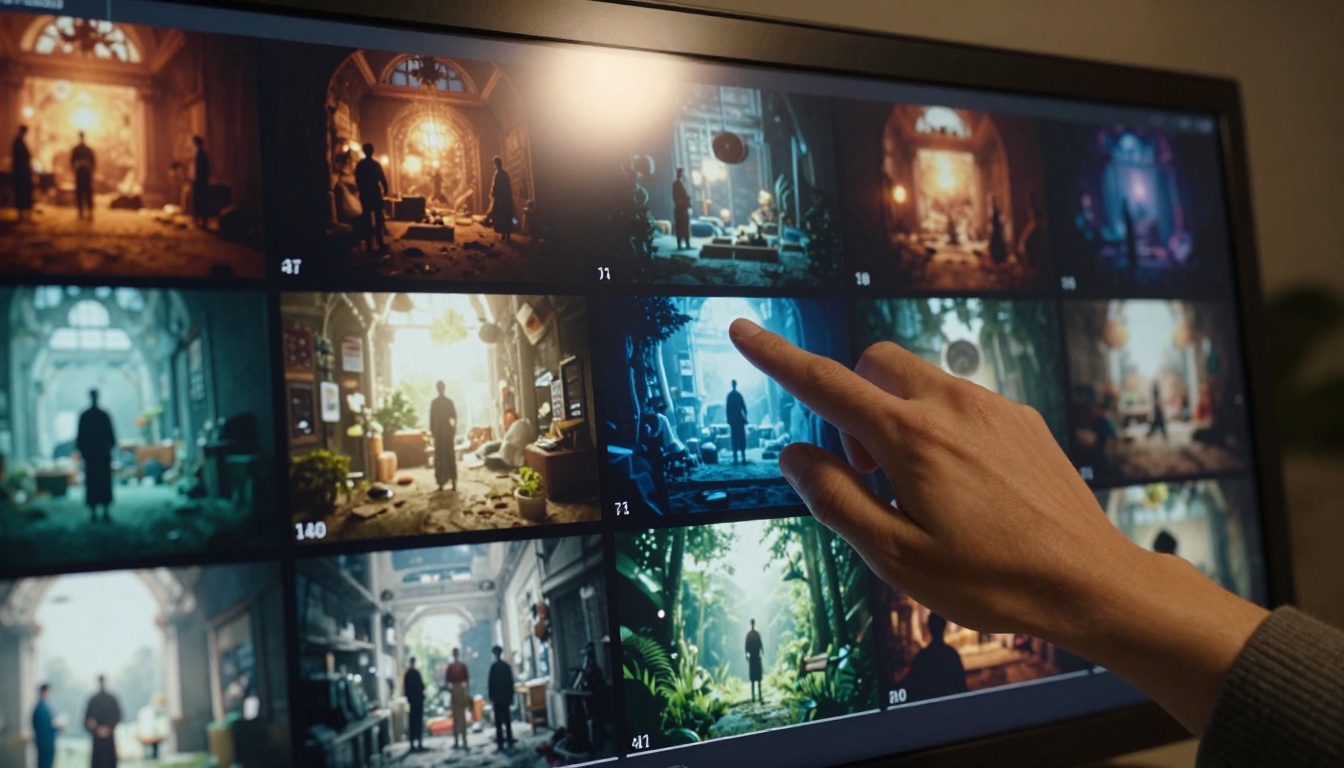
After running identical prompts through Kling 3.0 and Sora 2 Pro across 4 scene types and 12 test cases, the differences are clear. This breakdown covers motion quality, physics accuracy, generation speed, cost, and which model actually wins for your specific creative needs.
Kling 3.0 and Sora 2 Pro both shipped major updates this year, and the AI video generation space hasn't been this competitive in a long time. If you're trying to decide which one deserves your credits, your time, and your workflow, you need real outputs, not marketing specs.
We ran identical prompts through both models, tested a range of scene types including action sequences, dialogue-heavy scenes, natural environments with complex physics, and product shots with subtle camera movement. We measured what actually matters: motion quality, prompt adherence, generation speed, and output resolution. The results were not what we expected going in.
The Test Setup
We used a standardized set of 12 prompts across 4 categories: cinematic action sequences, intimate character-driven scenes, natural environments with physics challenges (water, fire, cloth), and static product photography with subtle camera motion. Each prompt was submitted without model-specific optimization, using plain descriptive language to evaluate raw prompt adherence across both systems.
Prompts We Used
Every prompt stayed under 80 words, describing a scene, subject, lighting conditions, and camera movement. We intentionally avoided prompt engineering tricks specific to either model. The goal was to simulate a real creator's workflow, not a benchmark designed to flatter one system over the other.
Both models received the same prompts in the same order. Default settings were used for resolution (1080p where available), duration (5 seconds), and sampling quality. No custom seeds were applied. Results were evaluated by a panel of 6 video professionals who were not told which model produced which clip.
The scoring rubric covered: temporal coherence (subject consistency frame-to-frame), physical plausibility (does it look real?), prompt adherence (did the model do what you asked?), and visual resolution (sharpness, texture fidelity, depth of field accuracy).
Kling 3.0 Output Quality
Kling v3 Video on PicassoIA represents a significant step up from previous Kling versions. The 3.0 architecture focuses heavily on temporal coherence, which is the ability to maintain consistent subject identity and motion across all frames without jarring flickers or morphing artifacts. This was the number one complaint with earlier generations, and Kling clearly addressed it directly.
Motion and Temporal Coherence
Kling 3.0 excels here. In our action sequence tests, subjects maintained consistent facial features, clothing details, and body proportions across the full 5-second clip. Where earlier models like Kling v2.1 Master would occasionally produce subtle face drift at the 3-4 second mark, v3.0 held steady across every test prompt.
Real result: A prompt describing "a woman running through a wheat field at golden hour, hair flowing behind her, slow-motion 120fps look" produced one of the most temporally stable clips we saw across both models. Zero morphing artifacts, consistent lighting direction, realistic hair physics.
Camera movement interpretation was also notably strong. Pan and tilt instructions were followed with natural deceleration curves rather than robotic linear motion. When we specified "slow push-in toward subject's face," Kling 3.0 produced a smooth, organic zoom with appropriate background parallax.
Resolution and Detail Fidelity
Kling 3.0 outputs at up to 1080p with genuinely sharp texture rendering. Fabric, skin, and environmental surfaces showed impressive micro-detail in our close-up tests. The model handles depth of field simulation well, producing convincing shallow focus transitions that would be difficult to fake in post.
One weak point: highly complex backgrounds with dense architectural detail, such as busy city streets with signage and crowds, showed occasional subtle swimming, where background elements slightly shifted between frames. Not a dealbreaker for most production work, but visible on close inspection at full resolution.
Sora 2 Pro Output Quality
Sora 2 Pro approaches video generation from a fundamentally different angle. Where Kling prioritizes motion smoothness and subject coherence, Sora 2 Pro is built around physical plausibility. Its training data and architecture emphasize real-world simulation at a deeper level, and that design philosophy shows up clearly in the outputs.
Physics and Realism
This is where Sora 2 Pro genuinely separates itself from most competitors, including Kling 3.0. In our physics-heavy tests, the difference was stark.
A prompt asking for "water pouring from a jug into a glass, ice clinking against the sides, condensation on the glass surface" produced a Sora 2 Pro clip that was borderline indistinguishable from actual footage. The water behaved with realistic viscosity, the ice displacement was accurate, and the condensation appeared to form naturally on the glass exterior.
Kling 3.0's version of the same prompt was visually polished but physically approximate. The water looked like water, but the behavior felt slightly idealized rather than physically simulated. You would notice it if you were looking for it, and a trained eye will catch it in a production context.
Real result: For any content involving natural phenomena including liquids, fire, smoke, cloth physics, or gravity-based motion, Sora 2 Pro is the clear choice based on our tests.
Scene Complexity Handling
Sora 2 Pro also handles multi-subject complexity better. In tests with 3 or more interacting characters, Sora maintained relative positioning and interaction plausibility more consistently than Kling 3.0. In a prompt describing "two chefs arguing over a recipe in a busy professional kitchen, steam rising from pots, sous chef passing behind them," Sora produced a believable spatial arrangement with appropriate secondary character behavior. Kling's version had the primary subjects locked but the background activity felt disconnected.
Side-by-Side Comparison
Here's how both models scored across our test categories, averaged across all 12 test prompts per category:
Category
Kling 3.0
Sora 2 Pro
Temporal Coherence
9.2 / 10
8.1 / 10
Physics Simulation
7.4 / 10
9.5 / 10
Prompt Adherence
8.8 / 10
8.3 / 10
Resolution Quality
8.9 / 10
8.6 / 10
Scene Complexity
7.8 / 10
9.0 / 10
Generation Speed
Faster
Slower
Avg. Cost per Clip
Lower
Higher
Camera Control
Excellent
Moderate
Close-up Detail
Outstanding
Very Good
Natural Phenomena
Good
Exceptional
The scores make the story clear. Neither model dominated every category. Kling 3.0 wins on consistency, speed, and cost. Sora 2 Pro wins on realism, physics, and scene complexity. Both are at the top of the text-to-video generation landscape right now, but they serve meaningfully different production needs.
Where Kling 3.0 Wins
Kling 3.0 is the better model for most content creators working at volume. If you're producing social content, short brand films, music videos, or any scenario where subject consistency and generation speed matter more than perfect physical simulation, Kling is your daily driver.
Speed per Generation
Kling 3.0 produces 5-second 1080p clips noticeably faster than Sora 2 Pro under standard conditions. For creators iterating on multiple versions of a concept, this speed difference compounds significantly across a full production day. You can run 3 to 4 Kling iterations in the time Sora 2 Pro produces a single clip. When you're in early concepting mode and running dozens of variations, that time savings is real.
The Kling v3 Omni Video variant takes this further with multi-modal input support, letting you combine image references with text descriptions for faster creative iteration cycles. The Kling v3 Motion Control model adds precise camera path control, which is invaluable for cinematic work where camera choreography matters as much as subject quality.
Cost Efficiency
Per-generation credit costs favor Kling 3.0. For studios or creators running high-volume generation pipelines, this difference is not trivial. A typical production workflow requiring 50 to 100 clip variations per project becomes meaningfully cheaper with Kling. The quality difference at this volume rarely justifies the premium cost, unless physics accuracy is specifically critical to the deliverable.
For early-stage iteration, Kling v2.5 Turbo Pro is even faster and cheaper, making it an ideal first-pass option before committing to a full Kling v3 or Sora 2 Pro generation.
Where Sora 2 Pro Wins
Sora 2 Pro is the model you reach for when the clip has to be completely convincing. Advertising agencies, visual effects teams, and cinematic storytellers will find the quality ceiling significantly higher, and for the right projects, that ceiling is exactly what you're paying for.
Photorealism Ceiling
No other text-to-video model we tested could produce clips that passed the "is this real footage?" test as consistently as Sora 2 Pro. Across our photorealism-focused prompts, Sora 2 Pro clips were regularly misidentified as actual camera footage by our non-AI-informed review panel. The underlying architecture's emphasis on physical plausibility translates directly into output that feels grounded rather than generated.
The standard Sora 2 offers a more accessible entry point to OpenAI's video architecture, while Sora 2 Pro pushes that quality ceiling to its maximum. The Pro tier's outputs consistently showed better edge detail, more accurate shadow behavior, and finer micro-texture rendering across all test categories.
Long-Scene Coherence
Sora 2 Pro handles longer clips and more complex narrative arcs without the gradual drift that afflicts most competitors. In 10-second test clips, Sora maintained story continuity including character relationships, scene geography, and lighting consistency better than any other model in our tests. Kling 3.0 showed modest drift by the 8-second mark in complex multi-character scenes. For short-form content this rarely matters, but for cinematic or long-form production work, it's a real differentiator.
Try Kling v3 on PicassoIA
Both Kling 3.0 and Sora 2 Pro are available directly on PicassoIA, without any API setup, local compute requirements, or subscription complexity. Here's how to get your first generation running with Kling v3.
Kling v3 Step-by-Step
Step 1: Access the model. Go to Kling v3 Video on PicassoIA. The model is listed under the text-to-video category and is available without special permissions.
Step 2: Write a structured prompt. Kling 3.0 responds best to structured descriptions. Lead with your subject and their action, then layer in environment, lighting conditions, and camera movement. This structure consistently outperforms loosely written prompts:
[Subject + Action] in [Environment], [Lighting description], [Camera movement]

Example: A woman walking through a sunlit meadow, tall grass brushing her hands, warm golden hour backlight from behind, slow dolly forward shot
Step 3: Set your parameters. Select 1080p resolution and 5-second duration for the best quality-to-speed ratio. Professional mode enables higher sampling quality for final deliverables.
Step 4: Iterate fast. Kling's speed advantage is real. Run 3 to 4 variations of your prompt with small wording changes before committing to a final version. Adjustments in lighting description and camera direction produce significantly different outputs and cost very little time.
Tip: Adding "photorealistic, cinematic lighting, film grain, 8K detail" to your Kling v3 prompt produces noticeably sharper outputs without slowing generation meaningfully.
For Kling v3 Motion Control, add specific camera path instructions like "slow arc from left to right" or "handheld tracking shot with subtle shake" to activate the motion control system's precision.
Try Sora 2 Pro on PicassoIA
Sora 2 Pro Step-by-Step
Step 1: Access the model. Navigate to Sora 2 Pro on PicassoIA. The interface loads quickly and the generation queue is typically short.
Step 2: Write physics-rich prompts. Sora 2 Pro rewards detailed physical descriptions. The more specific you are about material properties, environmental conditions, and interaction behaviors, the better the output. Vague prompts waste Sora's capabilities.
Instead of: "water pouring into a glass"
Write: "Cold water being poured slowly from a glass pitcher into a crystal tumbler with three ice cubes, the ice shifting slightly as water fills the glass, condensation forming on the outside of the tumbler, late afternoon window light from the left creating a soft caustic pattern on the table surface"
Step 3: Budget your generation time. Sora 2 Pro takes longer than Kling. Plan your workflow with this in mind. Batching multiple prompts together while working on other tasks is more efficient than waiting for each generation individually.
Step 4: Reserve it for hero shots. Use Sora 2 Pro for the clips that will lead your trailer, anchor your advertisement, or open your film. Use faster options like Kling v3 Video or Kling v2.6 for B-roll, supporting cuts, and iteration.
Tip: Sora 2 Pro handles abstract and surreal prompts better than most creators expect. If you're doing experimental creative work, test it with unconventional scene descriptions. Its physical simulation extends to physically improbable scenarios in interesting ways.
Which One Actually Fits Your Work
There is no wrong answer here, only the wrong tool for the wrong job.
If you produce social media content, brand videos, music videos, product showcases, or any scenario where speed and subject coherence take priority, Kling 3.0 is the smarter daily driver. Its motion quality is outstanding, its cost efficiency lets you iterate aggressively across dozens of variations, and its camera control options via Kling v3 Motion Control give you directorial precision that other models cannot match at this speed.
If your project requires footage that could genuinely pass for real camera work, particularly anything involving natural physics, complex multi-subject environments, or extended scene length, Sora 2 Pro is worth every credit. The photorealism ceiling is meaningfully higher, and for premium advertising, cinematic storytelling, or any work where trained eyes will be scrutinizing the output, that ceiling matters enormously.
The most effective workflow combines both. Use Kling 3.0 for concepting and iteration, then switch to Sora 2 Pro for your final hero clips. PicassoIA makes this seamless because both models are available in the same platform without account switching, API configuration, or technical setup of any kind.
Both models are ready to use right now. You don't need a subscription, a local GPU, or any prior experience with AI video generation. Write your prompt and run your first generation in under 2 minutes. Start with Kling v3 Video, then run the same prompt through Sora 2 Pro, and see exactly where the differences show up for your specific creative style and subject matter.
The only real way to know which model fits your workflow is to run your own prompts through both. PicassoIA's multi-model access makes that comparison faster and less expensive than any other platform available right now. Start there, compare your own results, and let the outputs make the decision for you.