Something shifted in the AI video space in 2025. Kling AI had a solid run as the go-to text-to-video generator for creators who needed consistent quality without spending hours tweaking settings. But that era is over. Google's Veo 3.1 and OpenAI's Sora 2 have entered the picture, and the gap between what Kling can do and what these models deliver is wider than most people expect.
This is a direct comparison. No soft takes. If you're still routing your video workflow through Kling, you should know what you're working around.
What Made Kling Popular
Kling built its reputation on one thing: consistent motion quality at 1080p. The Kling v1.5 Pro was a reliable workhorse for social content, product showcases, and short-form clips. It handled camera movement prompts better than most competitors at the time, and its image-to-video output was genuinely impressive.
But "impressive for the time" is doing a lot of work in that sentence.
What Kling Does Well
- Image-to-video translation: feeding a still image and getting smooth motion output
- Cinematic camera movements: dolly, pan, and crane-style prompt following
- Consistent character motion: less flickering than older generation models
- Multiple tier options: Kling v2.6, Kling v3 Video, and Kling v3 Omni Video give different speed/quality tradeoffs
Where Kling Falls Short
- No native audio generation in any current tier
- Prompt-to-video accuracy degrades with complex multi-element descriptions
- Long-form coherence breaks down past 10 seconds
- World physics simulation noticeably lags behind newer models
Veo 3.1: Google's Current Best
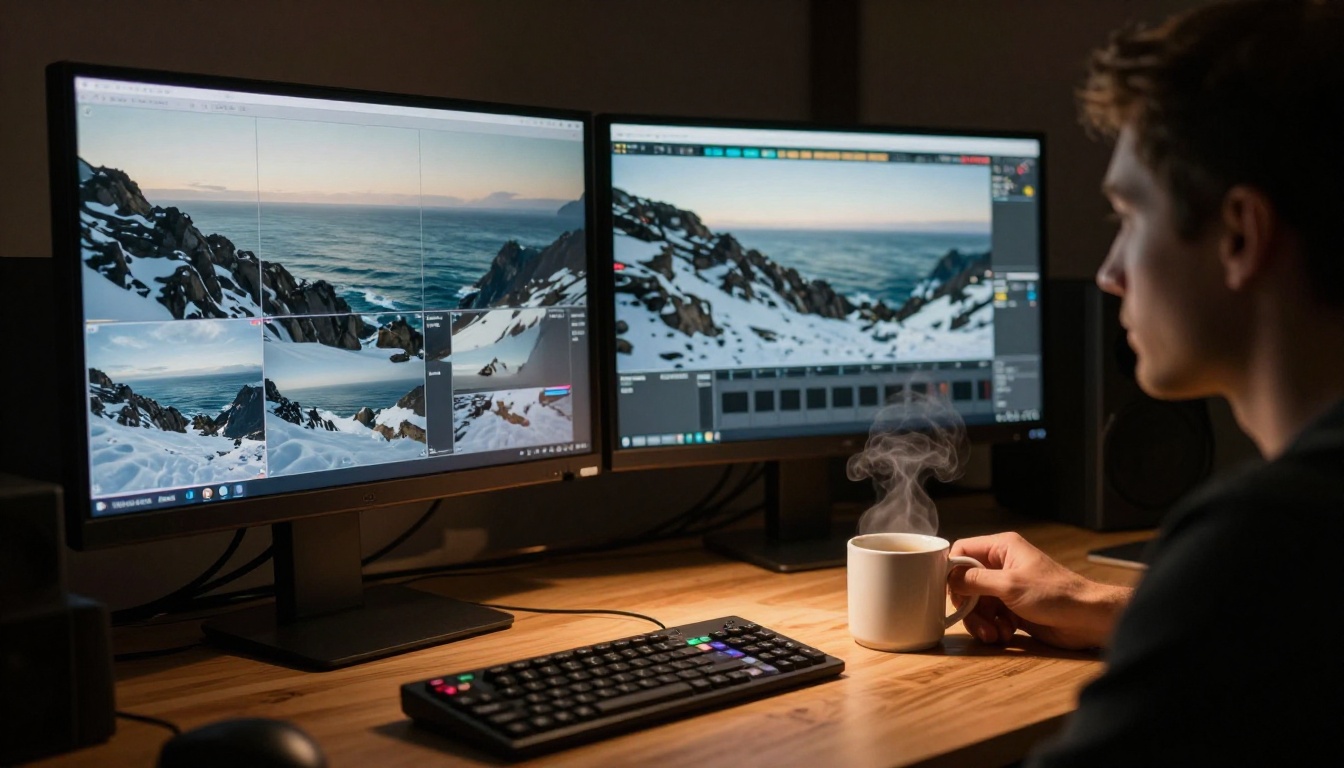
Veo 3.1 is not just an update to Veo 3. It represents a meaningful architectural shift in how Google approaches video generation. The model produces 1080p output with native audio synthesis, meaning sound effects, ambient noise, and dialogue are generated alongside the visuals without a separate audio pipeline.
That alone puts it in a different category from Kling.
Veo 3.1 in Three Variants
The fast tier is the one most creators will reach for. Veo 3.1 Fast delivers near-identical output quality to the full model at significantly reduced generation time. For iterative workflows where you're testing multiple prompts, that time savings compounds quickly.
💡 Tip: Use Veo 3.1 Lite for rapid prototyping and ideation, then switch to the full Veo 3.1 for your final export.
What Veo 3.1 Gets Right
- Physics accuracy: Water behavior, cloth movement, and lighting interactions look correct in ways Kling frequently gets wrong
- Prompt fidelity: Complex multi-element scenes render closer to the described intent
- Native audio: Spoken dialogue, environmental sound, and music tracks generated from the same text prompt
- Temporal consistency: Characters and objects stay visually stable across the full clip duration
Sora 2: OpenAI's Answer
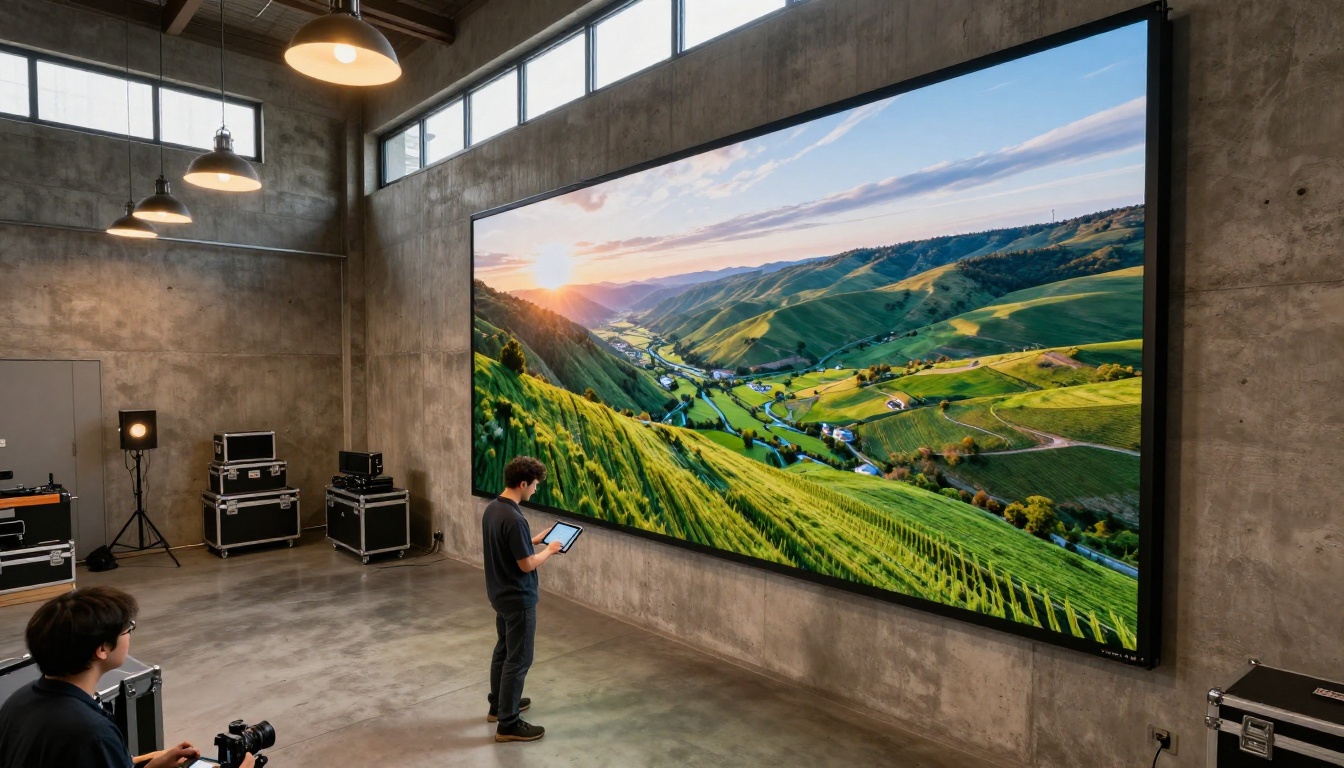
Sora 2 approaches the problem differently from both Kling and Veo 3.1. Where Google focuses on realism and audio fidelity, OpenAI built Sora 2 around world simulation accuracy. The model doesn't just render plausible footage; it attempts to simulate how objects, light, and physics actually interact in three-dimensional space.
The result is video that feels more grounded than Kling output. Scenes have weight. Objects cast correct shadows. Reflections behave like real reflections.
Sora 2 vs Sora 2 Pro
Both Sora 2 and Sora 2 Pro are available, with the Pro tier targeting professional production use cases. The difference in output quality becomes visible when you push complex scenes: indoor lighting with multiple sources, reflective surfaces, and human subjects in motion.
💡 When to use Sora 2 Pro: Anything going into a commercial production, brand video, or project where visual accuracy directly affects how professional the result looks.
Sora 2 Strengths
- 3D spatial coherence: Objects maintain correct relative positions as cameras move through a scene
- Human motion quality: Natural-looking walking, gestures, and facial expressions with minimal artifacts
- Long clip stability: Output stays coherent at longer durations than most competitors
- Audio sync: Synchronized audio generation alongside visuals in a single pass

The Real Comparison: Kling vs Veo 3.1 vs Sora 2
Stop debating specs. Here is what actually matters when choosing between these models for a real workflow.
Side-by-Side: Core Metrics
| Feature | Kling v2.6 | Veo 3.1 | Sora 2 |
|---|
| Max Resolution | 1080p | 1080p | 1080p HD |
| Native Audio | No | Yes | Yes |
| Physics Accuracy | Good | Excellent | Excellent |
| Prompt Complexity | Moderate | High | Very High |
| Camera Control | Strong | Strong | Strong |
| Generation Speed | Fast | Standard | Standard |
| Temporal Consistency | Good | Very Good | Excellent |
Which One for Social Content?
If you're making short-form content for social platforms, Kling v2.6 or Kling v3 Omni Video still make sense for speed. But the moment your audience expects audio, the math changes. Veo 3.1 Fast generates clips with audio in a comparable timeframe.
Which One for Professional Production?
Sora 2 Pro leads here. The spatial accuracy and human motion quality justify the extra generation time in a professional context. For brand-facing work, the difference between Sora 2 Pro output and Kling output is visible to non-technical eyes.
Which One for Rapid Iteration?
Veo 3.1 Fast or Veo 3.1 Lite. The quality-to-speed ratio is unmatched for testing multiple prompt variations inside a single session.

How to Use Veo 3.1 on PicassoIA
Both Veo 3.1 and its variants are available directly on PicassoIA. Here is how to get the best results from the model.
Step 1: Select Your Variant
Go to the Veo 3.1 model page. Choose between the standard, fast, or lite version depending on whether your priority is final output quality or iteration speed.
Step 2: Write a Strong Prompt
Veo 3.1 responds well to detailed, scene-oriented prompts. Structure yours like this:
- Subject: Who or what is in the scene
- Action: What is happening
- Environment: Where and at what time of day
- Camera: What angle and movement you want
- Audio: What sounds should accompany the clip
Example: "A woman in a linen jacket walks along a quiet coastal road at dawn, camera tracking from behind at ground level, soft wind sound and distant ocean waves in the background."
Step 3: Set Audio Parameters
Veo 3.1's audio generation is one of its defining features. Include specific audio descriptors in your prompt. Words like "ambient," "distant," "reverberant," "muffled," and "close-mic" actually influence the output you get.
Step 4: Iterate Fast
Use Veo 3.1 Lite to test prompt variations. When you find a prompt that produces the scene you want, switch to the full Veo 3.1 for your final render.
💡 Pro tip: Keep your prompt under 150 words. Veo 3.1 handles specificity well, but overly long prompts with contradicting elements reduce output coherence.

More Models Worth Running
Veo 3.1 and Sora 2 are not the only strong Kling alternatives. The AI video space has expanded significantly, and several other models deserve attention depending on your use case.
ByteDance Seedance 2.0
Seedance 2.0 from ByteDance generates video with built-in audio and targets the same quality tier as Veo 3.1. Its motion consistency at 1080p is strong, and it handles scene transitions with fewer visual artifacts than most competitors. For creators who want a strong Kling alternative with audio included, Seedance 2.0 is one of the most reliable options available right now.
Pixverse v6
Pixverse v6 generates cinematic video with AI audio in a fast pipeline. It excels at stylized scenes where the priority is visual impact over strict realism. Good for social-first content with high production value aesthetics and short turnaround requirements.
Hailuo 02
Hailuo 02 from Minimax is one of the better options for 1080p generation in the mid-tier. It handles portrait-oriented subjects and close-up scenes particularly well, and its audio pipeline is solid for dialogue-heavy content.
LTX 2 Pro
LTX 2 Pro from Lightricks pushes into 4K territory. If resolution beyond 1080p is a hard requirement for your project, this is the model to reach for. The trade-off is generation time, but the output quality at high resolution is worth it for print-ready or large-format use cases.
Wan 2.7 T2V
Wan 2.7 T2V targets 1080p output with strong text-following accuracy. For prompt-heavy workflows where the visual output needs to match a specific creative brief closely, Wan 2.7 is a strong competitor that often outperforms Kling on complex scene descriptions.
Audio: The Feature Kling Doesn't Have
This deserves its own section because it affects more workflows than most creators realize.
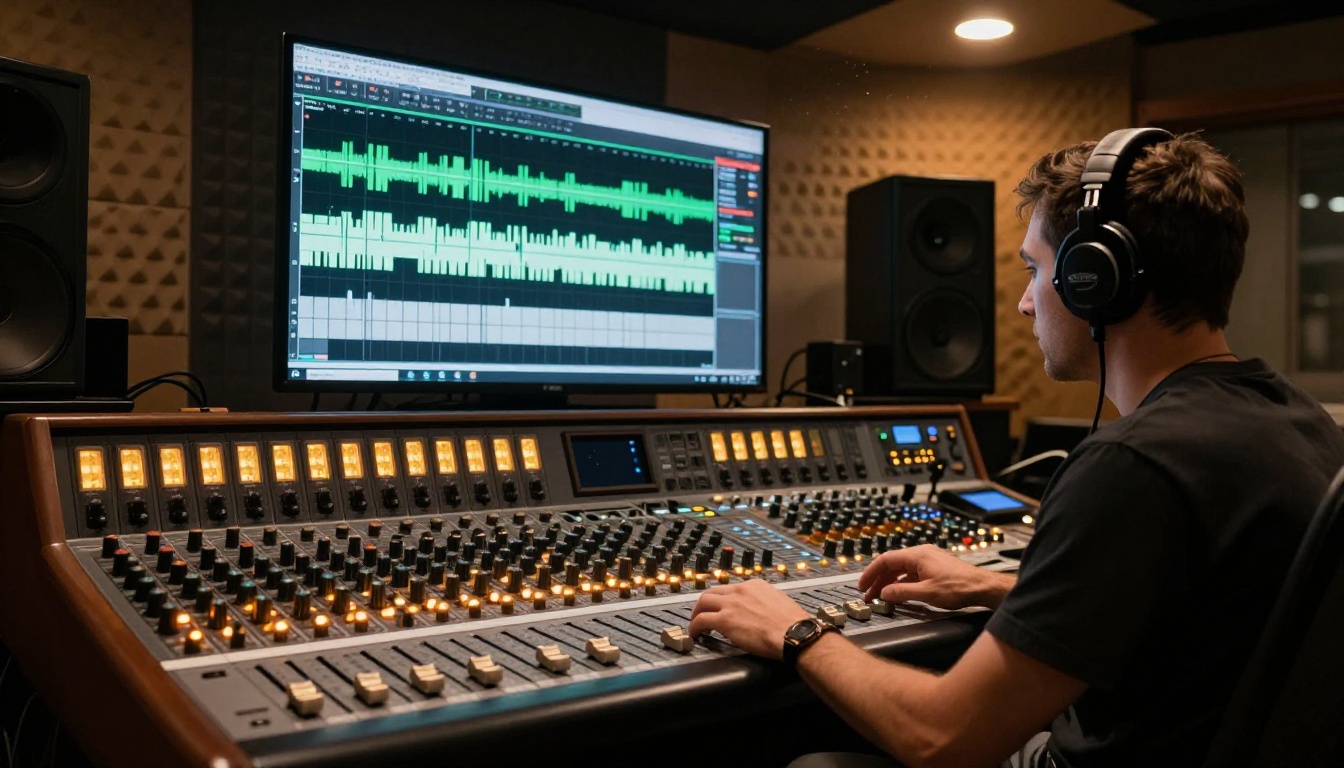
When you generate video without audio, the editing pipeline gets more complicated. You need to source music, sound design, or voice-over separately, then sync it manually in post. That adds time, and adds cost if you're sourcing from paid libraries or hiring voice talent.
Both Veo 3.1 and Sora 2 generate synchronized audio from the same prompt. Environmental sounds, ambient noise, and in some cases dialogue are produced alongside the visuals. The audio-video sync is handled by the model, not in post-production.
For creators who are not professional editors, this is a significant workflow simplification. For production studios, it removes a full step from the pipeline entirely.
Seedance 2.0 and Pixverse v6 also support audio generation in their output. Hailuo 02 includes audio in its pipeline as well, making it a solid option for content that requires synced voice or ambient audio without additional tooling.
Kling Is Not Finished
This is not a burial. Kling remains one of the most capable video generation systems for specific use cases, particularly image-to-video workflows. Kling v3 Video and Kling v2.6 are solid options when you're starting from a reference image rather than pure text.
The Kling v2.6 Motion Control variant is specifically strong for animating from a photo with precise camera control. If your starting point is a still image and you need fine-grained control over how the camera moves through that scene, Kling's motion control architecture is still among the best available.
Where Kling loses ground is in pure text-to-video generation at quality levels that include audio, long-form coherence, and world-physics accuracy. In those three areas, Veo 3.1 and Sora 2 have pulled clearly ahead.
When to Still Use Kling
- Image-to-video: Starting from a specific reference photo
- Speed-first workflows: When generation time is the primary constraint
- Post-audio projects: Projects where audio will be added in post anyway
- Stylized motion: Social content where Kling's specific motion aesthetic fits the brief

Picking the Right Model for Your Project
The decision is not about which model is "best" in the abstract. It is about which model fits the specific job in front of you.
Every model mentioned in this article is available in one place. PicassoIA gives you access to Veo 3.1, Veo 3.1 Fast, Veo 3.1 Lite, Sora 2, Sora 2 Pro, Kling v2.6, Kling v3 Video, Seedance 2.0, Pixverse v6, LTX 2 Pro, Hailuo 02, and Wan 2.7 T2V from a single interface.
No separate accounts. No separate billing. No separate tools just to test which model works best for your specific project.
The best way to figure out which model fits your workflow is to run the same prompt through two or three models and compare the output directly. That is exactly what the platform is built for. Write your first prompt, pick your model, and see which one fits. The comparison becomes obvious the moment you're looking at actual output side by side.