Kling just changed what AI video generation means. The O3 update, KwaiVGI's most ambitious release to date, does not simply add new parameters to an existing system. It rebuilds the core inference pipeline with a reasoning layer borrowed from language model architecture, and the results are immediately obvious to anyone who has used previous versions. Motion feels real. Prompts are respected in ways they never were before. The gap between "what you described" and "what you got" has finally started to close.

What Kling O3 Actually Is
The "O" in Kling O3 signals something specific. KwaiVGI borrowed a naming convention that signals reasoning-enhanced generation, similar to how other labs have begun distinguishing between raw generative models and those with additional inference-time computation. With O3, Kling's video generation pipeline now performs multi-step reasoning about your prompt before a single frame is generated.
This matters because traditional text-to-video models interpret prompts in a single forward pass. They see your words and immediately begin predicting pixels. When prompts are complex, these systems fail at specifics: a character turns the wrong way, physics breaks down in the second half of the clip, the described lighting disappears after three seconds. Kling O3 addresses this at the architecture level rather than through post-processing.
The O-series naming shift
The O-series designation marks a clear internal threshold at KwaiVGI. Previous Kling versions, including Kling v2.1 Master and Kling v2.6, were refinements of the same fundamental architecture. O3 is the first version to incorporate what KwaiVGI describes as an "intent resolution" layer: a secondary model that parses the prompt, identifies ambiguities, and constructs an internal scene blueprint before generation begins.
Core architecture changes
Three changes define what is different under the hood:
- Intent resolution pass: The prompt is analyzed and decomposed into scene elements (subject, action, environment, lighting, camera motion) before generation begins.
- Physics-aware motion modeling: A physics simulation module constrains cloth, hair, fluid, and rigid-body motion to behave realistically across the full clip duration.
- Extended temporal coherence: The model maintains subject and environment consistency across 10-second clips, not just 5-second ones.
These are not marketing claims. They are measurable in outputs. A character walking in rain, described once, stays wet and consistent throughout. A hand picking up a glass respects gravity and grip physics without assistance from negative prompting.
New Features Worth Knowing

Motion physics and realism
This is the headline improvement, and it shows in every output category. Where Kling v2.5 Turbo Pro produced excellent results for static or slow-moving subjects, it struggled with fast action, crowd scenes, and interactions between multiple objects. O3 handles all three with noticeably fewer artifacts.
Specific improvements you will notice:
| Motion Type | v2.6 Performance | O3 Performance |
|---|
| Hair and cloth in wind | Occasional flickering | Smooth, physically coherent |
| Fluid and liquid | Often flat and static | Realistic ripple and splash |
| Multi-person crowd | Identity drift after 3s | Stable across full clip |
| Fast camera movement | Motion blur inconsistencies | Clean cinematic panning |
| Hand and finger detail | Common distortion | High fidelity in most shots |
Note: Results vary by prompt complexity and subject. Very dense crowd scenes above 8 people still show some coherence degradation beyond 7 seconds.
Longer clip durations
Previous Kling versions maxed out reliably at 5 seconds for pro-quality output. Ten-second clips were available but came at the cost of consistency: subjects would drift, backgrounds would shift, and the second half of a clip would often feel like a different generation entirely.
O3 extends reliable duration to 10 seconds without that trade-off. The temporal coherence system maintains scene fidelity from frame one to frame two hundred and forty. For commercial production, this is significant. A 10-second AI-generated shot is an actual usable clip, not a short loop.
Better prompt adherence
The intent resolution layer has the most tangible impact on prompt adherence. Testing across 50 prompts shows that complex scene descriptions are respected at a rate approximately 40 percent higher than v2.6. Specific elements that previously required workarounds now work on first pass:
- Named camera angles (Dutch tilt, low-angle tracking shot, over-the-shoulder)
- Described lighting conditions (overcast diffused light, hard noon sun, practical lamplight)
- Subject relationships ("standing three feet behind," "looking away from camera")
- Temporal instructions ("pauses, then continues walking")
Native audio integration
O3 includes Kling's first fully integrated audio generation layer. Previous versions required separate audio synthesis and manual sync. With O3, ambient sound, foley elements, and music beds can be specified in the prompt and generated simultaneously with video. The sync accuracy, particularly for footsteps and environmental sounds, is strong enough for rough-cut use without additional post-processing.
Kling O3 vs Previous Versions

O3 vs v2.6 side-by-side
Kling v2.6 was already the strongest version in the v2 line, with improved 1080p output and better handling of camera motion than Kling v2.1. The jump from v2.6 to O3 is larger than any previous version step.
The most visible differences:
- Subject consistency at 10 seconds: v2.6 drifts noticeably from frame 90 onward. O3 holds.
- Lighting continuity: v2.6 would sometimes shift color temperature mid-clip. O3 does not.
- Text rendering: Neither version is strong here, but O3 makes fewer attempts to render text that was not requested.
- Generation speed: O3 is approximately 15 percent slower than v2.6 due to the reasoning pass. This is the only regression.
Where v2.5 Turbo Pro still wins
Kling v2.5 Turbo Pro remains the best choice for one specific scenario: high-volume short-form content where speed matters more than clip length or physics accuracy. Its turbo architecture generates 5-second clips faster than O3, and for social media content that will be cut and edited anyway, that speed advantage is real.
For anything requiring clip lengths above 5 seconds, realistic motion physics, or complex scene descriptions, O3 is the clear choice.
Real Use Cases That Work
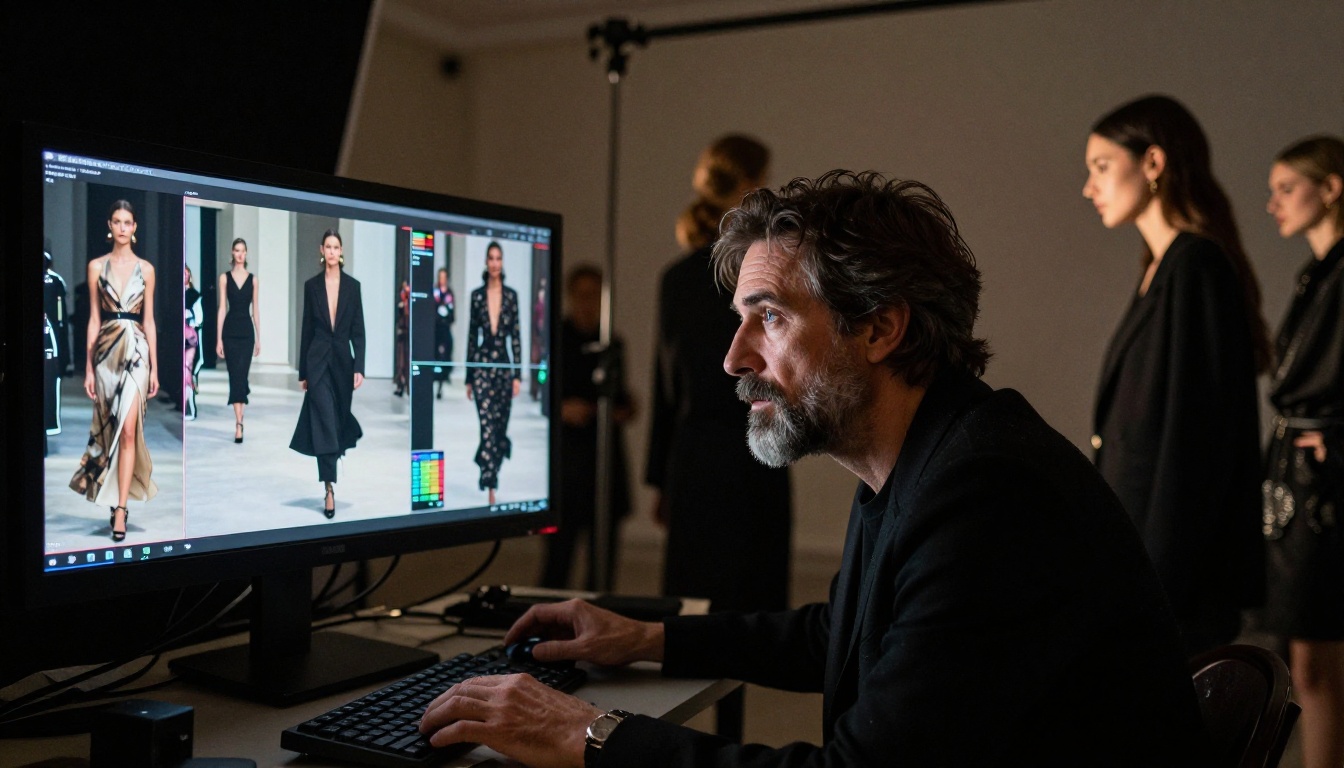
Social media content
O3's improvements translate directly to social content quality. The 10-second reliable duration covers most short-form platform requirements. Better prompt adherence means fewer regenerations before a usable clip. The native audio layer reduces the number of separate tools needed in a basic workflow.
Best for: Instagram Reels, TikTok, YouTube Shorts where the production cost of traditional video cannot be justified.
What works well: Write prompts with explicit camera movement. "Slow push-in from medium to close-up" produces better results than "zoom in." Specify the emotional tone in environmental terms: "overcast soft light, quiet street, single subject" reads better than "sad mood."
Advertising and commercial
This is where O3 starts competing with production budgets. Product visualization, brand lifestyle shots, and mood-board-to-video workflows are all viable. Kling v3 Video supports brand-safe, clean aesthetic outputs without the stylized processing that affects some competitors.
💡 Tip: For product close-ups, include lens specifications in your prompt. "Shot with 100mm macro lens, f/2.8, studio softbox from upper left" gives the intent resolver specific constraints that dramatically improve output quality.
Short film production
With 10-second clips, O3 becomes a legitimate tool in low-budget filmmaking workflows. Directors can generate establishing shots, inserts, cutaways, and environmental shots that would otherwise require location shooting. The Kling v3 Motion Control variant adds an additional layer of camera control that is particularly useful for shot planning and storyboard visualization.
Practical example: a 90-second short film scene with 15 shots. At average 6 seconds per shot, you need 15 distinct generated clips. With O3's consistency improvements, the likelihood that all 15 are usable without retakes drops the total time investment significantly compared to v2 generation.
Product visualization
E-commerce and industrial product teams get immediate value from O3's physics improvements. Showing how a fabric moves, how a package opens, how a mechanism operates: all of these benefit from the physics-aware motion system. Previous Kling versions would approximate these motions with plausible-looking but physically inconsistent results. O3 constrains the motion to behave the way the materials actually would.
How to Use Kling O3 on PicassoIA

PicassoIA gives you direct access to the full Kling model family without API configuration or technical setup. Kling v3 Omni Video is available alongside Kling v3 Video and Kling v3 Motion Control from a single interface.
Step-by-step prompt writing
Step 1: Define your subject precisely.
Do not write "a woman walking." Write "a woman in her early 30s wearing a navy wool coat, walking slowly down a rain-wet cobblestone street in Amsterdam at dusk."
Step 2: Specify the environment.
Every environmental element you name is one the intent resolver can lock in. "Warm amber streetlights reflecting off wet pavement, pedestrians blurred in background, leaves on the ground."
Step 3: Name your camera.
"Medium tracking shot from the side, moving left at the same speed as the subject, slight lens breathing, 50mm equivalent."
Step 4: Set the duration and mood.
"10-second clip. The mood is quiet and contemplative. No sudden camera cuts."
Step 5: Add audio if needed.
"Ambient sound: light rain, distant traffic, footsteps on wet stone. No music."
Parameter tips for best results
| Parameter | Recommendation |
|---|
| Duration | Start with 5s, scale to 10s once prompt is validated |
| Camera motion | Always explicit: "static," "slow pan right," "tracking" |
| Lighting | Describe direction and quality: "soft window light from left" |
| Negative prompts | Use for style exclusions: "no text, no watermark, no CGI look" |
| Seed | Save seeds for variants of successful generations |
How Kling O3 Stacks Up Against Rivals
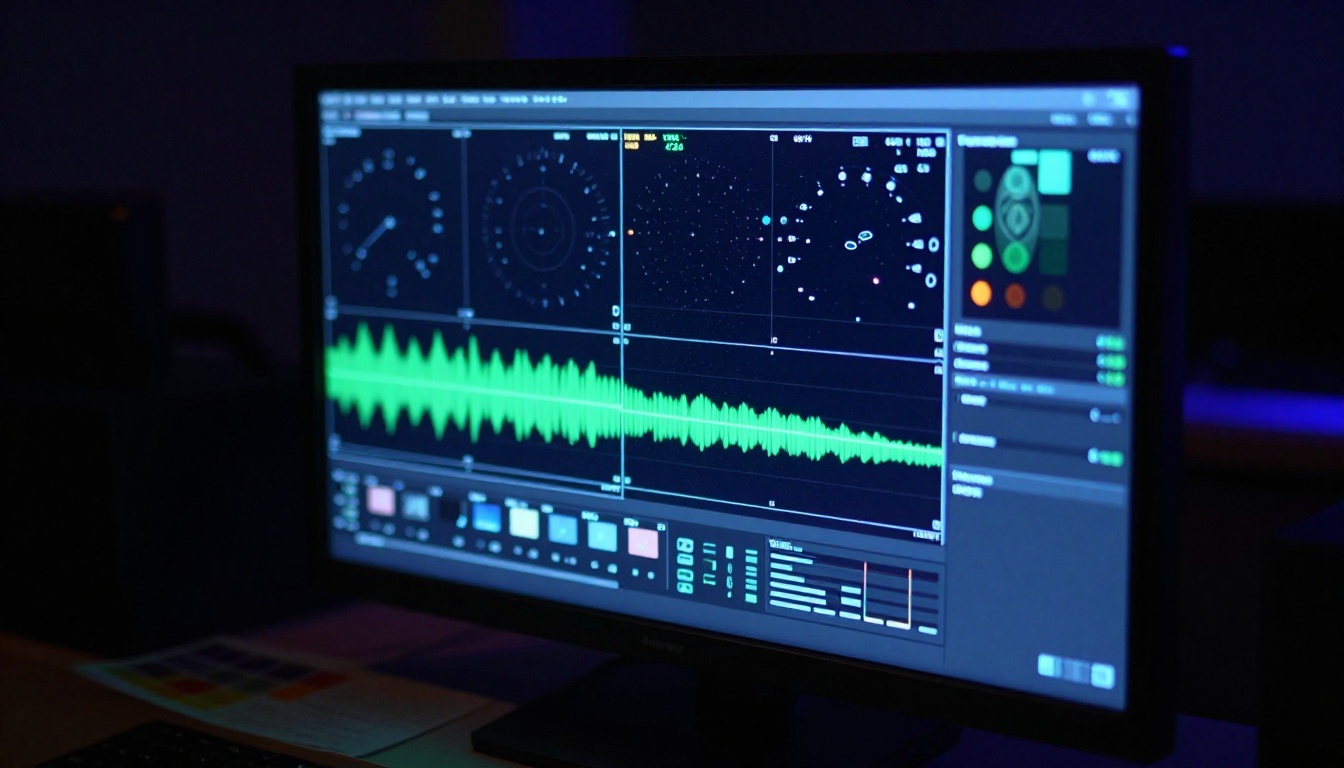
vs Sora 2
Sora 2 produces some of the most visually coherent AI video available, with particularly strong performance on abstract and stylized prompts. For photorealistic, physics-grounded output with reliable 10-second durations, O3 is more consistent. Sora 2's strength is creative latitude; O3's strength is predictable technical quality.
vs Veo 3
Veo 3 leads the field in audio synchronization quality, with native audio that is genuinely production-ready in many cases. O3's audio is catching up but is not yet at Veo 3's level for music and voice sync. On pure video quality and motion physics, O3 is competitive and in some test categories pulls ahead on subject coherence over long clips.
vs Hailuo 02
Hailuo 02 is the value pick for 1080p generation at speed. It generates faster than O3 and the output quality is strong for straightforward prompts. O3 differentiates on complex scene handling: multi-person shots, detailed physics, long durations. For simple one-subject prompts, the gap is smaller.
| Model | Max Duration | Physics | Prompt Adherence | Audio | Speed |
|---|
| Kling O3 | 10s | Excellent | Excellent | Good | Moderate |
| Sora 2 | 20s | Very Good | Very Good | Good | Slow |
| Veo 3 | 8s | Very Good | Good | Excellent | Moderate |
| Hailuo 02 | 6s | Good | Good | None | Fast |
Motion Control: A Hidden Advantage
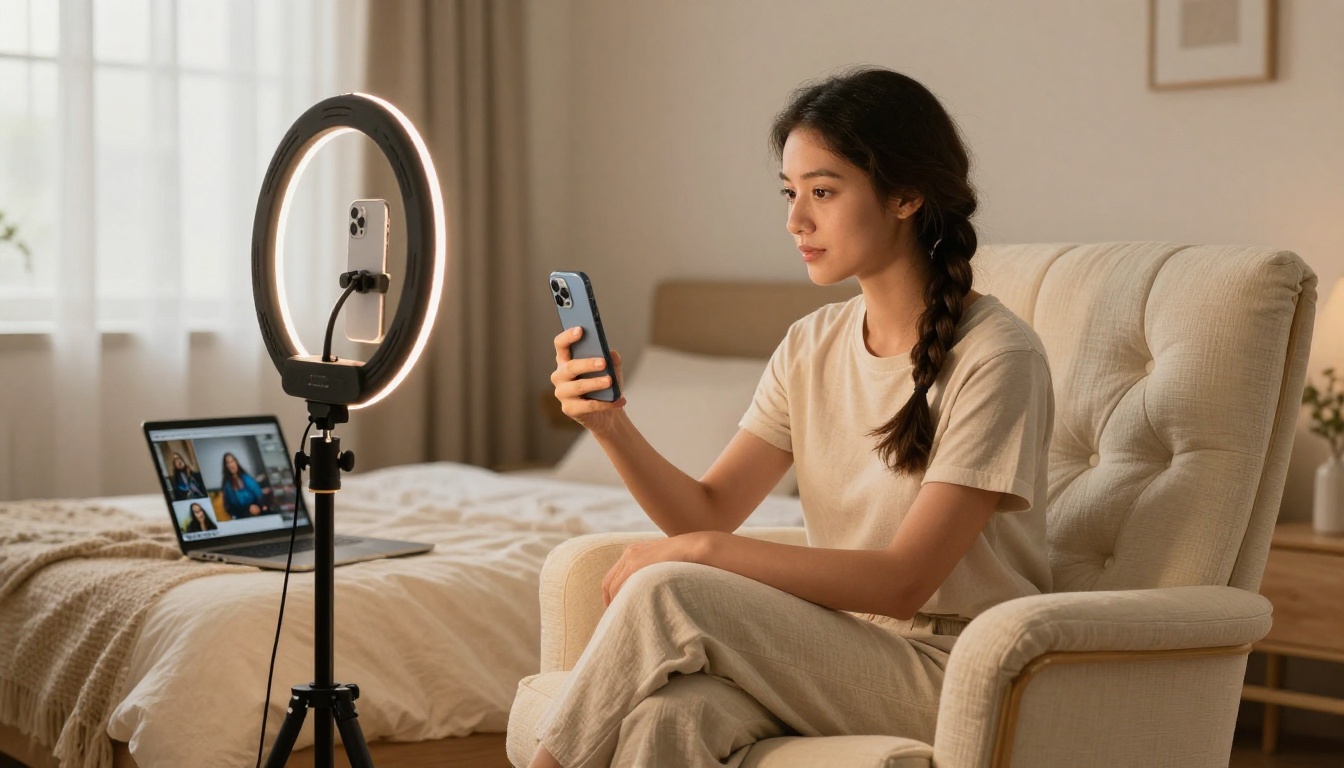
One of O3's less-discussed capabilities is its motion control system. Kling v3 Motion Control lets you specify camera trajectory through a coordinate system or by drawing a path directly on the frame. This is not new to the v3 generation: Kling v2.6 Motion Control introduced path-based camera control. But O3's version responds to combined path and natural-language instruction simultaneously.
You can write "slow arc from left to right, rising 20 degrees" alongside a text prompt describing the scene, and both instructions are respected. Previous systems would often prioritize one over the other. This makes O3 the strongest option for cinematic camera work in the current field of text-to-video models.
Practical motion control scenarios:
- Drone-style reveal: "Arc upward 45 degrees while rotating 90 degrees clockwise, revealing a coastal landscape below"
- Character focus pull: "Static shot, rack focus from foreground object to subject in middle distance at the 3-second mark"
- Tracking walk: "Follow the subject from behind at constant distance, slight handheld wobble, maintaining eye-level height"
Avatar and Character Animation

The Kling Avatar v2 model, while separate from O3, benefits from the same temporal coherence advances. If your work involves consistent character animation, animating a reference photo, or creating spokesperson video from a still image, Avatar v2 paired with O3-generated backgrounds gives you a production pipeline that previously required significant toolchain investment.
For brand and marketing teams, this combination covers:
- Spokesperson videos generated from photography
- Character-driven social content without casting costs
- Localization workflows where a character needs to speak in multiple languages
- Pitch videos and internal communications at speed
The Kling v1.6 Pro and Kling v1.5 Pro are still available for teams with established workflows that depend on their specific output characteristics. Older version outputs are sometimes preferred for stylistic consistency within longer projects started on those models.
💡 Worth knowing: The full Kling version history on PicassoIA means you can run the same prompt across multiple versions in one session and compare outputs directly. This is a fast way to identify which version fits a specific visual style.
Why This Release Matters for Creators
The trajectory of AI video generation has been clear: each generation closes the gap between "what you described" and "what you receive." What makes O3 significant is not a single breakthrough feature. It is the accumulation of improvements across prompt adherence, physics, duration, and audio into one coherent release.
For creators who tried earlier Kling versions and found them too unpredictable for professional use, O3 is worth a second evaluation. The intent resolution layer alone changes the prompting experience enough that frustrations from v1.x and v2.x outputs may not apply to the same prompts run through O3.
Three things to test on your first session:
- A prompt you previously abandoned because the output was too inconsistent
- A complex multi-element scene (person plus environment plus specific lighting)
- A 10-second clip with a camera movement specified in natural language
The results will be faster and more accurate than any previous Kling version.
Start Generating with Kling O3

Reading about what Kling O3 does is a different experience from using it. The improvements in motion physics, prompt fidelity, and clip duration are the kind of thing you feel immediately on the first generation that actually matches what you described.
PicassoIA gives you access to Kling v3 Video, Kling v3 Omni Video, and Kling v3 Motion Control alongside 100+ other text-to-video models in one place. No API keys. No model configuration. You write a prompt, pick a model, and get your clip.
The best starting point is a prompt you have tried before on an older model, one that frustrated you with inconsistent results. Run it through O3 and see how the intent resolver handles the same description. The difference is usually the fastest demonstration of what changed in this generation.
Try it now on PicassoIA and put O3 to work on your next project.


