Social media is no longer a publishing medium. It is a production race. Creators who once spent full production days filming and editing now compete with accounts that publish five clips a day, every day, without cameras, lights, or editing suites. The only way to maintain that pace without burning out is to use a video model built specifically for speed without sacrificing the visual quality that stops a scroll.
Kling v2.6 Turbo Pro is that model. It sits at the intersection of rapid generation and output quality, producing short-form clips that look polished enough to post directly without additional processing. Whether your platform is TikTok, Instagram Reels, YouTube Shorts, or all three simultaneously, this model delivers what high-volume social content creation actually demands.
What Kling v2.6 Turbo Pro Actually Does
Most AI video models generate footage that looks impressive in a demo reel and falls apart when you post it to a real feed. Motion artifacts at the edges. Temporal inconsistencies that flicker. Subjects that drift mid-clip. Kling's v2.6 Turbo Pro architecture addresses these problems specifically by applying its temporal attention mechanism across shorter frame windows, which is precisely what social clips require.
Standard long-form video models optimize for coherence across 30 to 60 seconds. That architecture introduces latency and overhead that social creators do not need. Kling v2.6 Turbo Pro compresses that temporal window to match the 5-to-15 second sweet spot of most platform formats, which means the model devotes its full processing capacity to the frames that actually matter.

The Turbo Pipeline Explained
The "Turbo" designation in Kling's naming convention refers to a distilled inference path. Rather than running the full diffusion chain at every frame, the Turbo variant uses a compressed denoising schedule that skips intermediate steps while preserving perceptual quality at the output resolution. The result is generation times that are measurably faster than the standard Pro variant, with quality differences that are mostly invisible at social media compression rates.
For creators, this translates directly: you submit a prompt, and the model returns a usable clip in a fraction of the time it would take to set up a shot, film it, and export it from a traditional editing suite. The turbo pipeline does not skip quality. It skips latency.
What "Pro" Means in Practice
The "Pro" tier in the Kling lineup refers to the resolution ceiling and the motion quality algorithms. Where the Standard variant outputs 720p with simplified motion interpolation, the Pro tier targets 1080p output with Kling's full motion coherence stack. That matters when your clip gets full-screen treatment on a phone display, or when a viewer pinches to zoom on a detail in your scene.
💡 Pro tip: For TikTok, 1080p is the minimum recommended resolution for full-quality playback. Publishing at 720p will still work, but the platform's compression introduces visible softness that 1080p avoids entirely.
Speed That Changes Your Workflow
The practical difference between a fast model and a slow model is not measured in seconds. It is measured in how many creative iterations you can run in a single session. A model that takes four minutes per clip limits you to about fifteen attempts in an hour. A model that returns clips in under ninety seconds gives you forty or more attempts in the same window.
That difference in iteration count is the real product. Creative work improves with repetition and fast feedback loops. When each attempt costs you four minutes of waiting, you start making conservative prompt choices. You stop experimenting. You post the third attempt instead of the twentieth because you ran out of time, not because the third attempt was actually the best.
From Prompt to Published in Minutes
With Kling v2.6 on PicassoIA, the typical workflow for a short social clip looks like this:
- Open the model page on PicassoIA
- Write your text prompt (see the prompting section below)
- Select your aspect ratio (9:16 for vertical platforms)
- Submit and wait for generation
- Preview the clip in your browser
- Download the MP4 and upload directly to your platform
From step one to step five typically runs under two minutes for a 5-second clip. For a 10-second clip, add roughly thirty to forty-five seconds. That is a workflow that can realistically support publishing four to six clips per hour if you are batching prompt variations across a session.
Batch Production for High-Volume Creators
High-volume social strategies often require more than one or two clips per day. Accounts that post three to five times daily on multiple platforms need a production process that matches that cadence without burning creative energy on repetitive tasks.
The Turbo architecture makes batching practical. You can write a set of five prompt variations on the same theme, submit them in sequence, and review all five within a fifteen-minute window. Compare that to filming the same five variations with a camera setup and you immediately see the time differential. The AI approach does not replace authentic creator-on-camera content that performs well on most platforms, but it fills the content calendar between those anchor posts without requiring a full production commitment each time.
Not all social clips are equal from a technical standpoint. TikTok, Instagram Reels, and YouTube Shorts all favor 9:16 vertical aspect ratios. Instagram feed posts and carousels default to 1:1 square. YouTube standard uploads remain 16:9 widescreen. A model that handles all three without forcing you to crop and reframe during post-processing saves significant time downstream.
TikTok and Reels Optimization
TikTok's algorithm rewards watch time completion. That means your clip needs a strong visual hook in the first two seconds and enough visual interest to hold attention through the final frame. Kling v2.6 Turbo Pro handles vertical compositions well because the model was trained on a dataset that included a large proportion of mobile-first content.
When generating for TikTok or Reels specifically:
- Place the primary subject in the upper third of the frame description in your prompt. This keeps it above the caption overlay area on mobile.
- Specify movement direction in your prompt. Horizontal movement reads poorly on vertical formats. Describe forward movement, vertical camera pans, or static subjects with dynamic background movement instead.
- Keep the scene simple. The model renders complex multi-element compositions with more artifacts than clean single-subject setups.
YouTube Shorts and Story Formats
YouTube Shorts follow a slightly different rhythm than TikTok. The platform's algorithm supports clips up to 60 seconds in the Shorts feed, and the viewer base skews toward intentional viewing rather than passive scrolling. That means you can afford a slightly slower opening beat compared to TikTok, and you can pack more visual information per clip without losing viewers before the halfway mark.
For Stories on Instagram and Facebook, the content is ephemeral by design. This is where the Turbo variant's speed advantage is most useful: generate the clip, post it within the same session, and move on without over-investing production time in content that disappears in 24 hours.
How to Use Kling v2.6 on PicassoIA
PicassoIA hosts the full Kling model lineup, including Kling v2.6, Kling v2.5 Turbo Pro, and Kling v2.6 Motion Control, which adds camera path controls for more complex shots. Here is a step-by-step process for generating your first social clip.
Step 1: Choose Your Model Variant
Navigate to the Kling v2.6 model on PicassoIA. If you want the dedicated turbo inference path with Pro-quality output, select Kling v2.5 Turbo Pro. For shots requiring precise camera movement such as dollies, pans, or orbit shots, switch to Kling v2.6 Motion Control instead.
Step 2: Write Your Prompt
The model reads text prompts in natural language but responds best to structured descriptions. Format your prompt as:
[Subject + action] + [environment] + [camera movement] + [lighting] + [mood]
A well-structured prompt looks like this:
"A young barista in an independent coffee shop pouring latte art, slow dolly-in from medium shot to close-up, warm morning light through large windows, relaxed and inviting atmosphere"
Compare that to a poorly structured one:
"Coffee shop video with good lighting"
The first gives the model enough information to make consistent decisions about composition, timing, and motion. The second forces the model to guess, and guessing introduces variation you did not ask for.
Step 3: Pick Your Format Settings
Select 9:16 for TikTok and Reels, 1:1 for feed posts, or 16:9 for standard uploads. Duration options typically range from 5 to 10 seconds. For most social clips, 5 seconds is sufficient for a hook or B-roll segment. Use 10 seconds when the clip needs to tell a complete visual story on its own.
Step 4: Generate and Review
After submitting, the Turbo pipeline returns results significantly faster than the standard Pro path. Review the clip in the browser preview. If the motion reads well and the subject composition matches your intent, download the MP4. If not, adjust the prompt and resubmit.
💡 When results miss the mark: If the camera drifts too fast, add "subtle camera movement" or "slow push-in" to your prompt. If the subject is off-center, specify its position explicitly. If the clip looks too static, add an action verb to the subject description.
Prompting for Better Clips
Prompt quality is the single biggest variable in output quality. The model is capable of producing visually strong clips, but it will faithfully execute a weak prompt and give you a weak clip. Most poor results are not model failures. They are prompt failures.

Action-First Descriptions
Start your prompt with what is happening, not what you want the output to look like. The model is fundamentally a motion model. It reasons about action sequences before it reasons about aesthetic style. Leading with the action puts the model's strongest capability front and center.
Strong action-first examples:
- "A woman in athletic gear running along a coastal cliffside trail at sunrise"
- "Coffee being poured from a French press into a clear glass mug in slow motion"
- "A golden retriever puppy jumping through autumn leaves in a park"
Each of these specifies a clear motion event that the model can anchor its temporal reasoning around. Everything else in the prompt layers on top of that stable foundation.
What to Avoid in Prompts
Some prompt patterns consistently produce poor results with fast video models:
| Pattern | Problem | Better Alternative |
|---|
| "Make it cinematic" | Too vague, model ignores it | "Shallow depth of field, 24fps, film grain" |
| "Perfect lighting" | Subjective and undefined | "Soft diffused afternoon window light" |
| "High quality" | Not actionable | Remove it entirely |
| Multiple subjects | Motion coherence breaks | One subject per clip |
| Abstract concepts | No visual reference | Translate to concrete actions |
💡 The 3-read test: Read your prompt aloud three times. If you are describing something your brain cannot picture as a single frame, the model cannot either. Every noun in the prompt should resolve to a specific visual image in your mind before you submit.
Kling v2.6 vs. Other Fast Models
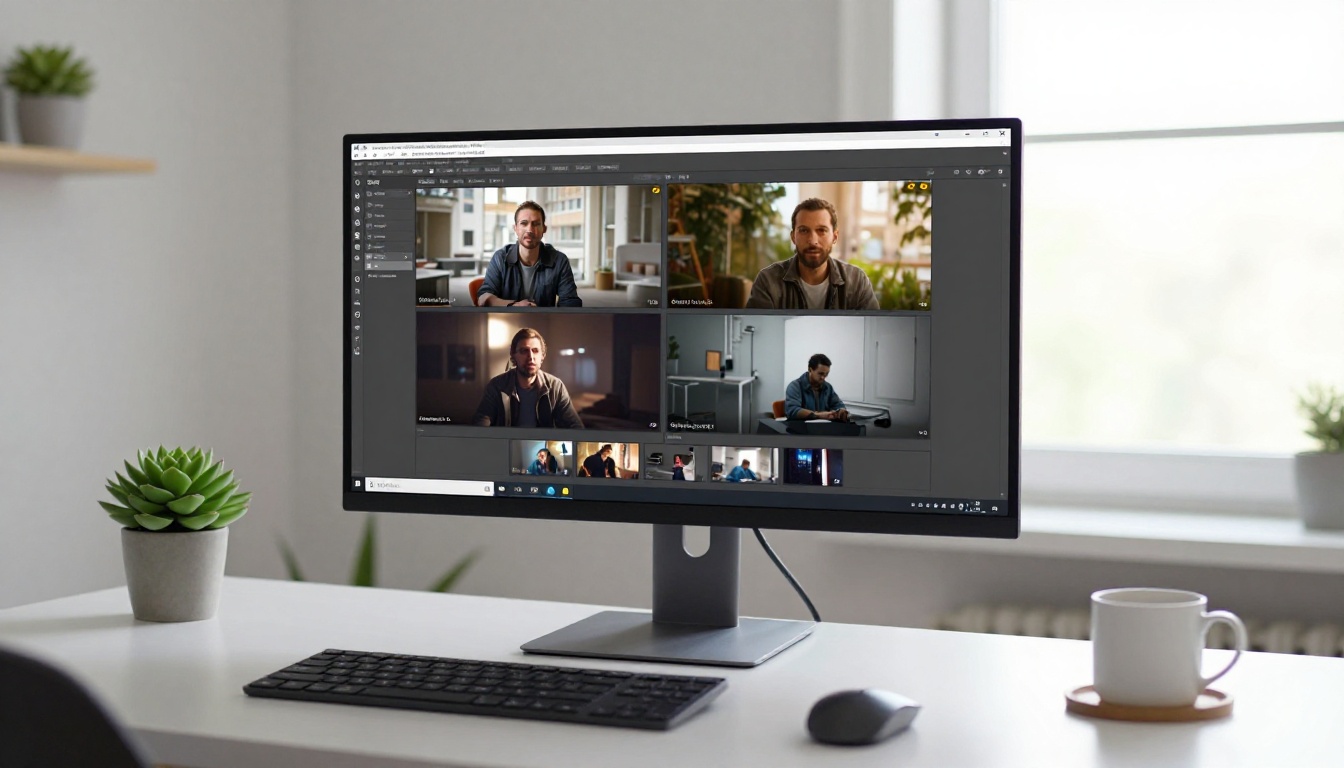
Speed is not unique to Kling. Several other models on PicassoIA target fast generation as a core feature. Here is how Kling v2.6 compares to the closest alternatives on practical social media metrics:
| Model | Speed | Max Resolution | Vertical Format | Best For |
|---|
| Kling v2.6 | Very Fast | 1080p | Yes | Social clips, commercial content |
| Kling v2.5 Turbo Pro | Fastest | 1080p | Yes | High-volume batch production |
| Pixverse v6 | Fast | 1080p | Yes | Stylized clips with AI audio |
| LTX 2.3 Fast | Very Fast | 4K | No | Quality-first longer production |
| Wan 2.6 T2V | Moderate | 1080p | Yes | Long-form HD content |
| Hailuo 02 | Fast | 1080p | Yes | Realistic human motion |
| Ray 3.2 | Moderate | HDR | Yes | Cinematic narrative clips |
Kling v2.5 Turbo Pro holds a clear speed advantage for pure throughput, while LTX 2.3 Fast wins on raw resolution for creators who need 4K output. For the specific use case of social clips, where generation speed, vertical format support, and 1080p output all matter simultaneously, Kling v2.6 positions itself near the top of practical rankings.
Hailuo 02 is worth a specific mention for creators whose clips feature human subjects. Its motion coherence for faces and body movement is exceptional. Where Kling excels at scene-level composition and speed, Hailuo 02 handles the subtleties of human gesture and expression with more consistency, making it a strong pairing tool when your content is person-focused.
Visual Effects Built Into the Model
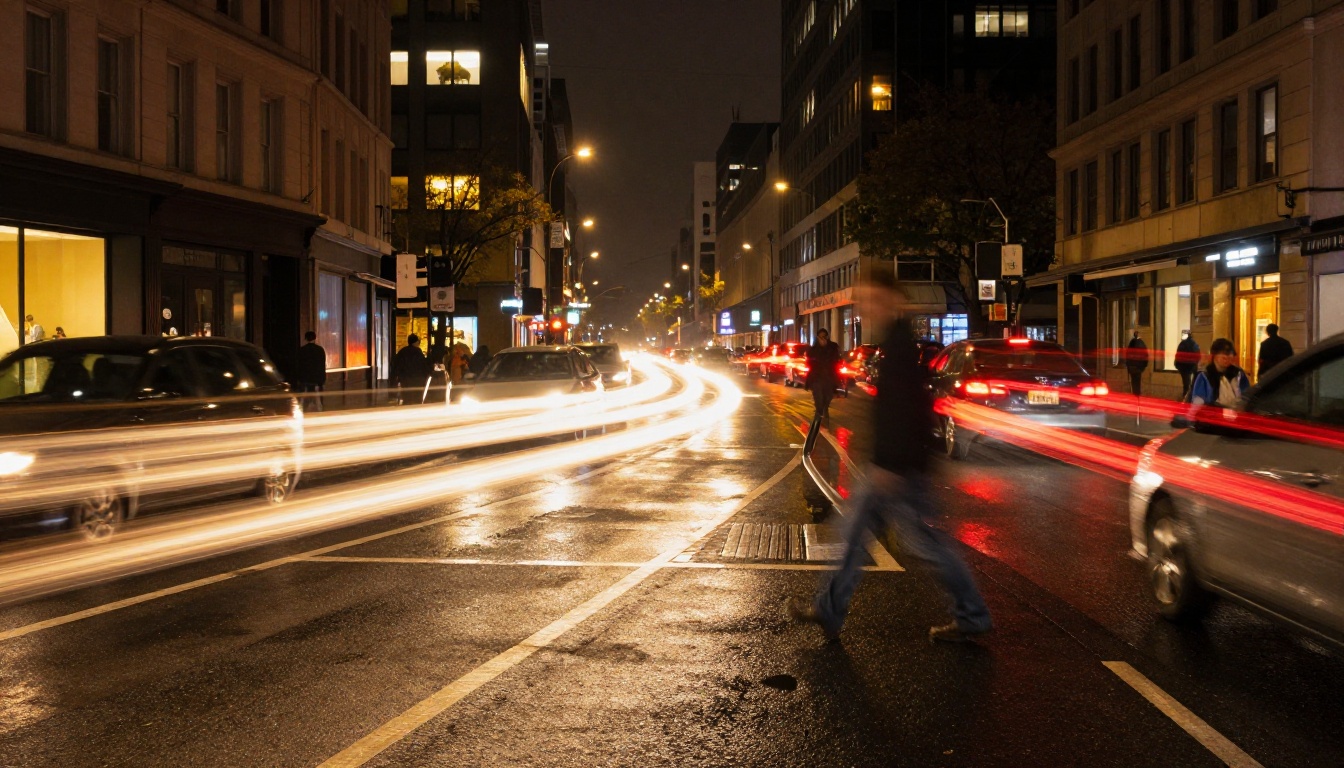
One of the quieter advantages of the Kling v2.6 architecture is its native support for camera motion without requiring a separate model or post-processing step. Older AI video models produced static or jittery camera movement that required compositing tools to fix. Kling's motion stack handles camera behavior at the inference level, which means the motion you describe in your prompt actually appears in the output.
Camera Motion Controls
You can specify camera movement directly in your text prompt and the model will execute it. The most reliable movements for social clips are:
- Slow dolly-in: Camera moves toward the subject smoothly. Works well for reveal moments and close-up punctuation.
- Gentle pan left or right: Horizontal sweep across a scene. Reads well on vertical formats when the pan is tight and controlled.
- Static camera with subject movement: The simplest approach and consistently the cleanest output. The subject moves; the camera does not.
- Orbit shot: Camera circles the subject. Best used with Kling v2.6 Motion Control rather than the standard text-to-video model, which handles orbits less reliably in free-text mode.
Scene Transitions
The Turbo Pro model does not natively generate transitions between scenes in a single clip. Each generation produces a single continuous shot. If you need a cut or a transition effect, you have two options:
- Generate two clips and edit them together: The most reliable approach. Use any basic video editor to place clips sequentially or add a crossfade.
- Describe the transition as camera movement in the prompt: A quick whip-pan or a zoom-to-black described in the prompt will sometimes produce a pseudo-transition within the single shot. Results vary but are occasionally very effective for social hook formats.
For heavier editing and clip assembly, PicassoIA's broader text-to-video library includes tools for color grading, trimming, and AI-based video effects without leaving the platform. The Kling Avatar v2 model is also worth noting for any creator whose social content centers on talking head or animated character formats.
Publishing AI-generated clips is only half the equation. What you publish matters less than what performs. Every major platform surfaces performance data within 24 to 48 hours of posting. Use that data to reverse-engineer which prompt styles, subject types, and motion patterns drive the highest completion rates and shares.

The workflow that compounds over time looks like this:
- Publish five to ten prompt variations on the same topic within a single day
- After 48 hours, identify the top two performers by completion rate
- Analyze what those prompts had in common: subject type, motion style, environment, or pacing
- Generate five to ten more clips using those patterns as the new baseline
- Repeat the cycle weekly
This iterative process is only viable because Kling v2.6 Turbo Pro generates fast enough to support it. A slow model collapses this loop. Fast generation is not just a convenience feature. It is the infrastructure that makes a data-driven content strategy possible without requiring a dedicated production team behind it.
💡 What to track by platform: Completion rate (percentage of viewers who watched to the end) is the strongest signal on TikTok and Reels. Share rate is the strongest signal on YouTube Shorts. Optimize for the metric that matters most on each platform rather than treating all platforms identically.
Your First Clip Is Waiting on PicassoIA
Everything described in this article is available right now through PicassoIA's model library. Kling v2.6 and Kling v2.5 Turbo Pro are both accessible without any installation or setup. You write a prompt, set your format, and the clip is ready to download in under two minutes.
If you want to go beyond single clips and control camera paths with precision, Kling v2.6 Motion Control and Kling v3 Video extend the toolkit for more complex productions. For character-driven content, Kling Avatar v2 animates any face into a talking video that matches your chosen voice and script.
The best way to calibrate your expectations is to run the same prompt through three or four different Kling variants side by side. You will quickly identify which model handles your content type best, and from there it becomes a production tool rather than an experiment.
Start with a subject you know well. Describe what it does, where it does it, and how it moves. Hit generate. Review the clip. Adjust the prompt based on what you see. That cycle is all there is to it, and Kling v2.6 Turbo Pro makes it fast enough to run that cycle ten times before your coffee gets cold. The full model catalog is at picassoia.com/en/all-models.


