Fashion lookbooks used to mean one thing: three days of studio rental, a casting agency, a full crew, catering, and a post-production bill that ate a third of the season's marketing budget. Kling v3 makes that entire workflow optional.
Released by Kuaishou and available now through Kling v3 Video on PicassoIA, this video generation model has quietly become one of the most capable tools for fashion-specific content creation. It handles something that has tripped up every previous AI video model: fabric physics. Silk doesn't behave like linen. A structured blazer moves differently from a bias-cut gown. Kling v3 knows that, and it shows in every frame.
This article breaks down exactly what Kling v3 does for fashion lookbooks, where it performs best, where it falls short, and how to put it to work on PicassoIA today.
What Kling v3 Actually Does
From Static Photo to Moving Campaign
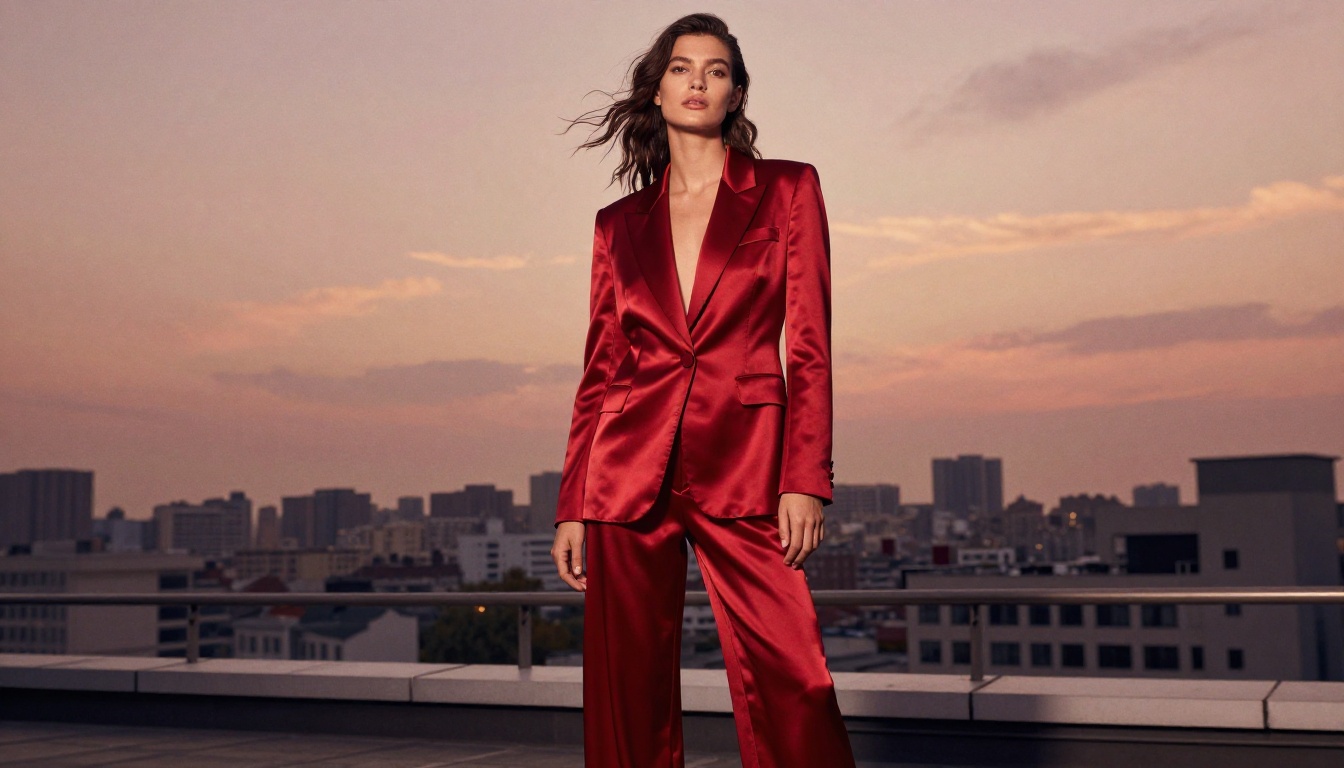
The core feature is image-to-video at 1080p. You feed Kling v3 a single photograph (your lookbook image, a product shot, an editorial still) and it outputs a 5-to-10 second cinematic video clip with natural motion applied to the scene.
For fashion, this means a model standing in a trench coat can start walking. A dress photographed in a studio suddenly billows in a manufactured breeze. A flat-lay image can come alive with the hand of a model reaching in to pick up the product.
The Kling v3 Omni Video variant also accepts full text prompts without a source image, which opens up a second workflow: generating brand-new lookbook scenes entirely from written descriptions. Describe the model, the outfit, the setting, and the motion and the model renders it from scratch.
The Physics Engine Behind the Fabric
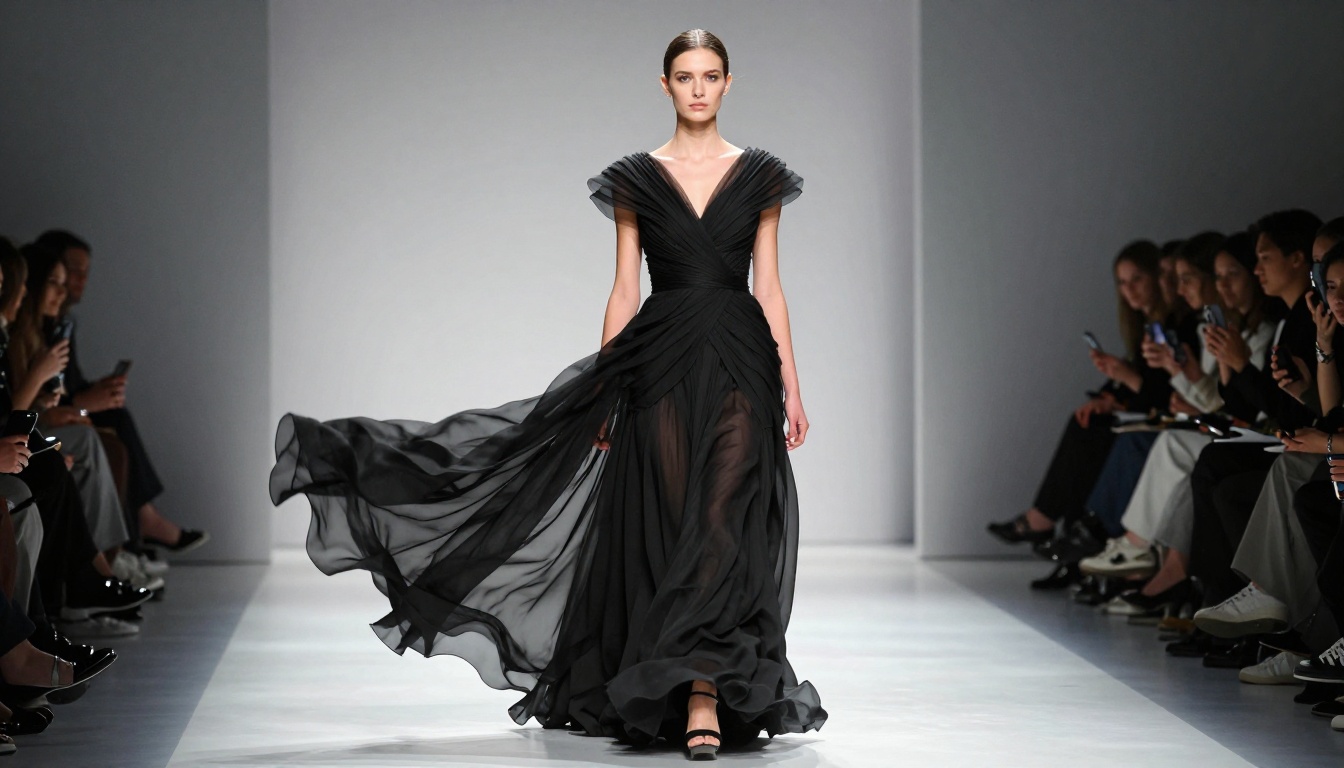
What separates Kling v3 from earlier AI video generation models is its simulation of material behavior. In previous generations, and in many competing models, fabric in motion looks wrong. It warps, stretches unnaturally, or remains perfectly stiff when it should flow.
Kling v3 has markedly improved temporal consistency. This means:
- Silk and satin catch light dynamically as the model turns
- Knit textures compress and release visibly with body movement
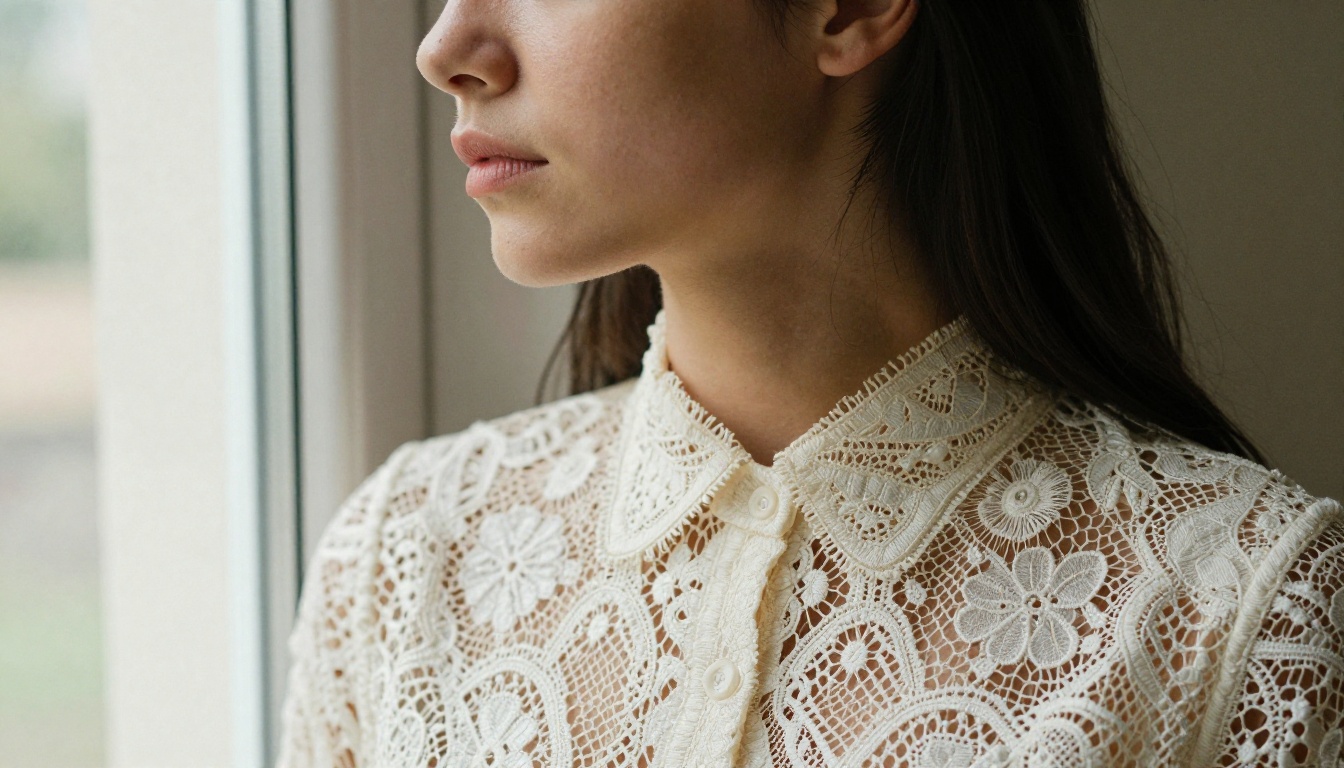
- Sheer fabrics retain translucency in motion, not just in stills
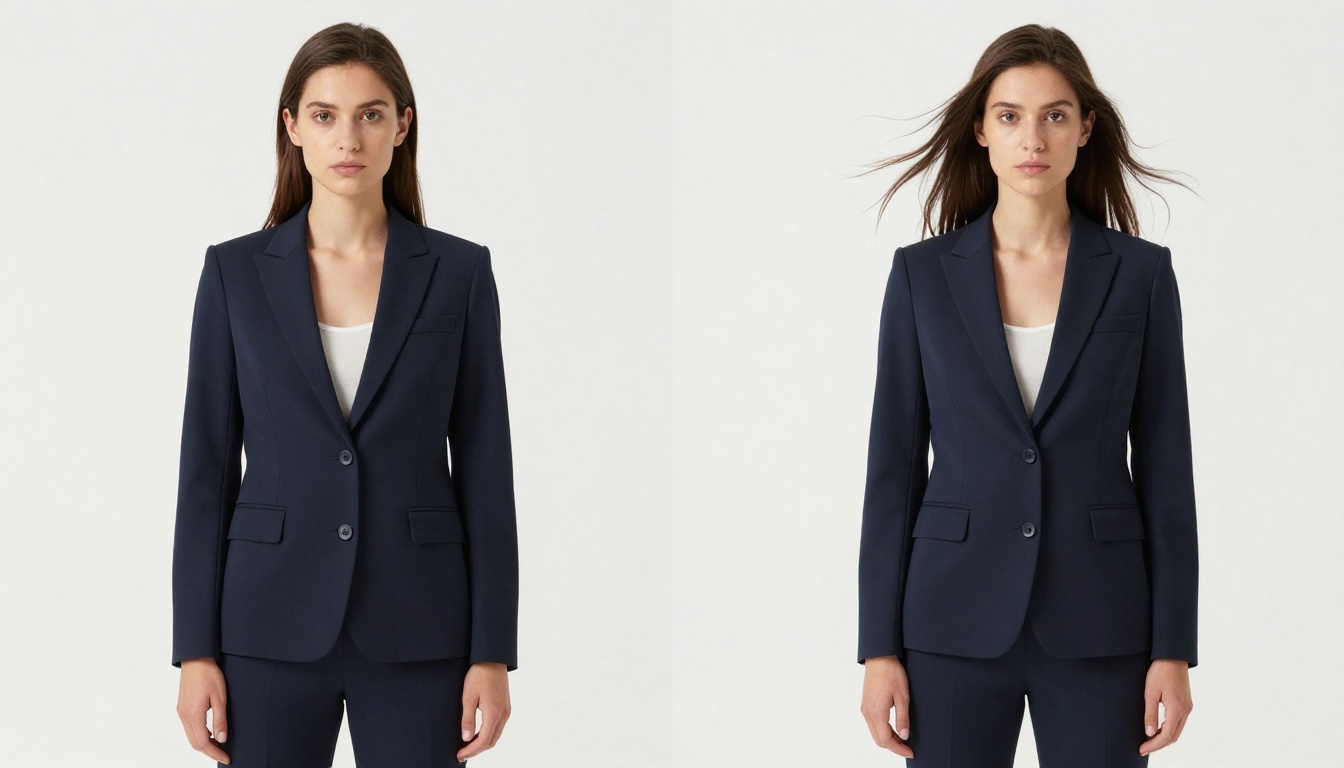
- Structured garments (blazers, tailored coats) hold their form correctly rather than softening mid-clip
This level of material fidelity is what makes Kling v3 specifically useful for fashion as opposed to general-purpose video content. A travel campaign or food brand can get away with simpler motion. Fashion cannot.
Why Fashion Lookbooks Need This Now
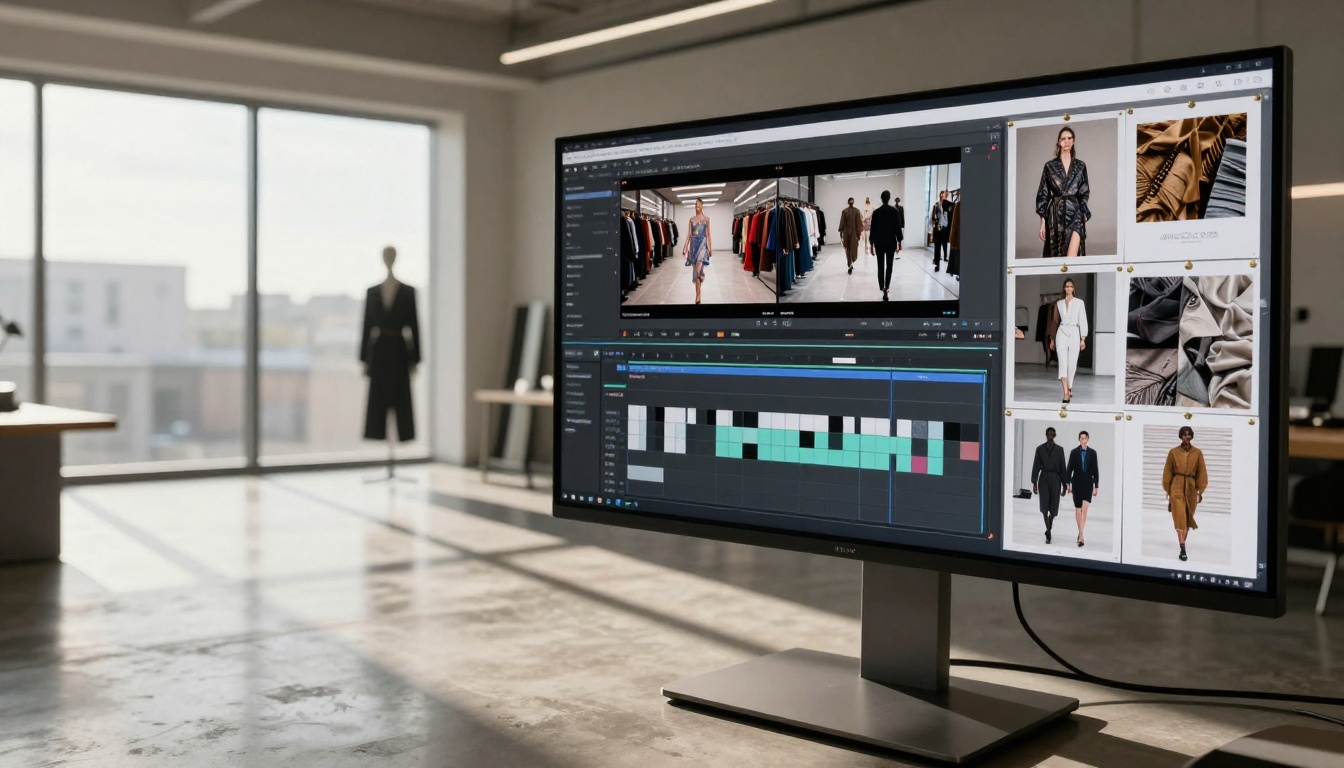
The Real Cost of Traditional Shoots
A mid-tier fashion brand producing a seasonal lookbook typically faces production costs that scale quickly:
| Cost Item | Typical Range |
|---|
| Studio rental (2 days) | $2,000 – $6,000 |
| Model fees | $1,500 – $5,000 per model |
| Photographer | $2,000 – $8,000 |
| Hair and Makeup | $600 – $2,000 |
| Post-production editing | $1,500 – $4,000 |
| Total | $7,600 – $25,000 |
That figure covers still photography only. Adding video to a traditional lookbook shoot roughly doubles the above. For smaller brands, independent designers, or e-commerce labels running lean, those numbers are prohibitive.
Kling v3 on PicassoIA changes the math completely. A full animated lookbook with 10 video clips can be produced for a fraction of that cost, in hours rather than days.
3 Production Problems It Solves
1. Seasonal velocity. Fashion moves fast. By the time a traditional lookbook shoot is booked, shot, edited, and approved, the trend window can close. AI-generated lookbooks can be produced and iterated in a single day.
2. International sizing and representation. A lookbook designed for one market may need to show different models for another. With AI video generation, you are not recasting and reshooting. You are adjusting a prompt.
3. Digital-first distribution. Modern fashion audiences consume content on Instagram Reels, TikTok, and Pinterest video. A static lookbook PDF doesn't perform in those channels. Short animated clips do. Kling v3 outputs exactly what social platforms reward.
Kling v3 and Fashion Specifically
Fabric Motion Simulation
This is where Kling v3 earns its position above earlier models. The model's internal understanding of how different materials behave has been significantly refined from v2.x versions.
When you prompt for movement, specify the fabric type explicitly. Compare these two prompts:
"Model walks forward slowly"
versus:
"Model in silk bias-cut dress walks forward slowly, fabric catching the air and rippling at the hem"
The second prompt activates more accurate physics simulation. Kling v3 responds to material descriptors in the prompt and adjusts the animation accordingly.
💡 Tip: Always name the fabric in your motion prompt. Silk, satin, denim, wool, chiffon. These words meaningfully affect how the model animates the garment.
Model Consistency Across Frames
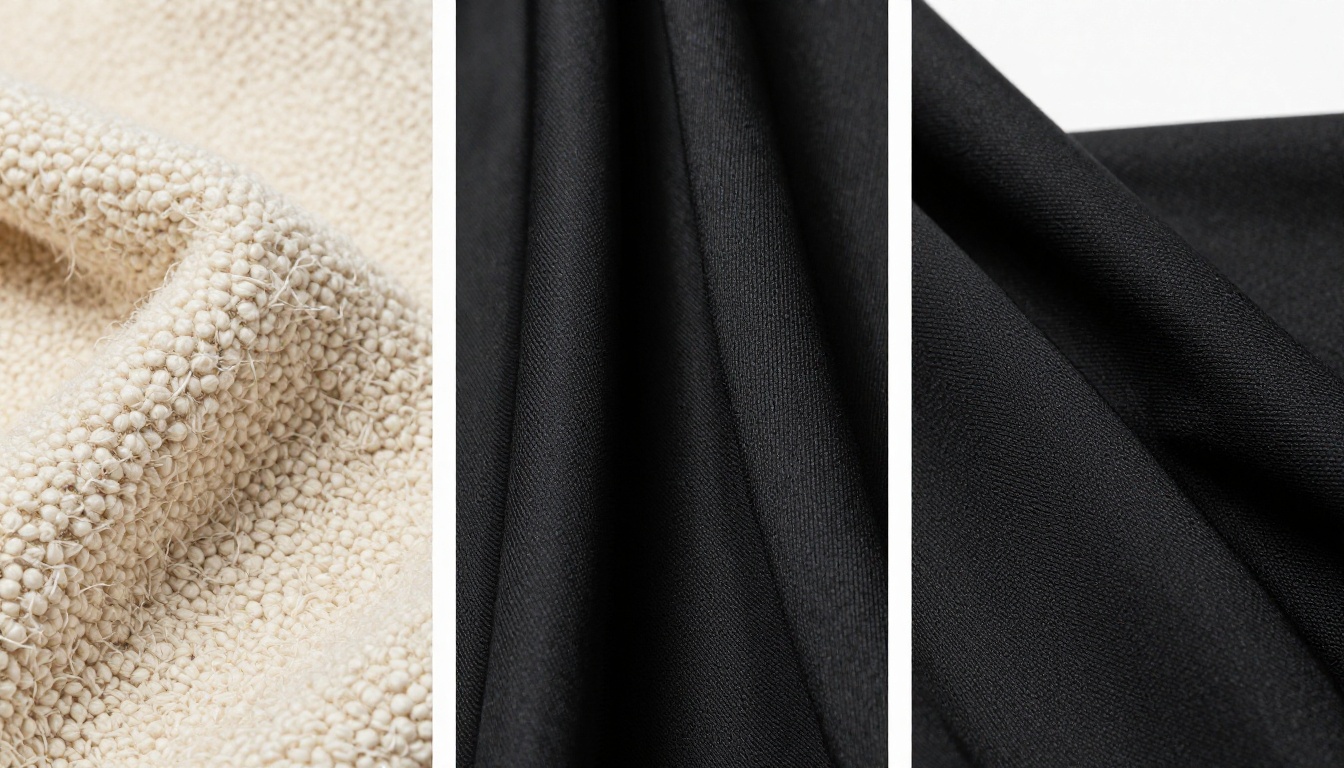
One of the persistent problems with AI video generation has been temporal coherence, meaning the model's face, skin tone, or garment details changing between frames in ways that look unnatural.
Kling v3 significantly reduces this drift. In fashion lookbook use cases, this matters because:
- The model's face should remain consistent through an outfit reveal sequence
- The garment's color and texture should hold true as lighting changes
- Logo placements, print patterns, and embroidery should not warp or disappear mid-clip
For longer sequences, the Kling v3 Motion Control variant allows you to specify camera movement paths and subject motion trajectories, giving you more control over how consistency is maintained through complex moves.
Lighting Fidelity in Motion
Fashion photography lives and dies by light. Natural window light, studio strobes, golden-hour exteriors. The quality of light defines the garment's appeal. When that light shifts unnaturally during a video, it destroys the illusion.
Kling v3 maintains lighting conditions more faithfully than predecessor models. If you start with an image lit by a directional studio strobe from the upper left, the motion sequence will continue to honor that light source rather than introducing ambient fill that was not in the source frame.
This matters most for:
- Satin and patent leather, which are highly reflective and reveal light direction clearly
- Sheer fabrics with backlight, where translucency must remain consistent in motion
- Dark matte garments where incorrect fill creates unwanted highlight blooms
Using Kling v3 on PicassoIA
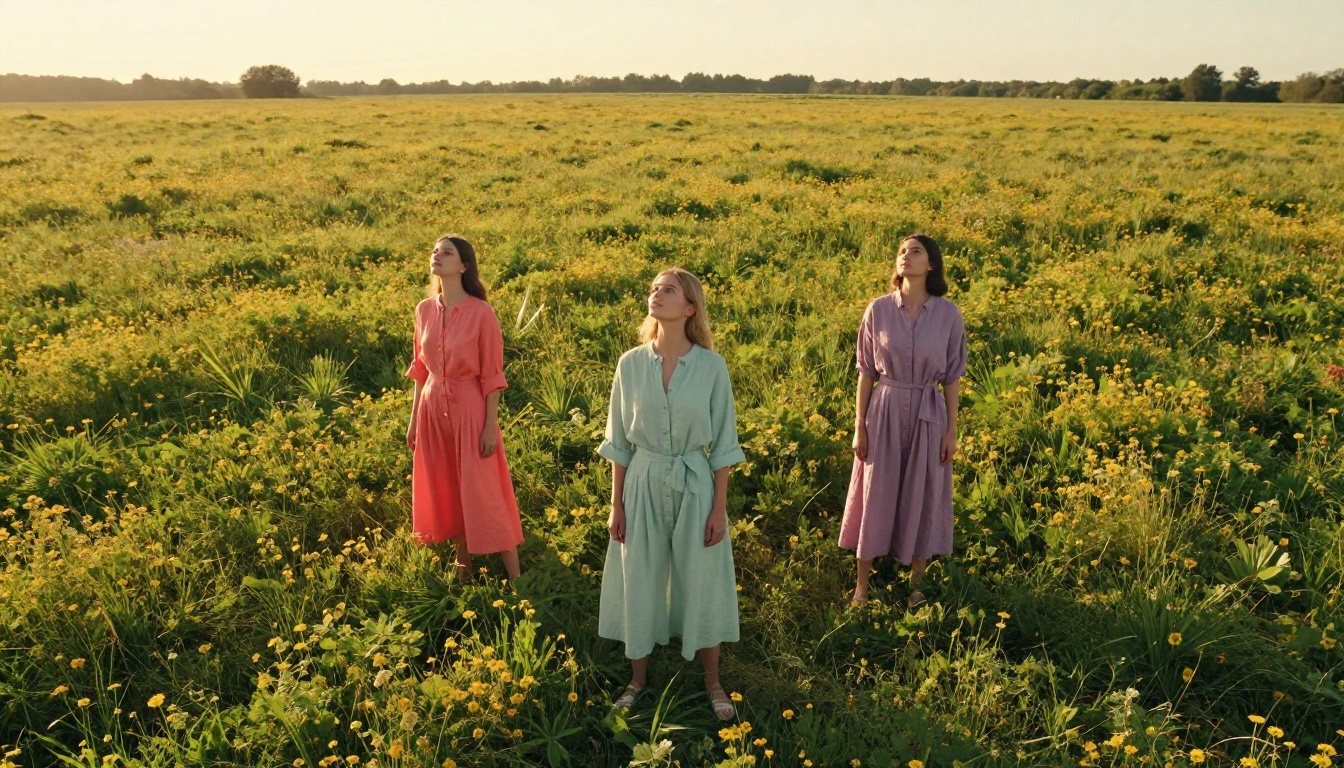
PicassoIA hosts three Kling v3 variants, each optimized for a different production workflow:
Your First Lookbook Video
Step 1: Prepare your source image.
Start with a high-resolution lookbook photograph. The model should be clearly visible, the garment lit and in focus. Kling v3 reads fine details from the source image, so image quality directly affects output quality.
Step 2: Open Kling v3 Video on PicassoIA.
Go to Kling v3 Video and upload your source image.
Step 3: Write your motion prompt.
Be specific. Describe the movement, the fabric, and any camera behavior. A strong lookbook motion prompt reads like:
"Model in ivory wool coat slowly turns from profile to face camera, coat hem shifting with the motion, soft morning light from the left, slight breeze lifting the lapels, slow dolly-in camera movement"
Step 4: Set your duration.
For social content, 5 seconds is optimal. For editorial presentations or e-commerce product pages, 8-10 seconds gives more room for the garment to be seen in motion.
Step 5: Generate and review.
Kling v3 is fast. Your clip will render in under two minutes. Review for temporal consistency, fabric behavior, and lighting fidelity. If any of these are off, refine your prompt before the next generation.
Settings That Actually Matter
| Setting | Recommendation for Fashion |
|---|
| Resolution | 1080p always for lookbooks |
| Duration | 5s for social, 8-10s for editorial |
| Camera motion | Slow dolly-in or gentle orbit works best |
| CFG Scale | Keep default (7-8 range) for natural motion |
| Negative prompt | Add "static, blurry, distorted face" to reduce common artifacts |
💡 Pro tip: Generate 3 variations of the same prompt. Kling v3 has slight variation between runs, and the third attempt often produces the best fabric physics of the three.
Kling v3 vs. Other AI Video Models
PicassoIA hosts a large catalog of video generation models. Here is how Kling v3 compares to the most relevant alternatives for fashion lookbook work:
| Model | Resolution | Fabric Physics | Temporal Consistency | Best For |
|---|
| Kling v3 Video | 1080p | Excellent | Excellent | Fashion lookbooks |
| Kling v2.6 | 1080p | Very Good | Very Good | General editorial |
| Seedance 2.5 | 1080p | Good | Good | Long-form or audio-embedded content |
| Veo 3.1 | 1080p | Good | Very Good | Cinematic narrative scenes |
| Ray 3.2 | HDR | Good | Good | Atmospheric and location shots |
| Wan 2.7 I2V | HD | Moderate | Good | Fast iteration and budget production |
For fashion-specific use, Kling v3 leads primarily because of its fabric physics accuracy. Kling v2.6 is a strong second, especially for tighter budgets, since it handles structured garments well even if it doesn't match v3's silk and sheer performance.
Seedance 2.5 is the better choice for content requiring native audio or longer clip durations. If you are building lookbook reels with voiceover or ambient music baked into the video, Seedance handles audio natively in a way Kling does not.
Real Results from Fashion Creators
What Works Well
Based on documented use cases from designers and content teams using Kling v3 for fashion content:
- Outerwear and structured pieces: Blazers, coats, and tailored trousers animate beautifully. The garment structure holds its shape correctly.
- Gowns and dresses on location: Outdoor settings with natural light give Kling v3 strong environmental context to work with, producing more convincing fabric movement.
- Walking sequences: A model walking toward or away from camera with a clear directional light source produces highly consistent results.
- Close-up fabric reveals: Zoomed-in motion prompts, such as "fabric folds ripple as hand smooths them," produce impressive tactile-feeling video.
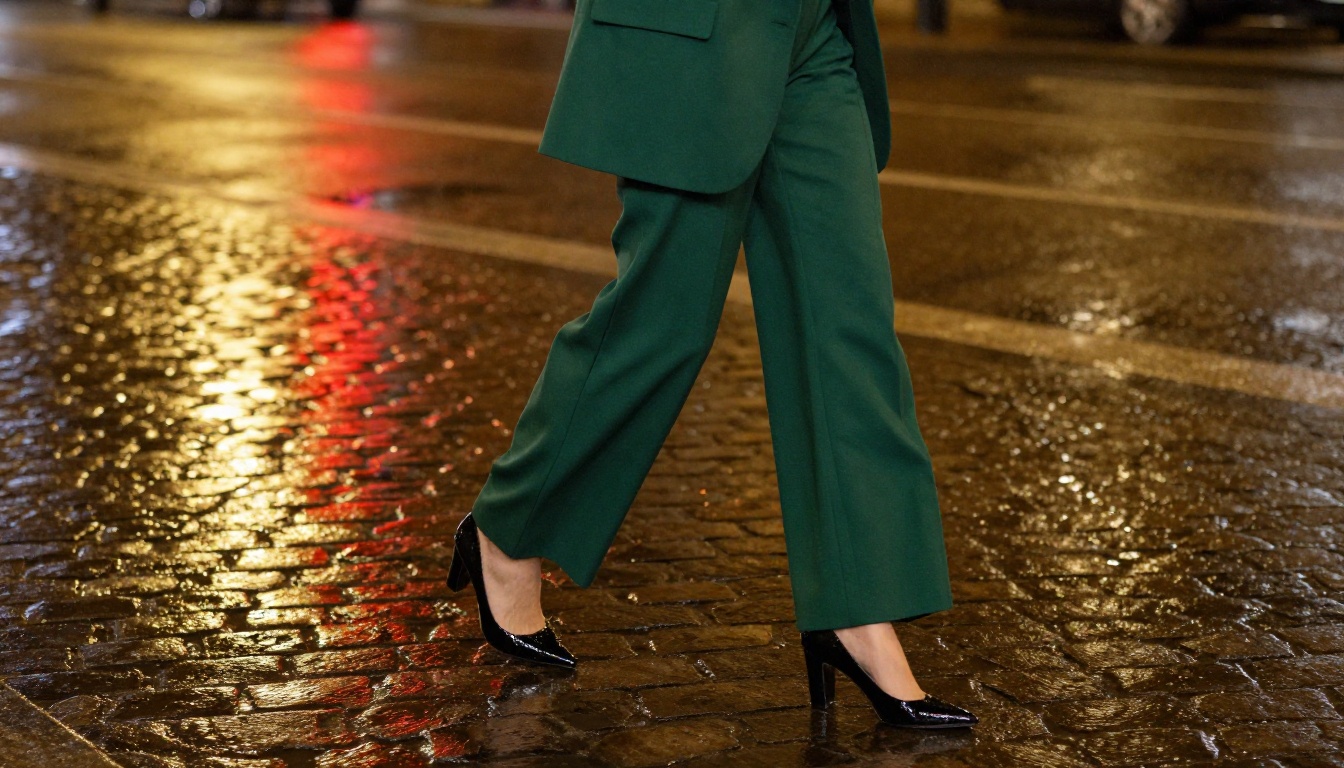
- Collection storytelling: Using Kling v3 Omni Video to generate thematic b-roll between lookbook pieces, like a hand placing a watch or shoes stepping on pavement, creates editorial-quality narrative connective tissue between hero clips.
What to Watch Out For
Fashion content demands a different level of scrutiny than most AI video applications. These are the things to check before finalizing any clip:
Print and pattern consistency. Busy prints (plaid, houndstooth, floral) are more prone to pattern drift mid-clip than solid colors. If your garment has a complex print, generate at 5 seconds maximum and review the pattern closely around frames 3-4 of the clip, where drift typically appears first.
Accessory stability. Jewelry, eyewear, and handbags with fine structural detail (watch dials, earring settings, hardware on bags) can lose definition during motion. For accessory-focused content, keep the motion minimal and the clip short.
Hands in motion. AI video models still struggle with hands. If your prompt involves hand gestures, generate multiple variations and select the cleanest result rather than trying to fix a single generation.
Face at distance. Full-body shots where the face occupies less than 10% of the frame produce better results than medium shots where the face is prominent and closely scrutinized. For portrait-style lookbook clips, keep camera motion slow and avoid dramatic zoom-ins.
AI Lookbooks for Smaller Brands
The traditional fashion content production hierarchy has always favored scale. Luxury houses with seven-figure campaign budgets. Mid-market brands with access to agencies and experienced crews. Independent designers and small e-commerce labels have historically sat at the bottom of that hierarchy, producing content that looked exactly like what it was: underfunded.
Kling v3 disrupts that hierarchy in a meaningful way.
A three-person brand team can now produce a lookbook video campaign in an afternoon. The quality ceiling has been raised to the point where the limiting factor is the strength of the initial photography, not the post-production budget.
For brands already producing quality still photography for their e-commerce channels, the jump to animated lookbook content via Kling v3 on PicassoIA requires almost no additional infrastructure. The same images you are already shooting become the source material for video campaigns.
This is particularly relevant for:
- Independent designers launching seasonal collections without agency support
- E-commerce brands that need product-in-motion content for product pages and paid advertising
- Fashion startups that need investor-quality presentation material on a bootstrap budget
- Stylists and editors producing editorial content for digital publications
💡 Workflow note: Shoot your lookbook photography with AI animation in mind. Slightly lower contrast lighting and neutral or graduated backgrounds give Kling v3 more to work with in the motion generation phase. Avoid harsh directional light that clips highlights, as those clipped areas become artifacts in motion.
Start Creating Lookbook Videos on PicassoIA
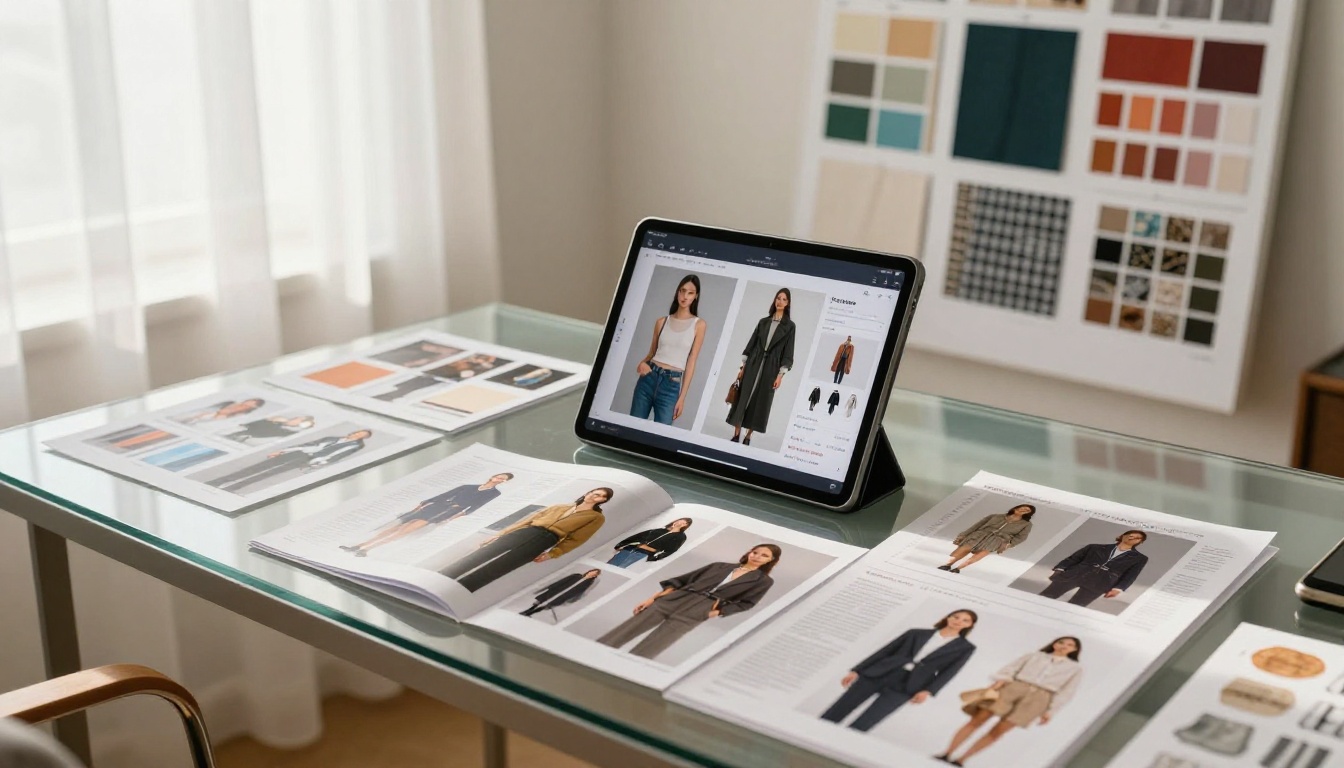
The most effective way to evaluate Kling v3 for your brand is to run it against an actual image from your current collection. Not a test image. Not a stock photo. Your image, your garment, your light.
PicassoIA gives you access to all three Kling v3 variants in a single platform:
Beyond Kling, PicassoIA's full video catalog includes Seedance 2.5 for audio-embedded fashion reels, Ray 3.2 for cinematic atmospheric sequences, and Wan 2.7 I2V for fast iteration on lower-stakes content.
If you are already investing in fashion photography, you already have the raw material. The animated lookbook is one prompt away.
Start with one image, one clip, and one honest look at whether the output meets your brand standard. For most fashion creators who try it, that first clip ends the debate about whether AI belongs in their production workflow.


