Kling v3 Motion Control for Avatar Lipsync Videos is not a minor upgrade. When KuaiShou redesigned the phoneme prediction pipeline in this release, they changed something fundamental about how AI handles avatar faces. If you have watched a talking-head video where the mouth shapes look correct but the jaw, neck, and chin barely move, you have seen exactly the problem this model was built to fix. The gap between a believable talking avatar and an obvious AI artifact often comes down to what happens below the lips, and that is precisely where Kling v3 Motion Control focuses its improvements.
What Kling v3 Motion Control Does
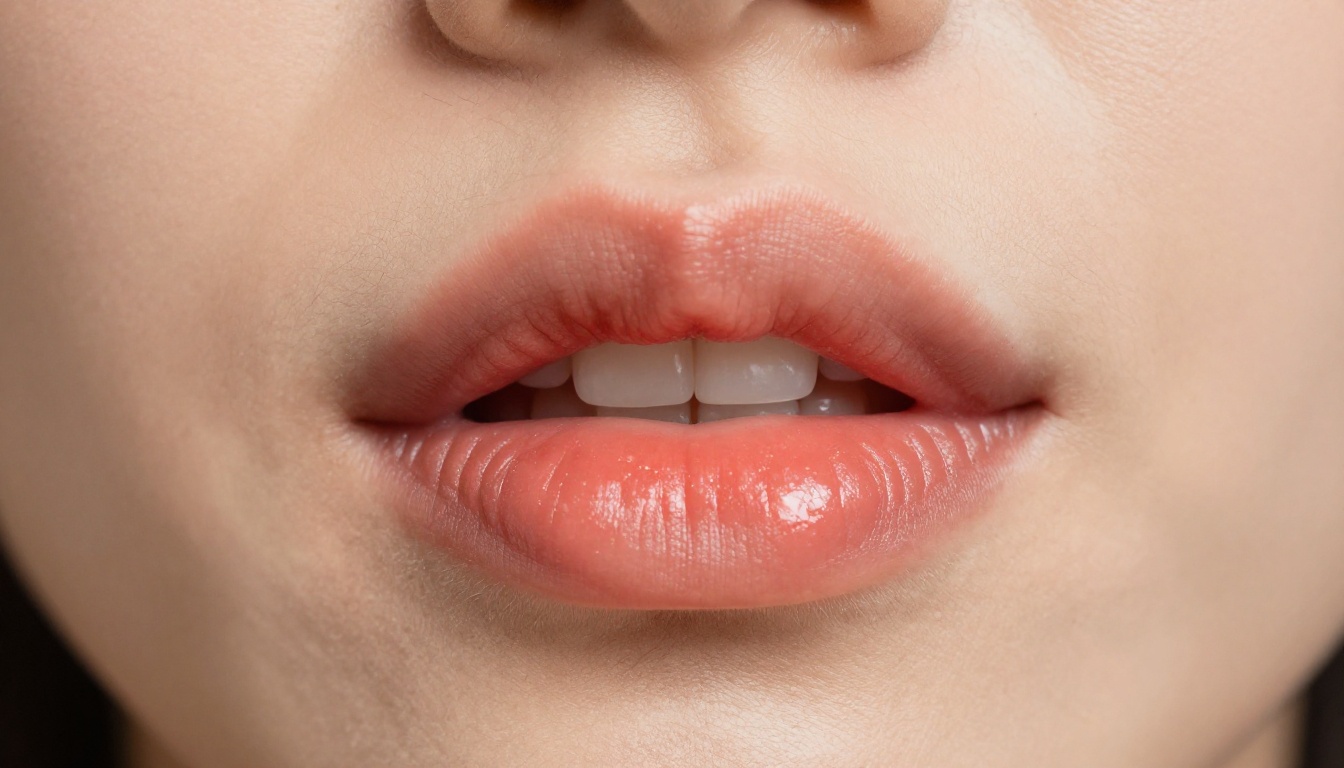
Most people assume lipsync is just about matching the shape of the mouth to the sound. That assumption explains why so much AI-generated lipsync still looks slightly wrong. Real human speech is a full-face event. The jaw drops. The chin moves. The corners of the mouth pull in different directions depending on whether you are forming a bilabial stop or a fricative. The tongue affects cheek bulge. Eyebrows shift during emphasis.
Kling v3 Motion Control addresses this at the model architecture level by separating facial animation into independent but coordinated layers: lip shape, jaw displacement, chin movement, upper face motion, and head micro-movement. Instead of predicting a single "mouth state" per frame, it predicts a full facial rig state. The result is avatar lipsync that holds up at close framing, during fast speech, and under emotional delivery without visibly breaking.
The Difference Between Lipsync and Motion Control
A standard lipsync tool takes audio and maps it to viseme targets, the visual equivalents of phonemes. The model selects which mouth shape to render and blends between them. This works adequately for simple narration but breaks down during fast speech, emotional delivery, or any audio with heavy consonants.
Motion control adds camera trajectory and subject movement as controllable parameters. With Kling v3 Motion Control, you are not just telling the model what the face should look like. You are also specifying where the camera sits relative to the subject, how the subject is oriented in space, and how much head rotation and tilt accompanies the speech. That combination produces avatar lipsync videos that feel physically grounded rather than pasted onto a still image.
Phoneme-Level Jaw Tracking Explained
The phoneme-level jaw tracking in Kling v3 is the feature that most separates it from standard tools like Kling Lip Sync from the same family. Where standard lipsync produces jaw motion as a byproduct of mouth shape selection, Kling v3 Motion Control computes jaw displacement as a primary output. The jaw trajectory is derived from the audio waveform's energy envelope in real time, then constrained by the anatomical limits of the source face's proportions.
The result is that vowel sounds like "a" and "o" produce visible downward jaw travel that corresponds to the acoustic energy in the signal. Consonant clusters produce the subtle jaw stiffness that real speech exhibits. This is not cosmetic. It changes the entire feel of the output, particularly when viewing at anything above 480p resolution. For creators who use Kling v3 Video for scene generation, adding the Motion Control lipsync pass on top of those outputs is a natural extension of the same ecosystem.
Why Previous Lipsync Models Fall Short
The limitations of earlier models are not failures of effort. They reflect the fundamental difficulty of generalizing from a single static image to a believable talking portrait. The first generation of talking head models struggled with what practitioners call the "rubber lips" artifact.
The "Rubber Lips" Problem
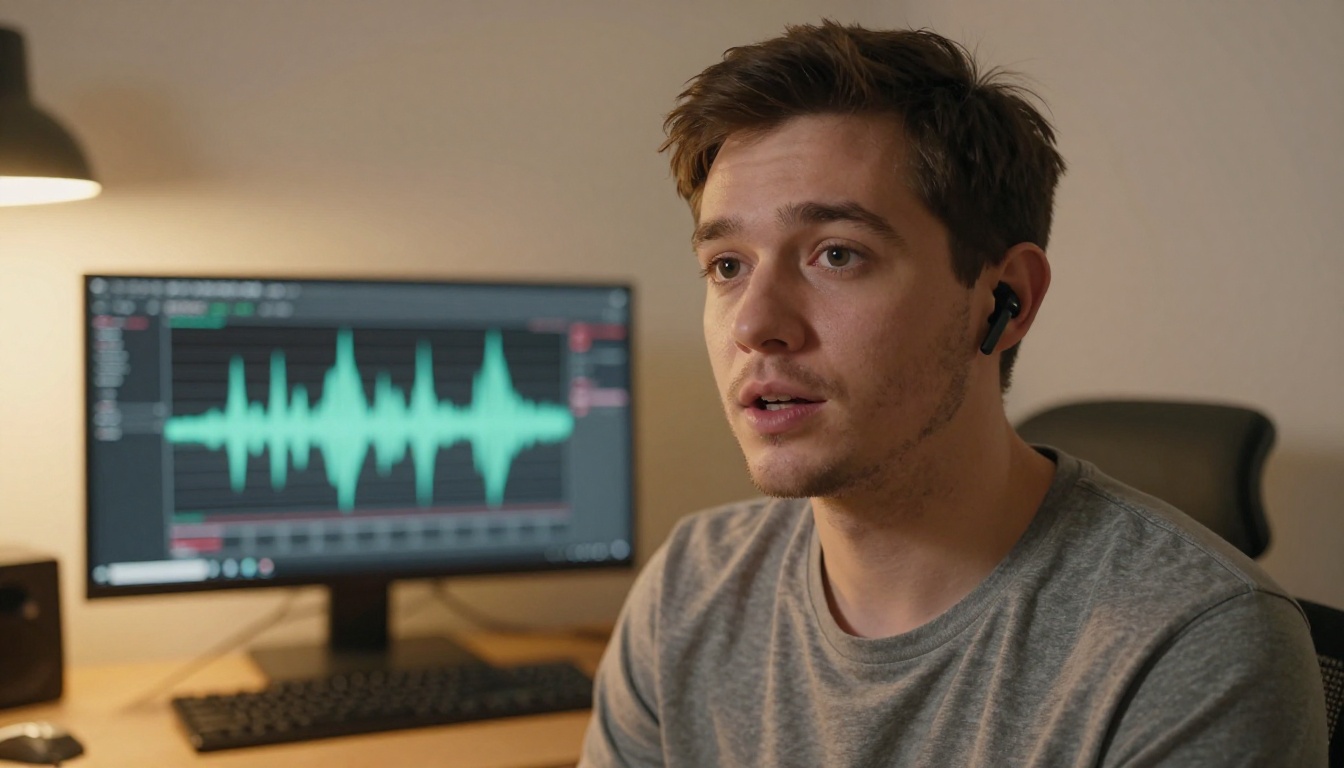
Rubber lips happen when the model warps mouth textures without propagating those deformations to the surrounding face. The lips stretch and compress, but the skin around the mouth stays still. No real human has that anatomy. When you speak, the muscles pulling on your lips also pull on your philtrum, your nasolabial folds, and the fat pads of your cheeks.
Earlier models like Lipsync 2 addressed this by including a small neighborhood of skin around the mouth in the deformation field. Better than nothing, but still visually limited for close-up framing. The jawline simply would not follow.
Kling v3 Motion Control uses a wider deformation region that encompasses the full lower face, including the jawline and chin. The deformation is also physically plausible, meaning the model was trained to respect that certain skin regions do not stretch beyond certain limits without wrinkles forming. The output looks like a face that is actually talking, not a face that has a talking mouth pasted onto it.
Missing Neck and Chin Movement
Static neck and chin during animated lips is the second tell that reveals an AI talking head. When you speak, your chin moves with your jaw. Neck muscles engage during emphasis. Your head bobs slightly during natural rhythm. All of these micro-movements contribute to perceived authenticity.
Omni Human 1.5 made progress here by predicting head pose as part of the lipsync output. Omni Human, its predecessor, had already established the importance of full-portrait animation over mouth-only warping. Kling v3 Motion Control goes further by making head movement a directly configurable parameter rather than something the model guesses at. You can specify head motion intensity, which means calm narration can have a nearly still head while an emotional speech clip can have naturalistic nodding and tilt.
Using Kling v3 Motion Control on PicassoIA
Kling v3 Motion Control is available directly on PicassoIA. The workflow is straightforward, but the quality of your result depends heavily on three decisions: source image quality, audio clarity, and motion parameter settings.
Setting Up Your Source Image
The source image is the face the model will animate. Portrait photos work best when:
- The face is front-facing or no more than 30 degrees off-center
- Lighting is even across both sides of the face, without harsh shadows across the mouth
- The chin is clearly visible, not cut off at the bottom of the frame
- Resolution is at least 512x512, though 1024x1024 produces significantly cleaner results
- No heavy motion blur or compression artifacts are present on the face
💡 Tip: If your source image has the face at a strong angle, the model will still produce output, but jaw motion will be less accurate because depth estimation of the chin position becomes harder to resolve from a profile view.
Avoid portrait photos where large sunglasses or heavy beard coverage obscures the lower third of the face. The model needs visible landmarks around the mouth and jaw to anchor its deformation field. A clean, well-lit headshot taken in neutral expression produces the most reliable starting point.
Configuring the Motion Parameters
Once your image is uploaded, the motion parameters are where Kling v3 Motion Control earns its name. The core parameters you will encounter:
Head Motion Intensity controls how much the head moves during speech. Values closer to 0 produce nearly frozen head poses. Values at maximum produce naturalistic bobbing. For corporate spokesperson content, moderate values around 0.3 to 0.5 produce the best balance between animation and stability.
Camera Trajectory is the feature unique to Motion Control. You can specify whether the virtual camera holds still, gently zooms in over the clip, pans slightly left or right, or follows a custom path. For avatar videos, a subtle slow push-in adds production value without distracting from the speech content.
Facial Expression Range governs how much the upper face, especially the eyebrows and forehead, participates in the animation. Setting this to zero produces a completely neutral upper face. Higher values let the model infer appropriate eyebrow movement from the audio's prosody, which works particularly well for conversational or interview-style content.
Audio Input Requirements
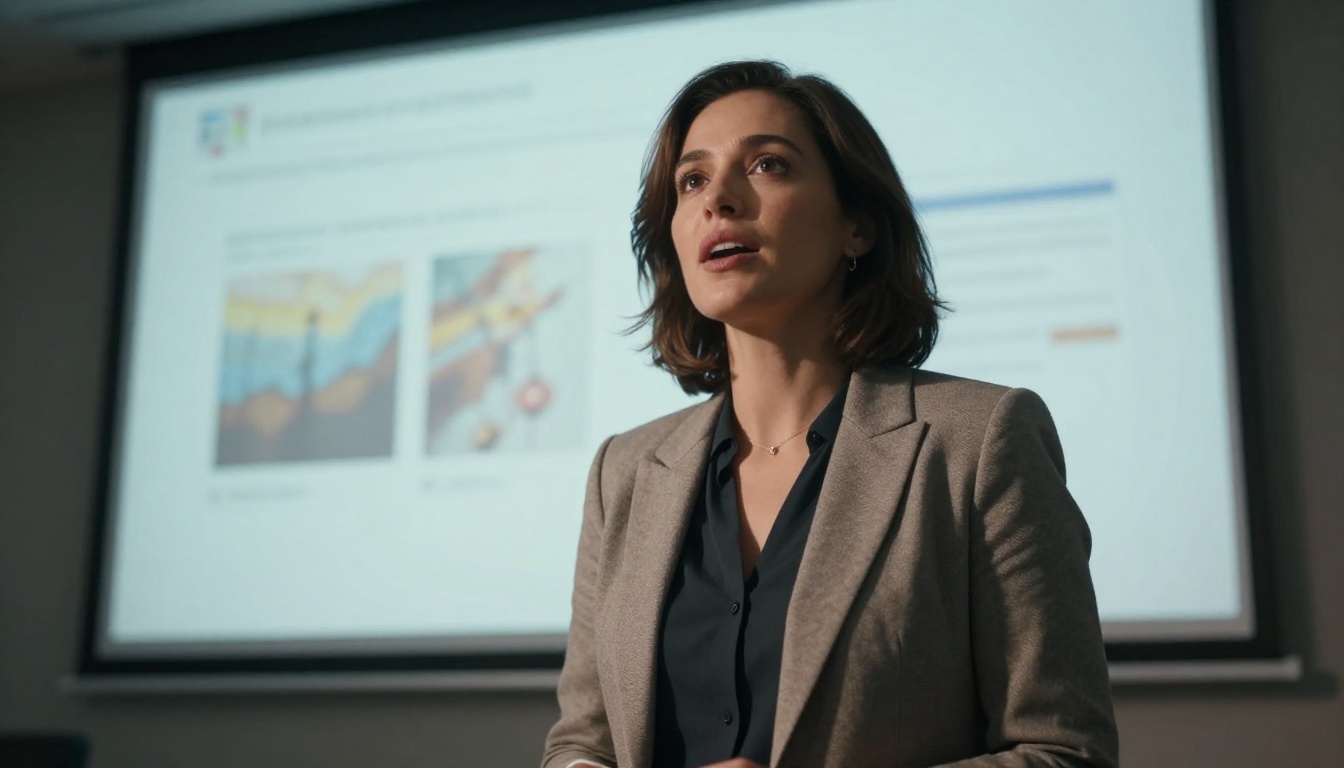
Audio quality directly determines lipsync quality. The phoneme detection pipeline performs best with:
- Mono or stereo audio at 16kHz or higher sample rate
- Clean vocal signal with no background music mixed in, since music masks phoneme boundaries
- No heavy reverb on the voice, which smears the timing information the model depends on
- Consistent volume without large dynamic swings that can confuse jaw displacement estimates
If you are working from a script read in a professional setting, you are already in good shape. If you are using extracted audio from a video that has background noise, running it through a noise reduction step first will noticeably improve the output quality. This small extra step pays off at every frame.
💡 Tip: For multilingual avatars, pair Kling v3 Motion Control with HeyGen Video Translate to first translate and re-voice the audio before running the lipsync pass. Translated audio has cleaner phoneme boundaries than machine-extracted dubbing from an existing video.
Kling v3 vs. The Competition
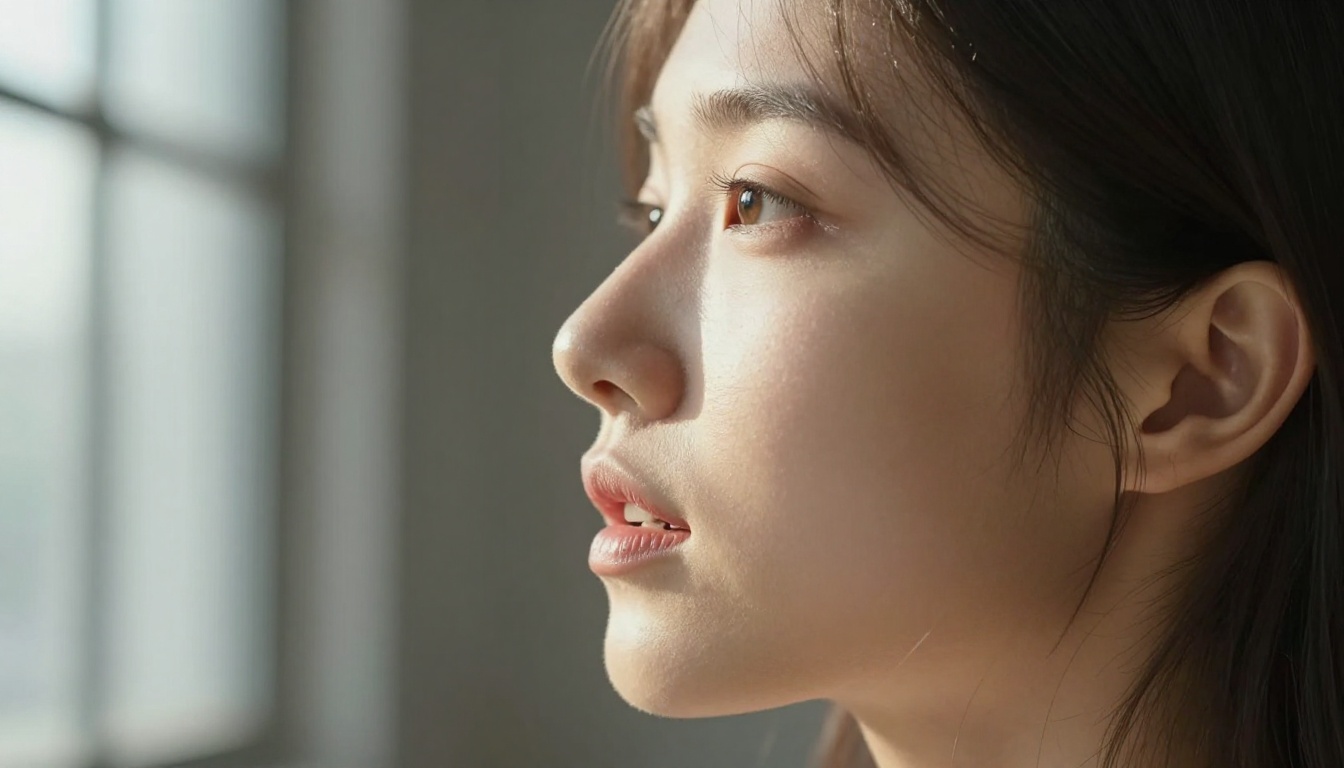
The lipsync and avatar video space has several strong tools. Here is how they compare for different production scenarios:
The camera control column is where Kling v3 Motion Control stands alone among the current generation of tools. Every other model in this table treats the camera as a fixed element. For social media content, product demos, and professional presentations, that distinction shows up clearly in the final result.
It is also worth noting that Kling v2.6 Motion Control was the direct predecessor to this release. The v3 variant improved jaw displacement accuracy by a measurable margin on fast speech segments and tightened the camera trajectory interpolation so that slow push-in moves no longer produce micro-jitter artifacts that were visible in v2.6 outputs.
Other Lipsync Models Worth Knowing
The lipsync model space on PicassoIA spans a wide range of use cases beyond avatar animation from a single photo. Knowing which tool to reach for saves significant time in production.
For Fast Dubbing
HeyGen Lipsync Speed is optimized for turnaround time. If you need to synchronize existing video footage to a corrected audio track and do not need camera motion or phoneme-level jaw tracking, this is the fastest path. Processing time is considerably shorter than Kling v3 Motion Control.
React 1 from Sync sits in a similar position, with particularly strong results on existing video footage where the subject is already moving. Its motion compensation for pre-existing head movement in source video is notably effective, making it the better choice when your source footage has natural body language you want to preserve.
For Multi-Language Output
HeyGen Video Translate supports over 150 languages and handles the translation, voice synthesis, and lipsync as a single pipeline. For content creators who produce in English and need their videos localized for other markets, this reduces the workflow to a single step instead of multiple tool calls.
P Video Avatar is worth knowing for its flexibility with custom voice inputs. Where some platforms lock you into their own voice library, P Video Avatar accepts external audio, making it straightforward to bring your own voice clone or narrator recording from any source.
For High-Volume Batch Work
HeyGen Lipsync Precision is built for accuracy over speed, with API access designed for automated pipelines. If you are syncing dozens of videos to different regional audio tracks, its consistency across batches is valuable for maintaining quality parity across a full localization project.
Lipsync 2 Pro handles existing video footage effectively and performs particularly well when the source video has strong natural head movement, since it does not need to synthesize that movement from scratch. Batch the render jobs and the cost per minute stays predictable.
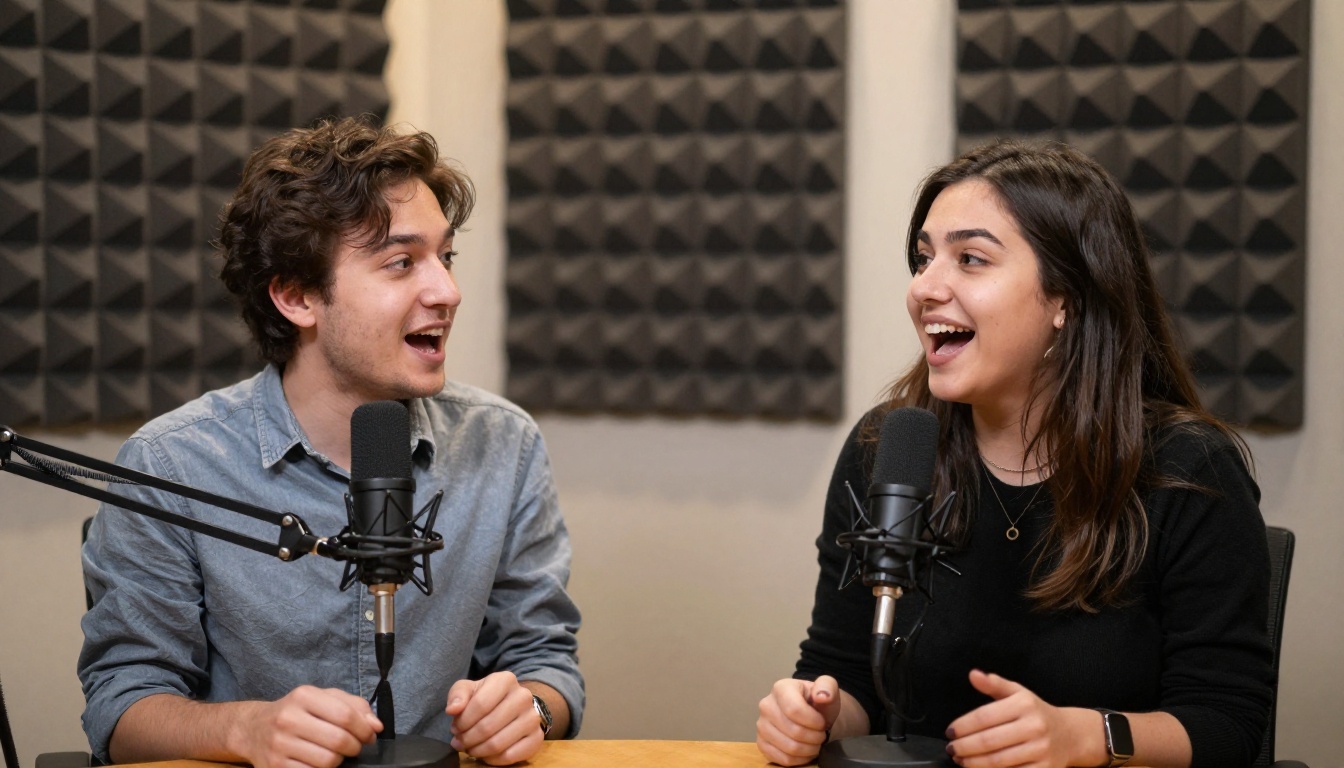
Kling v3 Motion Control works best as one layer in a larger avatar video production workflow. Several other models on PicassoIA pair naturally with it.
Stacking with Kling Avatar v2
Kling Avatar v2 excels at generating the base animated avatar video from a reference image, producing natural body movement, appropriate head motion, and ambient gestures. Once you have that base video, you can run a lipsync pass over it using Kling Lip Sync or Lipsync 2 Pro to synchronize the mouth to your audio.
This two-stage approach separates the body animation from the lipsync, giving you independent control over each. If the lipsync needs revision because you re-recorded the audio, you can re-run just the lipsync pass without regenerating the body animation from scratch. For iterative scripting workflows, this saves significant compute time over generating everything in one pass every time.
When to Use Dreamactor M2.0
Dreamactor M2.0 from ByteDance is designed for animating characters with full body reference videos. If your production workflow starts from an actor's performance that you want to transfer to an avatar character, Dreamactor M2.0 handles the motion transfer. The resulting animation can then have lipsync applied on top.
The key distinction from Kling v3 Motion Control is the input type: Dreamactor M2.0 takes a motion reference video as its driving signal, while Kling v3 Motion Control takes audio. Both produce avatar videos, but the routes to get there differ significantly depending on whether you are starting from recorded performance or from a script.
💡 Tip: For corporate explainer videos where a human actor performs the script on camera, Dreamactor M2.0 lets you generate a branded avatar version of that performance without requiring the actor to be re-filmed. Run Kling v3 Motion Control afterward if you need phoneme-accurate lipsync on the transferred motion output.
Real Use Cases That Actually Work
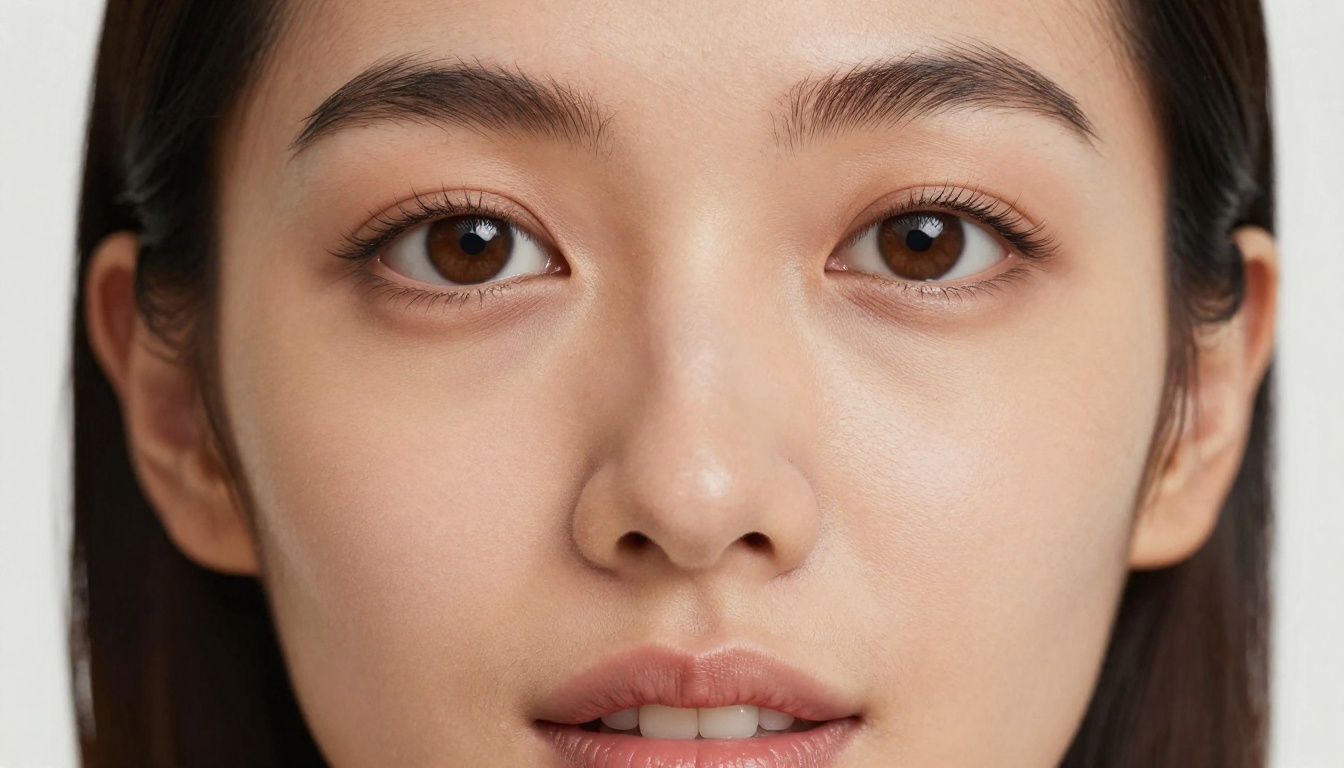
Knowing what Kling v3 Motion Control does technically is one thing. Seeing where it delivers results in actual production is another.
Marketing Spokespeople
Marketing teams frequently need spokesperson content in multiple languages, at scale, without the cost of re-filming. A single high-quality photo of a brand ambassador, combined with regional voiceover audio, produces professional talking head videos through Kling v3 Motion Control. The camera trajectory feature allows each regional version to feel slightly different, reducing the sense that you are watching the same clip re-dubbed with a new audio track.
The combination of Avatar V for base presenter generation and Kling v3 Motion Control for lipsync precision is a workflow that several content agencies have adopted for quarterly campaign localization. The brand ambassador shows up consistently across all markets without a single additional shoot day.
Educational Content Creators
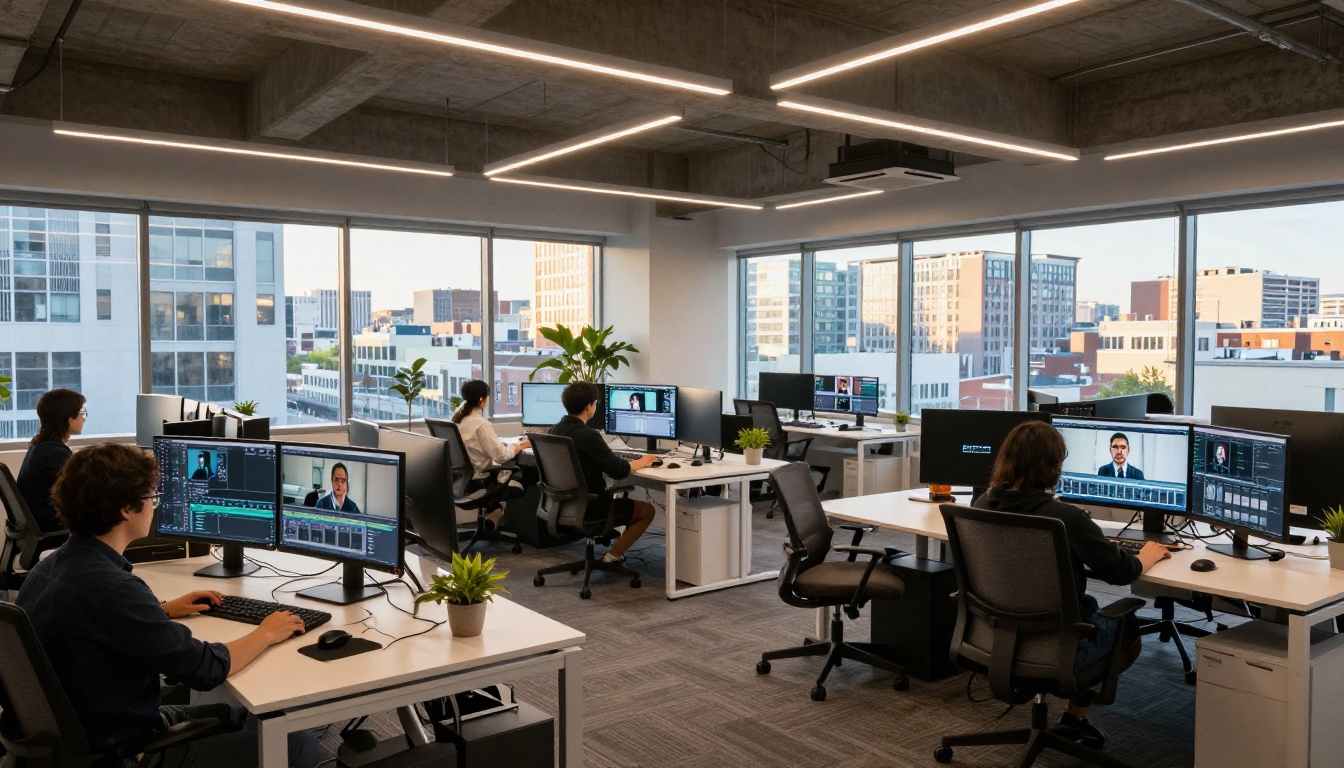
Online course creators who film themselves narrating slide decks often accumulate hours of video that later needs updating when course content changes. Rather than re-filming, a creator can update the audio script, run it through Kling v3 Motion Control using a clean reference photo or a still frame from the original footage, and produce an updated segment that matches the original visual style.
This workflow performs particularly well when the source material is a talking head against a clean background, without complex body gestures that would require full-body motion transfer. For sections of a course that contain only narration over slides, the avatar replacement is nearly indistinguishable from a re-film.
Social Media Shorts
Short-form content for platforms like Instagram Reels, YouTube Shorts, and TikTok benefits from consistent avatar presenters that can deliver content at a posting frequency that would be impossible to film traditionally.
Kling v3 Omni Video handles full scene generation from text, while Kling v3 Motion Control handles the lipsync pass when you need the avatar to deliver scripted audio with precision. Pairing these two tools lets you produce scenes and speaking-avatar segments in the same visual family, so cuts between them feel natural rather than jarring.
For creators managing multiple niches, the ability to maintain several distinct avatar identities, each with their own voice and appearance, turns what would be a filming bottleneck into a pure scripting and audio production workflow. Rapid prototyping of new character designs using Omni Human before committing to a full Kling v3 Motion Control render is a practical way to vet a new avatar identity without spending full render credits on a concept that might not resonate.
Start Building Your First Avatar
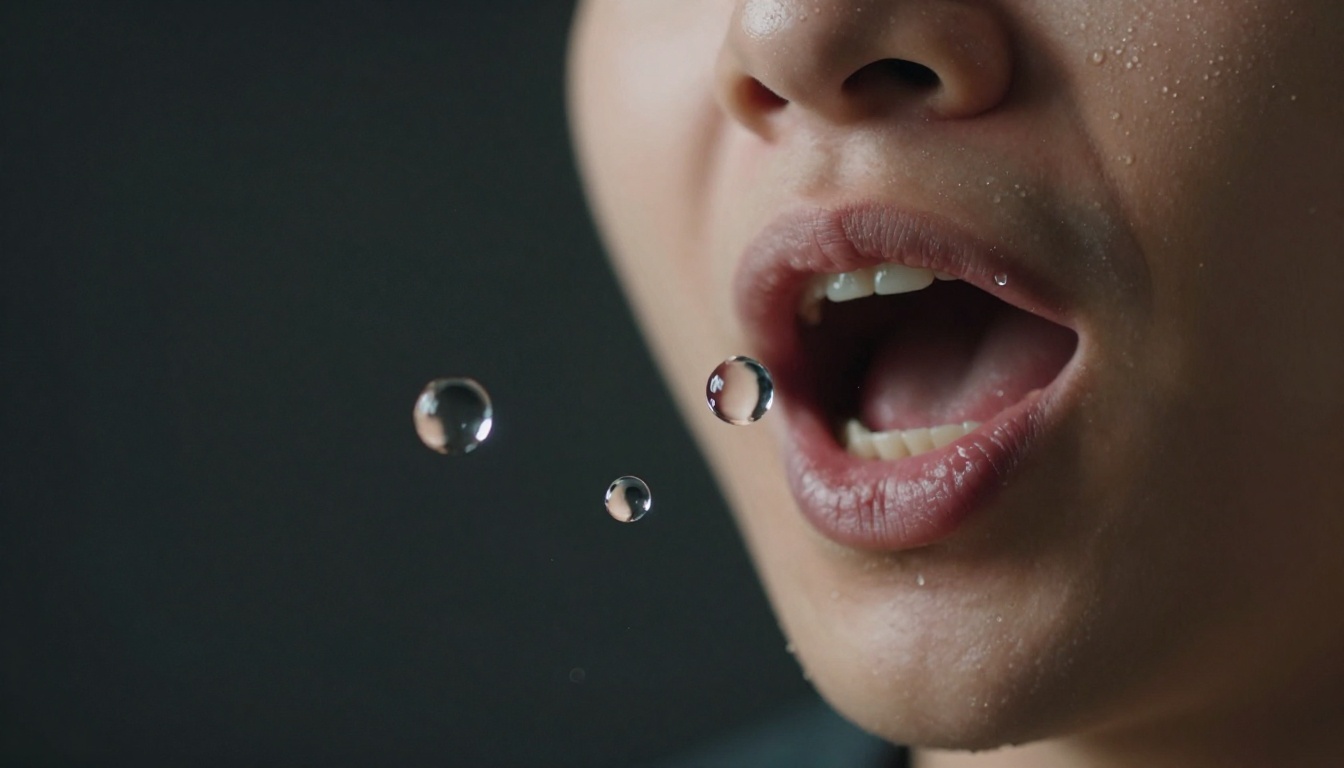
The barrier to producing professional avatar lipsync videos has dropped significantly. What previously required a recording studio, professional lighting, and multiple shooting days can now start from a single photograph and a clean audio file.
The range of lipsync and avatar animation models on PicassoIA spans from fast dubbing tools for existing footage to phoneme-accurate talking head generators for original content. Whether you pair Kling v3 Motion Control with Kling Avatar v2 for a full production pipeline, use Omni Human 1.5 for quick single-photo animation, or route through HeyGen Video Translate for multilingual reach, the tools are ready and accessible from a single platform.
Pick a source photo, load your audio, and head to picassoia.com/en/all-models to access the full catalog. Your first avatar lipsync video is fewer than five minutes away.


