The animation world is having a split-screen moment. On one side, professional animators spend days crafting precise keyframe sequences with carefully tuned easing curves and meticulously controlled motion paths. On the other, AI tools like Kling v3 Motion Control can generate cinematic, character-driven video in minutes from a single image or text prompt. Both approaches work. But they do not work the same way, and choosing between them — or knowing when to combine them — is one of the most consequential production decisions you can make right now.
What Kling v3 Motion Control Actually Does
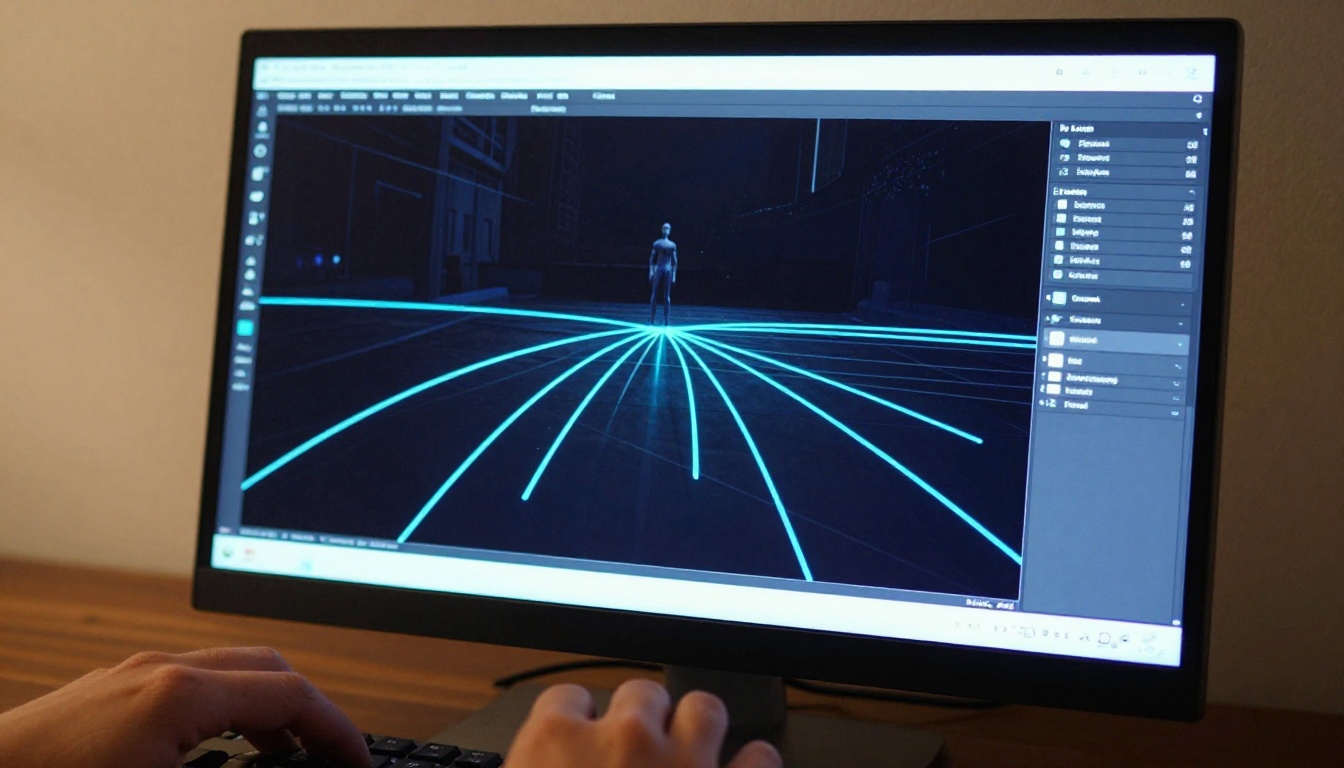
Kling v3 Motion Control is not a text-to-video model in the traditional sense. It is a specialized AI video generation system that accepts user-defined camera trajectories, subject poses, and motion paths as structured input, then synthesizes photorealistic video that faithfully follows those paths. Think of it as the AI equivalent of motion capture combined with a virtual cinematographer.
The core innovation: instead of specifying motion through manual timeline keyframes, you describe where the camera moves, how the subject moves, and what the spatial relationship between them looks like over the clip duration. The model infers every intermediate frame using its understanding of physics, perspective, and human motion dynamics.
Camera Path Precision
The camera control system in Kling v3 supports several motion types:
- Dolly in/out: controlled forward-backward camera movement along a defined axis
- Orbital/arc shots: the camera rotates around a fixed subject point
- Pan and tilt: horizontal and vertical axis panning with adjustable speed curves
- Combined trajectories: compound camera moves that would be expensive on a physical production rig
What makes this different from earlier AI video models is the fidelity of path adherence. Earlier versions of Kling and competing models like Kling v2.1 Master would roughly follow a motion direction but drift unpredictably past the midpoint. Kling v3's motion control architecture maintains the defined path with substantially higher consistency across the full clip duration.
💡 Tip: For orbital shots, start with a tight subject crop as your reference image. The model uses the subject's edge geometry to anchor the rotation axis, and a loose crop leads to drift in the final output.
Pose Control and Subject Movement
Beyond camera control, Kling v3 Motion Control allows subject pose guidance. You can provide a skeleton-based pose reference or a reference image showing the desired starting position, and the model animates the subject moving from that pose through natural, physically plausible motion.
This is particularly powerful for AI-powered character animation use cases where you need:
- A person walking with specific gait characteristics
- A subject turning to face the camera at a controlled rate
- Facial expression transitions synchronized with camera movement
How Traditional Keyframe Animation Works
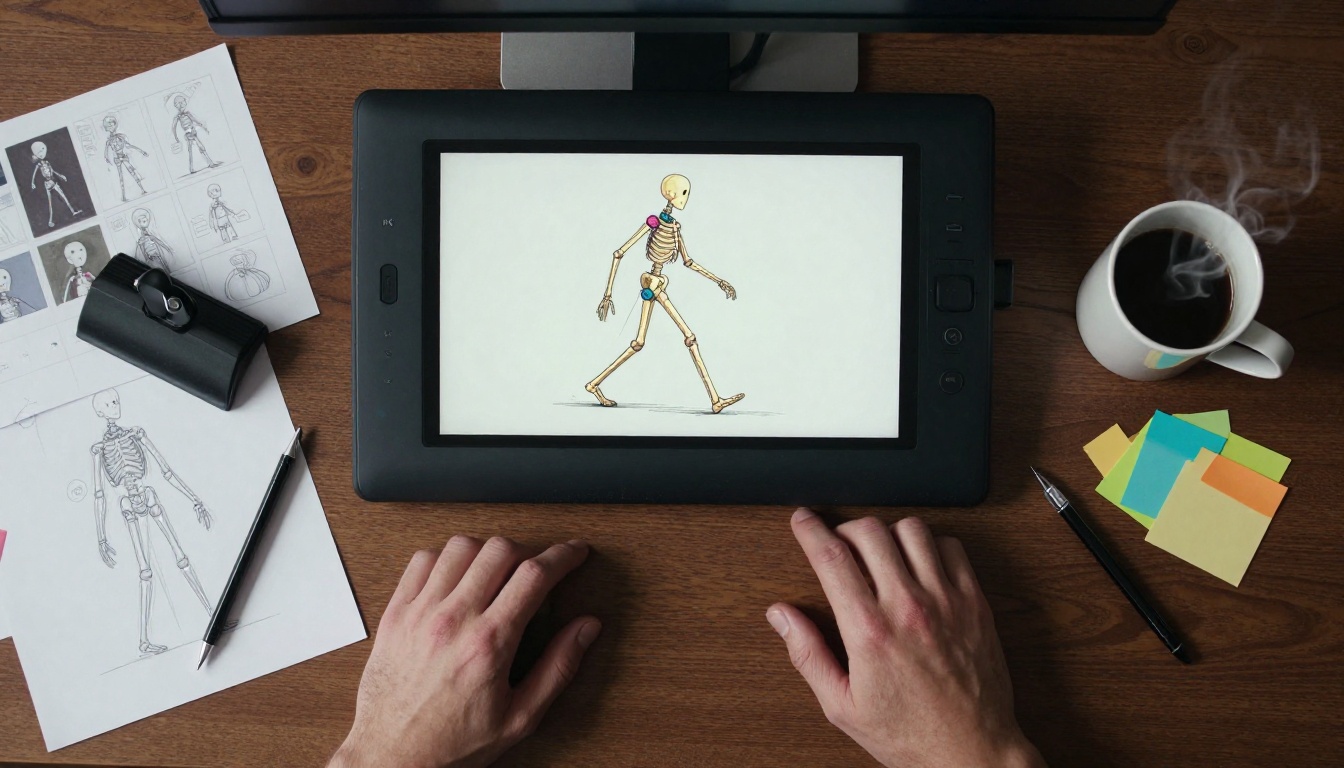
Traditional keyframe animation has a 90-year operational history. Whether you are working in professional software like Maya, Blender, or After Effects, the fundamental mechanics are the same: you define the state of a property at specific time points (keyframes), and the software interpolates between them using bezier curves or linear transitions.
The Timeline Workflow
The traditional keyframe workflow follows a structured sequence:
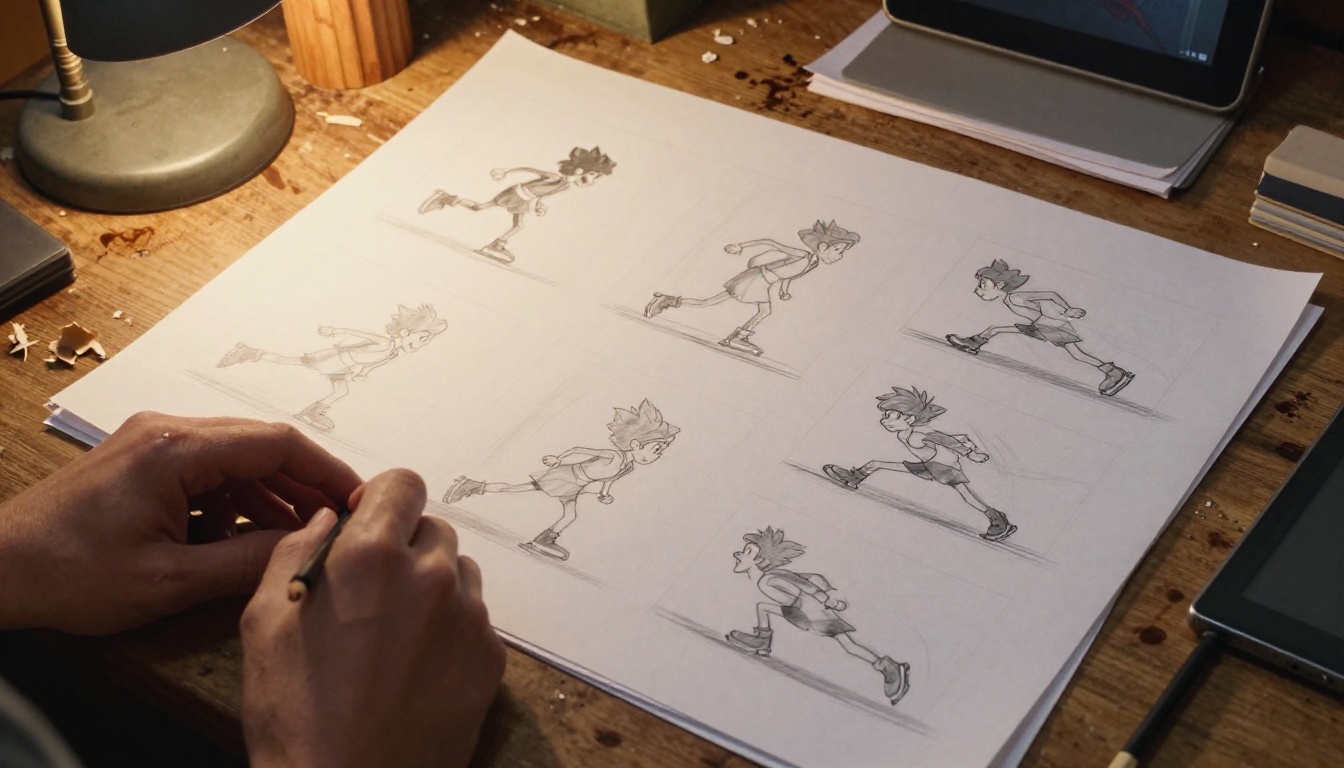
- Blocking: rough keyframes at major pose positions, typically every 4-8 frames
- Spline pass: switching interpolation from stepped to spline curves to evaluate flow
- Refinement: adjusting tangent handles on bezier curves to control easing and weight
- Polish: adding secondary motion, overlap, and follow-through on hair, clothing, and accessories
- Review: render playblast, evaluate pacing and weight, iterate as needed
Each stage requires deep technical knowledge. The easing curve editor alone has a learning curve that takes months to internalize. Getting natural-looking weight, momentum, and inertia into a walk cycle without motion capture data can take a senior animator 8 to 16 hours of focused work.
Easing, Curves, and Manual Control
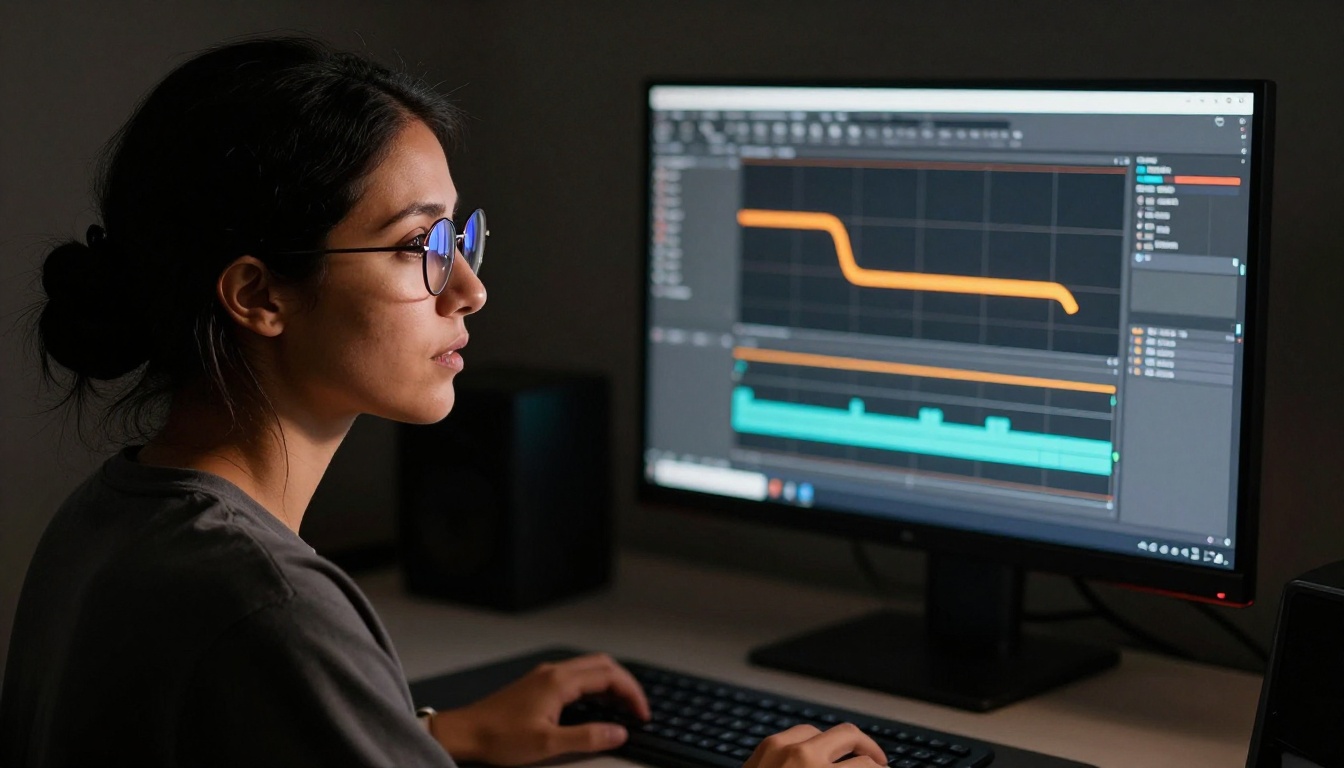
The precision of keyframe animation is its defining strength. You have absolute control over every property at every frame. Want the character's hand to decelerate at exactly 23% of the motion arc? You can do that. Want the camera to ease in slowly but snap out fast on the exit? Bezier handles give you that level of control with mathematical precision.
This precision is why traditional keyframe animation still dominates in:
- Feature film VFX requiring frame-perfect synchronization with audio dialogue
- Game animation where specific timing is constrained by engine logic
- Logo animations and motion graphics with brand-specified easing specifications
- Sports replay graphics where timing must exactly match real-world physics
Speed and Iteration — The Real Difference
This is where the comparison becomes practical for most creators working in 2026.
| Metric | Kling v3 Motion Control | Traditional Keyframe |
|---|
| Time to first draft | 30 to 90 seconds | 4 to 16 hours |
| Iteration speed | Generate new version instantly | Adjust curves, re-render, review |
| Skill barrier | Low (describe or draw paths) | High (years of training) |
| Frame-level control | Limited | Complete |
| Team size needed | 1 person | Often 2 to 5 specialists |
| Output style | Photorealistic | Photorealistic or stylized |
Hours vs. Minutes
In practical terms, what would take a skilled animator two full working days to block, refine, and render in a traditional pipeline — a 5-second tracking shot of a character moving through a scene with a simultaneous dolly-in — Kling v3 Motion Control produces in under two minutes. The output is photorealistic, not stylized. The motion follows physics. The lighting adapts naturally to the shifting camera angle.
That is not an incremental improvement. It is a category shift in what a solo creator can produce without a dedicated animation team behind them.
Creative Iteration Cycles
One underrated advantage of AI motion control is what it enables downstream of the generation itself. Traditional animation forces commitment — adjusting a complex rig after deep keyframe work is expensive in time and energy. With Kling v3, you can generate four different motion interpretations of the same scene in the time it would take to finish one keyframe block pass.
Instead of committing to an approach and refining it, you can explore options in parallel, pick the strongest result, and then refine only the winning direction. This is a fundamentally different creative process, closer to how photographers work with burst-mode shooting than how classical animators approach a scene.
💡 Tip: Generate three variations with different motion intensities (slow, medium, fast) before committing to any single clip. The differences in perceived weight and emotional impact are often surprising and shift creative decisions significantly.
Realism and Output Quality
Kling v3's Photorealistic Motion
When the subject matter is photorealistic humans, real-world environments, and natural physics, Kling v3 Motion Control produces output that is increasingly difficult to distinguish from real footage at a casual viewing distance. The model was trained on massive quantities of real-world video, so its understanding of how light behaves during camera movement, how fabric reacts to body motion, and how human bodies move under gravity is deeply embedded in the generation process.
Traditional keyframe animation, even in expert hands, requires years of study and ongoing reference footage collection to approximate this level of physical realism. In many cases, productions default to motion capture precisely because keyframe alone cannot reliably replicate human motion at production scale.
Where Kling v3 Motion Control currently has notable limitations:
- Extreme close-ups on faces: subtle micro-expressions still drift from intended poses
- Fast action sequences: high-velocity motion (sports, action choreography) shows temporal artifacts
- Precise in-scene text: any text that must appear within the generated video degrades unpredictably
- Longer clips: quality degrades noticeably after 5 to 8 seconds in complex scenes
Where Keyframes Still Shine
Traditional keyframe animation holds decisive advantages in specific contexts:
- Stylized or non-photorealistic work: cartoons, flat UI animations, motion graphics — AI motion models are optimized for realism and produce inconsistent results in stylized pipelines
- Audio-synchronized animation: precise frame-by-frame sync with dialogue or music beat hits requires timeline control that AI generation cannot provide deterministically
- Proprietary character rigs: studio characters with existing 3D rig infrastructure are faster to animate traditionally than to recreate as reference inputs for AI models
- Regulatory requirements: some broadcast and advertising contexts require full frame-level documentation of the animation production process
Workflow Integration in 2027
When to Use Kling v3
Kling v3 Motion Control is the right choice when:
- You need a fast, photorealistic first draft of a motion sequence for client review or internal evaluation
- You are a solo creator without animation team resources or budget for specialist labor
- The content is social media video, marketing material, or short-form storytelling
- You want to prototype camera choreography before committing to a live shoot or expensive 3D render
- You need multiple visual variations of the same scene for A/B performance testing
Hybrid Approaches
The most efficient productions in 2027 are not choosing one method exclusively. They are combining both. Common hybrid patterns:
- AI for rough blocking, keyframes for polish: Use Kling v3 to generate a rough motion version, extract the motion data or use it as visual reference, then rebuild in a 3D pipeline with precise keyframe control for final delivery
- Keyframes for structure, AI for fill frames: Animate at a low frame rate (every 12 frames) and use AI frame interpolation to fill intermediate frames with plausible motion
- AI for hero shots, keyframes for reactions: Generate the main character's action in Kling v3, animate surrounding characters' reactions traditionally to sync with the AI output timing
Other AI video models worth considering alongside Kling v3 for different motion needs:
- Seedance 2.5 for long-form text-to-video with native audio up to 30 seconds
- Video 01 Director for specialized camera movement control via natural language commands
- Wan 2.7 I2V for image-to-video animation of still photographs with strong motion quality
- Kling v2.6 Motion Control as a production-proven predecessor with extensive community documentation
- Veo 3 for text-to-video generation with native synchronized audio
How to Use Kling v3 Motion Control on PicassoIA
PicassoIA has Kling v3 Motion Control available directly in the platform with no local setup, no API key management, and no GPU requirements on your side. Here is how to run your first generation:
Step-by-Step Setup
Step 1: Prepare your reference image
Your reference image becomes the first frame of the video. Use a high-quality photorealistic image that matches the final aesthetic you want. Avoid stock images with visible watermarks or heavy post-processing artifacts.
Step 2: Define your motion intent
Write a motion description in the prompt field. Structure it chronologically: describe the starting state, the movement that occurs, and the ending state. Include camera behavior explicitly in the same description.
Example prompt: "A woman standing in a wheat field with hands at her sides. She slowly raises her arms as the camera performs a gentle dolly-in from medium shot to close-up on her face. Warm afternoon light. Her hair moves softly in a slight breeze."
Step 3: Set motion control parameters
- Camera movement type: Select from orbital, dolly, pan, or combined path options depending on your intended shot
- Motion intensity: Start at medium (50%) for first tests — high intensity produces dramatic but harder-to-control results
- Motion type: For human subjects, select "natural body motion" for better organic movement over mechanical presets
Step 4: Generate and evaluate
Generation takes approximately 60 to 120 seconds. Review the output at full speed first, then scrub frame-by-frame to check for motion artifacts at the 2-to-4-second mark, where most AI models show their first signs of degradation.
Step 5: Iterate with variations
If the motion reads correctly but feels too fast or too slow, regenerate with the same prompt but adjusted motion intensity. Keep the reference image identical between iterations to control variables accurately.
Best Parameter Settings
| Parameter | Recommended Setting | Why |
|---|
| Motion Intensity | 40 to 60% | Avoids jitter artifacts common above 75% |
| Camera Speed | Slow to Medium | Fast camera moves expose temporal inconsistency |
| Reference Adherence | High | Keeps subject appearance consistent across frames |
| Duration | 5 seconds | The model's optimal generation window for quality |
💡 Tip: The most reliable prompt structure is Subject plus Environment plus Camera Move plus Lighting plus Atmospheric Detail. Prompts that describe camera behavior explicitly outperform prompts that only describe the static scene.

Other AI Video Models Worth Trying
Beyond motion control, the PicassoIA platform hosts over 100 text-to-video and image-to-video models across different specializations. Depending on your project requirements, these are worth adding to your production toolkit:
For cinematic quality at scale:
- Kling v3 Video: the standard Kling v3 model without pose constraints, better for organic, prompt-driven scene generation
- Kling v2.5 Turbo Pro: faster generation with strong cinematic motion quality for high-volume workflows
For audio-integrated video production:
- Veo 3: Google's text-to-video model with native synchronized audio generation, useful when sound design is part of the deliverable
- Seedance 2.5: 30-second video generation with built-in audio for longer-format content needs
For animating existing images:
- Wan 2.7 I2V: strong image-to-video model that handles complex scene animation from still photographs with consistent motion quality
The full catalog is available at picassoia.com/en/all-models.
Start Creating Motion Video Now
The technology gap between what individual creators and large studios can produce is narrowing fast, and Kling v3 Motion Control on PicassoIA is one of the clearest examples of that shift. You do not need a rigging team, a motion capture studio, or years of timeline software experience to produce footage with professional-grade camera choreography and natural character motion.
The right approach in 2027 is not loyalty to either method. It is knowing what each one does well: keyframe animation for precision, synchronization, and stylized control; AI motion control for speed, photorealism, and rapid iteration. Use the right tool for the constraint in front of you.
Open the Kling v3 Motion Control model on PicassoIA, drop in a reference image, write a motion description, and see what 90 seconds of generation produces. Then decide what you want to do with the rest of the time you would have spent on keyframes.


