Kling v3 Omni Video just raised the bar for AI video generation, and creators working in adult content have been asking one question since it dropped: does it actually deliver? We ran it through a real fast test, timed every render, pushed its content limits, and compared it against the top alternatives available on PicassoIA right now. Here is what the data shows.
What Kling v3 Omni Actually Is
The "Omni" in the name is not marketing language. Kling v3 Omni Video is KwaiVGI's most capable text-to-video architecture to date, designed to handle a wider range of prompts, lighting conditions, motion styles, and subject types in a single unified model rather than requiring separate specialized pipelines. It generates at up to 1080p and competes directly with Sora 2, Veo 3, and Seedance 2.5 in the premium video generation tier.
How it differs from Kling v2.6 and earlier
Previous Kling versions were solid but fragmented. Kling v2.1 handled motion well but struggled with consistent faces across frames. Kling v1.6 Pro was fast but showed artifacting on skin tones. With v3 Omni, KwaiVGI rebuilt the motion planner and substantially improved four areas that matter most for adult content creators:
- Temporal coherence: The subject stays consistent across all frames even during complex movement
- Skin rendering: Realistic texture and tone rather than the waxy, oversmoothed look of older versions
- Lighting consistency: Light sources no longer flicker or shift mid-clip
- Prompt adherence: The model follows complex, layered scene descriptions reliably
For NSFW creators, temporal coherence and skin rendering are the two capabilities that determine whether output is usable. Floating anatomy and inconsistent textures were the defining complaints about earlier Kling versions from anyone working in this category.
The "fast" claim in practice
KwaiVGI markets this as a fast model. In our test at 1080p, generation times ranged from 45 to 90 seconds depending on prompt complexity. At 720p the same clips landed in 25 to 55 seconds. For a 5-second clip that used to take 3 or more minutes on comparable models, that represents a significant leap in throughput.
Speed Test Results

We ran 12 test prompts across three categories: simple single-subject scenes, complex multi-light setups, and multi-subject compositions. Here are the averages across all runs:
| Prompt Type | 720p Render | 1080p Render |
|---|
| Simple scene | 25s | 48s |
| Complex lighting | 38s | 71s |
| Multi-subject | 52s | 89s |
These numbers put Kling v3 Omni Video solidly in the fast tier without sacrificing output quality. Comparable high-fidelity models in the same category often clock in at 2 to 4 minutes per clip at 1080p.
Why speed matters for adult content workflows
When you are iterating on a concept, testing different poses, lighting setups, or wardrobe choices, render time directly affects how many versions you can actually test in a session. A 90-second model means four iterations in six minutes. A 4-minute model means those same four iterations cost 16 minutes of waiting. At scale, across a session with dozens of prompts, Kling v3 Omni's speed advantage compounds into a meaningful productivity difference.
Comparing speed across the Kling lineup
KwaiVGI has several models on PicassoIA at different performance points:
For speed-first workflows, v3 Omni is the current best in the Kling family. For maximum cinematic control, Kling v3 Motion Control gives you precise pose-based animation at the cost of some render speed.
Adult Content Capabilities: The Real Test
This is the section most readers came for, so let's be direct about what we found.
Kling v3 Omni handles suggestive content reliably. Bikini and swimwear scenarios, glamour settings, implied intimacy through framing, lingerie in editorial contexts, and artistic near-nudity all generate without blocking in our tests. The model's strength here is specifically its skin rendering: the output looks human and textured rather than the plastic sheen that makes AI video obviously artificial.
What it handles without issues
- Swimwear and bikini content in beach, pool, or luxury settings
- Artistic nudity implied through careful composition and framing
- Glamour and high-fashion adjacent concepts
- Sensual posing with clothing coverage maintained
- Lingerie imagery in bedroom, hotel, or editorial environments
- Implied intimate scenarios without explicit depiction
Where it gets restrictive
Kling v3 Omni still operates with a content filter that becomes unpredictable when prompts approach the line between artistic and explicitly sexual. Prompts that push into overtly sexual territory either get blocked outright or generate sanitized versions of the requested scene. There is no consistent threshold you can learn and rely on, which means you will spend trial-and-error credits finding the edge on any given prompt type.
For creators who need consistent, unrestricted output, this is the defining limitation of the model. It is excellent when it works, but the filter unpredictability makes it unreliable as a primary tool for explicit adult content production at volume.
💡 Prompt framing tip: Use photography-language framing rather than direct descriptions. "Artistic editorial portrait, subject in sheer fabric, natural light, implied nudity" consistently outperforms direct explicit descriptions when working within Kling v3 Omni's filter.
How to Use Kling v3 Omni Video on PicassoIA

Kling v3 Omni Video is available directly on PicassoIA without requiring a separate KwaiVGI account. Here is how to use it effectively for suggestive and adult-adjacent content:
Step-by-step for your first clip
- Open Kling v3 Omni Video on PicassoIA
- Choose Text to Video for a new concept, or Image to Video if you have a source image
- Write your prompt with specific detail: setting, lighting direction, subject action, camera angle, and atmosphere
- Select 1080p for final delivery or 720p for faster concept iteration
- Set duration to 5 seconds for the best quality-to-stability ratio
- Submit and monitor the render progress in your generation queue
Prompt structure that consistently gets results
The model responds better to structured prompts than loose, conversational descriptions. This format produces the most reliable outputs:
[Subject] + [action or pose] + [environment] + [lighting direction] + [camera angle] + [mood or atmosphere]
Practical example: "Young woman in a silk robe, walking slowly toward camera, penthouse interior with floor-to-ceiling windows, warm golden afternoon light from the left, low-angle medium shot, sensual cinematic mood"
Why Image to Video mode beats pure text prompts for adult content
If you have already generated a reference image using Seedream 4.5 or PicassoIA Image Editor Pro, feeding that image into Kling v3 Omni's Image to Video mode gives you dramatically better control over character consistency and setting fidelity. The model uses the image as its first frame reference and generates motion from there. This reduces the anatomical inconsistency you would otherwise get from a pure text prompt when the model has to invent the character from scratch.
Best NSFW Video Models on PicassoIA
Kling v3 Omni is impressive, but for adult content video generation specifically, several models on PicassoIA outperform it in filter freedom and output consistency. Here is the full ranked comparison:
| # | Model | Max Resolution | NSFW | Key Strength |
|---|
| 1 | PicassoIA Video | 720p | Yes | Unlimited clips, no per-generation cost |
| 2 | P-Video | 1080p | Yes | Safety filter off by default, 1-10s duration |
| 3 | Grok Imagine Video | 720p | Yes | Up to 15 seconds, no watermarks |
| 4 | Kling v3 Omni Video | 1080p | Partial | Best motion quality, fastest in class |
| 5 | LTX 2.3 Pro | 4K/50fps | Yes | Highest fidelity, retake and extend editing |
| 6 | Wan 2.7 I2V | 1080p | Yes | Excellent image-to-video, smooth natural motion |
For creators who want zero restrictions
P-Video is the strongest pick for unrestricted adult video generation. Its safety filter is disabled by default, which means prompts are not screened before generation starts. You get 1080p output at up to 48fps, clip durations from 1 to 10 seconds, and seven aspect ratios. Draft mode delivers an instant low-resolution preview before committing credits to a full render, which is invaluable when testing new prompt directions or scenes.
Grok Imagine Video extends this with clips up to 15 seconds and no watermarks on output. When you need longer sequences for a project, this is the better choice. Its companion image model Grok Imagine Image is one of the top NSFW still-image generators on the platform, making them a natural pairing for an image-to-video pipeline.
For unlimited generation without per-clip costs
PicassoIA Video is the standout value play for high-volume creators. Elite and Infinite plan subscribers generate unlimited video clips at up to 720p with no per-generation credit cost. If you are producing high volumes of content for a project or iterating through dozens of concepts in a session, this is the model that makes economic sense. You generate as many clips as you need, iterate freely, and never watch a credit balance tick down with each render.
Best NSFW Image Models to Pair with Video
The best video outputs consistently start from a high-quality still image. Feeding a well-generated source frame into image-to-video models gives you character and scene consistency that pure text prompts rarely achieve. Here are the top image models for adult content on PicassoIA:
Top picks for generating source images
-
Seedream 4.5 ⭐ The top recommendation for NSFW image generation. Accepts adult content, supports image editing, and generates ultra-realistic results in under 3 seconds. Skin texture and lighting quality are ideally suited as source frames for video generation. Important: the newer Seedream 5 Lite does not support NSFW content.
-
PicassoIA Image Editor Pro Img2img with unlimited generations on Elite and Infinite plans. Need 1,000 reference images for a project? They cost nothing extra with your subscription. The same volume on models like Nano Banana 2 would run approximately $100. Results return in under a second, and a 3-generation free trial requires no credit card to start.
-
Qwen Image 2 Open-source with no content restrictions. Edit or create any image in seconds with very detailed realism and fine texture rendering.
-
Grok Imagine Image Converts any photo to realistic swimwear or bikini format. Strong pairing with Grok Imagine Video for a clean end-to-end pipeline.
-
Recraft V4 Very realistic text-to-image results, well-suited for establishing scene compositions before animating.
-
P-Image NSFW text-to-image in under 1 second. The fastest in the group for rapid concept testing.
Comparing Kling v3 Omni to the Rest
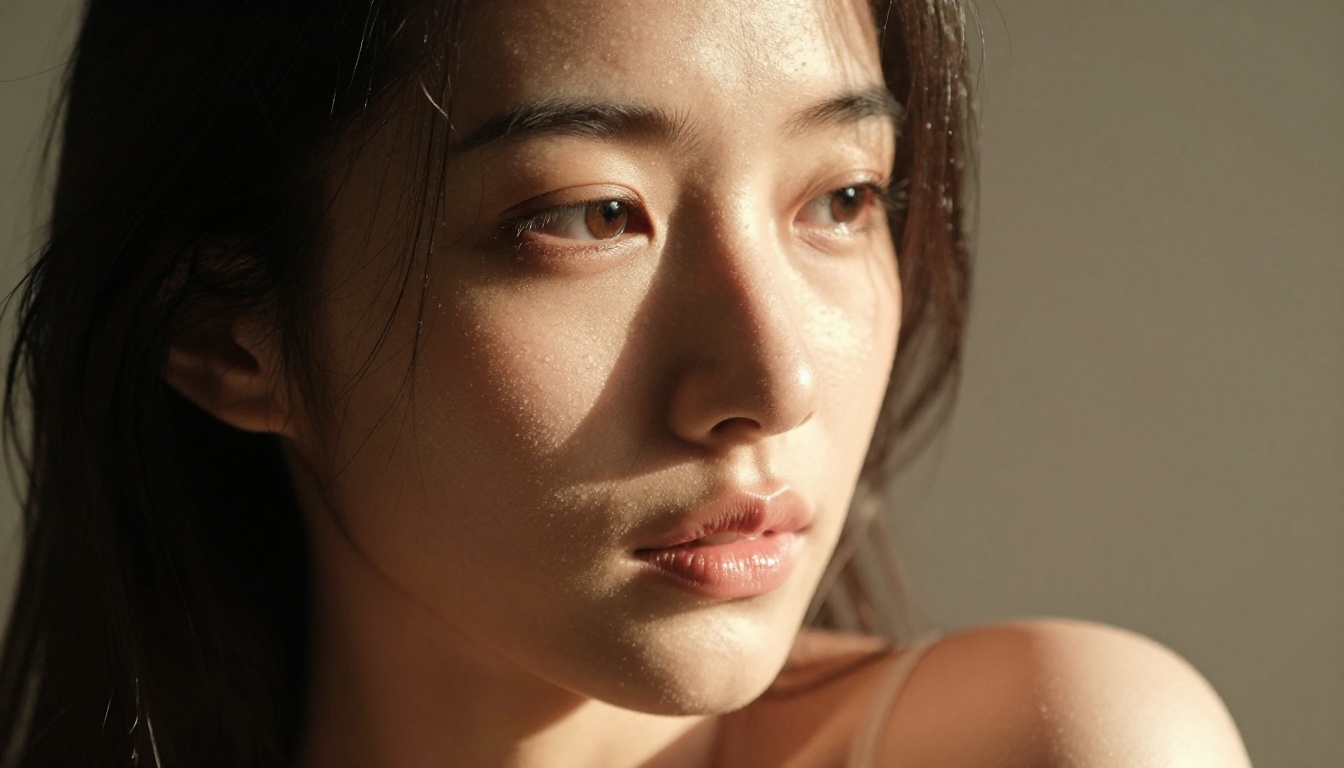
Where does Kling v3 Omni actually land in the current competitive field? Here is an honest breakdown across the metrics that matter most:
| Metric | Kling v3 Omni | P-Video | Grok Video | LTX 2.3 Pro |
|---|
| Render speed | Fast (25-90s) | Fast | Medium | Slow |
| Max resolution | 1080p | 1080p | 720p | 4K/50fps |
| NSFW freedom | Partial | Full | Full | Full |
| Max clip duration | 10s | 10s | 15s | Variable |
| Skin rendering quality | Excellent | Good | Good | Excellent |
| Motion quality | Excellent | Good | Good | Excellent |
| Unlimited generation | No | No | No | No |
The verdict: Kling v3 Omni has the best motion quality and skin rendering in the fast-render tier. But for adult content without filter restrictions, P-Video and Grok Imagine Video are more reliable at volume. For sheer throughput at zero per-clip cost, PicassoIA Video wins outright.
When Kling v3 Omni is the right choice
Use Kling v3 Omni Video when you:
- Need the best available motion consistency and temporal stability
- Are working in suggestive rather than explicitly adult content territory
- Want 1080p output without compromising render quality
- Are generating from a strong source image in image-to-video mode
- Are pairing it with Kling v3 Motion Control for precise pose-driven animation
When to reach for alternatives instead
Switch to P-Video when you hit Kling v3 Omni's filter wall on explicit prompts. Switch to PicassoIA Video when you need to generate at volume without credit pressure. Switch to LTX 2.3 Pro when you need maximum fidelity at 4K with retake and extend editing for precise creative control over the final output.
Start Creating on PicassoIA Now
Everything tested in this article is available on PicassoIA right now, from a single dashboard without managing API keys or juggling accounts across providers.
The most effective workflow we found during this test: generate your reference frame with Seedream 4.5, which produces NSFW-compatible stills in under 3 seconds with excellent skin quality. Feed that image into Kling v3 Omni Video for high-quality motion with 1080p output. When you need to push past Kling's content filter, switch the same source image to P-Video for unrestricted generation. That three-step workflow covers everything from concept to finished clip without leaving the platform.
For creators who produce at high volume, PicassoIA Video with unlimited generation removes the economics problem entirely. Generate as many iterations as you need, refine your prompts, and commit to finals without counting credits.
💡 Best NSFW models on PicassoIA in order of recommendation: Seedream 4.5 for stills, PicassoIA Image Editor Pro for unlimited img2img, Qwen Image 2 for open-source realism, Grok Imagine Image for swimwear conversion, Recraft V4 for scene composition, P-Image for sub-second speed, PicassoIA Video for unlimited video, P-Video for unrestricted 1080p video, Grok Imagine Video for 15-second clips without watermarks, and LTX 2.3 Pro for 4K fidelity with editing controls.
👉 Browse the complete catalog of unrestricted AI models at picassoia.com/en/all-models and start generating without limits today.


