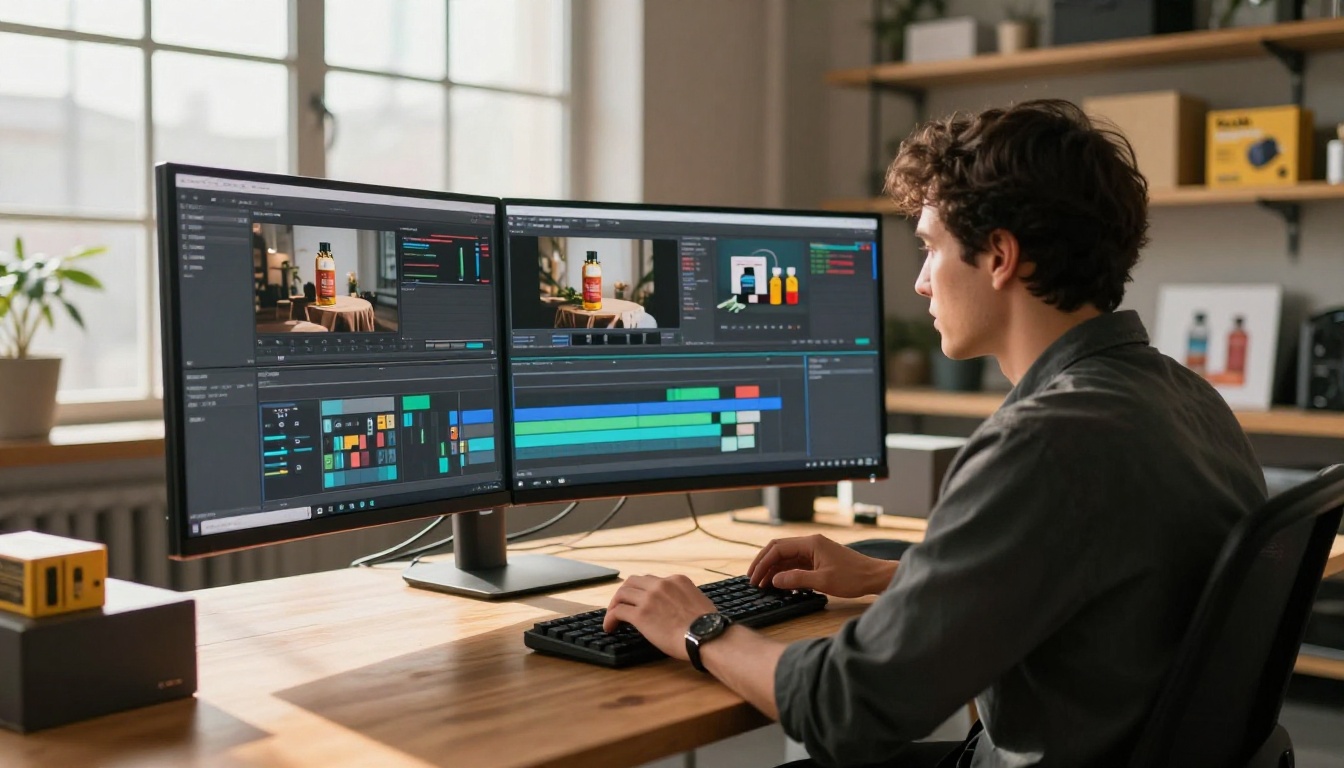
Product ads that stop the scroll don't happen by accident. They're built on precise motion, deliberate framing, and that fraction-of-a-second visual hook that makes someone pause their feed. For most brands, producing that level of video content meant hiring a production crew, renting studio time, and waiting weeks for the edit. Kling v3 Omni Video changes that equation entirely. This image-to-video model produces cinematic, commercial-grade ad clips directly from a single product photograph, with results that hold up against agency-produced content on every major platform.
What Kling v3 Omni Actually Does
Kling v3 Omni is an image-to-video model built by Kuaishou Technology (KwaiVGI). The "Omni" designation is meaningful: it refers to the model's ability to handle a wide range of input types, prompt styles, and motion directions without the rigid constraints that limited earlier versions. Where previous Kling releases would sometimes produce unnatural subject warping or inconsistent motion physics, v3 Omni introduces a significantly improved temporal coherence layer.
In practical terms: objects in your video move the way they should. Liquids behave like liquids. Hard product edges stay sharp. A bottle's label doesn't dissolve into the background halfway through a slow rotation. For brands, this translates directly to usable commercial output without extensive post-production cleanup.
The Omni Architecture Explained
The architecture behind Kling v3 Omni uses a diffusion transformer backbone trained on both text-conditioned and image-conditioned video sequences. This means the model simultaneously processes what you want to happen (from your prompt) and what the first frame looks like (from your source image). It interpolates motion frames between these two reference points with notably higher physical accuracy than earlier frame-interpolation approaches.
For product advertising, this matters because a luxury watch, a glass perfume bottle, or a pair of sneakers each have distinct surface properties: reflections, textures, transparencies. Cheaper models tend to destroy these in motion. Kling v3 Omni preserves them across the full clip duration, which is the property that makes the output commercially usable without a cleanup pass.
Why Product Ads Specifically
Three properties make Kling v3 Omni exceptionally well-suited to product advertising:
- Surface fidelity: Maintains label text, material sheen, and fine product detail through all 5 seconds of output
- Camera control: Accepts precise motion direction descriptions, so you can specify a slow dolly-in, a 90-degree orbit, or a pull-back reveal with consistent results
- 1080p native output: Commercial-ready resolution without post-production upscaling
No other model in the current Kling lineup matches this specific combination for product ad applications. Kling v3 Video comes close for text-to-video workflows, but when your starting point is a product image, the Omni variant consistently produces more stable, commercially usable results with better surface preservation.
Setting Up Your First Ad Video
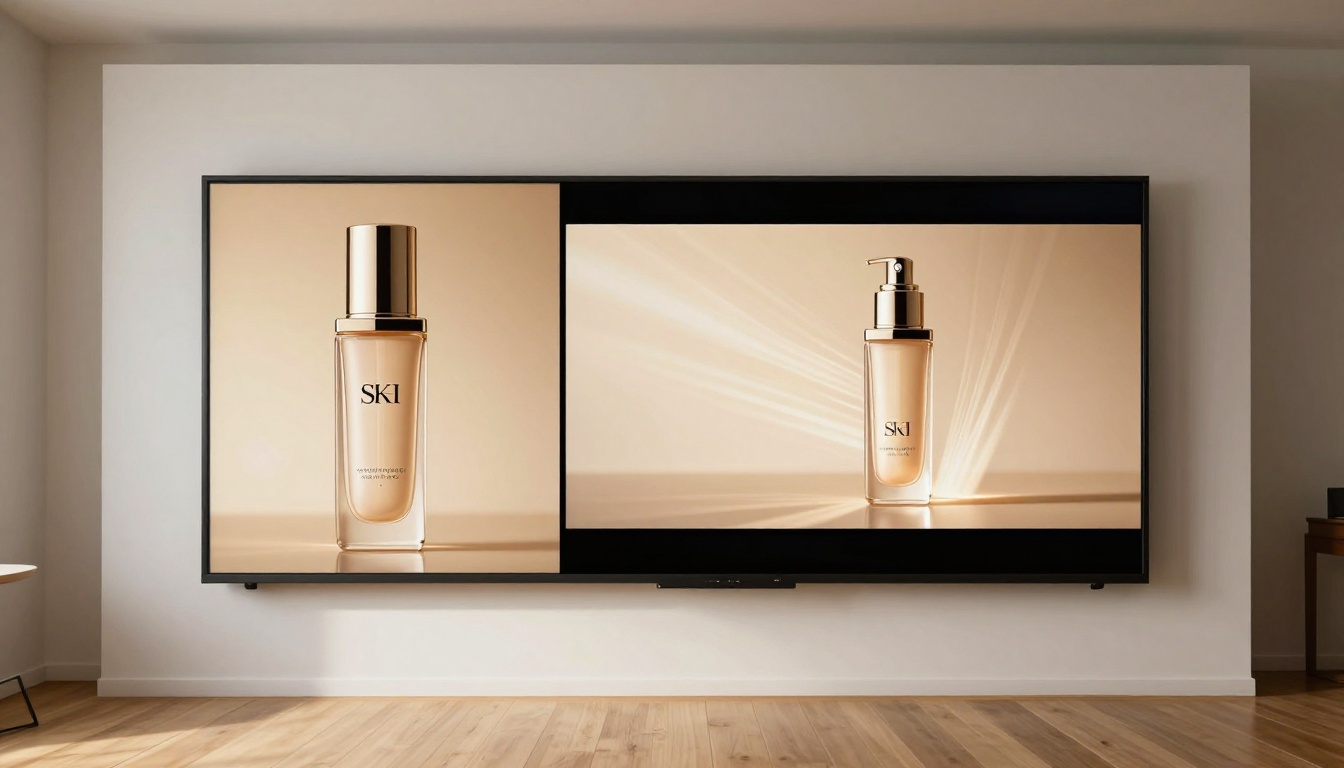
Before opening the tool, the work starts with your source image. The quality of your input is the single biggest determinant of your output quality. High-fidelity product photography produces high-fidelity ad video. Compressed or poorly lit source images produce poor ad video regardless of how capable the model is at the other end.
Picking the Right Product Image
Not all product photos translate well to video generation. Here's what separates inputs that work from inputs that produce artifacts:
| Input Characteristic | Motion Output Result |
|---|
| Clean white or gradient background | Smooth edge separation, professional camera motion |
| Harsh directional shadows baked in | Flickering artifacts during movement |
| 4K product shot, even lighting | Full surface detail preserved through entire clip |
| Compressed JPEG with visible artifacts | Compression noise amplifies visibly in video |
| Product centered with visual breathing room | Camera can orbit or dolly without edge cropping |
| Busy or textured background | Background elements distort during camera movement |
The ideal source image is a well-lit product photograph with the subject centered, shot against a clean background with at least 15 percent visual breathing room on all sides. This gives the model space to simulate camera movement without hitting the frame edges and producing warping artifacts.
💡 Tip: You don't need to start with a professional photograph. PicassoIA's text-to-image generation produces photorealistic product source images in seconds, which you then feed directly into Kling v3 Omni as the first frame. Many of the best-performing product ad videos on the platform are built entirely within the platform from scratch.
The Prompt Formula That Works
Most people write vague prompts and wonder why the output feels generic. Kling v3 Omni responds to specificity. Use this structure:
[Camera action] + [Subject behavior] + [Atmosphere] + [Lighting]
These examples consistently produce high-conversion ad results:
Slow orbital camera circles the perfume bottle 90 degrees clockwise, bottle rotates slightly on its axis, warm golden studio light catches the glass facets, smooth motion throughoutCamera performs a slow dolly-in toward the sneaker, the laces settle gently as the camera closes in, crisp studio lighting from the left, product stays sharp throughoutGentle pull-back reveals the full product packaging arrangement, each piece breathes with a subtle depth shift, diffused overhead lighting, no camera shake

The more specific your camera instruction, the better the output. "Dolly in" produces a different result than "zoom in" because the former moves the virtual camera through space while the latter changes focal length. For product ads, dolly-in consistently outperforms zoom in perceived production quality and emotional impact on the viewer.
Camera Motion for Product Ads
Camera motion is where product ads succeed or fail. Static products need purposeful, directed camera language to feel alive on screen. The motion shouldn't feel random; it should feel like a skilled cinematographer chose every frame with commercial intent.
Orbital Shots for E-commerce
The orbital shot is the most commercially useful motion type for e-commerce. It shows multiple faces of a product simultaneously, builds perceived value, and performs at every stage of the purchase funnel from awareness through to consideration.
For Kling v3 Omni, a reliable orbital prompt structure looks like this:
Camera orbits slowly around the product, completing approximately 90 degrees of arc from right to left, product surface catches changing specular light from a stable overhead source, background slightly blurred, smooth continuous motion
Important: v3 Omni won't complete a full 360-degree orbit in 5 seconds without visible distortion. Keep orbital arcs to 45 to 120 degrees for the cleanest commercial output. If you need a full product spin, generate two overlapping 90-degree clips and join them in a simple editor.
Dolly-In for Impact
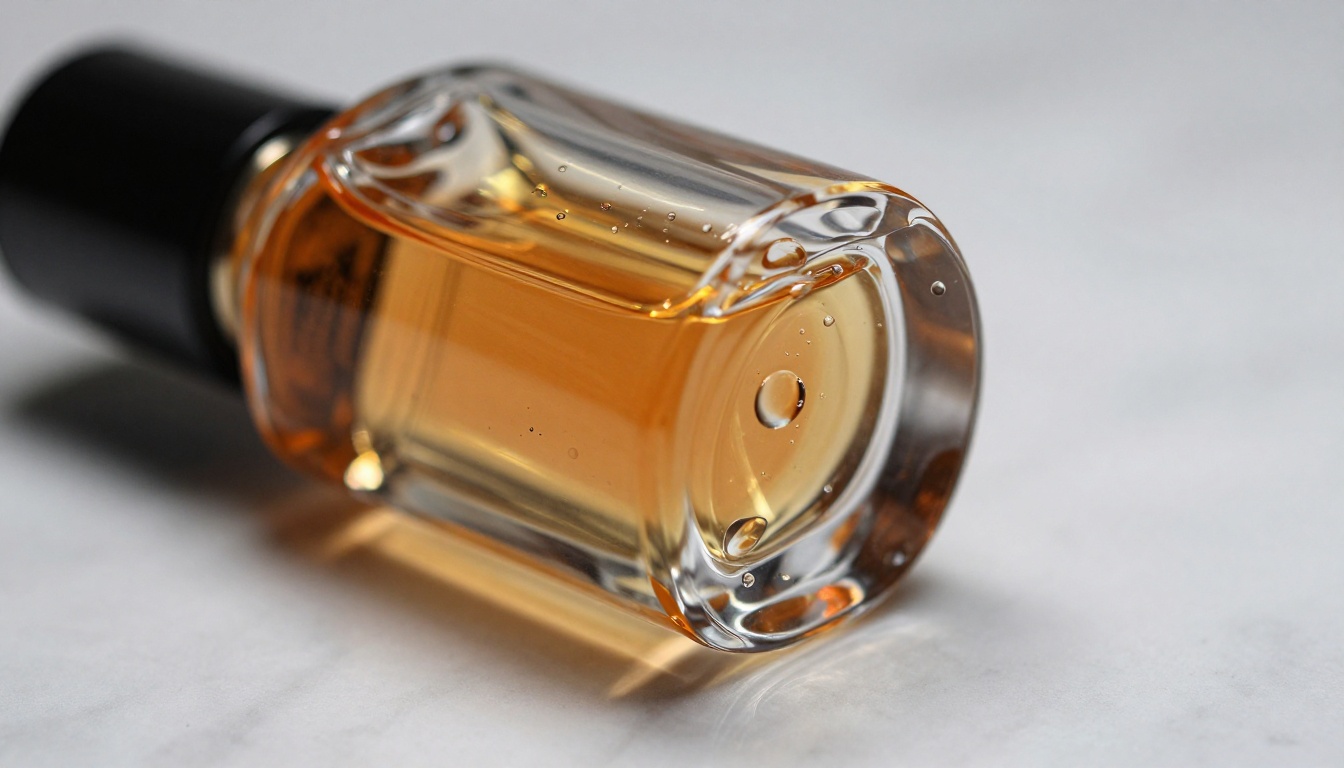
The dolly-in is the most emotionally powerful motion type for product advertising. It creates intimacy and a sense of arrival. Used at the end of a product reveal sequence, it drives the viewer toward a strong mental close. It also reads beautifully on glossy, reflective surfaces because the specular highlights shift naturally as the camera advances.
Prompt structure for a clean dolly-in:
Camera slowly dollies in toward the product, starting from medium distance, closing to a tight close-up of [specific detail: logo, texture, key feature], lighting stays constant throughout, no subject movement, smooth deceleration at close
Pair this with your highest-resolution, highest-detail product image for maximum impact, particularly on reflective materials like glass, lacquered wood, or polished metal.
Using Kling v3 Omni on PicassoIA
Kling v3 Omni Video is available directly on PicassoIA with no local installation or API setup required. Here is the exact step-by-step production workflow.
Step 1: Upload Your Product Image
Go to the Kling v3 Omni Video model page on PicassoIA. The interface presents an image upload field alongside the prompt input. Upload your product photograph directly. The model accepts JPEG and PNG formats at the standard platform resolution limits.
If you don't have a product photograph ready, use PicassoIA's text-to-image generation first. Produce a photorealistic product shot with a detailed prompt, save it locally, and then upload it as the source frame for your video generation. The quality ceiling of AI-generated source images on PicassoIA is high enough to produce commercially usable ad video output without any visible compromise.
Step 2: Write the Motion Prompt
Use the prompt formula from the earlier section. Do not describe the product itself in the prompt. The uploaded image already shows the model exactly what the product looks like. Your prompt's job is to direct the camera and define the atmosphere, nothing more.
Over-describing the product instead of directing the camera is the most common mistake new users make with image-to-video models across every platform.
Ineffective prompt: A luxury perfume bottle rotating with golden reflections and crystal facets and a beautiful amber liquid inside with an elegant label
Effective prompt: Camera slowly orbits 90 degrees to the right of the bottle, studio overhead light creates moving specular highlights across the glass surface, smooth motion throughout, no subject distortion
Step 3: Set Resolution and Output Format
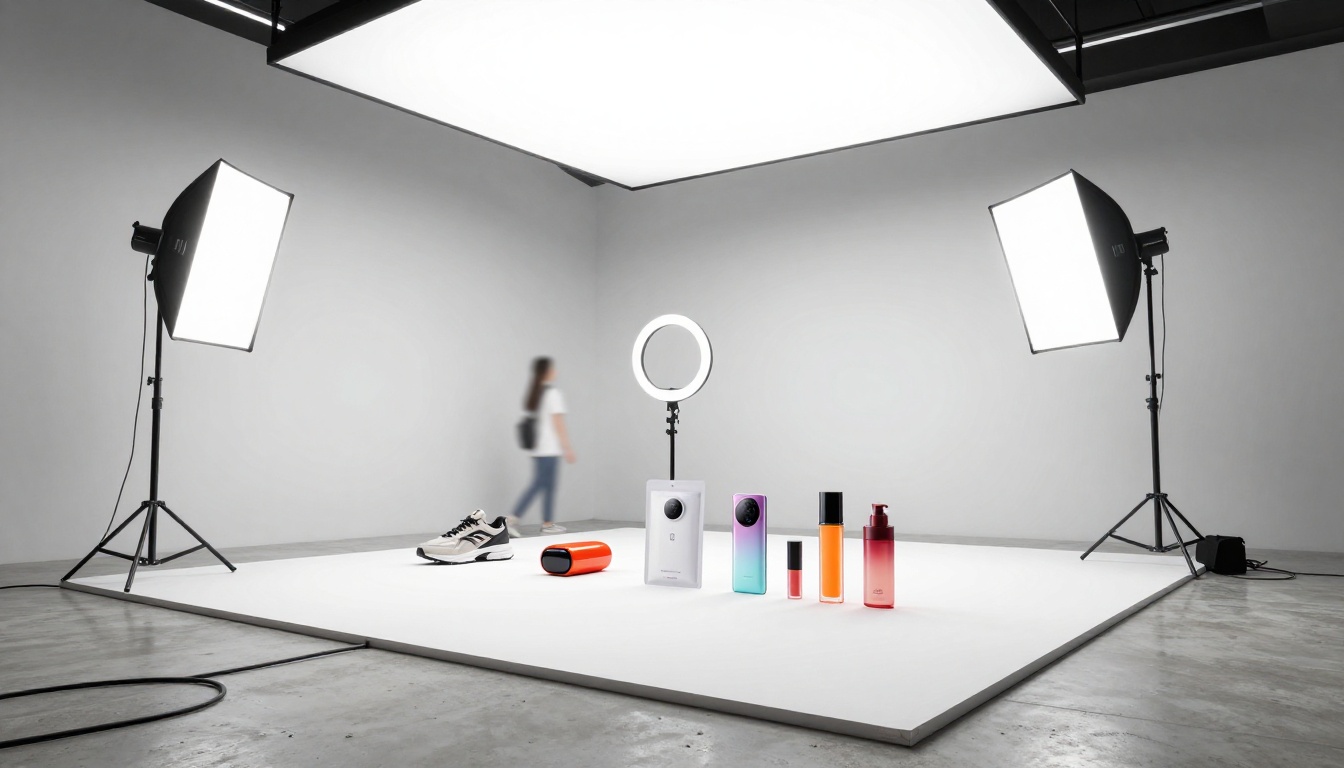
Kling v3 Omni Video on PicassoIA outputs at 1080p resolution. The model defaults to matching the aspect ratio of your source image, so matching that ratio to your intended ad placement is critical before you generate:
- 9:16 source image produces vertical video: ideal for Instagram Reels, TikTok, YouTube Shorts
- 1:1 source image produces square video: ideal for Instagram and Facebook feed posts
- 16:9 source image produces horizontal video: ideal for YouTube pre-roll and display advertising
Set your source image ratio correctly before generating. Changing the ratio in post-production adds unnecessary processing steps and risks quality degradation on the cropped output.
Step 4: Review and Iterate
Generation typically takes 30 to 90 seconds depending on server load. When the clip is ready, preview it directly in the browser. Check specifically for:
- Subject warping mid-clip (the most common artifact with aggressive motion prompts)
- Background flickering or temporal inconsistency
- Label or text distortion on product packaging
- Unintended subject movement (the product should not drift or breathe unless you prompted it to)
If any of these appear, regenerate with a more constrained motion prompt. Adding "slow," "subtle," or "minimal camera movement" to the prompt often resolves artifact generation on a first pass. Longer, more specific camera descriptions consistently outperform shorter, vague ones.
Other Models Worth Considering
Kling v3 Omni isn't the only tool for product video generation. For certain ad formats or budget profiles, other models in the platform's catalog produce better results on specific tasks.
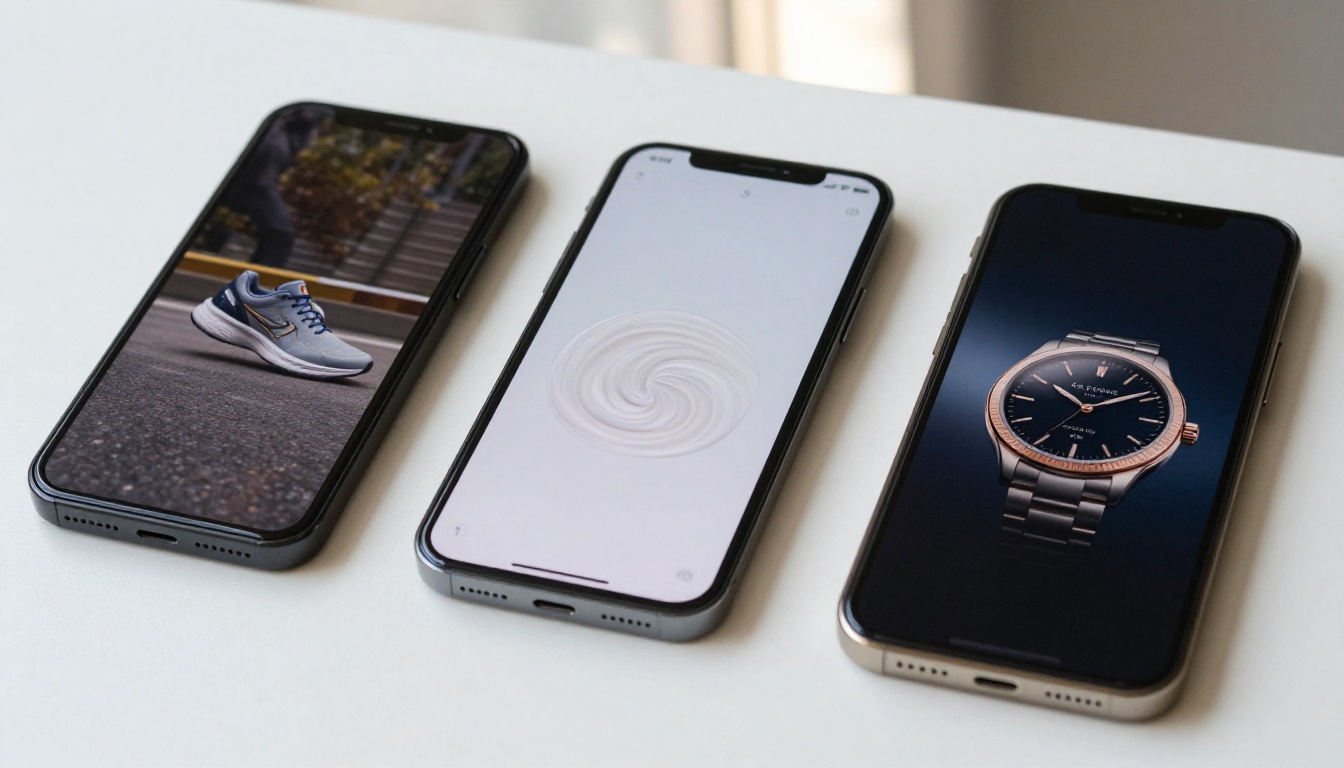
When to Use Kling v2.6
Kling v2.6 is faster and more cost-effective per generation than v3 Omni. For rapid iteration and A/B testing multiple motion concepts on the same product image, v2.6 is the right first-pass tool. Once you've confirmed your motion direction, prompt structure, and atmosphere produce the right commercial feel, move to Kling v3 Omni Video for the final output. This two-stage workflow significantly reduces total generation costs on large product catalogs.
When to Use Kling v3 Motion Control
Kling v3 Motion Control gives you direct control over camera trajectories using coordinate-based motion inputs rather than purely text-described paths. This is the right tool when text prompts can't reliably reproduce a specific diagonal sweep, compound arc, or custom camera path your creative brief requires. For standard dolly and orbital work, Omni's text control is sufficient. For complex bespoke camera moves, Motion Control is the more precise instrument.
The Wan 2.7 I2V Option
For brands generating video content at high volume with cost constraints, Wan 2.7 I2V produces solid image-to-video results at a lower cost per clip. It handles standard product motion types well: slow zoom, gentle drift, pull-back reveal. The trade-off is reduced surface-detail preservation on highly reflective materials like glass and polished metal compared to Kling v3 Omni. For matte-surface products such as clothing, cardboard packaging, or soft goods, the quality gap between the two models is noticeably smaller.
Using Seedance 2.5 for Speed
When turnaround time matters more than final quality, Seedance 2.5 delivers the fastest generation times in the platform's image-to-video lineup. It's the right choice for client approval rounds where you're demonstrating motion direction rather than final production quality, and for internal concept validation before committing to a full generation run on Kling v3 Omni.
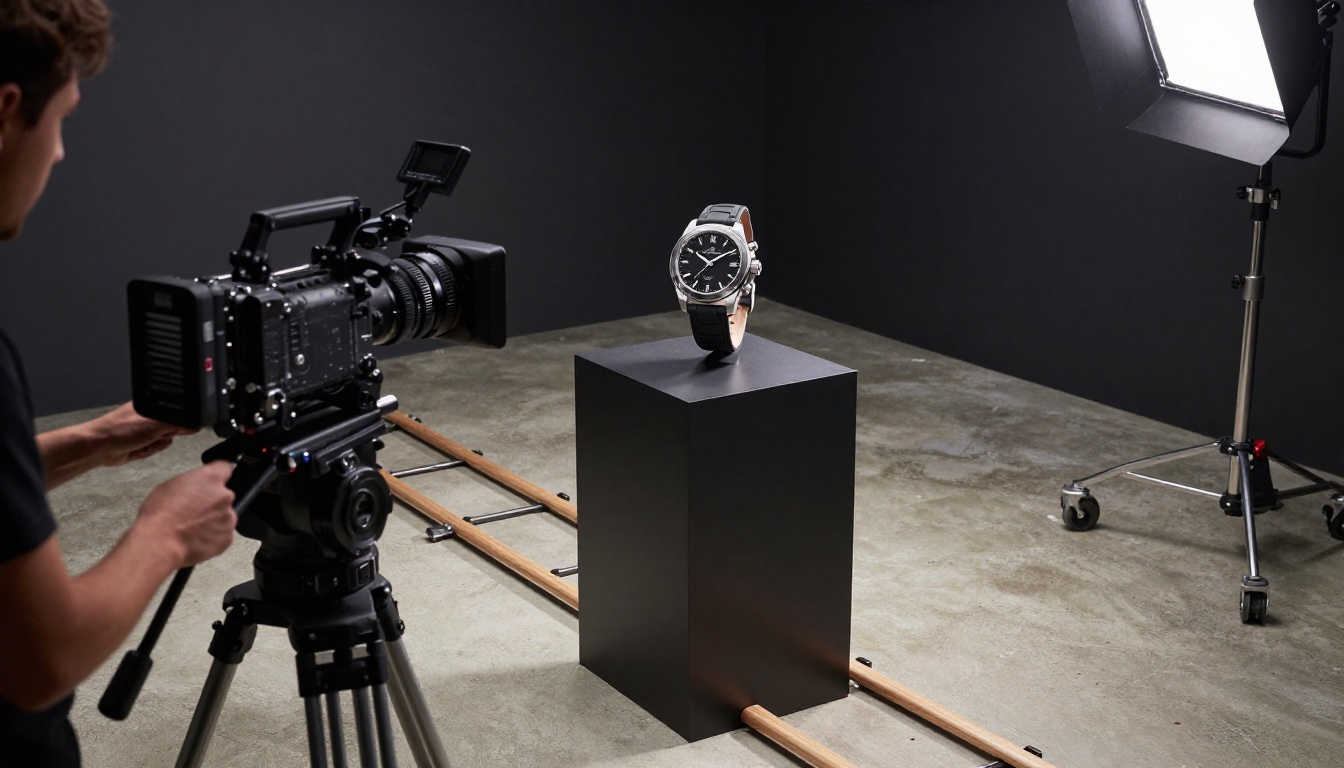
Real Ad Campaign Workflows
Here's how to structure a production-ready campaign workflow using these tools for the two most common ad formats in e-commerce today.
For Instagram and TikTok Ads
For vertical social media ads produced at scale, the workflow runs like this:
- Source image generation: Produce a 9:16 product shot using PicassoIA's image generation with a detailed photorealistic prompt specifying your product, surface properties, and background
- First-pass motion testing: Feed the image into Kling v2.6 with 2 to 3 different motion prompts to quickly test orbital, dolly-in, and pull-back concepts side by side
- Final quality generation: Take the winning motion concept and generate the final clip using Kling v3 Omni Video at 1080p
- Audio layer: Add audio using PicassoIA's AI music generation or text-to-speech tools, matched to the ad's pacing and brand tone
- Deployment: Export at full resolution and upload to Meta Ads Manager or TikTok Ads with your standard campaign targeting parameters
For a 30-product catalog, this workflow produces 90 ad creative variants across three motion types in a single afternoon. That's the output that previously required a two-day production shoot with a crew.

For E-commerce Product Pages
For product page video, the creative requirements shift significantly. You want atmosphere-forward, looping-friendly motion rather than aggressive scroll-stopping hooks. The ideal output for a product detail page has these properties:
- 5 seconds, designed to loop without a visible cut
- Slow orbital or gentle drift motion with no sudden direction changes
- No aggressive camera movement that pulls attention away from the product itself
- Neutral, premium-feeling atmosphere that supports rather than competes with the product photography
Use Kling v2.1 Master for catalog-scale product page videos where quantity and cost efficiency are the primary constraints. Reserve Kling v3 Omni Video for hero products, featured items, and anything positioned above the fold where the quality difference is immediately visible to the customer at full viewport size.
3 Common Mistakes
Overloading the Prompt with Product Description
Trying to describe both the product and the motion in the same prompt splits the model's processing attention. The uploaded image already shows the model exactly what the product looks like at full visual fidelity. Your prompt's job is exclusively to direct the camera and define atmosphere. Every word spent describing the product is a word taken away from motion instruction clarity, and the output reflects that split focus with vague or inconsistent motion.
Using Low-Resolution Source Images
Kling v3 Omni is a high-fidelity model. Feed it a 400-pixel JPEG and it produces a 400-pixel-quality video regardless of what the output resolution setting says. Source images below 1080 pixels wide significantly cap the output quality ceiling. Use full-resolution product photography or generate your source image at the highest available resolution in PicassoIA's image generation tools. The model performs proportionally to the information available in the source frame.
Skipping the A/B Test Step
No single motion prompt works universally across product categories. What performs for a cosmetics brand's Instagram ad may produce the wrong atmosphere for a tech gadget's product page, and vice versa. Always generate at least 2 to 3 motion variants per product before committing to a final clip. The generation cost per clip is low enough that skipping the A/B validation step is consistently the more expensive mistake in the long run. It costs you in wasted ad spend deployed on creative that hasn't been tested against alternatives.
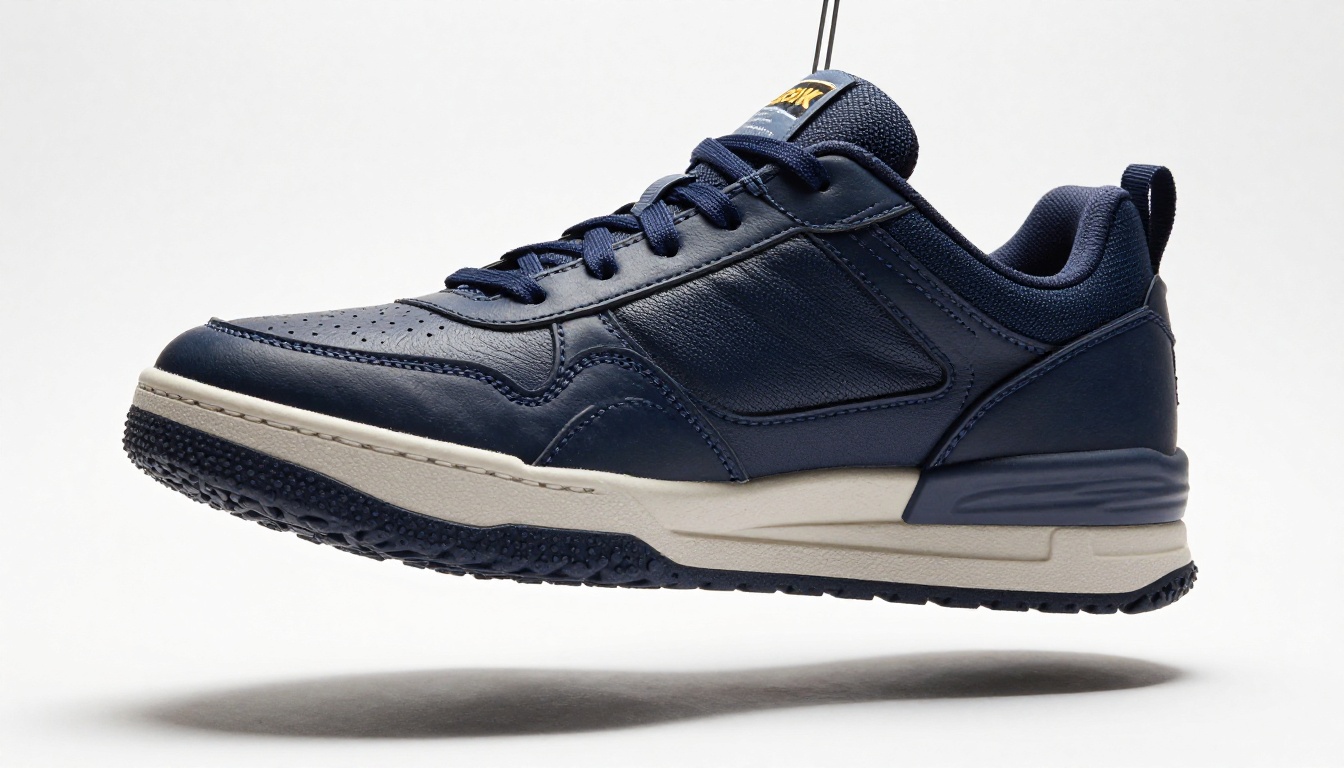
Start Creating Your Own Product Ads
The production barriers to commercial-quality product video advertising are gone. Kling v3 Omni Video is live on PicassoIA alongside the full catalog of image-to-video and text-to-video models: Kling v3 Motion Control for precise camera path control, Seedance 2.5 for fast concept testing, Wan 2.7 I2V for high-volume cost-efficient production, and Ray 3.2 for cinematic HDR output on premium brand content.
Pick a product from your catalog. Generate a photorealistic source image using PicassoIA's image tools. Write a motion prompt using the formula in this article. Upload it to Kling v3 Omni Video and run your first generation. A ready-to-deploy product ad clip is one generation away.
The full model catalog is at picassoia.com/en/all-models. Every video model on that list is one upload and one prompt away from producing your next ad creative.


