Kling v3 Omni Video is Kuaishou's most capable text-to-video model, producing 1080p clips with cinematic motion. This article breaks down its actual NSFW policy, how its content filters work, which models on PicassoIA outperform it for adult content, and the best prompts to get results.
Kling v3 Omni Video arrived with serious credentials: 1080p output, cinematic motion, and a prompt engine built around natural language. Naturally, the question of NSFW content came up fast. If you have been hunting for a straight answer about whether Kling v3 Omni supports adult content, what its actual limits are, and which alternatives work better when the filters kick in, this is the article you need.
What Kling v3 Omni Actually Does
Kling v3 Omni Video is Kuaishou's flagship text-to-video model, sitting at the top of the Kling model family. Where earlier Kling versions required careful prompt engineering just to get decent motion, v3 Omni takes any text description and converts it into a fluid, physically coherent 1080p video clip. The "Omni" designation signals that it handles a wide range of scenes, camera movements, and subject types within a single unified model.
On PicassoIA, you can access Kling v3 Omni Video directly without needing API keys or Kuaishou accounts. No complicated setup. Just prompt and generate.
The Omni Engine Explained
The core innovation in Kling v3's Omni architecture is how it handles multi-element scenes. Previous models would produce extra limbs or collapse backgrounds under complex prompts. Omni's motion model uses a physics-informed diffusion process, which means:
Object permanence: Subjects do not distort when they move partially out of frame
Dynamic camera support: Dolly-in, pan, and orbit movements behave like real cinematography
Temporal consistency: Faces, clothing, and environments stay stable across 5 to 10 second clips
Native audio sync: The model generates ambient sound aligned to the visual content
For cinematic work, travel content, and creative storytelling, Kling v3 Omni produces results that look indistinguishable from professional video in many conditions.
Why v3 Stands Apart
The jump from v2.x to v3 is not incremental. Here is how it stacks up against its predecessors:
Feature
Kling v2.1
Kling v2.6
Kling v3 Omni
Max Resolution
720p
1080p
1080p
Motion Quality
Good
Very Good
Cinematic
Temporal Consistency
Moderate
Good
Excellent
Prompt Adherence
Good
Very Good
Outstanding
Camera Control
Limited
Moderate
Full
Native Audio
No
Partial
Yes
The improvements in temporal consistency alone make v3 Omni the clear choice for any serious video project. You can also explore earlier versions on PicassoIA: Kling v2.6 and Kling v2.1 remain solid options for faster generation at lower cost when you are iterating on concept drafts.
NSFW and Kling v3: The Real Story
This is where most articles get vague. Let us be direct.
Kling v3 Omni Video, like all Kling models from Kuaishou, operates under Chinese content law. This means the model enforces a content moderation layer that blocks explicit adult content regardless of the platform it runs on. The filter is not optional, and it is not a setting you can disable.
Kuaishou's Content Policy
Kuaishou's acceptable use policy explicitly prohibits:
Explicit nudity or sexual content
Implied sexual acts with visible subject identification
Realistic depictions of specific individuals in adult scenarios
This policy applies at the model level, not the platform level. That means even if a platform claims to offer "uncensored Kling," the underlying model refuses to render explicit content. What you typically get instead is a modified output with the offending region blurred, a generation failure, or a completely different scene substituted in.
How Its Filters Work in Practice
The filter operates in two stages:
Prompt-level screening: The input text is scanned before generation begins. Explicit language triggers an immediate refusal.
Output-level moderation: Even if a prompt passes screening, the generated frames are checked post-render. Scenes that drift into explicit territory during generation are flagged and either cropped or regenerated with the problematic frames replaced.
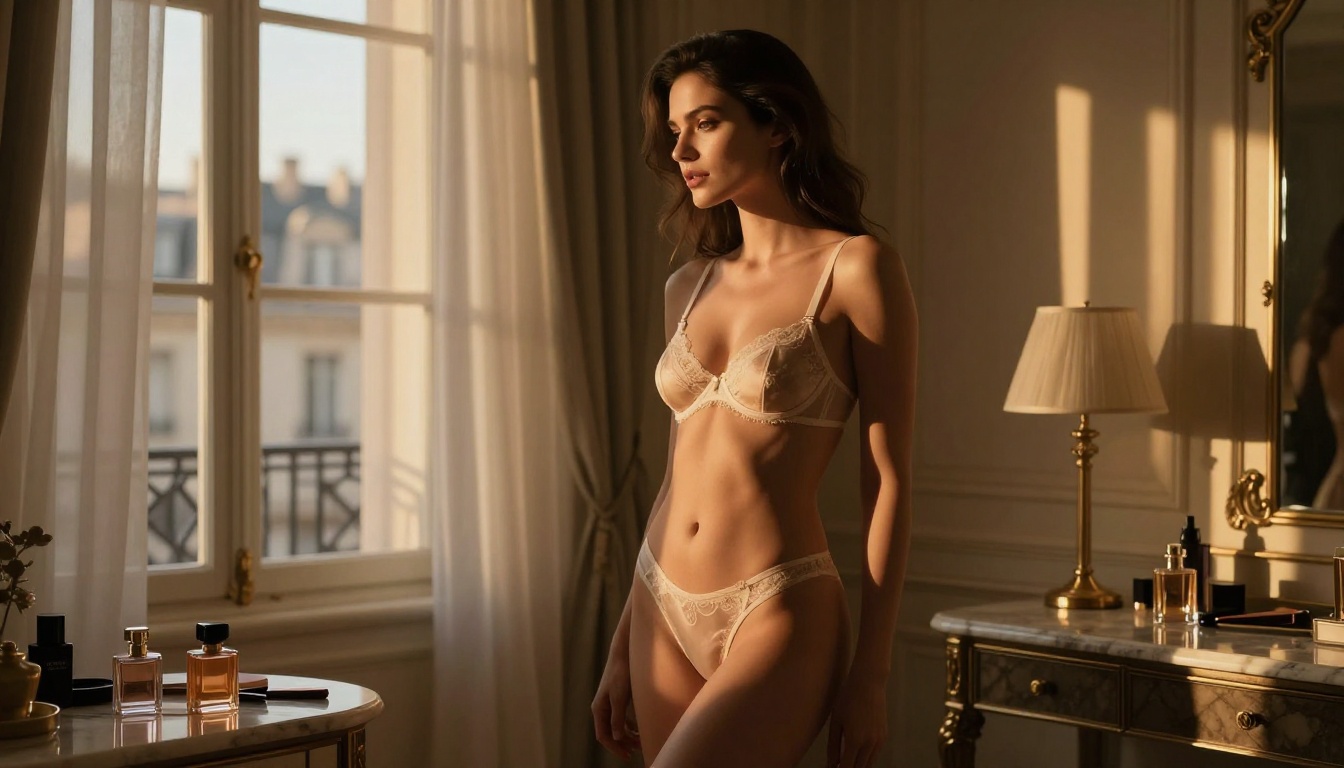
💡 Important: The filter specifically targets explicit content. Kling v3 handles suggestive, artistic, and glamour content reasonably well. Bikini scenes, artistic portraits, and fashion work generate without issues in most cases. The line is explicitly sexual content, not tasteful adult aesthetics.
For most creative purposes, this is a manageable limitation. For creators who specifically need uncensored output, there are better tools available right now on PicassoIA.
Best NSFW AI Models on PicassoIA
PicassoIA's model library includes several options specifically designed for unrestricted adult content creation. These are the top performers, ranked by quality and value.
Seedream 4.5: The Top Choice
Seedream 4.5 is the first model to try. It is a text-to-image model with built-in editing support that accepts NSFW prompts without restrictions. Generation speed is under 3 seconds, making it fast enough for iterative creative workflows.
Its key advantages:
Accepts adult content without refusals or modifications
Editing built in: Describe changes and it applies them to existing generations
Under 3 seconds per generation, even at high quality settings
Generates photorealistic results with authentic human detail
Note: Seedream 5 Lite does not support NSFW. If you are on PicassoIA and want unrestricted generation, stay on Seedream 4.5.
Unlimited Volume With Image Editor Pro
PicassoIA Image Editor Pro is the second model to know. Its defining feature is unlimited generations on Elite and Infinite plans. If you need 1,000 images, you generate 1,000 images at no extra cost. Compare that to models like Nano Banana 2, where the same volume would run approximately $100. It accepts adult content and returns results in under one second. A 3-generation free trial is available with no credit card required.
💡 P-Video deserves special mention for video NSFW work. Its safety filter is disabled by default, making it the most frictionless option for adult video content on the platform. It handles text, image, or audio input and outputs clips up to 1080p at 24 or 48fps, with duration adjustable from 1 to 10 seconds.
How to Use Kling v3 on PicassoIA
Since Kling v3 Omni Video is available on PicassoIA, it is worth knowing how to get the most out of it for the content it does handle well: glamour, fashion, artistic, and suggestive work.
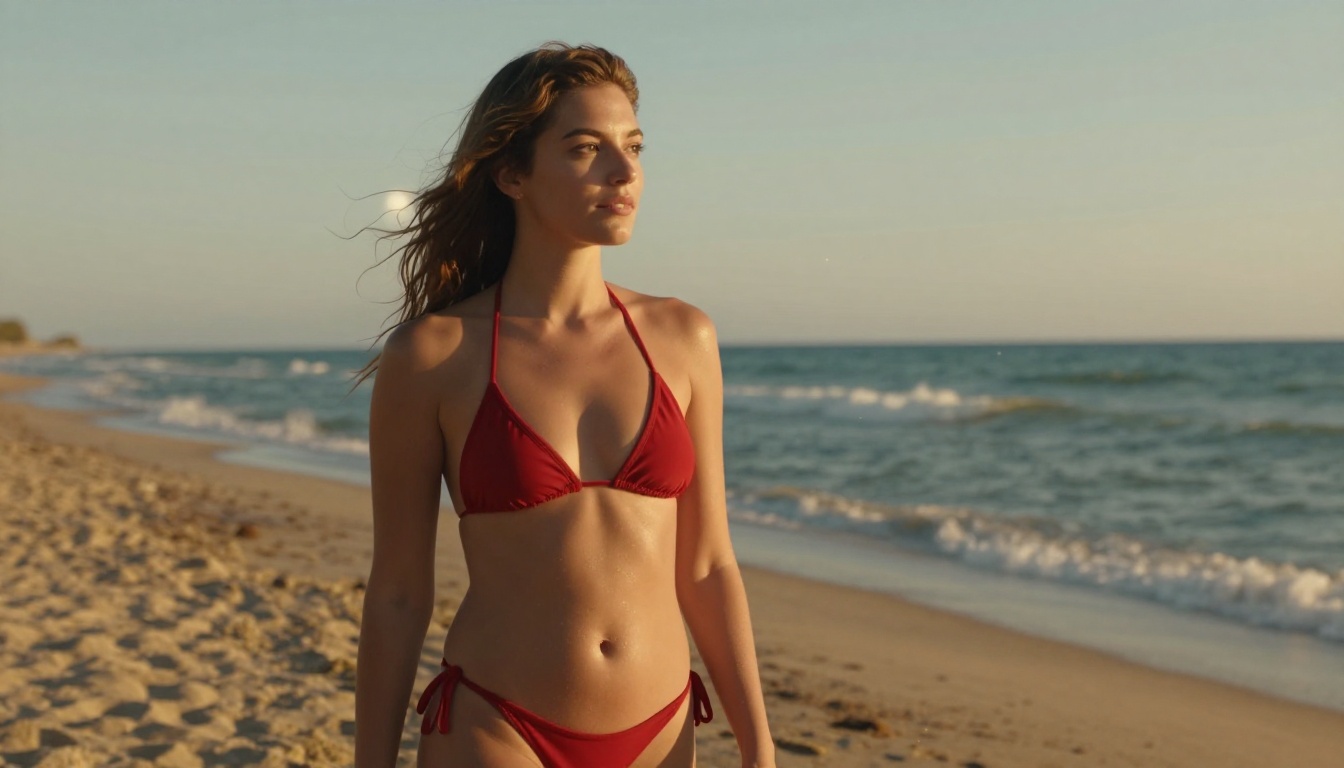
"Confident woman in white bikini walking along tropical beach, camera slowly dolly-in from medium to close-up, golden hour backlight, soft ocean breeze moving hair, cinematic warm tones"
"Fashion model in designer dress descending marble staircase, slow downward camera pan, dramatic single-source window light from left, elegant and composed movement"
"Aerial crane shot slowly descending toward woman reading on rooftop terrace, sunset cityscape behind her, shallow depth transitions from background to subject"
What to avoid:
Explicit language (triggers immediate refusal)
Ambiguous subject descriptions (leads to inconsistent output)
Mixing too many camera movements in one prompt (the model handles one main movement best)
💡 Tip: Add "35mm film, Kodak Portra 400" to your Kling prompts for a warmer, more photographic aesthetic that avoids the flat "AI video" look.
Kling v3 vs. Other Models
With over 100 text-to-video models on PicassoIA, understanding where Kling v3 Omni sits in the hierarchy matters for making the right choice on any given project.
Speed and Quality Breakdown
Kling v3 Motion Control is the companion model for when you need precise animation control. While Kling v3 Omni excels at natural, physics-driven motion from text prompts alone, Motion Control lets you specify exact keyframe positions and subject trajectories. For character animation, choreographed sequences, or precise product shots, Motion Control is the better pick.
Kling v2.5 Turbo Pro occupies the speed-optimized tier. If you are iterating quickly through many concepts, Turbo Pro generates faster at a modest quality trade-off. Use v3 Omni for finals, Turbo Pro for rapid concept exploration.
For NSFW-tolerant video specifically, here is the relevant comparison:
You need volume: many clips quickly without per-generation friction
Explicit content is the specific requirement, not just suggestive aesthetics
3 Mistakes People Make With Kling v3
These are the patterns that consistently produce poor results and waste generation credits:
1. Testing explicit content on Kling first. People spend time crafting prompts, only to hit the content filter. The filter is not bypassed by clever prompt engineering. If your content is explicit, start with a filter-free model from the table above. Save Kling for what it does well.
2. Using the same prompt for image and video. Image prompts focus on composition and lighting. Video prompts need to describe motion over time. A static image description generates technically correct but motionless output. Always add camera movement and subject action language when writing for Kling.
3. Jumping straight to 1080p. The best results come from a draft-to-final workflow: generate a quick 720p clip, assess the motion and framing, then re-generate at 1080p with adjusted prompts. Committing to final quality settings before the composition is right wastes both time and credits.
💡 Practical tip: Wan 2.7 I2V is an excellent companion for animating still images. Generate your perfect frame with Seedream 4.5, then pass it through Wan 2.7 I2V to animate it with complete control over what appears in the first frame.
What Real Results Look Like
Output quality from Kling v3 Omni is genuinely impressive for non-explicit content. Here is what to expect across different subject types:
Glamour and fashion: Strong results. The model handles fabric movement, hair physics, and body proportions well. Golden hour lighting prompts produce particularly cinematic outputs.
Architectural and travel: Excellent. Camera movements through interior spaces and landscape pans are Kling v3's strongest category. The temporal consistency keeps background elements stable through the full clip duration.
Portrait close-ups: Good with caveats. Facial detail is solid at 1080p, but extreme close-ups can develop minor inconsistencies around the eyes and mouth. Medium shots produce cleaner results.
Complex multi-subject scenes: Moderate. Two subjects interacting often produce the best results when framed at medium distance. Tight close-ups of two people in contact stress the model's consistency engine.
PicassoIA gives you direct access to Kling v3 Omni Video alongside every NSFW-capable alternative in one place. No API setup required. No per-model subscriptions to juggle. You pick the model that fits your project, write your prompt, and generate.
For cinematic and glamour work, Kling v3 Omni delivers results that justify the time investment. Its physics-informed motion engine, full camera movement support, and 1080p output put it ahead of every alternative when explicit content is not the goal.
For unrestricted adult content, the workflow is clear:
Video: P-Video for 1080p with the safety filter off, PicassoIA Video for unlimited 720p clips
The full catalog is at picassoia.com/en/all-models. Over 200 models, including every Kling version and every NSFW-capable option listed in this article, accessible from a single interface. Start with a free trial and see what Kling v3 Omni actually produces for your specific use case before committing.