If you've been watching the AI video space in 2027, Kling v3 Omni has been hard to ignore. Kuaishou's flagship model made serious noise when it dropped, claiming to raise the bar on 1080p output quality, native audio synthesis, and prompt adherence in cinematic AI video generation. But claims are cheap in this market. The real question is whether it delivers in the hands of actual creators, and whether the cost justifies itself when you have strong alternatives like Veo 3, Sora 2, and Seedance 2.5 all competing for the same budget. This is a no-fluff review of what Kling v3 Omni actually does well, where it stumbles, and who should actually use it.
What Kling v3 Omni Actually Is
Kling v3 Omni is the third-generation flagship text-to-video model from Kuaishou's Kling AI division. The "Omni" label refers to its multi-modal architecture, which processes text, image, and reference inputs simultaneously rather than in isolated pipelines. That architectural choice is meaningful in practice because it allows the model to hold more contextual information about your intended output before rendering the first frame.
Unlike predecessors, Kling v3 Omni was built from the ground up with native audio as part of the generation loop, not layered on afterward. Ambient sounds, motion effects, environmental audio, all of it synthesizes in the same computational pass as the visuals. This alone sets it apart from a wide swath of text-to-video tools still shipping silent clips.
The Architecture Behind It
The model runs on a diffusion-based transformer backbone with Kuaishou's proprietary attention mechanism tuned for temporal coherence. In practical terms, this means objects maintain their appearance across frames better than in earlier Kling iterations. A person's face, a specific color palette, a moving object, all retain more consistency from frame 1 to frame 150 than most competing models at equivalent price points.
The temporal coherence advantage shows most clearly in extended clips. Many AI video models start strong but accumulate drift over time: colors shift subtly, proportions warp, subjects lose their defining features. Kling v3 Omni holds together substantially better across its full generation window, which makes it genuinely usable for longer-form output without heavy frame-by-frame correction.
How It Compares to Earlier Kling Versions
The Kling line has evolved at a rapid pace. Kling v1.6 Pro was a strong model when it launched but showed its age in motion blur handling and struggled with fast camera movements. Kling v2.1 addressed motion blur significantly and improved subject tracking, but prompt adherence in complex multi-element scenes remained inconsistent. Kling v2.6 was a more incremental update, mostly refinements to physics simulation and lighting response.
Kling v3 Omni feels like a genuine generational leap, not just another incremental polish pass. The gap between v2.6 and v3 Omni in raw output quality is substantial enough to justify rethinking your model selection if you were previously settled on any v2.x variant.
Output Quality: The Real Picture

Let's get specific about output quality, because every model review throws that phrase around without backing it up with anything useful.
Photorealism and Color Fidelity
Kling v3 Omni scores exceptionally well on photorealistic scene generation. In outdoor scenes, forests, cityscapes, coastal environments, the color science is remarkably close to natural photography. Shadows fall correctly relative to light sources. Specular highlights on surfaces behave with physical accuracy. The model has internalized a sophisticated model of how light interacts with real-world materials at a depth that previous Kling versions didn't reach.
Skin tones are handled with particular care. In close-up shots of human subjects, pore texture, subsurface scattering (the slight translucency that gives skin its natural depth), and micro-expression changes are all rendered at a quality you would previously only expect from top-tier models like Veo 3 or Sora 2. That's a meaningful bar to clear.
💡 Tip: Kling v3 Omni responds exceptionally well to specific lighting descriptions in your prompt. Phrases like "volumetric morning light from upper left" or "overcast diffuse soft box" produce noticeably different and more accurate results than vague descriptors like "good lighting" or "natural light."
Motion Coherence Over Time
This is where Kling v3 Omni separates itself from mid-tier competition. Motion coherence over the full duration of a clip remains solid, even at the 10-second mark for longer generations. Limb movement follows anatomical logic. Cloth physics respond to body motion without the tearing artifacts common in lesser models. Water surfaces maintain physical plausibility across frames rather than dissolving into noise halfway through the clip.
The motion of camera movements is equally impressive. Dolly shots, crane moves, and tracking shots all maintain proper perspective shifts without the wobble or spatial drift that affected Kling v2.1. When you specify a cinematic camera movement in your prompt, v3 Omni actually delivers it with the spatial coherence that makes cuts between chained clips feel intentional rather than jarring.
For animation-heavy projects, the Kling v3 Motion Control variant extends this further: it allows skeleton position specification for character animation, giving creators precise control over gesture and pose that text prompts alone cannot reliably produce.
Where Kling v3 Omni Falls Short

No model is without real limitations, and being honest about them is the only way this review is useful.
Hands, Text, and Fine Details
Kling v3 Omni still struggles with the two classic AI video weaknesses: hands and on-screen text. Human hands in motion will occasionally show extra or missing fingers, awkward joint bends, or unnatural wrist positions. It's significantly better than Kling v2.0, but it hasn't fully solved the problem that has challenged AI generative models for years.
Text in video, logos on clothing, signs in the background, lettering on screens, remains unreliable. Letters morph, words smear, and any text the model generates should be treated as decorative noise rather than readable content. If your use case requires legible in-video text elements, you will need post-production compositing regardless of which AI video model you choose.
Prompt Adherence at the Edges
The model handles moderate complexity prompts extremely well, but at the outer edges, when you ask for very specific spatial relationships between multiple distinct elements, adherence degrades meaningfully. A prompt specifying three or more distinct elements with defined spatial positions often produces only one or two of them in the correct locations.
Ray 3.2 and Veo 3 handle complex compositional prompts with more reliability. For single-subject or simple two-element scenes, Kling v3 Omni is as good as anything available on the market. For intricate multi-element scene direction with strict spatial rules, it lags behind the compositional specialists.
How It Stacks Up Against the Competition
Speed and Generation Time
Speed is one area where Kling v3 Omni shows its computational weight. A standard 5-second 1080p clip takes between 90 and 150 seconds to generate depending on prompt complexity and server load. That's slower than Seedance 2.5, which consistently hits 60-80 seconds for equivalent outputs, and slower than Hailuo 02 on simpler scenes.
Wan 2.7 T2V and LTX 2 Pro are faster for volume workflows where throughput matters more than per-clip quality ceiling. If you're running batches of 20 or more clips on a tight deadline, the generation time difference adds up significantly across a project.
Price vs Quality: The Real Tradeoff
Kling v3 Omni sits comfortably in the top tier for quality, roughly level with Veo 3 and behind Sora 2 on compositional complexity. Whether that quality level justifies the higher credit cost depends entirely on what you're making and for whom.
3 Real Use Cases for Kling v3 Omni
Social Media Content Creators
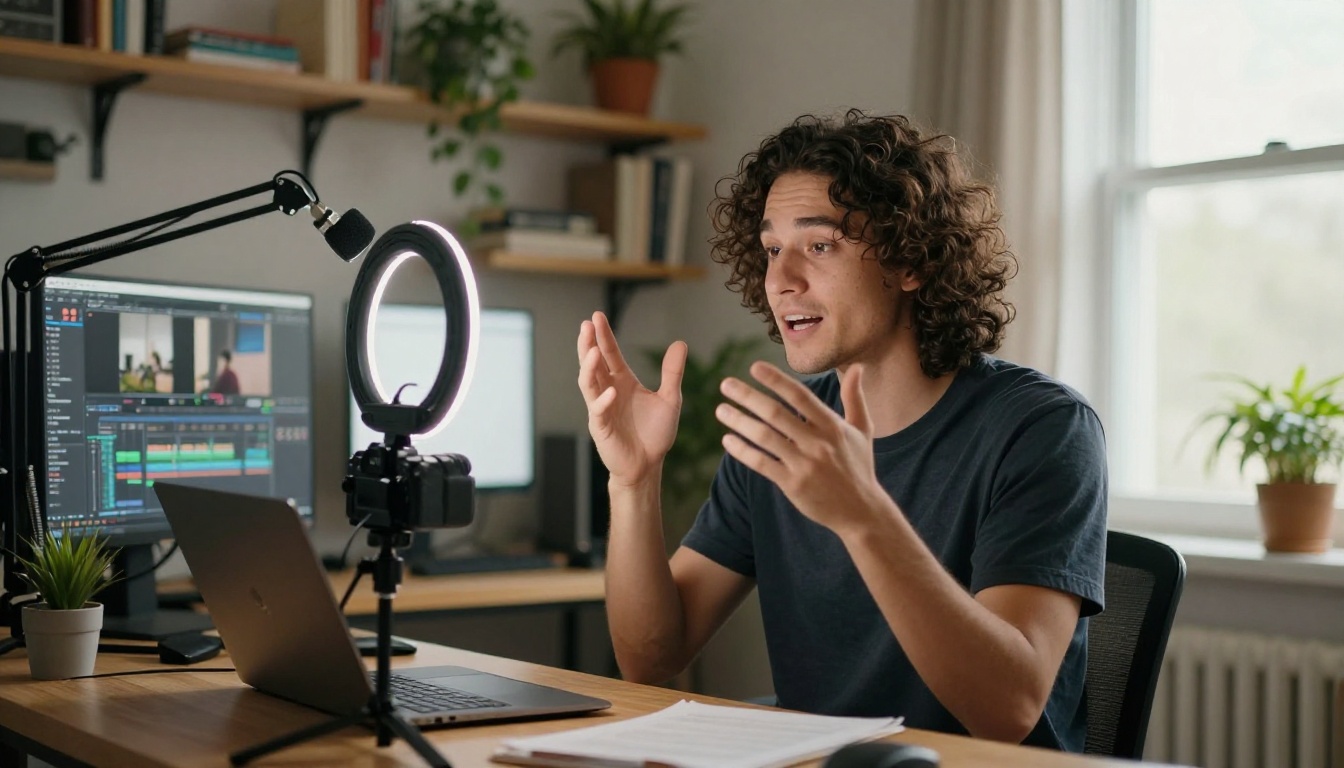
For YouTube, Instagram Reels, and TikTok content, Kling v3 Omni delivers output quality that reads as premium even on a compressed social feed. The native audio is a particular advantage: ambient sound adds production value that silent clips cannot match without dedicated Foley work in post-production.
The 5-to-10 second clip length aligns naturally with short-form content rhythm. Many creators build workflows where they chain 3-5 Kling v3 Omni clips into a longer narrative, using the natural edit points between generations as intentional cinematic cuts. The consistency of visual style across clips, thanks to the temporal coherence architecture, makes these chains feel cohesive rather than patchwork.
💡 Budget note: For pure social-media volume workflows where you need 10 or more clips per day, Seedance 2.5 gives you more output per credit budget at slightly lower but still strong quality. Kling v3 Omni is the better choice when individual clip quality is visible at full resolution and that delta matters to your audience.
Professional Production Workflows
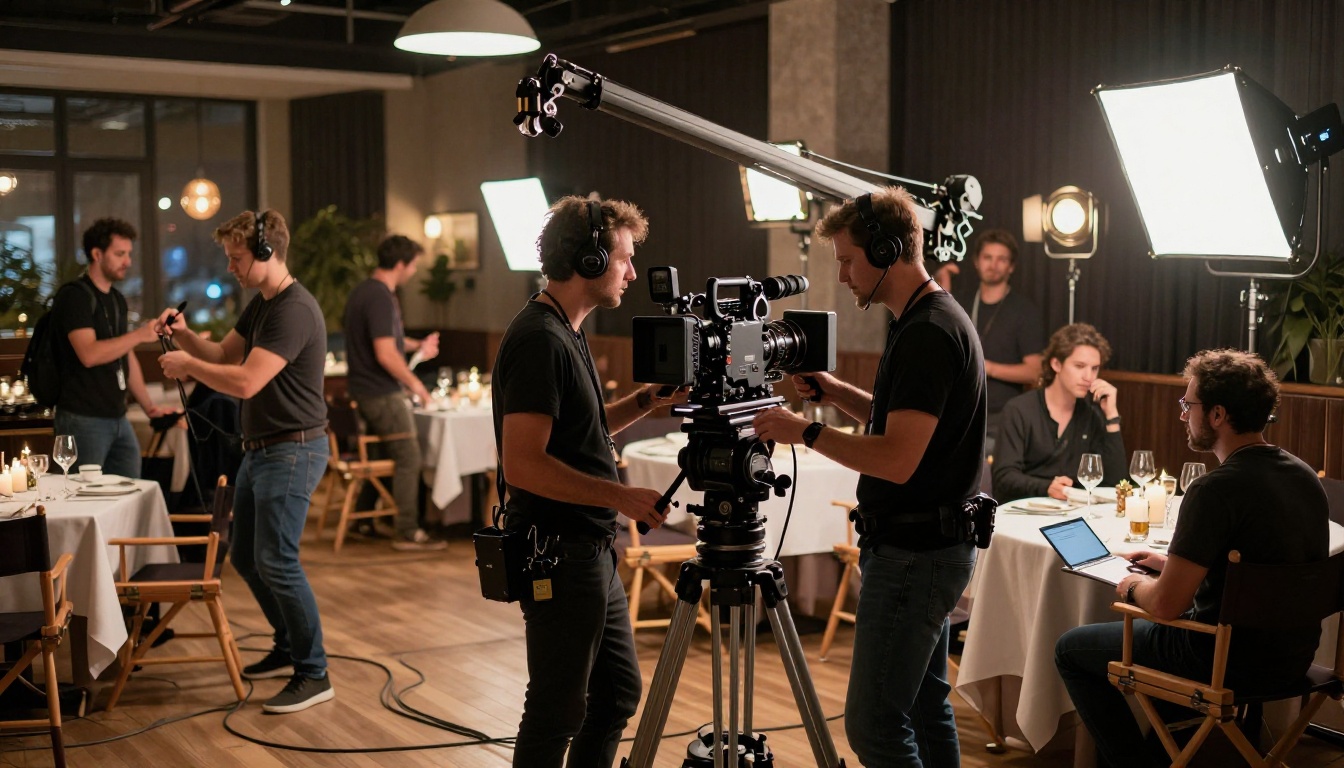
Pre-visualization for film and advertising production is where Kling v3 Omni has found a serious professional audience. Directors and agencies use it to generate rough visual representations of scenes before committing to expensive practical shoots. At 1080p with Omni-level quality, these pre-vis clips are now detailed enough to communicate creative intent to clients and production teams with real clarity, not just rough approximations.
The Kling v3 Motion Control variant is specifically valuable for this use case, letting creators define camera paths that mimic the storyboard-to-animatic workflow production companies already use daily.
Advertising agencies also use it for asset variation. Producing 6-8 slight variations of an ad concept for A/B testing no longer requires multiple full production days. Kling v3 Omni generation plus post-production cleanup handles the variation work at a fraction of the traditional cost. The Kling Avatar v2 model on PicassoIA extends this further, enabling AI-driven talking head videos from a single reference image for spokesperson content and testimonials.
Experimental and Artistic Projects
For projects that live in the space between art and photorealism, documentary-style narrative shorts, hybrid live-action/AI projects, and experimental music video work where realism serves emotional content, Kling v3 Omni's superior physical accuracy makes it the right tool. The realism doesn't constrain expressiveness. It makes the surreal moments hit harder when you deliberately break from it.
The Kling v2.5 Turbo Pro is worth considering as a faster alternative for experimental work where iteration speed matters more than the final output ceiling. Running multiple fast generations lets you test creative directions before committing to a full Kling v3 Omni render.
How to Use Kling v3 Omni on PicassoIA

PicassoIA gives you direct access to Kling v3 Omni without requiring a separate Kling AI account or navigating Kuaishou's platform interface. Here's the workflow that consistently produces the best results:
Step-by-Step Process
Step 1: Write a structured prompt. Kling v3 Omni responds best to prompts with explicit sections: subject description first, then environment, then lighting conditions, then camera movement. Don't bury the camera movement at the end of a long run-on sentence. Put it in its own clause with specific motion language.
Step 2: Set resolution to 1080p explicitly. The model can run at lower resolutions but the quality difference at 1080p justifies the additional credit cost whenever output quality matters to the final use case.
Step 3: Use image input when you have reference. The image-to-video mode of Kling v3 Omni Video maintains subject appearance far more consistently than pure text-to-video. Generate a source image first using any image model on PicassoIA, then use it as the animation starting frame.
Step 4: For character motion, try Kling v3 Motion Control. Kling v3 Motion Control on PicassoIA lets you define skeleton positions for character animation, particularly useful when you need a specific pose or gesture that text prompts alone don't reliably deliver.
Tips That Actually Improve Results
- Specificity in subject descriptions matters. "A woman in a red wool coat" outperforms "a woman in red" in both prompt adherence and visual fidelity.
- Name lighting conditions precisely. "Overcast diffuse afternoon light" consistently beats "soft lighting" in output accuracy.
- Limit to two primary moving elements. The model handles two-element scenes with high fidelity. A third element often causes one to behave erratically in motion.
- Chain short clips instead of stretching long ones. Three 5-second clips edited together give you more control than one 15-second clip with potential mid-generation drift.
- Compare on the same prompt. Running the same prompt through Seedance 2.5 or Ray 3.2 as a side-by-side benchmark will help you calibrate exactly when Kling v3 Omni's quality premium is worth the credit cost for your specific content type.
For motion-specific work at a lower credit cost, Kling v2.6 Motion Control also remains available on PicassoIA and is worth running as a comparison when budget is a factor on longer projects.
Is It Worth It in 2027?
Here's the honest breakdown.
Yes, worth it if:
- You need 1080p output that could pass for professional production footage at a casual viewing distance
- Native synchronized audio matters to your production workflow
- You're doing pre-vis, premium advertising, or short-form video where quality per clip is the priority
- You're making content where individual clip excellence defines success more than volume
Better to use something else if:
- You need 50 or more clips per project (the credit cost adds up significantly at volume)
- Your output will be heavily color-graded or composited anyway, which narrows the quality gap between models
- Budget is the primary constraint and Seedance 2.5 or Pixverse v6 quality is sufficient for your actual use case
For most creators and small teams, the practical answer is not binary. Use Kling v3 Omni for your hero clips, the ones that carry the visual weight of a project, and rotate to a faster, more affordable model for supporting content. That hybrid approach gives you the quality ceiling where it shows and credit efficiency where it doesn't.
Try It and See for Yourself
The only real way to evaluate any video model is to generate with it. PicassoIA gives you access to Kling v3 Omni Video, Kling v3 Motion Control, and the full catalog of competing models including Veo 3, Sora 2, Ray 3.2, and Seedance 2.5, all from one platform. That side-by-side access on the same prompt is the most useful benchmark you can run, more informative than any written review including this one.
Take a prompt that matters to your actual work. Generate it with Kling v3 Omni first. Then run the same prompt on one or two alternatives. The results will tell you everything this review cannot: whether this specific model matches how your specific creative workflow operates.
Browse all 87+ text-to-video models at picassoia.com/en/all-models and pick the one your next project actually needs.


