If you've spent time with AI video generators, you already know the feeling: you write a compelling prompt for a tense chase, a dramatic confrontation, a brooding horror scene, and the model returns something that could pass for a stock footage preview. Safe. Inoffensive. Boring. Kling v3 Omni Video was built precisely to break that pattern, and for creators working on cinematic trailers, it changes what's actually possible.
This is not a roundup of every AI video tool in 2027. This is a focused look at one model that has, in a short time, become the go-to for people producing trailer-quality footage without hitting creative walls. We'll cover what it does differently, how to use it on PicassoIA, which prompt structures actually work, how it stacks up against the best alternatives, and how to chain clips into a coherent cut that holds up on a real screen at real resolution.
What Kling v3 Omni Actually Does
Developed by KWAI's AI research division, Kling v3 Omni Video is a text-to-video and image-to-video model that outputs at 1080p resolution with native audio synthesis built directly into the generation pipeline. The "Omni" designation is meaningful: it signals a unified architecture that handles motion, camera work, lighting continuity, and sound in a single pass rather than treating them as separate post-processing layers.
More Than Text-to-Video
Most text-to-video models treat the prompt as a scene description and nothing else. Kling v3 Omni treats the prompt as a director's intent. It infers camera movement from context (a description of a chase implies tracking), applies physics-accurate motion to elements like smoke, water, cloth, and fire, and maintains character consistency across the full clip duration without the gradual drift that plagues shorter-context models.
That matters for trailer work because trailers are built on precise emotional beats. A slow dolly toward a character's face as tension rises. A hard cut on impact. A scene that holds on silence before the audio drops in. Models that can't hold a camera move steady, or that subtly reshape a character's face mid-clip, are useless for this use case. Kling v3 Omni holds.
Physics accuracy is another differentiator that doesn't get discussed enough. When a vehicle brakes hard on gravel, the gravel should scatter outward in a physically plausible arc. When rain hits a window, the rivulets should run in response to simulated gravity. These details are what separates footage that reads as cinematic from footage that reads as AI-generated. Kling v3 Omni gets them right at a rate that justifies the model's position at the top of the trailer-production stack.
The 1080p at 24fps Baseline
The output spec is worth stating clearly: 1080p, 24 frames per second, with cinematic aspect ratio maintained. This is not an upscaled 480p output with AI sharpening applied after the fact. The generation native resolution is 1080p, which means footage can go directly into an NLE timeline without pre-processing. For solo creators, that alone saves hours per project. For small teams, it eliminates a whole technical pass that was previously standard.
💡 Tip: When prompting for trailer footage, always specify your desired camera lens range. "Shot at 35mm" or "close-up at 85mm" gives the model strong hints about perspective compression and depth of field behavior in the output. This is one of the highest-yield prompt additions for cinematic quality.
Why Trailers Need Uncensored AI
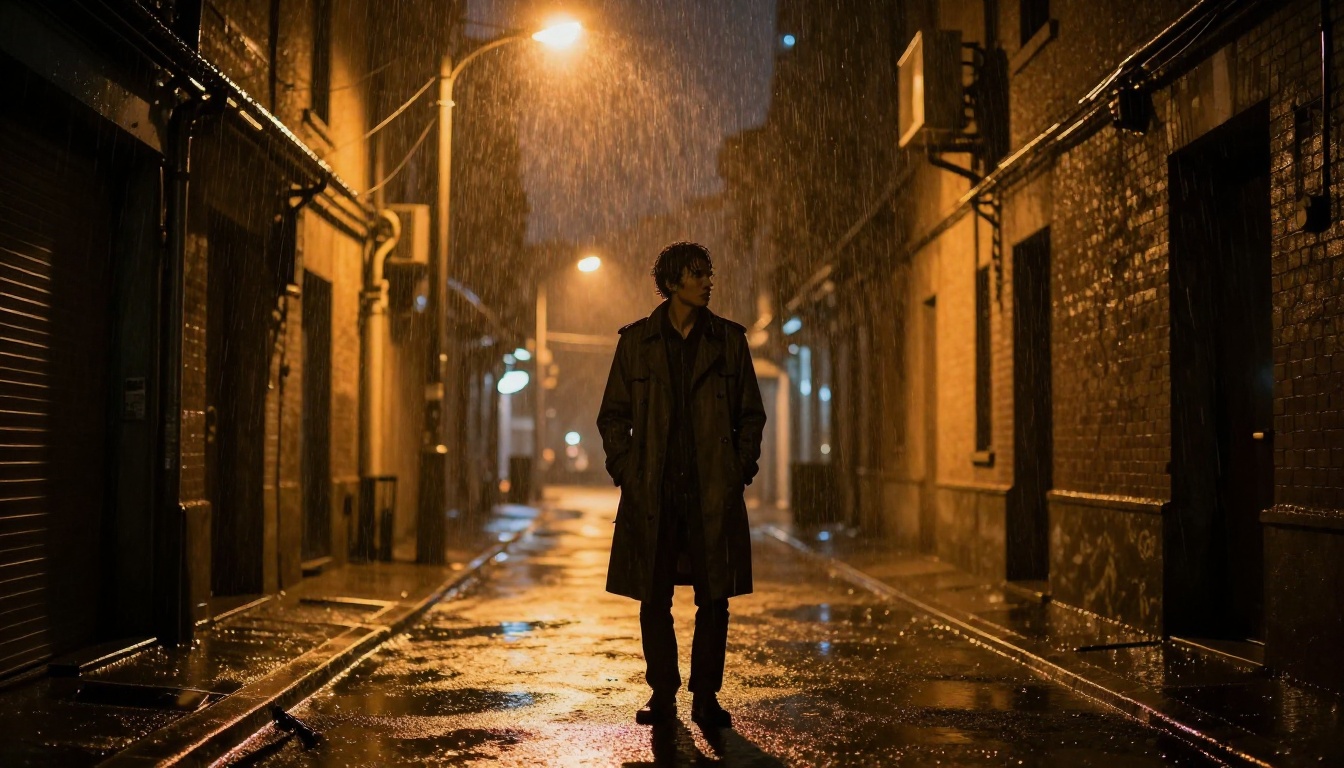
The word "uncensored" in this context is often misread. It does not mean explicit content. In the world of cinematic AI video, it means the model will not refuse to generate a morally complex villain, a physically intense fight sequence, a scene depicting grief or violence at a dramatically appropriate level, or a character whose existence challenges the sanitized defaults most commercial models enforce by default.
The Creative Ceiling Problem
Most AI video platforms impose content policies that were designed to prevent abuse, not support filmmakers. The result is a set of constraints that make sense when blocking harmful output, but become frustrating dead ends when a screenwriter needs a credible antagonist, a horror director needs genuine atmospheric dread, or an action editor needs a collision that reads as real impact rather than a choreographed stunt demonstration.
Models trained under heavy safety filtering learn to soften everything. An explosion becomes a neat puff of smoke. A villain's expression becomes neutral. A tense standoff loses its psychological weight. A scene of grief becomes a character standing near a coffin with their hands folded. These aren't bugs. They are intentional design decisions that prioritize broad commercial safety over creative fidelity.
Kling v3 Omni was trained with creative fidelity as an explicit objective alongside safety. It will generate a villain with genuine menace in their expression. It will produce a scene of raw grief that reads as grief in the body, not just in the staging. It will hold a camera steady on something uncomfortable long enough for the discomfort to matter narratively. This is the difference between a model that helps you tell a story and a model that helps you describe one.
Where Most Models Tap Out
Here is where mainstream alternatives consistently struggle compared to Kling v3 Omni Video in trailer-specific testing:
- Character consistency: Most models regenerate facial geometry subtly between frames, causing drift in clips over 5 seconds. Kling v3 Omni holds identity significantly better.
- Dark and moody scenes: Models trained predominantly on safe datasets tend to overexpose dark scenes to bring them within their visual comfort range. Kling v3 renders darkness as a cinematographic choice.
- Adult narrative themes: Morally complex characters, physically intense conflict at appropriate dramatic intensity, and emotionally heavy scenes without sanitizing.
- Instructed camera fidelity: Dolly, crane, handheld, and tracking shots that actually behave like the real camera movement described, not generic forward-motion approximations.
- Atmospheric coherence: Fog, rain, smoke, and haze that persist consistently across the clip without flickering or disappearing between frames.
None of this requires bypassing safety systems or doing anything outside normal platform use. Kling v3 Omni simply has a wider definition of what creative output looks like.
How to Use Kling v3 Omni on PicassoIA
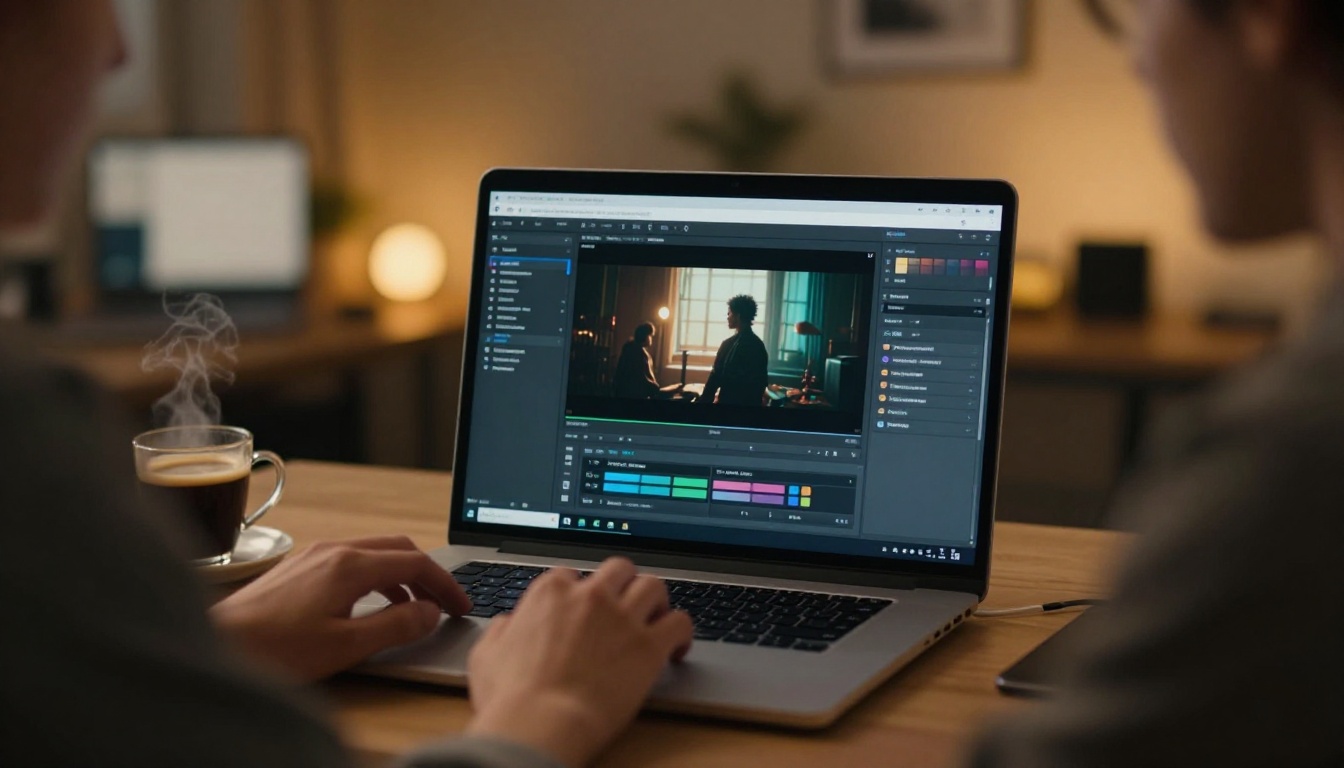
PicassoIA hosts Kling v3 Omni Video alongside the full Kling lineup and over 80 other video generation models. The workflow is entirely browser-based and requires no local GPU or technical setup.
Setting Up Your First Generation
- Navigate to the model: Open Kling v3 Omni Video on PicassoIA.
- Choose your input mode: Omni supports both text-to-video (start from a written prompt) and image-to-video (animate a still frame you've already generated or uploaded).
- Set resolution: Select 1080p. For trailer work, there is no reason to use a lower setting.
- Write or paste your prompt using the five-part structure described below.
- Add a negative prompt to exclude AI artifacts and non-cinematic styles.
- Submit and wait: Generation typically takes 2-5 minutes depending on server load at the time of submission.
💡 Pro tip: Use PicassoIA's P Video for fast preview drafts at lower resolution, then commit the approved version to Kling v3 Omni at 1080p. This saves credits during the prompt iteration phase and preserves your best generations for final delivery.
Prompt Structure That Delivers
The most effective prompts for Kling v3 Omni follow a five-part structure that covers every dimension the model needs to make a confident compositional decision:
- Subject and action: Who is doing what, precisely, at the start of the clip.
- Environment and context: Where this is happening, what physically surrounds the subject, time of day.
- Camera direction: Lens length equivalent, angle, movement type (dolly, handheld, static, crane), and speed of movement.
- Lighting and atmosphere: Key light source direction and quality, fill light or absence of it, atmospheric elements (fog, rain, haze).
- Motion arc: What changes over the duration of the clip. What moves, what is revealed, what the camera sees at the end that it didn't see at the start.
Example prompt for a thriller trailer scene:
A woman in a grey overcoat walks quickly through a crowded train station concourse, glancing over her shoulder. Overhead fluorescent lights flicker. Tracking shot at 35mm following her at shoulder height, slight handheld shake. Harsh top-down institutional lighting casts deep under-eye shadows. Crowd thins as she moves deeper into the station. At the end of the clip, she stops abruptly as a figure in black appears in the far background, motionless.
That structure gives the model everything it needs: subject, environment, camera specification, lighting condition, and a clear narrative arc within the clip itself.
Parameters Worth Adjusting
| Parameter | Recommendation for Trailers |
|---|
| Resolution | 1080p always |
| Duration | 5-8 seconds per clip for natural cutting rhythm |
| Motion intensity | Medium to high for action, low for drama and horror |
| Negative prompt | cartoon, anime, 3D render, flat lighting, overexposed, digital art |
| Seed | Lock a seed once you find a working character angle and iterate from it |
| Audio | Leave enabled. Omni's native audio generation is one of its strengths |
Kling v3 vs. Other Top Models
The AI video landscape in 2027 is crowded with strong options. Here is how Kling v3 Omni Video compares to the strongest alternatives available on PicassoIA, evaluated specifically for cinematic trailer production:
| Model | Max Resolution | Native Audio | Creative Latitude | Camera Control | Best Trailer Use |
|---|
| Kling v3 Omni Video | 1080p | Yes | High | Excellent | Dark drama, thriller, horror |
| Kling v3 Video | 1080p | No | High | Very Good | Visual-only cinematic clips |
| Kling v3 Motion Control | 1080p | No | High | Precise | Character animation, body motion |
| Kling v2.6 | 1080p | No | Medium-High | Good | General cinematic footage |
| Kling v2.5 Turbo Pro | 1080p | No | Medium-High | Good | Fast turnaround cinematic clips |
| Ray 3.2 | 1080p HDR | Yes | Medium | Good | HDR color, bright outdoor scenes |
| Veo 3.1 | 1080p | Yes | Medium | Medium | Realistic environments, documentary |
| Seedance 2.5 | 1080p | Yes | Medium | Good | Long-form clips up to 30 seconds |
| Sora 2 Pro | 1080p | Yes | Low-Medium | Very Good | Safe commercial content |
| Wan 2.7 T2V | 1080p | No | Medium | Good | Fast versatile generation |
For pure cinematic trailer work with dramatic content requirements, Kling v3 Omni Video sits at the top of this list. The native audio integration is a significant differentiator for trailer work specifically: synchronized sound is generated alongside the visual track, not added in post-processing.
💡 When to choose alternatives: Ray 3.2 outperforms Kling v3 Omni in bright HDR outdoor scenes and day-lit action sequences. Seedance 2.5 is the better choice when you need a single continuous clip longer than 10 seconds, such as a full walk-and-talk scene or an extended establishing shot. Kling v3 Motion Control is the right pick when you need precise, repeatable character body movement that Omni's free-form generation can't guarantee.
Prompts for Three Trailer Genres
Understanding the model is one thing. Writing prompts that reliably produce trailer-worthy footage is another discipline entirely. These genre-specific approaches have been refined through practical use.
Thriller and Action
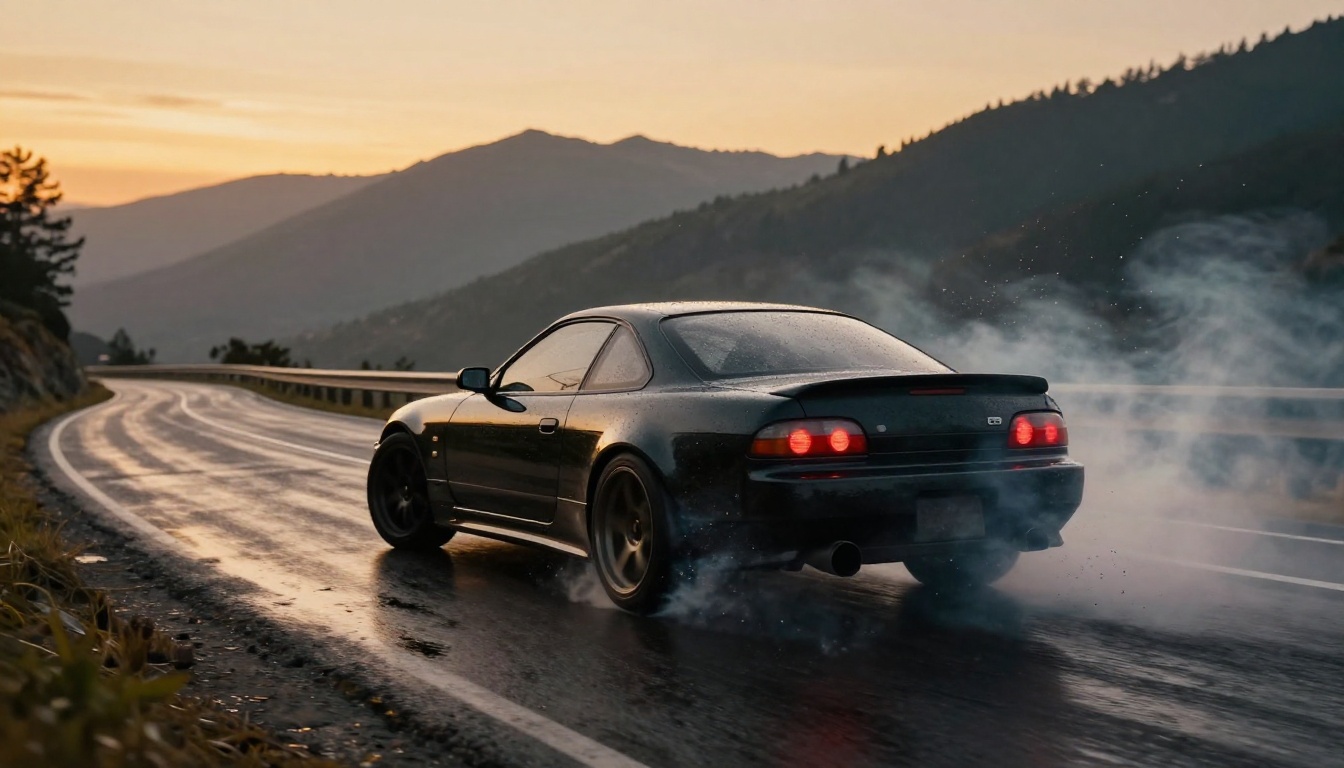
Thriller and action trailers live or die on kinetic energy and sustained tension. Kling v3 Omni handles both well, but you need to give the model explicit permission to generate momentum and consequence.
What works for this genre:
- Specify the physics of the action in concrete terms ("dust clouds billow upward as the vehicle brakes hard on loose gravel")
- Include an ambient audio hint in your prompt ("tires screech, then silence")
- Use tracking or dolly shots rather than static compositions for action beats
- Give the model a clear arc: starting state, peak moment, end state within the clip
Sample prompts that deliver:
"A black SUV fishtails at high speed through a narrow mountain road at dusk, gravel spraying off the cliff edge. Low-angle tracking shot at 35mm, camera mounted at bumper height. Cold blue twilight with headlights cutting through rising mist. The vehicle recovers control, accelerates, disappears around a curve."
"A man sprints across a rain-soaked London rooftop, the city a blurred amber and grey panorama far below. Handheld shoulder-mount at 28mm, running parallel to the subject. Overcast grey light with sodium street lamps visible as bokeh far below. He reaches the edge, stops, looks down."
💡 Avoid over-describing the middle of the action. Let the model fill in the kinetic logic between your start state and end state. Describe what the camera sees first and last, with one key physical detail in the middle.
Drama and Romance
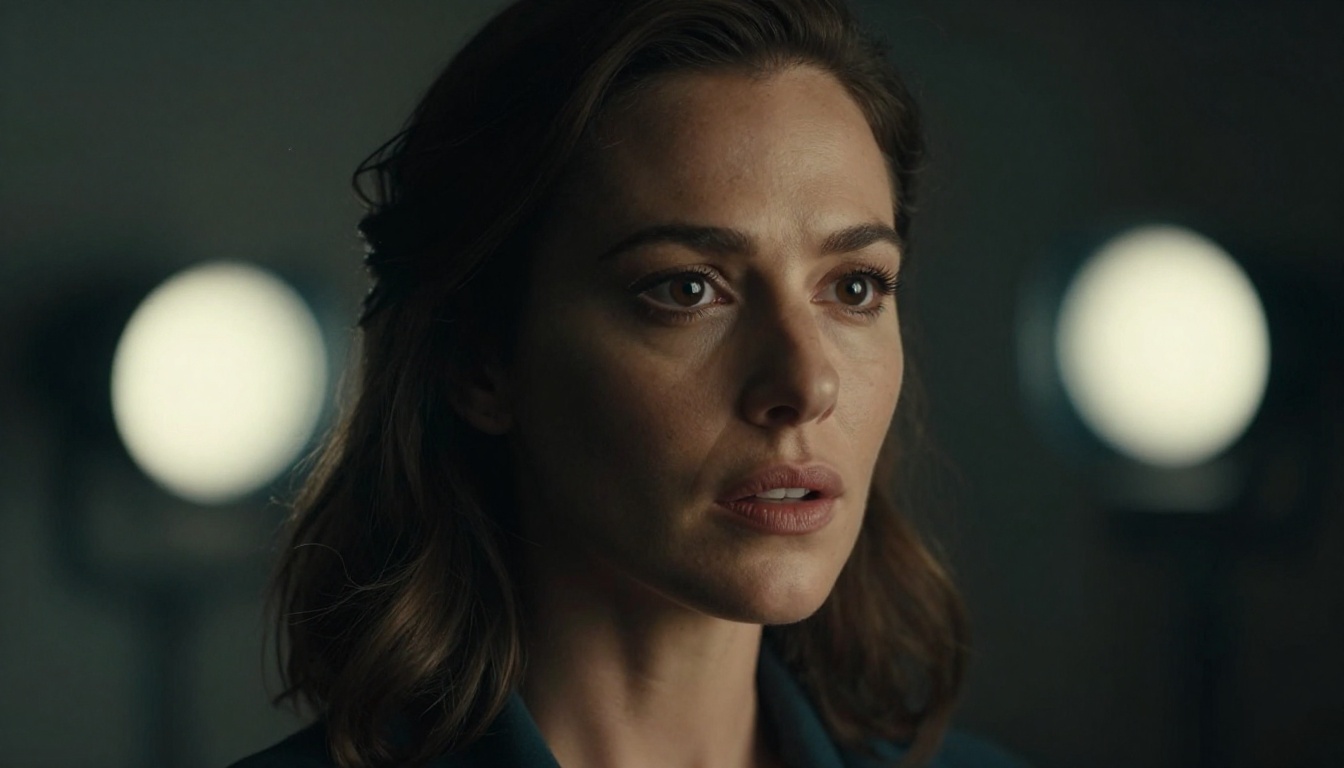
Drama trailers require a different kind of precision. Emotion lives in micro-expressions, small gestures, and lighting that flatters tension without resolving it. Kling v3 Omni's character consistency makes it particularly well-suited to this genre's demands.
What works for this genre:
- Describe emotional state in physical, observable terms ("her jaw tightens slightly, she looks away first")
- Use close-up or medium-close framing at 85mm to 100mm equivalent focal length
- Specify warm practical light sources: candlelight, fireplace glow, a single table lamp
- Give the clip an emotional arc within its duration, not just a visual one
Sample prompts:
"A woman sits alone at a kitchen table at 3am, hands wrapped around a coffee mug, staring at nothing. A wedding photograph is face-down on the table beside her. Close-up at 85mm, rack focus from her eyes to the photograph in the foreground. Warm single-source lamp from the right, cold blue moonlight through a window on the left. She doesn't move."
"Two people stand at opposite ends of a hospital corridor, facing each other. Neither moves. Medium shot at 50mm, static camera. Fluorescent overhead lighting softened by practical sconces along the walls. The corridor stretches symmetrically behind both of them, creating visual distance despite their proximity."
Horror and Suspense
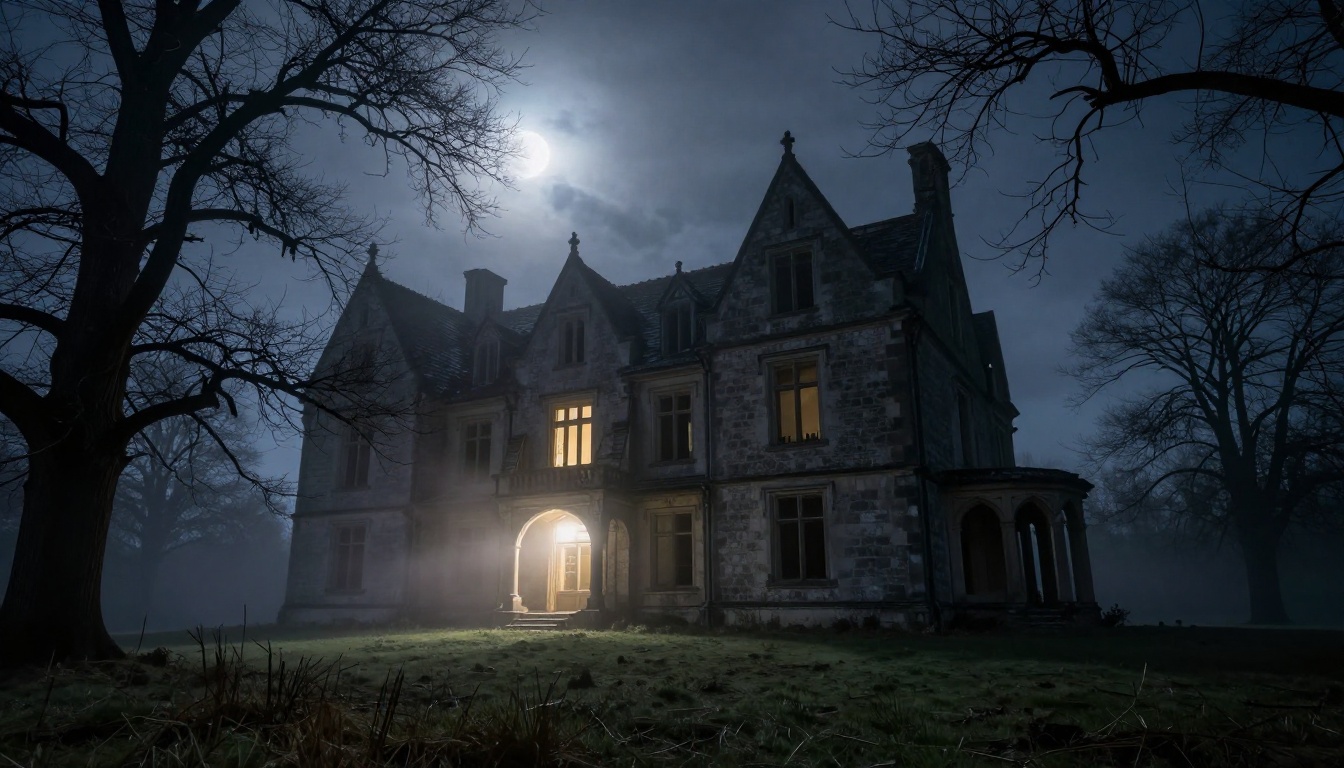
Horror trailer work is where Kling v3 Omni Video genuinely separates itself from the field. Most models smooth away the visual elements that make horror effective: deep unbroken shadows, uncanny stillness, expressions that imply threat without explicit labeling.
What works for this genre:
- Use negative space and stillness deliberately ("the camera holds for three seconds before anything moves")
- Describe light behavior precisely and sparingly ("a single bare bulb swings slowly, its cast shadow moving")
- Keep subjects ambiguous: imply threat through positioning and context rather than describing it
- Reference ambient sound in the prompt ("the sound of something moving behind a wall")
Sample prompts:
"A long carpeted Victorian hallway shot at 24mm from the far end looking toward a closed door. The hallway is empty. After three seconds, the door handle slowly turns. Camera does not move. Practical wall sconces at half-intensity, warm amber. Deep shadow in the ceiling corners throughout."
"A child's bedroom at night. All toys are still. A mobile above an empty crib begins spinning slowly with no visible cause. Overhead static shot looking straight down at the crib. Only moonlight through thin curtains, no other light source. No music, no voice."
Combining Video with Image Generation
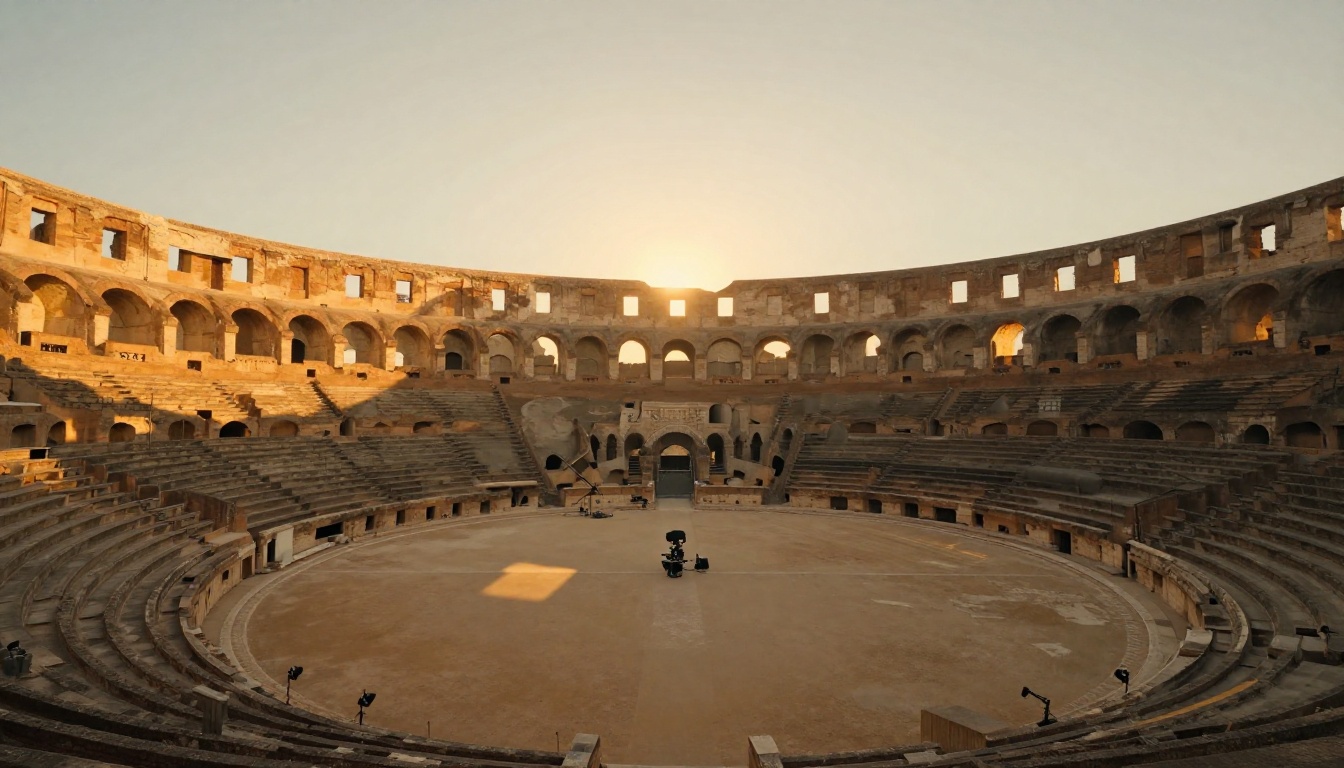
The image-to-video workflow is, for many creators, the most reliable path to professional-quality trailer footage. You establish a frame exactly as you want it, then animate it. This approach solves the character consistency problem entirely before generation even begins.
Build Your Frames First
PicassoIA's text-to-image models give you precise control over your starting frame. Generate your scene in still form first, with exact composition, lighting, and character placement confirmed. Then feed that image into Kling v3 Omni Video as the first frame of your clip.
The character looks exactly how you designed them because you built the frame. The video generation then animates forward from that baseline, preserving the visual decisions you already made.
Recommended workflow:
- Generate the still frame using a high-quality text-to-image model on PicassoIA
- Review for correct lighting, framing, and character appearance before proceeding
- Use that image URL as the input to Kling v3 Omni's image-to-video mode
- Write your video prompt to describe what happens after the still frame moment
- Specify only camera movement and subject motion in the video prompt, since all visual design is already locked in the source image
Which Image Models Pair Best
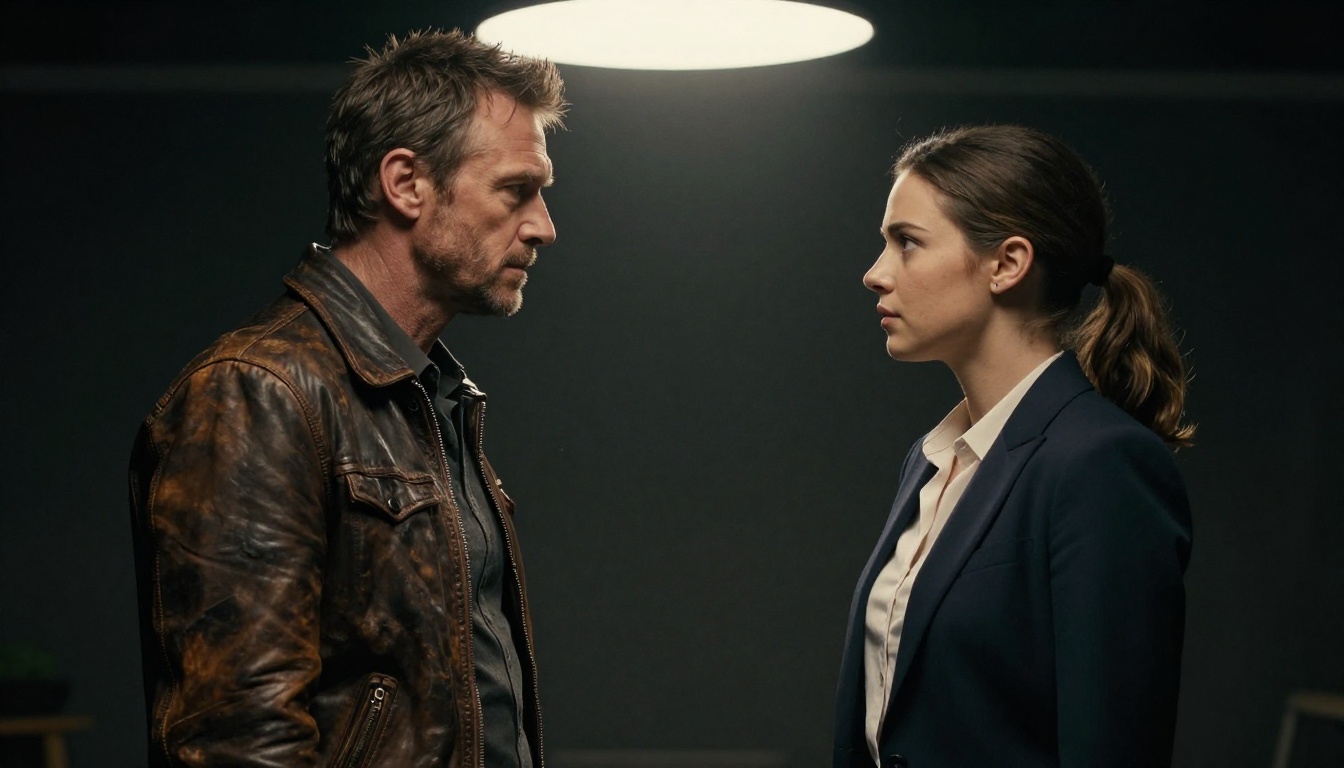
Not all image models produce frames that animate cleanly. The key variable is photorealism and edge definition. Soft or painterly source images introduce visual artifacts when the model attempts to interpolate motion between frames.
For cinematic trailer work, these combinations produce clean results:
- Kling v3 Omni Video + P-Image: P-Image's default output is photorealistic with well-defined edges, making it an excellent source frame generator for subsequent animation.
- Kling v3 Motion Control: When you need precise, repeatable character body movement rather than the organic interpretation of Omni's free-form output, Motion Control is the right tool.
- Kling v2.6: A strong fallback when Omni's generation queue is long. Slightly lower creative latitude but excellent motion quality and consistent output.
- Pixverse v6: Works well for shorter trailer clips where you prioritize fast generation turnaround over maximum creative latitude.
💡 Frame tip: Generate your source image at exactly 16:9 aspect ratio. Mismatched ratios force the model to crop or letterbox, which changes the composition you carefully designed.
Getting More from Your Results
Kling v3 Omni at its defaults is already strong. Several practices push results from strong to genuinely cinematic, and they are all consistent with how professional video editors approach any AI-generated footage.
Resolution and Consistency Tips
Lock a seed for character work. Once you have a generation that nails a character's appearance and feel, note the seed and reuse it for all subsequent clips featuring that character. Kling v3 Omni has better cross-clip character consistency than most models, but seeding locks it in further and makes your edit feel cohesive rather than like a collection of independent generations.
Use negative prompts deliberately. This combination removes the most common AI video artifacts for trailer work:
cartoon, anime, 3D render, digital art, oversaturated, flat lighting, plastic skin texture, motion blur artifacts, frame jitter, stock footage feel, lens distortion
Break long trailer sections into short clips. AI video quality per individual clip is consistently higher than quality averaged across a single long generation. Cut in post. A 90-second trailer typically uses 15-20 individual clips, each generated and refined separately before assembly. This is exactly how professional trailer editors work, even with traditionally shot footage.
When to Chain Multiple Clips
Trailers are sequences, not single shots. Kling v3 Omni's strength is the individual clip at high quality; your job as the creator is the edit that links them into a coherent emotional arc.
For continuity across your sequence:
- Maintain consistent color temperature across all prompts in a given narrative thread (all warm for the protagonist's world, all cool for the antagonist's)
- Use identical character descriptions verbatim across every clip featuring the same person
- Reference environmental consistency explicitly ("the same rain-soaked alley seen earlier")
For rhythmic editing:
Generate clips at varied lengths (4s, 6s, 5s, 7s, 4s) rather than uniform duration. Uniform lengths produce mechanical-feeling cuts when assembled. Natural variation gives an editor working room and prevents the sequence from feeling metronomic.
For sequences requiring clips longer than 10 seconds, switch to Seedance 2.5 or Veo 3.1 for those specific shots. For 4K output when the final delivery format requires it, LTX 2 Pro handles the upscale tier. Use the right model for each shot requirement, and don't force Omni to do everything when the library around it is this strong.
Try It on Your Next Project
Kling v3 Omni Video is not a template for safe content. It is a tool built for people with a specific visual story to tell, one that requires a model willing to follow the creative direction without flinching at dramatic complexity.
The full Kling lineup on PicassoIA runs from Kling v1.5 Pro through Kling v2.1 Master, Kling v2.5 Turbo Pro, Kling v2.6, Kling v3 Video, and Kling v3 Motion Control, each suited to a specific production requirement. Omni sits at the top of that stack for trailer work precisely because it combines the creative latitude of the v3 generation with native audio and the camera control that earlier versions lacked.
If you are new to AI video and want to build your workflow before committing to premium generation, Picassoia Video and Seedance 2.5 Lite offer free unlimited generations to iterate on prompt structure and pacing without cost pressure.
When you're ready for the real thing, open Kling v3 Omni Video on PicassoIA, pick a scene you've been holding back because you didn't think any AI model could handle it, and write the prompt. See what comes back.
The full model catalog is at picassoia.com/en/all-models.


