The video generation landscape shifted significantly when Kling v3 introduced native 4K output. If you've been watching this model evolve from Kling v1.5 Pro through Kling v2.0 and Kling v2.1 Master, the jump to v3 is more than a version increment. It represents a fundamental rethink of how the model resolves spatial detail while preserving natural motion across frames. This article breaks down exactly what the 4K output delivers in practice, where its real limitations lie, and how to access and use every Kling v3 variant through PicassoIA today.

What Makes Kling v3 Different
Kling v3 is not a cosmetic upgrade. KwaiVGI's engineering team rebuilt the spatial encoding pipeline to handle 4K rendering natively rather than upscaling from a lower-resolution base. That architectural distinction matters enormously for the quality you see on screen.
Previous Kling versions generated video internally at 1080p and applied super-resolution post-processing to reach higher resolutions on request. The resulting frames looked passable on smaller displays, but close inspection or large-format playback revealed the telltale softness of upscaled AI output: blurry edges on fine details, smeared surface textures, and motion artifacts that compounded across consecutive frames.
Kling v3 Video encodes spatial information at the target resolution throughout the entire diffusion process. Fine detail including fabric weave, individual hair strands, skin pores, and water caustics is present in the latent space before decoding, not added as a post-process approximation afterward.
From 1080p to True 4K Rendering
The jump from 1920x1080 to 3840x2160 quadruples the pixel count. That sounds straightforward, but the implications for AI video generation are non-trivial. Four times the pixels means four times the spatial detail that the model must generate coherently across every frame in the sequence.
Early 4K AI video attempts from various models failed not on static frames but on temporal coherence: the ability to hold consistent texture and detail positions across consecutive frames. When a 4K model flickers texture on a jacket sleeve or loses fine hair detail between frames, the result looks worse than crisp 1080p. Kling v3's architecture addresses this challenge with a dual-stream attention mechanism that tracks both spatial feature maps and temporal feature continuity simultaneously, not sequentially.
Three Model Variants, One Core Engine
Kling v3 ships in three distinct configurations, all available directly on PicassoIA:
- Kling v3 Video: The standard text-to-video variant. Best for most general-purpose generation.
- Kling v3 Omni Video: Adds multimodal input support, accepting image references for style and subject conditioning.
- Kling v3 Motion Control: Provides explicit camera path control for cinematically intentional work.
All three share the same 4K rendering engine. The differences are in how you supply creative intent, not in the output quality ceiling.
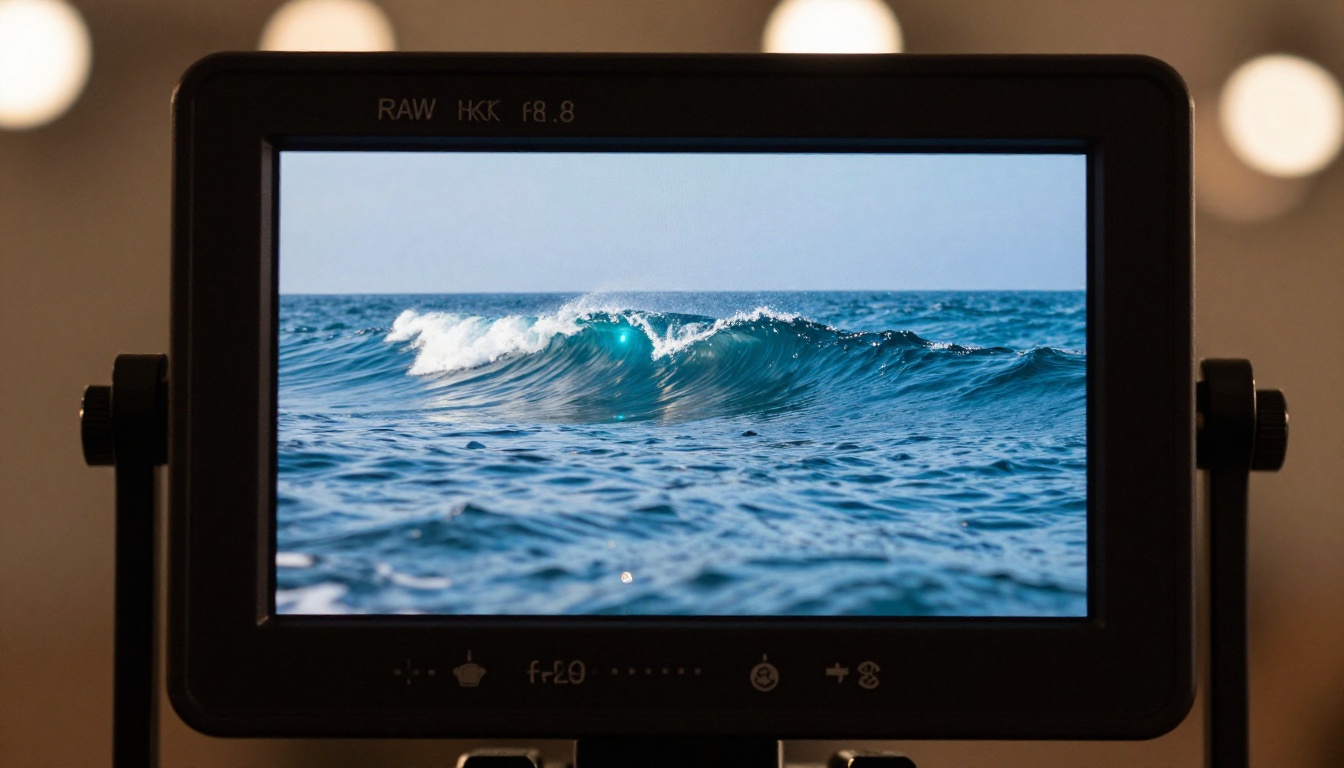
4K Output Quality in Practice
Benchmarks only tell part of the story. Here is what you actually see when you generate 4K video with Kling v3.
Pixel Sharpness and Fine Detail
At 4K, Kling v3 renders textures that were simply not present in prior versions. In nature scenes, individual blades of grass remain distinct throughout motion sequences. In portrait-style footage, the model captures skin texture, eyelash separation, and strand-level hair detail with a fidelity that previously required dedicated super-resolution post-processing tools.
The model also handles depth-of-field simulation better at 4K. Bokeh rendering in foreground and background separation shows smoother falloff curves rather than the pixelated transition zones that characterized earlier AI video output.
💡 Practical tip: If your prompt includes fine-texture subjects (fur, woven fabric, dense foliage), Kling v3 at 4K will show a dramatic quality gap versus 1080p. This is the use case where the resolution upgrade pays off most visibly in real-world output.
Motion Coherence Across Frames
This is where Kling v3's architectural changes matter most in practice. Temporal coherence keeps a scene feeling like real recorded footage rather than a sequence of individually rendered frames. When coherence breaks down, you see flickering textures, warped edges, and objects that appear to vibrate even when stationary in the scene.
Testing Kling v3 against Kling v2.6 on identical prompts shows measurable improvement in frame-to-frame consistency. Hair in motion no longer develops phantom strands between frames. Fabric folds maintain their three-dimensional geometry across camera movement. Water surfaces hold their detail rather than smearing into uniform color patches at faster playback speeds.
The improvement is most visible when stepping through footage at slower-than-real-time playback. At 24fps or below, you can advance through Kling v3 output one frame at a time and find each frame fully resolved.
Color Accuracy and Dynamic Range
4K output delivers its full value only when paired with accurate color reproduction. Kling v3 shows meaningful improvement in dynamic range handling: the model avoids clipping highlights and crushing shadows more consistently than v2 variants.
Skin tones render across a wider gamut of natural variation. Sky gradients at sunrise and sunset show subtle, banding-free transitions. Shadow regions retain legible detail that v2 models frequently collapsed into pure black.
💡 Important note: Kling v3's color output is tuned for a photorealistic neutral baseline. If your creative intent requires high-contrast stylized color grading, plan for post-processing rather than trying to bake it into your prompt.

Where Kling v3 4K Truly Delivers
Not every content category benefits equally from 4K rendering. Here are the three areas where the upgrade makes the most visible real-world difference.
Cinematic Landscape Shots
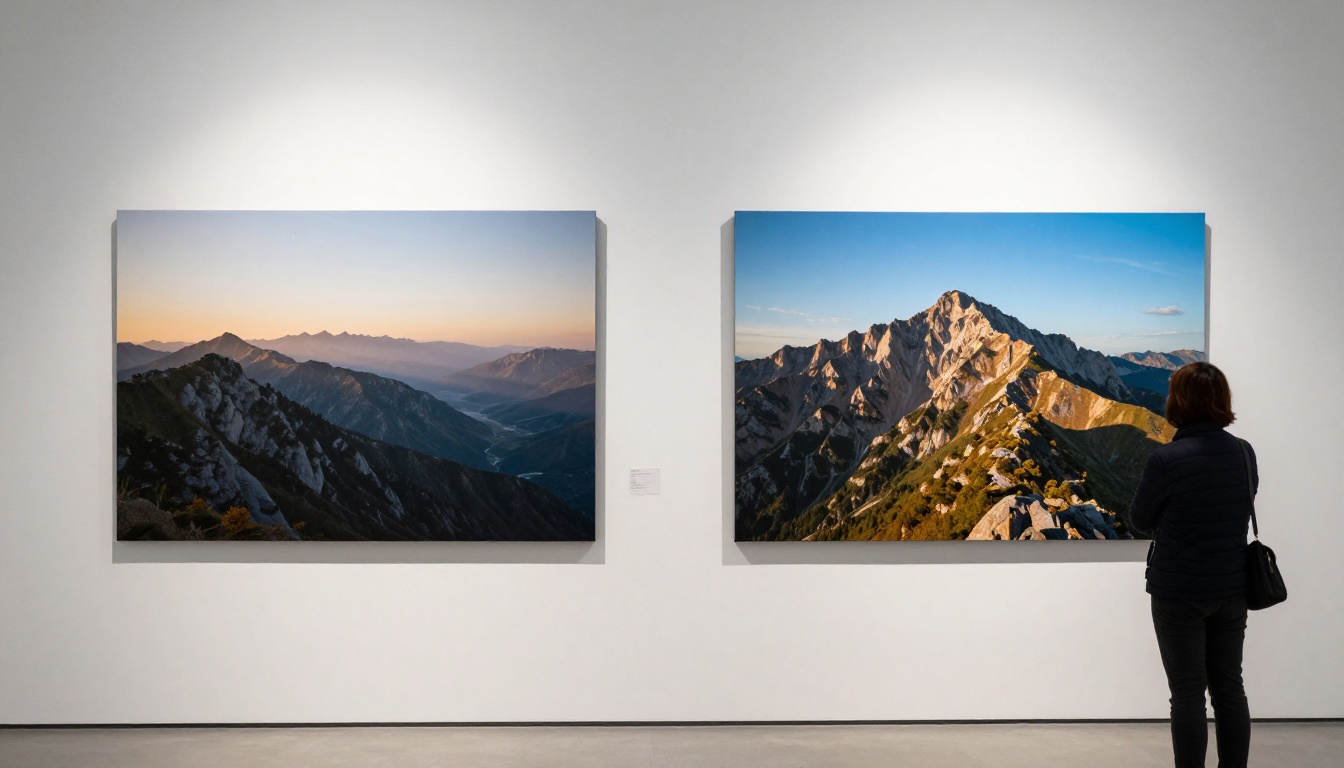
Wide-angle environmental footage is Kling v3's strongest showcase. A single 4K frame of a mountain valley, coastal cliff, or dense forest contains enough resolvable detail to sustain close inspection on any display. At 1080p, the same scenes read as uniform and flat because there is not enough pixel budget to differentiate texture across the full frame width.
With Kling v3, distant trees show individual canopy shapes. Rock surfaces carry distinct weathering and moisture patterns. Water reflects sky conditions in a way that reads as physically plausible rather than procedurally generated. For content creators producing travel, nature, or environmental footage, this is the practical category where 4K AI video generation becomes genuinely usable at a professional level.
Character and Portrait Scenes
Portrait and character-focused video presents the hardest quality test for any AI video model. Human viewers are sensitive to visual inconsistencies in faces and human figures. Kling v3 at 4K passes a significantly higher believability threshold for medium-close character shots than any prior Kling version.
Facial structure remains consistent across the full clip duration. Iris detail and catchlight positioning stay coherent through natural head movement. The model avoids the uncanny flickering that made character-focused AI video from earlier models feel unsettling to watch on larger displays.
💡 Best practice: For character shots, keep your subject centered in the middle third of the frame. Use prompts that specify low-amplitude natural motion: breathing, a subtle head turn, hair moving gently in wind. Wide or fast-moving character action still shows coherence strain in complex scenarios.
Fast-Action and Dynamic Sequences
High-motion scenes remain the most challenging category for AI video models across the board. Fast motion generates frame-to-frame differences that expose any temporal inconsistency directly. Kling v3's dual-stream attention mechanism improves but does not fully resolve this challenge.
At 4K, fast sports sequences, vehicle movement, and rapid camera movement are noticeably better than v2 output but remain the most likely category to produce artifacts. Moderate action like a person walking at a natural pace, ocean waves breaking on shore, or autumn leaves falling lands cleanly in the model's production-ready range.

Real Limitations to Know About
Kling v3 4K is a significant capability upgrade, but treating it as a fully solved problem leads to production frustration. Here are the limitations worth understanding before committing generation resources to complex projects.
Text Within Video Frames
AI video models broadly struggle with legible text embedded in a scene. Kling v3 shows marginal improvement over prior versions, but embedded text like signs, labels, and on-screen displays within scenes degrades noticeably during motion. If your production requires readable in-frame text, plan for post-production compositing rather than relying on the model's text generation.
Complex Multi-Subject Scenes
Scenes with three or more distinct characters or moving objects in close proximity create interaction zones that Kling v3 handles inconsistently. Individual subjects render with high fidelity. When multiple subjects occupy the same frame region simultaneously, the model's spatial representation sometimes loses track of which surface belongs to which subject.
This challenge is not unique to Kling. Veo 3 and Sora 2 Pro show similar behavior in dense multi-subject compositions. It reflects a current architectural limitation across diffusion-based video models rather than a specific Kling weakness.
Render Time at 4K
4K generation takes considerably longer than 1080p. Expect 4K outputs to require roughly two to four times the generation time of equivalent 1080p runs, depending on current platform queue load. For rapid prompt iteration and creative direction testing, use Kling v2.6 at 1080p to refine your approach, then commit to Kling v3 at 4K once the prompt and composition are confirmed.
How to Use Kling v3 on PicassoIA
PicassoIA provides direct access to all three Kling v3 variants without requiring a separate API setup or account per provider. Here is how to use each effectively across different production scenarios.
Choosing the Right Kling v3 Variant
Start with the standard Kling v3 Video for most text-to-video generation. It delivers the full 4K capability with straightforward input requirements.
Use Kling v3 Omni Video when you have a reference image that defines the style, lighting, or subject of your intended video. The Omni variant accepts this image as conditioning input, giving you tighter control over visual output without requiring exhaustive prompt engineering to describe every stylistic detail.
Choose Kling v3 Motion Control when camera movement is integral to your creative intent. This variant lets you specify camera paths directly: dolly moves, pans, tilts, push-ins. For cinematically intentional work where you need consistent camera behavior, Motion Control is the appropriate tool.
Prompt Structure That Works
Kling v3 responds well to prompts structured across three clear components:
- Subject and environment: Who or what is in the scene, and the physical context.
- Motion description: What moves, how it moves, and at what pace.
- Visual parameters: Lighting conditions, apparent camera type, and color tone.
A prompt like "a woman in a linen dress walking slowly through a wheat field, looking downward, gentle morning breeze moving the wheat stalks rhythmically, soft overcast diffused light, medium-wide shot, natural 50mm lens feel" will consistently outperform a vague "woman walking in a field."
💡 Key insight: Motion description is the most underprompted element. Most users describe scenes thoroughly but leave motion vague. Specifying what moves and exactly how it moves is the single highest-impact variable in Kling v3 output quality.
Parameters Worth Adjusting
- Duration: Kling v3 supports clips up to 10 seconds. Clips of five seconds show better frame coherence than longer clips at equivalent quality settings. For complex scenes, shorter is often better.
- Aspect ratio: 16:9 is the native format for 4K output. Vertical formats are available but show slightly lower coherence in spatially complex scenes.
- Seed control: Once you find a generation you like, record the seed value. Varying the seed with the same prompt lets you explore stylistic variations while holding the core creative direction stable.

Kling v3 vs the Competition
How does Kling v3's 4K output compare to the other leading AI video generation models available right now?
Three patterns stand out from this comparison.
First, native 4K is still rare. Only Kling v3 and LTX 2.3 Pro offer genuine 4K-native pipelines on PicassoIA. For projects where you will display on large screens, or need to punch in for close-up crops during post-production, this matters directly to your output quality.
Second, cinematic quality and resolution are separate dimensions. Veo 3 and Sora 2 Pro produce compositionally sophisticated results at 1080p that rival Kling v3 in creative quality. If your final output is social media or streaming at 1080p, either is a legitimate alternative depending on your creative needs.
Third, motion coherence is Kling v3's practical differentiator at 4K. No other current model combines native 4K resolution with the same level of frame-to-frame consistency across a broad range of content types. That combination is what makes Kling v3 relevant for professional production use cases rather than only experimental work.

Kling v3 Across Content Categories
Understanding where to deploy each Kling v3 variant saves both generation time and credits. Here is a practical content-category reference.
Landscape and Environmental Footage
This is Kling v3's strongest category by a significant margin. The combination of 4K resolution and strong temporal coherence makes environmental footage challenging to distinguish from drone or cinema camera material for non-specialist viewers. Use Kling v3 Video with detailed prompts specifying time of day, atmospheric conditions, and implied camera height or position.
Product and Commercial Video
For product showcases and commercial work, Kling v3 Omni Video offers the most consistent results. Providing a reference image of your product as conditioning input reduces the chance of the model inventing visual details that contradict your actual product appearance.
Storytelling and Character-Led Clips
Kling v3 Motion Control is the right choice for narrative content. Storytelling footage depends on intentional camera movement: a slow push-in to convey intimacy, a pan to reveal environment, a tilt to show scale. Leaving camera behavior to model discretion creates inconsistent storytelling pacing.
Social and Short-Form Content
For high-volume social content, 4K render time can be a production bottleneck. Kling v2.6 is the right choice for social-format videos where 1080p is the platform delivery ceiling anyway. Reserve Kling v3 4K for content that will be displayed on high-resolution screens or needs maximum quality headroom before downscale delivery.
For avatar-based social content, Kling Avatar v2 provides a dedicated face-driven animation pipeline that complements the text-to-video variants for character-specific work.
The Broader 4K AI Video Context
Kling v3's 4K output reflects a broader shift in the AI video generation space toward higher-resolution native pipelines. LTX 2.3 Pro and LTX 2 Pro from Lightricks both target 4K output natively. Gen 4.5 from Runway and Pixverse v6 deliver cinematic quality at 1080p with clear roadmaps toward higher resolution support.
The pattern suggests that 4K native rendering will become a baseline expectation rather than a premium differentiator within the next generation of AI video models. Kling v3 is ahead of that curve today, giving it a practical advantage for any production use case where resolution headroom matters.
The next capability frontier is 4K at extended durations. Current 4K generation maintains strong coherence up to roughly 5 to 8 seconds but begins showing temporal drift in longer clips. As model architectures extend their attention windows, sustained 4K generation across 30 to 60-second sequences will become viable for narrative production work.

Try It Yourself on PicassoIA
If you've been waiting for AI video generation to reach a quality level that works for professional or near-professional use cases, Kling v3 at 4K is a credible answer across a broad range of content types.
PicassoIA gives you access to all three Kling v3 variants in one place, alongside over 80 other text-to-video generation models, so you can choose the right tool for each specific project rather than being locked into a single provider's catalog. From Veo 3.1 and Sora 2 to Seedance 2.5 and Wan 2.7, the platform consolidates top-tier models in a single generation environment.
The most effective way to form your own assessment of Kling v3's 4K capability is to run the same prompt through Kling v3 Video and a 1080p alternative like Ray 3.2 or Kling v2.6 side by side. In landscape, portrait, and moderate-motion categories, the 4K output difference is immediately visible without needing to zoom in or view at large scale.
Visit picassoia.com/en/all-models to browse the full model catalog and start generating with Kling v3 now.


