Two of Kuaishou's most capable AI video models sit at very different points on the quality-speed spectrum. Kling v3 Video is the current flagship, built for cinematic output with improved temporal coherence and physics accuracy. Kling v2.6 Turbo Pro was the speed-focused variant that gave creators fast, high-quality output before the v3 family launched. They share a technical DNA but diverge significantly on resolution ceilings, motion fidelity, and how they handle complex prompts under pressure.
This comparison examines output quality, motion physics, prompt fidelity, generation speed, and practical use cases so you can make the right call on the first try.

What Each Model Actually Does
Before the side-by-side breakdown, it helps to understand what each model was designed for. Both come from Kuaishou's Kling family, but they serve different roles in the production chain.
Kling v3 Video: The Flagship
Kling v3 Video is Kuaishou's most sophisticated text-to-video and image-to-video model. It targets filmmakers, agencies, and creators who need high-resolution cinematic output with consistent object permanence across frames. The model renders at up to 1080p with significantly better handling of complex multi-element scenes. Camera movements feel purposeful rather than drifting, and characters maintain identity over the full clip duration.
The v3 architecture introduced a refined attention mechanism for temporal coherence. In practice this means people stay recognizable frame to frame, hands do not morph, and camera pans do not produce jelly-like distortion in background elements. If your prompts involve crowds, fast motion, or intricate environments, v3 handles them better than any previous Kling release.
Alongside the main model, the Kling v3 family also includes Kling v3 Motion Control for precise camera path scripting and Kling v3 Omni Video for unified text-plus-image input workflows.
Kling v2.6 Turbo Pro: Speed Without Sacrifice
Kling v2.6 Turbo Pro sits at the intersection of speed and quality within the v2 line. The Turbo Pro tier strips inference time down while maintaining output quality that rivals the standard v2.6 at a meaningfully faster rate. It became a popular choice for content creators who needed to iterate rapidly through multiple concepts in a single session.
The model outputs at 720p to 1080p depending on configuration, with solid prompt adherence and smooth motion for most scene types. Where it loses ground to v3 is in complex physics scenarios and fine facial detail retention over longer clip durations. For quick social content, brand videos, and fast-paced production pipelines, it remains a strong option.
The Kling v2.6 standard tier and Kling v2.6 Motion Control variant round out this generation for creators who want camera control without moving to v3.
The Real Differences in Output Quality
Quality differences between these two models show up in three specific areas: resolution and fine detail, color science, and how coherently they render faces and objects.
Resolution and Detail Rendering

Kling v3 Video produces sharper output at matched settings. Fabric texture, hair strands, and surface reflections resolve at a higher level of detail. In scenes with shallow depth of field, the bokeh falloff is more natural and less prone to the haloing artifacts that affected earlier Kling generations.
Kling v2.6 Turbo Pro delivers solid detail for most use cases. At standard viewing sizes, social feeds, and mobile screens, the difference is minimal. At full 1080p on a large display or zoomed in for post-production work, v3's advantage becomes clear.
| Feature | Kling v3 Video | Kling v2.6 Turbo Pro |
|---|
| Max Resolution | 1080p | 720p to 1080p |
| Detail Sharpness | Very High | High |
| Bokeh Quality | Natural, accurate | Good, minor artifacts |
| Skin Texture Fidelity | Photorealistic | Realistic |
| Object Edge in Motion | Sharp | Slightly soft |
Color Science and Atmospheric Depth
Kling v3's color rendering has a richer tonal range, particularly in shadow detail and highlight rolloff. It handles high-contrast scenes with strong backlight more convincingly. Sunsets, night scenes with artificial light sources, and overcast flat-light environments all benefit from v3's wider dynamic range handling.
V2.6 Turbo Pro tends toward slightly saturated, punchy color output, which works well for social content where visual impact matters more than tonal accuracy.
Facial and Object Coherence
This is the sharpest dividing line between the two models. In clips featuring faces, Kling v3 Video maintains identity through the full duration with significantly fewer instances of facial drift, morphing, or identity blending when multiple people appear. For portrait-focused content, product videos with close-ups, or any scene where a specific person's likeness must be preserved, v3 is the clear choice.
V2.6 Turbo Pro holds up well in medium and wide shots. In tight close-ups held for more than 2-3 seconds, subtle facial detail variation becomes apparent.
Speed and Credit Cost Breakdown
The practical decision for most creators comes down to how fast each model generates and what it costs per clip.
Generation Time Comparison
Kling v3 Video takes longer to generate than Kling v2.6 Turbo Pro. The Turbo Pro designation exists precisely because it was optimized for faster inference. In production environments where you need to produce 10 to 20 clips in a session, v2.6 Turbo Pro's speed advantage compounds meaningfully.
For single hero clips, trailers, or showcase content where quality is non-negotiable, the extra wait time for v3 is worth it.
Cost Per Video
| Model | Relative Speed | Relative Credit Cost | Best For |
|---|
| Kling v3 Video | Slower | Higher | Premium, cinematic output |
| Kling v2.6 Turbo Pro | Faster | Lower | High-volume, fast iteration |
At scale, v2.6 Turbo Pro is more economical. A campaign requiring 30 or more clips will consume significantly fewer credits using v2.6 Turbo Pro while still delivering publishable quality.
Motion Accuracy and Physics Realism
AI video models have historically struggled with physics. Cloth simulation, water behavior, hair dynamics, and secondary motion on moving objects reveal a model's underlying capability more than any static quality metric.
Body Movement Fidelity

Kling v3 Video handles articulated human motion with notable accuracy. Running gaits, arm swings, and weight shifting through turns are more mechanically plausible. The model appears to have trained on higher-quality motion reference data, and it shows in how subjects move through space. Sports content, dance sequences, and action scenes benefit the most from this improvement.
V2.6 Turbo Pro produces smooth motion that reads as natural at normal playback speed. On frame-by-frame review, certain transitions show a subtle quality where motion slightly snaps rather than flowing continuously. For most finished content, viewers will not notice. For anything slowed down in post-production or analyzed closely, v3 handles it more convincingly.
Camera Motion Control
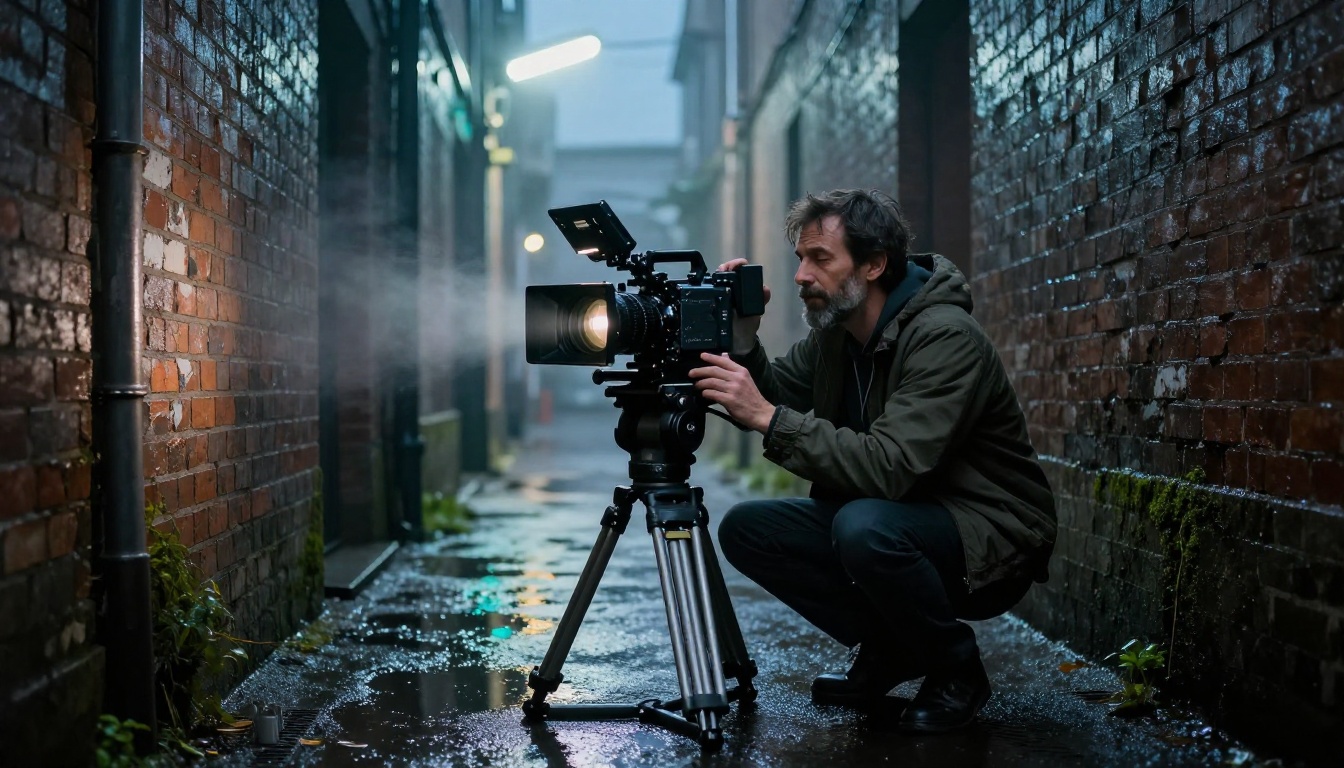
Kling v3 Video produces more stable camera paths. Prompted camera movements such as slow pan left, push in toward subject, or orbit around execute with greater fidelity to the instruction. The motion feels motivated and cinematically grounded rather than algorithmic.
For creators who need precise camera work, the Kling v3 Motion Control variant gives direct control over camera trajectories. On the v2.6 side, Kling v2.6 Motion Control offers the same concept with slightly less precise execution.
Prompt Adherence: Where They Differ
Prompt adherence determines how closely the generated video matches what you actually wrote. This is where creator frustration most often originates.
Handling Complex Multi-Subject Scenes
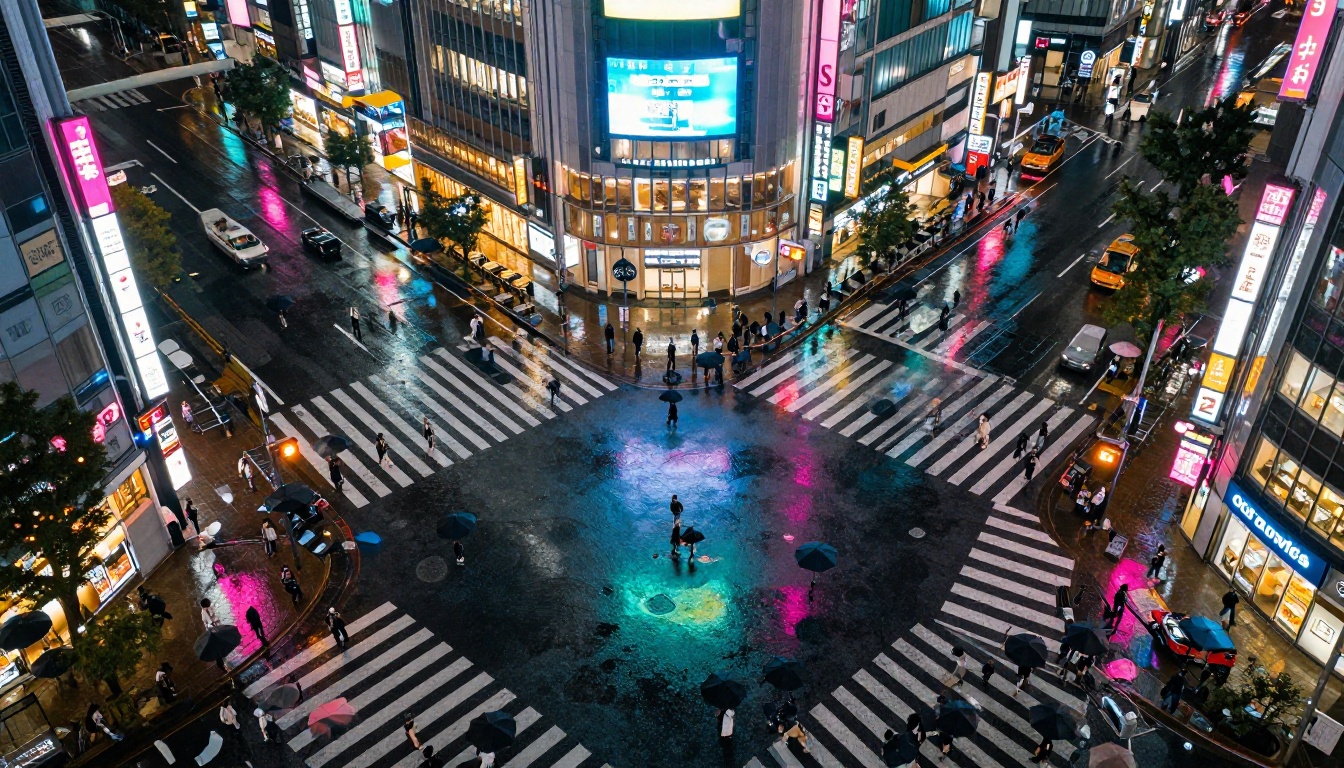
Kling v3 Video manages complex multi-element prompts more reliably. A prompt specifying three characters in different positions, interacting with specific objects, in a detailed environment with particular lighting conditions is more likely to produce output that hits most of those marks. The model's capacity to hold multiple simultaneous constraints is genuinely better than v2.6.
V2.6 Turbo Pro handles moderate-complexity prompts very well. When the prompt gets highly specific with more than four or five distinct elements, the model will often prioritize some at the expense of others. This is not a failure, it just means you need simpler, more focused prompts to get predictable results.
Temporal Consistency
Temporal consistency refers to whether objects, backgrounds, and details remain the same across the full clip. A building that changes color between frames, a prop that disappears mid-shot, or text that morphs are all temporal consistency failures.
V3 significantly reduces these failures, particularly in static background elements. Architectural details, signage, and environmental props stay fixed while foreground motion continues. V2.6 Turbo Pro is solid on this front for simpler scenes but shows more drift in complex backgrounds with many moving elements.
💡 Tip: For both models, grounding your prompt in a specific location or environment that can be established in the first second helps maintain consistency through the clip. Avoid prompts that describe rapid location changes within a single clip.
Real Output Scenarios
The clearest way to see the difference is through the types of scenes each model performs best on.
Kling v3 Video performs best on:
- Close-up portrait clips with consistent facial identity
- Action sequences with complex body mechanics
- Cinematic wide establishing shots with environmental depth
- High-contrast scenes with dramatic lighting conditions
- Longer clips of 10 seconds or more where coherence must be maintained
Kling v2.6 Turbo Pro performs best on:
- Short social media clips of 3 to 5 seconds
- Product demos and branded content
- Abstract motion backgrounds and visual textures
- Lifestyle and travel-style content
- High-volume batch production where credit economy matters

The facial identity test above represents what separates these models most clearly in real production. V3's ability to hold a consistent, photorealistic face across a clip opens use cases in portrait filmmaking that were genuinely difficult with v2.6.
How to Use Kling v3 on PicassoIA
Kling v3 Video is available directly on PicassoIA. The workflow is straightforward whether you generate from text or animate a source image.
Step-by-Step Text-to-Video
- Open the Kling v3 Video page on PicassoIA
- Select Text to Video as your input mode
- Write your prompt: start with the subject and action, then add environment details, lighting, and camera movement. Each element should be specific but avoid stacking more than five distinct requirements in a single prompt
- Set your preferred duration (5s or 10s depending on scene complexity)
- Select 1080p for premium output or 720p for faster generation
- Submit and wait. V3 takes longer than Turbo Pro but the added fidelity is worth it for quality-critical work
- Download your clip or pass it directly to a video editor for color grading and audio
💡 Prompt tip: For camera movement, add phrases like "slow push toward subject", "low angle dolly left", or "gentle overhead tilt down" at the end of your prompt. Kling v3 responds well to cinematographic direction language.
Image-to-Video with Kling v3
- Generate or upload a still image as the first frame
- On the Kling v3 Video page, switch to Image to Video mode
- Upload your source image and write a motion prompt describing what should move and how the camera behaves
- The model uses the image as the anchor frame, maintaining its visual identity throughout the clip
- For maximum quality, use a 16:9 source image at 1024x576 or higher resolution
This image-to-video workflow pairs well with PicassoIA's text-to-image tools to give you full control over your first frame before animating it. You can also try Kling v2.6 Motion Control if you want to script the camera path precisely without upgrading to v3.
When to Use Which Model
The choice between these two models is a question of what you are optimizing for in a given project.
Choose Kling v3 Video when:
- The clip will be displayed at large size or high resolution such as TV, cinema, or billboard formats
- You are working with faces or characters that must maintain consistent identity
- The prompt involves complex physics, multi-person scenes, or intricate environments
- You have time in your schedule to allow for longer generation
- The output is a final deliverable that will not be heavily iterated on
Choose Kling v2.6 Turbo Pro when:
- You need 10 or more clips from a single session without depleting credits quickly
- The content is for social media at standard viewing sizes
- You are in a creative exploration phase and need fast feedback on concept viability
- The scene is relatively straightforward with one primary subject
- Speed of delivery is the top constraint
For agencies and studios running both types of work, a two-tier approach makes sense: use Kling v2.6 Turbo Pro for development and approval rounds, then switch to Kling v3 Video for final production.
It is also worth noting that other strong models exist in the same space. Veo 3 from Google, Seedance 2.5 from ByteDance, and Ray 3.2 from Luma all occupy competitive positions. Kling v3 competes on cinematic quality, while v2.6 Turbo Pro competes on speed and economy alongside options like P Video for lightweight generation needs.
Start Making AI Videos Right Now
Both models are accessible on PicassoIA, and you do not need specialized hardware or setup to run them. The platform handles inference in the cloud so you get professional-grade AI video output directly in your browser.

If you have never worked with either model before, start with Kling v2.6 Turbo Pro. It is forgiving of prompt imprecision, generates quickly, and gives you a clear baseline for what each type of prompt produces. Once you have a handle on what works, move your most important clips to Kling v3 Video for maximum fidelity.
The Kling v3 family continues to grow. Kling v3 Omni Video and Kling v3 Motion Control are already available for creators who want to push further into camera control and multi-modal input. Browse all available video generation models at picassoia.com/en/all-models to find the right tool for your next project.
Pick one prompt, run it through both models, and see the difference in your own work. That single test will tell you more about which model fits your workflow than any written comparison can.


