Picking between Kling and Flux 2 for uncensored AI content is like choosing between a camera and a video camera. Both are powerful. Both have their place. But if you are using the wrong one for what you actually need, you are wasting time and credits. This breakdown cuts through the noise and tells you exactly what each model does, where it shines for NSFW content, and which platform gives you real creative freedom without content filters blocking your work.
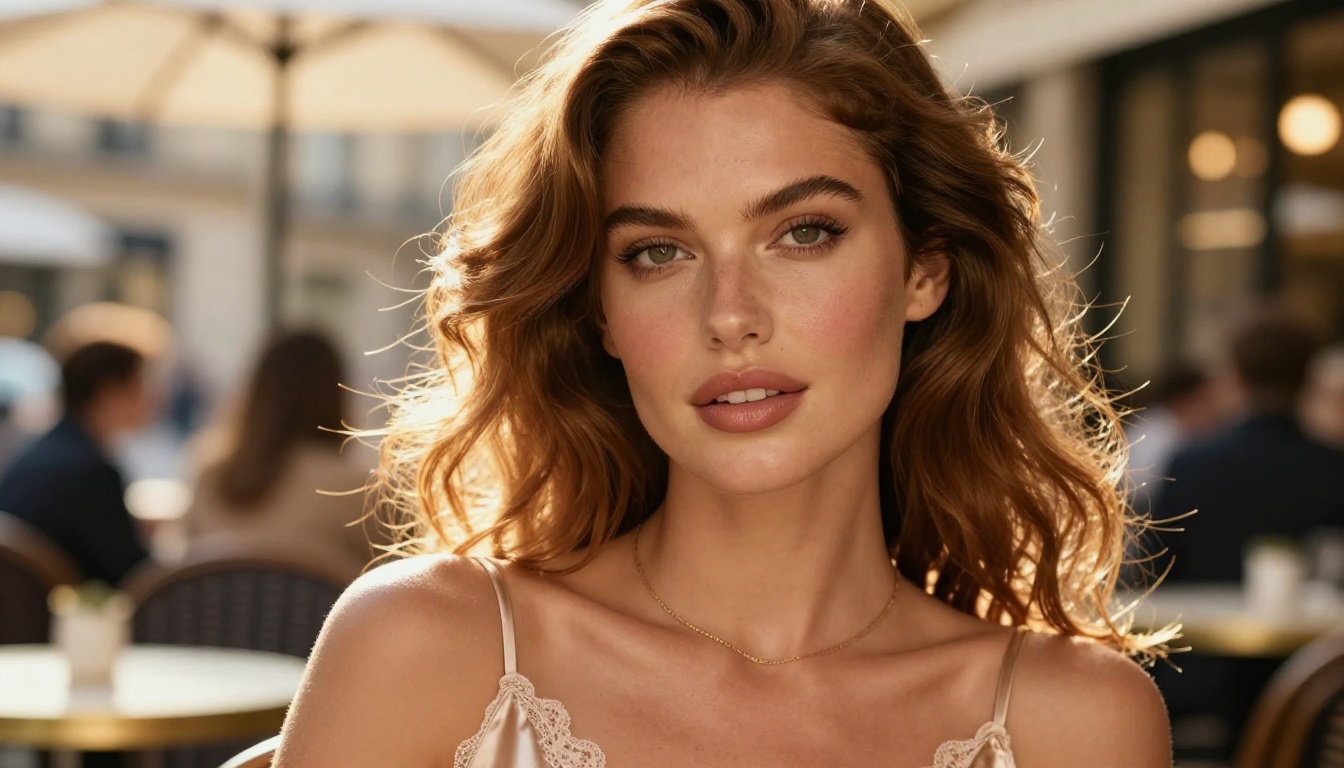
Most people searching "Kling vs Flux 2" are asking the wrong question. They treat these two models as interchangeable. They are not.
Kling is a text-to-video and image-to-video model built by Kuaishou (KwaiVGI). It generates video clips from text prompts or still images. Its strength is motion, cinematic scene flow, and character animation across multiple seconds of output.
Flux 2 is a text-to-image model from Black Forest Labs. It generates high-resolution static images from text descriptions. Its strength is photorealism, prompt accuracy, and raw detail in a single frame.
So the real question is not "which is better." The real question is: what are you trying to create?
If you want a short video of a beach scene with a character moving naturally, Kling wins. If you want a single hyper-realistic portrait with exact clothing, exact lighting, and precise composition, Flux 2 wins.
For NSFW content specifically, both have a distinct place. Adult creators often need images first — Flux 2's territory — and then animate them — Kling's territory. Many workflows use both tools sequentially, not as alternatives.
💡 Workflow tip: Use Flux 2 to generate your base image with precise composition and style, then feed that image into Kling's image-to-video mode to animate it. That image-first approach is extremely powerful for uncensored video content because the model has less to guess.
What Kling Actually Does
Kling is currently one of the most capable video generation models available. Each major version has pushed realism, motion coherence, and prompt fidelity significantly further than the release before it.
Video Realism That Rivals Live Action
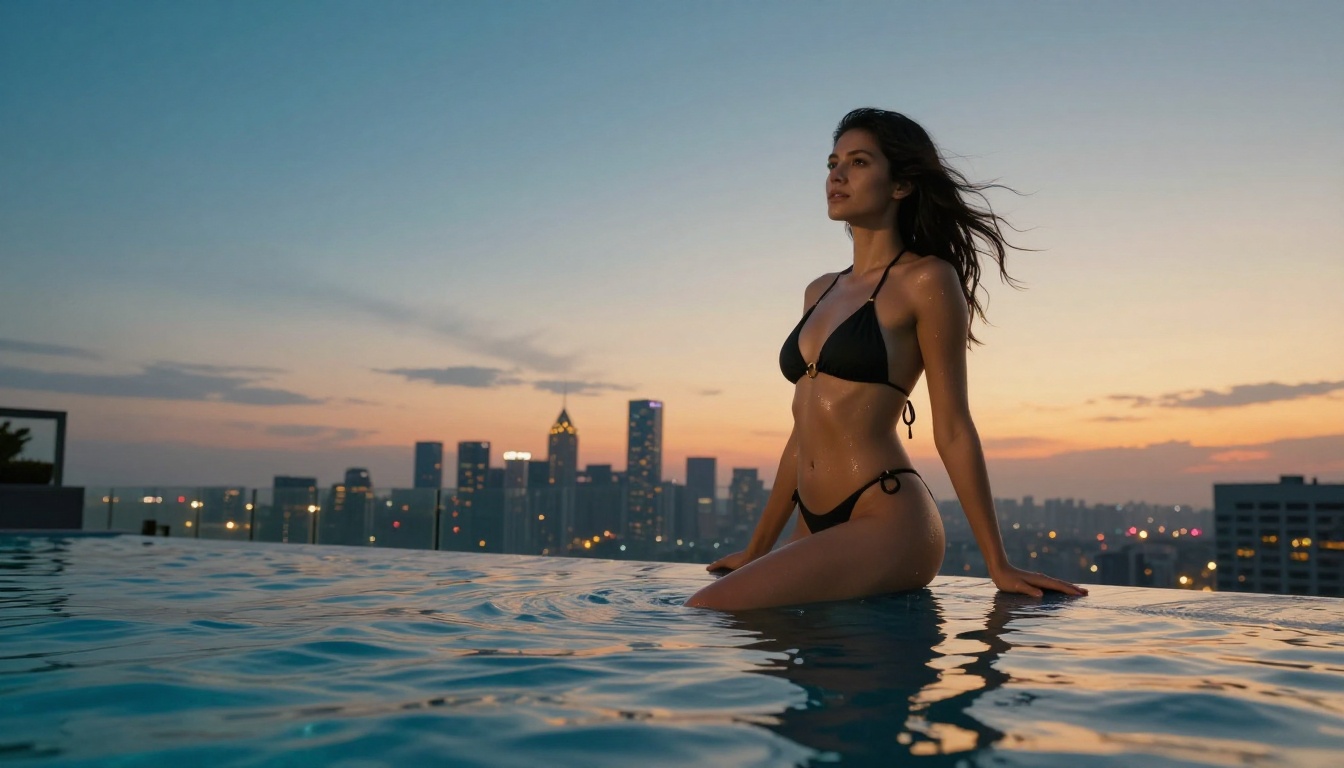
Kling's biggest advantage is physical realism in motion. Hair moves naturally. Water splashes with correct physics. Fabric flows in wind the way real fabric does. This matters enormously for NSFW content where bodily movement, gestures, and character expression need to look convincing rather than robotic or glitchy.
Early AI video tools produced results that looked like deepfakes from 2019. Kling v2.x and v3.x produce output that can fool casual viewers at a glance. For adult content creators, that level of realism is what separates usable content from obvious AI artifacts.
Kling Versions Worth Using
On PicassoIA, multiple Kling versions are available, each with different trade-offs between speed, quality, and resolution:
- Kling v3 Video — The flagship. Best motion quality, cinematic output at 1080p. The right pick for final renders.
- Kling v2.6 — Cinematic quality with strong prompt adherence. Reliable for character animation scenes.
- Kling v2.5 Turbo Pro — Faster generation without sacrificing too much quality. Good for rapid iteration before committing to a final render.
- Kling v2.1 Master — Solid 1080p output with reliable motion. A dependable workhorse for standard scene animation.
- Kling v3 Motion Control — Adds precise camera movement control for scenes that require specific angles, dolly shots, or panning motion.
The v3 models are where Kling truly hits its stride. If you are generating adult video content with high production value, Kling v3 Video is the starting point.
Where Kling Falls Short
Kling is not a still-image tool. If you are using it only to produce single frames, you are not getting its value. It also performs better for NSFW contexts when given a source image rather than generating purely from text, because the model has a concrete visual reference to maintain character consistency.
Prompt consistency across longer sequences remains challenging. If you need 10 seconds of perfectly consistent character appearance and positioning, expect to iterate through multiple generations.
What Flux 2 Actually Does
Flux 2 from Black Forest Labs set a new benchmark for text-to-image quality when it released. The model line, which includes variants like Flux Dev, Flux Schnell, and Flux Pro, raised expectations for prompt fidelity and photorealism in the broader AI image generation space.
Image Quality and Prompt Adherence
The standout trait of Flux 2 is how faithfully it interprets prompts. Ask for "a woman in a red satin dress standing near a window with morning light," and Flux 2 delivers that precisely. The satin has the correct sheen. The light falls at the right angle. The composition matches what you described without the model adding elements you did not request.
This precision is invaluable for NSFW work where specific body type, clothing, pose, and lighting all need to be controlled with accuracy. Flux 2 handles that level of prompt adherence with fidelity that earlier models like SDXL could not consistently achieve.
Speed vs. Kling
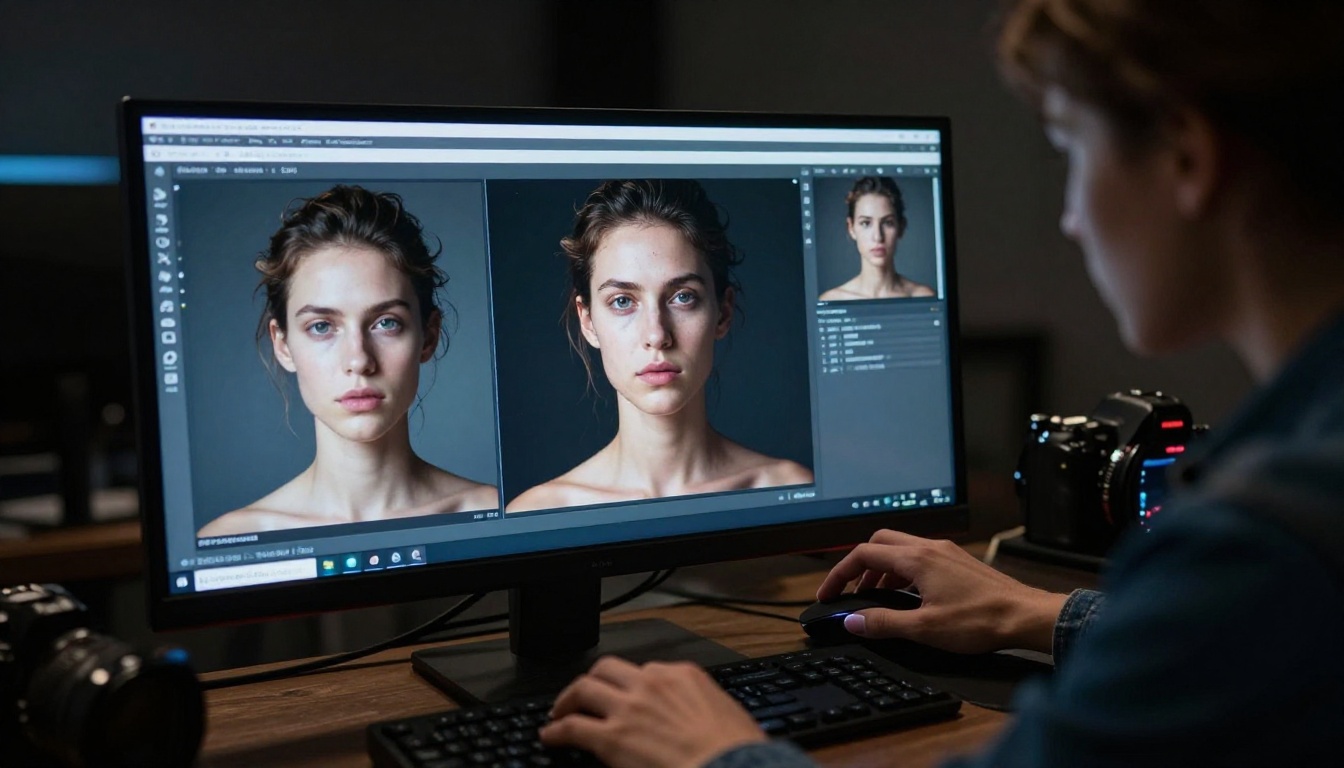
Flux 2 generates a still image in seconds. Kling generates a 5-10 second video clip in minutes. That is not a criticism of Kling — video generation is computationally more expensive by orders of magnitude — but it matters significantly for workflow speed.
If you are iterating on character appearance, outfit, or scene setup, Flux 2 is where you prototype. Run 20 variations in the time it takes Kling to render one clip. Lock in the look you want as a still image first, then commit that to video.
Flux 2 Content Restrictions
Here is the frustrating part for NSFW creators: Flux 2's availability with full uncensored capabilities varies heavily by platform. The official API from Black Forest Labs applies content filters. Third-party deployments vary.
On many mainstream platforms, Flux 2 will refuse or degrade NSFW prompts without warning. On PicassoIA, however, you have access to models with content filters reduced or removed, built specifically for adult content creation without those walls.
NSFW Capabilities: Who Wins?
Neither Kling nor Flux 2 wins cleanly here. The answer depends entirely on the platform you are running them through, not the models themselves.
Kling for Adult Video Content
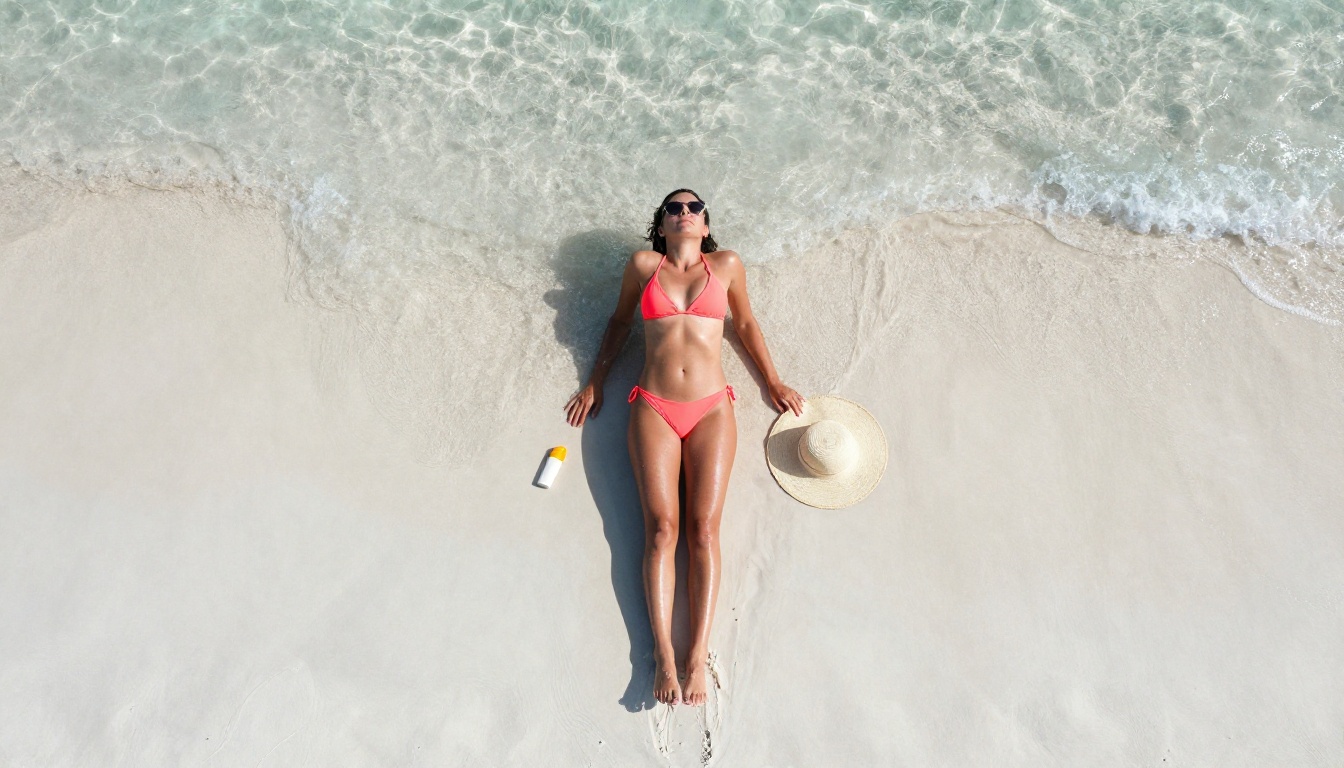
Kling's motion capabilities make it one of the strongest tools available for animating adult scenes. Character movement, facial expressions, and body dynamics in v2.x and v3.x are far more convincing than competing video models for this use case.
The main limitation: Kling's own official platform applies content filters aggressively. On PicassoIA, models like P-Video and Grok Imagine Video offer Kling-class video quality with safety filters reduced or off by default.
Flux 2 for Photorealistic Adult Images
For still NSFW images, Flux 2's photorealism is among the best in its class. The level of detail in skin texture, clothing fabric, and lighting is what adult content creators need to produce convincing, realistic output that does not immediately read as AI-generated.
But again, this only matters if the platform does not strip those capabilities. PicassoIA's Seedream 4.5 and P-Image deliver Flux-2-level realism with no content blocks on adult material.
Which Handles Restrictions Better?
Neither Kling nor Flux 2 is inherently uncensored. The platform controls that. What matters most is which platform you access them through and what models that platform provides without filters blocking your prompts.
This is where PicassoIA's advantage becomes clear. The platform provides access to multiple uncensored text-to-image and text-to-video models without the restrictive policies you hit on Midjourney, DALL-E 3, or official Replicate deployments of these same models.
The honest answer to "Kling vs Flux 2 for uncensored content" is that neither gives you uncensored access on their official platforms.
Kling's official apps filter prompts. Black Forest Labs' Flux API applies content policies that block explicit material. If you are trying to use these models on their native platforms for adult content creation, you will hit blocks repeatedly.
The solution is not a different model. It is a different platform.
💡 This is the core insight: The model matters less than where you run it. PicassoIA runs powerful AI models with Flux-class image quality and Kling-class video quality, without the content restrictions that block creative work on mainstream platforms.
Best NSFW Models on PicassoIA
PicassoIA offers a well-curated lineup of models that handle adult content without restriction. Here is the ranking by performance and value:
For images:
-
Seedream 4.5 ⭐ — The top pick for NSFW image generation. Accepts adult content fully, supports image editing, and generates photorealistic results in under 3 seconds. Its successor, Seedream 5 Lite, does not support NSFW — always use the 4.5 version for adult content.
-
PicassoIA Image Editor Pro — The unlimited-generation option. With Elite or Infinite plans, you can generate 1,000 images for the same flat subscription price. That same volume on credit-based models like Nano Banana 2 would cost around $100. Results arrive in under 1 second, NSFW-friendly, with a 3-generation free trial requiring no credit card.
-
Qwen Image 2 — Open source with strong NSFW support. Create or edit any image in seconds with very detailed realism and no content filtering.
-
Grok Imagine Image — Specializes in realistic visual transformations. Particularly effective for converting reference photos into swimwear or lingerie styles with high believability.
-
Recraft V4 — Strong text-to-image realism for detailed portrait and scene generation. Text-to-image only, no editing, but output quality is very high.
-
P-Image — NSFW text-to-image generation in under 1 second. The best option for rapid large-batch iteration where speed is the priority.
For video:
-
PicassoIA Video — Unlimited video generation from text prompts at up to 720p, 5 seconds per clip. No per-clip cost on supported plans.
-
P-Video — Text, image, or audio to video at up to 1080p. Safety filter is off by default. Draft mode delivers instant low-res previews before committing to final render quality.
-
Grok Imagine Video — Up to 15-second clips from text, a reference image, or an existing clip. No watermarks. Auto-matches source image aspect ratio for image-to-video mode.
-
LTX 2.3 Pro — Highest fidelity video at up to 4K and 50fps. Includes retake and extend editing for precise post-production control over individual segments.
💡 Important: Do not use Seedream 5 Lite for NSFW content. It blocks adult material. Use Seedream 4.5 for unrestricted generations every time.

Kling vs Flux 2: Side-by-Side Comparison
| Feature | Kling | Flux 2 |
|---|
| Output Type | Video clips (5-10 seconds) | Static images |
| Best For | Motion, animation, scene flow | Portraits, scenes, fine detail |
| Generation Speed | 2-5 minutes per clip | 3-15 seconds per image |
| Photorealism | High for video output | Very high for still images |
| Prompt Adherence | Good | Excellent |
| Native NSFW Support | Platform-dependent | Platform-dependent |
| On PicassoIA | Multiple versions available | Flux-class alternatives available |
| Workflow Role | Animate your base images | Create your base images |
| Cost Efficiency | Per-clip credits | Per-image or unlimited plans |
For most adult content creators, the strongest workflow uses both: Flux 2-class models for image creation, then Kling-class models for animation. PicassoIA supports this full pipeline under one platform without switching services.
How to Create Uncensored Content on PicassoIA
For Images
- Go to Seedream 4.5 or PicassoIA Image Editor Pro.
- Write a detailed prompt: describe your subject's body type, pose, clothing, lighting direction, setting, and camera angle. More specificity produces better results.
- Set the aspect ratio for your intended output format (16:9 for landscape scenes, 9:16 for portrait content).
- Generate. Iterate rapidly. With Image Editor Pro's unlimited generations, volume costs nothing extra on supported plans.
- Use Grok Imagine Image when you want to transform an existing reference photo into a specific style rather than generating from scratch.
For Videos
- Start with a strong base image. Use Seedream 4.5 or P-Image to get exactly the character and scene composition you want as a still first.
- Take that image to a video model. P-Video handles image-to-video with the safety filter off by default and supports up to 1080p output.
- Write a motion prompt describing what should happen: where the character moves, how the camera moves, and what the environment does over those seconds.
- Use draft mode first for a fast preview. Adjust your motion prompt based on what you see, then commit to the final quality render.
- For longer, higher-fidelity outputs with editorial control, use LTX 2.3 Pro for 4K/50fps results with retake and extend editing built in.
💡 The image-first approach outperforms text-to-video for NSFW: A precise, controlled base image gives the video model a concrete reference for character appearance and scene composition. It produces more accurate results and avoids prompt misinterpretation that triggers content flags.
Start Creating Without Limits
If you came here trying to pick between Kling and Flux 2 for your adult content workflow, the real answer is: use both, on a platform that does not restrict you.
Kling handles the video side with cinematic motion realism. Flux 2 handles the image side with precise prompt fidelity. PicassoIA provides access to models in both categories, including Kling v3 Video, Kling v2.6, Flux-class image generators, and a full stack of uncensored models, all without the filters that block this kind of work on official platforms.
Seedream 4.5 is your first stop for photorealistic NSFW images, with under-3-second generation times, full adult content support, and image editing built in. For unlimited image generation at scale, PicassoIA Image Editor Pro is the smarter economic pick for high-volume work.
For video, P-Video and Grok Imagine Video give you Kling-class motion quality with adult content filters removed. And for the highest fidelity video output available, LTX 2.3 Pro delivers 4K/50fps with editing tools included.
Browse the complete catalog of uncensored AI models, including every Kling version, Flux-class generators, and the full NSFW lineup at picassoia.com/en/all-models. Test Image Editor Pro's free trial without a credit card, and start building your unrestricted AI content workflow today.


