Two tools are dominating creator feeds right now: Kling and Nano Banana. Both promise to produce AI content that stops the scroll, triggers saves, and makes jaws drop. But when you put them side by side, the differences are sharp enough to matter for how you build your content strategy. One is a cinematic video engine with serious motion physics. The other is a fast-twitch image generator built for visual impact. Here is what actually separates them.
What Kling Actually Does
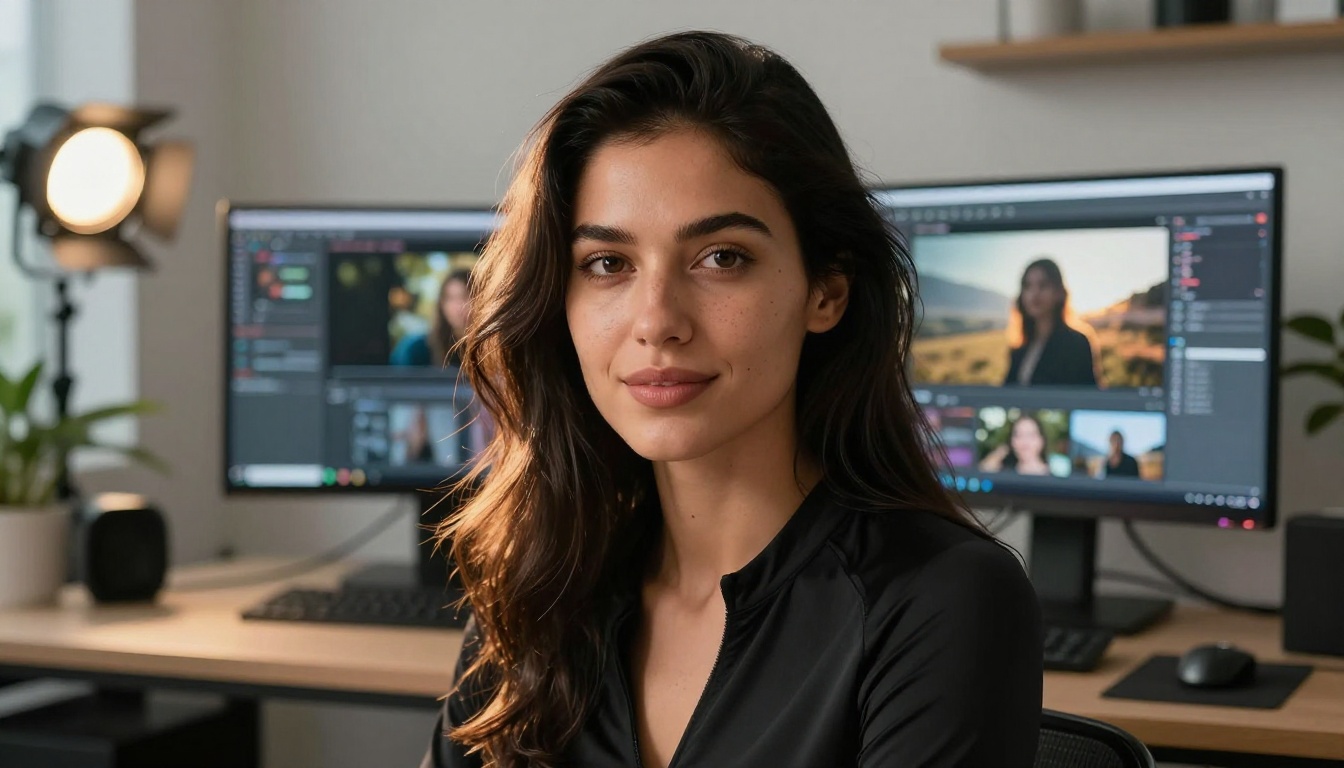
Kling is a video AI from KwaiVGI that turns text prompts and still images into cinematic short clips. It operates with physics-aware motion, meaning characters walk naturally, fabrics move with cloth simulation, and water ripples the way you would expect in real life. That level of realism is what sets Kling apart from most competitors in the AI video space.
The Kling Model Family
The Kling lineup on PicassoIA has evolved rapidly. The entry point is Kling v1.5 Standard, which outputs solid 720p video with reliable motion fidelity. For serious production work, Kling v1.6 Pro adds tighter prompt adherence and smoother temporal consistency.
The real jump comes with Kling v2.1 Master, which produces 1080p outputs with significantly improved facial expression rendering. Then Kling v2.6 introduced better scene composition and more natural camera movements across the duration of each clip.
Currently the most capable versions are Kling v3 Video, Kling v3 Omni Video, and Kling v3 Motion Control. The Motion Control variant is particularly powerful for creators who want precise body and camera movements baked into their outputs.
Where Kling Wins
Kling's biggest strength is temporal coherence. When a character moves across a frame, the motion stays physically plausible from start to finish. That consistency is hard to achieve and it is what makes Kling content feel cinematic rather than glitchy.
💡 Pro tip: Use Kling v2.5 Turbo Pro when you need fast turnaround without sacrificing quality. It is significantly faster than the full Pro variants while maintaining strong visual fidelity across the whole clip.

What Nano Banana Actually Does
Nano Banana approaches AI content from a different angle: raw image generation with a focus on bold, high-saturation visuals specifically designed to perform on social platforms. Where Kling prioritizes physical realism in motion, Nano Banana prioritizes aesthetic pop in still frames.
The Nano Banana Approach
The core philosophy behind Nano Banana is maximum visual impact per prompt. Every generation is tuned to produce images that work at thumbnail size, command attention in a feed, and maintain detail when zoomed in. The color science leans toward punchy, vibrant outputs by default, which suits creators who need their stills to grab attention instantly.
The interface is lean and the iteration loop is fast. Type a prompt, review the output, adjust, repeat. There is no video pipeline to manage, no temporal consistency to maintain, and no camera movement parameters to dial in. For creators whose entire workflow lives in stills, that simplicity is a real feature, not a limitation.
Who Uses Nano Banana
Content creators who need a constant stream of eye-catching imagery for social media, brand campaigns, or digital products tend to gravitate toward Nano Banana. The workflow suits anyone working at high volume with tight turnaround windows. Photographers looking for concept visualization, brand accounts that post daily, and creators building image libraries all find the speed useful.
💡 Worth noting: If static images are your primary output format, Nano Banana's speed advantage is genuine. But if your content strategy requires video at any point, you will need a separate tool to fill that gap.
Head-to-Head: Image Quality
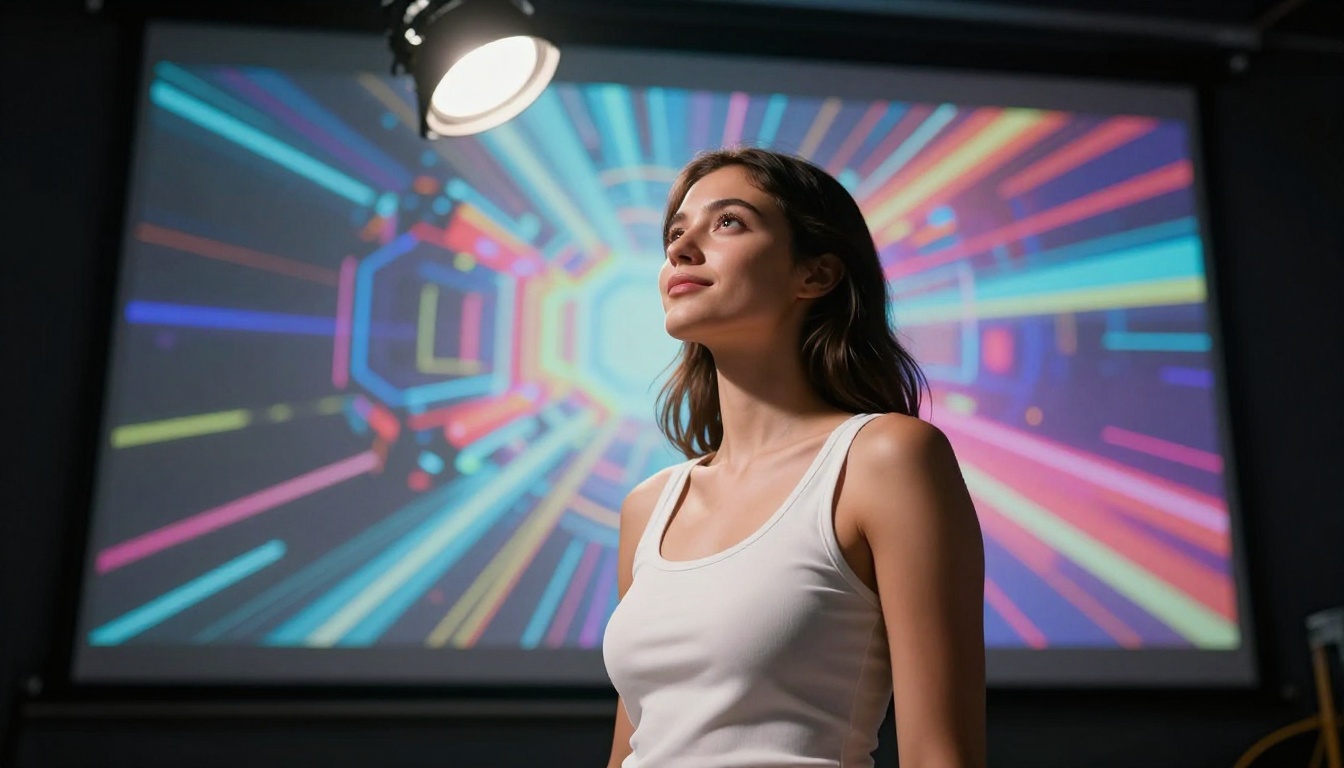
This is the one area where both tools genuinely compete. Kling generates a reference image as the first frame of every video it produces, and those frames are often stunning in their own right. Nano Banana generates images directly as its primary output. Both are capable, but they have different strengths.
Photorealism Side by Side
For photorealistic human subjects, Kling's first-frame images tend to have slightly more natural skin texture and hair physics. The model was trained to produce frames that transition smoothly into believable motion, so every pixel needs to hold up to scrutiny. That training pressure results in unusually strong still-image quality, particularly around facial details and fabric rendering.
Nano Banana counters with better color depth in high-saturation scenarios. Fashion content, product shots, and anything that benefits from vibrant, punchy colors tends to look sharper coming out of Nano Banana's pipeline.
| Feature | Kling | Nano Banana |
|---|
| Skin texture realism | Excellent | Very Good |
| Color saturation | Natural | Punchy |
| Hair physics rendering | Outstanding | Good |
| Shadow detail | Very Good | Good |
| Fabric texture | Excellent | Very Good |
| Generation speed | Moderate | Fast |
| Video output | Yes | No |
| 1080p support | Yes (v2.1+) | Varies |
| Motion output | Yes | No |
| Prompt complexity | High | Medium |
Style Flexibility
Kling's style range is wide but anchored in realism. Prompting it toward something highly stylized requires more effort than doing the same in Nano Banana, which was designed to handle diverse aesthetics without extensive prompt engineering. Nano Banana is more forgiving when a prompt is stylistically ambitious but loosely worded.
For creators who work across multiple visual styles in a single project, Nano Banana's flexibility is a genuine advantage in the image category. For creators who need everything to look cinematic and physically real, Kling's first-frame quality is unmatched.

Video Creation: Kling Has No Competition
This is not a category where Nano Banana competes. Nano Banana is an image generation tool. Kling is a video generation engine built from the ground up around motion. If your content requires motion of any kind, the conversation ends here.
Motion Realism
Kling v3 Omni Video produces some of the most physically accurate human motion currently available from any text-to-video model. The way subjects shift their weight, turn their heads, or gesture with their hands in Kling v3 outputs has a quality that competing tools have not matched consistently.
Kling v2.6 Motion Control lets creators specify camera movements with precision: dolly in, tilt up, orbit around a subject. That level of control was previously available only in professional video software and represents a significant shift in what solo creators can achieve.
The Kling v3 lineup also handles cloth simulation and hair movement in ways that make fashion and glamour content feel genuinely cinematic. A silk dress catching a breeze, hair lifting and settling during a head turn, jewelry reacting to movement: these details add up to content that reads as expensive and polished, not synthetic.
Prompt Responsiveness
Kling reads complex prompts with high fidelity. A prompt describing "a woman in a red dress walking through a rain-soaked alley, slow dolly forward, warm amber lamplight from the left" produces exactly that scene with the specified lighting, camera move, and atmosphere intact across the full duration.
Nano Banana is fast with simpler prompts but starts to lose precision as descriptions become more layered. For single-subject images with a clear mood directive, it performs well. For scene construction with multiple interacting elements, lighting specifics, and spatial relationships, Kling's results are more consistent.
💡 Creative tip: Use Kling Avatar v2 when you want to animate a specific face. Upload a reference photo and the model generates a video with that face performing any motion you specify. The face retention across frames is strong enough for production use.
Hot AI Content: What That Really Means
"Hot" content in the creator economy means content that performs. It gets saves, shares, comments, and drives profile visits. Both Kling and Nano Banana have produced viral outputs, but they perform differently depending on the platform and format.
Best for Short-Form Video
Short-form video platforms reward motion, personality, and pacing. Kling is purpose-built for this environment. A five-second AI clip from Kling v3 Video with strong motion and a compelling subject will outperform a static image in almost every feed algorithm that rewards watch time and replay rate.
Nano Banana can supply supporting images, thumbnails, and behind-the-scenes stills around that video content, but it cannot produce the clip itself. In a content strategy built around motion, Nano Banana plays a supporting role.
Best for Static Content Feeds
Instagram carousels, Pinterest boards, and image-first platforms are where Nano Banana's speed advantage translates into real output volume. A creator who needs 20 polished images for a weekly posting schedule can move through Nano Banana's workflow much faster than setting up 20 separate Kling image-to-video pipelines just to harvest first frames.
For visual artists, photographers seeking concept references, and brand accounts that live in the image format, Nano Banana's focus on per-image quality and iteration speed makes more practical sense than a video-centric workflow.
Best for Suggestive and Glamour Content
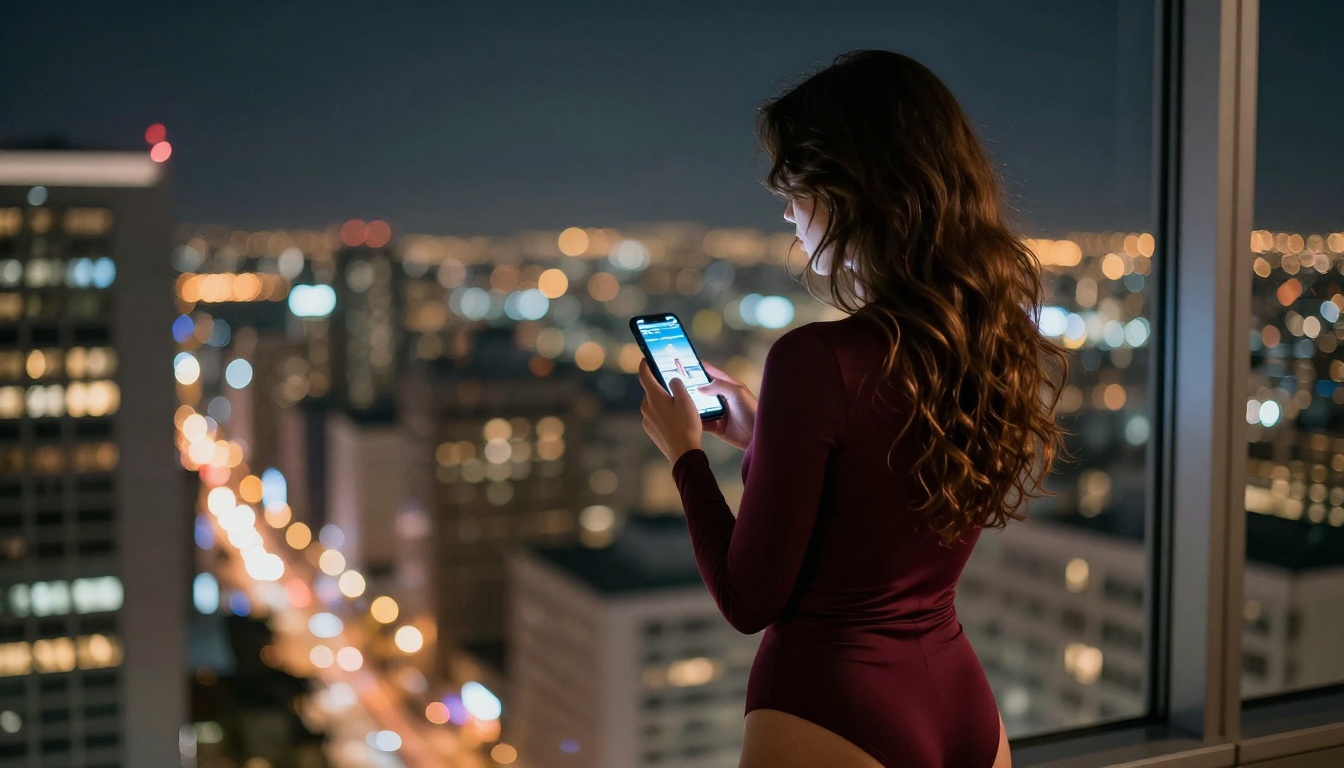
Both tools handle suggestive and glamour content, but the outputs feel different in character. Kling's motion adds a dimension to this category that static images cannot replicate: a subtle hair flip, a confident walk, a slow turn that lets the viewer take in the subject completely. The physical believability of Kling's outputs makes glamour and fashion content feel visceral and present rather than posed.
Nano Banana's image quality in skin tones and fabric textures is strong, and for static glamour shots intended for subscription platforms, editorial use, or brand campaigns, the results hold up well. The color rendering on skin is particularly good, and the ability to quickly iterate on pose and lighting means you can prototype 10 looks in the time it takes Kling to render one clip.

How to Use Kling on PicassoIA
PicassoIA gives you access to every version of Kling in one place, from the accessible Kling v1.6 Standard all the way to the current flagship Kling v3 Omni Video. Here is a practical workflow for getting the best results from the platform.
Step-by-Step for Video Creation
Step 1: Choose your model. For most content, Kling v2.6 is the best balance of quality and speed. If you need the absolute best motion realism for production-level output, go with Kling v3 Video.
Step 2: Write a scene, not a description. Instead of "a beautiful woman," write "a woman in her 30s with long dark hair and a silk red dress, standing in a warmly lit restaurant, turning slowly toward camera, 85mm lens, soft candlelight from the right side."
Step 3: Set your resolution. Kling v2.1 Master and above support 1080p output. For social media content, 720p from Kling v1.5 Pro is more than sufficient for platform playback.
Step 4: Use motion control for precision work. Kling v3 Motion Control lets you specify body keypoints and camera paths. Use this for content where exact movement matters, such as choreographed fashion walks or precisely timed gestures.
Step 5: Iterate on variations. Run three to five outputs of the same prompt with slight adjustments to lighting angle or camera distance. Pick the best frame composition and refine from there rather than trying to write the perfect prompt on the first attempt.
Pro Tips for Better Results
- Always specify lighting direction. "Volumetric light from the left" versus "overhead diffused light" produces dramatically different results in the same scene.
- Name your camera lens in the prompt. "85mm portrait lens" tells the model to compress perspective. "24mm wide lens" creates a more environmental, cinematic feel.
- Use Kling v2.6 Motion Control for full-body movement. The motion control pipeline handles walking, dancing, and gesture sequences more cleanly than any other Kling variant.
- Specify fabric type in close-up shots. Silk, linen, lace, and velvet all render differently, and the model respects the distinction when you tell it explicitly what the subject is wearing.
- Describe the atmosphere, not just the subject. Adding "a slight mist in the air" or "dust particles catching the light" adds depth and realism to Kling's outputs without requiring complex post-processing.

The Verdict: Which One Wins
The comparison between Kling and Nano Banana is not really about one being universally better. It is about what you are making and at what volume.
Kling wins for:
- Any content requiring motion
- Cinematic quality in complex scene construction
- Portrait and fashion video with motion physics
- Platform content that demands watch time
- Precise camera and body movement control
- Content that needs to feel expensive and produced
Nano Banana wins for:
- High-volume static image workflows
- Bold, saturated aesthetics that pop in feeds
- Fast iteration on image concepts without a video setup
- Creators who work exclusively in stills and need throughput
The "hotter" content by platform metrics tends to be video. In the video category, Kling is not just ahead of Nano Banana, it is operating in an entirely different format. The comparison only makes sense in the still-image category, and even there the choice depends on your aesthetic priorities. Kling outputs feel naturalistic. Nano Banana outputs feel punchy.
💡 The smartest approach for most creators: Use Nano Banana to rapidly prototype visual concepts and image compositions, then bring the winning frames into Kling to add motion and turn them into short-form video content. The two tools complement each other well when used in sequence.
Create Your Own Hot Content Right Now
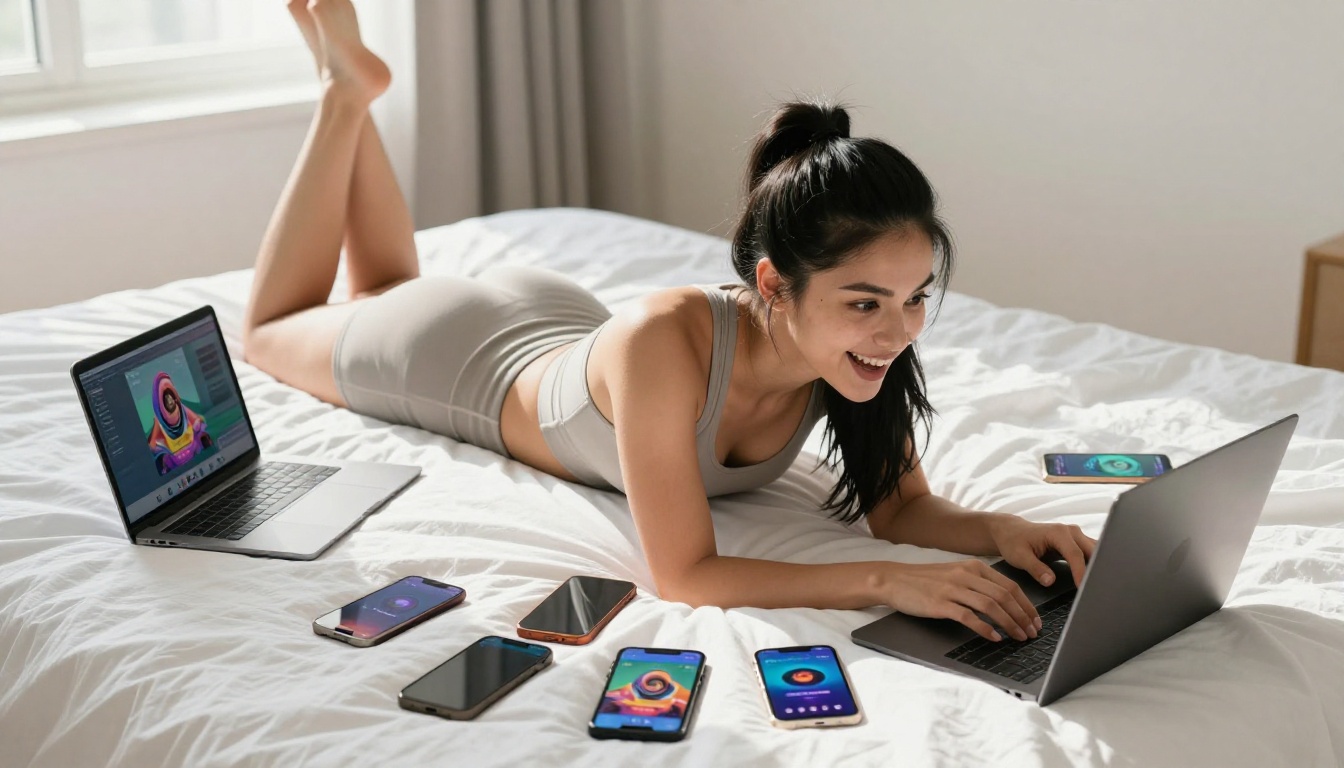
PicassoIA gives you access to the entire Kling lineup, from Kling v1.5 Standard for first-time users to Kling v3 Omni Video for production-grade cinematic AI content. You can run both image and video workflows from one platform, compare outputs in real time, and build a content pipeline that mixes static and motion assets the way professional studios do.
The debate over Kling versus Nano Banana matters less than what you actually do with either tool. Stop comparing specs and start generating. Run a few test prompts across both approaches, look at the actual visual quality side by side, and let the outputs make the decision for your specific workflow.
The hottest content is the content that ships. Explore all models on PicassoIA and start building yours today.