You've probably spent more time than you'd like testing different AI image generators only to hit a wall: blurry outputs, rejected prompts, or images that look like they were drawn by a committee of lawyers. The Kling vs Qwen Image 2 debate has been heating up in adult content circles, and the real question is not which one sounds cooler, but which one actually produces the results you're looking for without slapping a "content violation" in your face.
Kling AI: Video First, Images Second
Kling AI, developed by Kuaishou, is primarily known as a video generation powerhouse. It made waves in 2024 as one of the most realistic text-to-video models available, capable of generating fluid, physically-plausible motion clips. But many users don't realize Kling also has image generation functionality baked into its platform.
The confusion is understandable. Kling's image output comes largely as a byproduct of its video pipeline, and while the results can be impressively detailed, the platform was never architected with NSFW content in mind.
What Kling Does Best
Kling excels at temporal coherence. When generating images, the model carries strong biases toward cinematic framing, realistic proportions, and physically plausible poses. For SFW content, this produces strikingly natural-looking results. The model has solid grip on lighting, fabric interaction, and facial anatomy.
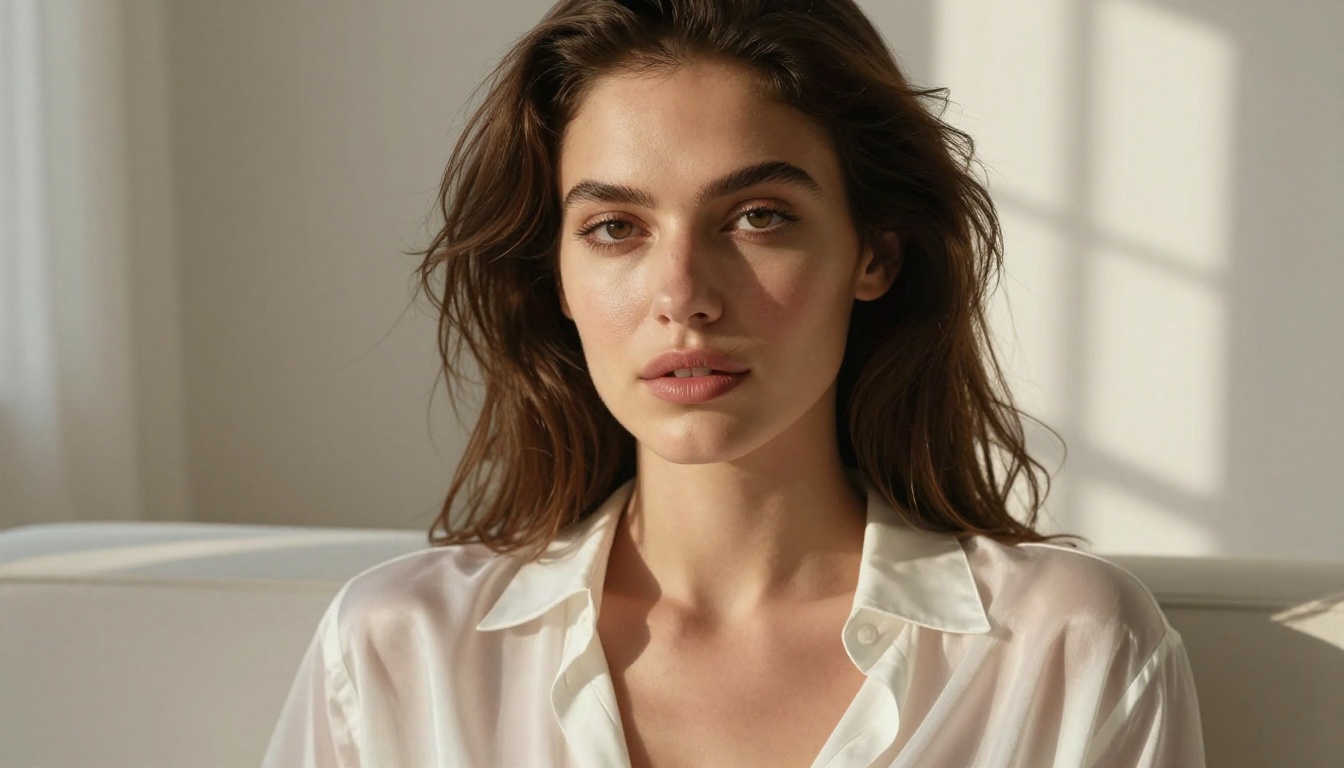
For portrait photography, architectural visualization, or fashion-adjacent imagery, Kling delivers consistent quality. The motion-aware training gives its static images a particular sense of weight and momentum that pure image models sometimes miss.
Where Kling Hits a Wall
Here's where NSFW users run into problems. Kling operates under strict content policies enforced at both the API and interface level. Suggestive prompts are filtered aggressively. The model will refuse, censor, or heavily alter prompts that involve:
- Skimpy or revealing clothing
- Implied nudity or artistic undress
- Intimate poses or suggestive scenarios
- Adult-coded terminology in prompts
The filtering is not subtle. You'll either get a refusal message or an output so sanitized it bears no resemblance to what you asked for. For adult AI content creators, this makes Kling effectively unusable for NSFW work without workarounds that often break the workflow entirely.
💡 Takeaway: Kling is a brilliant tool for cinematic and video-adjacent imagery. For NSFW AI content, it is the wrong tool for the job.
Qwen Image 2 Examined
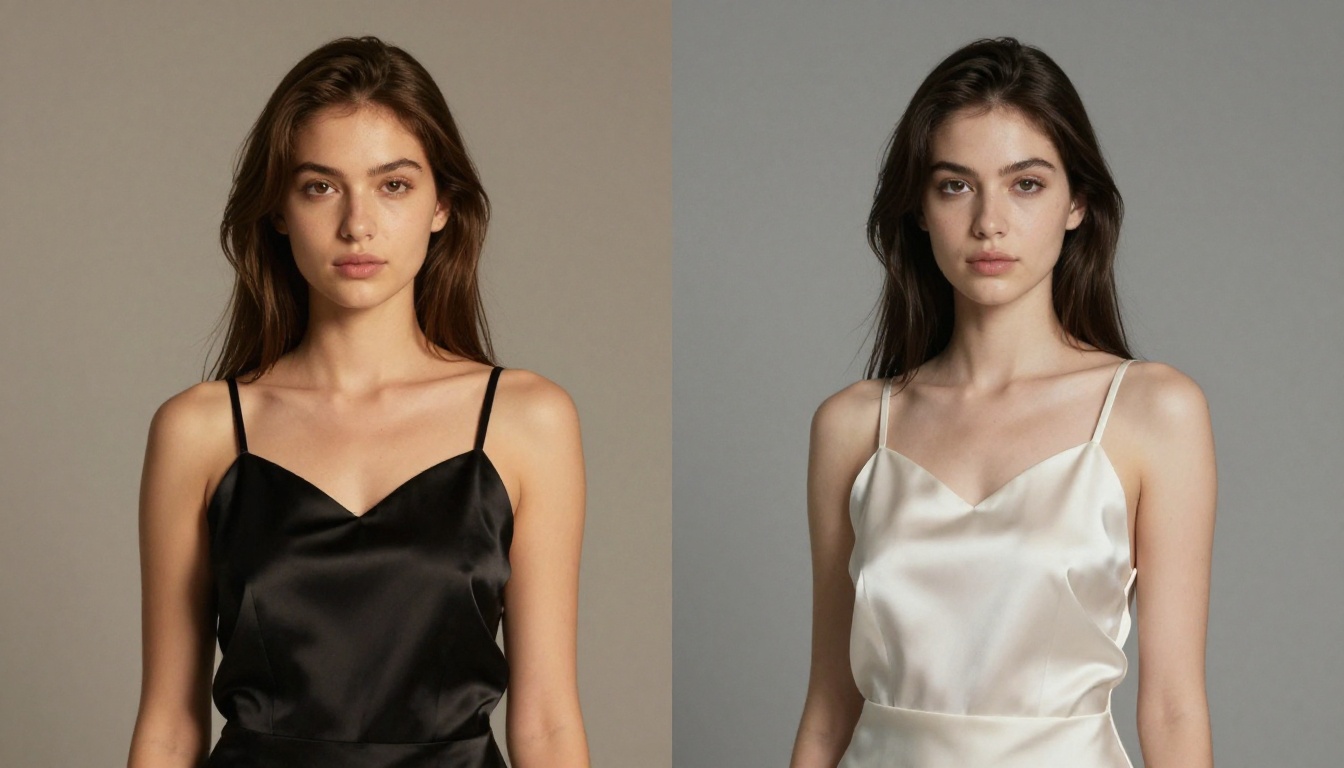
Qwen Image 2 from Alibaba's research division is a different animal. Released as part of the Qwen multimodal series, it was built specifically as a high-performance image generation model with state-of-the-art instruction following. On PicassoIA you can also access Qwen Image 2 Pro for even sharper, more detailed outputs.
What Makes Qwen Image 2 Different
Qwen Image 2 stands out in a few concrete ways:
Prompt adherence: The model follows complex, multi-clause prompts with surprising fidelity. You can specify composition, lighting, color palette, subject posture, and background in a single prompt and the output will honor most of those parameters.
Photorealism: At its best, Qwen Image 2 produces images that sit comfortably alongside outputs from Flux Dev and Flux 1.1 Pro in terms of raw resolution and detail. Skin texture, hair, fabric, and environmental lighting are all rendered with notable precision.
Speed: Generation time on Qwen Image 2 is consistently fast, often faster than comparable Flux models at equivalent quality levels. For workflows where you're iterating through dozens of prompt variations in a session, that speed advantage compounds quickly.
Qwen Image 2 NSFW Capabilities
This is the honest part. Qwen Image 2's NSFW tolerance depends heavily on the deployment context. Through its official API and direct Alibaba interfaces, the model applies filtering that limits explicit content. However, the underlying model architecture does not have the same deep-baked restrictions as Kling.
On platforms that offer it with relaxed inference settings, Qwen Image 2 can generate suggestive and borderline adult content. The critical variable is not the model itself but how the serving platform has configured content filtering.
💡 The real answer to Qwen Image 2 NSFW: The model can do it, but whether it's allowed depends entirely on where you're running it.
Head-to-Head: The Real Numbers
Let's put them side by side on what actually matters for NSFW AI content creation:
| Metric | Kling AI | Qwen Image 2 |
|---|
| NSFW Tolerance | Very Low | Medium |
| Photorealism | High | High |
| Prompt Adherence | Medium | High |
| Speed | Medium | Fast |
| Availability | Limited API | Broader access |
| Censorship | Aggressive | Moderate |
| Uncensored Platform Support | No | Partial |
| Price | Per-credit | Per-generation |
Speed That Actually Matters
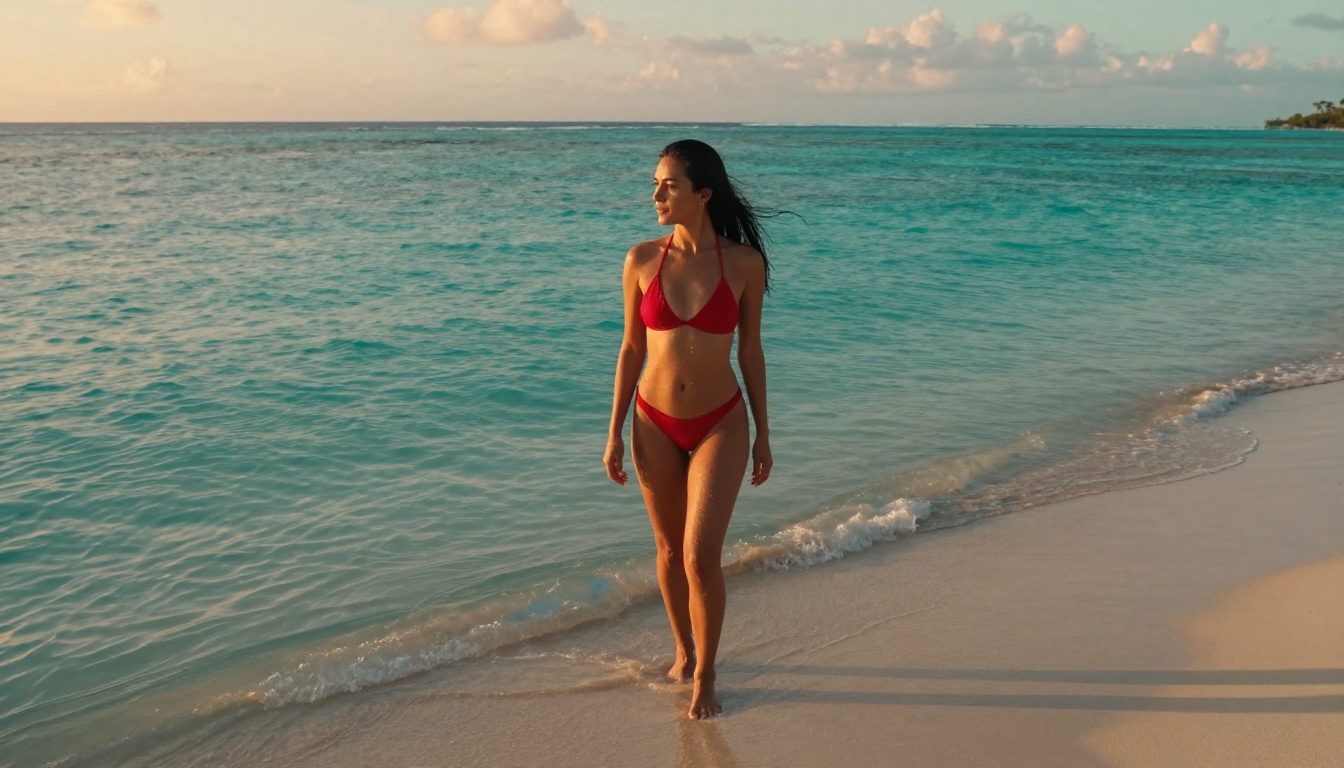
In production workflows, speed compounds. A model that's 30% faster lets you iterate twice as many concepts in the same session. Qwen Image 2 edges out Kling on pure generation speed, which matters when you're testing prompt variations for adult AI content.
Kling's strength is temporal reasoning, which adds latency even for static outputs. You're paying a computational tax for video-generation capabilities you don't need when working with images.
Quality Where It Counts
Both models handle standard photorealism well. For human subjects specifically, both produce anatomically correct proportions and natural skin tones. The gap appears in how they handle clothing and undress:
- Kling refuses outright or produces heavily clothed alternatives regardless of the prompt
- Qwen Image 2 will attempt the prompt but may soften or alter revealing details depending on the inference environment
For NSFW AI image creation, this matters. Neither model, in their standard configurations, wins decisively for explicit adult content. The platform hosting the model matters just as much as the model itself.
The Actual Winner for NSFW AI Content
Here's the real answer nobody puts in the headline: neither Kling nor Qwen Image 2 in their default configurations is the best tool for NSFW AI content creation. The genuinely capable models for uncensored AI art live elsewhere, and PicassoIA has assembled the best of them in one place.
Seedream 4.5 Is the Right Starting Point
Seedream 4.5 by ByteDance is currently the strongest NSFW-capable model for photorealistic adult content on PicassoIA. It was trained with broader creative latitude than most competing models, and it shows immediately in the outputs.
What sets Seedream 4.5 apart for NSFW AI generation:
- No hard blocks on artistic nudity: The model handles implied and artistic undress without refusing or sanitizing outputs
- Extraordinary skin rendering: Detail at the pore level, realistic subsurface scattering, natural color variation across different skin tones
- Lighting intelligence: It reads lighting descriptions in prompts accurately, delivering dramatic boudoir lighting, soft window light, or hard studio strobes as specified
- Body proportions: Consistent, realistic anatomy without the distortions that plague some NSFW-focused fine-tunes
💡 For NSFW AI content, Seedream 4.5 outperforms both Kling and standard Qwen Image 2 configurations by a significant margin.
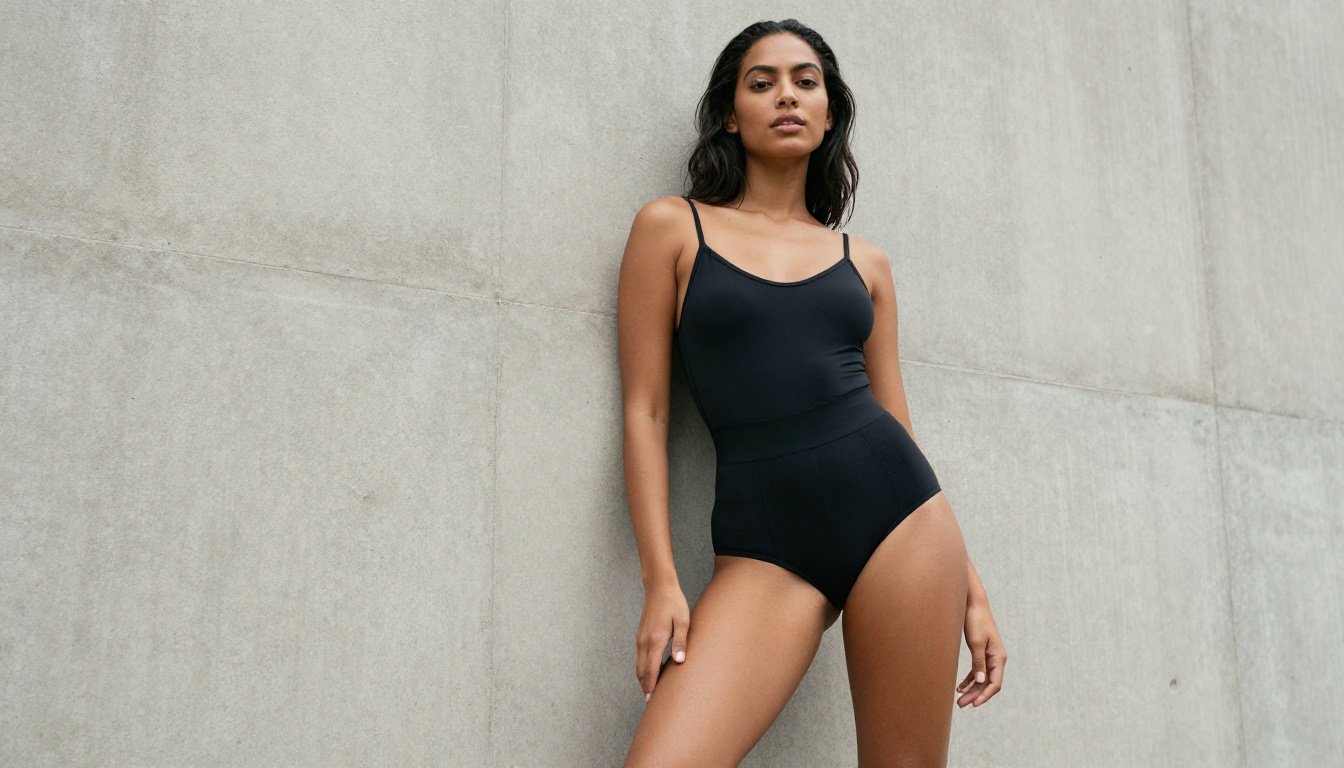
PicassoIA Image Editor Pro
For creators who need volume without burning through credits, PicassoIA Image Editor Pro is a category unto itself. It offers unlimited generations with strong NSFW capability, making it the practical choice for production-scale adult content workflows.
Main advantages of PicassoIA Image Editor Pro:
- Unlimited generation runs without credit anxiety
- Strong instruction following for detailed NSFW prompts
- Consistent output quality across large batches
- Ideal for iterating on prompt variations quickly when testing adult content aesthetics
If you're doing professional adult content work and need reliable, repeatable outputs, PicassoIA Image Editor Pro removes the per-generation friction that slows down serious creators.
How to Use Seedream 4.5 on PicassoIA
Getting the best NSFW results from Seedream 4.5 requires knowing the right approach. Here's what works:
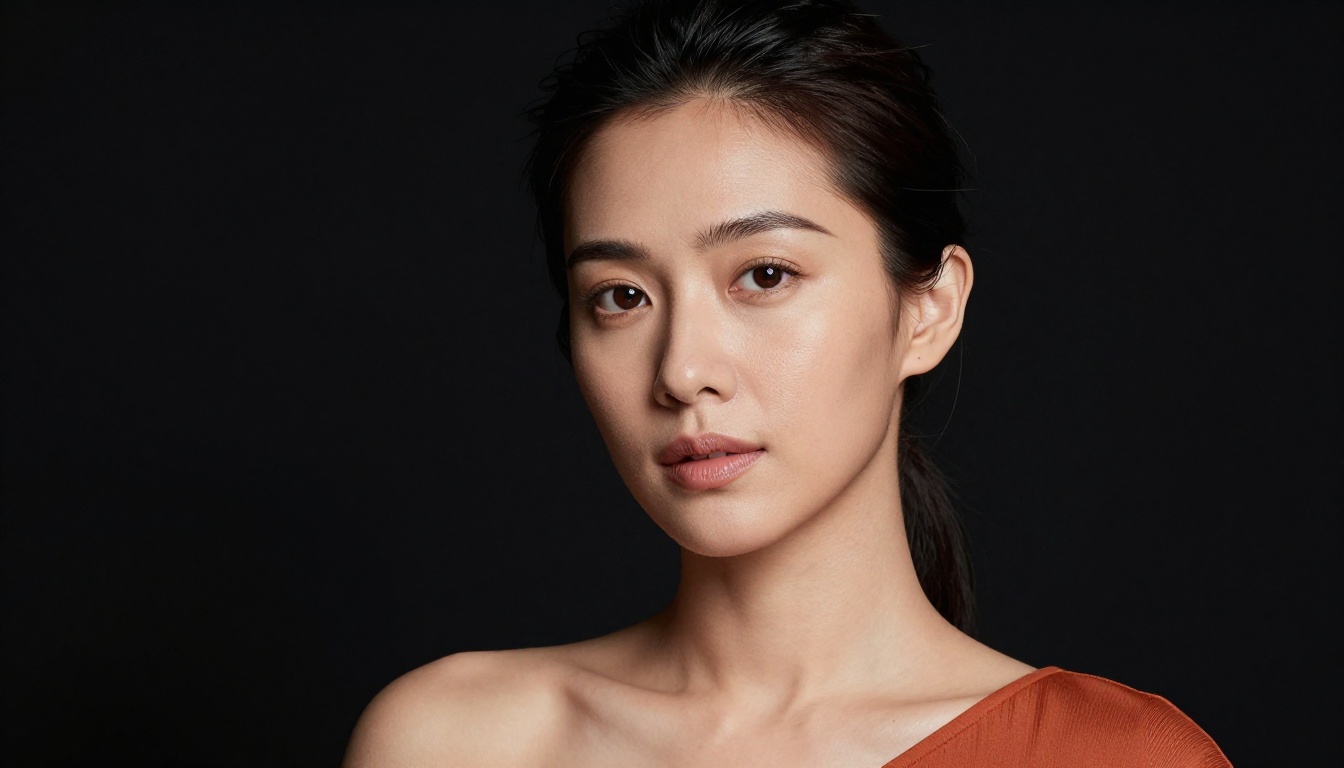
Step-by-Step
Step 1: Navigate to Seedream 4.5 on PicassoIA.
Step 2: Set your aspect ratio. For portrait-oriented adult content, use 9:16 or 2:3. For editorial or landscape compositions, use 16:9 or 4:3.
Step 3: Write a layered prompt. Structure it as: Subject description then clothing or state then environment then lighting then camera specifics then atmosphere.
Step 4: Run an initial generation at default settings to establish a baseline. Note what the model does correctly and what needs adjustment in your next iteration.
Step 5: Iterate on the prompt, targeting specific elements. If the lighting is off, be more explicit about direction and quality. If the pose needs adjustment, describe it with more spatial precision.
Step 6: For refined outputs, use negative prompts to exclude unwanted elements: blurry, distorted, cartoon, illustration, plastic skin, overexposed.
Best Settings for NSFW Outputs
| Parameter | Recommendation |
|---|
| Aspect Ratio | 9:16 for portraits, 16:9 for scenes |
| Steps | 28-35 for best quality |
| CFG Scale | 6.5-7.5 for balanced adherence |
| Prompt Style | Detailed, layered, photographic language |
| Negative Prompt | Use actively to block artifacts |
More Models Worth Testing
PicassoIA hosts several other strong contenders for photorealistic AI generation that perform well in NSFW contexts:
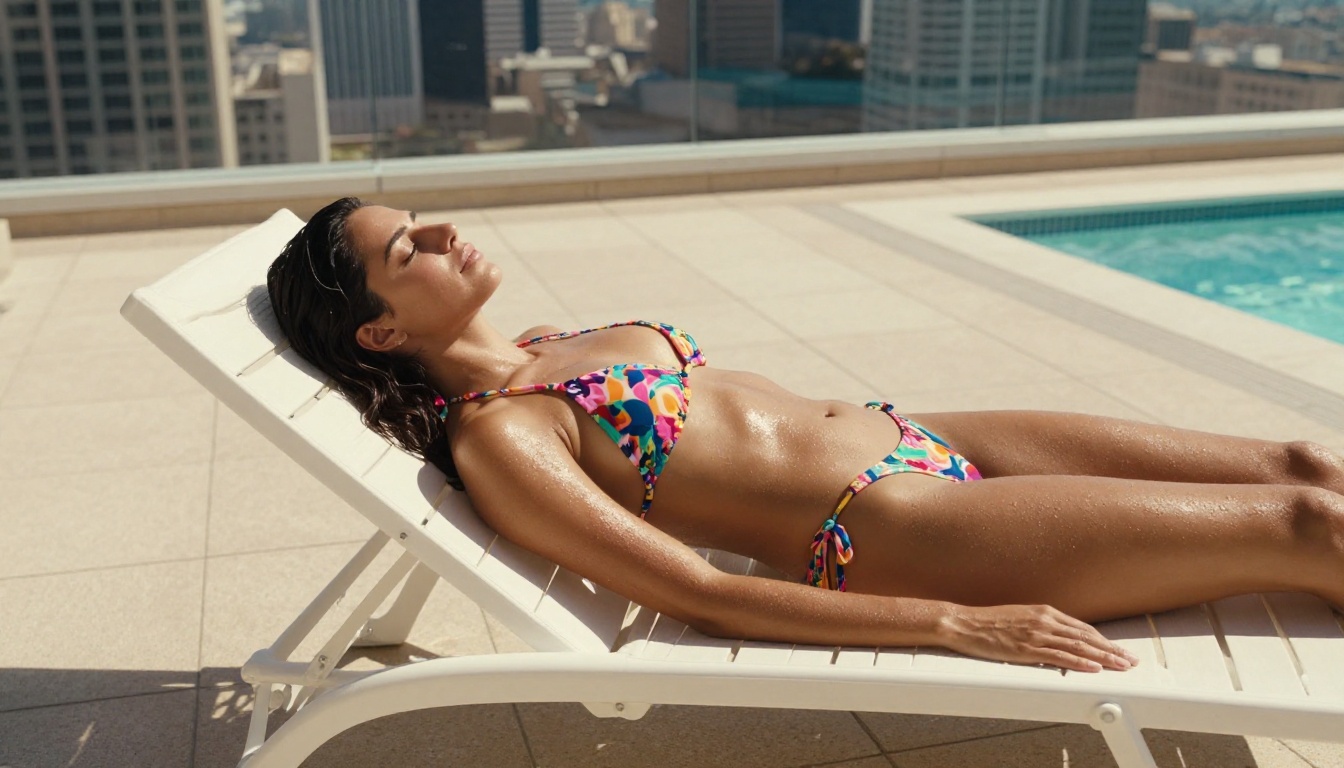
Flux Dev: Black Forest Labs' open-weight model delivers exceptional detail and prompt adherence. On PicassoIA's deployment, it handles suggestive content with consistently strong results.
Flux 1.1 Pro: The commercial-grade version adds consistency and resolution improvements over Dev. For editorial-quality adult photography aesthetics, it sits among the top performers currently available.
Flux Kontext Pro: Particularly strong when working with reference images or context-aware editing. Useful when you have a character you want to iterate on across multiple scenarios and settings.
Realistic Vision v5.1: A fine-tune specifically optimized for photorealistic human subjects. Strong NSFW tolerance and a different aesthetic texture from the Flux family, leaning toward a more classic photography look with natural skin rendering.
SDXL: The foundational Stability AI model remains a solid baseline, especially paired with LoRA fine-tunes for specific aesthetics or content types. Its wide model ecosystem makes it flexible for varied adult content styles.
Why Platform Matters More Than Model
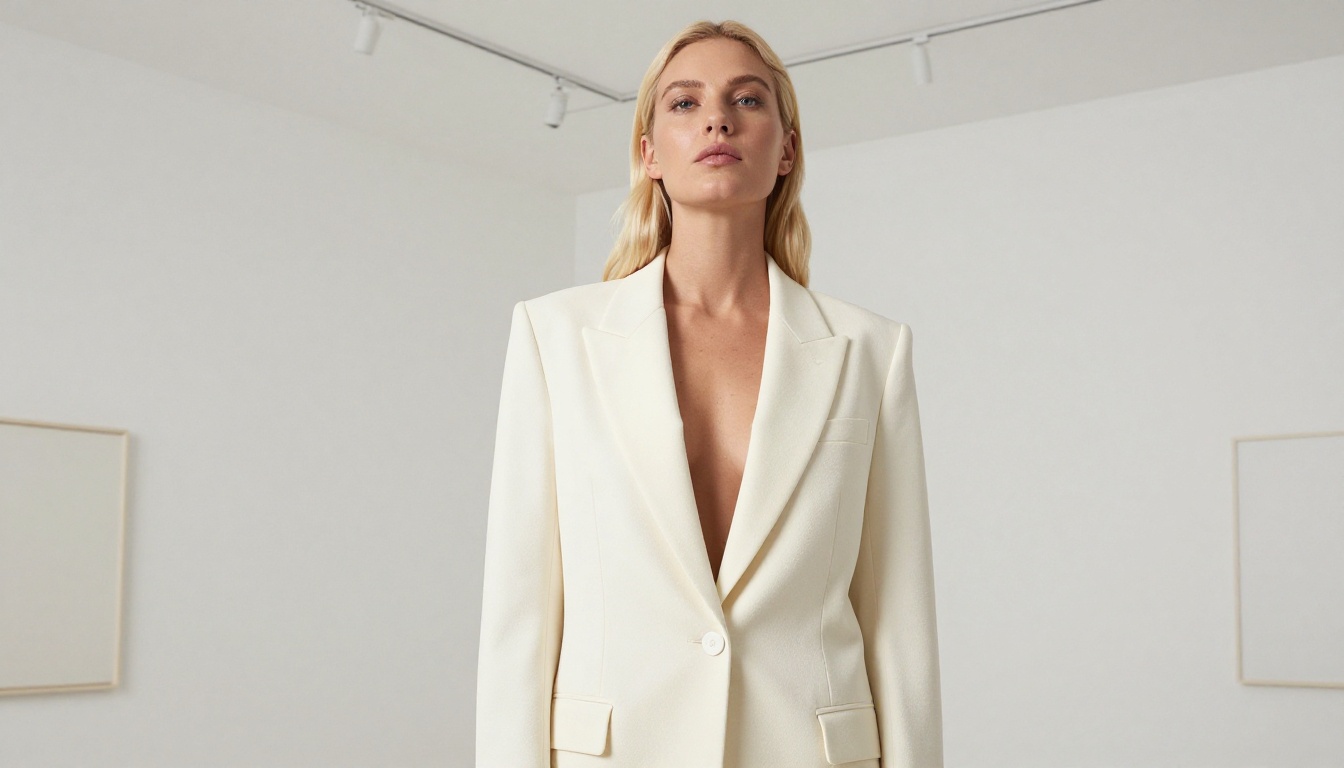
Something creators often miss: the same model can produce radically different results on different platforms depending on how content filtering, inference parameters, and prompt processing are configured. PicassoIA's deployment of these models is specifically tuned for creative latitude, which is why results here often outperform what you'd get running the same model elsewhere.
This is particularly true for Qwen Image 2, which we covered earlier. On PicassoIA, Qwen Image 2 performs noticeably better for suggestive content than on its native interface, because the inference environment is configured for creative freedom rather than public-facing safety guardrails.
💡 The model is only half the story. The platform's configuration determines what that model can actually do.
Where Do Kling and Qwen Image 2 Actually Belong?
To be fair to both models: they serve specific purposes where they're genuinely excellent.
Kling belongs in video generation workflows. Its image output is impressive for SFW contexts, and if you're storyboarding cinematic sequences or producing commercial content, it's a legitimate choice. For NSFW AI content specifically, it's the wrong tool.
Qwen Image 2 is a genuinely strong model that deserves recognition for its prompt precision and speed. On PicassoIA's platform, it can produce suggestive content that many comparison articles won't tell you about. Where it falls short is the deepest end of NSFW AI art, where Seedream 4.5 and Flux Dev configurations have more creative room to operate.
For serious NSFW AI content production, the priority order on PicassoIA looks like this:
- Seedream 4.5 for maximum creative freedom and photorealism
- PicassoIA Image Editor Pro for unlimited production volume
- Flux Dev and Flux 1.1 Pro for precision and detail
- Realistic Vision v5.1 for a classic photographic aesthetic
- Qwen Image 2 for prompt-complex scenarios where instruction following matters most
Start Generating Your Own
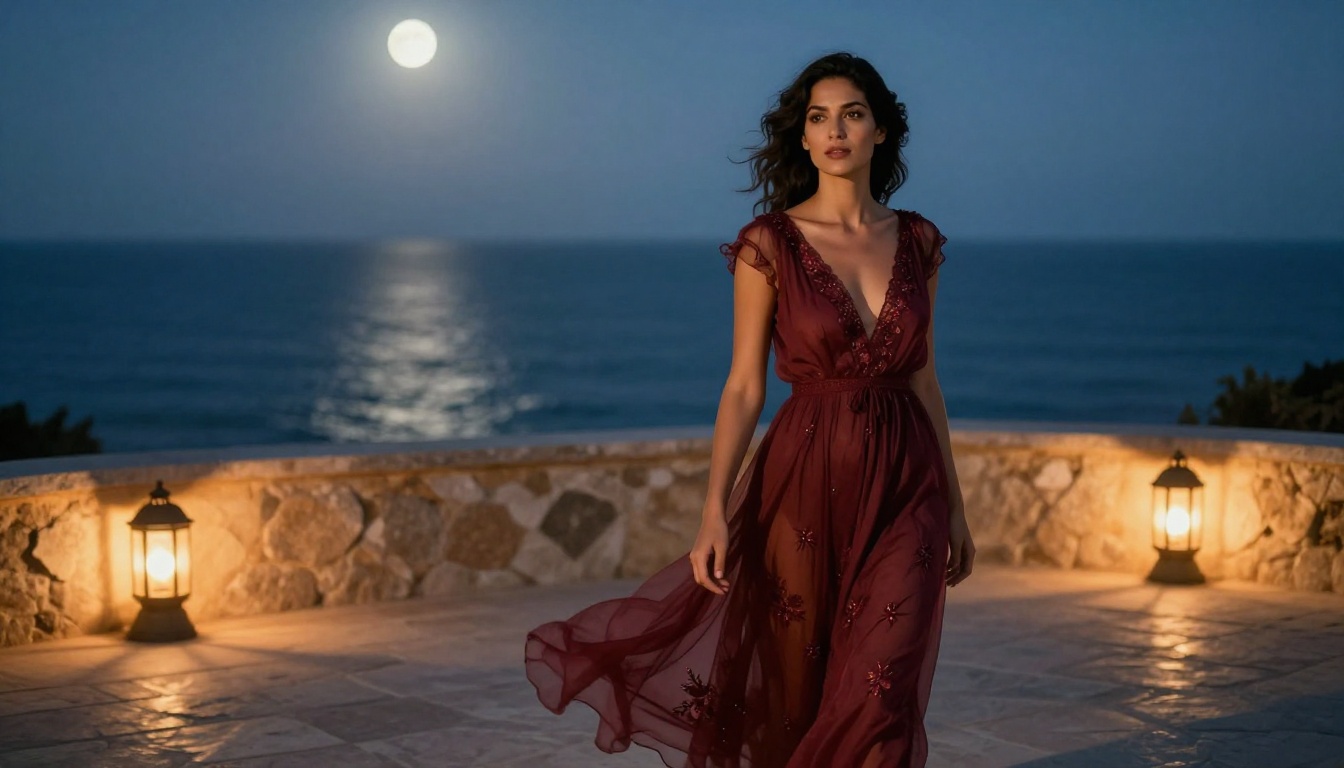
The gap between what Kling and Qwen Image 2 can do versus what's actually available on PicassoIA is significant. You don't need to fight content filters or puzzle out workarounds. The models are there, the platform is configured for creative freedom, and the quality ceiling is genuinely high.
If you haven't tested Seedream 4.5 for photorealistic NSFW content, it's worth a session. The difference from standard platform restrictions is immediate and obvious. And if you're building a workflow that needs consistent volume, PicassoIA Image Editor Pro with unlimited generations removes the friction that slows down serious creative work.
Browse every available model at picassoia.com/en/all-models. There are over 90 text-to-image models available, plus video, audio, and editing tools. The right setup for your specific creative goals is there, ready to use.


