Most people asking this question already know what they want. They want AI-generated content that looks indistinguishable from a real photograph or a real video clip. Not something that looks painted, filtered, or blurred into plastic. They want pores, shadows, weight, and texture. The problem is that Kling and Seedream are very different tools built for very different outputs, and most comparisons online miss that entirely. This article breaks down exactly what each tool does, where each one excels for adult content specifically, and which one you should use based on what you are trying to create.
What Kling Actually Does
Kling is a text-to-video and image-to-video AI model built by Kuaishou. Its entire purpose is generating moving video clips from a text prompt or a reference image. When people talk about Kling for adult content, they are talking about animated scenes, not still photos. That distinction matters a lot.
The newest versions, Kling v3 Video and Kling v2.6, produce videos with significantly improved temporal consistency compared to earlier releases. That means faces stay the same face across all 5 to 10 seconds of a clip, bodies move with believable weight, and skin does not flicker or morph frame-to-frame the way older models did.
Motion and Temporal Realism
What separates Kling from competitors is how it handles physical motion. Hair moves with inertia. Fabric deforms under movement. Liquid behaves like liquid. For adult video content, this matters because the uncanny valley effect is most visible when something is almost real but not quite. Kling collapses that valley more effectively than most.
Kling v2.5 Turbo Pro specifically targets cinematic motion with fast generation times. Kling v3 Omni Video adds native audio generation, which is a meaningful step forward for immersive adult scenes.
💡 Tip: For the most realistic body movement in adult video content, start from a high-quality source image. Kling's image-to-video mode (Kling v2.6 Motion Control) gives you far more control over the subject's appearance than text-only generation.
Kling for Adult Video Scenes
Kling handles suggestive and adult content with varying results depending on which version you run and where you run it. The raw model accessed through PicassoIA is significantly less restricted than the official Kuaishou app. Kling v1.5 Pro remains one of the most accessible options for producing natural-looking adult scenes in video format.
The weakness is still-frame quality. Any individual frame extracted from a Kling video will look softer, less detailed, and less photorealistic than a dedicated image model at full resolution. If you want the visual richness of real photography, you need to look at Seedream.

What Seedream Actually Does
Seedream is a text-to-image model by ByteDance. Where Kling creates movement, Seedream creates detail. Its images generate at 2K to 4K resolutions with a photographic rendering quality that places it among the top image generators available in 2027.
For adult content, the starting recommendation is Seedream 4.5. It produces the best balance of realism, prompt accuracy, and NSFW capability. Its skin rendering is technically excellent: subsurface scattering (the slight translucency of real skin under light) appears naturally, hair is rendered strand by strand, and facial geometry holds up under close inspection.
Still Image Fidelity at 4K
The newer Seedream 5 Pro pushes resolution and sharpness further. Fine fabric textures, individual strands of hair, light catching on collarbone curves - these are the kinds of micro-details that separate Seedream from older image generators. For adult content where visual richness and photographic authenticity are the goal, Seedream 5 Pro sits at the top.
Seedream 4 and Seedream 3 are solid alternatives if you need faster generation or are running many images in sequence. Both handle adult prompts reliably without the content restrictions you find on consumer apps.
💡 Important: Do not use Seedream 5 Lite for adult or NSFW content. That version applies stricter content filtering and will block most suggestive prompts. Stick to Seedream 4.5 or Seedream 5 Pro for reliable adult output.
NSFW Without Restrictions
This is where PicassoIA Image Editor Pro changes the equation entirely. It provides unlimited Seedream generations without per-image credit costs, no content throttling, and access to every adult-capable model in the platform. For creators generating large volumes of adult content - character series, scene sets, reference libraries - the unlimited tier on PicassoIA removes the per-image cost friction entirely.
The combination of Seedream 4.5 with PicassoIA Image Editor Pro is currently the fastest, highest-quality, and most cost-effective path to photorealistic adult images available anywhere.
Realism Head-to-Head
To cut through the noise, here is a direct comparison across the dimensions that matter for adult AI content:
| Dimension | Kling (Video) | Seedream (Image) |
|---|
| Skin texture detail | Moderate (video compression) | Excellent (4K still) |
| Facial accuracy | Good, consistent across frames | Outstanding close-up |
| Body proportions | Natural with motion | Highly controlled via prompt |
| Hair realism | Excellent in motion | Excellent at rest |
| Lighting fidelity | Scene-level, cinematic | Micro-level, photographic |
| NSFW capability | Moderate, needs platform access | High on PicassoIA with correct model |
| Generation speed | 30-120 seconds per clip | 5-20 seconds per image |
| Output resolution | 720p-1080p video | 2K-4K still image |
Faces and Bodies
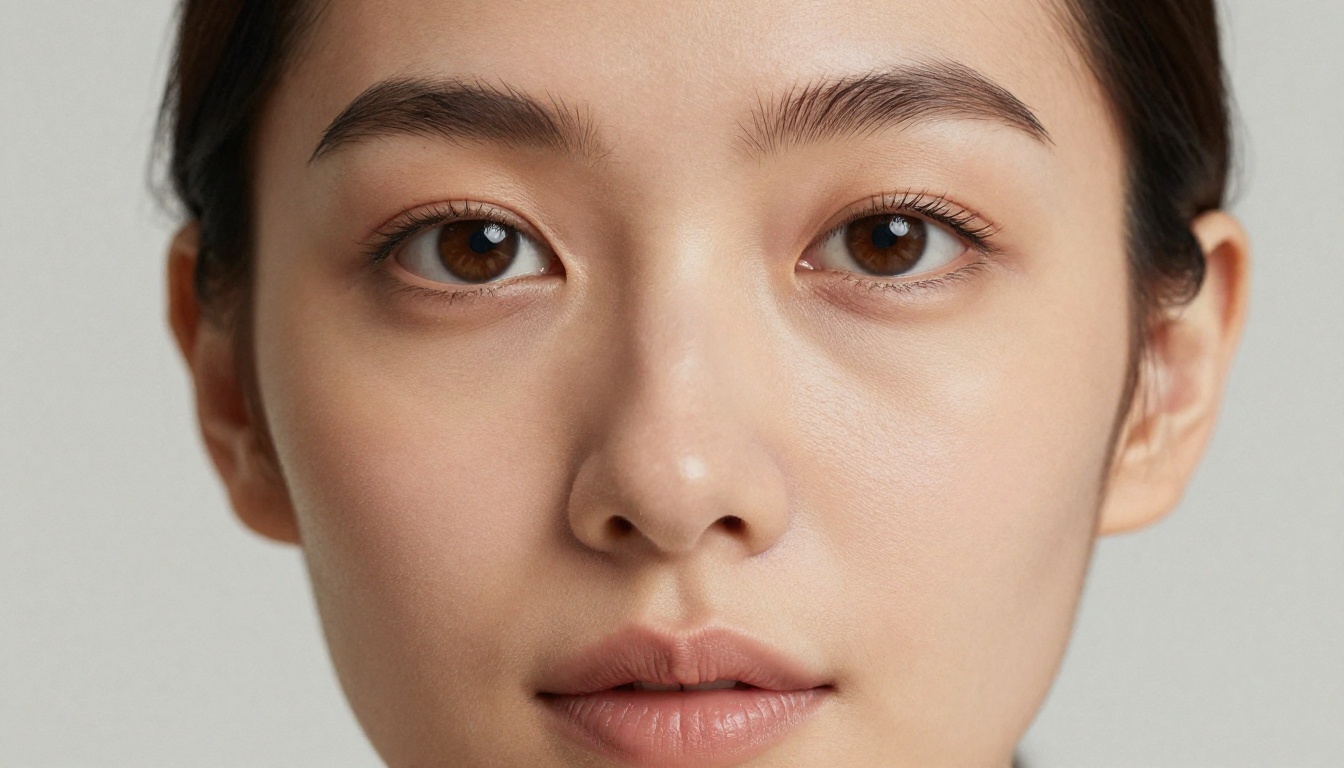
Seedream wins on faces. At 4K, the facial detail produced by Seedream 4.5 and Seedream 5 Pro is extraordinarily close to real photography. Pores, lip texture, iris detail, and natural asymmetry in features are all present in ways that video generation currently cannot match frame-by-frame.
Kling wins on bodies in motion. When you need a believable body to actually move - to turn, shift weight, or interact with a scene over time - no still image can replicate that. Kling's motion model captures how bodies actually move in ways that a frozen frame never will.
Lighting and Shadow Accuracy
Lighting is where photorealism lives or dies. Seedream handles photographic lighting scenarios with precision. You can specify a 3-point studio setup, golden hour backlight, or overcast natural diffusion, and the model renders it at the shadow and highlight level with convincing accuracy.
Kling handles cinematic scene lighting well but at a macro level. The overall scene looks correctly lit but individual surface interactions, the way light wraps a collarbone or catches the edge of a lip, are rendered less precisely than in a Seedream still.
💡 Tip: For adult portrait work where lighting sells the realism, Seedream with a precise lighting description in your prompt will consistently outperform Kling on single-frame visual quality.

Speed and Cost Reality Check
Neither tool is slow by 2027 standards, but they are priced and paced differently.
Time Per Generation
Seedream images on PicassoIA generate in 5 to 20 seconds. You can iterate through 10 or 20 variations of a prompt in a few minutes. That speed makes it practical to run shot sequences, test lighting variations, and build character consistency across multiple images quickly.
Kling video clips take 30 to 120 seconds depending on resolution and duration. A 10-second clip at 1080p is a longer commitment. You cannot iterate as rapidly. This means prompt quality matters more upfront with Kling, because each generation is a larger time investment.
Cost Per Output
On PicassoIA, Seedream 4.5 operates under credit-based pricing with affordable per-image rates. With PicassoIA Image Editor Pro, it becomes unlimited, which eliminates cost as a factor entirely for high-volume adult image creation.
Kling video remains credit-based regardless of plan tier, which reflects the significantly higher compute cost of video generation. For casual use, the cost is reasonable. For bulk production, the credit cost adds up faster than with image generation.
Which One Wins for Adults
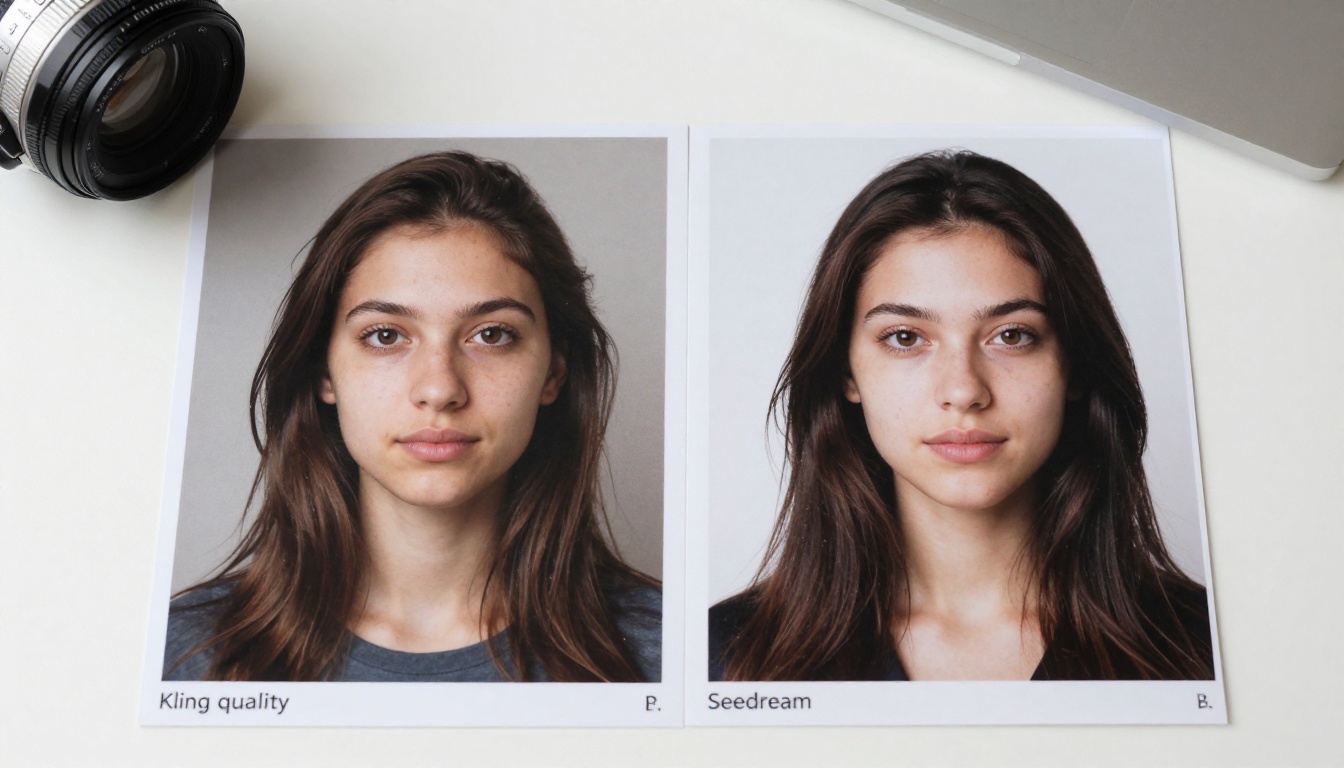
The honest answer is that they serve different needs, and combining both is the strongest approach.
When You Want Video
If your goal is animated adult content with realistic motion, Kling is the correct choice. No image model can replicate what a well-prompted Kling generation does with body movement, fabric physics, or scene dynamics. Kling v3 Video is the current peak of what the model offers. Pair it with Kling v2.1 Master for a fast/quality trade-off when generating multiple clips.
For adult scenes specifically, the image-to-video workflow on PicassoIA is the recommended approach: generate a high-quality source image with Seedream 4.5 first, then animate it with Kling. You get the photographic detail of Seedream as your starting frame, then Kling's motion engine moves it.
When You Want Images
If your goal is photorealistic adult still imagery, Seedream 4.5 is the correct starting point. It produces the most consistently realistic skin, faces, and bodies in still format of any model on PicassoIA. When you need higher resolution and maximum sharpness, step up to Seedream 5 Pro.
For bulk production, PicassoIA Image Editor Pro with unlimited Seedream 4.5 generations is the most efficient configuration available.

How to Use Both on PicassoIA
Both tools are accessible directly through PicassoIA without any API setup, local installation, or technical configuration. Here is how to use each effectively for adult content.
Using Kling v3 on PicassoIA
- Go to Kling v3 Video on PicassoIA
- Select Text to Video mode if you are starting from a written description, or Image to Video if you have a source image ready
- Write a specific, detailed prompt. Focus on: what the subject is doing, how they are moving, what the camera is doing (slow dolly in, static wide shot, close-up pan), and the lighting quality. Vague prompts produce vague motion.
- Set resolution to 1080p for the highest quality output
- Set duration to 5 or 10 seconds depending on how much motion your scene requires
- Generate and review. If the facial consistency breaks or motion feels wrong, refine the prompt with more specific body position and movement descriptions
- For adult content specifically, avoid overly explicit language in prompts. Describe the scene, the atmosphere, and the subject's appearance and movement. Let the model fill in the rest.
💡 Pro workflow: Generate a Seedream 4.5 image of your subject first. Then switch to Kling v2.6 in image-to-video mode. Upload your Seedream image as the reference frame. This gives you the photographic skin quality of Seedream with Kling's motion fidelity on top.
Using Seedream 4.5 on PicassoIA
- Go to Seedream 4.5 on PicassoIA
- Write a detailed prompt. Structure it as: subject description + clothing or lack thereof + pose and body positioning + environment + lighting direction and quality + camera and lens details + film stock or texture
- Always specify lighting direction explicitly: "soft diffused light from upper left," "warm rim light from behind," "overcast natural daylight." This is the single biggest driver of realism in the output.
- Set aspect ratio to 16:9 for widescreen or 9:16 for portrait/vertical content
- Generate and evaluate. Pay attention to the face at 100% zoom. If it looks off, add "natural skin texture, real pores, natural facial asymmetry" to your prompt
- For explicit or highly suggestive content, Seedream 4.5 handles these prompts without the blocking behavior you get from Seedream 5 Lite
- With PicassoIA Image Editor Pro, use the unlimited generation mode to iterate rapidly through 10 to 20 prompt variations to find the exact look you want
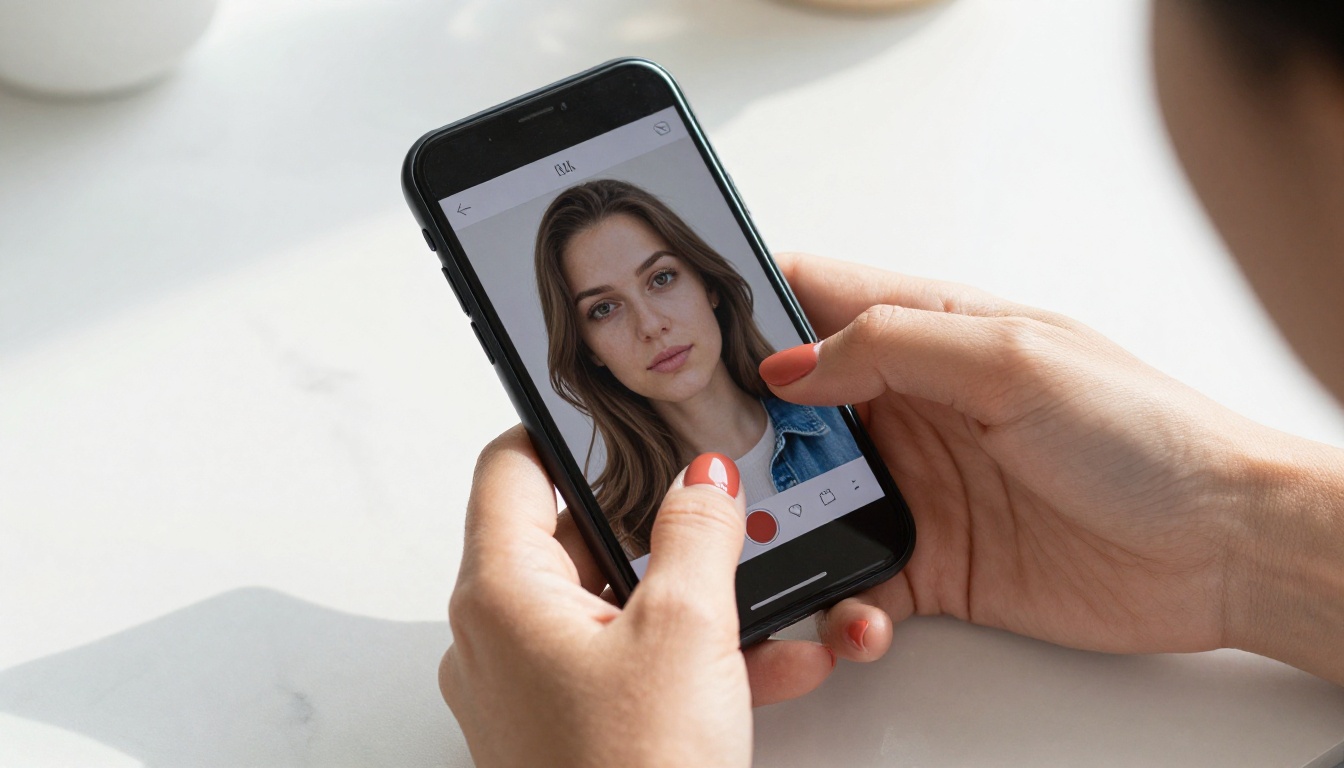
Recommended model order for NSFW adult content on PicassoIA:
- Seedream 4.5 - best balance of realism and NSFW capability
- Seedream 5 Pro - maximum resolution and detail
- Seedream 4 - fast, reliable, good NSFW handling
- Kling v3 Video - for adult video and animated scenes
- Kling v2.6 - fast video with strong motion quality
Browse the full catalog of adult-capable models at picassoia.com/en/all-models.
Create Yours Right Now
The tools exist. The quality is there. The only thing between you and photorealistic adult AI content is a prompt and a platform that does not censor your creative vision.
Seedream 4.5 remains the fastest path to a still image that genuinely passes for real photography. For motion, Kling v3 brings that image to life with physical believability that static frames cannot replicate. On PicassoIA, both models are available without the restrictions and rate limits you run into elsewhere.
Start with a portrait. Describe exactly what you want in plain language. Specify the light. Specify the body position. Let Seedream or Kling do what they were built to do.
Every model discussed in this article is available directly at picassoia.com/en/all-models. No installation, no waitlist, no watermarks.