Real-time AI image generation is no longer a demo trick. Krea 1 turned it into a production-ready workflow, and the creative community noticed immediately. You type a word, and the canvas responds. You adjust a slider, and the image shifts in front of you. No queue, no batch render, no three-minute wait. Just immediate visual feedback that changes how you think about prompting.
This article explains what Krea 1 actually is under the hood, why real-time generation matters for creative work, how it stacks up against the leading models in the space, and where you can access comparable frontier technology to start building your own images today.

What Krea 1 Actually Is
Krea 1 is a proprietary text-to-image model developed by Krea AI, released in early 2025 as a flagship component of their real-time creative platform. Unlike conventional diffusion models that require multiple denoising steps across several seconds or even minutes, Krea 1 was purpose-built for sub-second latency rendering, meaning the model streams visual output back to the canvas as you interact with it.
The underlying architecture combines a heavily optimized diffusion backbone with aggressive inference acceleration, including step distillation and quantization techniques that allow the model to produce coherent, high-fidelity outputs with dramatically fewer forward passes than standard pipelines.
💡 What this means in practice: Instead of clicking "Generate" and waiting, you see the image evolve with every keystroke. It turns prompt engineering from a guessing game into a visual conversation.
The Krea AI Platform
Krea AI launched as a creative workspace centered around real-time generation. Their platform gives users a canvas interface where elements can be drawn, uploaded, or typed into existence, with Krea 1 continuously rendering what the model interprets in the background. This is fundamentally different from a traditional text box plus generate button workflow.
The platform also introduced features like Real-Time Canvas, where you sketch rough shapes and the AI fills them in with photorealistic imagery in milliseconds. That feature alone became a viral demonstration of what low-latency generation enables.
How Real-Time Diffusion Works
Standard diffusion models denoise an image over 20 to 50 steps, each requiring a full neural network pass. Krea 1 reduces this to somewhere in the range of 4 to 8 steps through distillation, then further accelerates inference through compiled model graphs and hardware-optimized attention mechanisms.
The result is a model that can produce a 1024x1024 image in under 500 milliseconds on modern hardware, fast enough that the latency becomes imperceptible to a human interacting with a live canvas.
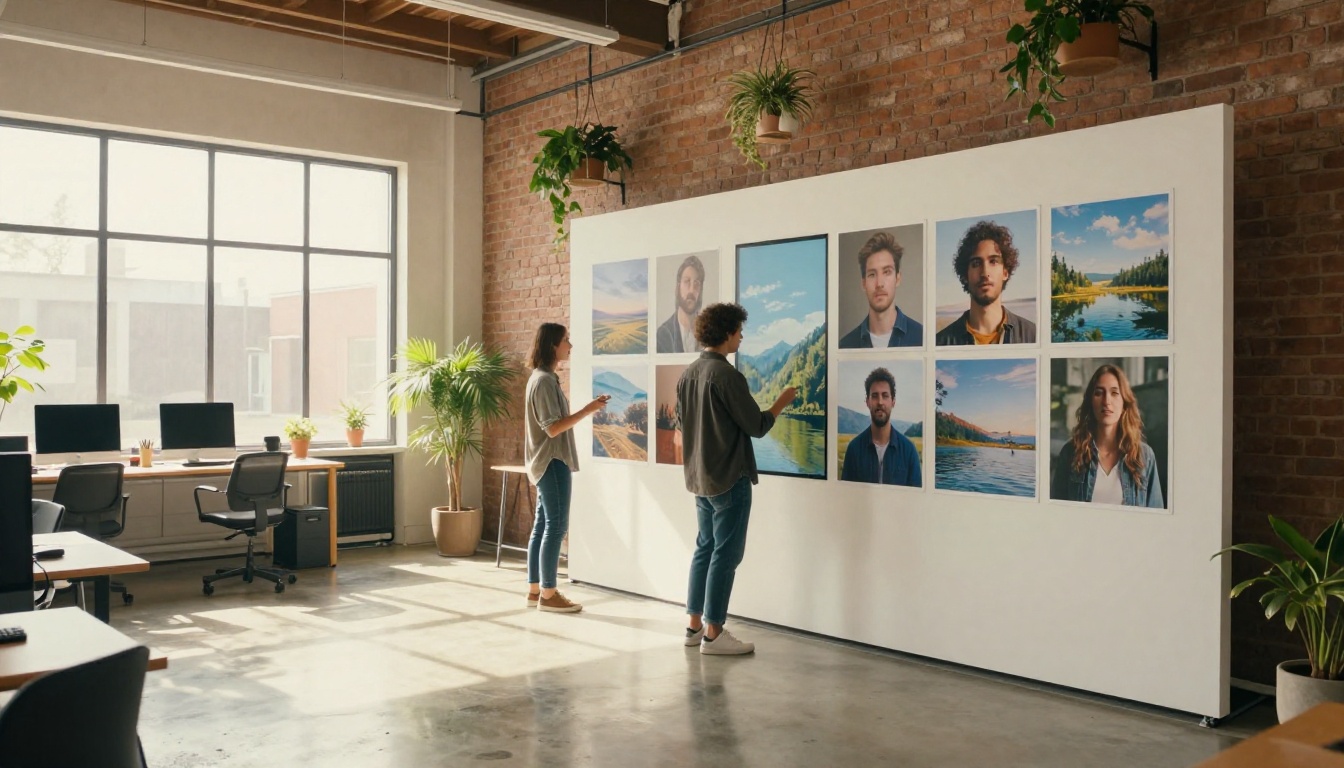
Why Real-Time Generation Changes Creative Work
The speed advantage of Krea 1 is obvious, but its real impact runs deeper than just saving time. Real-time generation fundamentally changes how a creator interacts with the model.
Iteration Becomes Instinctive
When generation takes 30 seconds, you tend to write long, careful prompts before submitting. When it takes half a second, you start typing fragments, adjusting on the fly, and treating the AI more like a paintbrush than a search engine. The cognitive load shifts from "planning the perfect prompt" to "reacting to what you see."
This instinctive iteration loop is where most creative breakthroughs happen. You stumble into compositions you never would have planned for.
Prompt Sensitivity Becomes Visible
With batch generation, you often do not know which word in a 50-word prompt is driving the image in a certain direction. Real-time generation makes that visible. Add a word, the image shifts. Remove it, the image shifts back. The model becomes legible in a way that delayed generation never allows.
Collaboration Becomes Possible
Real-time generation also opens up live creative collaboration. Multiple people can watch a canvas respond to input simultaneously, making it viable for workshops, client presentations, and creative direction sessions where visual feedback needs to be immediate.

Krea 1 vs. Other Frontier Models
Krea 1 sits in a growing field of high-performance image generation models. Here is how it compares across the dimensions that matter most for creative professionals.
Where Krea 1 Wins
Krea 1 is unmatched for interactive creative sessions. If you are iterating on concepts, testing visual directions, or need a feedback loop with a client in real time, nothing else on the market matches its workflow.
Where Others Win
For final output quality at maximum resolution, models like GPT Image 1 and Seedream 4.5 can produce images with more fine-grained detail than what Krea 1 delivers under real-time constraints. When you need a hero image for a campaign, a longer-running model with more denoising steps often gives you the edge in photorealism.
The Flux Krea Dev Connection
One of the most interesting developments following Krea 1 is the release of Flux Krea Dev, a collaboration between Krea AI and Black Forest Labs. This model brings the aesthetic principles of Krea's training pipeline to the Flux architecture, producing images that have what early reviewers described as "AI images without the AI look."
Flux Krea Dev does not run in real time the way Krea 1 does on the Krea platform, but it inherits the same visual style preferences: natural lighting, photorealistic skin, and compositions that avoid the over-saturated, over-sharpened look that has become a visual signature of lower-quality AI generators.
This model is accessible on external platforms, including as part of a broader library of text-to-image models, which means the aesthetic qualities that made Krea famous are now available without requiring access to the Krea platform directly.
💡 Tip: If you admire the clean, photorealistic style associated with Krea 1 but want to generate at higher resolutions without real-time constraints, Flux Krea Dev is the closest publicly available equivalent.

How Krea 1 Handles Prompt Interpretation
One area where Krea 1 stands out beyond just speed is its prompt adherence under brevity. Most image generation models were trained and fine-tuned with the assumption that users would write detailed, structured prompts. Krea 1 was trained with the real-time workflow in mind, meaning it was optimized to produce visually coherent results from short, incomplete, or evolving prompts.
This has a significant practical implication: Krea 1 is more forgiving to casual or conversational input, while still responding meaningfully to detailed technical prompts when you provide them.
Style Transfer and Reference Images
Krea 1 also supports image uploads as style or structure references on the Krea canvas, which means you can drop in a rough sketch, a mood board image, or a reference photograph, and the model will continuously render interpretations of your uploaded content in real time as you adjust prompt text alongside it.
This reference-guided generation is where Krea 1 most clearly separates itself from purely text-based models.
LSI Terms You Will Encounter in This Space
If you are researching Krea 1, you will run into a cluster of related technical terms. Here is a quick reference:
- Latent diffusion: The core mechanism most image AI models use, operating in a compressed latent space rather than pixel space for efficiency
- Step distillation: A training technique that compresses multi-step diffusion into fewer steps with minimal quality loss
- CFG scale (Classifier-Free Guidance): Controls how closely the model follows your text prompt vs. generating freely
- LoRA (Low-Rank Adaptation): A fine-tuning method that adds style or subject specificity to a base model, as seen in Flux Schnell LoRA and Flux Redux Dev
- Inpainting / Outpainting: Editing specific regions of an image or expanding its canvas, available via Flux Fill Pro and Flux Fill Dev
- VAE (Variational Autoencoder): The component that converts between pixel and latent space in diffusion pipelines
Real-Time AI in a Broader Creative Stack
Krea 1 is optimized for the ideation and iteration phase of a creative workflow. But a professional creative stack typically involves multiple tools:
The full workflow often looks like this:
- Ideation (Real-time tools like Krea 1 or Flux Kontext Fast): Rapid visual exploration
- Refinement (Higher-quality models like GPT Image 2 or Gemini 2.5 Flash Image): Producing the hero asset
- Editing (Inpainting and outpainting tools like Flux Fill Pro): Fixing details and extending canvas
- Upscaling (Super-resolution tools): Pushing final images to print-quality resolution
- Publishing: Delivering the finished asset
Real-time generation does not replace any of these other stages. It accelerates the first one so dramatically that the entire creative process compresses by hours.
Who Benefits Most from Real-Time Generation
- Concept artists testing visual directions before committing to detailed rendering
- Creative directors presenting live options to clients during briefs
- Social media creators needing to produce volume without sacrificing responsiveness to trends
- Game designers generating reference material at the pace of design discussion
- Photographers using AI generation as a mood board and pre-visualization tool

What Krea 1 Does Not Do
Being honest about limitations is as important as cataloging strengths. Krea 1 has clear trade-offs that are worth naming directly.
Resolution Constraints
Real-time generation under 500ms at 1024x1024 is impressive. At 2K or 4K resolutions, the physics of inference time make true real-time impossible without dramatic quality compromises. If your deliverable requires very high resolution output, Krea 1 is a starting point, not an endpoint.
For production-quality 4K output, models like Seedream 4.5 or Wan 2.7 Image Pro are purpose-built for that tier.
Consistency Across Generations
Maintaining character or object consistency across multiple separate generations is a known challenge for real-time models optimized for speed. Models like Ideogram Character or Flux Kontext Dev LoRA specifically address this use case with dedicated architecture choices that Krea 1 does not prioritize.
Platform Lock-In
Krea 1 runs exclusively on the Krea platform. Unlike open models, you cannot self-host it, fine-tune it on proprietary data, or integrate it directly into your own application stack. For teams that need API access or infrastructure control, the open-weight models available through external platforms offer flexibility that Krea 1 simply does not.

The Broader Real-Time AI Landscape in 2025
Krea 1 was among the first to make real-time generation feel production-ready, but it kicked off a broader race toward low-latency models. Several developments in 2025 are pushing this space forward:
Step distillation improvements: Research groups are pushing distillation techniques to 1-4 step generation without perceptible quality loss at standard resolutions.
Hardware acceleration: Consumer GPU improvements and cloud inference optimizations are making what required specialized hardware in 2023 available at standard compute tiers.
Multimodal real-time: The next phase of real-time generation will likely combine image generation with text, voice, and video in a single live canvas, blurring the line between generation and editing entirely.
Models like Flux Depth Pro and Flux Canny Pro hint at this direction, bringing depth awareness and structural control to generation in ways that make the output far more responsive to the creator's compositional intent.
💡 The takeaway: Real-time generation is becoming the baseline expectation, not a luxury feature. Tools that require 30-second waits for standard iterations will feel archaic within two years.
Speed vs. Quality: The Real Trade-Off
A common misconception is that real-time models sacrifice quality uniformly across all dimensions. The reality is more nuanced. Speed-optimized models tend to trade off in specific areas:
- Fine texture detail at very small scales (fabric weave, individual hair strands, small text)
- Compositional complexity with many distinct elements
- Color fidelity at the extreme ends of the value spectrum
But across standard creative use cases, including portrait generation, landscape imagery, product concept visualization, and style exploration, Krea 1 and its contemporaries produce results that are indistinguishable from slower models to a non-technical audience.
The practical rule: use real-time models for everything until output quality becomes the blocker, then switch to a higher-fidelity pipeline for the final asset only.
Try It Yourself
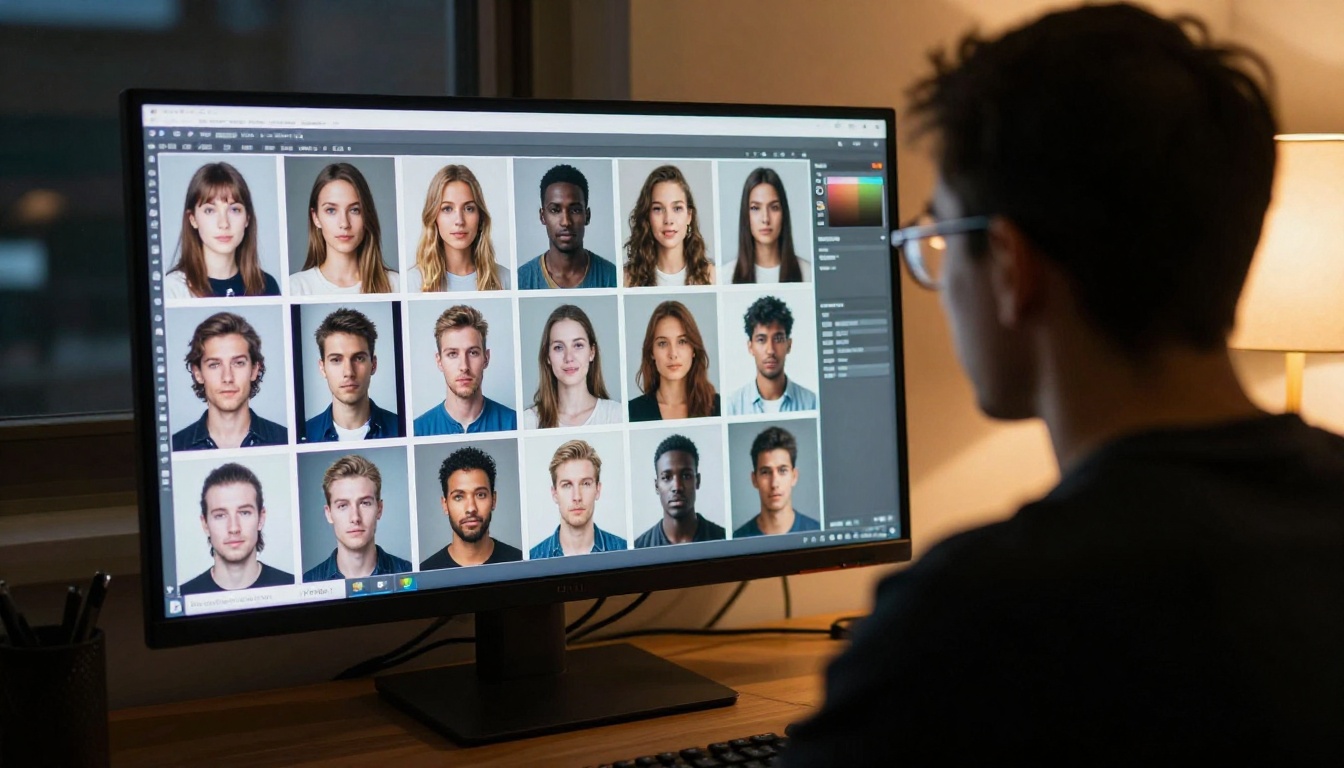
Krea 1 made real-time generation famous, but the ecosystem it inspired now offers dozens of powerful options across different speed, quality, and workflow trade-offs. You do not need to be locked into a single platform to access frontier image generation.
A library with over 90 text-to-image models, including Flux Krea Dev, GPT Image 1, GPT Image 2, Gemini 2.5 Flash Image, and Seedream 4.5, gives you the ability to match the right tool to the right moment in your workflow without being constrained to one vendor's platform or aesthetic.
The real insight from Krea 1 is not the specific model. It is the workflow paradigm: iterate fast, iterate visually, and let the speed of the tool expand your creative ambition rather than constrain it. Whether you're a concept artist, a content creator, or someone building an AI-assisted product, that principle applies regardless of which model is powering the canvas in front of you.
Start with a prompt you would have spent 20 minutes refining before submitting. See where three seconds of live feedback takes it instead.


