Two tools. Two very different philosophies. Krea 1 builds its identity around instant feedback, letting you watch images form as you type. Flux 1.1 Pro Ultra, from Black Forest Labs, plays a different game entirely: it targets photographers and professionals who need 4-megapixel output with the kind of detail that holds up at print scale. If you're stuck choosing between real-time responsiveness and maximum image fidelity, this comparison breaks down exactly what each model does, where each one falls short, and which scenarios push each to its limits.
What Krea 1 Actually Does
Krea AI launched its Krea 1 model as the centerpiece of its real-time generation platform. The core proposition is simple: as you write your prompt, the image updates continuously. You're not submitting a job and waiting. You're dragging a slider, changing a word, watching the composition shift immediately. It feels closer to Photoshop than to a traditional image generator.
The Real-Time Canvas
The real-time feature works through a specialized inference pipeline that sacrifices some resolution and detail for near-zero-latency rendering. You type "woman on beach at sunset" and within seconds you have something workable. Adjust to "woman on beach at sunset, overcast light" and the image shifts to match. This iterative, live approach significantly reduces the number of full generations you need before reaching a result you like.
💡 Krea 1 is best approached as a sketching tool: great for concept iteration, rough composition planning, and rapid ideation before committing to a final high-quality render.
When Speed Beats Quality
The tradeoff with real-time generation is real. Skin pores, individual hair strands, fabric micro-textures: these details flatten out at the resolutions Krea 1 targets in live mode. For social content, quick mockups, or concept pitches, this is perfectly adequate. For anything going to print or to a client who will zoom in on a 4K screen, it starts to show its limits.
Krea AI also trained a fine-tuned version of Flux called Flux Krea Dev, available directly on PicassoIA. This model takes the Krea aesthetic, which leans toward naturalistic, less-processed images, and brings it into Flux's architecture for non-real-time generation with a higher quality ceiling.
Flux 1.1 Pro Ultra in Detail
Flux 1.1 Pro Ultra is the flagship output model from Black Forest Labs. It generates images at up to 4 megapixels, roughly 2048 x 2048 pixels, with a level of micro-detail that most diffusion models can't reach. It launched as a direct response to demand from commercial photographers and visual artists who needed AI-generated assets that stand up next to real photography.
4MP Resolution Output
The 4MP ceiling is meaningful in practical terms. At that resolution, you can print images at 13 x 13 inches at 150 DPI without visible quality loss. For editorial clients, billboard production, or high-end social content, this matters enormously. Flux 1.1 Pro covers the middle ground at faster speeds, while the Ultra tier unlocks full resolution and a specific Raw mode designed for photographic realism.
Raw Mode for Photographers
Raw mode in Flux 1.1 Pro Ultra instructs the model to reduce aesthetic post-processing. The result looks more like an unedited RAW file from a DSLR: slight exposure variation, less aggressive skin smoothing, more authentic color rendering. This is a direct pitch to photographers who want AI-generated images that blend seamlessly with real photos in a mixed-asset workflow.
Speed Test Results
This is where the comparison becomes most honest. These two tools are not racing the same track.
| Model | Typical Generation Time | Resolution | Real-Time Preview |
|---|
| Krea 1 (live mode) | Under 1 second (preview) | 512-1024px | Yes |
| Krea 1 (full render) | 3-8 seconds | 1024px | No |
| Flux 1.1 Pro Ultra | 20-45 seconds | Up to 2048px | No |
| Flux Pro | 10-20 seconds | 1024px | No |
| Flux Schnell | 2-5 seconds | 1024px | No |
Krea 1 Generation Times
The live preview mode is where Krea's speed genuinely stands alone. No other production tool refreshes as quickly during active prompt editing. The full render mode sits in the 3-8 second range depending on server load, which puts it closer to standard inference speeds than the live-canvas impression suggests. For iterative work across dozens of prompt variations, this is still a significant workflow advantage over batch-style generators.
Flux Pro Ultra Generation Times
At 20-45 seconds per image, Flux 1.1 Pro Ultra is slow by comparison. This is expected and intentional. The model does significantly more computational work to produce 4MP output with full micro-detail processing. If you need high throughput at lower quality tiers, Flux Dev and Flux Schnell offer faster paths with trade-offs in final resolution and fine detail.

Image Quality Side by Side
Quality is where Flux 1.1 Pro Ultra separates itself most clearly. But context matters for what "quality" even means across different use cases and output requirements.
Portraits and Skin Detail
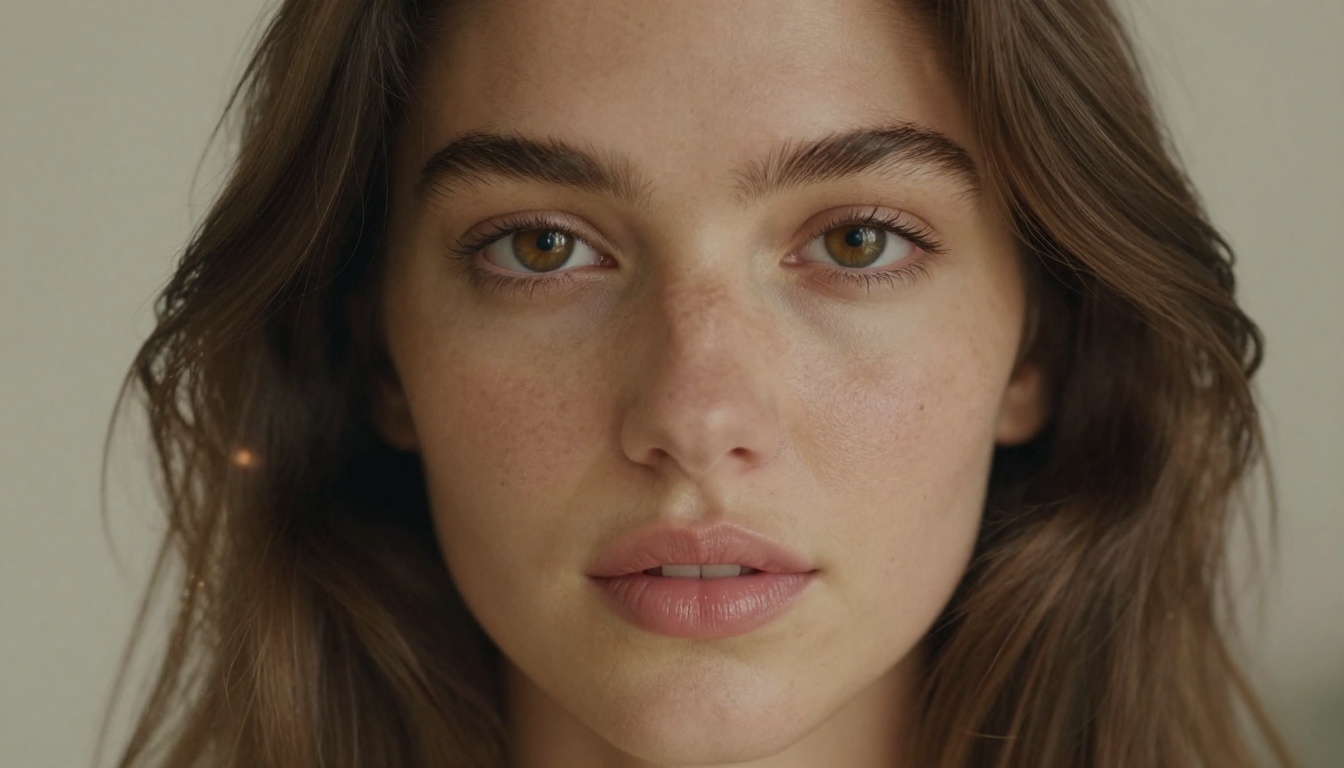
For photorealistic portraits, Flux 1.1 Pro Ultra in Raw mode produces results genuinely hard to distinguish from studio photography at first glance. Individual skin pores, subtle subsurface scattering, realistic catch lights in eyes: the detail is there when you give it a well-structured prompt. Krea 1 in full render mode produces solid portrait work, but the skin processing tends to smooth out micro-detail in a way that reads slightly artificial under close inspection on large screens.
💡 When generating portraits with Flux 1.1 Pro Ultra, add "film grain, Kodak Portra 400, natural skin texture, pores visible" to your prompt. Raw mode combined with these descriptors consistently produces the most photorealistic skin rendering.
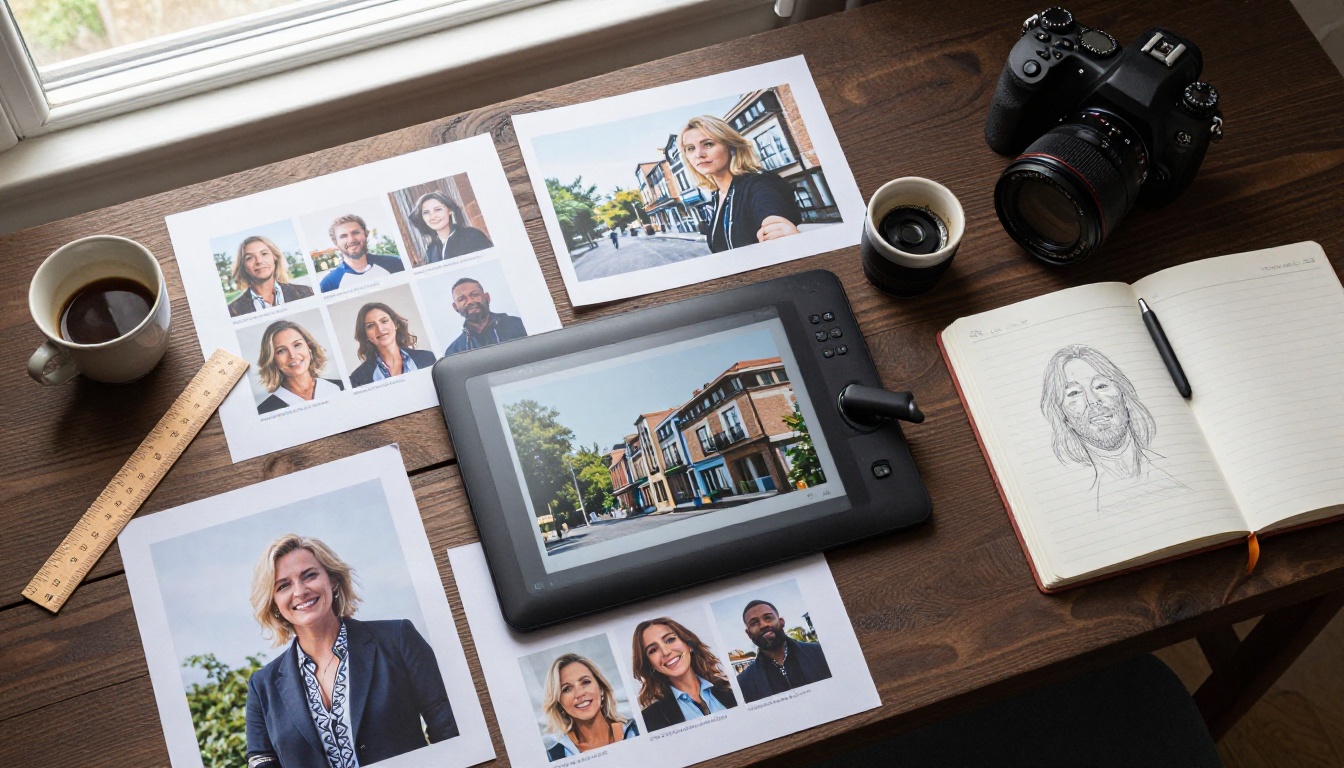
Landscapes and Architecture
Landscape generation is more competitive between the two. Krea 1 handles broad natural scenes well because large uniform areas like sky, water, and foliage don't expose its resolution ceiling as harshly. Flux 1.1 Pro Ultra still wins on fine architectural details, window reflections, and the granular texture of brick or stone surfaces, but the quality gap is noticeably narrower than in portrait work.
For controlled structural compositions, Flux Canny Pro and Flux Depth Pro push quality further by using edge maps or depth data to lock precise structural control into every output.

Pricing and Access
Krea 1 Pricing
Krea AI operates on a subscription model with a free tier that gives limited real-time generations per day. Paid plans start around $10 per month and scale based on total compute credits. Real-time generations cost significantly fewer credits than full-quality renders, which is part of why the platform encourages live-mode iteration before committing to a final high-resolution output.
Flux Pro Ultra Pricing
Flux 1.1 Pro Ultra is priced per image when accessed via API. Through platforms like PicassoIA, the cost is bundled into subscription credits, making it more accessible than direct API pricing for casual users. Raw mode does not add additional cost on most platforms that support it.
| Aspect | Krea 1 | Flux 1.1 Pro Ultra |
|---|
| Access Model | Subscription | API credits or platform |
| Free Tier | Yes (limited daily) | Via platform trials |
| Best Price Value | Mid-tier subscription | Platform bundles |
| Raw Mode | No | Yes |
| Max Resolution | ~1024px | 2048px (4MP) |
| Prompt Adherence | Good | Excellent |
| Real-Time Preview | Yes | No |
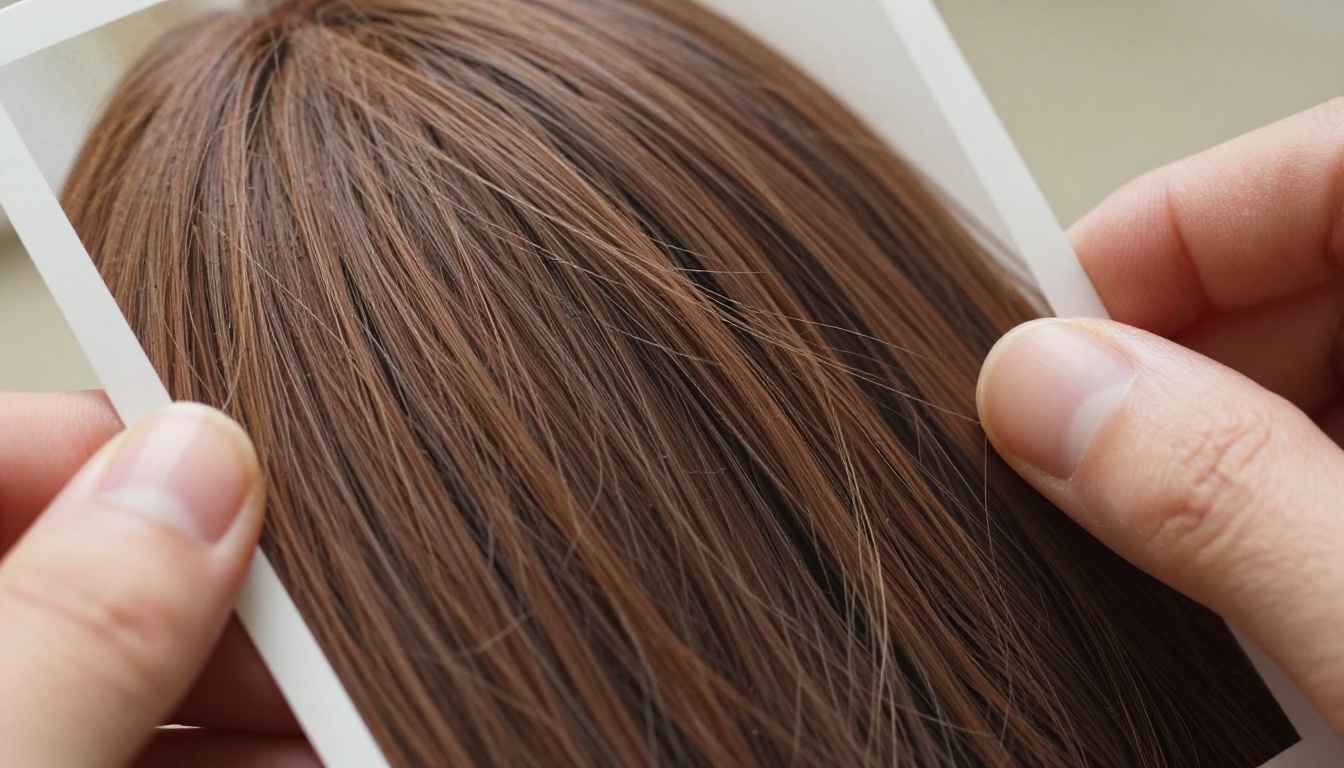
How to Use Flux Krea Dev on PicassoIA
Both sides of this comparison have direct representation on PicassoIA. The Flux Krea Dev model was fine-tuned to reproduce the Krea aesthetic within Flux's architecture: naturalistic, film-like, with reduced AI-processing artifacts. It bridges the gap between Krea's visual identity and Flux's generation quality without requiring access to the live-canvas platform.
Step-by-Step on PicassoIA
Step 1: Navigate to the Flux Krea Dev model page on PicassoIA.
Step 2: Write your prompt in natural, descriptive language. This model responds better to photographic framing than keyword-stacking. Instead of "beautiful woman photorealistic 8k ultra detailed," try "a woman standing by a window, afternoon light, candid, film photograph."
Step 3: Set your aspect ratio. For portraits, use 3:4 or 2:3. For editorial or landscape work, 16:9 or 3:2 fits better.
Step 4: Keep the guidance scale between 3.0 and 5.0. The Krea Dev model is trained to respond to lower guidance values and tends to produce flatter, over-processed results at higher settings.
Step 5: Generate and iterate. Small prompt edits produce meaningful compositional shifts because the model handles natural language nuance better than pure keyword-based models.
Tips for Better Results
- Lighting descriptions work directly: "diffused morning light," "golden hour backlight," and "overcast diffused light" each produce distinctly different outputs from the same base prompt
- Camera language shifts perspective: referencing lenses like "85mm f/1.8" or "35mm wide angle" affects depth of field and composition even in text-to-image generation
- Avoid over-specifying: the Krea fine-tune handles atmospheric suggestions better than long chains of technical specifications stacked at the end of a prompt
To reach Flux 1.1 Pro Ultra on PicassoIA, the same principles apply, but you can push guidance scale higher, around 6.0-7.5, for stronger prompt adherence on complex scenes with multiple specific elements.
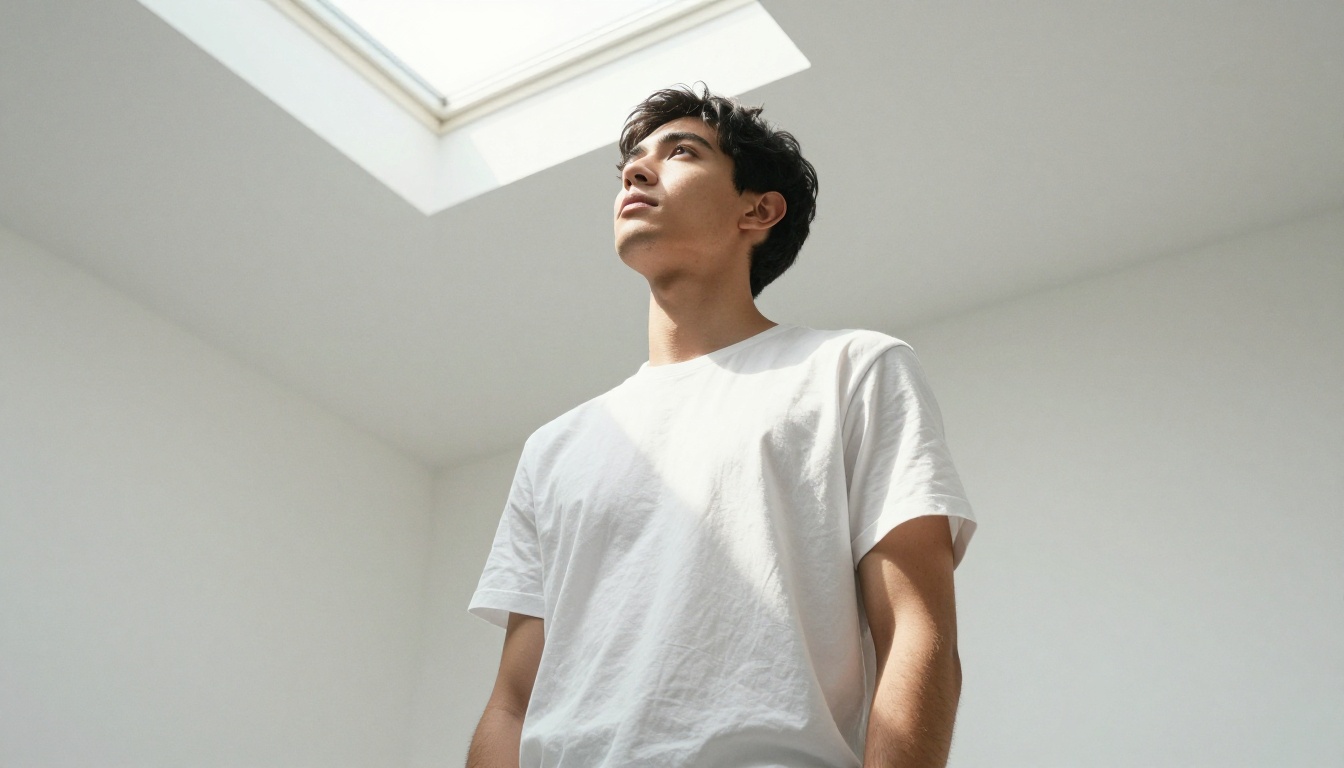
Which One Fits Your Workflow
This comparison doesn't have a single winner. The right tool depends entirely on what you're producing and who it's for.
Choose Krea 1 If...
- You're in an early ideation phase and need to iterate through 30 or more compositions quickly
- You're building mood boards, client presentations, or rough visual concepts
- Speed of iteration matters more than final output resolution
- You prefer a browser-based canvas interface with live visual feedback while you write
Choose Flux Pro Ultra If...
- You're delivering assets to editorial, advertising, or print clients with strict resolution requirements
- You need images that hold up at 4K screen size or physical print dimensions
- Prompt adherence matters for complex multi-element scenes with specific compositions
- You want Raw mode outputs that blend seamlessly with real photography in a production workflow
💡 The practical workflow: use Krea 1 or Flux Krea Dev to prototype compositions quickly, then send your final refined prompt to Flux 1.1 Pro Ultra for the high-resolution output. The two tools work better as a pipeline than as competing options.
If you need controlled editing on top of your generations, Flux Fill Pro handles inpainting and canvas extension with the same quality standard as Flux Pro Ultra, letting you replace specific regions or extend the frame without losing output fidelity. For structure-driven work, Flux Canny Pro gives you edge-map control over composition, and Flux Depth Pro locks in three-dimensional spatial relationships for architectural and product work.
Try It on PicassoIA Right Now
Both tools have representation on PicassoIA, and you don't need direct API setup or technical configuration to test them. Run Flux Krea Dev for the naturalistic Krea-style aesthetic, and Flux 1.1 Pro Ultra for high-resolution professional output, side by side in the same session without switching platforms.
The fastest way to feel the real difference: take one portrait prompt and run it on both models at identical settings. Zoom in on the skin and hair rendering at full resolution. The gap in micro-detail becomes immediately visible, and you'll have a concrete sense of when each model earns its place in your production workflow.
PicassoIA also gives access to the broader Flux family, including Flux Pro, Flux 1.1 Pro, Flux Dev, and specialty tools for structural editing, inpainting, and edge-guided generation. Pick the right model for each specific job, and there's very little you can't produce at a professional quality standard.