If you have priced out Krea AI recently, the sticker shock is real. A platform that promises professional-grade AI image generation quickly turns into a $35-per-month commitment before you have even tested whether it fits your workflow. For freelancers, hobbyists, and small teams already managing tight software budgets, that number raises a simple question: is there a better option?
Spoiler: yes, and the difference in cost is not marginal.

The Real Cost of Krea AI
Krea AI presents itself as a premium creative platform, and the pricing reflects that positioning. "Premium" does not always mean "worth it" for every type of user, though. Let us break down what you are actually paying for each month.
What You Pay Every Month
Krea AI's pricing structure is tiered, with the free plan being severely limited in practical use. To actually use the platform for real creative work, you are looking at these options:
- Starter plan: $10/month for approximately 1,000 fast generations
- Pro plan: $35/month for 5,000 fast generations plus real-time canvas features
- Max plan: $99/month for unlimited fast generations and priority processing
On paper, the numbers seem structured reasonably. In practice, the math breaks down fast for anyone doing serious iterative work.
A professional workflow involving regular iteration, style exploration, and client revisions burns through 1,000 generations in a few focused sessions. At the Starter tier, you are essentially paying $10 not for meaningful output volume, but for the right to use the platform without hitting a wall. And the moment you need real throughput, you jump to $35.
Hidden Costs That Add Up
The subscription is only part of the story.
Krea AI's real-time canvas and enhancement tools are technically compelling, but many work smoothly only at the Pro tier. The Starter plan introduces noticeable speed throttling that makes iterative creative work genuinely frustrating. Users end up paying for Pro not because they need unlimited generations, but because the Starter experience feels artificially degraded by design.
The second hidden cost is the flat-rate structure itself. Krea AI does not offer true pay-as-you-go pricing. If you have a busy creative month followed by two quiet months, you are still paying the full monthly rate. For seasonal creators or project-based freelancers, that is pure budget waste.
💡 Real cost check: At $35/month with average usage of 9 months per year (3 busy months, 1 off, repeated), you are spending $315 annually for 9 months of meaningful access. That is before counting months where you barely opened the platform at all.
Krea AI: What You Actually Get
To be fair to Krea AI, some of its features are genuinely well-built. Before comparing costs, it is worth being honest about what makes the platform popular.
What It Does Well
Real-time generation canvas is Krea's signature differentiator. As you sketch or rearrange elements, the AI renders changes in near-real-time. It is impressive technology and genuinely useful for rapid conceptual ideation where you want to see the AI respond to your gestures live.
Flux model integration is well-executed. Krea's version of Flux-based generation produces high-quality, natural-looking images that avoid the "obviously AI-generated" aesthetic many platforms produce.
Built-in upscaling and enhancement tools round out a polished product experience without requiring separate tools.
Where the Value Breaks Down
The problem is not quality. It is cost relative to what is now available elsewhere.

Once you move past the real-time canvas, Krea AI's model selection starts to look thin. You are accessing a curated set of Flux variants within a polished interface, paying a subscription premium for access to a relatively narrow model library. The real-time canvas is innovative, but most professional image workflows do not actually require real-time rendering. They require quality output, model variety, and pricing that reflects actual usage patterns.
That is precisely where the alternative makes its case.
The Price Comparison That Matters
Let us put actual numbers side by side. The figures below reflect mid-2025 pricing for comparable generation quality across both platforms.
Free Tier Comparison
| Platform | Free Generations | Quality Level | Main Limitation |
|---|
| Krea AI | ~10/day | High | Slow queue, minimal model access |
| PicassoIA | Credit-based | High | Depends on credit balance |
Free tiers on both platforms exist more as marketing tools than serious creative environments. What matters is the value structure once you are paying real money.
Pro Tier Breakdown
| Plan | Monthly Cost | Generations | Models Available | Pay-as-you-go |
|---|
| Krea AI Starter | $10/month | ~1,000 fast | Curated Flux set | No |
| Krea AI Pro | $35/month | 5,000 fast | Curated Flux set | No |
| Krea AI Max | $99/month | Unlimited | Curated Flux set | No |
| PicassoIA | Credit-based | As many as credits allow | 91+ text-to-image models | Yes |
The structural difference is significant: Krea AI charges a flat monthly rate regardless of usage. PicassoIA operates on credits, meaning you pay for what you actually generate, when you generate it. Spend $20 in a busy month and $5 in a slow one.
💡 Who wins on cost: Anyone with variable usage patterns saves money on a credit-based system. A freelancer doing 3 heavy months and 3 light months per year might spend $80-$100 on PicassoIA versus $420 on Krea AI Pro for the same period.
How to Use Flux Krea Dev on PicassoIA
Here is something that Krea AI users do not always realize: the Flux technology that powers much of Krea's image quality is available directly on PicassoIA as Flux Krea Dev, a model specifically trained to produce images that avoid the synthetic AI aesthetic. Same underlying model architecture, credit-based pricing.

Flux Krea Dev produces output with natural color science, realistic surface textures, and the organic imperfections that make images feel photographed rather than generated. For creators who switched to Krea specifically for that natural-photo output quality, this is the direct replacement.
Step-by-Step: Getting Started with Flux Krea Dev
Step 1: Open the model
Navigate to Flux Krea Dev on PicassoIA. Log in or create a free account to access credit-based generation.
Step 2: Write your prompt with natural language
Flux Krea Dev responds well to conversational descriptions. Unlike some models requiring trigger words or special syntax, you describe what you want directly:
"A woman in a terracotta-walled courtyard, late afternoon sun, candid photography style, 85mm lens, Kodak Portra 400"
Step 3: Set your output parameters
- Aspect ratio: 16:9 for cinematic and horizontal use cases, 9:16 for vertical social content, 1:1 for profile and square formats
- Steps: 28 to 35 provides the best quality-to-speed ratio
- Guidance scale: 3.5 to 4.5 keeps output looking natural without over-saturating the detail
Step 4: Iterate freely
Because each generation costs credits rather than burning into a monthly generation quota, you can run 20 or 30 variations of the same prompt to nail the exact look you need without any anxiety about wasting your subscription. Iteration is how good prompts become great prompts.
Step 5: Use negative prompts to avoid the AI look
Add --no neon, digital art, CGI, oversaturated, plastic skin to steer results firmly toward the photorealistic style Flux Krea Dev is built for.
Getting the Natural-Photo Look
The single most effective technique with Flux Krea Dev is lighting specificity. Phrases like "volumetric afternoon light from the left," "overcast diffused studio light," or "golden hour backlight with subtle rim lighting" dramatically shift output toward photography rather than illustration.
💡 Film grain trick: Adding "Kodak Portra 400 film grain, RAW photography" to any Flux Krea Dev prompt consistently moves output away from the smooth-plastic look that makes most AI images easy to identify. This single addition is worth more than any complex prompt engineering.
91 Models vs. a Curated Few
The model library gap between PicassoIA and Krea AI is substantial. While Krea AI focuses on a tightly controlled Flux-based selection, PicassoIA currently offers over 91 text-to-image models, each with distinct strengths.
That breadth matters for real creative work. Different projects require fundamentally different model characteristics, and having access to the right tool for each job changes what you can produce.

GPT Image 2 for Compositional Precision
GPT Image 2 is the model for prompt fidelity. When you need the AI to render exactly what you describe, including multiple specific elements positioned correctly in frame, GPT Image 2 delivers consistent results that other models miss. It is particularly strong for product photography layouts, architectural visualization, and any work where compositional accuracy is non-negotiable.
Seedream 4.5 for 4K Resolution Output
Seedream 4.5 is purpose-built for high-resolution output. When you need images that hold up at large print sizes, billboard formats, or professional presentations, Seedream 4.5 generates detail that remains sharp under close scrutiny. This is not a social media thumbnail model. It is for output that needs to survive being blown up to poster size.
Flux Schnell LoRA for Custom Style Consistency
Flux Schnell LoRA brings instant custom style generation without the training overhead of fine-tuning a full model. When a client needs every image in a campaign to match a specific visual identity, Flux Schnell LoRA maintains that consistency efficiently across a batch of outputs.
Wan 2.7 Image Pro for Flagship Photorealism
Wan 2.7 Image Pro is the platform's highest-resolution photorealism model, generating 4K images with detail that competes with professional commercial photography. For creators who need output that looks genuinely indistinguishable from a shoot, this is where to start.

💡 Model selection strategy: Match the model to the deliverable. Use GPT Image 2 for precision, Seedream 4.5 for resolution-critical work, Flux Schnell LoRA for custom styles, and Flux Krea Dev when you need that authentic, non-AI look.
The Quality Is Not in Question
The strongest argument for paying Krea AI's subscription prices would be if the output quality were meaningfully superior. It is not.
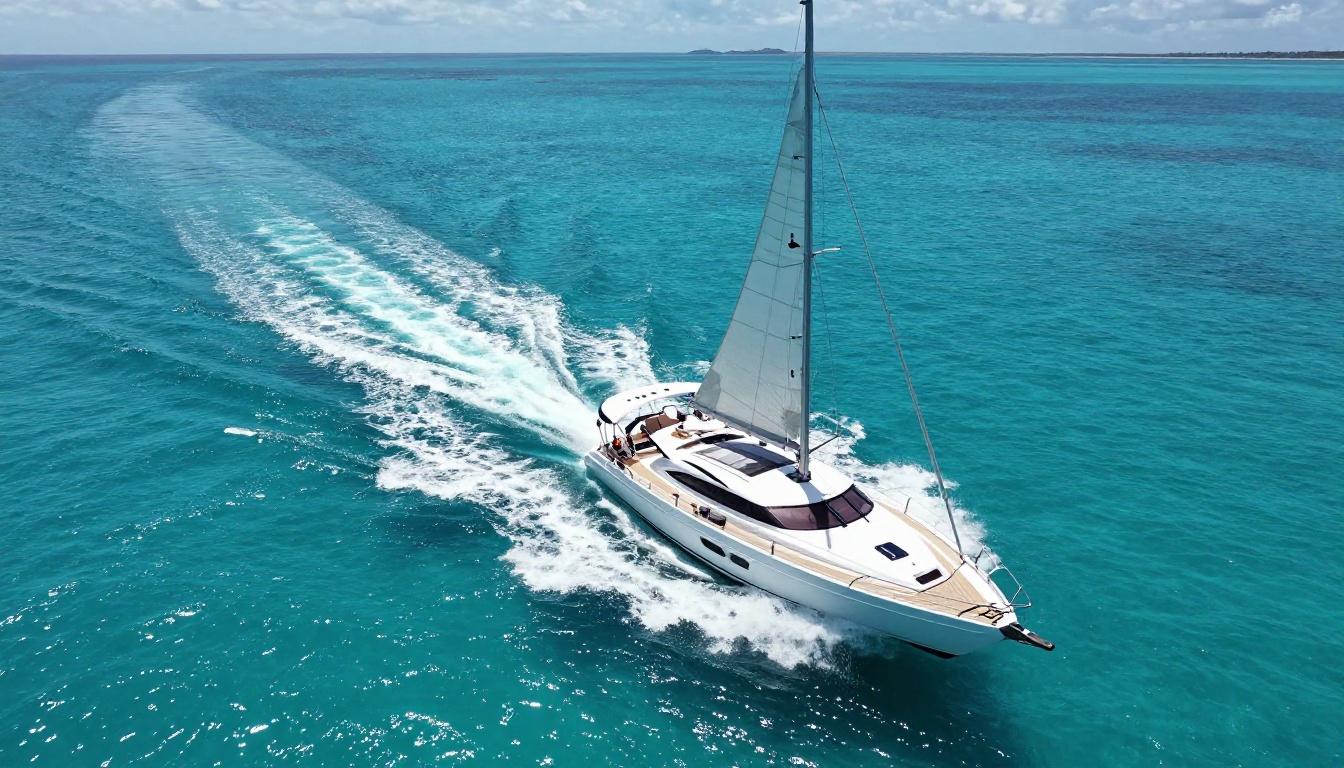
The image above was generated on PicassoIA using a photorealistic prompt. The result reflects the kind of output quality that used to require expensive commercial subscriptions or deep Midjourney expertise. Water surface texture, wake dynamics, hull reflections: these are the details that separate convincing photorealism from obvious AI imagery, and they are fully present here.
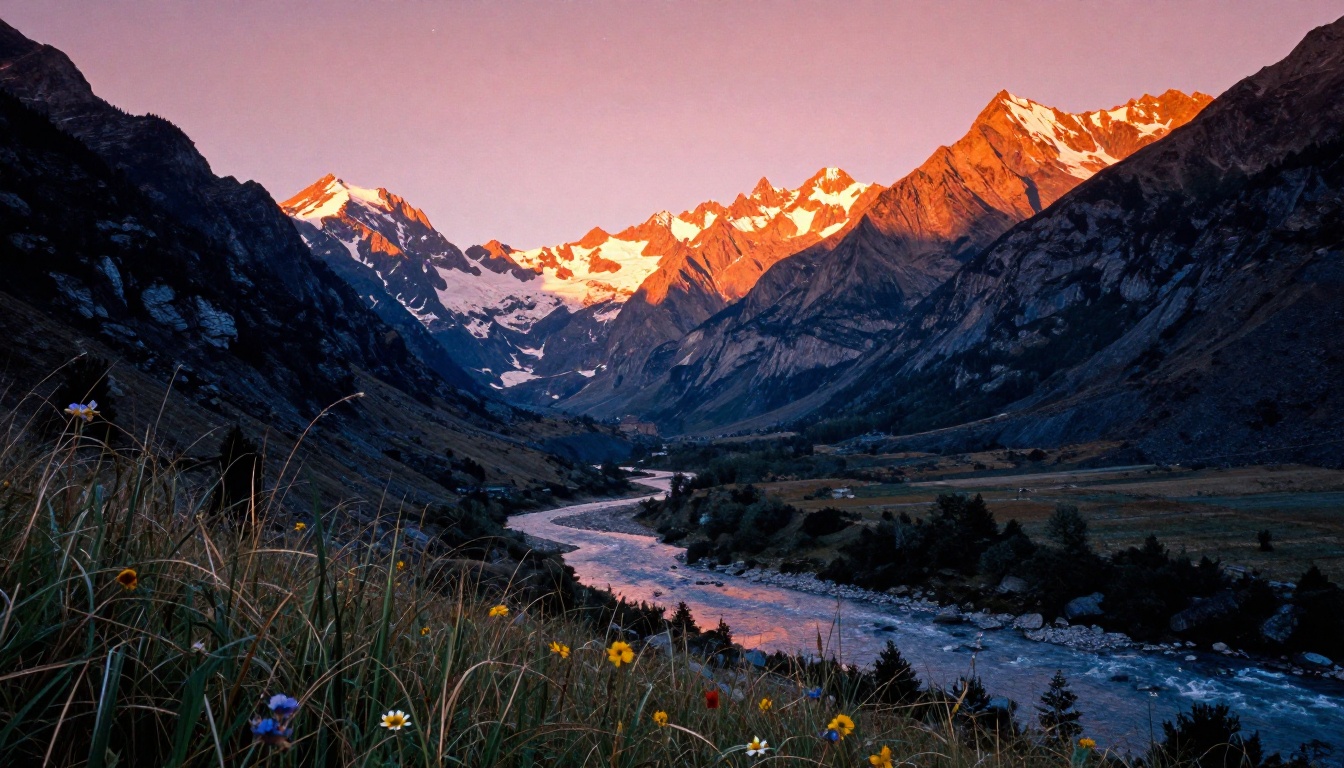
This landscape demonstrates the cinematic depth, volumetric atmospheric haze, and accurate golden-hour light color achievable through PicassoIA's model library. A $99/month Max subscription is not required to produce results at this level.
Who Should Switch
Not every Krea AI user is overpaying. The real-time canvas is a genuinely differentiated feature for a specific type of workflow. But several types of users are clear candidates for switching.
Casual and Part-Time Creators
If you generate images for personal projects, social media content, or occasional client work, a monthly Krea AI subscription is almost certainly the wrong pricing model. You are paying for platform access even during the weeks and months when you do not open it.
Credit-based pricing on PicassoIA means spending $10-$20 in busy months and nothing in quiet ones. Over a year, that frequently comes to $100-$150 versus $420 for the equivalent Krea AI Pro plan, for comparable or superior output.
Freelancers and Small Studios
Freelancers typically operate with wildly variable workflow months. One month might involve a major AI-heavy visual campaign; the next might be client calls, strategy, and no image generation at all. A flat subscription penalizes the natural rhythm of freelance work.
Credit-based pricing rewards the way independent creators actually operate: intensive sprints followed by lower-activity periods. You are not subsidizing the platform during your slow months.
Teams Needing Model Range
If your team needs to match different visual styles across different projects, one platform's curated model list becomes a creative constraint. A product photographer, a portrait artist, and a concept illustrator all need different model characteristics. PicassoIA's 91-model library means each finds a model optimized for their specific output type, within the same platform, under the same account.
Budget-Conscious Creators Still Building Their Workflow
For anyone still developing their AI image workflow and not yet sure what models or generation volumes they actually need, committing to a subscription before that clarity exists is a financial risk. Starting with credits allows serious experimentation before locking into a pricing tier that may not fit.
💡 Transition tip: If you are currently on Krea AI, export your best-performing prompts before switching. Prompts that worked well on Krea's Flux implementation transfer directly to Flux Krea Dev on PicassoIA with minimal adjustment.
Beyond Images: More Covered by One Account
PicassoIA covers substantially more creative ground than text-to-image generation alone, which matters for creators who want a single account to handle multiple output types.
- Super Resolution: Upscale any generated image 2x to 4x for print or large-format use cases
- Background Removal: Clean product cutouts without switching to a separate tool
- Face Swap AI: Realistic face replacement for portrait and marketing workflows
- Text to Video: 87 models for video generation directly from text prompts
- AI Music Generation: Create original backing tracks for video and brand content
- Lipsync: Sync audio to generated video characters for realistic video output
- AI Video Enhancement: Upscale, stabilize, and restore video footage
The breadth reduces tool-switching across your workflow. Tasks that would otherwise require three or four separate subscriptions are covered under one account at credit-based pricing.
Start Creating Right Now
Pricing arguments only matter if the quality holds up. The most direct way to answer "is PicassoIA good enough to replace Krea AI for my work" is to run your own prompts on both platforms and compare.

Start with Flux Krea Dev since it is built specifically to produce the natural, non-AI-looking aesthetic that made Krea AI popular. Take one of your best-performing Krea prompts and run it directly. Check the results against what you got on Krea AI. Then try GPT Image 2 for compositional accuracy and Seedream 4.5 for resolution-heavy work.
The credit system means your test budget is genuinely low-cost. Run 50 generations across three models. If the output matches or beats your current workflow quality, the math becomes straightforward: the same results, at less total cost, with more flexibility and a much wider model selection.
The subscription model made sense when AI image generation required significant infrastructure investment and there were only one or two viable platforms to choose from. That is not the market anymore. Quality is now widespread. What separates platforms is pricing structure and model variety. On both counts, the case for switching away from a $35-$99 monthly subscription is compelling.
Your creative output should cost what you actually use. Not a flat fee for access you may not need every month.


