The debate between Krea AI and Freepik has split creative communities right down the middle. Both platforms claim to be the best AI image solution for designers, marketers, and content creators, but they are built on fundamentally different philosophies. Krea sits in the AI-native corner, prioritizing generation speed and real-time editing. Freepik comes from a stock library background and has layered AI tools on top of a massive asset database. If you are trying to decide where to invest your time and subscription budget, this comparison breaks down exactly what each platform delivers.
What Krea AI Actually Does
Krea AI launched as a canvas-first creative tool, positioning itself as something closer to an AI art studio than a simple image generator. The interface centers around a live canvas where you can sketch rough shapes and watch the AI interpret them in real-time, which creates a feedback loop that feels genuinely different from typing prompts into a text box.

The platform uses its own fine-tuned models under the hood, and the results skew toward a stylized aesthetic that works well for concept art, mood boards, and experimental visuals. Krea does not expose which base models power its output, which limits flexibility for users who want to swap between different generation styles for different project needs.
Real-Time Generation
The real-time mode is Krea's signature feature. As you draw or adjust elements on the canvas, the image updates continuously, often within one to two seconds. This is genuinely useful for composition planning, as you can block out the rough spatial arrangement of a scene and see an interpreted version appear before committing to a full render.
The limitation here is resolution. Real-time previews are lower fidelity by design, and you have to upscale the final output separately if you need high-resolution files for print or professional use. The upscaler is included but adds an extra step that breaks the immediacy of the workflow.
The real-time canvas is most powerful for art directors and concept artists who think visually. If your natural process involves sketching before writing, Krea's interface fits that instinct better than any text-first generator currently on the market.
Krea's Editing Suite
Beyond generation, Krea includes image-to-image editing, background replacement, and a prompt enhancement layer that rewrites your text input before passing it to the model. The editing tools are competent but not exceptional. Object removal and inpainting work well on simple tasks but struggle with complex scenes where the background behind a removed object requires significant reconstruction.
The prompt enhancer is worth mentioning because it changes user behavior in an interesting way. Rather than learning prompt engineering yourself, you write a rough description and let the system expand it. This lowers the barrier to good results but also means you lose precise control over the final output.
What Freepik Brings to AI
Freepik took a different path into the AI image space. Instead of building a pure generation tool, the company extended its existing stock library infrastructure with AI generation capabilities. The result is a platform where AI output and traditional stock photography coexist in the same search interface.

This hybrid approach makes Freepik genuinely useful for a specific kind of user: someone who needs a consistent flow of professional assets and wants AI to fill the gaps that stock photography cannot cover. You can search for a stock image, find nothing that matches exactly, and generate a custom version without leaving the platform.
Freepik's AI Image Generator
Freepik's generator is powered by Mystic, the company's proprietary model stack, and it supports a range of styles from photorealistic to illustrated. The output quality for photorealistic images is solid but not as sharp or detailed as what you get from dedicated text-to-image models like Flux Dev or Flux Schnell.
💡 Worth knowing: Freepik gates higher-quality generation outputs behind premium subscription tiers. Free plan users get watermarked outputs and limited daily generations, which makes it hard to evaluate the tool's real ceiling without paying first.
The generator handles structured prompts well. If you describe a specific product on a specific background with specific lighting conditions, Freepik tends to follow instructions closely, which makes it reliable for commercial content briefs. This is one area where Freepik shows real maturity as a production tool.
The Stock Library Advantage
Where Freepik genuinely outperforms pure AI tools is in the sheer volume of reference material available alongside the generator. Over 100 million stock assets are searchable from the same dashboard, and many of them include commercial licenses that are clear and enforceable. For marketing teams that need both unique AI images and reliable stock photos in the same workflow, this integration saves real time.
Freepik also maintains a curated collection of AI-generated assets from other creators, which gives you a starting point for visual directions you might not have considered. This is a feature no pure AI generation tool currently offers at the same scale.
Head-to-Head: Output Quality
When you compare raw output quality side by side, the gap between these platforms becomes more visible. Both can produce impressive results with the right prompts, but they have different failure modes and different ceilings.

Photorealism Test
For photorealistic portrait generation, Krea tends to produce smoother, more stylized skin tones that read as AI-generated on close inspection. Freepik's Mystic model handles natural lighting better in many test prompts, but it occasionally produces anatomical errors in hands and feet that require manual correction.
Neither platform reaches the output fidelity of purpose-built text-to-image models like Stable Diffusion, which gives you fine-grained control over inference steps, guidance scale, and negative prompts to push results toward exactly what you need.
| Feature | Krea AI | Freepik |
|---|
| Real-time generation | Yes | No |
| Photorealism quality | Stylized, good | Natural, consistent |
| Editing tools | Strong | Basic |
| Commercial license | Yes (paid) | Yes (paid tiers) |
| Free tier | Limited | Limited |
| Stock library access | No | Yes (100M+ assets) |
| Custom model selection | No | No |
| Resolution cap (free) | Low | Low |
Speed and Responsiveness
Krea wins on raw speed for the real-time canvas feature. Full-resolution renders take similar time on both platforms, typically between 10 and 30 seconds depending on server load. During peak hours, both services slow noticeably, and neither offers a priority processing option for standard subscribers.
💡 Pro tip: If generation speed is a bottleneck in your workflow, using a dedicated model runner like Flux Schnell on PicassoIA can cut average generation time to under five seconds with no queue.
Pricing That Makes Sense
Both platforms use a credit or generation-limit model, which creates similar friction: you run out of credits at exactly the wrong moment in a creative session.

Krea AI Cost Breakdown
Krea offers a free tier with limited daily generations in real-time mode. Paid plans start at approximately $10 per month for Starter, scaling to $35 per month for Pro with higher resolution outputs and faster queue priority. The annual billing discount brings these costs down noticeably.
For a solo creator running 20 to 30 generation sessions per week, the Starter plan tends to hit its ceiling quickly. The real-time canvas feature, while impressive, consumes credits at a faster rate than static generation because each canvas interaction counts toward your usage. Heavy users report burning through a month of Starter credits in under two weeks.
Freepik Subscription Value
Freepik's pricing structure bundles AI generation with its entire stock library. Premium plans start at around $10 to $15 per month and include both stock asset downloads and AI generation credits. For someone who would already be paying for a stock subscription, this bundling makes Freepik's value proposition significantly stronger.
The caveat is that AI credits and stock download credits are managed separately, which can be confusing. Running out of AI credits mid-project while still having stock credits available is a common frustration among subscribers.
The honest answer is that Krea and Freepik serve different people well, and choosing between them depends on your actual working habits rather than feature lists.

Solo Creators and Freelancers
Solo creators who iterate rapidly on visual concepts tend to prefer Krea. The real-time canvas reduces the mental overhead of prompt engineering because you can sketch first and describe second. If your work involves mood boards, concept exploration, or fast client presentations, the live feedback loop is genuinely valuable.
Freelancers who deliver final production assets, particularly for print or marketing campaigns requiring specific dimensions and commercial clearance, often find Freepik's licensing clarity and stock integration more useful in practice.
Teams and Agencies
For agencies managing multiple client brands, Freepik's organizational features and predictable licensing structure reduce legal and operational risk. The ability to pull from a licensed stock library and supplement it with generated images on the same invoice makes budget reconciliation simpler.
Krea does not yet offer team workspaces or brand consistency tools at the level that most agencies require. It works better as an individual creative instrument than a shared production environment.
How to Use Flux Schnell on PicassoIA
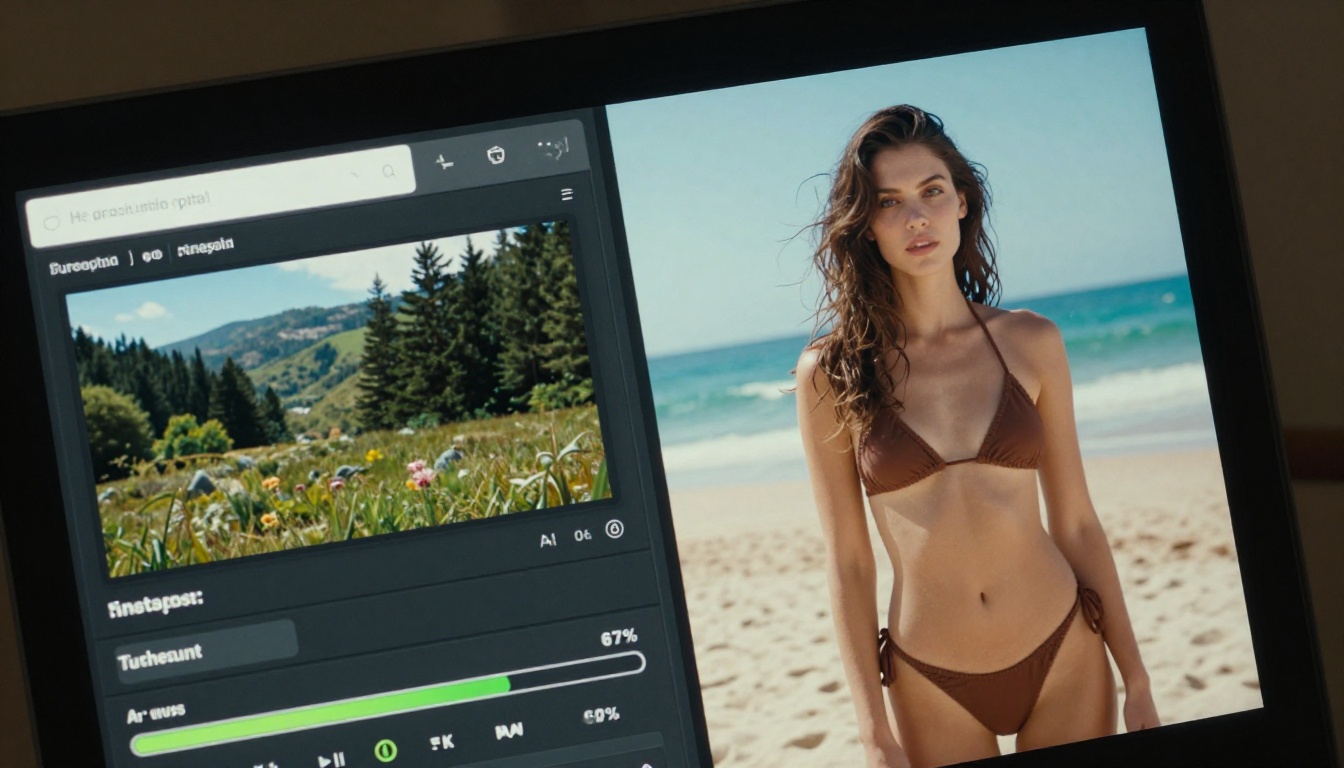
If you find yourself constrained by credit limits and queue times on either platform, Flux Schnell on PicassoIA is worth testing as an alternative or complement to both. Flux Schnell processes prompts in as few as four denoising steps, consistently delivering results in under five seconds with no credit caps and no watermarks on output.
Setting Up Your First Generation
Open the Flux Schnell model page on PicassoIA. You will see the prompt input at the top with the aspect ratio selector below it.
- Write a concrete prompt. Describe your subject, environment, lighting direction, and camera perspective in a single sentence. Avoid abstract adjectives and instead use specific visual references like "morning light from the left" or "85mm lens depth of field."
- Set the aspect ratio. For website banners or blog headers, use 16:9. For social media posts, 1:1 or 4:5 works better. Flux Schnell supports 11 ratios from square to ultra-wide 21:9.
- Choose your output format. WebP produces the smallest file size at equivalent visual quality. PNG preserves any transparency needs. JPG is best for photographic content.
- Enable fast processing mode. This setting is on by default and cuts generation time significantly. Only disable it if you need maximum fidelity on a specific output.
- Hit Generate. With fast mode enabled, your image appears in three to five seconds. Review the result and adjust your prompt based on what the model interpreted differently from your intention.
Getting the Most from Flux Schnell
Flux Schnell's speed makes it ideal for prompt iteration. Instead of committing to one detailed prompt and waiting, you can run 10 variations of a concept in under two minutes and pick the best direction before investing time in refinement.
- Use the seed parameter when you find a composition you like. Locking the seed lets you make small prompt adjustments while keeping the core spatial layout consistent across multiple generations.
- Describe light direction explicitly. Phrases like "soft window light from the left" or "overhead studio strobe at 45 degrees" produce noticeably more consistent results than generic lighting descriptions.
- Pair it with Super Resolution on PicassoIA after generation. If your initial output at 1 megapixel needs scaling up for print, the upscaling tools on the platform handle 2x to 4x enlargement without visible quality loss.
For more demanding photorealistic work that benefits from additional denoising steps and img2img editing, Flux Dev is available on the same platform with 12 billion parameters and support for up to 50 inference steps, giving you significantly more control over final output quality.
Before deciding, it is worth naming the problems that affect Krea and Freepik equally. These are not dealbreakers for everyone, but they affect how you plan your workflow.
Model opacity: Neither platform lets you choose which base model powers your generation. You work with what they provide, and when the output style does not match your needs, you have limited levers to pull beyond rephrasing your prompt.
Credit anxiety: Both platforms use metered usage that creates a low-level friction during the creative process. When you know each generation costs credits, you second-guess prompts rather than experimenting freely. Platforms without credit caps, like PicassoIA running Stable Diffusion or Flux models, remove this mental overhead entirely.
Exportability: High-resolution exports are locked behind paid tiers on both platforms, which means evaluating true output quality requires a subscription commitment before you know if the quality justifies the cost. This creates a frustrating situation for creators evaluating new tools.
Style consistency across sessions: Neither platform currently offers a reliable mechanism for maintaining visual consistency across multiple generations in a project. If you generate an image of a character today and need a matching scene tomorrow, you are relying on prompt memory rather than any technical anchor. This is a known limitation across the industry, not specific to these two platforms.
If you spend most of your creative time in exploration mode, sketching concepts and iterating through visual ideas, Krea AI's real-time canvas gives you a workflow that no other platform currently matches. The immediate visual feedback is a real creative accelerator for the right kind of work.
If you produce final-delivery assets on a deadline and need commercial licensing confidence alongside AI generation, Freepik's integrated stock library and consistent output make it the more reliable production tool.
For creators who want to supplement either platform with unlimited generations and direct model access, PicassoIA gives you Flux Schnell, Flux Dev, and Stable Diffusion without credit caps, which means you can run as many iterations as your project demands without watching a counter run toward zero.
The best move is to test all three with a real project brief. Bring one visual brief to each platform, generate five to ten images, and compare the results against your actual creative standards rather than platform marketing claims. The output that fits your eye and your workflow is the right answer, regardless of which tool produced it.
Try building your next creative brief on PicassoIA. Open Flux Schnell and run ten prompt variations in under three minutes. The speed alone changes how you think about AI image generation, and you will leave the session with a clearer picture of what the technology can actually do for your specific kind of work.