Picking the right AI image platform in 2027 is harder than it sounds. Krea, Freepik, and Picasso AI all promise professional results, but the differences in output quality, model selection, pricing, and speed are significant enough to make one platform clearly better than the others depending on what you actually need. This is not a surface-level features comparison. It is a direct breakdown of what each tool actually delivers when you sit down to create.
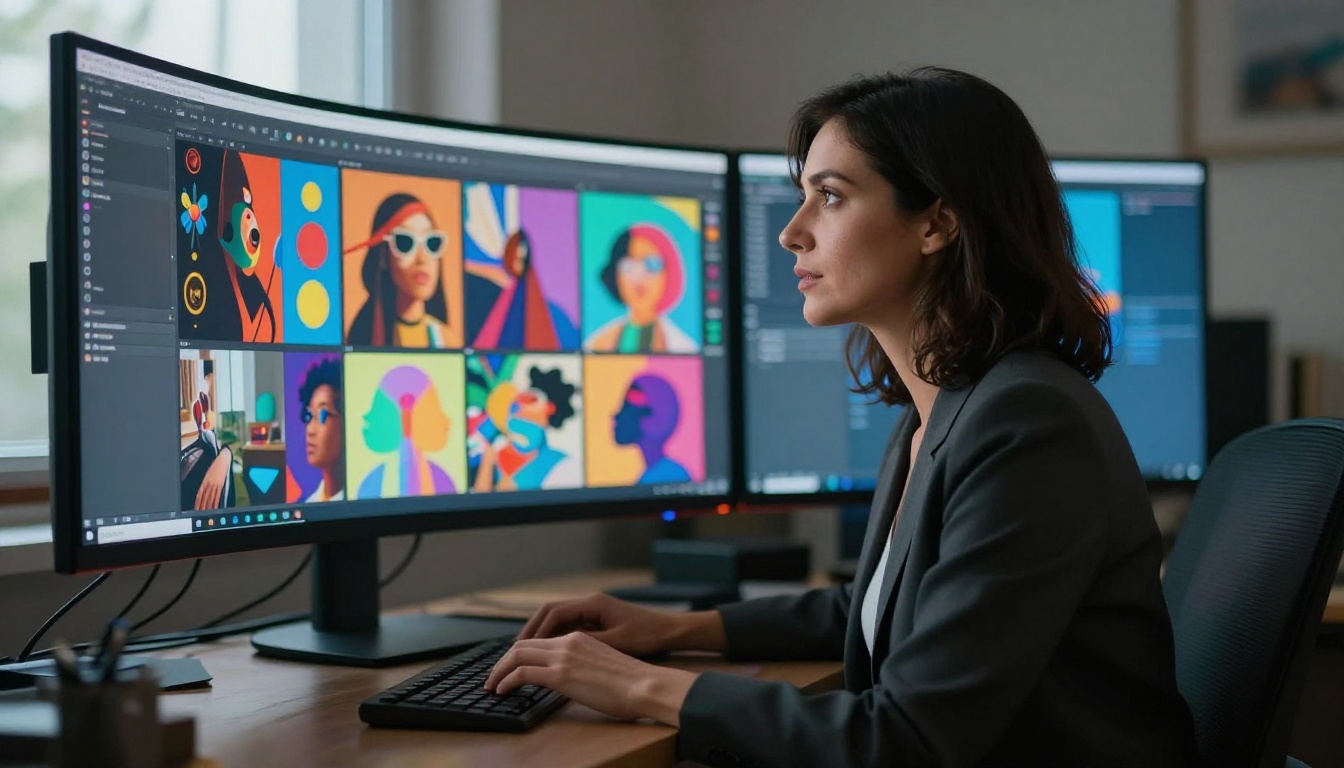
Before comparing numbers, it helps to understand what each tool was built to do. They share the same core promise, but their philosophies are very different.
Krea AI: Real-Time Generation First
Krea positions itself as a creative canvas where you see images generate in real time as you type. It launched with a strong focus on real-time text-to-image synthesis, making it popular among artists who want instant visual feedback during the ideation phase. The interface is clean, and the real-time canvas feels genuinely useful for rapid prototyping.
Where Krea falls short is depth. Its model selection is limited, the output resolution options are narrow, and advanced workflows like ControlNet, inpainting, or batch generation require jumping through hoops or upgrading to expensive tiers.
Freepik: Stock Library Meets AI
Freepik started as a stock asset platform and bolted AI generation on top. Its AI tools are competent, but they feel secondary to the core product. You get text-to-image generation, AI-enhanced templates, and access to Flux-based models, all wrapped inside a UI designed for marketers and social media managers rather than power users.
The licensing advantage is real: anything generated through Freepik comes with commercial rights baked in, which matters for agencies. But the platform caps generations quickly on free plans and funnels you toward a subscription that bundles AI credits with stock downloads you may not need.
Picasso AI: Model Depth and Flexibility

Picasso AI takes a fundamentally different approach. Instead of building a single proprietary model, it aggregates 91 text-to-image models into one platform, from Flux Redux Dev to GPT Image 2, giving you access to the full spectrum of what AI image generation can do. The platform also covers video generation, audio, background removal, super resolution, lipsync, and more from a single dashboard.
That breadth changes the math on pricing. Instead of paying for a stack of specialized tools, one subscription covers your entire creative workflow.
Image Quality Side by Side
Output quality is where the real differences show up. Running the same prompts across all three platforms reveals consistent, repeatable patterns.
Photorealism and Detail
Krea's default models produce solid results for stylized content, but photorealistic outputs still carry that telltale AI smoothness: slightly too-perfect skin, uniform lighting, and soft micro-detail. It works for concept art and mood boards, but not for photography-grade work.
Freepik's Flux-powered outputs are noticeably better in the realism department. The Flux backbone handles light physics well, and fine details like hair, fabric texture, and environmental elements hold up at high resolution. Still, you are stuck with whatever Freepik exposes through its simplified interface, with no access to model parameters.
Picasso AI's quality ceiling is higher simply because you pick the right model for the task. Running GPT Image 2 for photorealistic portraits gives different results than running Flux Redux Dev for product shots or architectural images. Matching the model to the subject is what professional AI workflows actually look like.

Style Range and Flexibility
| Platform | Style Range | Custom Parameters | ControlNet | Inpainting |
|---|
| Krea | Moderate | Limited | No | Basic |
| Freepik | Moderate | Minimal | No | No |
| Picasso AI | Extensive (91 models) | Full access | Yes | Yes |
The table tells the story. Krea and Freepik both abstract away the model layer, which makes them easier to start with but harder to do serious work on. Picasso AI exposes the model layer directly, which means you can use Qwen Image Edit Plus for editing workflows or switch to a photorealistic model for headshots without leaving the platform.
💡 Pro tip: Style flexibility matters more than raw generation count. One platform that can match the model to the task is worth more than two platforms that generate 100 images you end up rejecting.
Model Selection Matters
This is where the comparison becomes lopsided.
How Many Models Do You Get?
Krea runs on a small set of proprietary and partnered models. You get maybe three to five generation options, branded by style rather than model name. You never know what is actually running underneath.
Freepik similarly abstracts the model layer. You can tell it uses Flux variants from the output characteristics, but there is no model switcher and no granular control. What you see is what you get.
Picasso AI publishes exactly what is running. You can browse 91 text-to-image models, 87 video models, and specialized tools across 12 capability categories. That transparency is valuable because it lets you audit what you are using and reproduce results reliably.
Specialized vs General Models
General-purpose models handle a wide range of prompts adequately. Specialized models perform at a different level for their target use case.
Picasso AI carries both. Need a photorealistic portrait? There are dedicated portrait models. Working on product photography? There are models specifically trained on commercial photography datasets. Creating concept art? There are models that specialize in painterly textures and dramatic compositions. Krea and Freepik do not offer this kind of model specificity.
💡 Worth noting: Specialized models do not just produce better results on average. They produce results that are consistently predictable, which matters enormously when you are working on brand-consistent content at scale.
Speed, Pricing, and Limits
Generation Speed Compared
Krea's real-time canvas is genuinely fast for low-resolution previews. Final outputs at higher quality settings take longer, sometimes 30 to 60 seconds per image depending on server load.
Freepik generation times vary by model and plan tier. On the free plan, queue times can stretch to several minutes during peak hours. On paid plans, it is faster but not dramatically so.
Picasso AI's speed depends on the model selected, which is actually a feature. Lightweight models return results in seconds. High-fidelity models take longer but deliver proportionally better output. You choose the tradeoff based on your current need.
Free Tier vs Paid Plans
| Feature | Krea Free | Freepik Free | Picasso AI |
|---|
| Daily generations | 5 | 10 | Varies by plan |
| Resolution | Low | Medium | Full |
| Commercial use | No | Limited | Yes |
| Model choice | No | No | Yes |
| Video generation | No | No | Yes (87 models) |
| Background removal | No | Yes | Yes |
| Super resolution | No | No | Yes |
The free tiers on Krea and Freepik exist to let you test the product. They are not production-ready. Picasso AI's model-based approach means you can be precise about what you spend credits on, rather than burning them on previews and rejected outputs.
Knowing where each platform genuinely excels saves time and money.
Krea Works Best For
- Rapid ideation: The real-time canvas is unmatched for quick visual exploration during brainstorming sessions
- Artists and illustrators: The canvas-first UX feels natural for people who think visually
- Low-complexity projects: Social media graphics, mood boards, quick concepts
If your workflow is mostly about generating fast ideas and iterating on them visually, Krea's real-time approach adds genuine value.
Freepik Suits
- Marketing teams with stock workflows: The combination of AI generation and stock library access makes sense for teams already paying for stock assets
- Casual creators: Simple prompts, simple outputs, no learning curve
- Commercial licensing simplicity: The built-in licensing removes one decision from the workflow
If you already pay for Freepik stock and want AI generation bundled in, the math works. As a standalone AI tool, it is harder to justify.
When Picasso AI Wins
Picasso AI is the clear choice when:
- Output quality is non-negotiable: Access to 91 text-to-image models including Flux Redux Dev and GPT Image 2 means you always have the right tool
- You need more than just images: Video generation (87 models), lipsync, background removal, super resolution, and AI music generation from one platform
- Scale matters: Batch workflows, API access, and model parameter control support production-volume outputs
- Your budget covers a single tool: Replacing Krea, Freepik, a separate video tool, a background remover, and an upscaler with one platform is a real cost reduction
💡 Real-world scenario: A freelance designer running product photography campaigns needs photorealistic images, clean backgrounds, and high-resolution exports. Picasso AI handles all three with dedicated models for each task. Krea and Freepik both require additional tools to complete the same workflow.
Features You Won't Find Elsewhere
Real-Time Generation
Krea genuinely owns this category. No other major platform offers the same canvas-based real-time feedback loop. If that specific workflow is central to how you create, Krea is worth using for that feature alone, even if you supplement it with Picasso AI for final-quality outputs.
Model Transparency and Control
This is Picasso AI's defining advantage. You see exactly which model is running, what parameters it accepts, and how to reproduce your results. Professional workflows require this kind of control. A marketing team producing consistent brand imagery needs to know they can regenerate with the same model settings next month.
Freepik and Krea hide this information. That works fine for one-off projects, but it creates real problems for teams that need consistency.
Breadth of Creative Capabilities
No other platform in this comparison comes close to Picasso AI's feature set:
- 91 text-to-image models including photorealistic, stylized, and domain-specific options
- 87 video generation models for creating motion content from prompts or images
- AI video enhancement for upscaling and stabilizing existing footage
- Lipsync for synchronizing speech to video with photorealistic results
- AI music generation for creating original tracks from text prompts
- Background removal with precision edge detection
- Super resolution for upscaling images 2x to 4x without quality loss
- Speech to text and text to speech for complete audio workflows
Krea does none of these beyond image generation. Freepik offers background removal and some enhancement tools, but nothing at this scale.
| Category | Krea | Freepik | Picasso AI |
|---|
| Real-time generation | ✅ Best | ❌ | ❌ |
| Image quality ceiling | ⚠️ Good | ✅ Good | ✅ Best |
| Model variety | ❌ Limited | ❌ Limited | ✅ Best (91 models) |
| Video generation | ❌ | ❌ | ✅ Best (87 models) |
| Audio tools | ❌ | ❌ | ✅ Yes |
| Background removal | ❌ | ✅ | ✅ |
| Super resolution | ❌ | ❌ | ✅ |
| Commercial use | ⚠️ Paid only | ✅ | ✅ |
| Model transparency | ❌ | ❌ | ✅ |
The verdict is clear across most categories. Krea wins exactly one: real-time generation. That is a real differentiator, but it is a single workflow feature, not a platform advantage. Freepik's strength is licensing clarity for existing subscribers. Picasso AI wins on depth, quality ceiling, model choice, and multi-format output across every other category.
Start Creating Today
You have seen the numbers. The better question is what you want to make.
If the answer involves high-quality images that match a specific photographic style, video content from a text prompt, clean product photos with removed backgrounds, or content at a volume that requires real model control, there is a clear starting point.
Picasso AI puts 91 image models, 87 video models, and a full suite of audio and video tools in one place. You can start with Flux Redux Dev for photorealistic image variations, switch to GPT Image 2 for prompt-driven portraits, and run your outputs through super resolution for print-ready quality, all without leaving the platform.
The comparison above points in one direction. Open a new generation, pick a model that fits your subject, and see what you make. The difference between reading about AI image quality and actually generating a result at the right fidelity level is the only comparison that ultimately matters.


