Two AI art tools. One designed to feel like painting in real time. The other built around sending a prompt into the cloud and waiting for something extraordinary to come back. Krea and Midjourney approach image generation from completely different angles, and choosing between them says a lot about how you think about the creative process itself.
Two Different Philosophies
The gap between Krea and Midjourney is not about which one generates better images in an absolute sense. It is about what you are optimizing for when you sit down to create. Krea bets on immediacy. Midjourney bets on refinement. Both bets pay off, just in very different contexts and for very different types of creators.
What Krea Does Differently
Krea built its product around a real-time generation canvas. As you type, the image updates. As you drag a slider, the visual composition shifts. There is no queue. There is no waiting. The creative loop between prompt and result is compressed into seconds, sometimes milliseconds. This makes Krea feel less like submitting a request and more like sculpting with light.
The platform supports image-to-image workflows, AI training on custom concepts, canvas expansion, inpainting, and a growing set of editing capabilities. Krea is positioned for designers and iterative creators who want to see many options fast and refine from there. The core philosophy is that the fastest feedback loop produces the best creative decisions. When you can see every adjustment in real time, you spend less mental energy imagining outcomes and more time reacting to what is actually in front of you.
What Made Midjourney Famous
Midjourney became the dominant name in AI art for a reason. Its outputs carry a distinctive aesthetic quality, a sense of composition, weight, and visual drama that many users describe as the most polished of any generative model. The community around it, originally built inside Discord and now extending to a dedicated web interface, created an enormous shared vocabulary of prompts, styles, and image generation strategies that raised the ceiling for what users could produce.
Midjourney generates images through a subscription model with a queue-based system. You send a prompt via Discord or the web interface, and within roughly 30 to 90 seconds you receive four image options. The process is deliberate. The output is polished. This workflow suits photographers, brand designers, editorial art directors, and anyone who values end-result quality over iteration speed. The community aspect also matters: millions of shared prompts and publicly visible generations make it easy to see what works and what does not before you ever generate your first image.
Speed Is Not Just About Time
When people talk about real-time AI generation, they mean something specific. Not just fast. Instantly reactive. The difference between a 3-second wait and a live updating canvas is not a matter of degree. It is a completely different creative paradigm, one that changes how you think, not just how fast you work.
Krea's Real-Time Canvas
In Krea's real-time mode, the image is always generating. Every keystroke updates the result. You can watch your concept materialize as you describe it, which is genuinely useful for concept work, mood boarding, and any creative task where you are not entirely sure what you want yet. The real-time canvas turns the generation process into a conversation rather than a transaction.
💡 Real-time generation is most powerful when you have a direction but not a destination. It lets you move by feel rather than by rigid specification, which mirrors how most creative decisions actually happen in practice.
The tradeoff is resolution and control. Real-time generation tends to produce lower-fidelity previews than a full dedicated generation run. Krea compensates with a dedicated upscaler and a standard generation mode for final outputs, but the live canvas itself is primarily a creative navigation tool rather than a production-ready rendering engine. Think of it as the equivalent of thumbnail sketching before committing to a final composition.
Midjourney's Queue-Based Workflow
Midjourney works on a fundamentally different premise. You craft a prompt, submit it, wait, then evaluate four generated options. You either upscale one or vary and try again. This deliberate rhythm creates natural pressure to think before you generate, which changes the character of your output.
Users who work effectively with Midjourney tend to craft prompts with real intention. The wait is not wasted time. For many creatives, those 60 seconds are an opportunity to reconsider whether the prompt was actually right, whether the creative direction is sound, and what specifically needs to change in the next iteration. The queue-based model rewards thoughtfulness and consistently produces high-quality outputs that rarely need significant post-processing. The four-option grid also creates a natural comparison layer that helps you calibrate quickly.
Image Quality Side by Side
Both platforms produce impressive results. But the way they achieve quality differs significantly, and the type of quality they deliver reflects their core design priorities and the training philosophy behind each model.
Photorealism and Detail
Midjourney is widely regarded as producing the most visually refined outputs of any commercially available AI art tool. The model has a strong internalized sense of depth, lighting direction, and compositional hierarchy. Portrait work, architectural visualization, and atmospheric landscape scenes all come out with a degree of aesthetic polish that feels intentional rather than generated. Skin texture, fabric weight, and environmental atmosphere are particularly strong across all versions of the model.
Krea, when running a full generation pass rather than a real-time preview, also produces high-quality results. Its text-to-image outputs are sharp and detailed. But the platform's real differentiator is not peak quality per single image. It is the ability to generate many options rapidly and refine them through integrated editing tools, all within a single working session without switching contexts.
| Feature | Krea | Midjourney |
|---|
| Real-time generation | Yes | No |
| Peak output quality | High | Very High |
| Photorealism | Strong | Exceptional |
| Style control method | Slider-based | Prompt-driven |
| Iteration speed | Instant | 30-90 seconds |
| Web interface | Yes | Yes and Discord |
| Integrated editing tools | Yes | Limited |
| Community prompt resources | Growing | Extensive |
| API access | Yes | Planned |
Artistic Style Control
Midjourney users have developed an extensive prompt shorthand for controlling output style. Version flags, raw style parameters, and artist name references allow experienced users to dial in very specific aesthetics across sessions. The learning curve is real, but the ceiling for stylistic precision is high for those who commit to developing their prompt skills.
Krea takes a different approach. Style control comes through sliders, visual reference image uploads, and concept training rather than through prompt syntax modifiers. This makes Krea more accessible to users who are not willing to invest time in prompt engineering, and arguably less precise for those who already have that skill.
The Prompt Experience
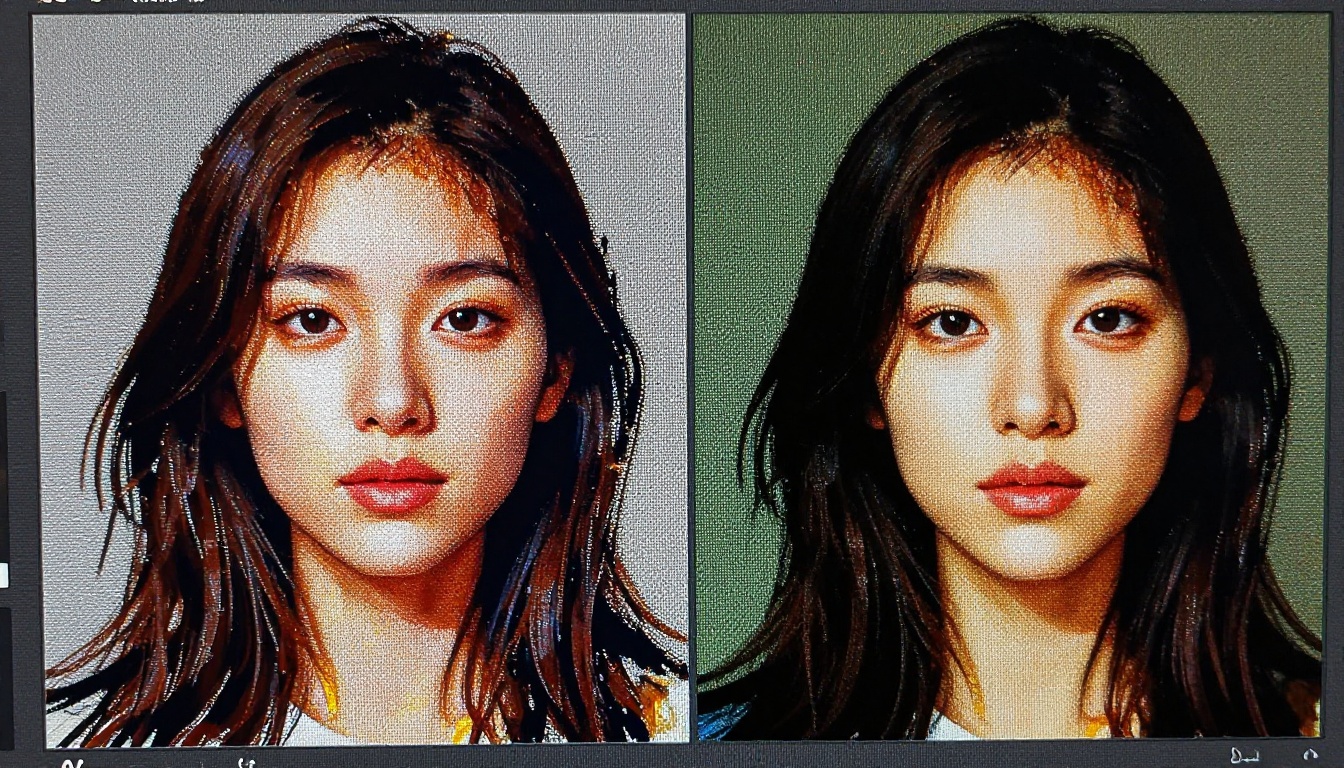
Prompt behavior is where the two platforms diverge most sharply in day-to-day use, and where the choice between them becomes most personal for working creatives.
How Krea Reads Prompts
Krea's real-time canvas is forgiving with prompts. Short descriptions work well. Single words shift the image direction noticeably. The model is tuned for immediate responsiveness, which means it does not require the dense, layered prompt structures that power users build for Midjourney. You can start with a single noun and add detail incrementally, watching the image respond in real time as you build the description.
This approach removes the intimidation factor for new users. There is no right way to prompt in Krea. You simply describe and adjust until you see something that interests you, then refine from there. The platform rewards experimentation over planning.
Midjourney's Prompt Language
Midjourney rewards specificity and repays users who invest time in learning its prompt behavior. Descriptions that include lighting references, camera angle descriptors, style modifiers, color palette notes, and cultural or cinematic associations produce meaningfully different results than bare-bones noun phrases.
💡 Prompt tip: Midjourney responds well to cinematic language. Adding references like "shot on 35mm film, golden hour, shallow depth of field, volumetric light" consistently produces more atmospheric and compositionally intentional results than describing the subject alone.
Over time, Midjourney has developed something close to its own creative vocabulary. Users who invest in it gain significant control over outputs and can reliably reproduce aesthetic directions across sessions. For professionals who need consistent visual branding, this precision matters.
Pricing Breakdown
Cost is a real factor for most users. Both platforms offer tiered subscriptions, but the structure and value at each level differ significantly enough to affect the decision.
| Plan | Krea | Midjourney |
|---|
| Free tier | Yes, limited | No, discontinued |
| Entry plan | ~$24/month | $10/month |
| Mid tier | ~$48/month | $30/month |
| Pro tier | ~$96/month | $60/month |
| Unlimited generations | Not standard | Available on higher tiers |
| Integrated editing tools | Yes, all tiers | Basic only |
| Custom model training | Yes | No |
Midjourney offers significantly better entry-level pricing with its $10/month Basic plan, which is genuinely useful for casual creators who generate a moderate volume of images each month. Krea's higher price at the entry level reflects the bundle of tools included: real-time generation, image-to-image editing, canvas expansion, and concept training all come as part of the package rather than as paid add-ons.
For professional workflows that use the full toolkit regularly, Krea's pricing is competitive. For users who want the highest-quality single-image outputs at the lowest monthly cost, Midjourney wins on value at the entry level.
Which Workflow Actually Fits You
The choice between these two platforms comes down to one honest question: do you know what you want before you generate, or do you figure it out by generating?
Krea for Iterative Creators
If you work in a discipline where the output is not defined at the start, Krea is the better fit. Product designers testing visual directions, concept artists in early brainstorm phases, marketers building mood boards, and UX designers prototyping visual themes all benefit from the immediate feedback loop.
Krea makes it cheap, in terms of both time and cognitive load, to generate dozens of variations in a single session. The integrated editing tools add further value: canvas expansion, inpainting, and region-specific editing keep the creative flow intact rather than requiring you to bounce between separate applications. For workflows that require many iterations before a final direction is locked in, Krea is the more efficient environment.
Midjourney for Polish-First Projects
If you have a clear creative brief and need to produce a small number of high-quality images, Midjourney wins on output quality. The results, particularly for portraits, editorial photography simulations, and cinematic scene work, are difficult to match with other tools at the same price point. The deliberate pace of the workflow encourages better prompting and consistently produces fewer throwaway images.
Midjourney also benefits from one of the strongest AI art communities online. Shared prompt libraries, active style references, community feedback loops, and regular model updates make it easier to develop your image generation skills faster than on most other platforms. For professional photographers, brand designers, and editorial art directors who need polished outputs with minimal post-processing, Midjourney remains the benchmark.
How to Use Flux Dev on PicassoIA
Since both Krea and Midjourney operate on proprietary models with platform-specific workflows, many users do not realize that comparable photorealistic generation quality is accessible through open models on platforms that offer more flexibility and control. Flux Dev is one of the strongest alternatives available for users who want high-quality text-to-image generation without platform lock-in.
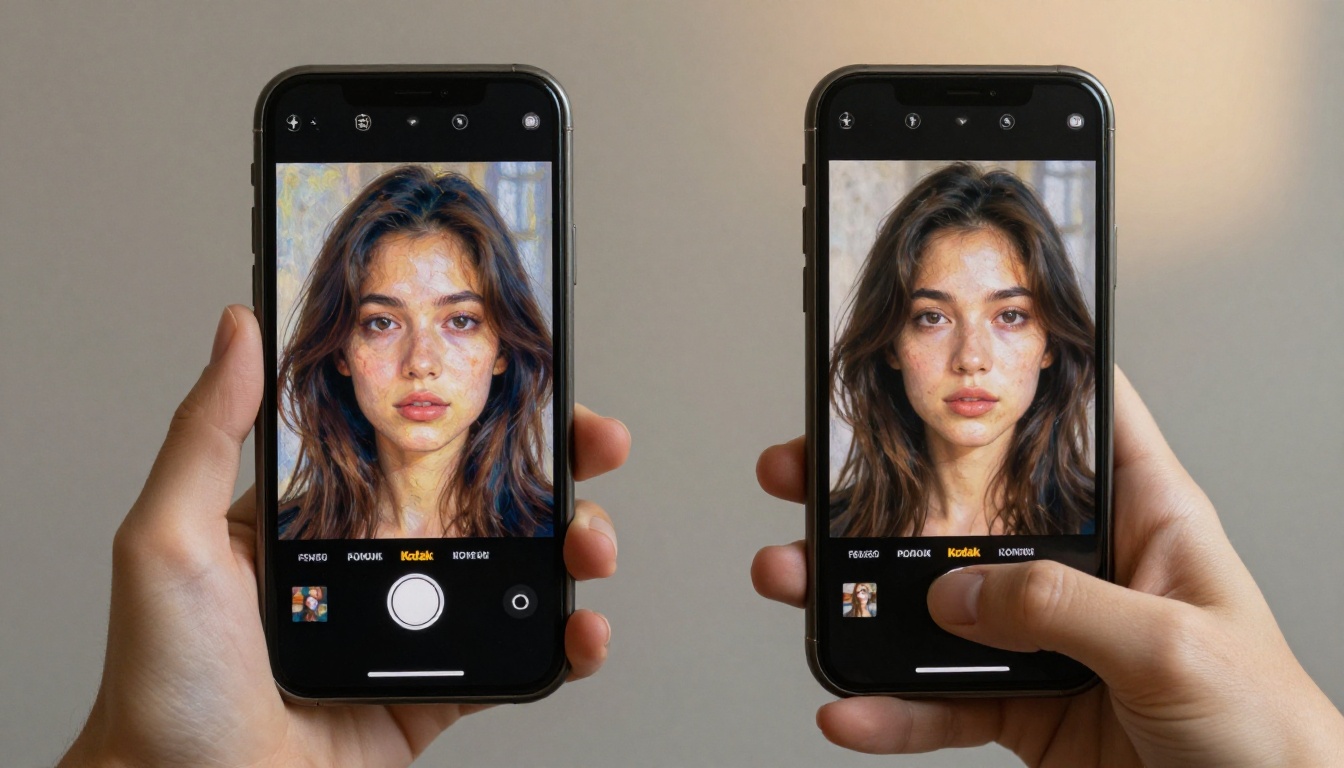
Flux Dev is a 12-billion parameter text-to-image model that handles both standard text-to-image generation and image-to-image editing workflows. It supports 11 aspect ratios, fast mode for rapid iteration, seed control for reproducibility, and delivers outputs that rival the top commercial platforms on photorealism and compositional quality.
Open the Model
Go to Flux Dev on PicassoIA in any browser. No Discord required. No queue to manage. The model opens directly in the browser and you start generating immediately with no local installation or additional setup.
Write Your Prompt
Flux Dev responds well to descriptive, naturalistic prompts. No special syntax modifiers are needed. Write what you want to see, including lighting conditions, environment, mood, and camera details. For photorealistic results, include specifics like camera model, lens focal length, and time of day.
Example prompt: Portrait of a woman in a cream silk dress, soft afternoon light from the left, Canon 85mm f/1.4 lens, shallow depth of field, Kodak Portra 400 film grain, warm color tones, photorealistic, high detail
For faster draft-quality previews with near-instant results, Flux Schnell is available as a speed-optimized alternative in the same collection. It processes prompts in as few as four denoising steps and returns results in seconds, making it ideal for rapid iteration through prompt variations before committing to a final run.
Set Parameters and Export
Aspect ratio: Choose from 11 available options. For social media posts: 4:5 or 9:16. For editorial and web banners: 16:9 or 3:2. For square formats: 1:1.
Go Fast mode: Enable for speed-optimized generation when iterating through prompt variations quickly. Disable for maximum fidelity when producing final outputs.
Inference steps: Default is 28. Increasing toward 50 produces sharper, more detailed images at the cost of slightly longer generation time. The recommended range is 28 to 50.
Seed control: Set a fixed seed to reproduce a result exactly across multiple prompt variations. Leave it random for fresh outputs on each run.
Export as WebP, JPG, or PNG with quality from 0 to 100. All outputs are watermark-free and ready for immediate use.
If you need to refine the result after generation, Stable Diffusion on PicassoIA offers inpainting and image editing with negative prompt support for fine-grained control over what appears and what does not in the final image.
Start Generating Right Now
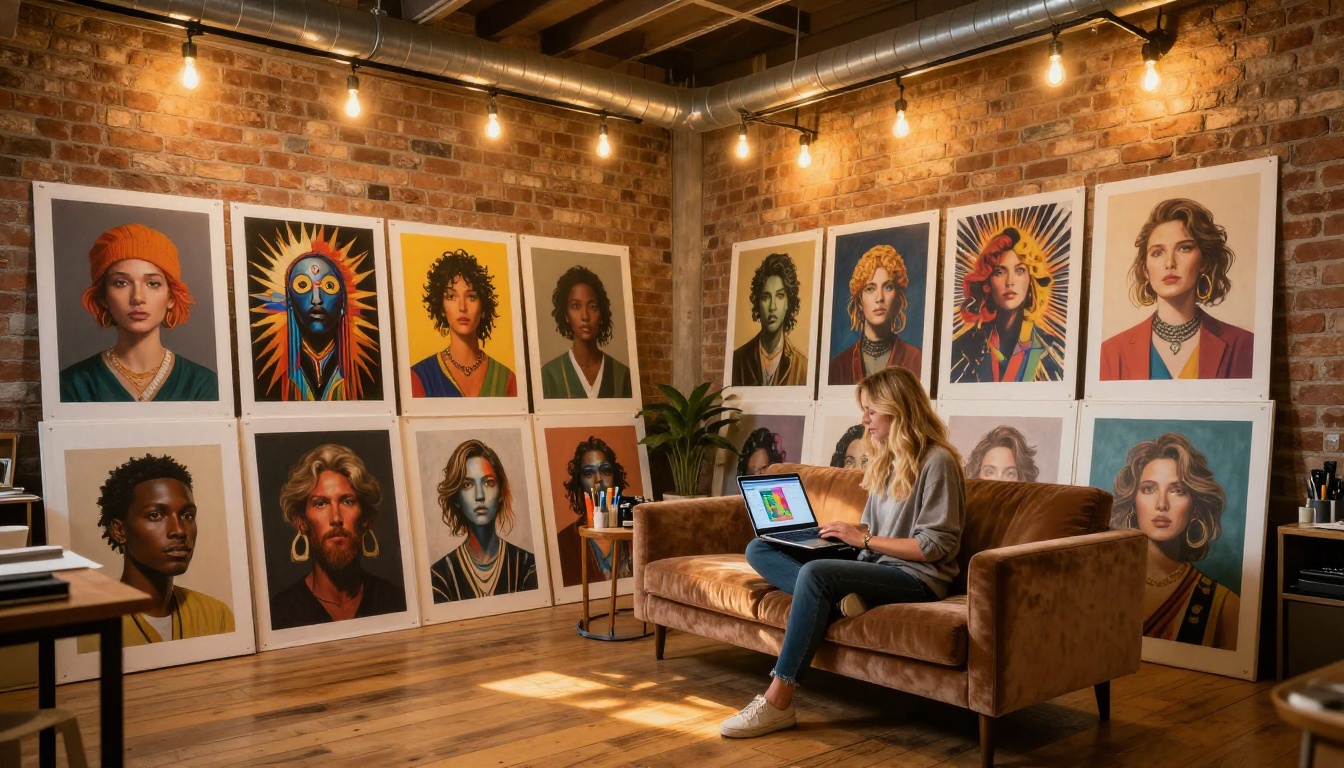
Whether Krea's real-time responsiveness or Midjourney's deliberate polish matches your workflow better, the underlying diffusion model technology that powers both platforms is accessible to you right now through open models on PicassoIA. Flux Dev and Flux Schnell give you direct control over the same generation pipeline without subscription lock-in, proprietary prompt syntax to memorize, or a Discord server to navigate.
You choose the model. You set the parameters. You own the output.
Open Flux Dev or Flux Schnell on PicassoIA and write your first prompt. Start with something specific, something you actually want to see, and build from there. The quality of what you can produce today without a Krea or Midjourney subscription might genuinely surprise you.


