Leonardo AI has one of the most polished interfaces in the AI image generation space. But if you have ever tried to push past safe content boundaries, you have probably hit that wall: content flagged, prompt rejected, account warned. For creators working in fashion, glamour, lingerie, fine art, or any territory adjacent to adult content, that friction is a dealbreaker.
The good news is there are legitimate alternatives that give you far more creative freedom, and many of them produce images that match or exceed Leonardo's output quality. This article breaks down exactly where to look, which models to use, and how to get the best results.
Why Leonardo AI Falls Short for NSFW Creators
The Restrictions That Drive Creators Away
Leonardo AI's content policy is tightly controlled by safety filters. Even prompts that are clearly artistic, like a painted nude figure or a fashion editorial with visible skin, can trigger automatic rejection. The system errs heavily on the side of caution, which is frustrating when you are working on legitimate creative projects.
The issue is not just about explicit content. Creators working in:
- Glamour photography simulations
- Fashion editorial imaging
- Fantasy character design with adult themes
- Artistic boudoir photography
- Suggestive portraiture for entertainment
All regularly hit content walls on Leonardo AI. And the appeals process is opaque at best.
What "NSFW Allowed" Actually Means
There is a spectrum worth understanding before you switch platforms. "NSFW allowed" does not automatically mean "anything goes." Most serious platforms that permit adult content operate on a tiered system:
| Tier | Description | Example |
|---|
| Suggestive | Bikini, lingerie, implied nudity | Fashion editorial |
| Artistic Nudity | Implied or partial nudity | Boudoir, fine art |
| Non-Explicit Adult | Mature themes without graphic content | Glamour, pin-up |
| Explicit | Graphic sexual content | Typically platform-specific |
The sweet spot for most creators, and where the best alternative platforms shine, is that middle tier: suggestive, artistic, and mature without crossing into explicit territory.
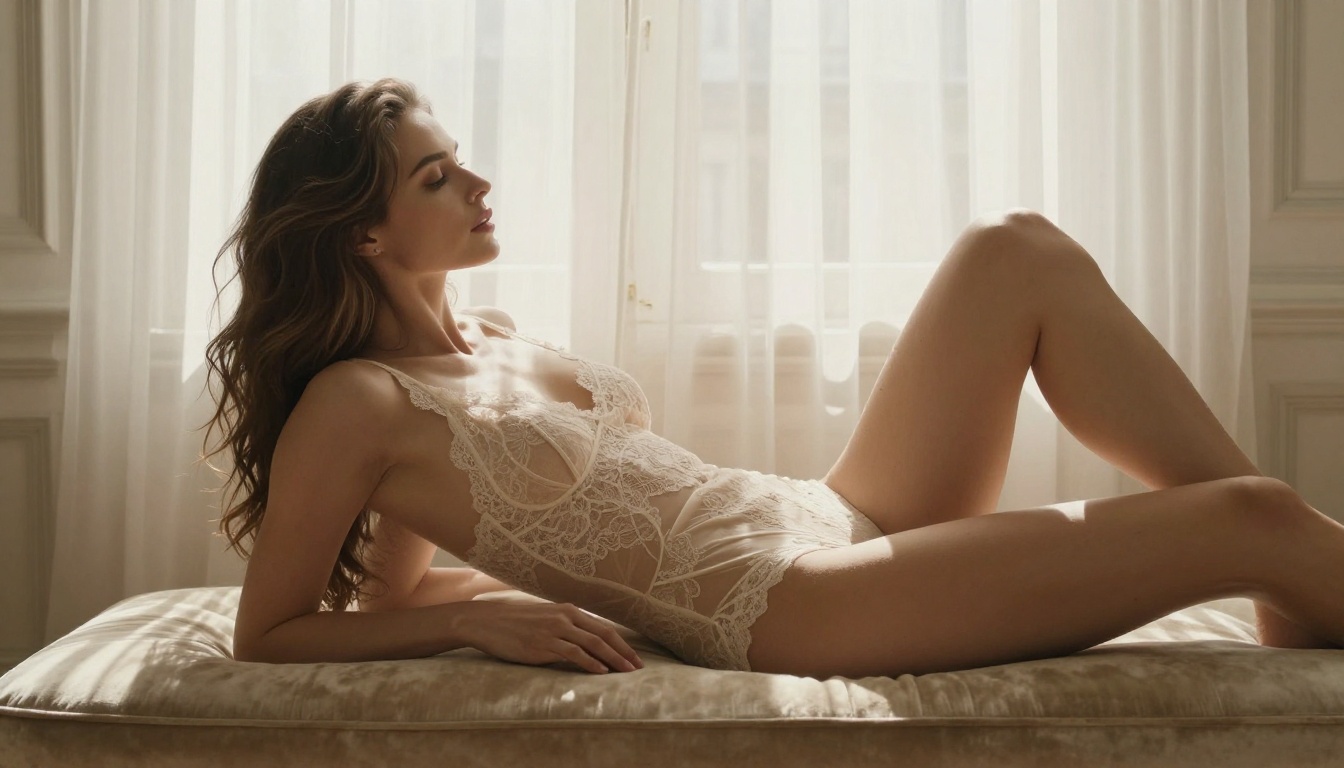
The Models That Actually Deliver
Flux Dev: Open Source and Restriction-Free
Flux Dev is the most talked-about open-source model right now, and for good reason. Built by Black Forest Labs, it produces images with exceptional prompt adherence and detail fidelity. Because it is open-source, implementations across various platforms apply their own content policies rather than a centralized gate.
On PicassoIA, Flux Dev handles suggestive content well, especially for fashion, glamour, and artistic portraiture. The model understands nuanced prompting, so you can specify lighting conditions, fabric textures, skin tone, and pose with precision.
Flux Dev strengths for mature content:
- Excellent skin texture rendering
- Strong understanding of fashion and body language cues
- High prompt adherence for complex scenes
- Supports LoRA fine-tuning for specific styles
For faster results without sacrificing quality, Flux Schnell is a speed-optimized variant that still handles suggestive content well. And if you want maximum resolution and commercial-grade output, Flux 1.1 Pro is the flagship choice.
Stable Diffusion 3.5: The Foundation Still Holds
Stable Diffusion 3.5 Large remains one of the most flexible models available. Its open-source roots mean it has been fine-tuned, tested, and optimized for a staggering range of use cases, including mature and suggestive content.
Where SD 3.5 particularly shines is in stylistic range. You can swing from photorealistic glamour photography to painterly fine art nudes without changing models. The same base handles both convincingly.
Why SD 3.5 competes with Leonardo AI:
- No centralized content filtering at the model level
- Excellent anatomy and proportion rendering
- Wide community support with established prompting techniques
- Works well with ControlNet for precise pose control
For a turbo-speed variant, Stable Diffusion 3.5 Large Turbo cuts generation time dramatically while keeping the quality high enough for production use.
RealVisXL: When Photorealism Is Non-Negotiable
If your goal is photographic realism for suggestive content, RealVisXL v3.0 Turbo is purpose-built for exactly that. This model was specifically designed to produce images that are indistinguishable from real photography, particularly for human subjects.
💡 Tip: For best results with RealVisXL, describe lighting conditions precisely. "Soft window light from the left" or "studio strobe with fill reflector" makes a significant difference in how skin tones and fabric textures render.
RealVisXL characteristics:
- Photorealistic skin rendering with pore-level detail
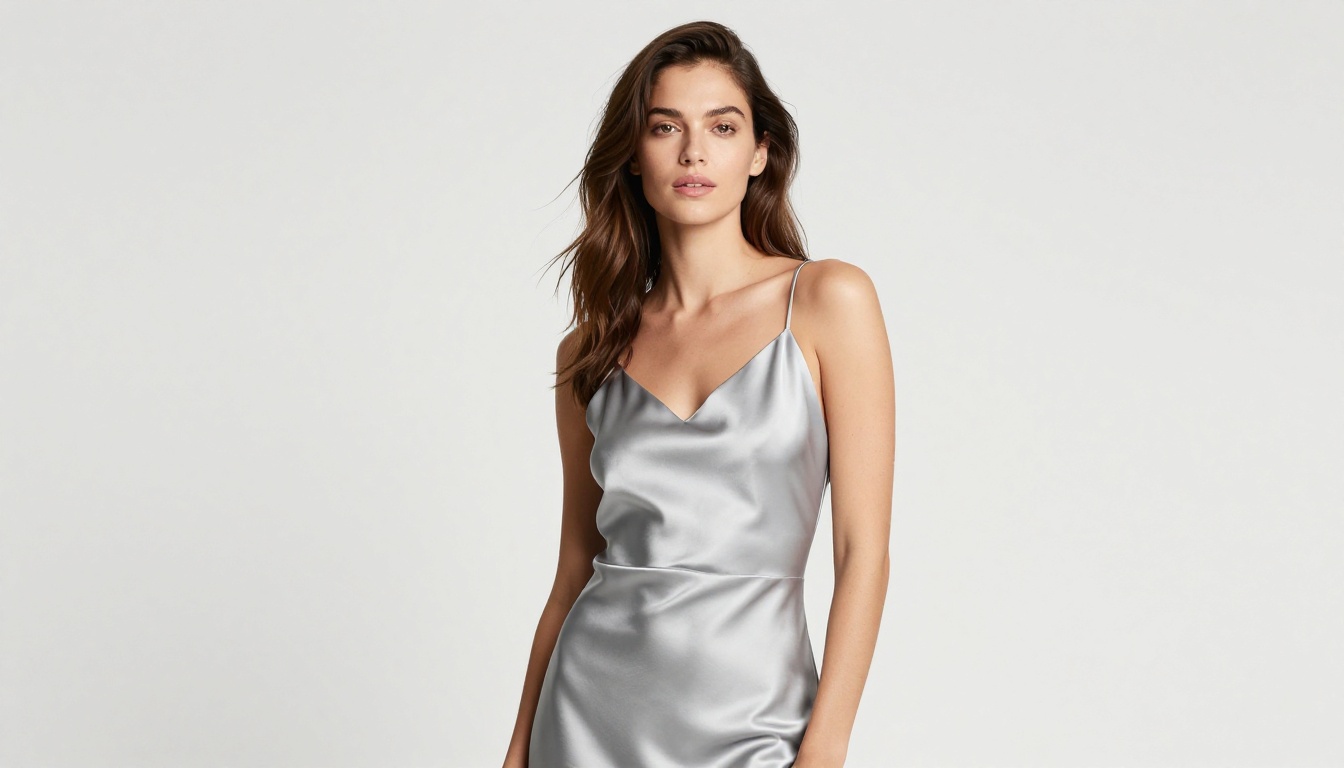
- Accurate fabric and material textures (silk, lace, satin)
- Natural hair movement and strand detail
- Strong handling of varied body types and poses
How PicassoIA Compares to Leonardo AI
Side-by-Side Feature Breakdown
| Feature | Leonardo AI | PicassoIA |
|---|
| NSFW Content | Heavily restricted | Suggestive and artistic allowed |
| Model Variety | 20-30 models | 183+ text-to-image models |
| LoRA Support | Limited | Full LoRA training and fusion |
| Resolution | Up to 4K | Up to 8K (select models) |
| Speed Options | Moderate | Fast, turbo, and pro tiers |
| Custom LoRA Training | Premium only | Available on multiple models |
| Image Editing | Basic | Inpainting, outpainting, object removal |
The core difference is model depth. While Leonardo AI offers a polished, curated set of tools, PicassoIA gives you access to the full breadth of open-source and commercial models, including Flux Pro, SDXL, DreamShaper XL Turbo, and Proteus v0.3, all under one roof.
The LoRA Advantage
One of PicassoIA's strongest differentiators is its LoRA ecosystem. If you want a consistent character, a specific aesthetic, or a recurring style for mature content, Flux Dev LoRA lets you attach style-specific fine-tuning weights to your generations.
This is something Leonardo AI's core platform does not offer with the same level of flexibility. The ability to train and apply custom LoRAs through the P Image Trainer means you can build a personal style library and apply it to any generation session.
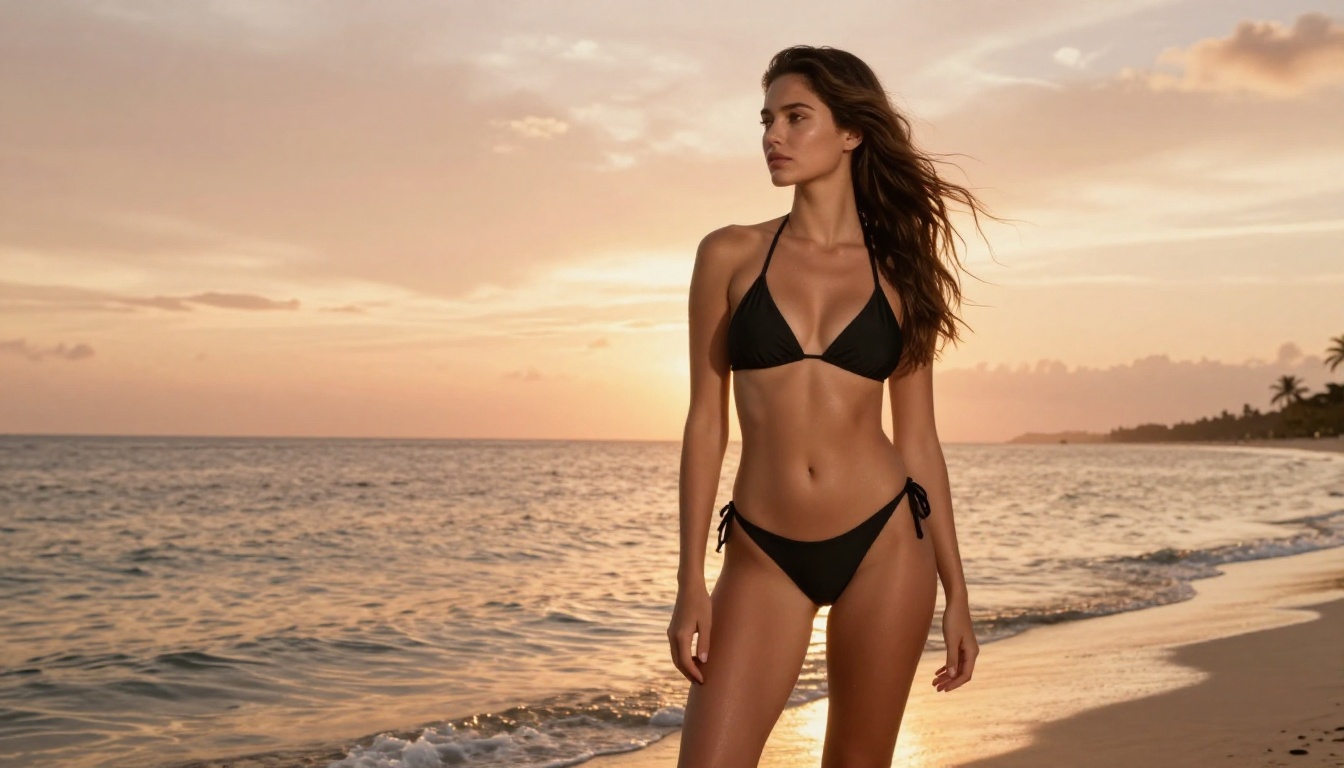
How to Use Flux Dev on PicassoIA for Suggestive Content
Here is a direct walkthrough for creating high-quality suggestive imagery with Flux Dev.
Step 1: Choose Your Model
Navigate to the Flux Dev page on PicassoIA. This is your go-to for photorealistic suggestive portraits. For faster results with slightly less detail, Flux Schnell is an excellent backup.
Step 2: Write a Detailed Prompt
Vague prompts produce vague results. Be specific about:
- Subject: Age range, hair color, body type, expression
- Clothing: Material, fit, color, how it interacts with light
- Setting: Interior or exterior, time of day, furniture
- Lighting: Direction, quality (soft or hard), color temperature
- Camera: Focal length, aperture, angle
Example prompt structure:
A confident woman in her 30s with auburn hair wearing a sheer ivory silk robe, standing in a sun-drenched bedroom, morning light from the left casting soft shadows, shot with 85mm f/1.4 lens, photorealistic skin texture, Kodak Portra 400 film grain.
Step 3: Set the Aspect Ratio
For portrait work, 2:3 or 9:16 gives you the vertical frame you need. For editorial layouts and widescreen compositions, 16:9 suits full-scene shots perfectly.
Step 4: Iterate and Refine
Your first generation is a draft. Use it to identify what works and what does not. Adjust:
- Lighting descriptors if skin looks flat
- Clothing descriptions if fabric texture is missing
- Background complexity if the scene feels empty
💡 Tip: Flux Fill Pro is excellent for inpainting. If one element of your image looks off, you can fix just that area without regenerating the entire scene.
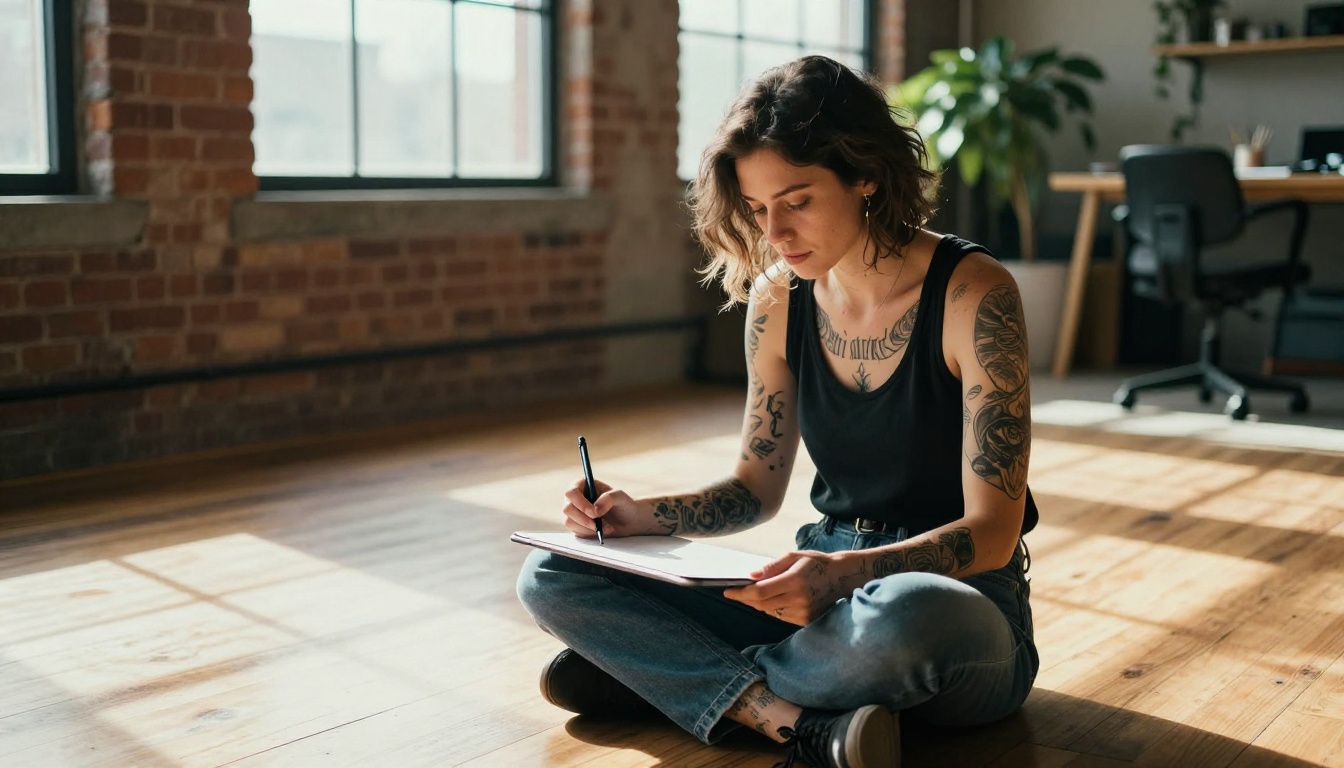
Prompting Strategies That Actually Work
Avoid These Common Mistakes
Most failed attempts at suggestive AI content come from prompting errors, not platform restrictions. Here is what to watch for:
-
Too vague: "A beautiful woman in lingerie" gives you something generic. Describe the specific lingerie, her exact pose, the room, and the lighting.
-
Conflicting style tags: Mixing "photorealistic" with "digital art style" confuses the model. Pick one lane.
-
Ignoring anatomy descriptors: If proportions look off, add anchoring details like "natural body proportions," "realistic anatomy," or reference real photography styles.
-
No lighting specification: Flat lighting is the most common reason photorealistic generations look artificial. Always specify.
Prompts That Consistently Perform
These prompt patterns work reliably across Flux Dev, RealVisXL v3.0 Turbo, and Realistic Vision V5.1:
Structure: Subject + Clothing in detail + Natural setting + Time of day + Lighting direction + Camera lens and aperture + Film stock or grain
The Kodak Portra 400 and Fuji 400H references trigger realistic grain and color science behavior across most photorealistic models. They are not just aesthetic choices. They fundamentally shift how the model processes skin tones and highlights.
Other Models Worth Using
HiDream L1 Full: High Resolution Power
HiDream L1 Full is one of the newer models on PicassoIA and produces extraordinary resolution for portrait and fashion work. The detail in fabric textures and hair is noticeably above what earlier models could achieve.
Playground V2.5: Aesthetic Perfection
Playground V2.5 was trained specifically for aesthetic quality. For suggestive content where visual appeal and composition matter as much as technical accuracy, it produces images with a naturally pleasing color palette and composition sense that feels less mechanical than purely technical models.
Proteus V0.3: The Overlooked Option
Proteus v0.3 is based on SDXL but fine-tuned heavily for stylized realism. It sits in an interesting middle ground between photorealism and illustration, making it excellent for fantasy-adjacent mature content, where you want real-looking skin but an atmosphere that feels slightly heightened and dramatic.
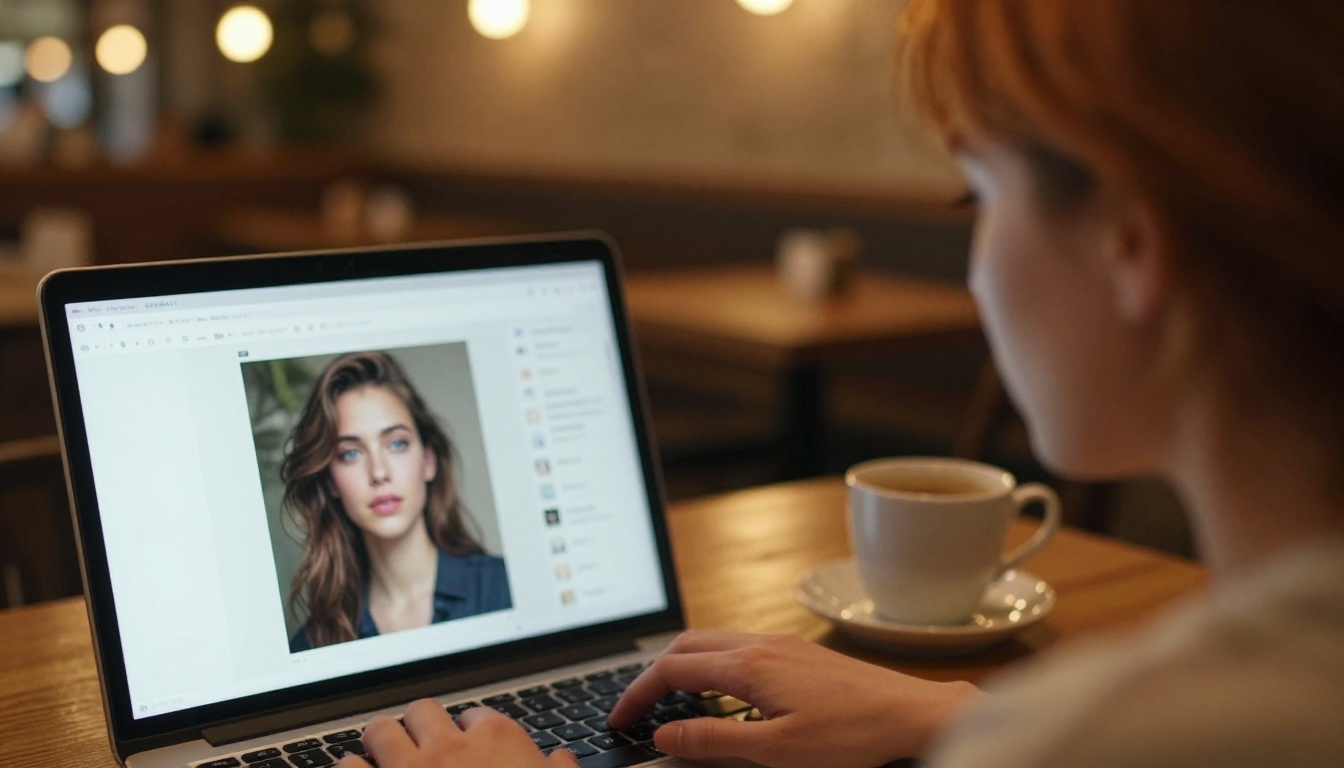
Generating an image is just the start. PicassoIA includes a full suite of editing tools that Leonardo AI simply does not match:
- Inpainting with Flux Fill Pro: Fix specific areas without regenerating the whole image
- Outpainting with Bria Expand Image: Extend your canvas to add more scene
- Super Resolution: Upscale finished images to 4K or 8K print-ready quality
- Background replacement with Bria Generate Background: Swap a flat studio background for a richly detailed environment
These tools turn a single good generation into a finished, polished image in a few extra steps, something that would require a full Photoshop workflow otherwise.
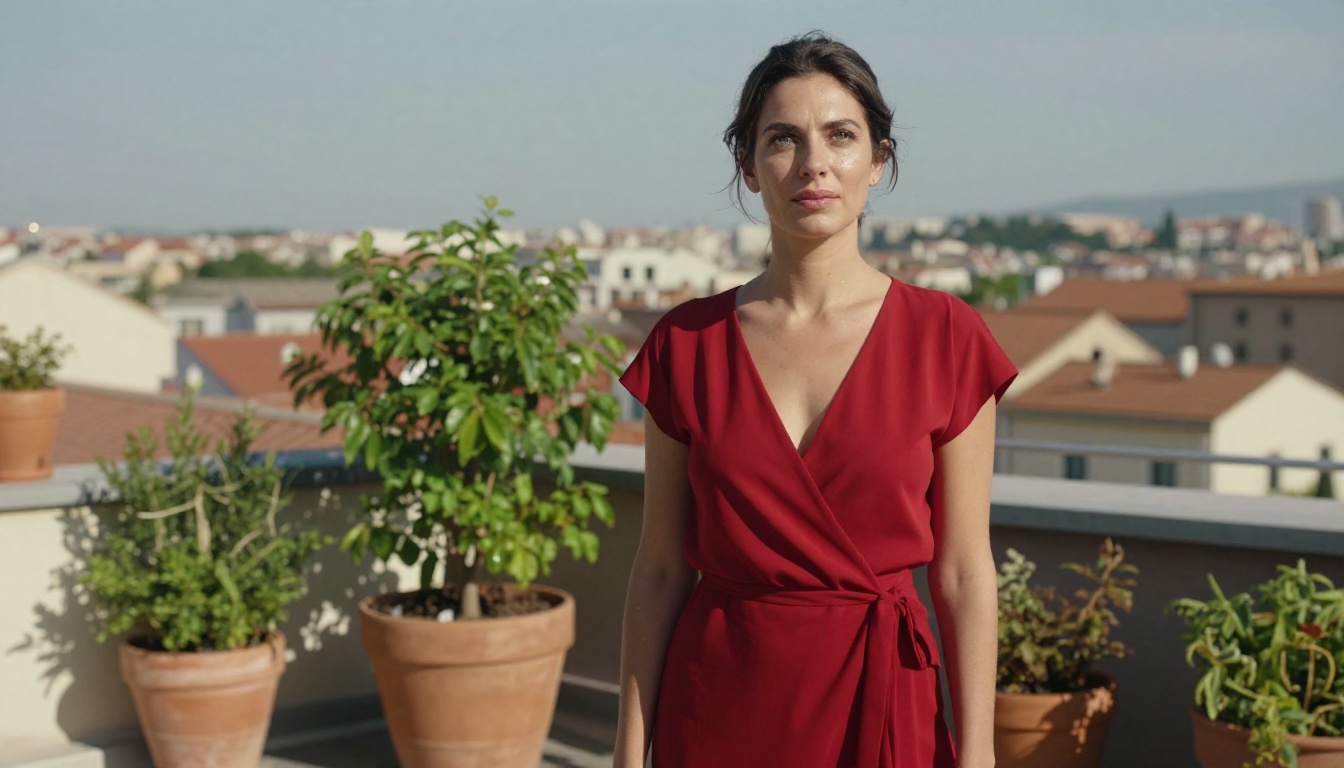
Speed vs. Quality: Picking the Right Model
Not every project needs maximum quality. Here is how to choose:
Start Creating Without Limits
If Leonardo AI has been your primary tool and you have been hitting content walls, the transition to a more flexible platform is simpler than it sounds. The prompting skills you have already built translate directly. The main adjustment is learning which models to reach for, and that knowledge curve is short.
PicassoIA gives you a single platform with 183+ text-to-image models, full LoRA support, professional editing tools, and the ability to work in suggestive and artistic mature content without constant friction. Whether you prefer Flux Dev for open-source reliability, RealVisXL v3.0 Turbo for photographic precision, or Stable Diffusion 3.5 for stylistic range, you will find models that match your vision without filters getting in the way.
Pick a model, write a detailed prompt, and see what you can actually create when the tools work with you instead of against you.


