You typed your prompt. Hit generate. And got back a content restriction notice. Again.
If that sounds familiar, you have hit Leonardo AI's content moderation system — one of the most aggressive filter mechanisms in the AI image generation space. It rejects prompts that contain fashion and swimwear descriptions. It blocks artistic references to nudity. It flags "seductive" poses in fully clothed characters and kills entire creative directions before a single pixel generates. And when it rejects your prompt, you still lose the tokens you paid for.
That is the specific frustration that has pushed tens of thousands of creators to look elsewhere. This article is your map to the alternative: Picasso AI, a platform running 180+ models with significantly more lenient content policies, better photorealistic output, and a model variety that Leonardo simply cannot match.
What Goes Wrong on Leonardo AI
Leonardo AI has a lot going for it: a polished interface, solid default models, and a community that shares LoRAs and styles. For landscape generation, architectural renders, or game asset creation, it holds up well.
But for portrait photography, fashion work, glamour imagery, and any creative subject involving the human body, the experience deteriorates fast.

The Filter Blocks Legitimate Work
Leonardo's safety system operates primarily on keyword detection within your prompt text, not on the actual visual output. The result is a filter that punishes creative description rather than actual harm.
Real examples of what gets blocked:
- "A woman in a bikini on a tropical beach" in most contexts
- "Seductive expression" on a fully dressed character
- "Sheer fabric" in fashion photography descriptions
- "Bare shoulder" in artistic portrait references
- "Intimate" in nearly any context whatsoever
The system cannot distinguish between a fashion photographer describing a lingerie mood board for a client presentation and someone trying to generate explicit content. Both get the same rejection. For professional creative workflows, this is genuinely disruptive.
You Still Pay When It Fails
Leonardo's token economy makes rejected prompts expensive in two ways. First, you spend tokens on a generation that never happens. Second, you spend more tokens iterating your prompt to find language that passes the filter, often producing a result that no longer matches your original creative intent because you stripped out the descriptive language that made it work.
For free-tier users with limited daily token replenishment, hitting the content filter multiple times in a session can effectively end your productive day on the platform.
The Model Ecosystem Is Closed
Leonardo's strength comes from its proprietary models: Phoenix, Alchemy refinement, Kino XL for cinematic work. These are solid models. But they represent a tiny slice of what the AI image generation ecosystem offers.
If you want Flux Dev, the current benchmark model for photorealistic human subjects, Leonardo does not have it. If you want Stable Diffusion 3.5 Large, SDXL Lightning 4Step, or GPT Image 1, you cannot access them through Leonardo. You have to go elsewhere for each one, maintain separate accounts, and manage different workflows.
Picasso AI collapses all of that into one interface.
Why 180+ Models Changes Everything
The first time you open Picasso AI after coming from Leonardo, the model selector is the thing that stops you. Not ten models. Not twenty. 180+ text-to-image models alone, plus dozens more across video, audio, and editing categories.
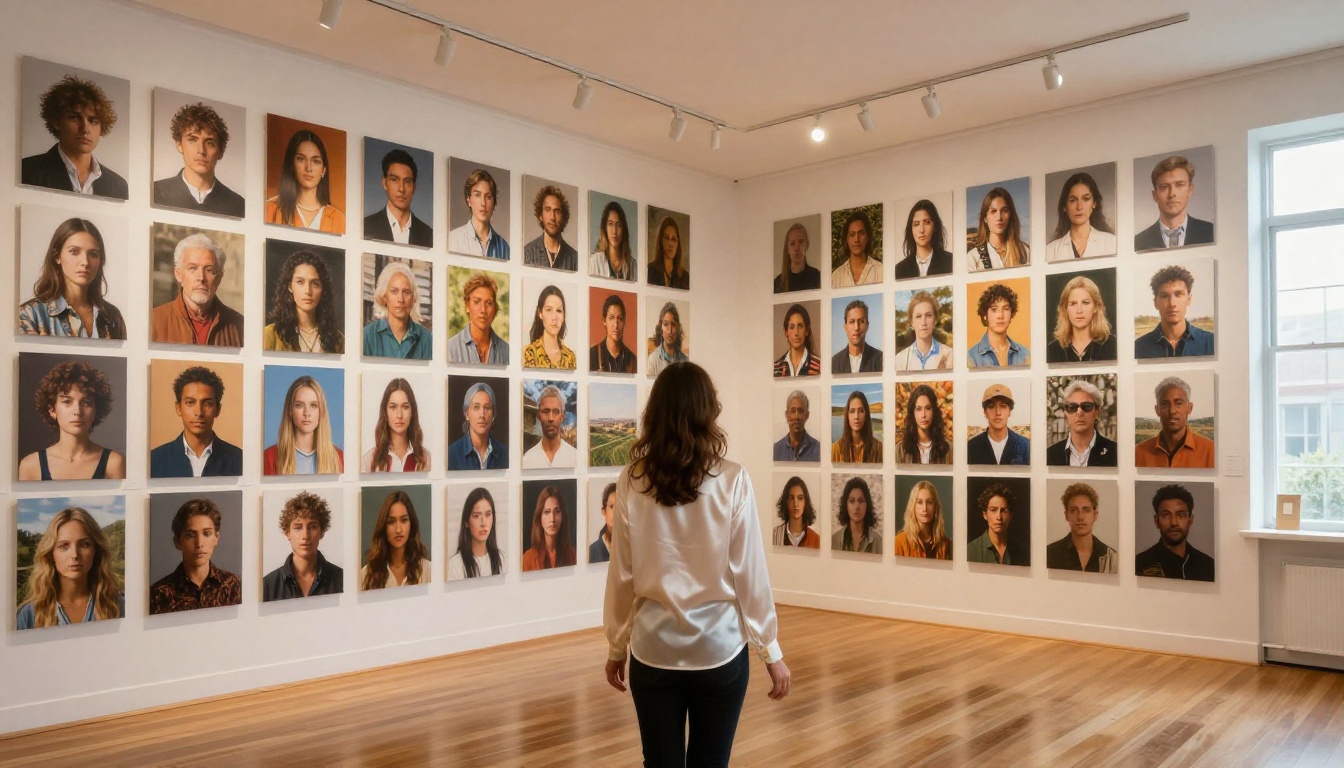
This is not bloat. The model variety represents genuinely different capabilities:
- Flux Dev: The standard for photorealistic portrait work in 2027. Best skin texture, hair detail, and lighting accuracy in the open-source ecosystem.
- Flux Pro: Professional-grade output. Noticeably better on complex scenes with multiple subjects.
- Flux 2 Pro: 4MP generation for large-format print work.
- Flux Kontext Dev: Rewrite and edit existing images through text prompts while preserving context and style.
- SDXL Lightning 4Step: Near-instant generation for fast iteration and concept drafting.
- RealVisXL v3.0 Turbo: Trained specifically for photorealistic humans, highly consistent anatomy and skin results.
- GPT Image 1: OpenAI's image model, excellent prompt adherence for complex compositions.
- Ideogram v3 Turbo: Best model for generating images with sharp, readable text embedded in them.
- Stable Diffusion 3.5 Large: Strong artistic range, flexible for experimental and unconventional prompts.
- Phoenix 1.0: Leonardo AI's own model, available on Picasso AI without Leonardo's content filters.
That last point is worth repeating. If you specifically like Leonardo's Phoenix model but hate their moderation system, you can run Phoenix through Picasso AI instead and get the output quality you want without the rejection walls.
The Content Freedom Gap
The most direct way to demonstrate the difference is to describe what Picasso AI handles comfortably that Leonardo routinely rejects.
Glamour and Fashion Photography
Fashion photography has always operated at the edge of conventional content guidelines. Swimwear campaigns, boudoir-style editorials, and artistic portraiture all involve suggestive composition without being explicit. Leonardo's filter treats these categories with the same aggression it applies to explicit requests.
Picasso AI generates this content without issue. Swimwear, lingerie styling, fine art implied nudity, glamour portraits, and intimate couple photography all produce results on Picasso AI that would consistently fail on Leonardo.

💡 Best models for glamour work: RealVisXL v3.0 Turbo for consistent body proportions and natural skin; Flux Dev for the highest realism on final renders.
Artistic Figure Work
Classical art traditions involve the nude figure as a subject of serious study and creative expression. AI image generators that block all nudity-adjacent content are making a creative and commercial judgment that many professional artists reject outright.
Picasso AI's approach allows artistic figure work within tasteful aesthetic bounds: fine art portraiture, figure drawing references, and conceptual body art, without requiring you to sanitize your prompts into meaninglessness.
Fantasy and Action Characters
Female warriors in armor, fantasy characters with minimal clothing, mythological figures — Leonardo's filter catches all of these with surprising consistency. Picasso AI handles them without the false-positive blocking that makes creative worldbuilding so frustrating on platforms with overzealous moderation.
How to Use Flux Dev on Picasso AI
Since Flux Dev is the recommended starting model for anyone moving from Leonardo, here is how to get the best results immediately.
Step 1: Open Picasso AI and select Flux Dev from the text-to-image model category.
Step 2: Write a descriptive prompt using the SUBJECT + ENVIRONMENT + LIGHTING + CAMERA structure:
"A photorealistic portrait of a young woman with olive skin and dark curly hair, standing in a sun-drenched Sicilian courtyard, afternoon golden hour light from camera left creating a warm rim on her hair and shoulder, shot on 85mm f/1.8, Kodak Portra 400 film grain, natural authentic expression"
Step 3: Add a negative prompt to prevent common AI artifacts:
"cartoon, illustration, CGI, plastic skin, oversmoothed, blurry, watermark, text, low quality, deformed hands"
Step 4: Set aspect ratio to 16:9 for landscape compositions or 2:3 for vertical portrait-orientation images.
Step 5: Run your first generation. Flux Dev usually delivers strong results on the first attempt for portrait work. If the result misses specific details, iterate your prompt with more specificity rather than regenerating with identical language.
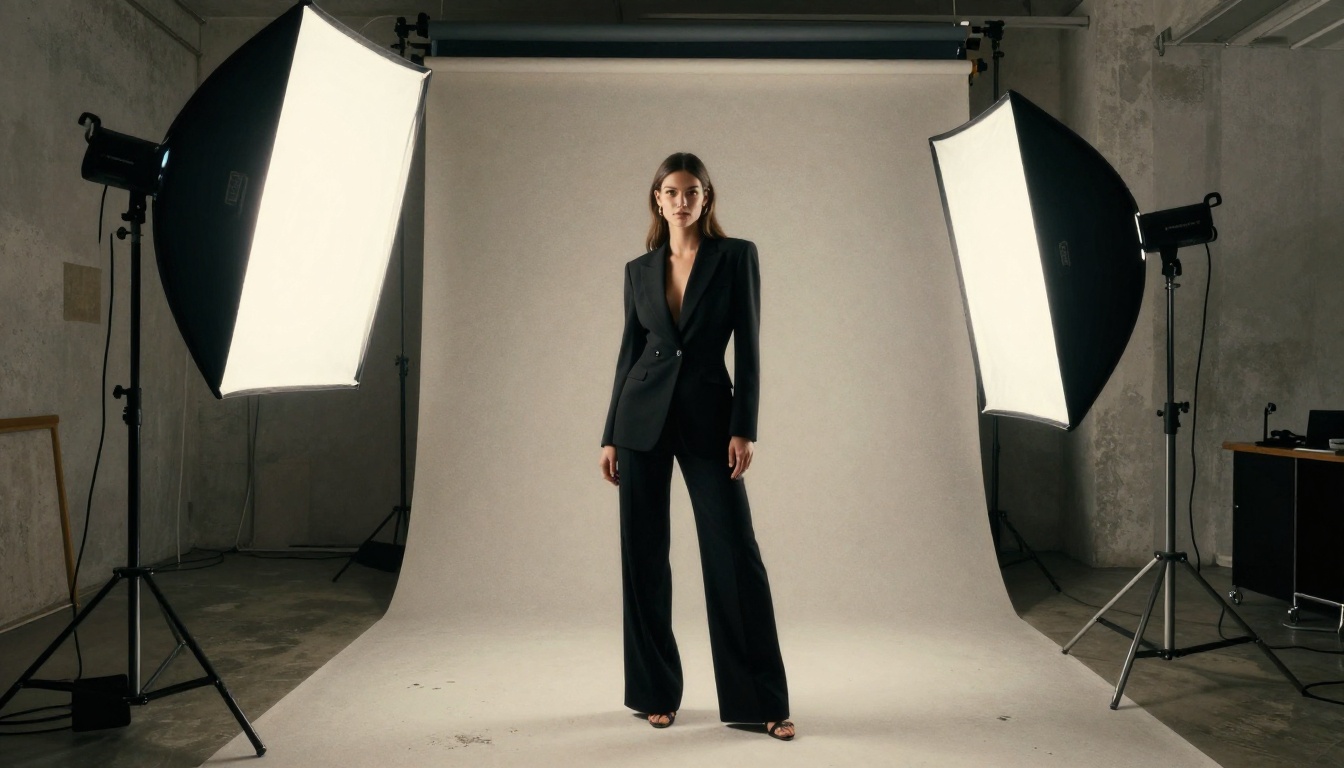
For higher resolution final outputs, switch from Flux Dev to Flux Pro or Flux 2 Pro. The quality increase on detailed portrait work is significant and clearly visible.
Matching the Right Model to Your Work
With 180+ options, having a quick decision framework for model selection saves real time.
A Note on Speed vs. Quality
If you are in an ideation phase running 20-30 variations to find the right direction, SDXL Lightning 4Step is the correct tool. It generates in seconds and gives you enough visual fidelity to evaluate whether a direction is worth pursuing.
Once you have locked in your composition and subject, move to Flux Pro or Flux 2 Pro for the deliverable-quality render. This two-stage workflow matches how professional studios already use AI tools and makes the most of each model's strengths.
One of the biggest practical advantages of Picasso AI over Leonardo is the editing suite. After generation, you can fix, extend, and refine your images without switching platforms or opening Photoshop.

Key editing tools available on Picasso AI:
- Flux Fill Pro: Inpainting for fixing specific image areas — replace a background, fix an awkward hand, adjust clothing details without regenerating the full image
- Expand Image: Outpainting to extend the canvas in any direction, useful for converting portrait crops to landscape compositions
- Eraser: Remove specific objects from any image while the AI fills the gap naturally and seamlessly
- Genfill: Add objects through text description, placed naturally into the existing scene context
- Flux Depth Pro: Depth-aware editing that respects the spatial relationship between subject and background
- Flux Kontext Dev: Full image rewrite through text while preserving the style and compositional logic of the original
This eliminates most of the Photoshop round-trips that typically follow AI image generation. For professionals delivering assets on tight client timelines, the efficiency gain across a full project is substantial.
The Quality Question
Image quality is ultimately what makes or breaks any platform switch. Switching for freedom alone is not enough if the output quality drops.
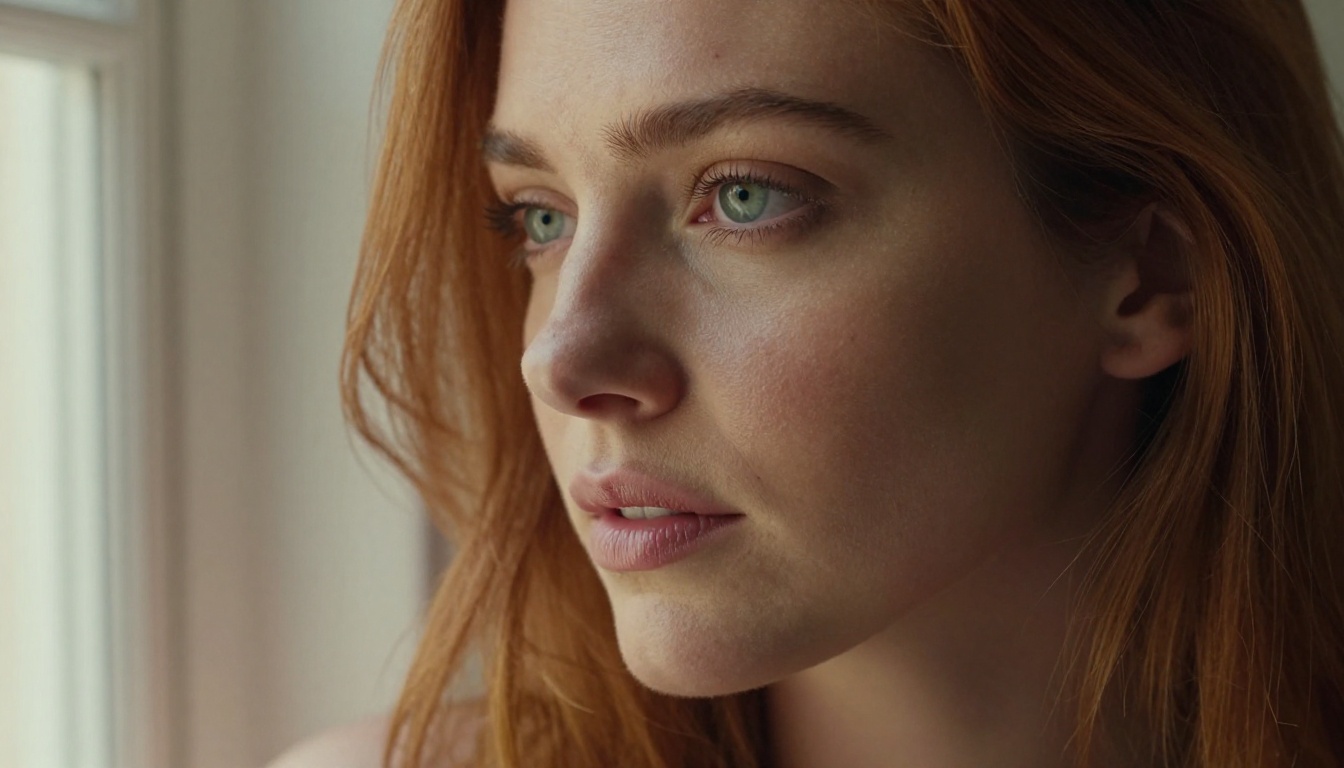
On photorealistic portrait work specifically, Flux Dev outperforms Leonardo's Phoenix model in three specific areas:
Skin texture: Flux produces visible pore detail, realistic subsurface light scattering, and natural tone gradients across highlight-to-shadow transitions. Phoenix tends to over-smooth skin surfaces in a way that reads as slightly artificial at closer inspection.
Hair detail: Individual strand rendering, flyaways, and natural volume distribution are noticeably better in Flux. Hair is one of the most technically difficult elements for generative models and one of the clearest quality markers in portrait output.
Anatomy accuracy: Flux Pro and Flux 2 Pro produce fewer hand and finger errors than Leonardo's current model stack. Not perfect across all cases, but meaningfully better for human subject work where anatomy matters.
What Picasso AI Does Not Do Better
Honesty matters here. Leonardo's Phoenix model has a strong aesthetic coherence that some users prefer for stylized fantasy and gaming content. If your primary use case is producing stylized character art rather than photorealistic imagery, Phoenix has a distinctive visual quality that Flux does not replicate by default.
The answer is not that one platform wins everything. The answer is that Picasso AI gives you access to both ecosystems — including Phoenix 1.0 itself — without the content restrictions that make Leonardo frustrating for so many creators.
Bikini, Beach, and Beauty: What Picasso AI Actually Delivers
The practical test of a content filter is whether it blocks work that real creators need to do.
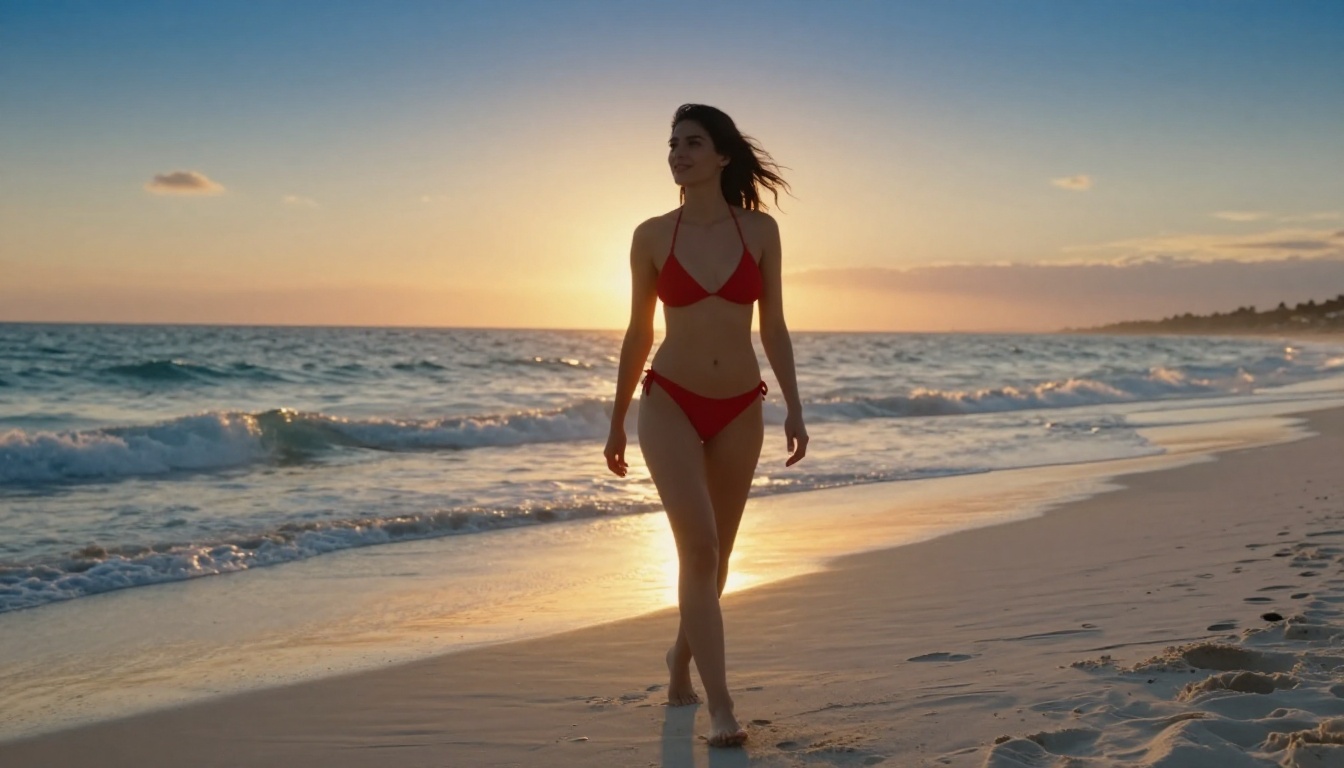
Fashion brands, beauty campaigns, travel content, lifestyle photography, and commercial portrait work all routinely involve subjects in swimwear, minimal clothing, or suggestive poses. These are standard creative briefs, not edge cases.
Picasso AI handles all of them. Beach editorials. Swimwear lookbooks. Glamour portraiture. Artistic nudity within aesthetic bounds. The platform treats creators as professionals working on legitimate briefs rather than as threats to be pre-emptively blocked.
💡 For beach and swimwear work: Flux Dev with detailed lighting descriptions (golden hour, specific sun angle, ocean background) produces results that look like actual editorial photography. Specify the film stock (Kodak Portra 400, Fujifilm 400H) in your prompt for immediate quality improvement.
3 Mistakes to Avoid When You Switch
Mistake 1: Copying your Leonardo prompts directly. Leonardo's Phoenix model was trained on different data with different prompt-sensitivity patterns than Flux. Prompts optimized for Phoenix often underperform on Flux. Restructure your prompts using the SUBJECT + ENVIRONMENT + LIGHTING + CAMERA format for best results on Picasso AI.
Mistake 2: Defaulting to one model for everything. The model variety is an asset, not noise. Spend 20-30 minutes testing your specific subject type across Flux Dev, RealVisXL v3.0 Turbo, and SDXL Lightning 4Step before settling into a workflow. The differences are significant.
Mistake 3: Ignoring the editing tools. Most users only find the text-to-image function and stop there. The editing suite — particularly Flux Fill Dev, Genfill, and Eraser — turns near-perfect images into actually perfect ones without starting a new generation from scratch.
Start Creating
The proof is in the first prompt you run.
Take whatever prompt Leonardo rejected last week. Put it into Flux Dev on Picasso AI. The difference in how the platform responds to your creative intent is immediately apparent.

For portrait and fashion work: start with Flux Dev. For your highest-quality final renders: move to Flux Pro. For rapid iteration on concept directions: use SDXL Lightning 4Step. For glamour and human-subject work specifically: RealVisXL v3.0 Turbo is where you belong.
Picasso AI is free to start. No waitlist. No token anxiety burning through your budget on rejected prompts. No content filter deciding your creative direction for you.
Pick the prompt you have been holding back. Run it. See what happens when the platform gets out of the way.


