The question isn't which AI image platform has a better landing page. It's which one actually delivers when you sit down to create real work. Leonardo AI has spent the last couple of years building a strong following, particularly among game designers and digital artists. But Picasso AI has entered the space with a model library and pricing structure that challenges every assumption about what AI image generation should cost and what it should produce. This article breaks both platforms down on price, image quality, and what you actually get for your money.
What Leonardo AI Actually Offers
Leonardo AI launched with a focus on game asset creation and gradually expanded into a general-purpose AI art platform. Its approach to pricing and model access has defined how many users think about AI generation tools, and not always in a positive way.
The Credit-Based Pricing Model
Leonardo operates on a credit system. Every image you generate costs a set number of credits. The amount varies based on the model, resolution, number of outputs, and whether you use premium features like Alchemy or upscaling.
This structure creates a constant mental overhead for serious creators. Before you experiment, you calculate. Before you iterate, you check your balance. For creative work that depends on rapid iteration and exploring unexpected directions, that calculation interrupts flow in ways that matter.

Here is how Leonardo's pricing tiers break down:
| Plan | Monthly Price | Credits Per Month | Commercial Use |
|---|
| Free | $0 | 150 per day | Not included |
| Apprentice | $10 | 8,500 | Included |
| Artisan | $24 | 25,000 | Included |
| Maestro | $48 | 60,000 | Included |
At first glance, 25,000 credits per month sounds like more than enough. But factor in what each generation actually costs: a standard output at default settings runs around 8 to 10 credits. Enable Alchemy for better quality and you are looking at 15 to 25 credits per image. Run a batch of four images with Alchemy enabled and you can burn 100 credits in a single click. That brings the Artisan plan's 25,000 credits down to roughly 250 quality generations per month, or about 8 per day. For a creator on a production schedule, that ceiling appears quickly.
Free vs. Paid: The Real Gap
The free tier on Leonardo provides 150 daily tokens that reset every 24 hours. What it does not provide is access to premium models. Phoenix, Alchemy, and other higher-quality systems require paid plans. Commercial use of any generated image is also blocked on the free tier.
For users testing the platform before committing money, this means the free experience is not representative of what the paid plans can actually produce. You test on lower-quality outputs and then pay to access the real thing.
💡 The free tier on Leonardo is a product sampler, not a working tool. If you are evaluating it for professional use, budget at least the Artisan plan to see what you are actually buying.
Where Leonardo Has Real Strengths
Leonardo has genuine advantages that deserve acknowledgment. Its community model marketplace is extensive. Users have published thousands of fine-tuned custom models over the years, creating a resource particularly rich in fantasy illustration, game concept art, and stylized portrait work.
Its training ecosystem is also mature. Creators who have invested time in custom fine-tunes for specific clients or visual identities have built something valuable inside the platform. Moving that work elsewhere is a real switching cost.
If your creative needs fit within those categories and you generate fewer than 300 images per month, Leonardo's credit system will not be a significant obstacle. The challenge appears when volume increases, when you need photorealistic outputs rather than stylized ones, or when you want access to the latest frontier models without waiting for a platform to integrate them.
Picasso AI: Pricing Without the Meter
Picasso AI takes a structurally different position. Rather than selling credits against a monthly allocation, the platform offers access to its full model library as part of each subscription tier. You are not tracking tokens. You are paying for time with the platform.
What Flat-Rate Access Means in Practice
For creators who run high-volume workflows, the shift from credit-based to flat-rate access changes how they work fundamentally. Testing a new model style does not cost extra. Running 50 variations of a concept to find the right one does not eat into a limited budget. Creative experimentation, which is where most of the best work actually comes from, becomes unconstrained.

This matters most for:
- Photographers building AI-assisted portfolios who need to iterate quickly across dozens of prompts
- Marketing teams producing high-volume visual assets across multiple campaigns simultaneously
- Freelancers managing multiple client projects that each require distinct visual styles
- Content creators who generate images daily and cannot afford credit anxiety mid-session
- Brand managers building consistent visual identities across large asset libraries
91 Models in One Subscription
The model library is where Picasso AI creates the clearest separation from Leonardo. With over 91 text-to-image models available under a single subscription, the platform includes both cutting-edge frontier models and specialized tools for specific output types.
Flux Redux Dev by Black Forest Labs stands as one of the best image variation systems currently available. It allows you to take an existing image and generate coherent stylistic variations while preserving composition and subject identity. For brand work where visual consistency is non-negotiable, this capability alone justifies the subscription cost.
GPT Image 2 by OpenAI brings a fundamentally different generation approach. Its outputs for portrait realism, fine fabric texture, and lighting naturalism sit at the top of what text-to-image technology currently achieves. The micro-detail in skin, hair, and environmental surfaces is in a different category from what most platforms offer.
Qwen Image Edit Plus adds AI-powered editing directly in the workflow. Rather than generating a new image from scratch when you need a small change, you use a text prompt to modify the existing output. This cuts iteration time significantly for any project with specific visual requirements.
For creators building a repeatable visual style, the P Image Trainer provides LoRA training capabilities. Upload your reference images, train a custom model, and generate new outputs that stay consistent with your established visual identity across every project.
Image Quality: Where It Gets Interesting
Both platforms can produce impressive results. The quality ceiling in AI image generation has risen fast over the past two years, and both Leonardo and Picasso AI have kept pace. The meaningful differences appear at the level of specific creative output types.
Photorealism and Micro-Detail
Portrait photography realism is the hardest benchmark for AI image generators. Skin texture, eyelash detail, iris color variation, lip subtlety, and the way light transitions across a face all reveal the gap between good and exceptional model performance.

Leonardo's Phoenix model handles portrait lighting well for its niche. It produces a polished, slightly cinematic look that works for concept art and stylized creative work. The issue is that this stylization is always present. Even when you want something genuinely photographic, Phoenix applies a perceptible processing signature that reads as AI-generated to a trained eye.
GPT Image 2 on Picasso AI does not have this signature problem. Its outputs for photorealistic subjects sit closer to actual photography. The micro-detail in skin, the naturalism in hair, and the accuracy in fabric texture are noticeably more convincing for use cases that demand realism rather than stylization.
Style Variety and Switching Cost
One of the most practical aspects of comparing platforms is how easy it is to shift between visual styles within a single project. If you are building assets for a travel brand that needs photorealistic destination photography for some campaigns and illustrated character work for others, you need both capabilities in a single tool.
On Leonardo, style switching means selecting from its curated internal models or using community-published fine-tunes. The selection is decent but narrower than what 91 models provides.

On Picasso AI, switching between Flux Redux Dev for variation work and GPT Image 2 for portrait realism happens within the same interface session. No workarounds. No export and re-import. One platform, one subscription, one workflow.
💡 Style flexibility across a project is often more valuable than peak performance on a single image. Pinning a specific model per content type means visual consistency without locking yourself into one aesthetic for the entire campaign.
The Full Capability Comparison
Beyond text-to-image generation, what each platform offers across the broader creative workflow matters significantly for teams who need more than still images.
| Capability | Leonardo AI | Picasso AI |
|---|
| Text to Image | Yes, limited models | Yes, 91+ models |
| Image Variations | Limited | Yes, Flux Redux Dev |
| Inpainting | Yes | Yes |
| Outpainting | Limited | Yes |
| Object Replacement | No | Yes |
| AI Image Restoration | No | Yes |
| Face Swap | No | Yes |
| Text to Video | Limited | Yes, 87+ models |
| Video Editing | No | Yes |
| Video Quality Boost | No | Yes |
| Lipsync | No | Yes |
| Text to Speech | No | Yes |
| AI Music Generation | No | Yes |
| Background Removal | No | Yes |
| Super Resolution | Yes | Yes, 2x to 4x |
| Custom LoRA Training | Yes | Yes |

For a solo image generation use case, both platforms handle the basics. For any workflow that extends into video, audio, or image editing, the gap in Picasso AI's favor becomes substantial. Teams building multimedia pipelines across images, video, and audio can consolidate tooling into a single subscription rather than paying for multiple specialized services.
The Real Cost Per Image
Here is the calculation that volume creators need to run before committing to a platform:
On Leonardo's Artisan plan at $24 per month with 25,000 credits:
- Standard generation at 10 credits per image: 2,500 images maximum
- Quality generation with Alchemy at 20 credits per image: 1,250 images maximum
- High-resolution upscaled output at 30 credits: 833 images maximum
A single product photography campaign requiring 50 hero images, each with 10 variations tested, means 500 generations before upscaling. Add refinement passes and the total climbs. A mid-size campaign can consume a meaningful share of the entire monthly credit allocation in a single afternoon.
On Picasso AI with flat model access, the cost per image scales down with every session. The more you generate, the lower the effective cost per output. A creative professional running daily sessions gets better economics every week.
💡 If your workflow regularly involves batch testing, variant generation, or high-volume campaign production, flat-rate access will almost always deliver better per-image economics than credit metering at comparable price points.
| Creator Profile | Better Platform |
|---|
| Hobbyist, under 50 images per month | Leonardo free tier |
| Game concept artist using Leonardo community models | Leonardo Artisan |
| Marketing team doing volume visual production | Picasso AI |
| Photographer needing photorealistic AI portrait work | Picasso AI |
| Video creator building a multimedia pipeline | Picasso AI |
| Freelancer managing multiple client visual identities | Picasso AI |
| Social media content creator posting daily | Picasso AI |
| Creator wanting custom LoRA training only | Either platform |
What Creative Freedom Actually Costs
Sitting in front of an AI image tool should feel like sitting in front of a camera: you think of a shot, you try it, you adjust, you try again. The credit meter on Leonardo creates a small but constant friction that does not exist in that state.
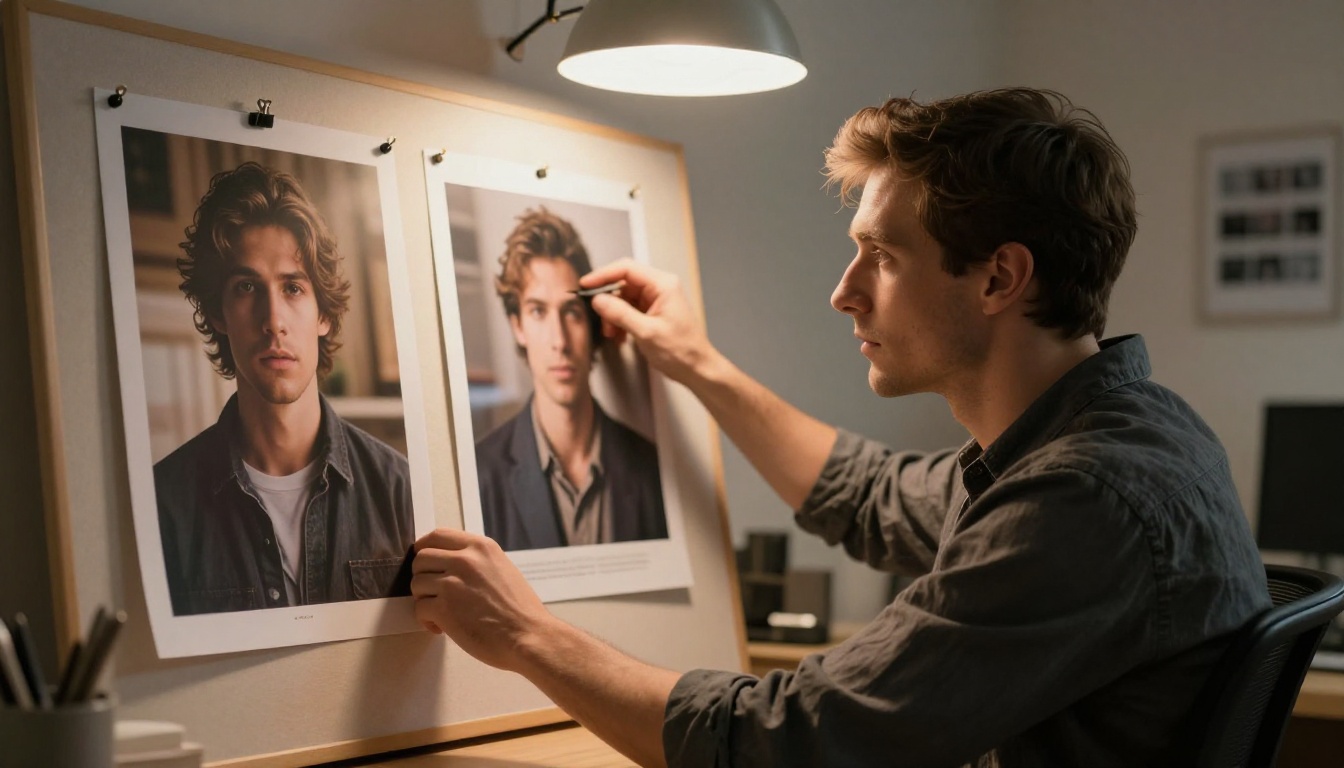
Creative freedom is not just a philosophical position. It has a practical meaning in production. When you are not counting what each generation costs, you take more shots, try more angles, and find better results. The images that come from unconstrained iteration are almost always stronger than the ones from a rationed process.
Picasso AI's model depth adds another dimension to this. Switching between Flux Redux Dev and GPT Image 2 in a single session is not just a feature. It is a different creative environment, one where the tool adapts to the work rather than forcing the work to adapt to the tool's limitations.
Photorealistic Detail in Practice
Both platforms have raised the standard of what photorealistic AI images can look like. The gap between 2023 outputs and what is achievable today is dramatic. But within the current generation of tools, the ceiling is not equal across platforms.

Portrait work is the clearest benchmark because human faces are the thing viewers are most sensitive to. Subtle errors in skin tone, lighting transition, or eye detail are immediately visible in a way that errors in architecture or landscape are not. For portrait-heavy work, the model choice matters more than almost any other variable.
GPT Image 2 on Picasso AI produces results in this category that genuinely challenge the ceiling. Skin micro-texture, individual hair strand definition, and the naturalistic way that light wraps around facial features all contribute to outputs that read as photographic rather than generated.
For product photography, architectural visualization, and fashion imagery, Flux Redux Dev adds the ability to iterate on a winning composition across dozens of controlled variations, something that standalone generation tools cannot replicate with the same consistency.
💡 The best AI image workflow is not a single model producing final outputs. It is a process of generation, variation, and refinement across different models matched to what each one does best. Having 91 models available without extra cost makes that process practical rather than expensive.
Try It and See the Difference
Reading comparisons only gets you so far. The most convincing argument is running the same prompt on both platforms and seeing what comes back.

Pick a subject you know well, something you have a clear visual expectation for. Write a detailed prompt. Run it on Leonardo's best available model. Then run the same prompt on GPT Image 2 and Flux Redux Dev on Picasso AI. The outputs will tell you more than any written comparison can.
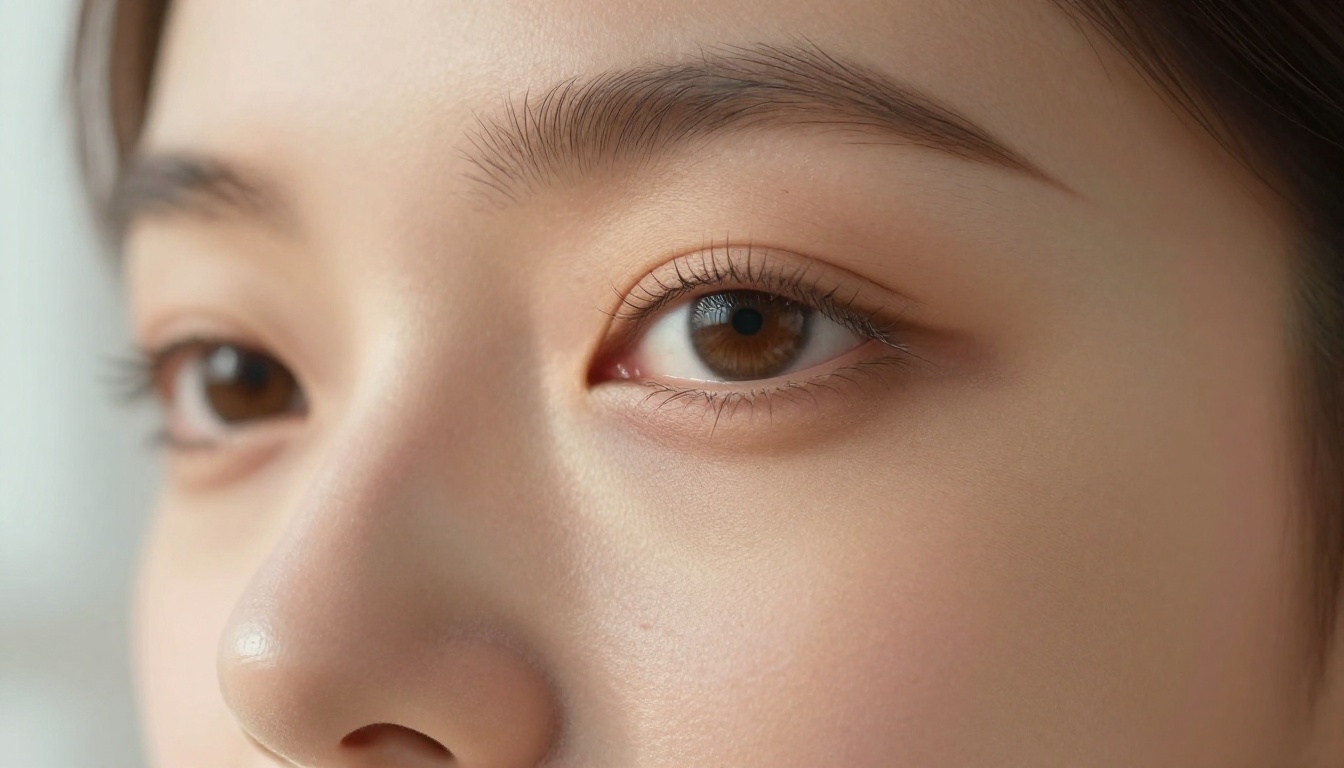
For portrait realism, product photography, glamour work, and any creative category where photographic accuracy matters, the case for Picasso AI's model library is difficult to argue against. Ninety-one text-to-image models, flat-rate access without credit metering, and a capability set that extends from still images through video, audio, and everything in between.
That is what a platform built around what serious creators actually need looks like. Start with one prompt. See what 91 models can do with it. The difference will make your next platform decision straightforward.


