Leonardo AI released Lucid Origin as one of its most ambitious image generation models to date. It sits at the top of the photorealism tier, built for creators who need images that hold up to scrutiny at full resolution. Not just "good enough for social media" quality, but the kind of detail that makes viewers double-check whether they are looking at a photograph or an AI-generated scene. This article breaks down exactly what Lucid Origin is, what makes it technically different from other models, where it performs best, and what comparable options exist for creators who want this quality level without a Leonardo subscription.
What Lucid Origin Actually Is
Lucid Origin is Leonardo.ai's proprietary fine-tuned model built on a high-capacity diffusion backbone. The name reflects its design philosophy: images that appear lucid, clear, and rooted in optical reality. Unlike stylized models that lean into artistic interpretation, Lucid Origin prioritizes physical plausibility in every pixel.
The Architecture Behind It
The model operates on a high-resolution latent diffusion pipeline with attention mechanisms specifically trained on photographic datasets. Training data was curated heavily toward real-world photography rather than digital art, which is why its outputs mimic camera characteristics: natural lens aberrations, realistic depth of field, and film-like tonal ranges.
What separates it from older Leonardo models is the attention to subsurface scattering in skin tones. Earlier models often produced what photographers call "plastic skin," where human faces lack the translucent quality of real flesh when light passes through it. Lucid Origin addresses this directly.
How It Compares to Previous Leonardo Models
Leonardo has shipped a steady sequence of models over the years: Phoenix, Anime Pastel Dream, AlbedoBase XL, and others. Each carved out a niche.
| Model | Best For | Realism Level |
|---|
| Phoenix | General creative work | Medium |
| AlbedoBase XL | Commercial art | Medium-High |
| Anime Pastel Dream | Stylized anime | Low (intentional) |
| Lucid Origin | Photography simulation | Very High |
Lucid Origin does not try to win in stylized categories. It is narrowly focused on one thing: making outputs look like they came out of a camera.
Where Lucid Origin Shines
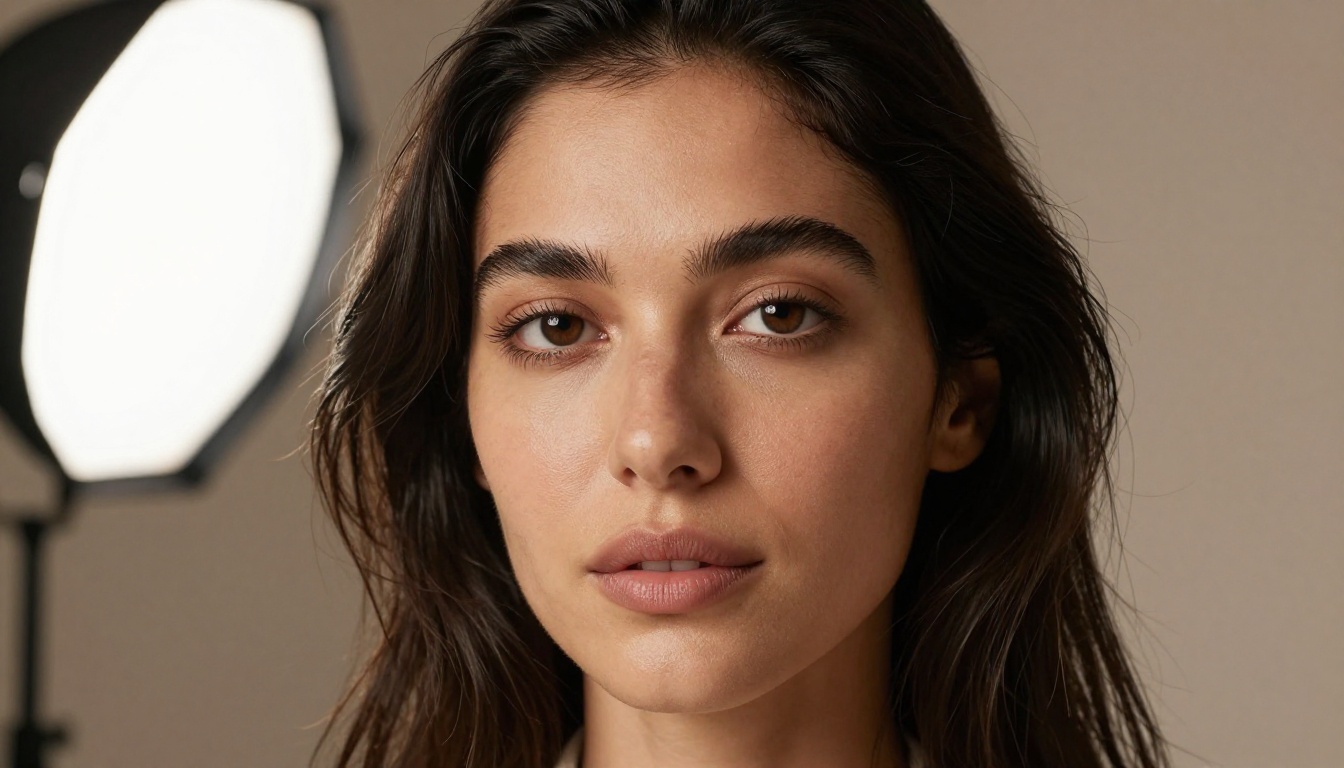
The model earns its reputation in three domains: portrait work, environmental photography, and product visualization. Each demands a different kind of realism, and Lucid Origin handles the technical requirements of each one.
Portrait and Facial Detail
Human faces are the hardest subject for any image generation model. The human brain has an entire dedicated neural region for processing faces, which means viewers are extraordinarily sensitive to anything that feels wrong. Uncanny valley effects, misaligned eyes, wrong skin texture, fake-looking hair, all of these register immediately.
Lucid Origin's training addresses the most common failure points with notable precision:
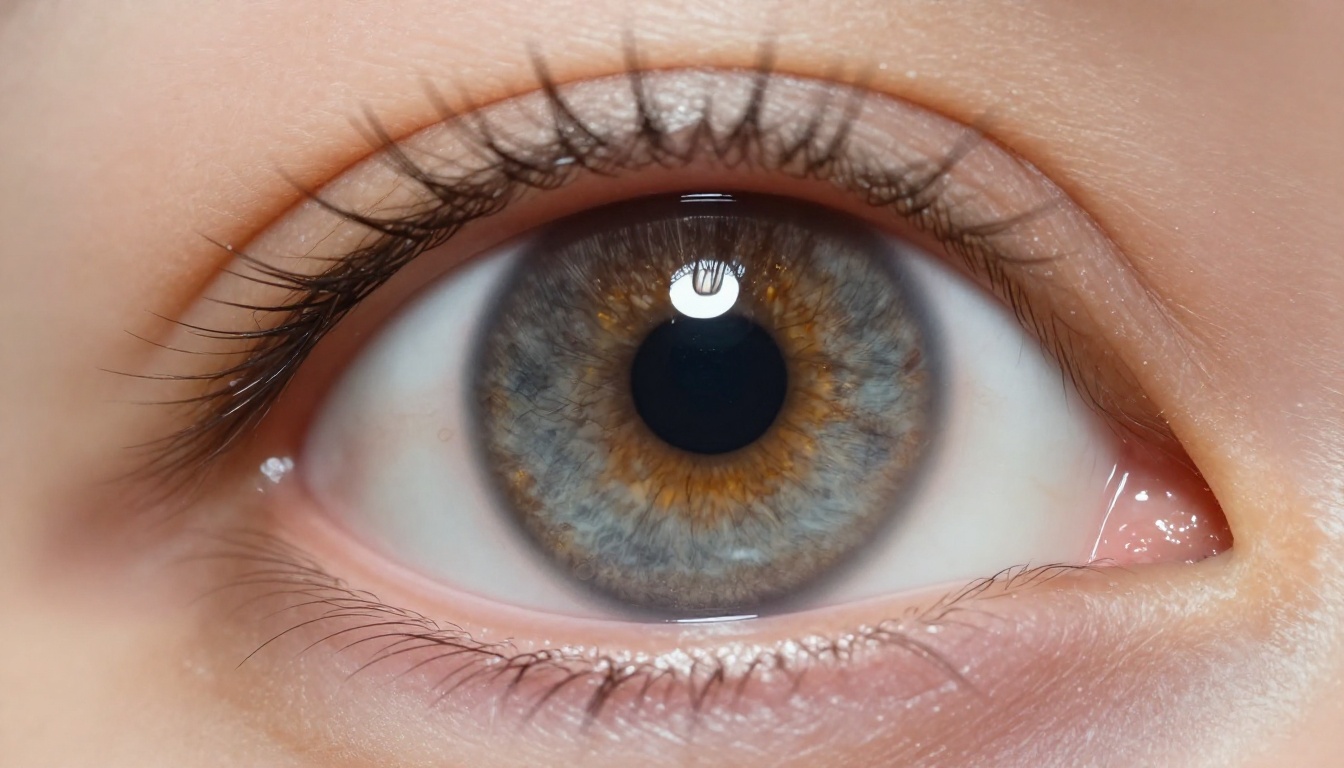
- Iris detail: Flecks of color, depth variation, and natural catchlights that reflect actual light sources
- Skin pores: Visible at close range without appearing exaggerated or artificially stamped
- Hair strands: Individual fibers with directional light interaction rather than painted-on hair masses
- Lip texture: Natural crease lines and slight specular sheen rather than a smooth plastic shell
- Subsurface scattering: Warm translucent quality especially visible around nose, ears, and lips
Environmental and Landscape Realism
Beyond portraits, Lucid Origin handles environments with the same attention to physical accuracy. Light behaves correctly in its outputs: sunsets have the right color temperature gradients, shadows fall at the right angles, atmospheric haze softens distant objects appropriately.
For landscape and outdoor photography simulation, this matters significantly. Many models produce environments that look beautiful but feel slightly off because the physics of light are not respected. Lucid Origin pulls from photography-based training data where these physical rules are baked in from the source material.

Product and Commercial Photography
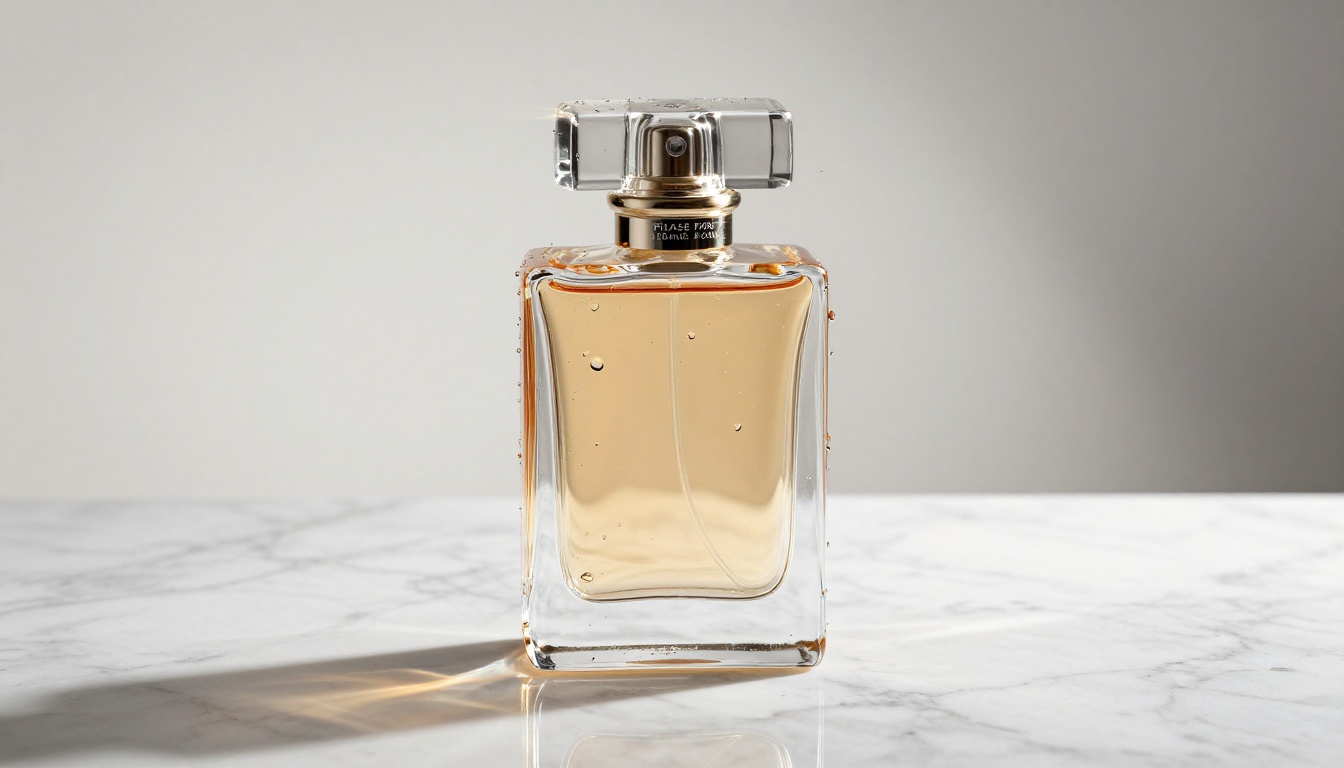
Product visualization is where Lucid Origin has an obvious commercial application. The model handles reflective surfaces, glass, liquid, and studio lighting setups with a level of fidelity that commercial photographers would recognize as technically accurate.
Caustics (the light patterns cast by glass objects), specular highlights, and material surface textures are all rendered with physical plausibility. For brands that need photorealistic product mockups without a studio shoot, this is the kind of output that changes the production economics significantly.
The Photorealism Problem in AI Images
Photorealism in AI-generated images has been a hard problem for years. The challenge is not just making images that look nice. It is making images that pass scrutiny from people who know what photographs actually look like.
Skin Texture and Subsurface Scattering
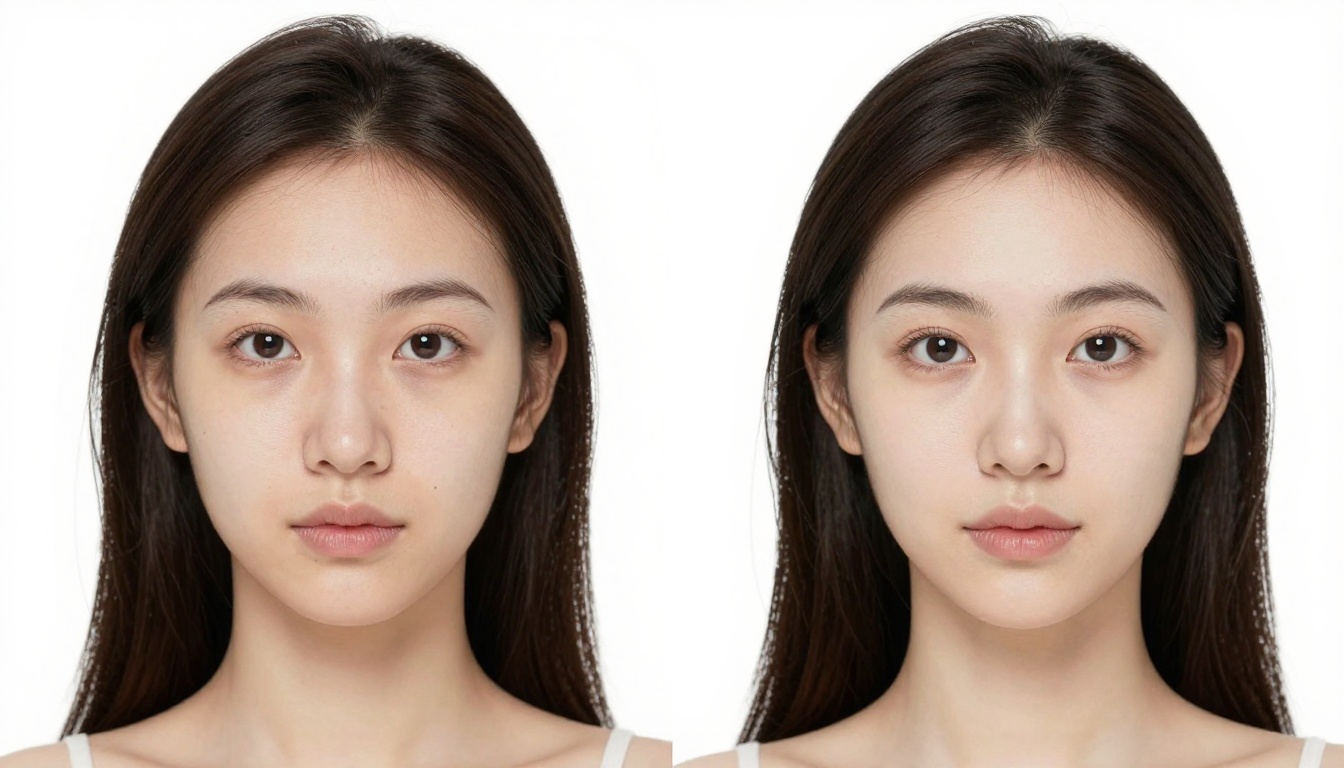
Real human skin is not a solid surface. Light enters the skin, scatters beneath the surface, and exits at a slightly different point. This phenomenon, called subsurface scattering, gives skin its warm translucent quality. Earlier diffusion models lacked the training signal to reproduce this consistently.
Lucid Origin's outputs show this quality around the nose, lips, and ears, which are the areas where subsurface scattering is most visible in real photographs. The result is skin that reads as organic rather than rendered.
💡 Tip: When prompting for portraits, specifying the lighting type matters enormously. "Rembrandt lighting" or "window light from camera left" gives the model a specific physical scenario to simulate, which produces more accurate shadow shapes and skin tones than a generic prompt.
Lighting Fidelity
Correct lighting is what separates a convincing photograph simulation from an obvious AI render. Lucid Origin handles a broad range of photographic lighting scenarios:
- Directional light sources: Hard shadows with accurate falloff and penumbra at edges
- Diffused light: Soft, wrap-around illumination with gentle gradients and fill light
- Mixed lighting: Multiple sources with correct color temperature blending (warm tungsten plus cool daylight)
- Backlight and rim lighting: Hair separation effects and exposure compensation around bright backgrounds

Lucid Origin vs. Other Top Models
Placing Lucid Origin against the current model landscape shows exactly where its strengths and trade-offs sit.
Speed vs. Quality
| Model | Speed | Photorealism | Stylization Flexibility |
|---|
| Lucid Origin | Medium | ★★★★★ | ★★☆☆☆ |
| Flux Dev | Medium | ★★★★☆ | ★★★☆☆ |
| SDXL | Fast | ★★★☆☆ | ★★★★☆ |
| Photon Flash | Very Fast | ★★★★☆ | ★★★☆☆ |
Lucid Origin does not have the fastest inference. It prioritizes quality over speed, which means it is best used for final outputs rather than rapid iteration. For quick drafts or style exploration, faster models make more sense in the workflow.
Where Competitors Are Stronger
Flux models generally offer better instruction-following and more flexible creative direction. SDXL with LoRA weights remains the go-to for stylized creative work. Lucid Origin is not competing in those categories. It is a specialist tool for one specific output type: photographic realism at full resolution.
The trade-off is worth knowing upfront: if you need stylistic control or fast iteration, Lucid Origin is not the right starting point. If you need an output that looks like it came from a camera, it is one of the best options available.
Strong Alternatives on PicassoIA
Leonardo's Lucid Origin is a compelling model, but it is not the only way to reach this tier of photorealistic output. PicassoIA offers several models that operate in the same quality range, all accessible directly from the browser without software installation.
Flux Kontext Dev
Flux Kontext Dev is one of the most capable models currently available for instruction-based image rewriting and generation. It maintains scene coherence while making targeted changes, which makes it ideal for iterating on portrait or product photography without losing established context.
For creators who need Lucid Origin-level realism with the added ability to precisely edit and refine outputs, Flux Kontext Dev is the closest counterpart available today.
Flux Redux Dev
Flux Redux Dev specializes in generating variations of reference images. If you have a portrait or product shot you want to build on, Redux Dev produces photorealistic variations that retain the core visual characteristics of the source material.
This is particularly useful for commercial workflows where brand consistency matters: you can generate multiple photorealistic variations of a product in different lighting scenarios without going back to a studio.
Photon Flash
Photon Flash from Luma offers fast photorealistic generation. It sacrifices some of the fine detail that Lucid Origin or Flux Kontext Dev provide in exchange for significantly faster output times.
For social media workflows where volume matters as much as pixel-level perfection, Photon Flash hits a practical balance point.
SDXL ControlNet LoRA
SDXL ControlNet LoRA adds structural control to photorealistic generation. By using pose references or depth maps, creators can specify exact compositional structures while letting the model fill in photorealistic detail. This is ideal for product photography where object placement and perspective need to be precise.

Real-World Uses for Creators
The practical applications for a model like Lucid Origin extend across several creative industries, each with specific workflow requirements.
Social Media and Content Creation
Content creators running visual-heavy accounts need a consistent stream of high-quality imagery. Photorealistic AI generation reduces the cost and logistical overhead of traditional photography. A fashion account can produce fresh outfit content daily. A travel creator can generate stunning location images without being physically present at every destination.
The important constraint to keep in mind: audiences are increasingly sophisticated about AI-generated content. Lucid Origin's quality helps significantly, but prompting still needs to be thoughtful to avoid telltale artifacts that flag an image as AI-generated.
💡 Tip: Adding specific camera and lens details to prompts, for example "shot on Canon 5D Mark IV, 85mm f/1.8, natural window light," signals a specific photographic scenario that the model can simulate with more accuracy than vague descriptions.
Portrait Generation for Marketing
Marketing teams regularly need photorealistic portraits for website headers, team pages, case studies, and advertising materials. At the quality tier Lucid Origin operates in, these outputs can be production-ready.
The same approach applies to character consistency in brand storytelling: generating a recurring fictional spokesperson character with consistent facial features across multiple scenarios and lighting conditions.
Architectural and Interior Visualization
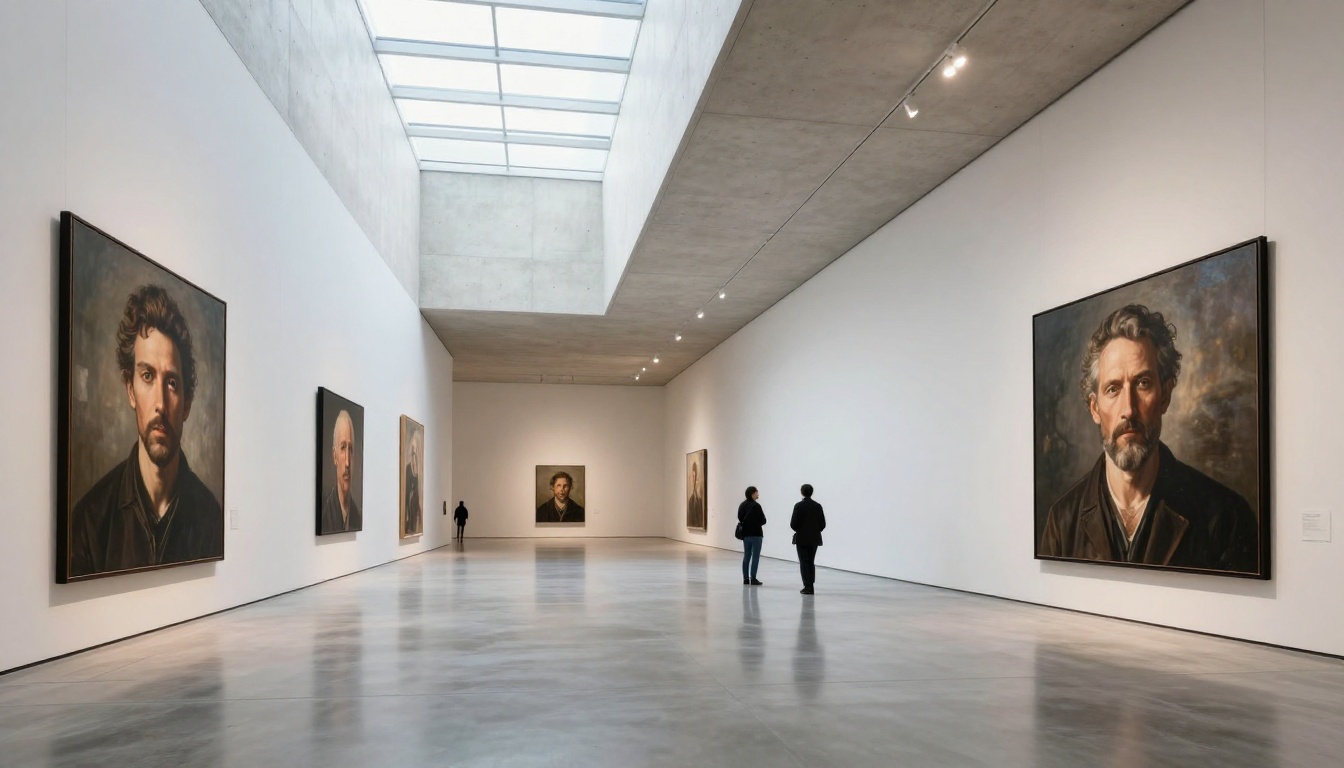
Architects and interior designers use photorealistic renders to communicate design intent before construction begins. Lucid Origin handles interior lighting, material surfaces, and spatial geometry convincingly enough to function as a client-facing communication tool.
Product Visualization for E-commerce
E-commerce brands need product images in multiple contexts: white backgrounds, lifestyle settings, and multiple angles. Photorealistic AI generation can reduce the cost of this dramatically compared to traditional studio photography.
The consistency challenge is real: the same product needs to look identical across dozens of generated images. Models like Flux Redux Dev address this directly with variation generation from a reference image, maintaining product characteristics across different scenes.

What This Signals for the Industry
The arrival of models like Lucid Origin signals something concrete: photorealistic AI image generation is no longer a novelty. It is a production tool. The gap between AI output and professional photography has closed enough in specific scenarios that creators and brands are making serious commercial decisions around it.
If your work requires images that hold up at full resolution, in print, or in direct comparison to photographs, you are now operating in territory where AI models can deliver that. Lucid Origin is one reference point for this quality tier. The models available on PicassoIA, including Flux Kontext Dev, Flux Redux Dev, Photon Flash, and SDXL ControlNet LoRA, represent the same capability tier without requiring any local installation or Leonardo subscription.
The deciding variable is now prompting skill and workflow design, not model access.
Start Generating on PicassoIA
You do not need a Leonardo subscription or a local GPU to produce Lucid Origin-level photorealism. PicassoIA gives you direct browser access to the same tier of models: Flux Kontext Dev, Flux Redux Dev, Photon Flash, and SDXL ControlNet LoRA, alongside 91 other text-to-image models.
The best way to see what photorealistic generation can do for your specific workflow is to run a real test. Pick a scenario from your actual creative work, write a detailed prompt with subject, lighting type, camera angle, and lens specification, and evaluate what comes back. The fastest path to useful output is specificity in prompting.
Start with Flux Kontext Dev for instruction-following realism with editing capability, or Photon Flash if iteration speed matters more for your process. Both are available on PicassoIA with no setup required.


