You've probably spent more time than you'd like comparing AI image generators. The three names that keep coming up: Leonardo AI, Midjourney, and Picasso AI. Each has its advocates, its quirks, and its sweet spots. But which one actually produces better images for real creative work? This is a direct, no-fluff battle. We put all three through quality tests, priced them out honestly, and checked how much creative freedom each platform actually gives you.
The Three Contenders
Before diving into specifics, here's a quick profile of each platform and what they're known for.
What Leonardo AI Does Well
Leonardo AI built its reputation on fine-tuned models and creative control. It offers a solid web interface, decent generation speed, and a library of community-trained models. The platform leans toward game art, fantasy imagery, and stylized content. Its free tier is generous enough to test the platform without commitment, but the real power sits behind paid plans.
Where Leonardo shines: ControlNet integration for pose and structure control, a canvas tool for in/outpainting, and the ability to train custom LoRA models on your own images.
Where it struggles: photorealism. Leonardo's outputs often carry a subtle "AI sheen," that uncanny valley quality that makes trained eyes immediately recognize the source.
What Midjourney Does Well
Midjourney has one of the most recognizable aesthetic fingerprints in the AI image space. Its outputs have a painterly, cinematic quality that feels deliberate and polished. The community around it is massive, and prompt libraries are everywhere.
The platform excels at: atmospheric scenes, artistic portraits, and fantasy or sci-fi imagery. Version 6 pushed photorealism significantly closer to competitive territory.
The catch: Midjourney lives entirely inside Discord. There is no standalone web app (at the time of writing, the web version is still limited), which creates friction for professional workflows. And it has no free tier at all. You pay from day one.
What Picasso AI Brings to the Table
Picasso AI takes a different approach entirely. It's a model aggregator with a clean web interface. Instead of locking you into one house model, it gives you access to dozens of top-performing models including Flux.1 Dev, Flux 1.1 Pro Ultra, SDXL, Realistic Vision v5.1, Dreamshaper XL Turbo, and more, all from a single platform.
This means you're not betting on one model's aesthetic. You pick the right tool for the specific job at hand.
Image Quality Head-to-Head
This is where things get interesting.
Realism and Photographic Detail
For photorealistic outputs, the rankings are clear.
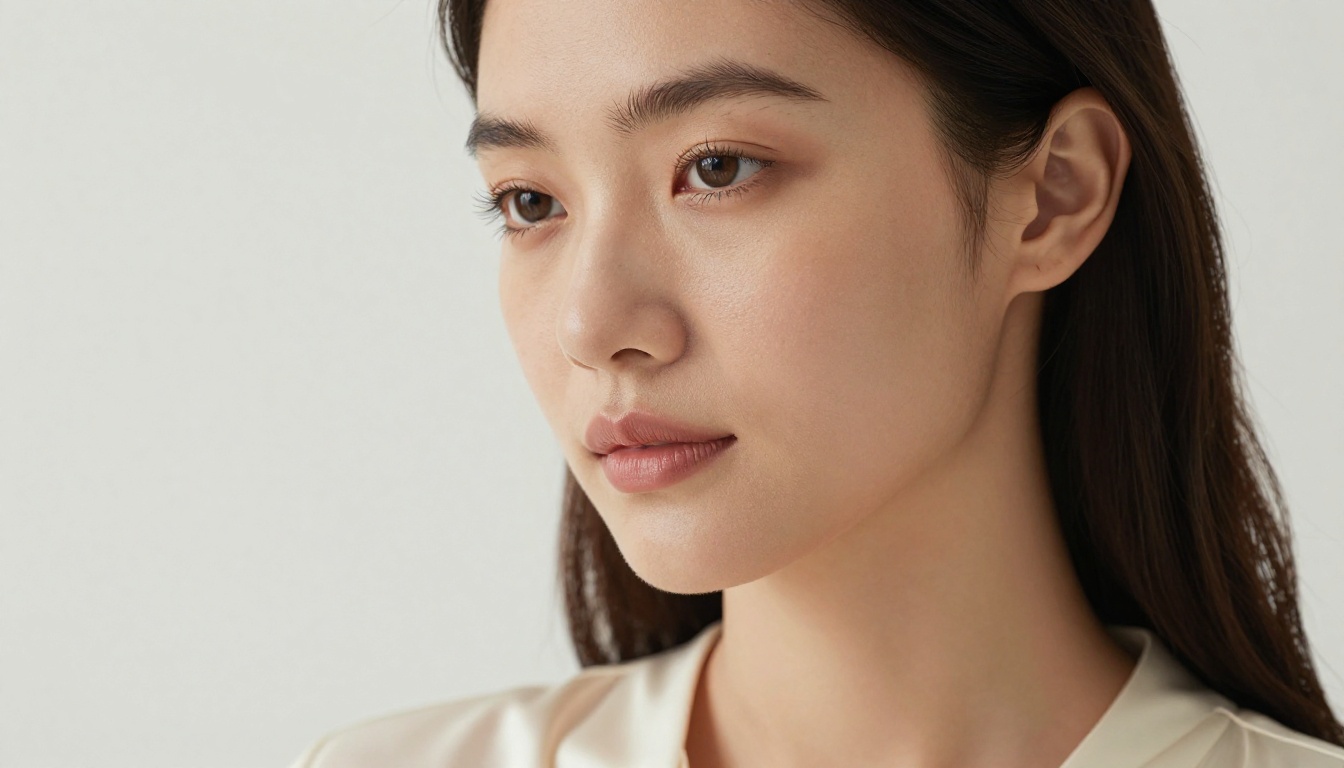
Midjourney v6 produces the most aesthetically pleasing "almost real" images. They look like they came from a talented photographer. But they still carry stylistic tells: too-perfect skin, slightly surreal lighting, hyper-saturated colors in certain modes.
Leonardo AI struggles here unless you specifically use community models trained for photorealism. Its default outputs trend toward illustration rather than photography.
Picasso AI wins on raw realism, specifically when you use Flux 1.1 Pro Ultra or Realistic Vision v5.1. The Flux Kontext Pro model, which lets you edit existing images with text prompts, adds another layer of photographic precision that neither competitor matches natively.
💡 For photorealism specifically: Flux 1.1 Pro Ultra generates 4MP images with extraordinary detail. If you need portrait or product photography quality, start here.
Creative Range and Stylistic Variety
Midjourney's aesthetic range is actually narrower than it appears. Most outputs, regardless of prompt, carry the Midjourney "look." That's fine if you love that look, but it limits stylistic variety for diverse projects.
Leonardo offers more variety through community models, but the quality is uneven. Some models are excellent, others are abandoned or produce inconsistent results.
Picasso AI's model variety is its biggest real-world advantage. Want cinematic film-grain photography? Use Flux.1 Dev. Want fast stylized outputs? Dreamshaper XL Turbo or Playground v2.5 deliver immediately. Need maximum control over composition and structure? SDXL Multi Controlnet LoRA gives you layered control that rivals dedicated editing tools.
Output Consistency
This matters for production workflows. If you need 20 variations that all feel cohesive, which platform delivers?
- Midjourney: High consistency within its own aesthetic
- Leonardo AI: Medium consistency, varies significantly by model
- Picasso AI: Consistency depends on the model you pick, but within each model it's strong
The practical advantage: once you find a model on Picasso AI that matches your project's visual language, you can generate consistent batches with precise parameter control across every session.
Pricing That Actually Makes Sense

Pricing is where these platforms diverge sharply from each other.
Leonardo AI Cost Breakdown
Leonardo offers a free tier with 150 tokens per day, enough for casual testing. Paid plans start around $12/month for 8,500 tokens monthly, scaling up from there. Token consumption varies wildly by model and settings, so budgeting can feel unpredictable over time.
The value is decent if you stay within Leonardo's ecosystem, but the token system makes it genuinely hard to know what you're actually getting month to month.
Midjourney's Subscription Wall
Midjourney charges $10/month minimum for the Basic plan (200 images/month), $30/month for Standard (15 fast hours/month), and $60/month for Pro. There is no free tier.
If you use it heavily, the Standard plan becomes the realistic entry point. At $30/month you're committed to using it enough to justify the cost. The quality is there, but the pricing structure assumes you're already a Midjourney believer from day one.
Picasso AI Pricing
Picasso AI offers a usable free tier with access to multiple models. Paid plans unlock higher resolution, faster generation, and priority access to premium models like Flux 1.1 Pro and Flux Kontext Max.
The main difference: you're not locked into a single platform model. If a better model drops tomorrow, Picasso AI integrates it and you benefit immediately at your existing plan tier.
| Platform | Free Tier | Starting Paid | Model Choice |
|---|
| Leonardo AI | Yes (150 tokens/day) | ~$12/month | Limited to Leonardo models |
| Midjourney | No | $10/month | Single proprietary model |
| Picasso AI | Yes | Paid plans available | 90+ models across categories |
💡 Bottom line on pricing: Midjourney costs the most and gives you the least model flexibility. Picasso AI gives you the widest model variety with a free entry point and no Discord required.
Model Variety and Flexibility

This is where the comparison stops being close at all.
Flux Models on Picasso AI
The Flux family from Black Forest Labs represents the current benchmark in open-weight image generation. Picasso AI hosts the full lineup:
- Flux.1 Dev: The workhorse. Detailed, photorealistic outputs with excellent prompt adherence
- Flux Schnell: Same quality, faster generation (seconds, not minutes)
- Flux 1.1 Pro: Upgraded coherence and improved fine detail rendering
- Flux 1.1 Pro Ultra: 4MP photorealistic images, the benchmark for realism right now
- Flux Kontext Pro: Edit existing images via text prompts without redrawing from scratch
- Flux Kontext Max: Extended context for complex multi-element and multi-character scenes
- Flux 2 Dev: Next-generation architecture with image-to-image support built in
Neither Leonardo AI nor Midjourney offers access to these models on their platforms.
SDXL and Stable Diffusion Access
Beyond Flux, Picasso AI hosts SDXL and its variants, Stable Diffusion 3, Stable Diffusion 3.5 Medium, and Stable Diffusion 3.5 Large Turbo. These represent years of community refinement and remain excellent for specific production use cases where speed and cost matter.
Fine-Tuning with LoRA Support
For users who need custom style consistency across projects, Picasso AI's LoRA-capable models are significant. Flux Dev LoRA and Flux Schnell LoRA allow fine-tuned model weights to be applied at generation time, meaning you can train on your own images and maintain brand or character consistency across all outputs.
This is a professional-grade capability that previously required running models locally on expensive hardware.
Speed and Workflow
Generation Time
Speed varies by model and server load, but here's a realistic comparison for everyday use:
- Midjourney: 15 to 60 seconds per batch of 4 images in fast mode
- Leonardo AI: 10 to 45 seconds depending on model and resolution settings
- Picasso AI with Flux Schnell: Often under 10 seconds per image
The Flux Schnell model was specifically built for speed without sacrificing output quality, and it shows in real-world use. For high-volume generation work, the time savings add up substantially across a full production day.
API Access and Integration
All three platforms offer API access at higher plan tiers. Picasso AI's architecture, built on top of Replicate's infrastructure, means you get access to a well-documented API with broad model support across categories. This matters significantly for teams building automated workflows or integrating image generation directly into applications.
Creative Freedom
What Each Platform Allows
This is a topic many comparison articles skip. But for adult content creators, artistic photographers, and anyone working with suggestive or mature themes, platform policies matter enormously for day-to-day work.
Midjourney has some of the strictest content policies in the industry. Even on paid plans, anything suggestive is heavily filtered. Artistic nudity is essentially impossible without getting your account flagged.
Leonardo AI offers a toggle for mature content on paid plans, giving more latitude for artistic and suggestive work within their terms of service.
Picasso AI gives creators more flexibility for artistic, suggestive, and glamour content within its terms of service. This makes it the preferred platform for photographers, beauty creators, and artists working in aesthetics that other platforms simply block outright.
💡 For creators in beauty, swimwear, boudoir, and fine art categories: Picasso AI's models like Realistic Vision v5.1 and Flux 1.1 Pro Ultra produce stunning, photorealistic results without the heavy-handed filtering you get from competitor platforms.
How to Use Flux.1 Dev on Picasso AI
Since Flux.1 Dev is available on Picasso AI and not on the other two platforms, here's a practical walkthrough for getting the best results out of it.

Step-by-Step with Flux.1 Dev
- Open the model: Navigate to Flux.1 Dev on Picasso AI
- Write a detailed prompt: Flux responds well to camera-style descriptions. Include lens focal length, lighting direction, and precise subject details
- Set aspect ratio: For widescreen content, 16:9 works best. For portraits, 3:4 or 2:3 produce more natural framing
- Adjust inference steps: Higher steps (28 to 35) produce more refined outputs. Lower steps (15 to 20) generate faster but with less fine detail
- Set guidance scale: Between 3.5 and 7.0 for most use cases. Higher values lock the output closer to your exact prompt wording
- Generate and iterate: Flux handles prompt variations well. Keep what works, refine what doesn't in the next batch
Tips for Better Results
- Be specific about lighting: "Volumetric morning light from upper left" produces better results than just "good lighting" or "well lit"
- Name your camera gear: "Canon EOS R5, 85mm f/1.4 at f/2.0" signals photographic intent and the model responds accordingly with appropriate depth of field and bokeh
- Use negative prompts sparingly: Flux is strong enough that over-specifying what you don't want can confuse the output rather than help it
- Batch at low steps first: Generate 4 to 6 variations at 20 steps to pick your favorite composition, then refine the winner at 35 steps for final output
- For fine-tuned style control across a project, combine Flux Dev LoRA with your base prompt for consistent character or brand visual identity
Which One Fits Your Work?
There is no single right answer. It depends on what you're making and who you're making it for.
| Use Case | Best Choice | Why |
|---|
| Cinematic artistic images | Midjourney | Best aesthetic polish in its category |
| Game art and illustrations | Leonardo AI | Community models, strong stylization tools |
| Photorealistic photography | Picasso AI | Flux 1.1 Pro Ultra, Realistic Vision |
| High-volume production | Picasso AI | Speed of Flux Schnell, wide model variety |
| Budget-conscious creators | Picasso AI | Best free tier, most model access per dollar |
| Content creators (glamour/beauty) | Picasso AI | Most creative latitude across content categories |
| Image editing via prompts | Picasso AI | Flux Kontext Pro and Flux Kontext Max |
| Custom style training | Picasso AI or Leonardo | LoRA support on both, broader model base on Picasso |
The honest summary: if you work mostly in artistic, painterly, or cinematic aesthetics and don't mind paying from day one, Midjourney is still excellent for that specific niche. If you build in a specific genre like fantasy or game art, Leonardo's community models give you a head start. But if you want the widest model access, the best photorealism, the most creative freedom, and a platform that grows with AI model development instead of locking you into one vision, Picasso AI wins this battle.
Start Creating Right Now

The best way to settle this for your own work is to run the same prompt through each platform and compare the results yourself. With Picasso AI's free tier, you can start immediately with no credit card required.
Try Flux.1 Dev for your first test: write a detailed photographic prompt, specify your lighting, your lens, your subject. See what comes back. Then try Flux Schnell for the same prompt to compare generation speed with quality. Then drop into Flux Kontext Pro and edit what you just made with a simple text instruction.
Within an hour you'll have a clearer picture than any article can give you, including this one.
Start generating on Picasso AI and bring your visual ideas to life with 90+ models and growing.


