Three of the most talked-about AI image generation platforms right now are Leonardo AI, OpenArt, and Picasso AI. If you've spent any time in the AI art space, you've probably tried at least one of them, felt limited at some point, and started wondering whether the grass is greener elsewhere. This breakdown cuts through the noise and puts all three side by side on the things that actually matter: model variety, image quality, editing tools, content freedom, and real pricing.
Before picking a winner, it's worth being clear about what separates a decent AI art tool from one you'll actually stick with long term. Most platforms offer text-to-image generation. The real differences show up in the details, specifically in model selection, editing capabilities, content policies, and how costs compound over time.
Speed vs. Quality Trade-offs
Every platform forces a choice, at least some of the time. Fast models produce results in seconds but often miss fine details, anatomy accuracy, or photorealistic skin tones. Slower, more powerful models can be stunning but test your patience on a production timeline.
The best platforms let you choose the right balance for each job. A quick social media mockup doesn't need the same rendering depth as a print-quality portrait. A platform that locks you into one speed tier is a platform that will eventually frustrate you.
Model Variety That Actually Matters
Having 10 models sounds good. Having 150+ models, each specialized for a different style, subject, or output format, is a different situation entirely.
The gap between platforms isn't always obvious from a features page. It shows up when you need a ControlNet pose tool, a LoRA trained on a specific face aesthetic, or a model built specifically for photorealistic skin tones that doesn't add the usual uncanny valley artifacts.
Leonardo AI at a Glance
Leonardo AI built its reputation on a solid community and an interface that works well for people just getting started. It offers several in-house models, image editing tools, and a credit-based system that feels straightforward until you start generating at volume.
What Works Well
Leonardo's AI Canvas is genuinely useful for inpainting and outpainting work. The Phoenix model produces strong results for fantasy and stylized illustration content. The platform has a clear, guided workflow that new users can pick up within an hour.
The social feed is a real source of prompt inspiration. The community is large enough that you'll find examples of nearly anything you want to create, which makes it easier to reverse-engineer prompts and techniques when you're learning.
ControlNet support is available and functional, letting you use pose references and depth maps to control composition. This alone puts it ahead of basic text-to-image tools that give you no structural control.
Where It Falls Short
Model variety is where Leonardo starts to show its age. You're largely working within their curated selection of in-house and approved models. If the style you need isn't in their library, you're stuck waiting for them to add it.
Credit limitations hit harder than the plan pages suggest. High-quality generations with upscaling enabled burn through credits fast, and the free tier doesn't go far if you're generating daily. Users who switch from free to paid often find that the credits on the entry plan still feel restrictive.
The platform also doesn't give you immediate access to third-party models as they release publicly. You're dependent on Leonardo's internal update schedule, which means you're often a version or two behind what's actually available in the wider ecosystem.
💡 Worth noting: Leonardo AI restricts certain types of content even on paid tiers. If you work in adult creative spaces, this will become a hard wall quickly.
OpenArt AI at a Glance
OpenArt positions itself as a more open platform with access to Stable Diffusion-based models and community-built workflows. It has a broader model selection than Leonardo and better support for custom pipelines.
What Works Well
OpenArt gives you access to ComfyUI-style workflow editors, which is a significant advantage for power users who want detailed control over the generation pipeline. You can chain nodes, adjust sampling parameters, and control the output in ways that most consumer-facing platforms don't allow.
Custom model uploads are supported, which means you can use fine-tuned models built by the broader community. If someone releases a specialized LoRA on Civitai, you can bring it into OpenArt and use it immediately without waiting for the platform to vet it.
ControlNet support is solid across multiple modes including pose skeletons, depth maps, edge detection, and normal maps. For creators who need compositional control on every generation, this is where OpenArt earns its reputation among intermediate users.
The platform also has a decent free tier for exploration, and the community workflows section gives you ready-made pipelines to start from rather than building from scratch.
Where It Falls Short
The interface is noticeably more complex. Beginners frequently feel overwhelmed before they complete their first generation. The workflow editor is powerful, but power without approachability is still a barrier for the majority of users.
Consistency is a recurring issue. Results vary significantly depending on which model you select and how sampling parameters interact with your specific prompt. Getting reliable, repeatable outputs requires substantial experimentation, which isn't realistic for professional work with deadlines.
💡 Real talk: OpenArt shines for users who already know Stable Diffusion well. If you're not fluent in CFG scale, sampling steps, and negative prompts, the complexity adds friction without adding value.
Support response times have been a repeated complaint in community discussions. When something breaks in a complex workflow, slow support can stall a project for days.
Picasso AI's Approach
Picasso AI takes a fundamentally different angle. Rather than building proprietary models or curating a narrow selection, the platform gives you access to a library of over 183 text-to-image models from teams including Black Forest Labs, OpenAI, ByteDance, Tencent, and more.
This matters because you're not locked into one company's vision of what AI-generated images should look like. You pick the right model for the right job, every single time.
The Model Library Difference
When a new model drops publicly, it shows up on Picasso AI. Seedream 4.5 from ByteDance delivers 4K text-to-image output with excellent prompt adherence. Wan 2.7 Image Pro handles ultra-detailed generation at a level that competing proprietary models struggle to match. Hunyuan Image 2.1 from Tencent produces 2K photorealistic results with accurate anatomy and lighting.
For prompt-accurate rendering where the output closely follows written descriptions, GPT Image 2 from OpenAI is available directly. For image variations and creative remixing, Flux Redux Dev from Black Forest Labs gives you variation controls that most platforms don't expose.
LoRA training is available through P Image Trainer, letting you fine-tune models on your own reference images to create consistent characters, styles, or product aesthetics. That capability is usually reserved for platforms aimed at professionals with technical backgrounds.
Image Editing Beyond Generation
What separates Picasso AI from a simple model aggregator is the editing layer sitting on top of generation.
Qwen Image Edit Plus handles AI photo editing through natural language instructions. Describe what you want changed, and the model interprets the instruction contextually rather than requiring you to manually mask regions. P Image Edit LoRA lets you apply style edits using LoRA control for consistent aesthetic transformations. Fibo Edit provides precision inpainting for targeted region modifications without affecting the rest of the image.
Beyond still images, the platform covers background removal with dedicated models, super resolution upscaling at 2x-4x, face swap, 87+ video generation models, lipsync synchronization, AI music generation, and text-to-speech. For a creator who wants one platform to handle an entire content pipeline, the scope is hard to match.
Head-to-Head: Feature Comparison
| Feature | Leonardo AI | OpenArt AI | Picasso AI |
|---|
| Model Count | ~30 | ~100+ | 183+ |
| Custom LoRA Training | Yes (limited) | Yes | Yes (P Image Trainer) |
| ControlNet | Partial | Yes | Yes |
| Inpainting / Outpainting | Yes (Canvas) | Yes | Yes (multiple models) |
| Latest Third-Party Models | Slow updates | Moderate | Immediate access |
| Video Generation | No | Limited | 87+ models |
| Audio Tools | No | No | Yes (TTS, Music, STT) |
| Background Removal | Basic | Basic | Dedicated models |
| Super Resolution | Yes | Yes | Yes (2x-4x) |
| Face Swap | No | Limited | Yes |
| Natural Language Editing | No | No | Yes (Qwen Edit) |
| Free Tier Available | Yes | Yes | Yes |
| NSFW Support | Restricted | Inconsistent | Available |
Pricing Breakdown
Understanding what you're actually paying per image matters more than the headline monthly price.
| Plan Type | Leonardo AI | OpenArt AI | Picasso AI |
|---|
| Free | 150 tokens/day | Limited generations | Yes |
| Entry Paid | ~$10/month | ~$9/month | Competitive |
| Pro | ~$24/month | ~$19/month | Competitive |
| High Volume | ~$48/month | ~$28/month | Available |
Credit burn rates differ significantly across platforms. On Leonardo, a single high-quality generation with upscaling can cost 40+ tokens. The advertised daily token allowance sounds generous until you factor in how fast it disappears on real workflow use.
On Picasso AI, pricing is tied directly to model usage rather than an abstracted token system, which makes it easier to understand and predict what a workflow will actually cost month to month.
💡 Real cost tip: Always calculate cost per image rather than just comparing monthly prices. A plan that looks cheap on the surface can cost significantly more than a premium plan once you account for how many generations you actually need.
Image Quality in Practice
Quality comparisons across AI platforms are inherently subjective, but patterns emerge quickly when you run the same prompts across multiple tools.
Portrait and Realistic Outputs
For photorealistic portraits, the model matters far more than the platform wrapping it. All three platforms can produce strong portrait outputs, but only Picasso AI gives you immediate access to specialized portrait-optimized models like Hunyuan Image 2.1, GPT Image 2, and Seedream 4.5 in a single interface without needing to switch tools.
Leonardo's Phoenix model handles stylized portraits well but can struggle with anatomical accuracy at complex poses. OpenArt's Stable Diffusion models need careful parameter tuning to reach photorealism consistently, which adds friction to every generation session.
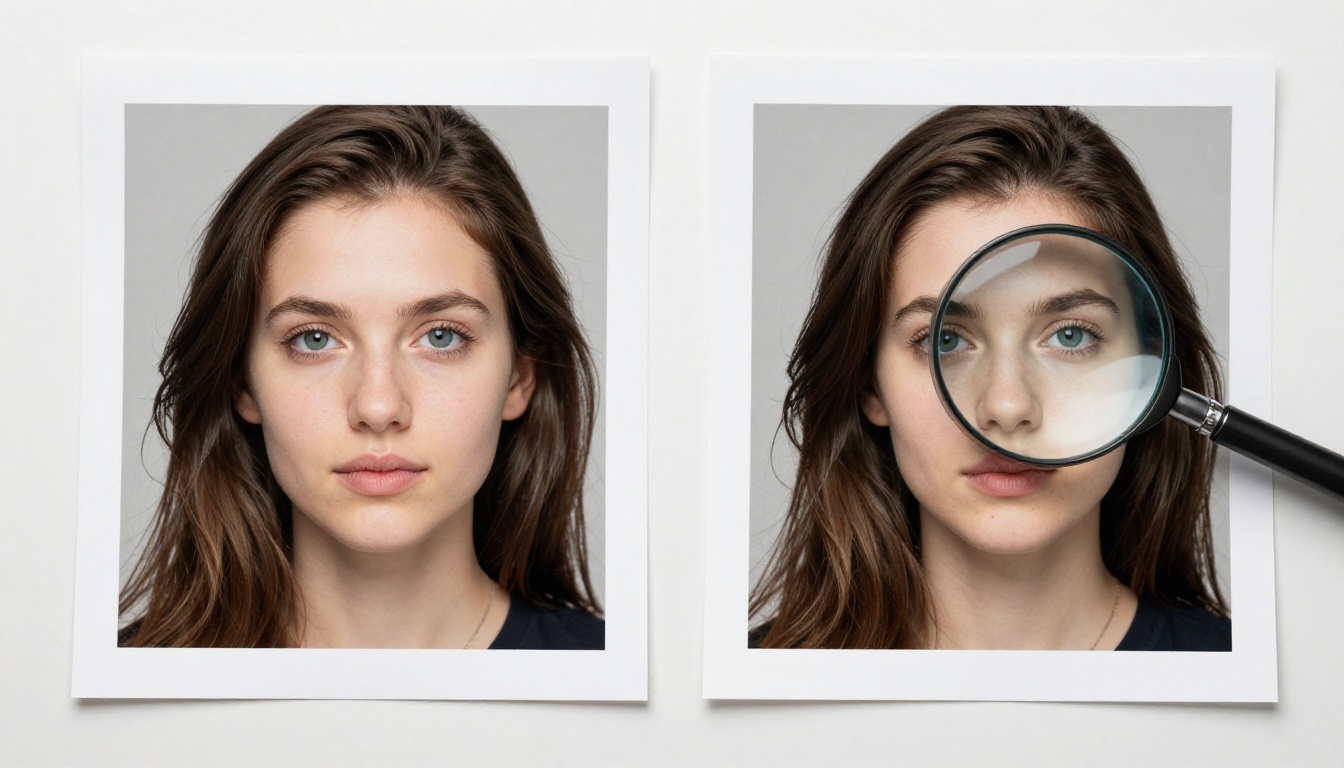
When output quality directly impacts whether work is usable, having access to the right model for the specific subject beats having a polished interface around a limited model set.
NSFW and Artistic Freedom
This is a genuine differentiator that most platform comparisons avoid talking about directly.
Leonardo AI restricts explicit and suggestive content even on paid tiers. The restrictions apply broadly and can refuse prompts that aren't explicit at all, just adjacent to a flagged category. OpenArt's NSFW settings have been inconsistent over time, changing with platform updates in ways that broke existing workflows for content creators who had built around specific capabilities.
Picasso AI offers clearer, more consistent support for adult and suggestive content, making it a practical choice for creators working in that space professionally. Artistic freedom also extends to non-explicit content that other platforms over-filter, including swimwear, horror, historical violence, and dark fantasy.
💡 For adult content creators: Read the current terms of service before building a workflow around any platform. Content policies change, and losing access mid-project is a real risk that has caught multiple creators off guard.
For Beginners
Leonardo AI's clean interface and guided workflows make it the easiest on-ramp. The community is large, tutorials are widely available, and output quality is strong enough to start learning the fundamentals of prompt crafting and AI image generation.
The limitations become more visible once you know what you want, specifically when the model you need isn't available, or when credits run low mid-project.
For Power Users
OpenArt and Picasso AI are both strong choices depending on where you want control. OpenArt rewards users who want granular pipeline control through node-based workflows. Picasso AI rewards users who want access to the newest models from multiple top research teams without managing technical infrastructure.
If your work requires the latest releases, specialized editing tools, video generation, audio synthesis, and photorealistic portrait models all in one place, Picasso AI handles it without requiring you to become an ML engineer.
For NSFW and Artistic Content

Picasso AI is the most practical choice. The content policies are more permissive and consistent, the model variety gives you specialized tools for both realistic and stylized work, and the editing capabilities let you refine outputs rather than regenerating from scratch every time something is slightly off.
For creators who produce content where every generation matters, the combination of model access, editing tools, and clear content policies removes the friction that makes other platforms frustrating over time.
Start Creating on Picasso AI
If this comparison points to one conclusion, it's that model access is the real bottleneck in AI image creation. Having the right model for the job, without waiting for a platform to catch up on releases or approve your prompt category, is what separates a productive creative workflow from a slow, frustrating one.
Picasso AI gives you over 183 text-to-image models including Seedream 4.5 for 4K output, GPT Image 2 for prompt-accurate rendering, Wan 2.7 Image Pro for ultra-detailed generation, and Flux Redux Dev for creative variations. That's on top of editing tools like Qwen Image Edit Plus, precision inpainting via Fibo Edit, and LoRA training through P Image Trainer.
Pick a model, write a prompt, and see what the current best in AI generation actually produces. The free tier is there to start without commitment, and the difference in output quality when you have access to the right tools speaks for itself.


