If you've been trying to figure out whether Lexica or Midjourney is worth your time, the short answer is: they're built for completely different use cases, and one of them is free. Midjourney built its reputation as the premium option for AI-generated art, commanding a loyal base of designers, illustrators, and creative directors who pay monthly for access. Lexica, on the other hand, started as a searchable database of Stable Diffusion images and quietly added its own generator called Aperture. Knowing where each tool wins, where it stumbles, and what it actually costs changes everything about which one belongs in your workflow.
What Lexica Actually Is
Most people stumble onto Lexica while hunting for prompt ideas. It's a searchable database of millions of AI-generated images, each one paired with the prompt, model, seed, and guidance scale used to create it. That transparency alone makes it a genuinely useful resource for anyone learning how to write better image prompts. The real value isn't just in browsing pretty pictures. It's in seeing the exact recipe behind each one.

The Search Engine Side
Type in a subject like "woman on beach at sunset" and Lexica returns thousands of results generated by other users. Click any image and the full prompt appears alongside technical settings. This is prompt research made visual. You're not guessing about what works, you're watching real outputs next to their actual inputs.
The search also functions visually. Upload a reference image and Lexica finds similar ones from its database. For anyone studying composition, lighting approaches, or artistic style, this beats browsing Pinterest significantly. You get the creative direction and the technical instructions needed to replicate it.
Aperture, Lexica's Generator
Beyond search, Lexica built Aperture, its own text-to-image generator running on a fine-tuned Stable Diffusion model. The interface is deliberately simple: write a prompt, pick from a handful of style presets, generate. Free accounts receive 100 images per month, which suits casual experimentation without touching a credit card.
💡 Free tier reality check: Lexica's 100 free images reset monthly. For occasional experimentation or prompt testing, that's plenty. Anyone generating at production volume will hit the ceiling fast.
The style presets reveal Aperture's character. The default "Lexica Aperture" mode consistently produces smooth, polished results that sit somewhere between stock photography and editorial fashion work. It doesn't swing for dramatic artistic interpretations, but it reliably produces clean, presentable images from straightforward prompts.
What Midjourney Costs You
Midjourney removed its free trial in mid-2023. If you want to generate images, you pay, with no exceptions. There's no free tier, no limited trial, and no browser-based access for non-subscribers. The entry price is $10 per month billed annually, or $13 month-to-month.

No Free Tier Since 2023
The decision to drop free access was controversial. Midjourney cited abuse and server costs, but the practical result was clear: the barrier shifted from zero to $10 per month minimum. For professionals generating images daily, that's not a significant cost. For students, hobbyists, and anyone simply curious about AI art, it's a real filter.
The removal also changed who uses Midjourney. The community skewed professional almost overnight. Public Discord servers filled with commercial projects, agency work, and serious creative exploration rather than casual experimentation. The quality of prompts in public channels rose noticeably as a side effect.
What $10/Month Gets You
The Basic plan provides fast GPU hours and limited concurrent jobs. Most frequent users move up quickly:
| Feature | Basic ($10/mo) | Standard ($30/mo) | Pro ($60/mo) |
|---|
| Fast GPU hours | ~3.3 hrs | 15 hrs | 30 hrs |
| Relaxed mode | No | Unlimited | Unlimited |
| Private mode | No | No | Yes |
| Concurrent jobs | 3 | 3 | 12 |
| Stealth generation | No | No | Yes |
Relaxed mode generates slowly but without GPU hour limits, available from Standard up. Most serious users land on Standard at $30. The Basic plan's fast GPU hours run out faster than expected when generating at any real volume, especially with upscaling enabled.
Quality Side by Side
This is the part most people actually care about. Both tools produce impressive results, but they have very different personalities in how they interpret prompts and render detail.
Photorealism Battle
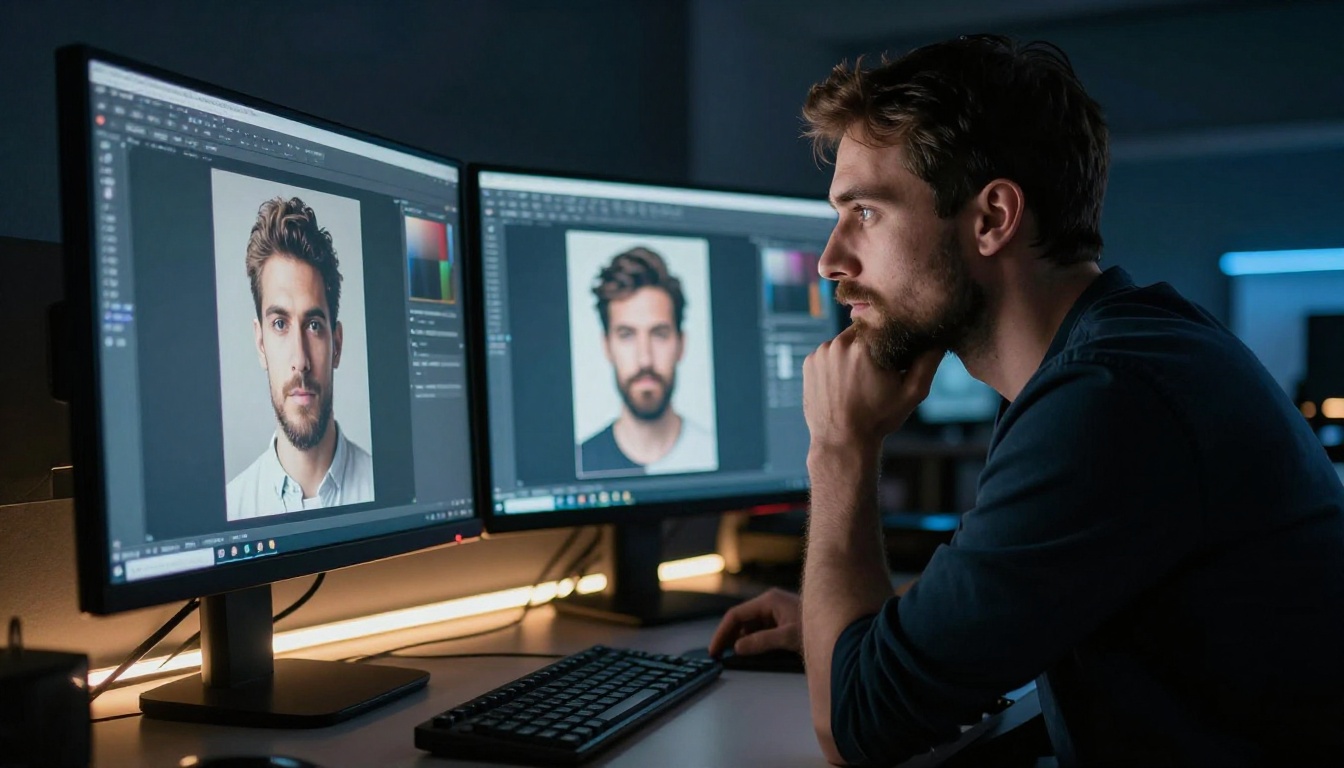
Lexica Aperture handles photorealistic subjects competently. Faces come out coherent, lighting follows natural physics, and skin tones read accurately under standard conditions. The model begins to struggle with complex scenes involving multiple figures, dynamic action, or highly specific compositional requests. In busy scenes, Aperture tends to average out fine details rather than maintain specificity throughout the frame.
Midjourney's photorealism, particularly from version 6 onward, sits on another tier. The way it handles light falloff on skin, individual hair strand separation, fabric texture depth, and environmental haze puts it ahead of nearly every free alternative. Results look less like AI outputs and more like high-end editorial photographs straight from a professional shoot.
Artistic Styles Compared
Here is where the comparison becomes genuinely interesting. Each tool has a distinct stylistic territory where it performs best.
Lexica Aperture excels at:
- Clean editorial photography aesthetics
- Portrait photography with controlled, soft lighting
- Product photography concept visualization
- Realistic landscape and architectural compositions
Midjourney excels at:
- Complex fantasy, surreal, and speculative imagery
- Painterly styles, fine art aesthetics, mixed media
- Cinematic still-frame compositions with dramatic atmosphere
- Typography-integrated designs and graphic poster concepts
- Highly stylized character designs and concept art
The gap becomes obvious the moment you attempt something abstract or heavily stylized. Ask both tools for "impressionist painting of a rainy cobblestone street at dusk," and Midjourney delivers something that reads as genuinely painted. Lexica produces something that reads as a photograph with a filter applied. Both are usable, but only one looks like what was asked for.
When Lexica Wins
Free access is Lexica's headline advantage, but it's not the only reason to use it.
Free Prompt Inspiration
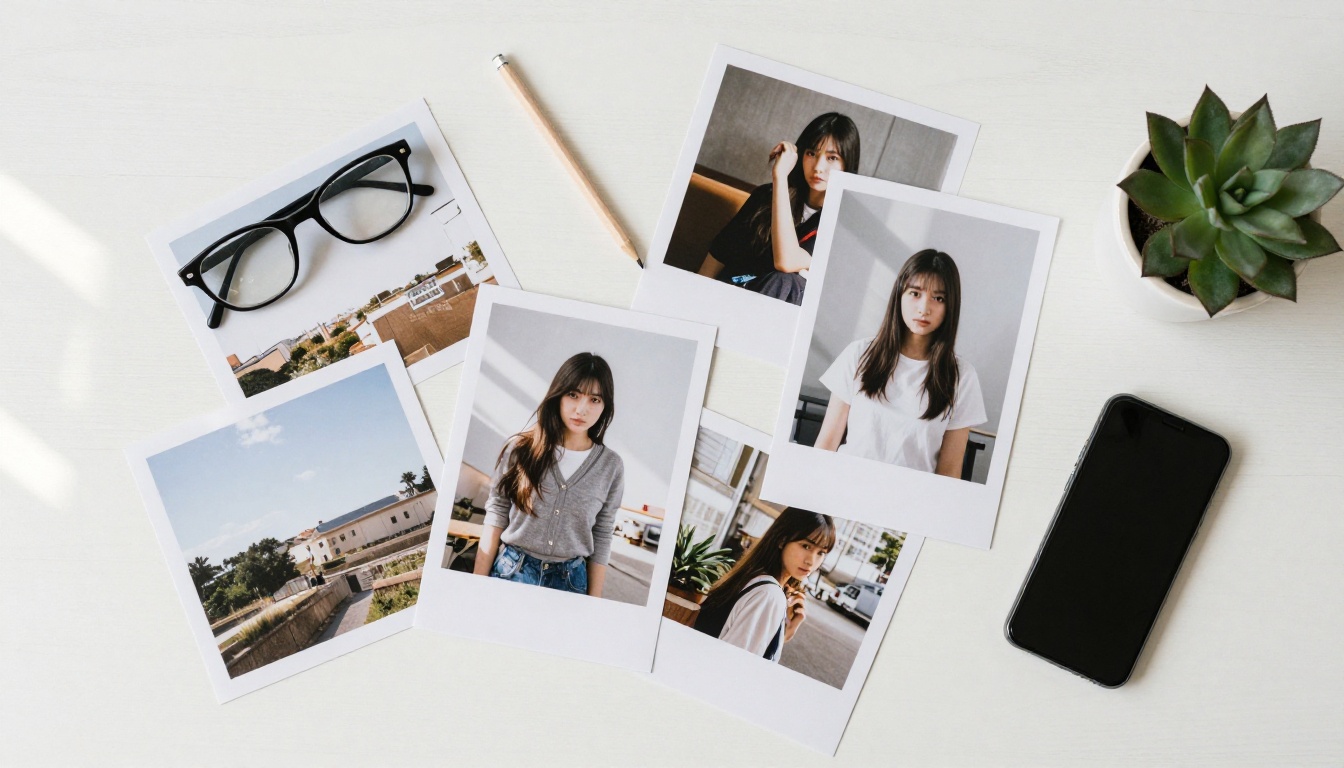
The searchable image database is the strongest argument for using Lexica at all. Before spending credits on any AI image generator, searching Lexica for what others have already produced in your target style cuts iteration time significantly. You see which prompt elements produce which results, which modifiers change the feel of an image, and which phrasing tends to backfire.
This is especially valuable for anyone just starting with AI image generation. Prompt engineering has a real learning curve, and Lexica essentially hands you a cheat sheet built from millions of real attempts across years of community output.
Community Image Search
Lexica's database pulls from Stable Diffusion users across multiple years of generation activity. That timespan covers a huge range of styles, aesthetic movements, subjects, and experimental approaches. If you need reference material, mood board assets, or creative direction for a project, the breadth of available material is difficult to beat without paying.
💡 Pro tip: Use Lexica's image search to build your prompt vocabulary. Pick five images that match your target aesthetic, copy the modifiers they share, and test that combination in any generator you prefer.
When Midjourney Wins
Consistency at Scale
If you're producing images professionally and need consistent output across a batch of related images, Midjourney's --sref (style reference) and --cref (character reference) parameters give you tools Lexica doesn't offer. Pin a visual style to a reference image and apply it across dozens of generations without drift. Pin a character's appearance to maintain consistency across a series.
For branding projects, editorial series, children's book illustration, or any commercial work requiring visual coherence across multiple assets, this functionality matters enormously. Lexica offers no equivalent.
Prompt Adherence
Midjourney follows complex, layered prompts with notably higher reliability. You can specify relative importance of prompt elements using weight syntax, control aspect ratios with precision, exclude unwanted visual elements with negative prompts, and chain together concepts with nuanced weighting. The control system is meaningfully more sophisticated.
When a prompt is highly specific, such as "woman in red dress standing near a window in a 1970s apartment, warm backlight, film grain, low contrast, ambient dust in light beams," Midjourney delivers on most of the stated conditions. Lexica often captures the subject and general mood but drifts on period-specific details, lighting direction, and stylistic intent.
3 Real Differences Nobody Talks About
Most comparisons between these tools focus on price and image quality. Here is what actually affects day-to-day experience:
| Factor | Lexica | Midjourney |
|---|
| Interface | Browser-based, clean | Discord-based + newer web UI |
| Prompt history | Public database search | Personal job history only |
| Speed | Fast cloud inference | Fast or slow, mode-dependent |
| Max resolution | Up to 1024px native | Up to 2048px with upscaling |
| Commercial rights | Check per-image license | Included on paid plans |
| Model updates | Periodic Aperture releases | Frequent version updates |
The interface difference shapes the daily experience in ways that matter. Midjourney's Discord origins mean image generation happens inside a chat interface that can feel chaotic, particularly in shared public servers where dozens of users are generating simultaneously. The newer web interface at midjourney.com is significantly cleaner, but Discord is still where the heaviest users spend most of their time.
The commercial licensing difference is also real. Lexica images, particularly those generated by other users and appearing in the search database, come with complicated provenance. Images you generate yourself through Aperture carry more straightforward rights, but checking the current licensing terms before using any Lexica output commercially is worth doing. Midjourney includes commercial rights on all paid plans without qualification.
A Stronger Free Alternative
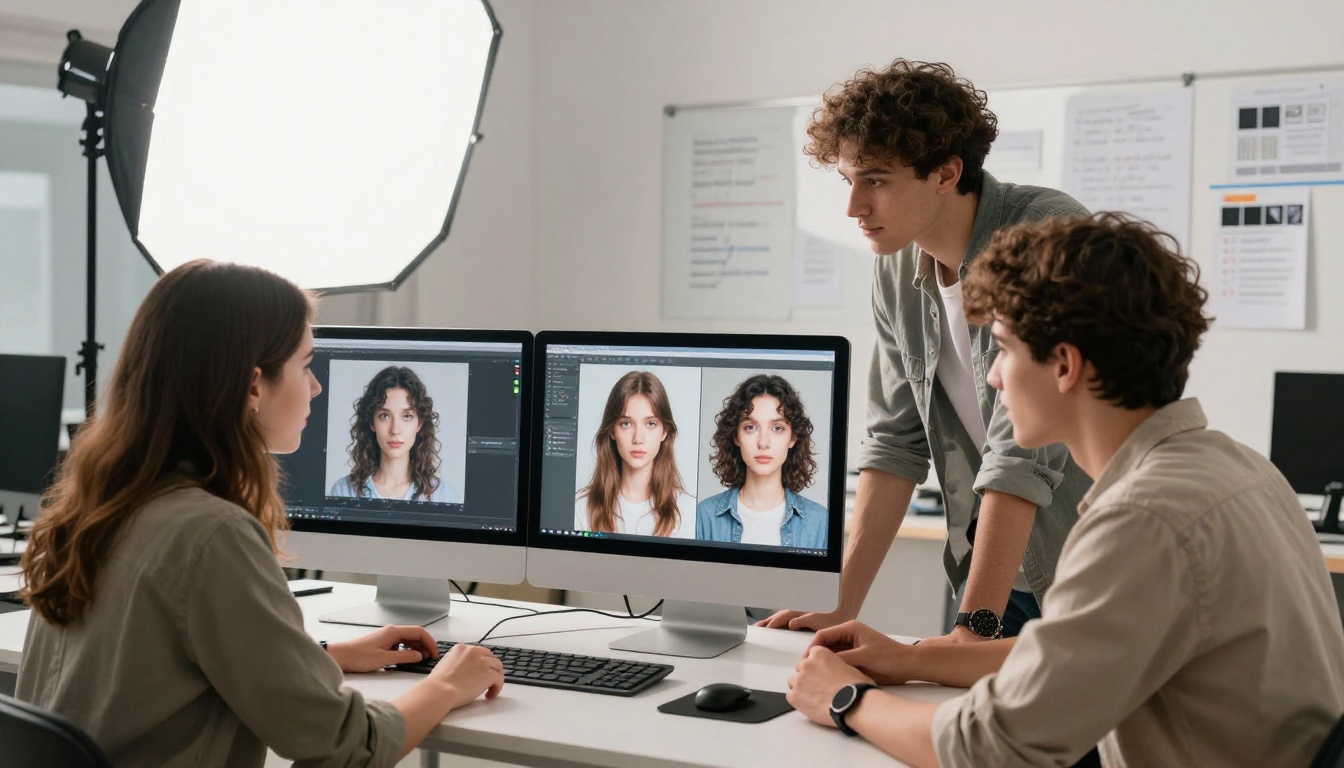
If you want Midjourney-level variety without the subscription, PicassoIA gives you access to over 180 text-to-image models in one browser-based platform. The model catalog covers photorealistic portrait generators, artistic stylizers, product photography tools, image editors, and experimental creative models, all accessible without a Discord account or monthly commitment to reach entry-level functionality.
180+ Models in One Platform
The selection is genuinely substantial. For photorealistic work, Flux Redux Dev generates image variations with fine control over composition and style inheritance from reference images. GPT Image 1 from OpenAI handles complex prompt interpretation with high accuracy, particularly for scenes requiring precise lighting conditions and spatial relationships between subjects and environment.
For users who want Stable Diffusion's creative flexibility, Stable Diffusion 3 on PicassoIA gives you the same underlying model class powering much of the Lexica database, with full prompt control and no monthly generation limits tied to a subscription. Flux Schnell LoRA offers rapid generation with custom style fine-tuning capability built in. Seedream 4.5 pushes output up to 4K resolution, matching and frequently exceeding Midjourney's photorealistic output quality on portrait and lifestyle subjects.
For fine-tuned artistic control, Flux Pro Finetuned allows custom model fine-tuning for brand-consistent image series across commercial projects. Recraft 20B handles the widest stylistic range of any single model on the platform, from photorealism to editorial illustration to technical diagrams, with strong prompt adherence throughout.

How to Start Generating
Getting started on PicassoIA takes about two minutes with no setup required:
- Visit picassoia.com in any browser
- Open the text-to-image collection or search for a model by name or style
- Enter your prompt in the input field
- Adjust parameters like aspect ratio, style preset, or random seed if needed
- Generate, review, and download at full resolution
No Discord account required. No subscription needed to reach entry-level model access. The browser interface is clean and fast, closer to Lexica's simplicity but backed by a model catalog that covers the range of what Midjourney, Stable Diffusion, and GPT Image each do best, all in one place.
💡 Where to start: For photorealistic portraits and lifestyle imagery, try Seedream 4.5 first. For editorial versatility across artistic styles, Recraft 20B covers the most ground in a single model.
The Real Pick
Lexica and Midjourney stop being direct competitors once you understand what each one actually does. Lexica is a prompt research tool with a built-in generator for casual, occasional use. Midjourney is a professional creative tool with premium output, advanced controls, and a subscription price calibrated to match.
Choose Lexica if:
- You want free prompt research and community image browsing
- You're learning how text-to-image prompts work
- You need fewer than 100 images per month
- Clean editorial photorealism is your primary aesthetic
Choose Midjourney if:
- You need consistent results across commercial projects
- Artistic stylization, surrealism, or fine art aesthetics are central to your work
- You generate frequently enough that $30/month is worth the output quality
- Style and character reference controls matter to your creative process
Choose PicassoIA if:
- You want model variety without committing to one platform's visual style
- You need access to Flux, Stable Diffusion 3, GPT Image, Seedream, and 175+ other models in one place
- High-resolution outputs matter without Midjourney's subscription overhead
- A clean browser interface suits you better than Discord-based generation
The AI image generation space has expanded well beyond two tools. If you've been choosing between Lexica and Midjourney because those were the names you knew, it's worth taking an hour to explore what's available on PicassoIA. You might find that the model you actually needed has been free and accessible the whole time, without a monthly fee, without Discord, and without a 100-image monthly ceiling sitting over your creative work.


