Meta's latest generation of language models introduces two distinct variants designed for different use cases: Llama 4 Scout and Llama 4 Maverick. These models represent a strategic shift in how AI systems are deployed, with Scout optimized for efficiency and rapid inference, while Maverick pushes the boundaries of accuracy and complex reasoning.
If you're deciding between these models for your next project, this comparison breaks down their architectures, performance benchmarks, cost implications, and real-world applications. By the end, you'll have a clear picture of which model aligns with your specific requirements.

Model Architecture and Design Philosophy
The fundamental difference between Scout and Maverick lies in their architectural approach. Llama 4 Scout employs a streamlined architecture with fewer parameters, approximately 20-30 billion, making it lightweight and fast. This design prioritizes response time and computational efficiency, which translates to lower latency in production environments.
In contrast, Llama 4 Maverick features a significantly larger parameter count, ranging from 70-100 billion parameters. This expanded architecture enables deeper contextual understanding and more nuanced reasoning capabilities. The trade-off is increased computational requirements and longer processing times.
Both models utilize the transformer architecture that has become standard in modern language models, but their layer depth, attention mechanisms, and training objectives differ substantially. Scout uses a more aggressive pruning strategy during training, while Maverick maintains fuller representational capacity throughout its layers.

When evaluating raw performance, the results show clear differentiation between the two models across various metrics.
Speed and Latency
Llama 4 Scout excels in response time, delivering outputs approximately 3-4x faster than Maverick. In practical terms, Scout can generate 100 tokens in about 0.5 seconds on standard GPU infrastructure, while Maverick requires 1.5-2 seconds for the same task. For applications requiring real-time responses, such as chatbots or interactive assistants, this speed advantage becomes crucial.

Accuracy and Reasoning
Where Llama 4 Maverick demonstrates superiority is in complex reasoning tasks and accuracy. On standardized benchmarks like MMLU (Massive Multitask Language Understanding), Maverick scores approximately 85-88%, compared to Scout's 78-82%. This gap becomes more pronounced in specialized domains requiring deep technical knowledge or multi-step logical reasoning.
Maverick also shows stronger performance in:
- Mathematical problem-solving
- Code generation and debugging
- Scientific reasoning
- Long-form content coherence
- Context retention across extended conversations

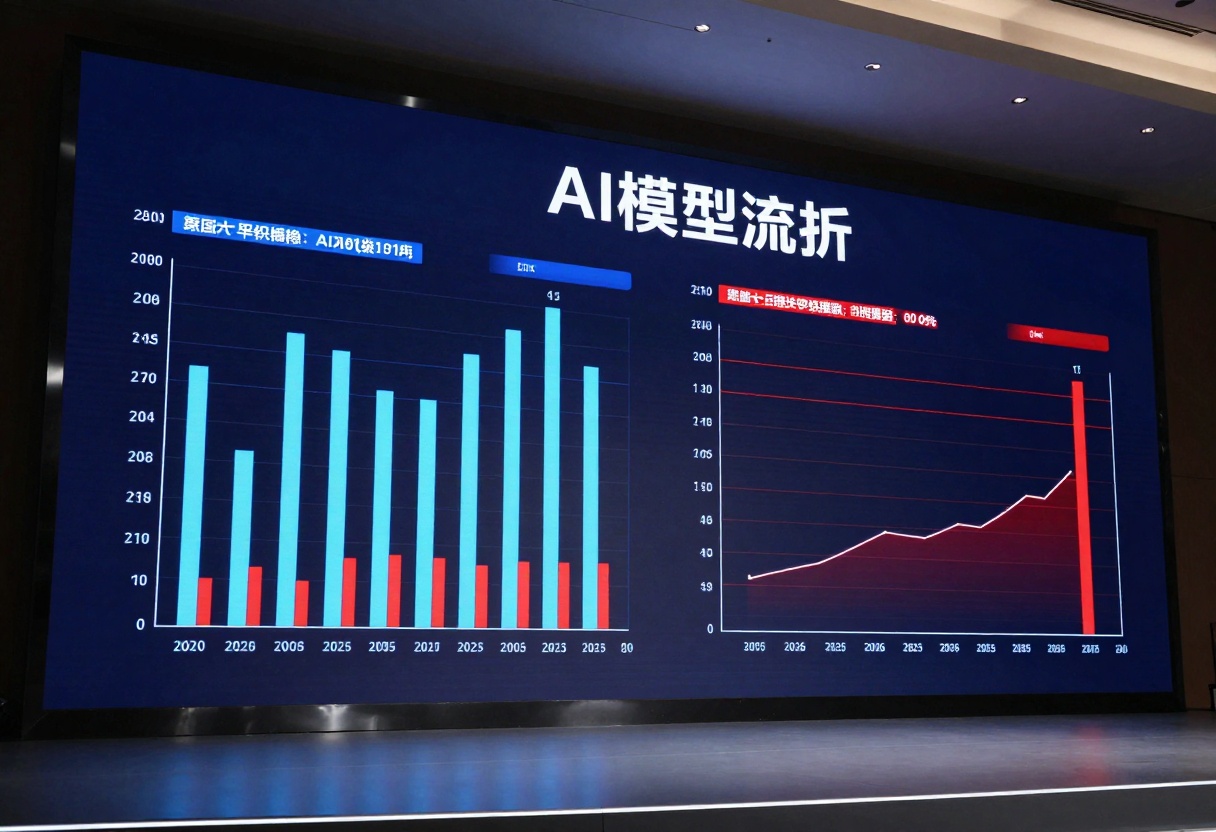
Benchmark Comparison Table
| Metric | Llama 4 Scout | Llama 4 Maverick |
|---|
| Response Time (100 tokens) | 0.5s | 1.8s |
| MMLU Score | 80% | 87% |
| Code Generation Accuracy | 75% | 89% |
| Context Window | 8K tokens | 32K tokens |
| Memory Requirements | 40GB | 120GB |
Cost Analysis
Understanding the financial implications of each model is essential for project planning and scalability.
Infrastructure Costs
Llama 4 Scout can run efficiently on mid-tier GPU infrastructure, including single NVIDIA A10 or T4 GPUs. This accessibility reduces both initial hardware investment and ongoing cloud computing expenses. For organizations with modest budgets or those testing AI integration, Scout presents a more approachable entry point.
Llama 4 Maverick demands high-end hardware, typically requiring NVIDIA A100 or H100 GPUs for optimal performance. Running Maverick in production can cost 3-5x more than Scout when factoring in compute resources, memory requirements, and cooling infrastructure.

Operational Efficiency
The cost per inference also differs substantially. Scout processes requests at roughly $0.001 per 1K tokens, while Maverick averages $0.004 per 1K tokens. For high-volume applications processing millions of requests daily, this difference compounds significantly.
However, the cost equation shifts when considering task completion efficiency. If Maverick completes complex tasks in fewer iterations due to higher accuracy, the total cost per completed task may actually favor Maverick for certain use cases.
Use Cases and Applications
Selecting the right model depends heavily on your specific application requirements.
When to Choose Llama 4 Scout
Scout shines in scenarios where speed and cost-efficiency take priority over absolute accuracy:
- Customer service chatbots: Real-time responses matter more than perfect accuracy for routine inquiries
- Content moderation: Rapid processing of large volumes of user-generated content
- Simple text classification: Sentiment analysis, topic categorization, spam detection
- Conversational AI: Natural dialogue systems where response latency affects user experience
- Draft generation: Creating initial content that will undergo human review
- Mobile and edge deployment: Resource-constrained environments

When to Choose Llama 4 Maverick
Maverick becomes the better choice when accuracy, depth, and complex reasoning are non-negotiable:
- Software development: Code generation, architectural planning, debugging assistance
- Research and analysis: Scientific literature review, data interpretation, hypothesis generation
- Technical documentation: Creating detailed, accurate technical content
- Legal and compliance: Contract analysis, regulatory interpretation
- Educational content: Generating comprehensive study materials, tutoring systems
- Strategic planning: Business intelligence, market analysis, decision support

Developer Experience
From a development perspective, both models offer similar integration patterns through standard APIs, but the operational considerations differ.
Integration and Deployment
Both Scout and Maverick support common deployment options including REST APIs, Python libraries, and containerized environments. The primary difference lies in resource allocation and scaling strategies.
Scout's lower resource requirements make it easier to deploy in distributed systems, enabling horizontal scaling across multiple instances. This architecture suits microservices patterns and cloud-native applications well.
Maverick's hardware demands often necessitate vertical scaling and more careful load balancing. Organizations typically deploy Maverick in dedicated, high-performance clusters rather than spreading it across numerous smaller instances.

Model Tuning and Optimization
Fine-tuning Scout on domain-specific data is more accessible due to lower computational requirements. Organizations can iterate on custom models more rapidly and affordably.
Maverick's fine-tuning demands substantial resources but can achieve remarkable specialization when properly trained on niche datasets. The investment pays off for applications requiring deep domain expertise.
Making the Decision
The choice between Llama 4 Scout and Maverick isn't about which model is objectively better, it's about which model fits your requirements.

Decision Framework
Consider Scout if:
- Response time under 1 second is critical
- Budget constraints limit infrastructure investment
- Your use case tolerates 15-20% lower accuracy
- You're processing high volumes of relatively simple requests
- Edge deployment or mobile integration is required
Consider Maverick if:
- Accuracy and reasoning depth are paramount
- Your application handles complex, nuanced tasks
- Budget allows for premium compute resources
- Incorrect outputs carry significant consequences
- You need extended context understanding beyond 8K tokens
Hybrid Approaches
Many organizations successfully deploy both models in tandem, routing requests based on complexity. Simple queries go to Scout for rapid response, while complex tasks are directed to Maverick. This tiered approach optimizes both cost and performance.
Some teams use Scout for initial drafts or suggestions, then employ Maverick for refinement and validation. This workflow balances speed in the creative phase with quality in the final output.
How to Use Language Models on PicassoIA
PicassoIA provides access to powerful language models like Claude 4.5 Sonnet, which offers capabilities comparable to both Scout and Maverick depending on your configuration. Here's how to get started with advanced language models on the platform.
What Makes Claude 4.5 Sonnet Special
Claude 4.5 Sonnet represents a state-of-the-art approach to language model deployment, offering exceptional coding capabilities, advanced reasoning, and multimodal support. The model handles both text and image inputs, making it versatile for a wide range of applications from technical documentation to creative content generation.
Key advantages include:
- Extended context windows up to 8,192 tokens for long-form content
- Customizable system prompts for tailored responses
- Efficient image processing with adjustable resolution
- Strong performance in code generation and review
- Optimized balance between speed and accuracy
Using Claude 4.5 Sonnet: Step-by-Step
Step 1: Access the Model Page
Navigate to the Claude 4.5 Sonnet model page on PicassoIA. The interface provides a clean, intuitive design for configuring your language model requests.
Step 2: Configure Your Prompt
The most important parameter is your prompt, which tells the model what you want it to generate. Write clear, specific instructions for best results. For example:
- "Write a technical blog post about database optimization techniques"
- "Generate Python code for a REST API with authentication"
- "Analyze this customer feedback and provide actionable insights"
Step 3: Adjust Advanced Settings
While the prompt is required, several optional parameters let you fine-tune the output:
- Max Tokens (default: 8192): Controls the maximum length of the response. Set lower for concise outputs, higher for detailed content.
- System Prompt: Provides context or instructions about the model's role and behavior. Use this to establish tone, expertise level, or specific guidelines.
- Max Image Resolution (default: 0.5 megapixels): If you're providing an image input, this setting controls processing resolution to balance quality and cost.
Step 4: Add Multimodal Inputs (Optional)
If your task involves visual analysis, upload an image using the Image parameter. This enables use cases like:
- Analyzing diagrams or charts
- Extracting text from screenshots
- Describing visual content
- Combining visual and textual context
Step 5: Generate and Review
Click the generate button to process your request. The model will return text output based on your configuration. Review the results and iterate on your prompts if needed to achieve the desired outcome.
Practical Applications
Claude 4.5 Sonnet excels in scenarios that mirror both Scout's efficiency and Maverick's capability:
- Automated code writing and review: Generate production-ready code with proper error handling and documentation
- Technical content creation: Produce accurate, well-structured articles, guides, and documentation
- Document summarization: Condense lengthy reports, transcripts, or research papers into key insights
- AI-powered assistants: Build chatbots and virtual assistants with strong reasoning abilities
- Multimodal research: Combine image analysis with text interpretation for comprehensive data extraction
Optimizing Your Results
To get the most from language models on PicassoIA:
- Be specific in your prompts: Instead of "write about AI," try "write a 500-word technical explanation of transformer architecture for software developers"
- Use system prompts strategically: Set the context once rather than repeating it in every prompt
- Iterate and refine: Start with a basic prompt, review the output, then adjust parameters to improve results
- Balance token limits: Higher token counts cost more but enable more comprehensive responses
- Leverage multimodal capabilities: When applicable, combining images with text prompts yields richer analysis
The Future of Model Specialization
The divergence represented by Scout and Maverick signals a broader trend in AI development. Rather than pursuing a single "best" model, the industry is moving toward specialized variants optimized for distinct use cases.

We're likely to see continued expansion of this approach, with models tailored for specific industries, deployment environments, and performance profiles. The choice won't be between good and bad models, but between models that match or mismatch your particular requirements.
Both Llama 4 Scout and Maverick have their place in the AI ecosystem. Understanding their strengths and limitations helps you make informed decisions that balance performance, cost, and capability for your specific needs. Whether you choose the efficiency of Scout, the power of Maverick, or leverage both in a hybrid approach, the key is aligning model selection with your application's unique demands.
Ready to start building with powerful language models? Explore Claude 4.5 Sonnet on PicassoIA and see how advanced AI can transform your projects.


