Two video models with downloadable weights landed within ten days of each other this summer, and creators have been arguing about them ever since. MiniMax announced H3 on July 31, 2026 as an API product, then released weights on August 3. Lightricks followed on August 11 with LTX 2.5. Both generate picture and sound in a single pass. Both promise cinematic output. The license fine print, though, makes the choice far less obvious than the spec sheets suggest.
This comparison sticks to what matters when you have a deadline: resolution, clip length, audio, speed, price, local hardware, and who is actually allowed to use the weights. I did not run a lab benchmark, so every figure below comes from published specifications and launch reports, and I flag the numbers that are vendor claims.
💡 Quick verdict: LTX 2.5 is the safer open choice for most people. MiniMax H3 offers 2K output and richer reference inputs through its API, but the weights you can actually download are more limited than the headline suggests.
The Short Answer
Who Wins in One Line
If you want to run a video model on your own machine, build it into a pipeline, or fine-tune it, LTX 2.5 wins for most readers. Its weights are on Hugging Face, it worked in ComfyUI from day one, and its community license is free for organizations under $10 million in annual recurring revenue. If you want 2K output with dialogue and heavy reference control, and you are happy paying per second through an API, MiniMax H3 deserves a test.
The honest answer to "best open video model" depends on how much weight you put on the word open.
| Need | Better pick | Why |
|---|
| Self-hosting with few legal questions | LTX 2.5 | Open weights and a community license free under $10M ARR |
| Longest single clip | LTX 2.5 | Up to 20 seconds on the Fast tier |
| Highest listed resolution | LTX 2.5 | Up to 4K, against 2K for H3 |
| Reference-heavy direction | MiniMax H3 | Up to 9 images, 3 video clips and 3 audio clips as input |
| Multilingual dialogue | MiniMax H3 | Lip sync reported in 11 languages |
| Lowest cost per clip | LTX 2.5 | $0.09 per second on the Fast tier |
What "Open" Means Here
Open weights does not mean open source, and it does not mean free for everyone. It means the model files can be downloaded and run on your own hardware. The license then decides what you may do with them. Three questions sort it out:
- Download rights: can you get the files at all?
- Use rights: can you ship paid client work with them?
- Region rights: are you even permitted to run them where you live?
Both vendors use custom community licenses with revenue thresholds, so read the text before you build a product on either one.
LTX 2.5 at a Glance
Specs Worth Knowing
Lightricks built LTX 2.5 as a 22B-parameter audio-video model that generates picture and sound together. The headline feature is native multishot generation. Ask for a wide, a medium and a close-up, and the model renders them as one sequence that holds the character, lighting and voice steady from cut to cut instead of stitching separate clips together.
Other additions worth noting:
- Automatic duration: the model predicts clip length from the action you describe.
- 4K HDR output: high-resolution, high-dynamic-range video for finishing work.
- RAW workflow: a path built for professional colour pipelines.
- Editing beta: a mode for revising existing footage instead of regenerating it.
On speed, Lightricks claims a 10 second clip in 6.8 seconds on two NVIDIA GB200 superchips. That is a vendor number on very expensive hardware, so treat it as a ceiling, not a promise for your desk. Through the managed API, the same job reportedly took 23.7 seconds at 1080p, which is still quick.
License and Ecosystem
The weights sit on Hugging Face in several flavours: the full dev checkpoint, a distilled version for speed, and int8 and NVFP4 quantizations for smaller memory budgets. ComfyUI support was ready on release day, with official workflow templates for text-to-video and image-to-video.
The LTX-2.x Community License allows fine-tuning and self-hosting and costs nothing for organizations under $10 million in annual recurring revenue. It bars you from building a competing AI system with the model, and it prohibits military use without a separate agreement.

MiniMax H3 at a Glance
What H3 Brings
H3 is MiniMax's omni-modal video model, the successor to the Hailuo 2.3 line. It generates 4 to 15 seconds of video at 24 fps, up to 2K, with native stereo sound (dialogue, effects and room tone) produced in the same pass. Launch reports also list lip-synced dialogue in 11 languages, and the base model is reported at 33.1B parameters.
Where H3 stands out is input flexibility. The API reportedly accepts up to 9 reference images, 3 reference video clips (15 seconds in total) and 3 audio clips, 12 files in all, plus a prompt of up to 7,000 characters. Audio references cannot be sent alone. For character consistency across shots, that is a lot of directorial control.
Launch-week API pricing was reported at $0.13 per second of 2K video, or $7.80 per minute, with the first five reference images free and $0.04 for each one after that. Check MiniMax's current rate card before you budget.

The License Catch
H3 started life as an API-only product. The weights arrived on August 3 under the MiniMax H3 Community License, and three details matter:
- Only H3-Base was released. The two checkpoints, FL2VA and Ref2VA, are both CFG-distilled.
- The 2K stage stayed closed. Local generation works at a 768 pixel short edge. The H3-Regenerate-2K module was not open-sourced, and the API runs the full 2K pipeline.
- Territory limits. Several license write-ups, including hosting-provider breakdowns, say the license excludes the United States, the European Union, the United Kingdom and South Korea, reportedly even for using the model's outputs inside those regions. A revenue threshold of $20 million has also been reported.
💡 Read the license text yourself before relying on any third-party summary, this one included. If the territory exclusions apply to where you live, the open weights are off the table, however good the spec sheet looks.
Head to Head Comparison
Resolution and Clip Length
| Feature | LTX 2.5 | MiniMax H3 |
|---|
| Release | August 11, 2026 | API July 31, weights August 3, 2026 |
| Model size | 22B parameters | 33.1B parameters |
| Open weights | Full dev, distilled, int8, NVFP4 | H3-Base only (FL2VA, Ref2VA) |
| Top resolution | Up to 4K HDR | 2K via API, 768p short edge locally |
| Clip length | Up to 20 seconds (Fast tier) | 4 to 15 seconds |
| Audio | Joint audio and video | Native stereo, dialogue in 11 languages |
| Multishot | Native multishot sequences | Multiple shots inside one generation |
| Reference inputs | Image to video, first and last frame | 9 images, 3 videos, 3 audio clips |
| License | LTX-2.x Community, free under $10M ARR | MiniMax H3 Community, region limits reported |
On paper, LTX 2.5 has more headroom: up to 4K and up to 20 seconds. Long clips come with a trade-off, since the 20 second ceiling applies at 1080p or below. H3 tops out at 2K and 15 seconds through the API and at 768p locally. Resolution is not quality, though. A clean 1080p clip with believable motion beats a 4K clip with melting hands.
Faces, Motion and Audio
Close-ups expose every weakness in a video model: skin texture, blinking, hair strands, lip shapes. H3 markets reference-based consistency and multilingual lip sync, which suggests MiniMax is aiming at dialogue-driven scenes. LTX 2.5 goes after the same target with joint audio-video generation and multishot sequences that keep a voice steady across cuts.
I cannot honestly rank their faces from spec sheets alone, and neither can anyone else without side by side renders. Test with your own material: one face, one line of dialogue, one camera move.
Sound is the other half of the picture:
- LTX 2.5: audio is generated jointly with the video, and on LTX 2.5 Fast it can be switched on or off per render.
- H3: stereo output at 32 kHz, according to one spec listing, with dialogue, effects and room tone in the same pass.
Speed and Cost
Per-second pricing makes the math easy. These are launch-week API prices as reported, and the resolutions differ (H3 at 2K, LTX at up to 1080p), so this is not an apples to apples test.
| Clip length | LTX 2.5 Fast ($0.09/s) | LTX 2.5 Pro ($0.12/s) | H3 at 2K ($0.13/s) |
|---|
| 5 seconds | $0.45 | $0.60 | $0.65 |
| 10 seconds | $0.90 | $1.20 | $1.30 |
| 15 seconds | $1.35 | Not available (10 s cap) | $1.95 |
| 20 seconds | $1.80 | Not available (10 s cap) | Not available (15 s cap) |
The Fast tier is the cheapest way to iterate. The Pro tier is positioned around prompt adherence, faces and typography, so it makes sense for the final render once the Fast drafts look right.

Running Them on Your Own Hardware
LTX 2.5 on a Workstation
Lightricks ships a distilled checkpoint for speed and quantized builds for tighter memory budgets. NVFP4 builds target NVIDIA's newest architecture, so older cards will likely do better with int8. I could not find a firm minimum VRAM figure in the launch reports, so check the model card for your exact GPU.
A sensible first run: load the distilled checkpoint in ComfyUI, render a 10 second clip at 1080p, and only then push toward 4K or longer durations.
H3 Local Limits
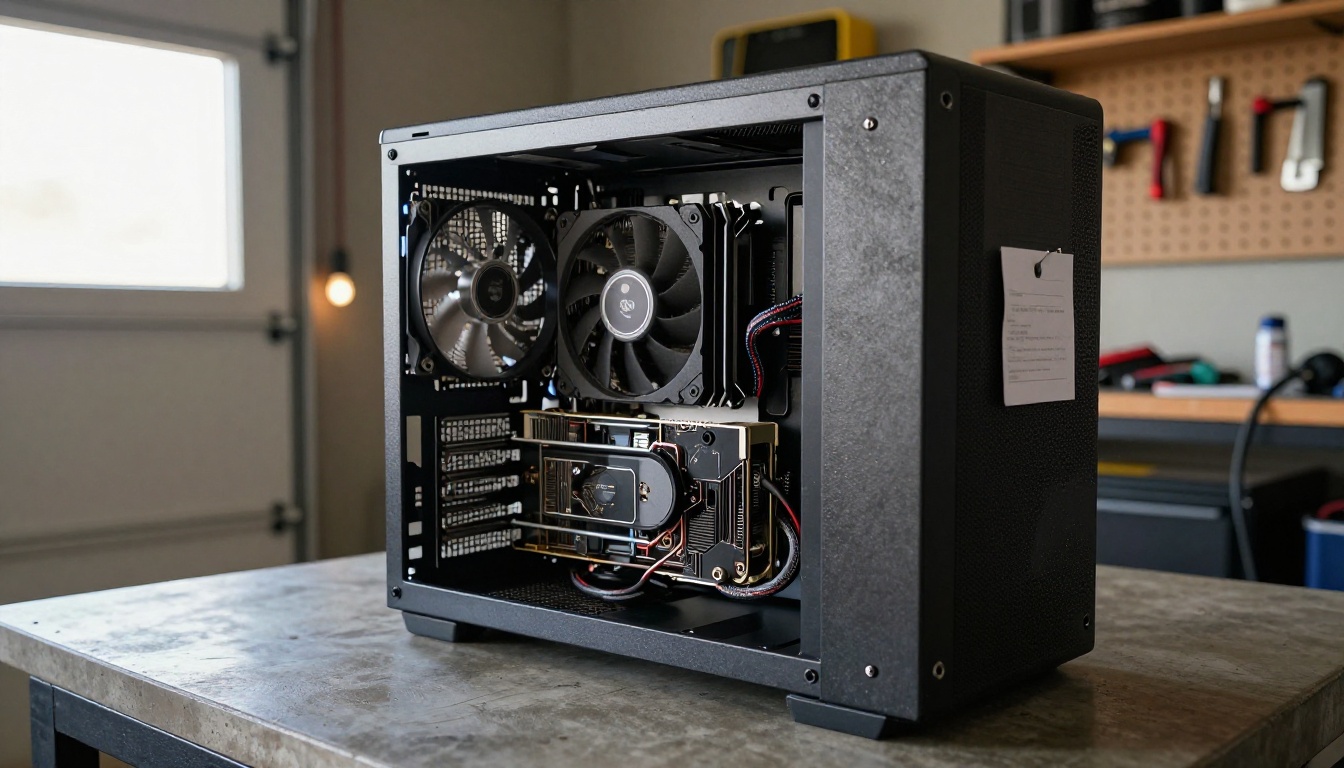
The H3 repository is large. One hosting-provider walkthrough describes the full download, with every quantization included, at roughly 600 GB. The base model is 33.1B dense parameters against 22B for LTX 2.5, so expect a heavier load on your GPU. ComfyUI added four H3 nodes: EmptyMiniMaxH3LatentAV, MiniMaxH3ImageToVideo, MiniMaxH3ReferenceToVideo and MiniMaxH3SigmaShift.
What you get locally is the 768p base result. The 2K polish that fills the marketing pages comes from the API.
How to Use LTX 2.5 on PicassoIA
You do not need a GPU to try this model. LTX 2.5 Fast runs on Picasso IA and takes a text prompt or a single photo. At the time of writing, H3 itself is not in the catalogue. The newest MiniMax models there are Hailuo 2.3 and Hailuo 2.3 Fast, which makes a fair side test for the MiniMax look.
Step by Step
- Open the LTX 2.5 Fast page in the text-to-video collection.
- Pick your input. Write a prompt alone, or upload a first frame photo for image-to-video.
- Optional: add a last frame image and the model will interpolate a transition between the two.
- Set the aspect ratio, resolution, duration and frame rate (see the table below).
- Leave Generate Audio on if you want synced sound.
- Generate, preview the clip, then download it or adjust the prompt and run again.
Settings and Prompt Tips
| Setting | Options | Notes |
|---|
| Aspect ratio | 16:9, 9:16 | Landscape for web, portrait for social |
| Resolution | 720p, 1080p, 2K, 4K | Default is 1080p; higher resolutions cap duration |
| Duration | 2 to 20 seconds | Over 10 seconds only at 720p or 1080p with 24 or 25 fps |
| Frame rate | 24, 25, 48, 50 | 48 and 50 fps cap at 10 seconds |
| Generate audio | On or off | On by default |
For first frames, build the still with an image model such as Seedream 5 Pro, then feed it to the video model. You control composition before any motion is added.
Write prompts in the order things happen: subject, action, camera move, light, then sound. For example:
A fisherman hauls a rope on a small wooden boat at dawn. Slow dolly-in from the stern, sea mist drifting across the water, low amber light on wet planks. Creaking wood, gentle waves and distant gulls.

Which One Should You Pick?
Pick LTX 2.5 When
- You want to self-host or fine-tune without region questions.
- Clips longer than 15 seconds matter to you.
- You iterate a lot and need the lowest cost per draft.
- You work in ComfyUI and want day-one workflow templates.
- You need 4K HDR for a finishing pipeline.
Pick H3 When
- You direct with many references: faces, footage and voice clips in one request.
- Your scenes depend on multilingual dialogue.
- You are fine using the API and 2K output matters more than local control.
- You have confirmed the license allows your location and your revenue band.
If neither fits, run the same prompt through Kling v3 Video or Veo 3.1 for a third opinion.
Run Your Own Comparison
Specs only go so far. The fastest way to settle this is to render the same shot twice and watch it with the sound on. Open LTX 2.5 Fast on Picasso IA, paste one prompt, and render it at 1080p and again at 4K. Then run the same description through Hailuo 2.3 and compare faces, motion and audio side by side.
Want a custom first frame? Generate it with Picasso IA's image models, upload it as the starting image, and let the video model take over. A few experiments will tell you more than any spec table, including this one.


