Getting audio and video to sync properly has always been one of the most labor-intensive parts of video production. Professional editors spend hours slicing on beats, matching visual energy to sonic climaxes, and nudging frames by milliseconds. LTX 2.3 Pro changes the equation by making audio a first-class conditioning input, letting the generation model read rhythm, tone, and spectral data from your audio track and build visuals that match it from the first frame.
This is not post-processing synchronization. The audio shapes the video during generation itself, not after. Here is exactly how that pipeline works, step by step.
What LTX 2.3 Pro Does Differently
Audio as a First-Class Input
Most video generation models treat audio as a downstream addition. You generate a clip, add a soundtrack in post, and manually adjust if the timing feels off. LTX 2.3 Pro, developed by Lightricks, inverts that workflow. The audio is not layered on top after generation. It is embedded into the conditioning signal that steers every denoising step.
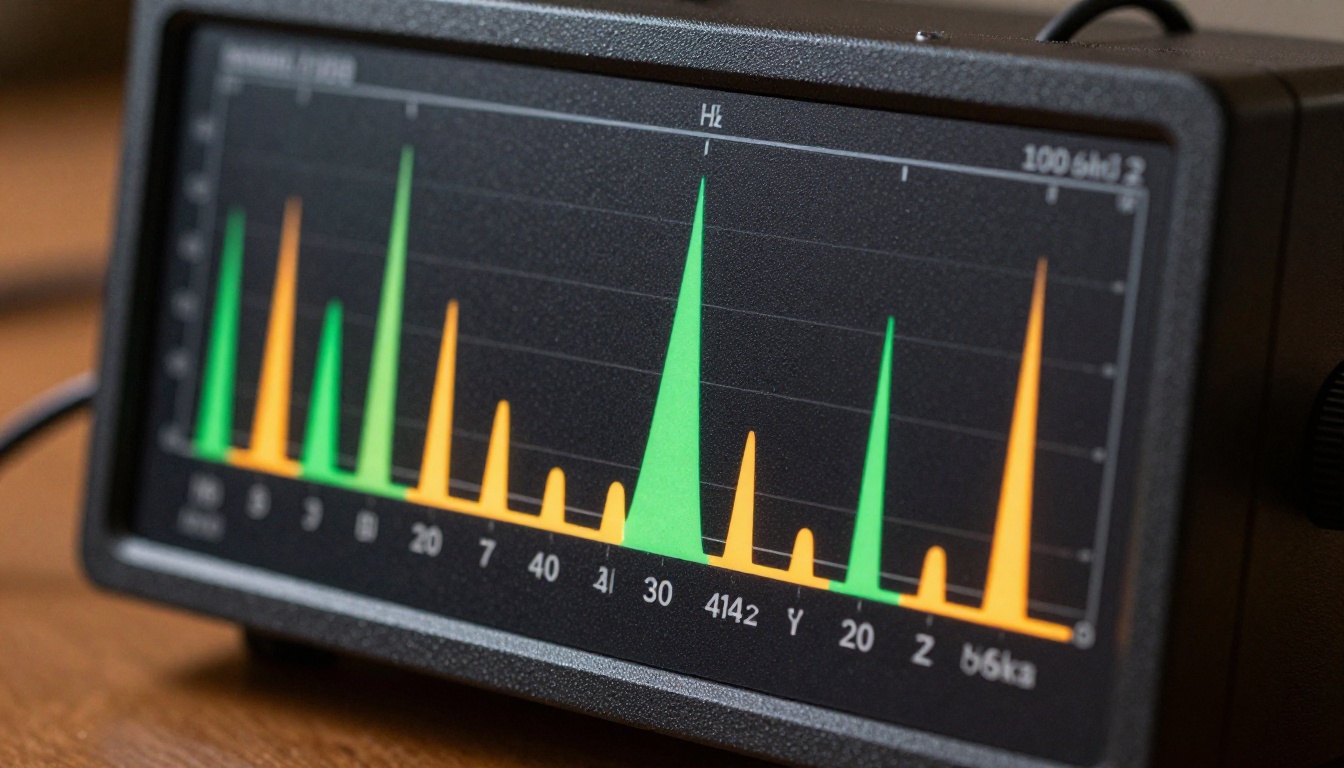
When you provide an audio file, the model does not simply play it back alongside the output. It converts the audio into temporal feature vectors: mel spectrogram slices, onset envelopes, and beat grid timestamps. Those vectors are injected into the denoising process at every diffusion step, pulling motion and visual energy toward the moments in the audio that carry the most information. The result is video where the visual rhythm genuinely reflects the sonic rhythm, because they were built together.
💡 Think of it this way: the audio acts like a hidden director, signaling each frame when to hold still, when to cut hard, and when to let motion blur out naturally.
Beyond Standard Text-to-Video
Standard text-to-video models like Wan 2.2 S2V or Veo 3 are strong for generating motion from a text description, but they treat audio independently when they engage with it at all. They produce sound that matches a visual scene, not a scene that matches existing sound. That distinction matters enormously when your audio track already exists and the visuals must serve it: music videos, branded audio content, synchronized campaign material.
LTX 2.3 Pro sits in a smaller category of models where audio conditioning is a first-class architectural feature built into the diffusion core, not a downstream processing step added afterward.
The Audio Conditioning Pipeline

What happens between uploading your audio file and receiving a synchronized video clip involves three distinct processing stages.
Beat Detection and Rhythm Mapping
The first stage converts your audio into a temporal skeleton. A beat tracking algorithm scans the waveform for onset events: transients, percussive attacks, and rhythmic pulses. It maps them onto a timestamp grid at the model's native temporal resolution. For a 5-second clip at 24fps, that means 120 frame positions, each tagged with a beat confidence score.
High-confidence beat positions become anchor frames. The model treats these as moments where visual motion should peak: camera movement pushes or cuts, scene energy crests, and subject action reaches its climax. Frames between beats are interpolated from those anchors, creating a natural build-and-release cadence that your ear expects and your eye validates.
💡 Tip: Tracks with a consistent BPM (steady drumbeat, metronomic pulse) produce more predictable synchronization. Tracks with irregular tempo shifts produce more dynamic, unpredictable visual output. Both are valid depending on your creative intent.
Tone Reading and Visual Mood
Alongside beat detection, the pipeline runs a spectral processing pass. It separates the audio into frequency bands (bass, mid, treble) and tracks energy in each band over time. Low-frequency dominance (heavy bass, deep pads) pulls the visual output toward slower, heavier motion: wide pans, slow zooms, dark atmospheric visuals. High-frequency energy (bright synths, hi-hats, treble-heavy strings) pulls toward faster cuts, sharper contrasts, and higher-saturation color palettes.
This is not hard-coded rule mapping. The model internalized these associations from training on large video-audio datasets where human editors made similar intuitive choices. The conditioning signal guides the diffusion process toward what a skilled editor would do given the same audio track.
Spectral Features Drive Frame Motion
The third stage extracts mel-frequency cepstral coefficients (MFCCs) and harmonic content. These fine-grained spectral fingerprints carry information about timbre, pitch movement, and tonal richness that plain waveforms miss. The model uses them to modulate motion vectors at the frame level.
In practice: a rising pitch sequence tends to produce upward or expansive motion. A falling harmonic phrase tends to produce settling or decelerating movement. A held chord creates sustained, smooth motion. Staccato notes produce sharp, punctuated visual cuts. These are tendencies from training, activated appropriately per frame by the conditioning signal, not rigid rules applied mechanically.
Frame-by-Frame Synchronization
How Motion Aligns with Sound
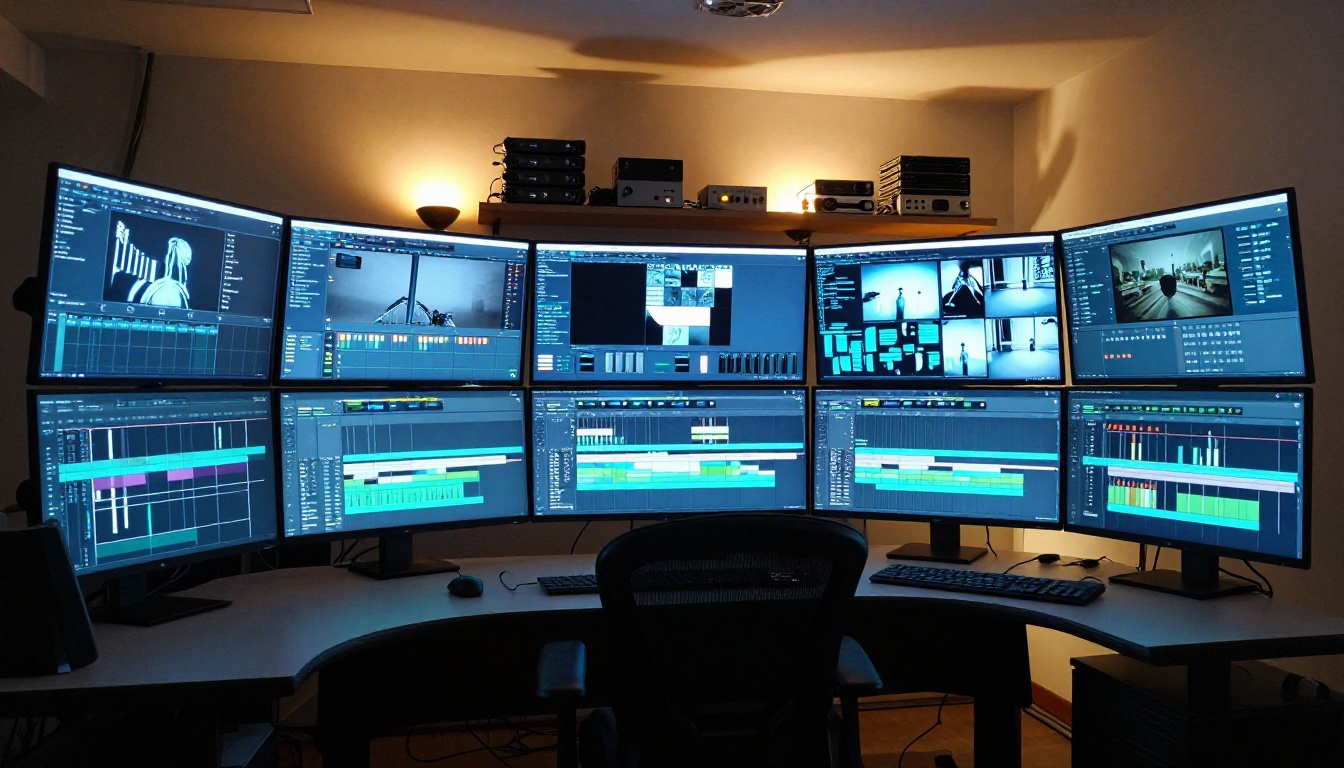
The synchronization happens inside the latent diffusion process during generation, not in post. At each denoising step, the model cross-attends to the audio feature tensor at the corresponding time position. This cross-attention mechanism ties a specific audio moment to a specific frame position in the generated video.
Because the attention operates at every denoising step rather than only at initialization, the audio signal continuously steers the visual trajectory throughout the entire generation run. If a beat arrives late due to syncopation, the motion in the corresponding frame cluster responds to it accurately. The synchronization is frame-granular, not approximately aligned.
Temporal Consistency Across Frames
One real risk in audio-conditioned generation is visual fragmentation: frames that look too different from each other because every beat triggers a dramatic visual shift, producing something closer to a slideshow than continuous footage. LTX 2.3 Pro addresses this through temporal self-attention layers that enforce consistency between adjacent frames regardless of how strong the audio conditioning is at any given moment.
The result is coherent footage even on highly dynamic audio. Faces remain stable between beats. Backgrounds maintain perspective continuity. Objects move with physics-realistic acceleration and deceleration rather than teleporting between frames.
4K Output at Scale
Why Resolution Matters for Synchronized Video
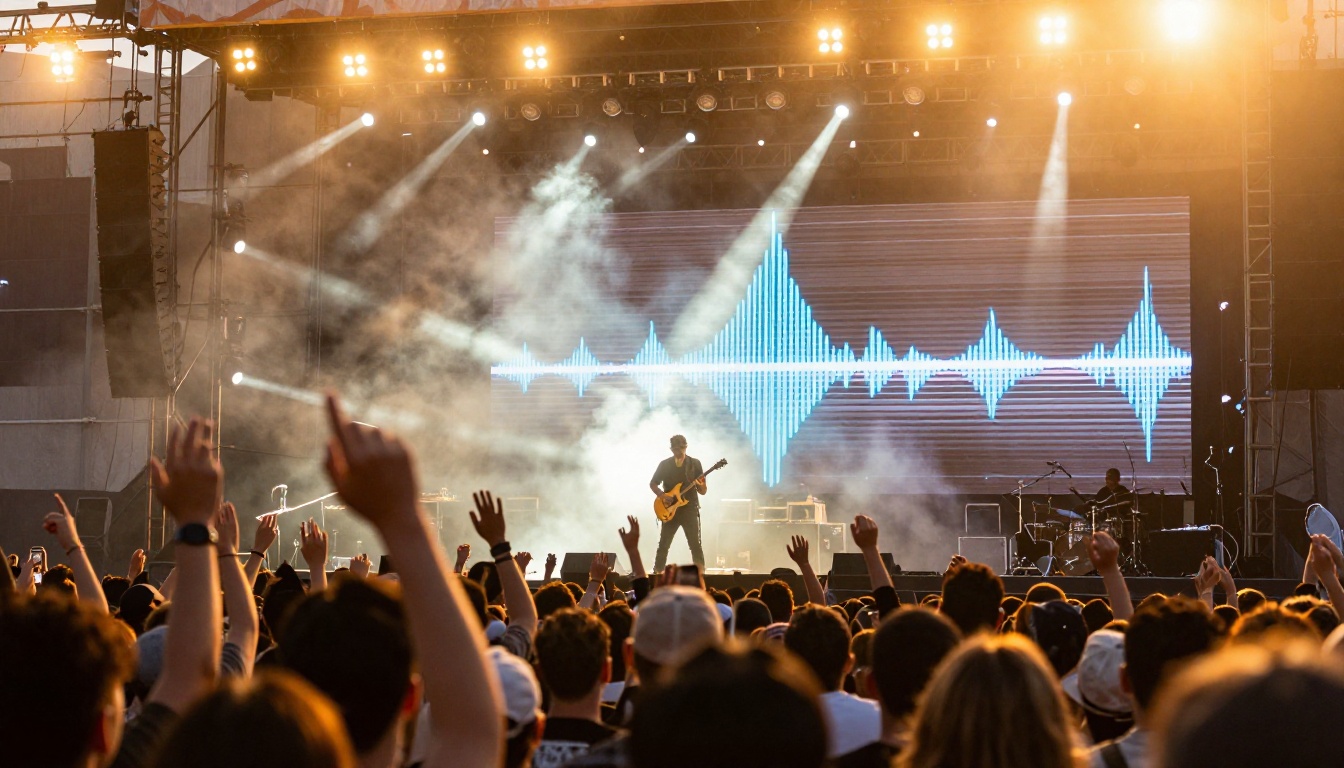
Audio-driven video generation has historically been limited to low resolutions. Early tools produced 512x512 clips that looked fine on a phone screen but degraded visibly on anything larger. LTX 2.3 Pro outputs at 4K resolution, which substantially expands what the format can realistically be used for:
- Live event projection: 4K holds up on large LED screens without visible artifacting
- Broadcast-quality music videos: suitable for streaming platform ingestion standards
- Commercial production integration: can be incorporated into professional editing timelines without rescaling
- Full-screen web content: no letterboxing or resolution padding required
The LTX 2.3 Fast variant trades the resolution ceiling for generation speed, making it useful for rapid iteration during creative development before committing to a full 4K render.
Latent Diffusion Under the Hood
The architecture that makes 4K generation feasible is a latent video diffusion model. Rather than denoising at pixel level (computationally prohibitive at 4K), the model operates in a compressed latent space where each unit represents a spatial patch of the full image. The audio conditioning vectors operate in this same latent space, which is why synchronization can be both precise and computationally tractable.
Once denoising finishes, a high-fidelity decoder reconstructs the latent representation to full resolution, adding texture sharpness and fine detail during the upsampling pass. This decoding approach is an evolution of the pipeline used in LTX 2 Pro, with substantially improved decoder fidelity in the 2.3 iteration.
How to Use LTX 2.3 Pro on PicassoIA
PicassoIA hosts both the LTX 2.3 Pro model and the dedicated Audio to Video tool from Lightricks. Here is the full workflow.
Step 1: Prepare Your Audio
Supported formats: WAV, MP3, FLAC, and AAC. For consistently strong results:
- Use a clip between 3 and 10 seconds (longer tracks can be split into segments and processed sequentially)
- Normalize audio to approximately -14 LUFS for consistent loudness across the conditioning signal
- Remove leading silence from the start of the clip, since the model reads the first frame as the scene's baseline state
💡 For music tracks: export a specific section (drop, chorus, or verse) rather than the full track. The model is trained on short segments, and tighter sections produce tighter synchronization.
Step 2: Set Your Parameters
| Parameter | Recommended Value | Notes |
|---|
| Resolution | 4K or 720p | 4K for final output, 720p for fast drafts |
| Duration | 5 seconds | Native training length; extends cleanly to 10s |
| Text Prompt | Scene description | Describes visuals, not audio content |
| Audio Strength | 0.7 to 0.9 | Controls audio influence over prompt motion |
| CFG Scale | 3.0 to 5.0 | Higher values increase prompt adherence |
The text prompt and audio input work as partners. The prompt sets the scene, subject, and visual style. The audio sets the temporal energy and motion cadence. Write about what you want to see, not what the audio sounds like.
Step 3: Generate and Download
Once generation starts, the pipeline runs in three phases:
- Audio preprocessing (approximately 2 seconds): feature extraction, beat mapping, mel spectrogram computation
- Video diffusion (30 to 120 seconds depending on resolution): the denoising loop with audio conditioning at each step
- Decoding and upload (5 to 10 seconds): latent-to-pixel reconstruction, storage, and URL return
The audio track is not burned into the downloaded MP4, giving you full control over timing adjustments in your editing software.
Real-World Use Cases
Music Videos Without a Film Crew
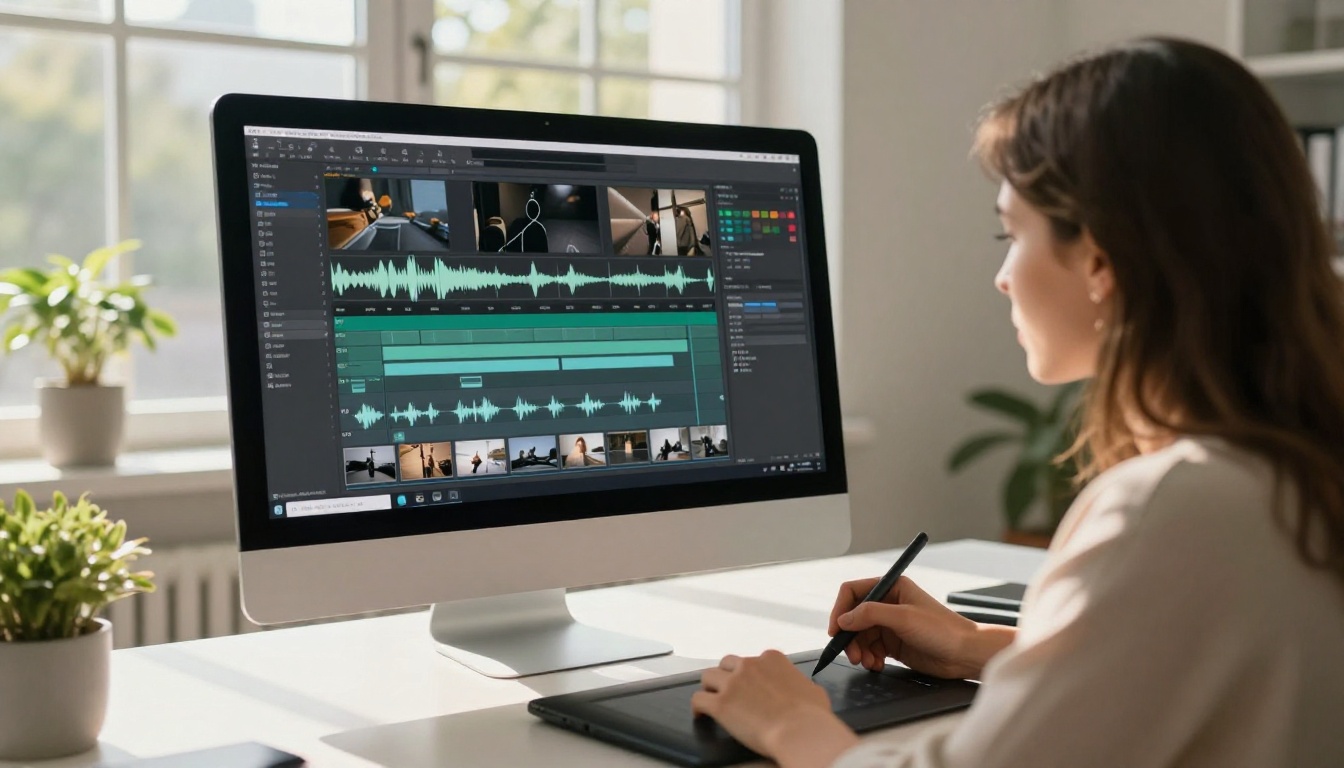
This is where LTX 2.3 Pro delivers the most immediate practical value. Independent musicians, bedroom producers, and small labels can produce a full music video for a 3-minute track by splitting it into 5-10 second segments, generating one video per segment with a scene-appropriate text prompt, and editing the clips together in any non-linear editor. The audio synchronization means edit points naturally fall near beats, reducing manual cut adjustments. The 4K output is suitable for YouTube, streaming platforms, and live event projection.
Social Media Content at Scale
Short-form audio-visual content responds well to audio-conditioned generation. A 5-second branded audio logo animated with a consistent visual identity can be generated in batches, with each variant driven by the same audio track but with different visual prompts for creative testing. Models like Seedance 2.0 and Kling v2.6 are strong for general social video, but when the audio track is the creative anchor, LTX 2.3 Pro produces noticeably tighter sync.
Brand Storytelling with Sound
Brands with a sonic identity, including jingles, brand voices, and signature sound marks, can use audio-to-video generation to produce visual content that physically responds to the brand's audio. Every generated clip carries the same rhythmic fingerprint as the audio, building a consistent association between the sound and the visual movement style across all content.
LTX 2.3 Pro vs Other Models
| Model | Audio Conditioning | Max Resolution | Audio-Responsive Generation |
|---|
| LTX 2.3 Pro | First-class | 4K | Yes |
| Wan 2.2 S2V | Native audio sync | 720p | Yes |
| Veo 3 | Audio generation only | 1080p | Generates audio, does not sync to input |
| Sora 2 | None | 1080p | No |
| Kling v2.6 | None | 1080p | No |
| Ray 3.2 | None | HDR | No |
The main distinction is between models that generate audio to match a video and models that respond to audio when building video frames. LTX 2.3 Pro and Wan 2.2 S2V are in the second category. For content where the audio track already exists and the visuals must serve it, those two are the primary options, with LTX 2.3 Pro holding the resolution advantage at 4K.
3 Things That Trip Up the Pipeline
Knowing the mechanics is useful. Knowing what causes problems saves time.
1. Silence gaps in the audio
The model reads silence as a zero conditioning signal and defaults to slower, less dynamic motion in those frames. Intentional silent moments are fine. Silence from a bad file export or incorrect trim creates visually flat sections that stand out against dynamic surrounding clips.
2. Overly dense text prompts
When a prompt describes too many subjects or actions competing for frame space, the audio conditioning signal cannot override the inherent visual ambiguity. Keep prompts focused: one subject, one setting, one mood. Let the audio handle the energy level and temporal rhythm.
3. Mismatched emotional register
A fast-tempo aggressive track paired with a prompt describing a slow pastoral meadow produces something that reads as off: fast motion in an otherwise calm setting. Match the emotional register of your prompt to the emotional register of your audio. The model can handle intentional contrast, but accidental mismatches degrade output quality noticeably.
Start Creating on PicassoIA

The LTX 2.3 Pro model and Lightricks' Audio to Video tool are both available on PicassoIA with no setup required. Take any audio clip, write a visual scene description, and let the model handle the synchronization work that would otherwise consume hours in a traditional editing workflow.
For faster creative iteration, LTX 2.3 Fast gives you the same audio conditioning architecture with reduced generation time. Test multiple scene concepts at speed before committing to a full 4K output.
If you want to see the full range of what is available, PicassoIA has over 87 video generation models at picassoia.com/en/all-models, covering everything from audio-synchronized generation to cinematic text-to-video, image animation, and video editing tools. Audio-driven generation is one of the fastest-growing categories, and LTX 2.3 Pro is currently its highest-resolution option.


