Most AI video tools hit the same wall. You generate a 5-second clip, love the shot, and want more of it. So you re-run the same prompt. The result? A completely different scene. Different lighting direction. Different motion. Characters that barely resemble who they were in the first clip. That is the core problem LTX 2.3 Pro's Extend Mode was built to solve, and it solves it with an architectural approach that no other model currently matches.
Most video AI models treat every generation as a blank slate. You give them a prompt, they generate from scratch. Even when you supply an existing video frame as a reference, the model is working with a static snapshot of the last frame only. It sees the colors, the composition, the approximate subject position. But it does not see motion. It does not see velocity, direction, or the subtle physics of how objects were moving in the moments before that final frame.
The Last-Frame Trap
When a model conditions on a single frame, it makes assumptions about what happens next based purely on composition. A wave in the foreground could be moving left or right, swelling or receding. The model picks one. And often, it picks wrong. The next clip starts with the wave moving in a slightly different direction, at a slightly different speed. You only notice it at the edit cut, but once you see it you cannot unsee it.
This is not a quality failure. It is an information failure. The model simply does not have what it needs to continue the motion accurately.
Motion Drift Over Multiple Extensions
The problem compounds with each extension. Each new clip is generated from the last frame of the previous one. Errors accumulate. Lighting temperatures shift slightly with each pass. The subject drifts off-axis over successive clips. By the fifth extension, you are watching a sequence that has strayed visually and physically from where it started. This is motion drift, and it is the central failure mode in first-generation extend approaches used by tools like Wan 2.7 I2V and others when used for extension rather than fresh generation.

How LTX 2.3 Pro's Extend Mode Works
LTX 2.3 Pro does not condition on the last frame. It processes a temporal context window that spans the entire preceding clip. This is the critical architectural difference. Instead of asking "what does this scene look like?" the model asks "what is this scene doing, and where is it physically headed?"
Temporal Context Window Explained
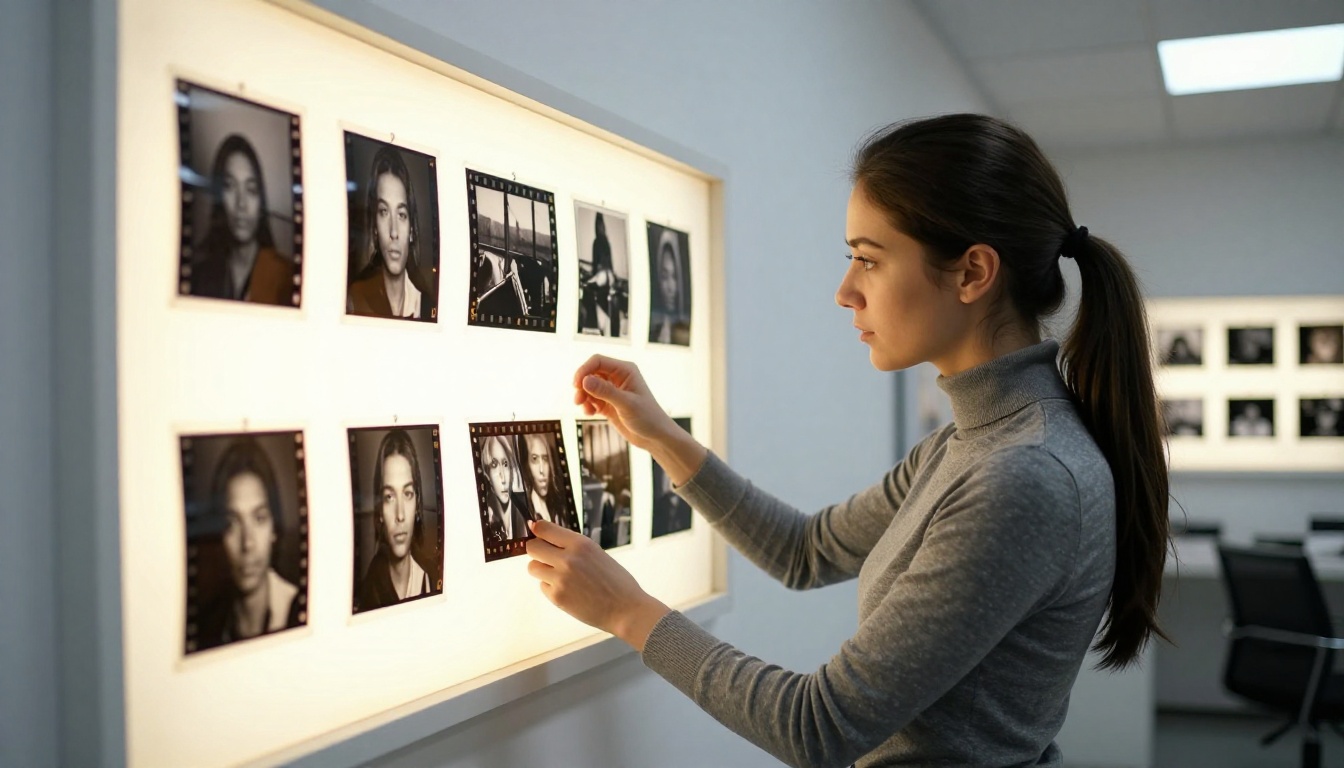
Think of it like reading a sentence versus reading a single letter. A single letter gives you nothing about what comes next. A full sentence tells you grammar, rhythm, and probable continuation. LTX 2.3 Pro's Extend Mode reads the full motion sequence, modeling:
- Velocity: How fast objects are moving and in which direction across the clip duration
- Lighting trajectory: Whether light is intensifying, softening, or holding steady across frames
- Subject positioning arc: Where characters or objects are headed within the frame by the clip's end
- Atmospheric state: The ambient mood established by color temperature and grain consistency
- Camera motion vector: The direction and speed of any camera movement in the source clip
This multi-frame awareness means the extended clip begins exactly where the previous one ended, not just visually but physically. The wave continues its arc. The camera continues its dolly. The character's head continues its turn mid-motion.
The Extend Mode Pipeline
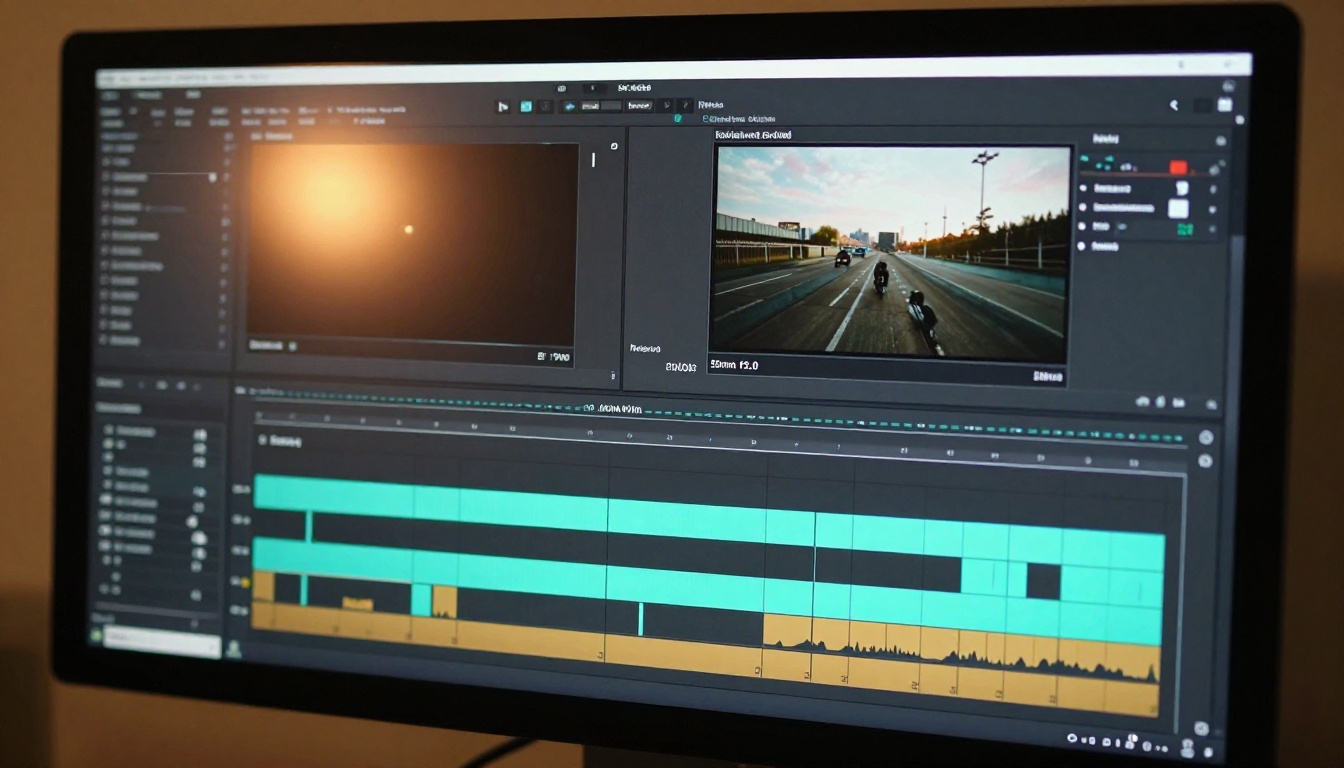
The internal process in Extend Mode is distinct from standard generation in four critical steps:
- Input conditioning: The preceding clip is encoded not as a single frame but as a full motion sequence with temporal ordering preserved.
- Temporal embedding: The model builds an embedding that encodes the precise motion state at the clip boundary, capturing velocity and direction of every element in the frame.
- Continuation synthesis: New frames are generated from this motion embedding, not from a static image. The synthesis starts mid-motion rather than from rest.
- Boundary blending: The final frames of the source clip and the first frames of the extension are weighted during synthesis to ensure a seamless pixel-level transition without any visual discontinuity.
The result is a continuation that respects the physics already in play rather than inventing new physics from scratch.
The 4K Resolution Advantage
Resolution is not just about sharpness. At 4K, there are four times more pixels per frame than at 1080p. For Extend Mode, this matters in a specific and often overlooked way: the model has richer motion data to work with when computing temporal embeddings.
At lower resolutions, subtle motion cues get compressed away. A slight hand movement, a micro-shift in camera angle, the shimmer of light on water. These details disappear at 1080p and below. LTX 2.3 Pro operates at 4K natively, preserving those micro-details. When it conditions the extension on the source clip, it conditions on a far richer motion signal than any 1080p-limited model can access.
💡 Note: The jump from 1080p to 4K is not purely aesthetic in the context of video extension. More pixel data per frame means more accurate motion vectors, which translates directly to better temporal coherence across extended clips.

Why 4K Changes the Physics
At 4K, fine textures are fully resolved: fabric weave, skin surface detail, water micro-ripples. When Extend Mode generates the next clip, it must match these textures across the clip boundary. This forces the model toward precision about surface continuity in ways that 1080p generation does not. In practice, this means less visual "popping" at cut points, better material consistency frame-to-frame, and a more natural feel when the two clips are edited together.
LTX 2.3 Pro vs. The Competition
How does Extend Mode compare to continuation features in other leading models?
| Feature | LTX 2.3 Pro | Kling v2.6 | Seedance 2.5 | Wan 2.7 I2V | Veo 3.1 |
|---|
| Max Output Resolution | 4K | 1080p | 1080p | 1080p | 1080p |
| Temporal Context Window | Full clip | Last frame | Last frame | Last frame | Last frame |
| Native Extend Mode | Yes | No | No | No | No |
| Motion Velocity Tracking | Yes | Partial | No | Partial | No |
| Boundary Pixel Blending | Yes | No | No | No | No |
| Drift Resistance (Multi-Extension) | High | Low | Low | Low | Low |
Kling v2.6 delivers exceptional cinematic quality for fresh generation and image-to-video work, but its continuation approach relies on last-frame conditioning. Seedance 2.5 leads for long-form text-to-video with native audio sync but lacks a purpose-built temporal extension pipeline. Veo 3.1 produces high-fidelity results with native audio but has no dedicated extend architecture. Wan 2.7 I2V offers partial motion tracking during animation but not across clip extensions.
Every competing model adapts its standard generation pipeline for extension. LTX 2.3 Pro was designed with continuation as a first-class feature from the start.
Real-World Applications
Who actually needs seamless video extension? More creators than you might expect.
Long-Form Content Without Additional Shoots
Filmmakers, commercial producers, and content creators regularly need footage that holds a single composition for longer than any AI model can generate in one pass. A 30-second b-roll of a mountain vista. A 45-second product flyover. A 60-second ambient hotel lobby sequence for a hospitality brand. Standard generation requires producing many individual clips and hoping they cut together cleanly. Extend Mode in LTX 2.3 Pro turns a single 5-second seed clip into the foundation of a fully continuous 30-60 second sequence.
Scene Extensions for Post-Production Editing
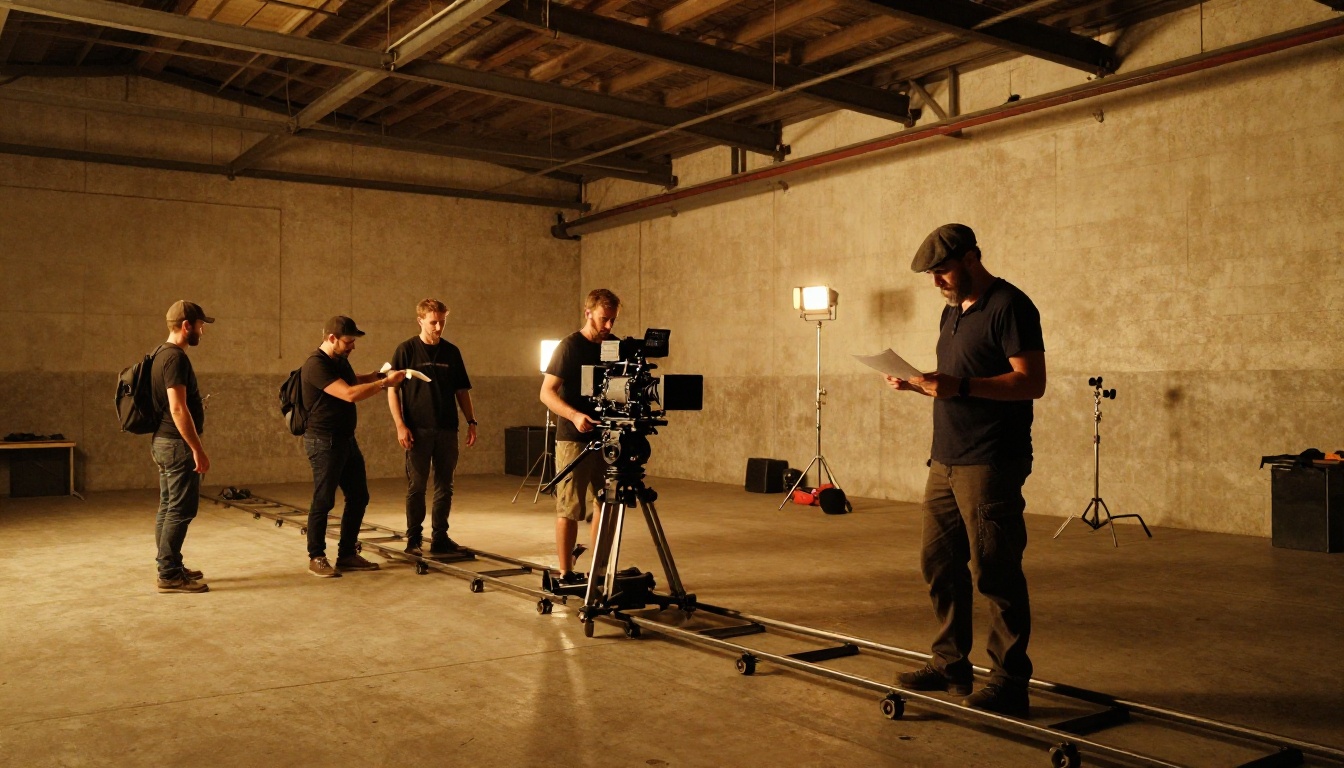
Post-production editors frequently discover they need two or three extra seconds of a shot to make a cut work correctly. Re-generating the entire scene risks losing the specific look already established in the source clip. Extend Mode solves this precisely. The editor feeds the existing clip to LTX 2.3 Pro and receives the exact additional seconds needed, matching the source clip in lighting, motion, and atmosphere without any drift at the join.
VFX Background Plates
Visual effects artists need clean, seamless background plates for compositing work. A background that shifts visually between sections creates registration problems when layering foreground elements. Extend Mode produces background plates where lighting and environmental motion hold consistent across the full duration, making compositing significantly simpler and reducing cleanup time in post.
Seamless Looping Sequences
Extend Mode also enables a workflow that was previously difficult to achieve with AI video: seamless looping. By extending a clip through multiple passes and identifying the frame that most closely matches the original start frame, editors can create ambient loops that hold up under sustained playback without the visual stutter common in standard loop techniques.
Stacking Extensions Without Quality Loss
A common concern when chaining multiple extensions is cumulative quality degradation. The worry is that each extension introduces small errors that compound over time, eventually producing unusable footage.
With LTX 2.3 Pro's boundary blending system, this concern is significantly reduced. The model does not simply append new frames to the end of the previous clip. It re-synthesizes the clip boundary zone on each extension, smoothing over potential discontinuities before they can compound. In practice, you can chain four or five extensions without visible quality degradation at the cut points.
Three practical rules apply when stacking multiple extensions:
- Keep extension prompts directionally consistent. Do not introduce new scene elements in extension prompts that were absent from the seed clip.
- Use the full previous clip as the source for each extension, not just the last few seconds.
- Review each extension before proceeding. Catching drift early is far easier than correcting it after building three more clips on top of a flawed one.
How to Use LTX 2.3 Pro on PicassoIA
LTX 2.3 Pro is available directly on PicassoIA with no setup required. Here is the effective workflow.
Step-by-Step Workflow
Step 1: Generate your seed clip. Start with text-to-video or image-to-video using LTX 2.3 Pro. Keep the initial prompt specific. Describe exactly what is in the scene: subject, environment, lighting character, and camera movement direction.
Step 2: Review the output carefully. Before extending, watch the clip several times. Note the motion direction, the light temperature, and the camera trajectory. Your extension prompt must stay consistent with these established parameters or the extension will read as a jump cut.
Step 3: Enable Extend Mode. In the PicassoIA interface for LTX 2.3 Pro, upload your source clip and select the Extend Mode option. The model processes the full temporal context automatically.
Step 4: Write a continuation prompt. Do not repeat the seed clip prompt. Describe what happens next. If the original clip showed a camera slowly pushing in toward a doorway, your extension prompt should describe what the camera sees as it passes through the doorway and enters the space beyond.
Step 5: Iterate deliberately. Each extension becomes the source clip for the next one. A five-extension sequence from LTX 2.3 Pro can produce a 25-30 second take that plays as a single continuous shot.
Best Settings for Extend Mode
| Setting | Recommended Value | Reason |
|---|
| Resolution | 4K | Richer motion data, higher temporal coherence |
| Clip Length | 5 seconds | Optimal context window size for the model |
| Prompt Specificity | High | Reduces boundary hallucination risk |
| Prompt Length | Shorter than seed | Temporal context already carries scene info |
💡 Tip: Keep extension prompts shorter than your seed prompt. The temporal context window already provides the scene information. The extension prompt is a directional nudge, not a full scene description. Overloading it pulls the model away from the established motion state.

When Not to Use Extend Mode
Extend Mode is not the right approach for every situation. Three cases where standard generation works better:
1. When you want a scene change. Extend Mode is built to maintain visual and physical consistency. If the next clip needs a different location, time of day, or subject, use fresh generation rather than extension.
2. When the source clip has artifacts. Visual errors, compression artifacts, or motion inconsistencies in your seed clip will propagate into the continuation. Fix the source before extending.
3. When speed matters more than continuity. Extend Mode processes a full clip as context, which takes longer than standard image-to-video generation. LTX 2.3 Fast or LTX 2 Distilled are the faster alternatives when you need quick iteration over perfect consistency.
Also Available in the LTX Family
If Extend Mode is not your immediate need, the broader LTX lineup on PicassoIA covers other use cases efficiently:
- LTX 2.3 Fast: Same 4K output, faster turnaround. Built for rapid draft review and iteration.
- LTX 2 Pro: The previous generation flagship. Still produces excellent 4K results for standard generation workflows.
- LTX 2 Distilled: Speed-optimized for quick text-to-video when temporal extension is not a requirement.
- LTX Video: The original model, useful for real-time generation experiments at lower resolution.
For projects where temporal consistency across multiple clips is the primary requirement, LTX 2.3 Pro with Extend Mode is the correct choice in the lineup.
Build Your Own Extended Scenes on PicassoIA
The architecture is clear. The workflow is documented. But the only way to feel how well Extend Mode holds temporal continuity is to run it yourself on footage that matters to your project.
PicassoIA gives you direct access to LTX 2.3 Pro alongside the full library of text-to-video models, including Kling v2.6, Veo 3.1, Seedance 2.5, and Wan 2.7 I2V. Generate a 5-second seed clip, run three extensions in sequence, and watch the cut points against what you have generated with other tools. The difference shows up on the first playback.

Pick your first prompt, head to PicassoIA, and see how far a single scene can go.


