Video prototyping used to mean slow render queues, expensive cloud credits, and waiting hours just to see if a creative idea had legs. LTX 2.3 Pro changes that math entirely. Built by Lightricks and available on PicassoIA, this model generates 4K-quality video clips from text prompts or reference images at a speed that makes rapid creative iteration possible in a single working session. If you have ever wanted to test five different video concepts before lunch, this is the tool for that.

What LTX 2.3 Pro Actually Delivers
LTX 2.3 Pro sits at the intersection of speed and output quality in a way its predecessors did not quite reach. The model is engineered specifically for fast generation cycles, which means you get results in a fraction of the time traditional video AI models require, without sacrificing the visual fidelity that makes a prototype convincing to a client or a collaborator.
The Lightricks LTX family has been building toward this point for several generations. Earlier models like LTX Video and LTX 2 Fast established the architecture's ability to handle text-to-video generation at competitive speeds. LTX 2.3 Pro takes that baseline and extends it with better motion consistency, stronger prompt adherence, and 4K resolution capability that was not available in earlier iterations.
Speed as the Primary Feature
The headline number for LTX 2.3 Pro is generation time. While competing models in the 4K tier typically take several minutes per clip, LTX 2.3 Pro delivers results in seconds to a low number of minutes depending on prompt complexity. That might sound like a small difference on paper, but in a real prototyping session it is the difference between testing two ideas and testing twenty.
💡 Prototyping reality: When a generation takes ten minutes, you iterate three times per hour. When it takes thirty seconds, you iterate more than a hundred times. That volume of testing changes what is possible in a single day.
What "fast" means in practice:
- Short prompts with simple motion typically generate in under a minute
- Complex scene descriptions with multiple subjects and camera movements take longer but remain well within a usable production window
- Image-to-video inputs often process faster than text-only because the model has a concrete visual reference to anchor motion generation
Speed is not just a convenience feature here. It is the property that unlocks an entirely different creative workflow: one where you test first and commit second, rather than committing because testing is too expensive to do repeatedly.
Resolution Without Compromise
Speed alone would be a narrow selling point if the output looked rough. LTX 2.3 Pro generates at 4K resolution, which is meaningful for any workflow that involves presenting work to a client or integrating prototype clips into a broader production pipeline.
The difference between a 4K prototype and a 480p draft when pitching a concept to a brand or director is significant. You spend less time explaining that "this is just a rough idea" when the rough idea looks polished enough to speak for itself. Clients make better decisions when they can see what something actually looks like, rather than projecting their imagination onto a low-resolution placeholder.
For comparison, earlier fast models like LTX 2 Distilled prioritized speed at a resolution tradeoff. LTX 2.3 Pro retains the speed advantage while closing that quality gap significantly.

Why Prototyping Speed Reshapes Creative Work
There is a creative principle that holds across almost every medium: the faster you can test an idea, the more ideas you can afford to have. In traditional video production, the friction of generating a clip is high enough that most creators pre-filter aggressively, only executing the concepts they are already fairly confident about. That pre-filtering kills a lot of good ideas before they get a chance to be tested.
From Idea to Clip in Minutes
With LTX 2.3 Pro on PicassoIA, the workflow from written idea to watchable clip compresses to a point where you can afford to test long-shot concepts alongside safe ones. A director working on a commercial can generate five different opening-shot options based on the same brief and compare them visually before deciding which direction to develop. That comparison is now a two-hour task rather than a two-week one.
The creative benefits stack:
- More ideas tested per session
- Faster feedback loops with clients and collaborators
- Less money spent on production concepts that would have been rejected anyway
- More confidence in the direction you do commit to
- Shorter gap between receiving a brief and delivering a first visual response
The speed of LTX 2.3 Pro also changes the economics of creative risk-taking. When a bad idea costs you thirty seconds, you generate it anyway. When a bad idea costs you a day of production time, you hesitate. That hesitation is where creative work gets conservative, and where the best ideas die before anyone ever sees them.
Iteration Without the Wait
Iteration is where most video production time gets spent. A concept gets generated, reviewed, and then adjusted based on feedback. In traditional workflows, each adjustment cycle adds hours or days. With fast AI video generation, that cycle compresses to minutes.
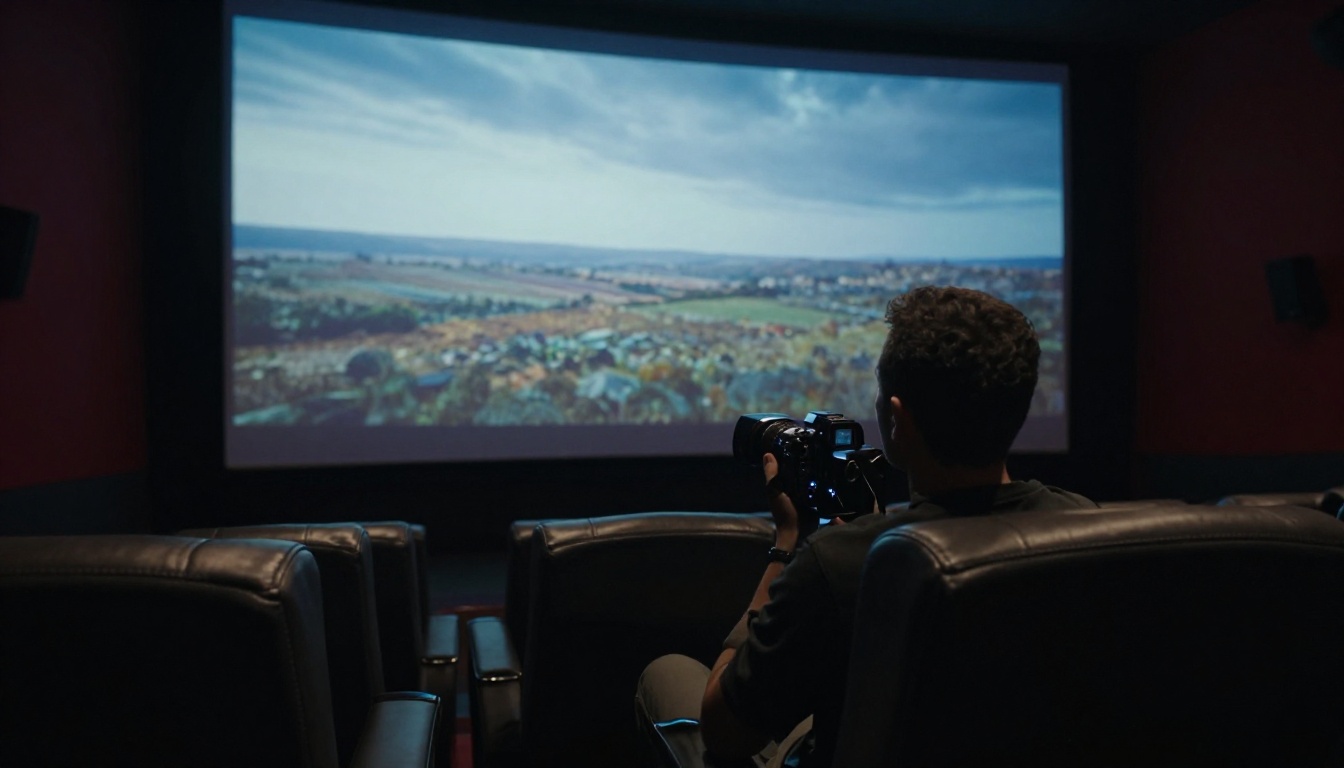
The practical impact of fast iteration shows up most clearly in client-facing work. Instead of presenting a single video concept after a week of production, you can present three variants in the same meeting, adjust based on real-time feedback, and re-generate during the conversation itself. This is a fundamentally different way of collaborating, and one that most clients respond to extremely well once they experience it.
💡 Iteration tip: Keep a running prompt log as you iterate. Small changes in phrasing, lighting description, or camera movement can produce dramatically different results. Tracking what worked and what did not accelerates your learning curve significantly.
Using LTX 2.3 Pro on PicassoIA
PicassoIA hosts LTX 2.3 Pro directly in its text-to-video collection, accessible without any local installation or API setup. The interface is built for straightforward prompt-to-video generation with no technical barrier to entry.
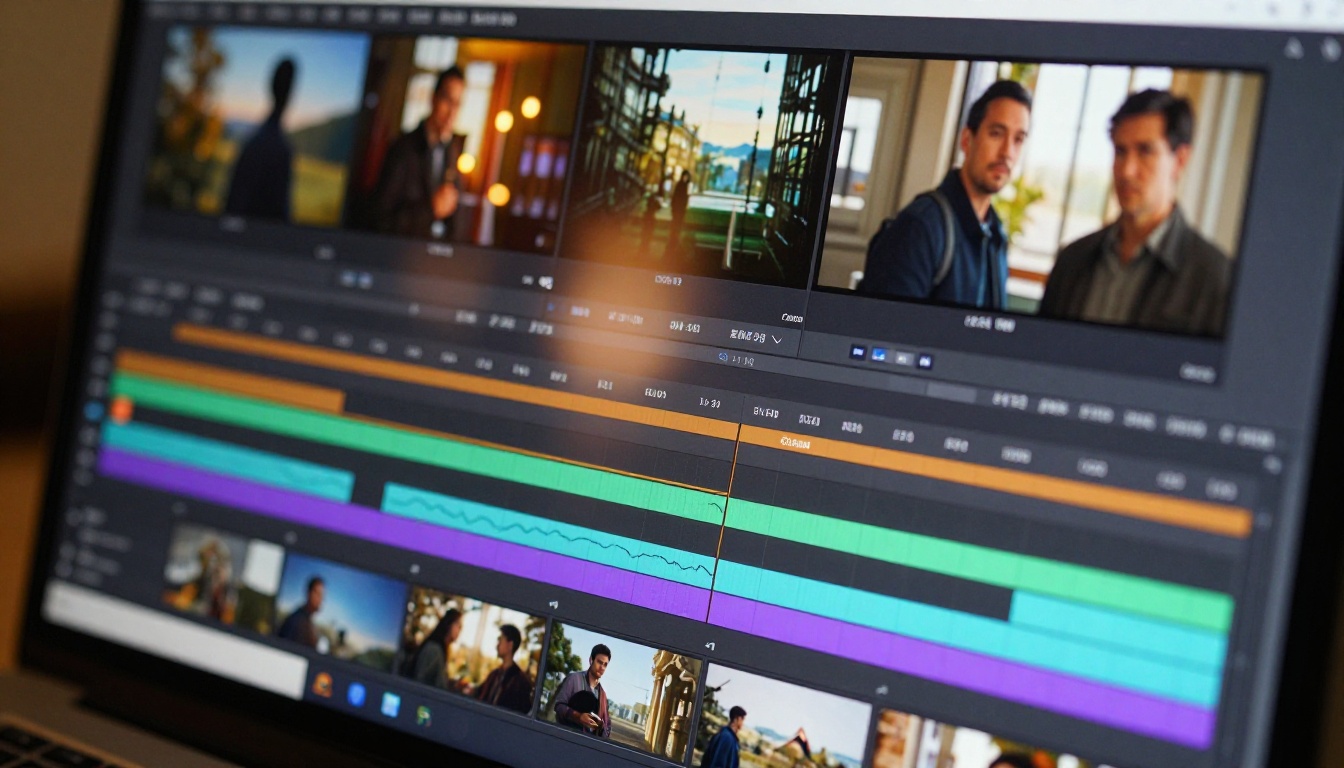
Step 1: Write Your Prompt
LTX 2.3 Pro responds best to prompts that specify three things clearly:
- The subject and what it is doing (a person walking, a camera panning across a landscape, a product rotating slowly)
- The environment or background (city street at dusk, clean white studio, dense forest in morning fog)
- The camera and lighting (slow dolly forward, overhead drone shot, harsh midday sun from the right)
Prompts that include all three elements tend to produce output that matches the intended concept far more reliably than vague descriptions. You do not need to be a professional cinematographer to write a useful prompt, but specificity pays off consistently.
Example prompt structure:
| Element | Weak | Strong |
|---|
| Subject | "a person" | "a woman in a red coat walking briskly" |
| Environment | "a city" | "a wet cobblestone street at night, street lights reflecting on puddles" |
| Camera | "close" | "slow tracking shot from the left at eye level, slight handheld motion" |
Step 2: Choose Your Settings
PicassoIA lets you adjust resolution and aspect ratio before generating. For prototyping work, the most useful combination depends on your current stage:
- Resolution 4K: For presentation-ready prototypes you will show to clients or stakeholders
- Resolution 480p: When you need maximum speed for truly rough-concept testing where quality is not yet relevant
- Aspect ratio 16:9: For standard video and television delivery
- Aspect ratio 9:16: For mobile-first social content where vertical framing is expected
- Image input: If you have a reference image, uploading it as the first frame dramatically improves motion consistency and gives the model a concrete visual anchor

Step 3: Review and Refine
Once your clip generates, watch it through completely before deciding whether to revise. Common things to check:
- Does the subject move naturally without distortion?
- Does the background maintain consistency across the full clip duration?
- Does the camera movement match what you described?
- Are there any artefacts in fast-motion sections?
If any of these are off, adjust the relevant part of your prompt and regenerate. In most cases, two or three iterations are enough to get a result that works for its intended purpose in the prototyping process.
Prompt refinement patterns that work:
- If motion is too static, add explicit camera movement: "slow dolly forward", "gentle upward tilt"
- If the subject looks distorted, simplify the motion description and add more subject detail
- If background consistency breaks, add environment-locking language: "static background", "no background motion"
LTX 2.3 Pro vs. Similar Models
Speed, resolution, and output quality vary significantly across the text-to-video models available on PicassoIA. Here is how LTX 2.3 Pro compares to the most relevant alternatives:
The table shows the tradeoff clearly: LTX 2.3 Pro sits in a distinct category where high resolution and high speed coexist. Models that produce longer clips or more complex cinematic motion typically take longer to generate. For prototyping specifically, where the goal is testing an idea rather than delivering a final product, LTX 2.3 Pro's position in this table is exactly where you want to be.

Who Benefits Most
Not every use case benefits equally from fast video generation. Three specific creator types get outsized value from LTX 2.3 Pro's speed profile.
Social Media Creators
Volume is everything in social media content. A creator producing daily or near-daily content does not have the luxury of spending two days on a single video concept. LTX 2.3 Pro lets social creators generate, test, and ship video content at a pace that matches the cadence of social platforms.
High-value social applications:
- Testing multiple opening frames to find the most attention-grabbing one before committing to an edit
- Generating custom background footage for text-overlay videos without stock licensing costs
- Creating quick visual demonstrations without a camera setup or physical location
- Producing multiple versions of the same concept with different visual styles for A/B testing
- Building a library of branded b-roll that matches a specific channel aesthetic
For creators who are already working on PicassoIA, the ability to generate images with the platform's text-to-image tools and then convert them into video clips using LTX 2.3 Pro creates a complete content production pipeline within a single platform.
Commercial Storyboarding Teams
Pre-production in commercial and branded video production involves pitching concepts before anything gets shot. A visual pitch backed by actual video clips, even rough ones, is more persuasive than static storyboards or written treatments. Motion communicates in a way that still images simply cannot.
💡 Production tip: Use LTX 2.3 Pro to generate one clip per storyboard beat in your pitch deck. Clients respond to motion in a way they do not respond to static images, and the speed of LTX 2.3 Pro means you can build a full motion concept board in an afternoon rather than a week.
Teams working on this kind of pitch workflow often cycle through many variations before settling on a direction. The faster the generation, the more confident the team can be that the direction they chose is actually the best available option, rather than just the one they could afford to test.
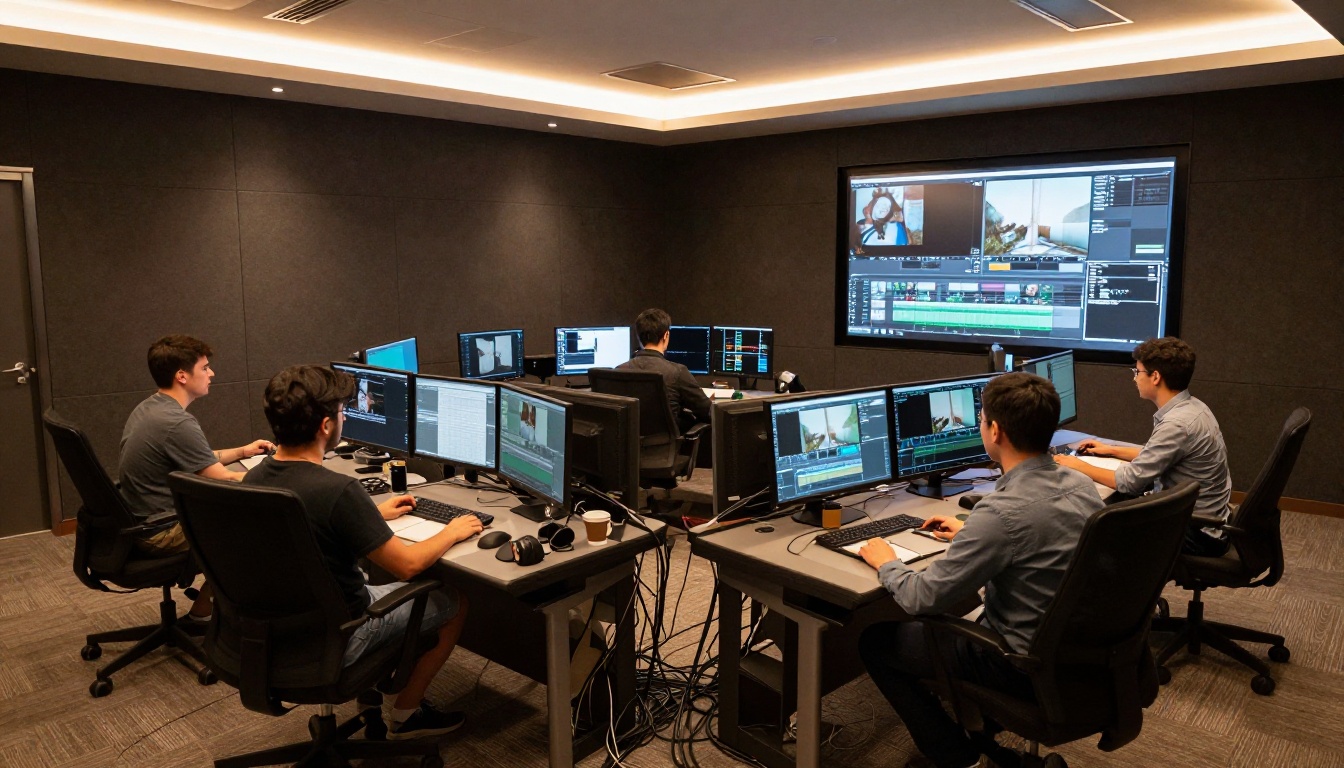
Game Developers and Concept Artists
Game development relies heavily on rapid concept iteration before assets go into full production. Cinematics, cutscene concepts, and environment mood pieces all benefit from the ability to generate video references quickly. LTX 2.3 Pro can generate environment fly-through concepts, character motion references, and lighting mood tests in a fraction of the time it takes a 3D artist to block out a comparable scene.
The output does not replace 3D production, but it gives art directors a fast way to communicate visual intent to their teams and confirm creative direction before committing to expensive production work. For indie developers especially, AI-generated video prototypes can substitute for pre-visualization that would otherwise require a dedicated VFX department.
Other Models Worth Using Alongside
Fast prototyping with LTX 2.3 Pro works best when it is part of a broader toolkit. Once a concept is approved based on a prototype, moving it into a more quality-focused model for final output is a natural next step in the production pipeline.
For Higher Quality Final Output
These models on PicassoIA work well as the second stage after prototyping with LTX 2.3 Pro:
- Veo 3.1 Fast produces cinematic 1080p video with strong motion quality for final-stage output where speed still matters
- Kling v2.6 handles cinematic camera movements with strong temporal consistency across longer clips
- Sora 2 Pro delivers high-fidelity HD output for final deliverables where quality is non-negotiable
- Ray 3.2 from Luma offers HDR cinematic output well-suited to premium video production at the delivery stage
- Hailuo 2.3 produces 1080p clips with strong motion realism for presentation-ready cuts
The workflow of prototyping fast with LTX 2.3 Pro then rendering final with a higher-fidelity model is not just cost-effective. It is creatively superior to committing a single high-cost model to every stage of the process. You arrive at the final render knowing the concept has already been tested and approved, which means fewer expensive revisions at the quality-output stage.

Complementary image-to-video options:
PicassoIA also offers powerful image-to-video models like Wan 2.7 I2V for when you want to animate a specific generated still image into a clip, rather than starting from a text prompt. Pair this with LTX 2 Pro for scenarios where you need both 4K resolution and more complex motion than the fast-tier models deliver by default.
If you are working on truly rapid rough-cut testing where fidelity is completely secondary to iteration speed, LTX 2 Distilled is worth having in your workflow as a pre-prototype stage before committing to an LTX 2.3 Pro generation. This creates a three-tier system: distilled for rough concept validation, LTX 2.3 Pro for client-ready prototyping, and a high-fidelity model for final delivery.
Create Your First Clip on PicassoIA
If fast video prototyping is relevant to how you work, the most direct path to evaluating LTX 2.3 Pro is to generate a clip with an idea you have actually been sitting on. Write the prompt, run the generation, and see what comes back.
PicassoIA hosts the full Lightricks LTX model line alongside 117 other text-to-video options, plus the complete ecosystem of image generation, image editing, super-resolution, background removal, and audio tools. Everything is available at picassoia.com/en/all-models.
The value of fast prototyping is not abstract. It shows up the first time you generate five different video concepts in an hour and realize you would previously have spent a week getting to the same point. That efficiency changes not just how quickly you work, but the quality of decisions you make about what to produce, and the confidence you bring to each creative direction you choose to commit to.
Whether you are a solo creator running a content channel, a commercial producer pitching concepts to clients, or a game developer testing environment moods before committing to 3D production, adding LTX 2.3 Pro at the prototyping stage of your workflow gives you back time that you can spend on making the work itself better. That is the real argument for speed.


