LTX 2.3 Pro for Uncensored Cinematic Clips: What This Model Really Delivers
LTX 2.3 Pro from Lightricks redefines what AI video generation can do for adult-oriented cinematic content. This article breaks down its real capabilities, how to write prompts that actually work, and why accessing it through PicassoIA gives you an edge no other platform matches.
Most AI video generators draw a hard line the moment content veers toward sensual or adult themes. Blurry outputs, rejected prompts, watermarked placeholders. LTX 2.3 Pro does not operate this way, and that single fact alone has made it one of the most talked-about models for creators working in cinematic, glamour, and adult-adjacent storytelling. This article breaks down exactly what the model does, where it excels, how to write prompts that actually work, and why accessing it through PicassoIA gives you an edge no other platform matches.
What LTX 2.3 Pro Actually Is
LTX 2.3 Pro is a text-to-video and image-to-video model built by Lightricks, the company behind LTX Video and the broader LTX model family. It generates clips at up to 4K resolution with realistic motion physics, natural skin rendering, and coherent scene logic across the full clip duration.
The Lightricks Lineage
The LTX family has been building toward this for a while:
LTX Video: The original real-time model, fast but lower resolution
LTX 2 Pro: Brought 4K quality and improved motion fidelity
LTX 2 Distilled: A faster, optimized fork of the same architecture
LTX 2.3 Fast: The speed-prioritized sibling of the Pro variant
The 2.3 Pro build is the current flagship. It specifically addresses the weaknesses creators reported in earlier versions: jittery motion on slow scenes, skin tone inconsistency under non-standard lighting, and anatomical distortion during camera pans.
What "Pro" Means Here
The Pro tier in the LTX 2.3 lineup means longer inference time in exchange for dramatically better output. You are trading generation speed for:
Higher temporal consistency (no random pixel flicker between frames)
More accurate physics, particularly for fabric, hair, and water
Better skin texture rendering under close-up camera angles
Sharper detail retention at 4K resolution
Why It Works for Sensual Clips
The reason LTX 2.3 Pro has attracted attention from creators making suggestive and adult-adjacent content is not just its resolution. It comes down to three interconnected factors.
Skin Rendering Is Genuinely Different
Most video models treat skin as a flat surface. They apply a color averaged from the training data and call it done. LTX 2.3 Pro models subsurface scattering in a way that other text-to-video systems typically skip. This means:
Light that hits the cheekbone shows the faint reddish warmth beneath the surface
Shoulder contours under side lighting show natural shadow gradients rather than plastic flatness
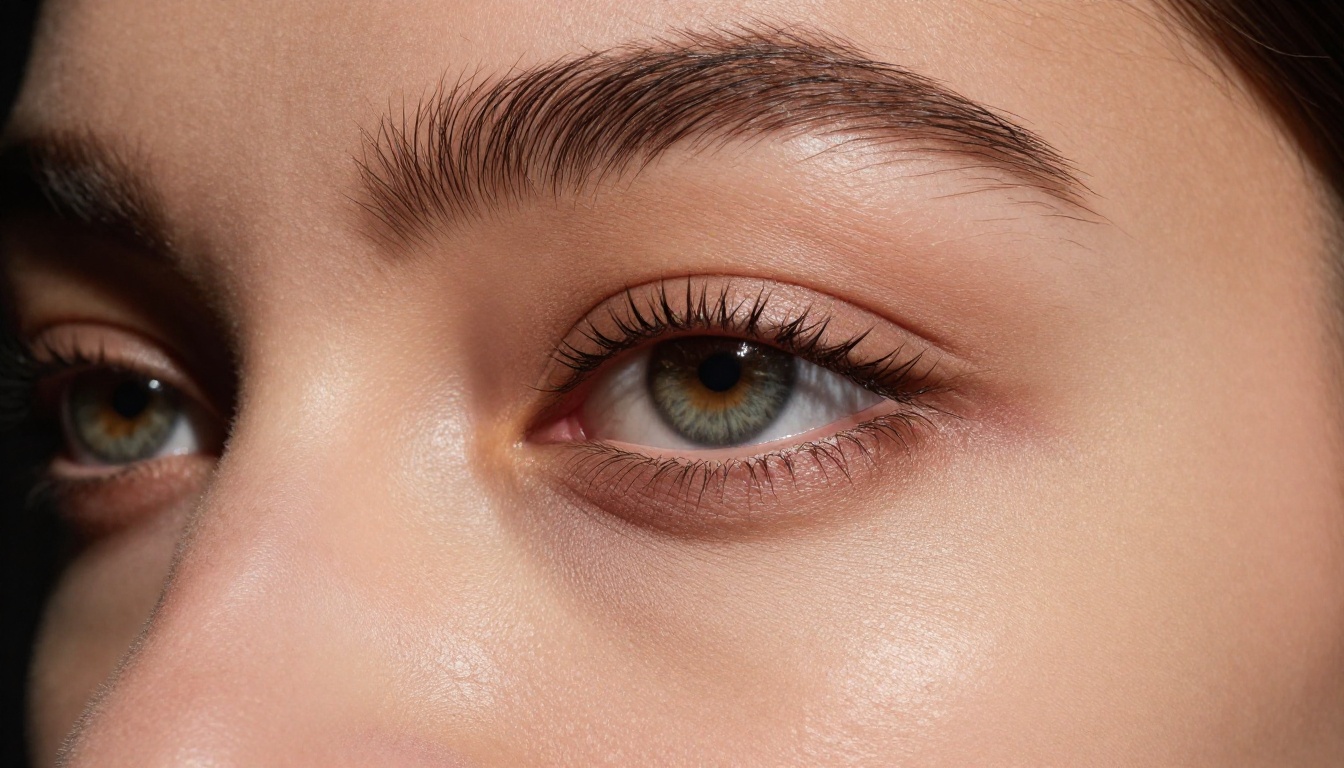
Close-up clips of bare skin have the texture variation you would expect from a real camera
For cinematic content where the subject is often in minimal clothing or partially unclothed, this is the difference between content that looks photorealistic and content that looks like a render.
Motion Physics on Cloth and Fabric
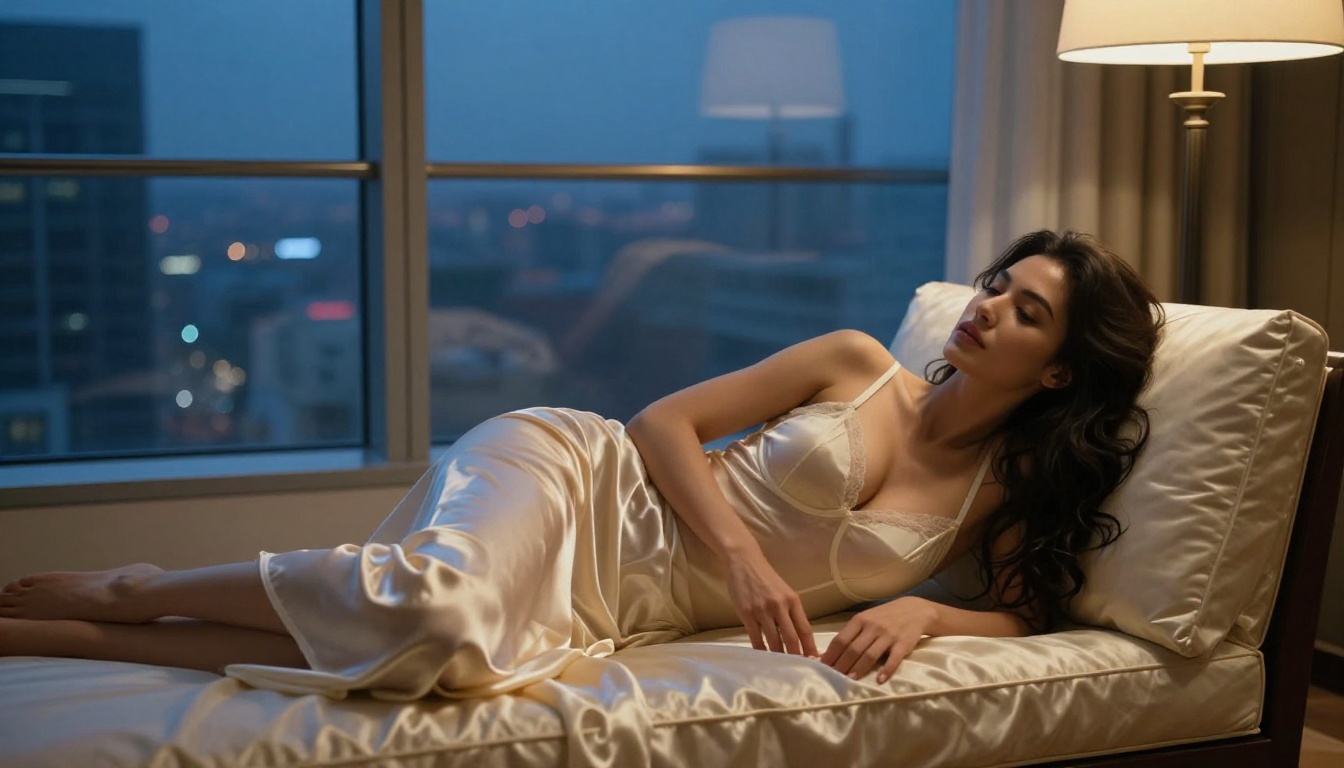
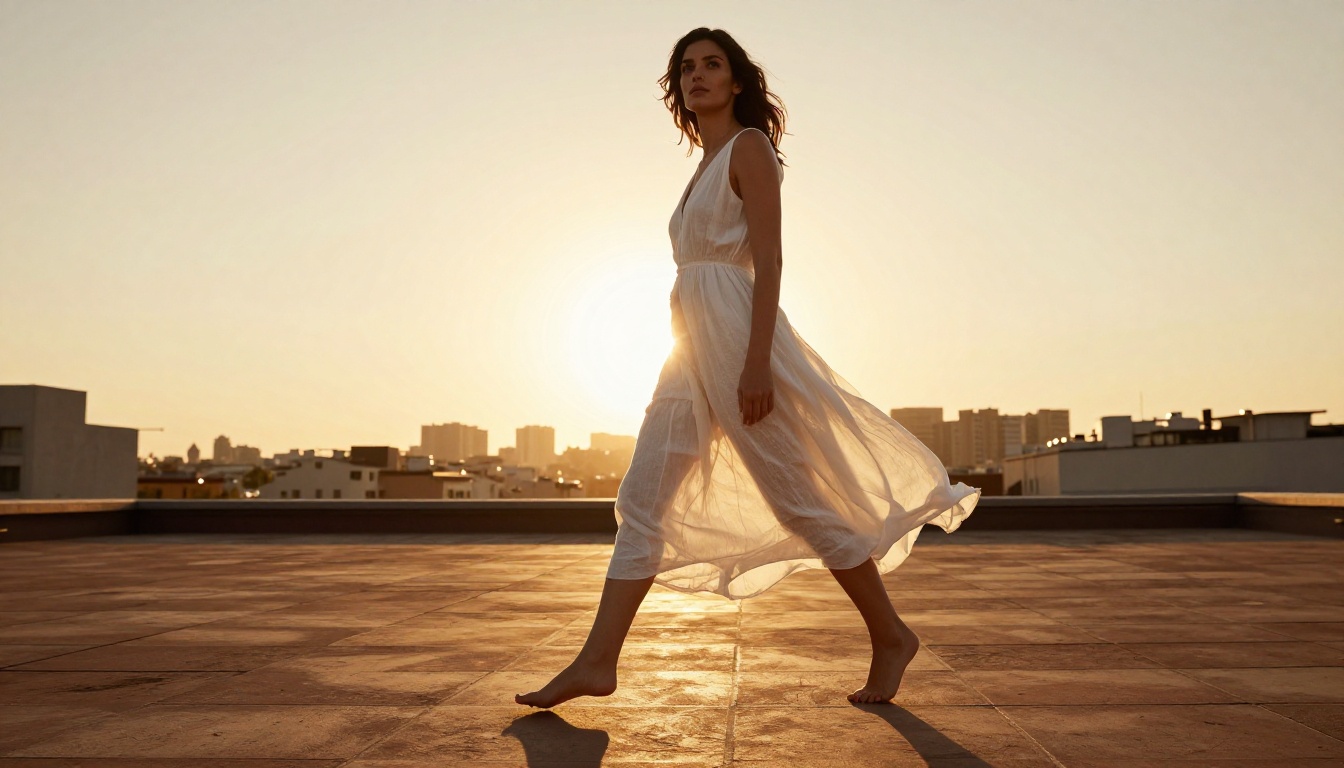
Sheer fabric, silk, lingerie, flowing dresses: these are notoriously difficult for video models. They require the system to simulate both the physics of the material and its interaction with the body underneath. LTX 2.3 Pro handles this better than most alternatives. A white dress in wind moves like fabric, not like a painted texture rotating on a rigid object.
💡 Tip: Mention fabric weight in your prompt. "Heavy velvet" and "sheer chiffon" will produce noticeably different results, and the model responds to this distinction accurately.
No Embedded Content Filter
This is the direct answer to the "uncensored" question. LTX 2.3 Pro, when accessed through PicassoIA, does not apply the aggressive content filters that block artistic nudity, glamour poses, or adult-themed narrative content. The platform is built for creators who need unlimited generations without prompt rejection for aesthetic content that falls short of explicit.
What "Uncensored" Actually Covers
There is a common misconception that uncensored AI video generation means fully explicit pornographic content. That is not what this article is about, and it is not what LTX 2.3 Pro is primarily used for in the cinematic creator community.
The Real Use Cases
The creators generating the most compelling work with this model are working in:
Glamour and fashion cinematics: Lingerie campaigns, swimwear lifestyle content, boudoir-style visual storytelling. Think the aesthetic of a high-end fashion editorial in motion.
Adult-adjacent narrative: Short films that deal with mature themes, intimate scenes that are suggestive rather than explicit, and character-driven drama that requires authentic physical presence.
Body confidence and art content: Artistic representation of the human form, implied nudity in artistic contexts, and bodyscape cinematics.
NSFW-adjacent marketing: Product promotion for adult brands, lingerie labels, wellness and body care that uses sensual visual language.
What It Does Not Do
LTX 2.3 Pro is a cinematic tool, not a pornography generator. The model was not trained on explicit content and does not produce it reliably even when prompted. What it does exceptionally well is the space between fully clothed and explicit, which is exactly where most adult-leaning creative content actually lives.
Using LTX 2.3 Pro on PicassoIA
PicassoIA gives direct browser access to LTX 2.3 Pro without API setup, model weights downloads, or local GPU requirements. Here is how to work with it effectively.
Step 1: Set Up Your Prompt
LTX 2.3 Pro responds best to prompts that follow a specific structural logic. Randomized descriptive text produces inconsistent results. The structure that works:
[Subject description] + [Action or pose] + [Environment details] + [Lighting specification] + [Camera angle and movement] + [Atmosphere or mood]
An example prompt for a glamour cinematic clip:
"A woman in a sheer ivory silk robe seated by an open window, morning light washing across her bare shoulders, slow camera dolly from right to left, warm diffused backlight, intimate and serene mood"
Step 2: Use Image-to-Video for Precision
If you have a specific reference image, or if you generated a still with another model first, the image-to-video mode in LTX 2.3 Pro is more consistent than pure text-to-video for subject accuracy. You get full control over the starting frame, which dramatically reduces the variability in face and body rendering across the clip.
Step 3: Pick Resolution Deliberately
LTX 2.3 Pro supports multiple resolutions. 720p is the best balance for rapid iteration. 4K is for final production clips where every pixel matters. Do not generate at 4K for prompt testing: the generation time is significantly longer and the quality difference is irrelevant until you have confirmed the motion and composition work correctly at lower resolution.
A practical approach:
Test phase: 720p, fast iteration, 3-5 prompt variants per scene
Refinement phase: 720p, locked prompt, adjust camera and lighting descriptors
Final render: 4K, single generation, production-ready output
Step 4: Describe Camera Motion Explicitly
The model interprets camera movement from text prompts. Vague terms like "cinematic" do not reliably produce a specific camera behavior. Use precise language:
"Slow dolly forward" for a pushing-in move
"Gentle pan left to right" for a horizontal sweep
"Static wide shot" for no camera movement
"Slight handheld drift" for a naturalistic, documentary feel
"Rack focus from foreground to subject" for a depth-based focus pull
Prompt Writing That Works
The difference between a mediocre LTX 2.3 Pro output and a genuinely cinematic one is almost always in the prompt. Here are the specific approaches that consistently improve results.
Specify Lighting Like a Director
AI video models respond to lighting terminology because it exists heavily in their training data. The more specific you are, the better the model performs.
Lighting Term
What It Produces
Rembrandt lighting
Dramatic triangle highlight on cheek, deep shadows
Generic terms like "beautiful lighting" or "dramatic" produce generic results. Specific terms produce specific results. This is not a small difference: a precisely described lighting setup can shift the entire emotional register of a clip.
Name the Lens and Aperture
Terms like "85mm f/1.8 portrait lens" and "24mm wide angle" directly influence the model's depth of field rendering and the compositional perspective it generates. This is one of the most underused prompt approaches for cinematic content.
💡 Tip: "Shallow depth of field" without a lens specification tends to produce inconsistent results. "85mm f/1.4" is specific enough for the model to render consistent background blur throughout the clip.
Lens focal length also changes the compression of the scene. A 200mm telephoto makes backgrounds feel close and compressed. A 24mm wide angle creates strong foreground-to-background depth. These distinctions hold up in LTX 2.3 Pro output when you name them explicitly.
Film Stock as a Color Shortcut
Named film stocks act as combined color, contrast, and grain instructions. The model has absorbed enough photography training data that these names carry real meaning:
Ilford HP5: High contrast black and white with strong grain
Kodak Vision3 500T: Cinema film stock, tungsten-balanced, desaturated blues
Describe Motion Duration Implicitly
LTX 2.3 Pro clips are fixed at 5 seconds. Write your prompt to describe action that fits this duration. "A slow pan across the face" works. "A complete scene with dialogue and reaction" does not.
The best-performing adult cinematic prompts describe a single continuous action or a single camera move through a static scene. Complexity in short-form video kills coherence. One subject, one move, one lighting condition, one mood. The constraint is not a weakness: it forces compositional discipline that often produces better output than open-ended generation.
Comparing the Competition
LTX 2.3 Pro is not the only capable model in this space. Here is how it compares to other top text-to-video options on PicassoIA for cinematic adult content.
What this comparison shows most clearly: models from Google (Veo 3.1) and OpenAI (Sora 2 Pro) produce excellent output quality but apply the most restrictive content policies. For any creative work that touches adult themes, they are largely unusable. LTX 2.3 Pro and Wan 2.7 T2V offer the combination of quality and flexibility that cinematic adult content requires.
Wan 2.7 vs LTX 2.3 Pro
Wan 2.7 T2V and Wan 2.7 I2V are strong alternatives when you need longer temporal consistency across complex scene action. Where LTX 2.3 Pro leads on skin and fabric rendering, Wan 2.7 tends to handle dynamic backgrounds (rain, flowing water, fire) with slightly more coherence. Pick based on what your scene prioritizes: if the subject and their physical presence is the point, LTX 2.3 Pro is the better call. If the environment carries equal weight, Wan 2.7 is worth testing.
When Ray 3.2 Makes Sense
Ray 3.2 from Luma is worth considering for cinematic content that prioritizes HDR dynamic range and dramatic lighting setups. Its content policies are less restrictive than Google or OpenAI but more so than LTX 2.3 Pro. For content in the "suggestive but tasteful" range, it is a viable alternative, particularly for outdoor scenes with strong natural light where Ray 3.2's HDR rendering excels.
Real Results from LTX 2.3 Pro
The test cases that matter most for anyone considering this model for adult cinematic work:
Boudoir-Style Close-Ups
In boudoir cinematics, the most important technical factor is skin rendering under low and dramatic light. LTX 2.3 Pro produces believable skin texture at close focal lengths without the plastic-smooth effect that plagues many alternatives. At 4K, individual pores are visible in appropriate lighting, not rendered as a uniform texture. Candlelit scenes with bare skin are where this model's subsurface scattering shows most visibly.
Swimwear and Outdoor Glamour
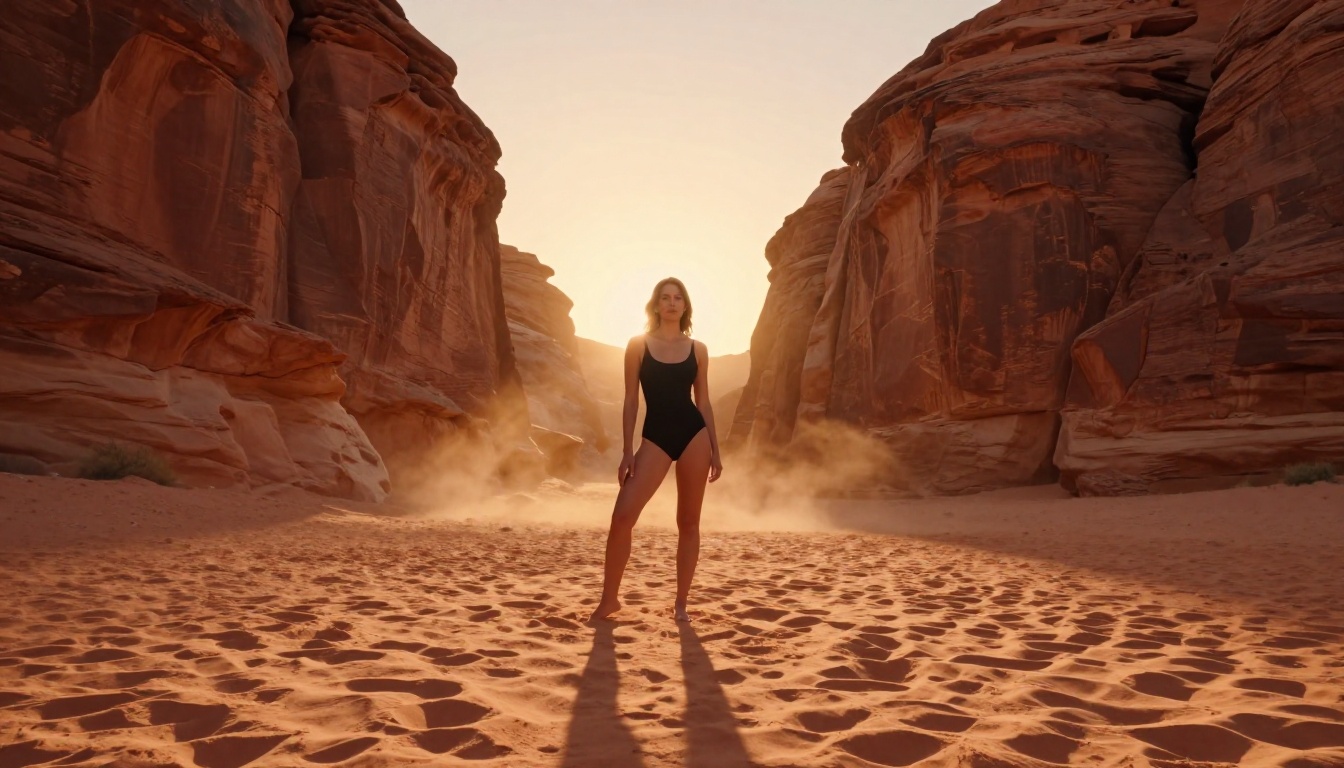
For outdoor settings with dynamic light, LTX 2.3 Pro handles the interaction between hard sunlight and bare skin realistically. Golden hour shots with subjects in swimwear show accurate shadow direction, specular highlights on wet surfaces, and natural color temperature shifts between sun and shadow areas. The model does not flatten these differences the way many alternatives do.
Fabric and Lingerie Motion
The cloth physics in 2.3 Pro are where this model genuinely separates itself from earlier LTX versions. Sheer fabric moves with appropriate weight and drape. Lingerie with lace detailing maintains texture without the blurring artifact that affects most video models under movement. Silk robes catch light differently at different angles, and the model tracks this through the clip duration.
💡 Tip: For best results with sheer or translucent fabrics, specify the fabric type and describe how light interacts with it. "Sheer chiffon backlit by morning window, fabric glowing translucent" gives the model specific rendering instructions, not just aesthetic direction.
Where It Still Falls Short
Honest assessment: LTX 2.3 Pro struggles with very rapid motion. Fast dance sequences, quick action, and subjects moving across the frame at speed still show temporal artifacts in some generations. The model performs best on slow, deliberate motion: a gentle turn, a slow walk, a camera move through a static scene. For adult cinematic content, this is rarely a limitation since the aesthetic most creators are after is not fast-cut action but atmospheric, lingering visual storytelling.
Start Creating Your Own Clips
You do not need a production budget or a video studio to create cinematic adult-adjacent content at a professional level. LTX 2.3 Pro on PicassoIA is accessible directly in your browser with no setup required and unlimited generations.
The workflow is straightforward: write your prompt with the specificity described above, start at 720p to confirm your composition and motion, then move to 4K for your final render. For image-to-video work, generate your reference still with a complementary image model on the platform, then feed that URL directly into the video generation input.
If you want to see the full range of available video models and find the right fit for your specific project type, picassoia.com/en/all-models lists every model on the platform with direct access. The LTX family alone gives you four distinct speed-to-quality tradeoffs: the original LTX Video, LTX 2.3 Fast, LTX 2 Pro, and LTX 2.3 Pro at the top. Once you have the prompting approach dialed in on one, the principles transfer directly across the entire lineup.
The best way to see what this model actually does is to generate with it. Start with a single scene, a single subject, a single lighting setup. The results will tell you more than any written description can.