Photorealism has always been the hardest thing to fake. Every AI image generator claims to do it, but very few actually deliver images that make you stop and genuinely question whether they were shot with a camera. Luma Photon is one of the rare exceptions.
Developed by Luma AI, Photon is a text-to-image model built from the ground up with a single obsession: visual fidelity. Not artistic style. Not speed. Just the uncompromising realism that professionals need when stock photos won't cut it and a photoshoot isn't in the budget.
This article breaks down what Photon is, how it works, what it excels at, where it falls short, and how you can start generating photorealistic imagery today using Luma Photon on PicassoIA.
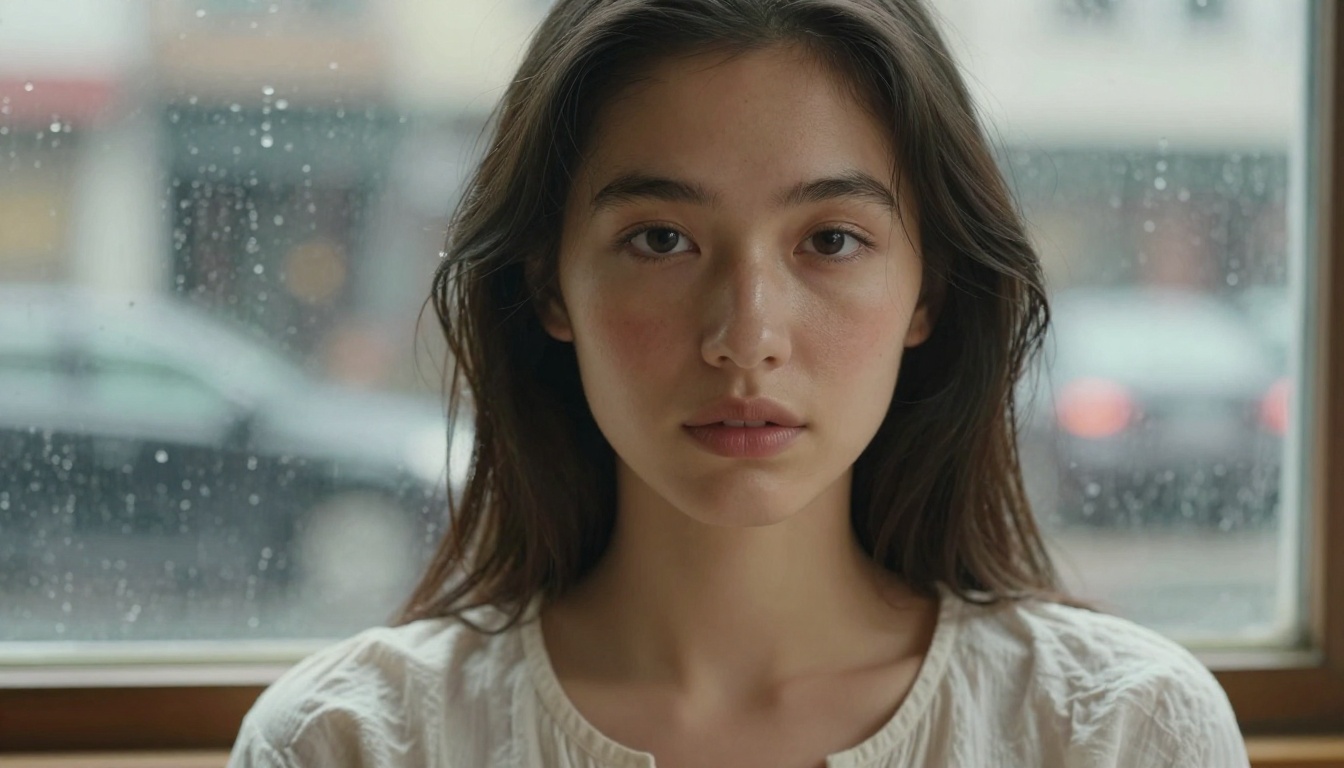
What Luma Photon Actually Is
Luma AI built its reputation on video generation, particularly with its Dream Machine model. Photon represents a strategic expansion into the static image space, bringing the same cinematic, physically-grounded rendering philosophy to text-to-image generation.
At its core, Photon is a diffusion-based generative model trained on an enormous dataset weighted toward photographic imagery rather than artistic or illustrative content. The result is a model that naturally gravitates toward camera-accurate outputs: proper depth of field, realistic lens behavior, natural color science, and the subtle imperfections that make a photograph feel real rather than generated.
The Model Behind the Quality
What separates Photon from the crowd is its training approach. While most AI image generators are trained on a blend of artistic, photographic, and synthetic content, Photon's training places heavy emphasis on real-world photographic data. This isn't just about having more training data. It's about the distribution of that data.
The model has a deep statistical understanding of how light behaves in the real world, how surfaces absorb and reflect it, how human skin responds to different lighting conditions, and how camera optics create the imperfections (aberration, vignetting, grain) that make an image feel authentic rather than generated.
💡 Note: Photon does not simply "apply a realistic filter" to its output. The realism is baked into the generation process at a fundamental level, not added afterward.
Photon Flash vs. Standard Photon
Luma Photon and Luma Photon Flash serve different needs:
| Model | Speed | Quality | Best For |
|---|
| Photon | Standard | Maximum fidelity | Final assets, portfolio work |
| Photon Flash | Fast | High quality | Iteration, prototyping |
Photon Flash sacrifices some of the finer micro-detail rendering for significantly faster generation times. For rapid concept iteration, it's the right choice. For final deliverables, the standard Photon model is worth the extra wait.
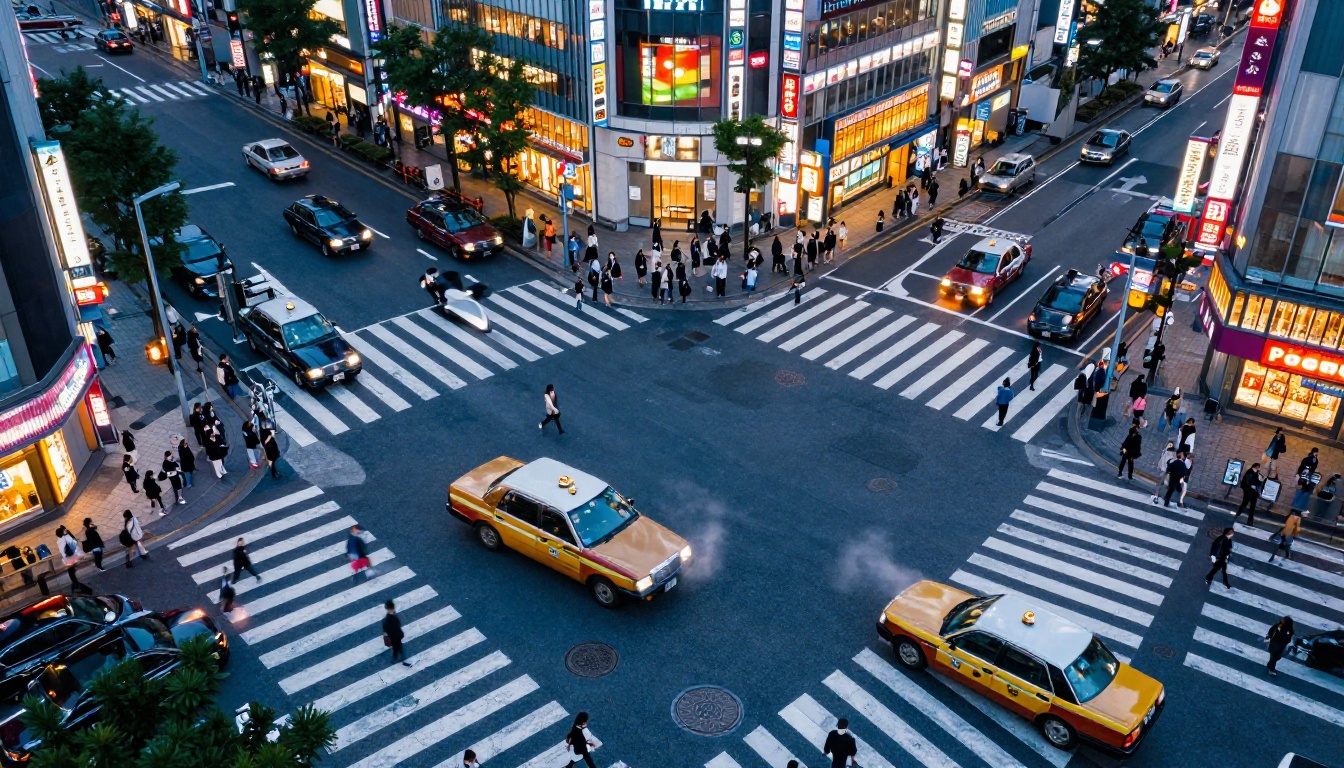
The Photorealism Problem in AI
Most text-to-image generators produce images that look impressive at first glance but fall apart on closer inspection. The tells are always the same: unnaturally smooth skin, perfectly symmetrical faces, overly saturated colors, and a sterile cleanliness that no real photograph ever has.
This is a fundamental issue with how most AI image models are trained. When the training data includes a large proportion of digitally created, stylized, or heavily post-processed imagery, the model replicates those artifacts. The result is that "photorealistic" in most AI contexts actually means "photorealistic-looking illustration."
Why Most AI Images Look Fake
There are several specific failure modes that plague most AI image generators:
- Perfect skin syndrome: Human skin has pores, micro-hairs, asymmetric coloring, and subtle texture. AI models trained on heavily retouched imagery often produce skin that looks like polished plastic.
- The lighting problem: Real photographs capture the complex interaction between light sources, surfaces, and atmosphere. AI models frequently produce images with flat, consistent lighting that doesn't behave physically.
- The color grading issue: Real photographs have color science tied to the camera sensor and film stock used. AI-generated images often have a uniform, slightly oversaturated look that reads as "digital" immediately.
- Missing imperfections: A real photo of a marble countertop has scratches, water stains, and light variation. AI versions tend to be suspiciously pristine.
Photon specifically addresses these failure modes. The training philosophy prioritizes authentic photographic imperfection over artificial perfection.
Where Photon Sits in the Realistic AI Space
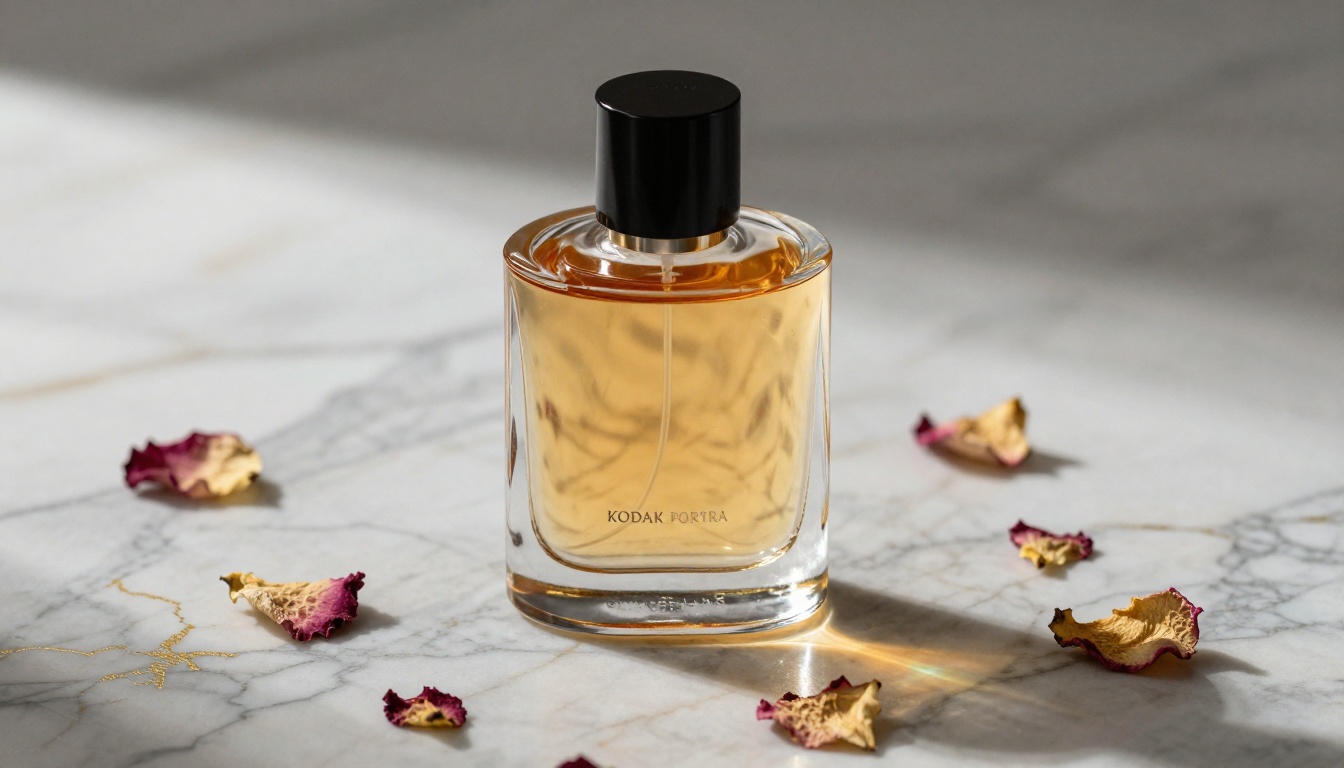
The realistic AI image space is increasingly competitive. Here is how Photon compares against the leading alternatives:
| Model | Photorealism | Prompt Following | Speed | Consistency |
|---|
| Luma Photon | ★★★★★ | ★★★★☆ | ★★★☆☆ | ★★★★☆ |
| Flux Dev | ★★★★☆ | ★★★★★ | ★★★☆☆ | ★★★★★ |
| Flux Schnell | ★★★☆☆ | ★★★★☆ | ★★★★★ | ★★★★☆ |
| SDXL Lightning | ★★★☆☆ | ★★★☆☆ | ★★★★★ | ★★★☆☆ |
Photon leads in raw photorealism, particularly for human subjects and natural environments. Flux Dev edges ahead on prompt adherence and consistency across generations. The right choice depends on your priority.
What Photon Does Best
Human Subjects and Portrait Work
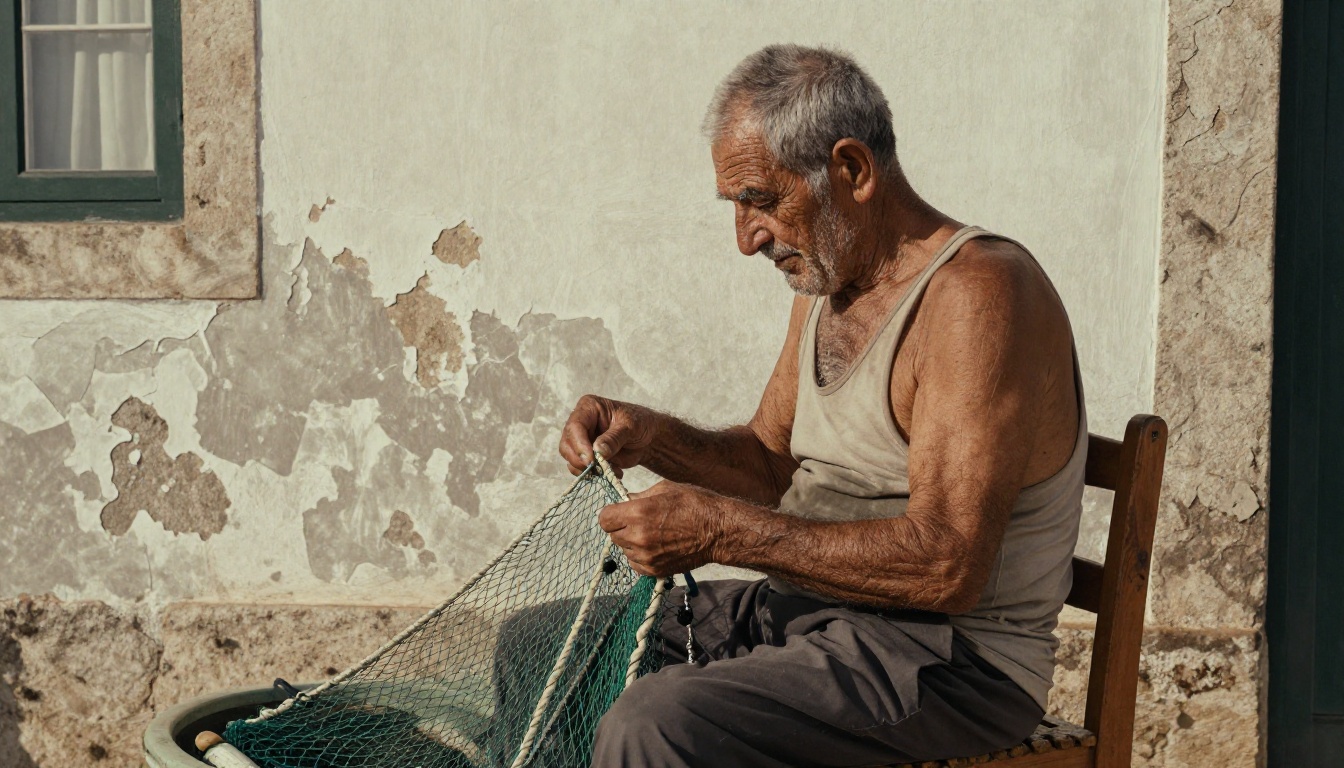
This is where Photon genuinely stands apart from the competition. Human portrait generation has historically been the weakest area for AI image models. Faces, hands, and skin texture expose every flaw in a model's understanding of human anatomy and photographic rendering.
Photon generates portraits with:
- Authentic skin micro-texture: Pores, fine hairs, and asymmetric coloring appear without being artificially exaggerated
- Physically accurate lighting on faces: Cheekbone highlights, under-eye shadows, and neck shadows behave according to real light physics
- Correct hair behavior: Individual strands catch light realistically, with proper translucency at the edges
- Dimensional eyes: Catchlights appear in plausible positions, the iris texture shows depth, and the wet surface of the cornea reflects the environment correctly
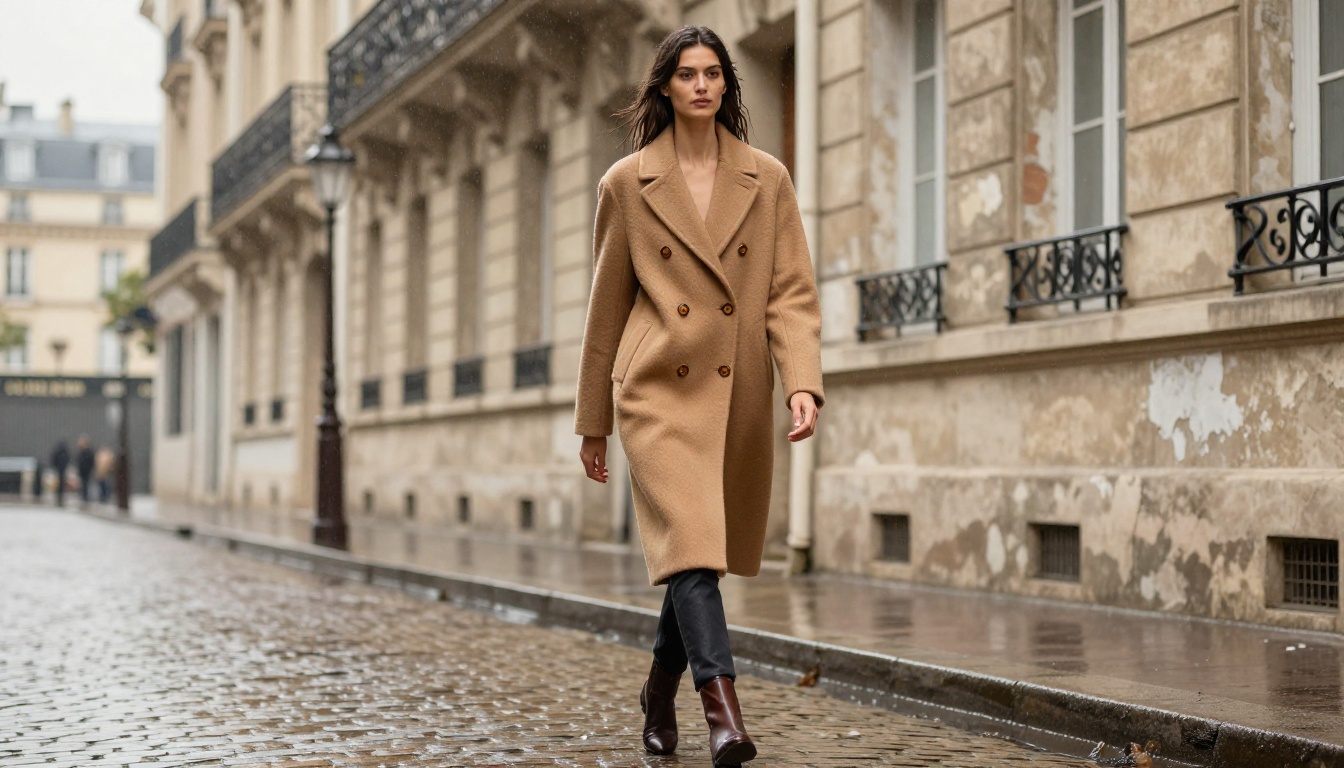
Environments and Landscapes
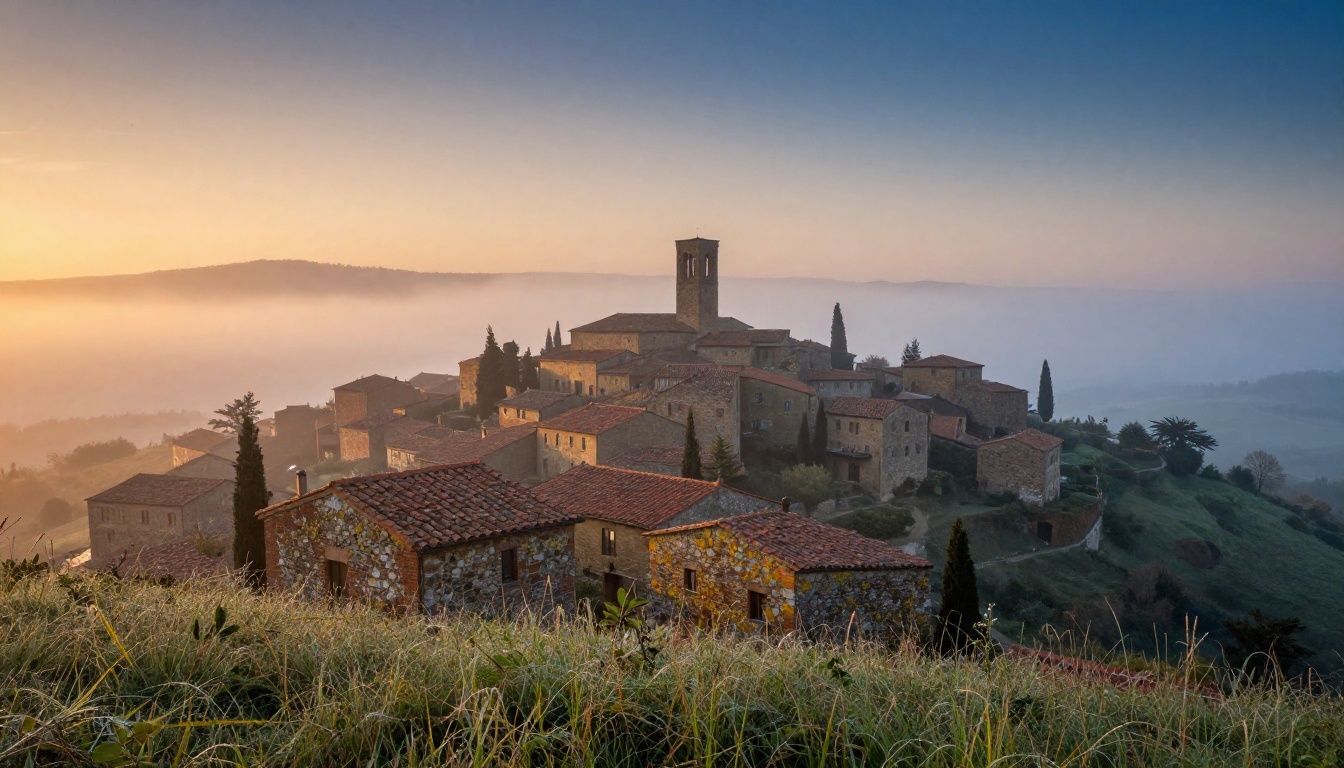
Beyond human subjects, Photon renders environments with a level of atmospheric authenticity that rivals dedicated photography. Morning mist over a hillside town, the specific quality of light just before a storm, wet pavement reflecting fractured neon signs. These are difficult photographic conditions that most AI models flatten into generic versions of themselves.
Photon preserves:
- Volumetric atmosphere: Fog, dust, smoke, and haze behave as volumes that interact with light, not just blurring filters
- Natural color temperature shifts: The cool-blue quality of dawn light vs. the warm orange of golden hour, rendered with camera-accurate color science
- Surface response to weather: Wet stone, damp fabric, rain-soaked leaves. Each material responds to moisture in a physically specific way
- Depth and aerial perspective: Distance causes a subtle shift in color temperature and contrast that Photon handles naturally
Products and Commercial Imagery
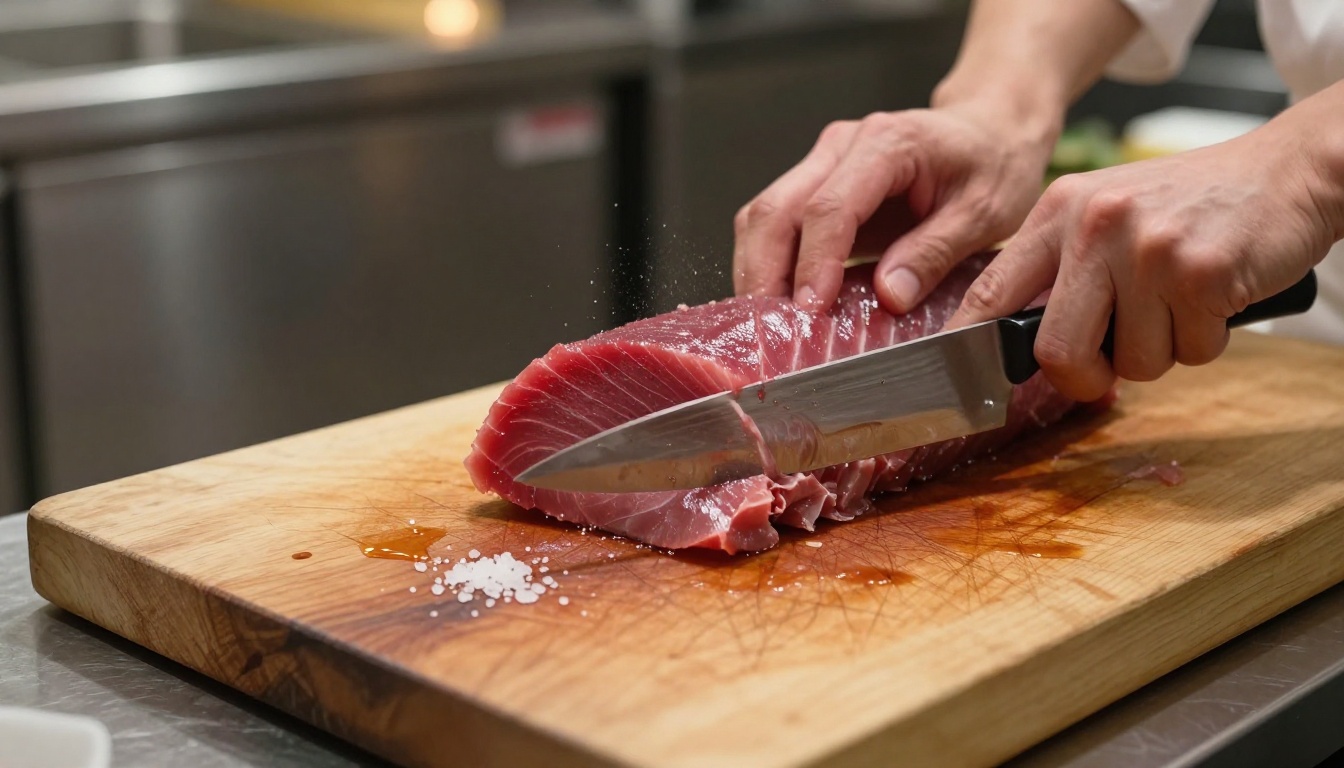
Commercial product photography is another area where Photon excels. The precise rendering of reflective surfaces, glass refraction, caustic light patterns, and material texture makes it well-suited for product imagery that most AI models muddy.
Glass bottles, metallic surfaces, fabric weave, leather grain, ceramic glaze. Photon renders each material with the specific optical behavior that distinguishes it from every other material. This level of material specificity is extremely difficult to achieve in generative AI and is one of Photon's most commercially valuable capabilities.
Writing Prompts for Photon
Photon is highly responsive to photographic language. The more your prompts describe a scene the way a photographer would brief a shoot, the better the output.
What Works
Use camera and lens specifications: Phrases like "85mm f/1.4", "35mm wide angle", "100mm macro lens" directly influence depth of field, perspective distortion, and the overall visual geometry of the image.
Specify film stock or color science: "Kodak Portra 400", "Fuji Velvia", "Kodak Ektar 100" each carry specific color rendering characteristics that Photon understands and applies accurately.
Describe light by direction and quality: "Soft diffused overcast daylight", "hard raking sidelight from the left at 30 degrees", "warm tungsten backlight with cool fill" give Photon specific physical lighting conditions to reproduce.
Include material and texture detail: Don't just write "a leather jacket." Write "a well-worn brown leather jacket with oxidation at the seams, natural crease marks at the elbows, and a matte surface with subtle sheen on raised areas."
💡 Tip: Think of your prompt as a photographic creative brief, not a description of a painting. The more it reads like something you would hand to a commercial photographer, the better Photon performs.
3 Common Mistakes
-
Over-specifying style: Adding terms like "cinematic", "movie still", or "professional photography" often creates an over-processed look. Photon already understands photographic conventions. Redundant style terms can push the output toward a more processed, less natural aesthetic.
-
Vague lighting descriptions: "Good lighting" or "natural lighting" is too ambiguous. Photon needs specifics. The time of day, the direction of the key light, and the quality (hard or soft) all matter significantly.
-
Ignoring scale and distance: Not specifying whether you want a close-up, medium shot, or wide shot leaves Photon to make arbitrary choices. Be explicit about framing from the start.
How to Use Luma Photon on PicassoIA
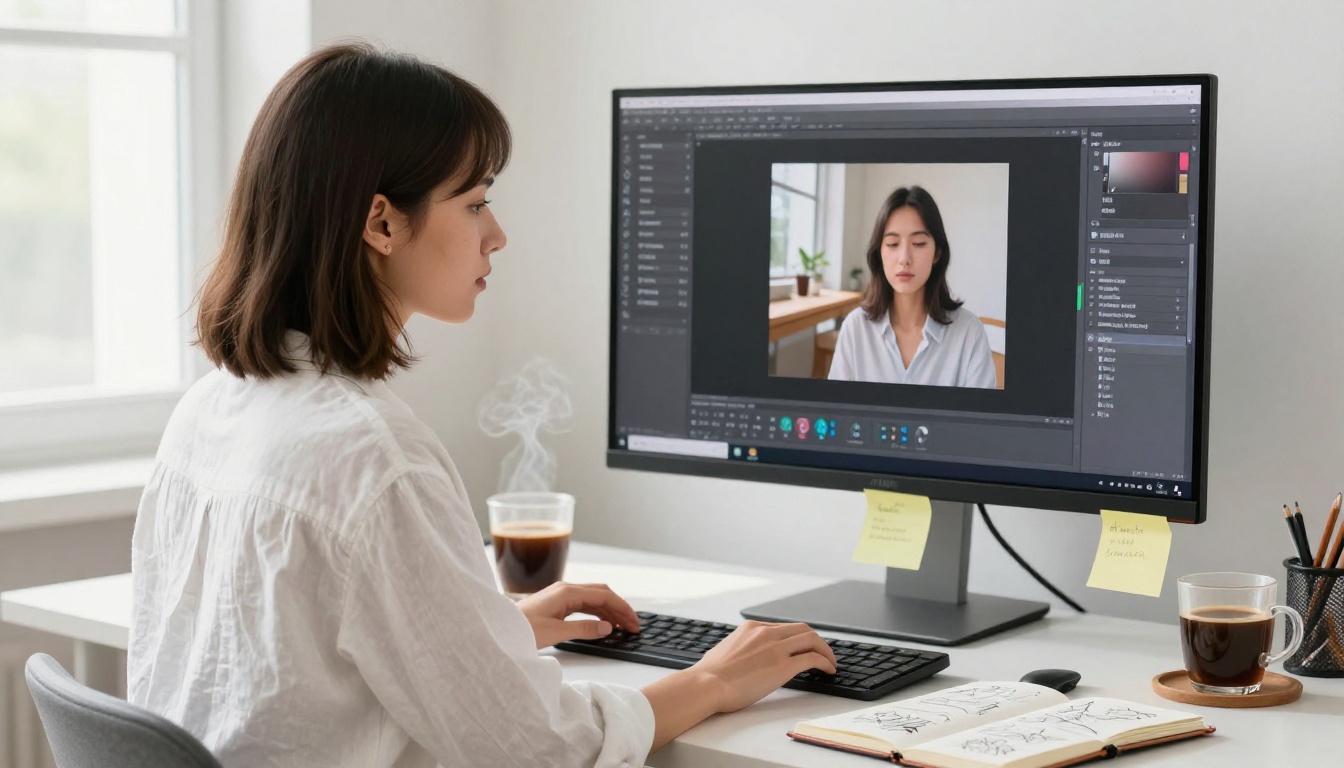
Since Luma Photon is available directly on PicassoIA, you can start generating photorealistic images without any technical setup, API keys, or local installation.
Step-by-Step
Step 1: Go to the Luma Photon model page on PicassoIA.
Step 2: In the prompt field, write your scene description using photographic language (see the prompt tips above). Be specific about subject, environment, lighting, and camera angle.
Step 3: Set the aspect ratio to match your use case. 16:9 for widescreen and landscape compositions, 4:3 for traditional photography proportions, 1:1 for social media, 9:16 for vertical mobile formats.
Step 4: For speed, switch to Luma Photon Flash during your concept iteration phase. Once you have settled on a prompt and composition you like, switch back to the standard Photon model for the final high-fidelity output.
Step 5: If the image is nearly right but needs adjustments in specific areas, PicassoIA's inpainting tools let you fix particular regions without regenerating the entire image from scratch.
Parameter Tips
| Setting | Recommendation |
|---|
| Aspect Ratio | Match your intended use: 16:9 for banners, 1:1 for social |
| Prompt Length | 50 to 100 words is the sweet spot for Photon |
| Iteration Strategy | Use Photon Flash first, Photon for finals |
| Style Terms | Minimal. Let the model's natural photorealism work |
Who Should Use This Model
Photographers and Visual Creatives
For photographers, Photon isn't a replacement for a camera. It's a tool for situations where a camera isn't practical or cost-effective. Concept visualization before a shoot, location scouting imagery, mood board creation, or generating reference material for a lighting setup that doesn't yet exist.
Photon speaks the language of photography. For anyone with a photographic background, the prompting process feels natural rather than foreign.
Marketing and Advertising Teams
The commercial applications are significant. Product imagery without a studio, lifestyle photography without talent fees, location shots without travel budgets. For brands that produce large volumes of visual content across multiple channels, Photon can substantially reduce both the cost and lead time of photographic assets.
The advantage over other AI image generators in a commercial context is consistency in material rendering. A leather bag depicted across multiple scenes will have the same leather quality throughout, provided you maintain consistent material descriptions in your prompts.
Content Creators and Publishers
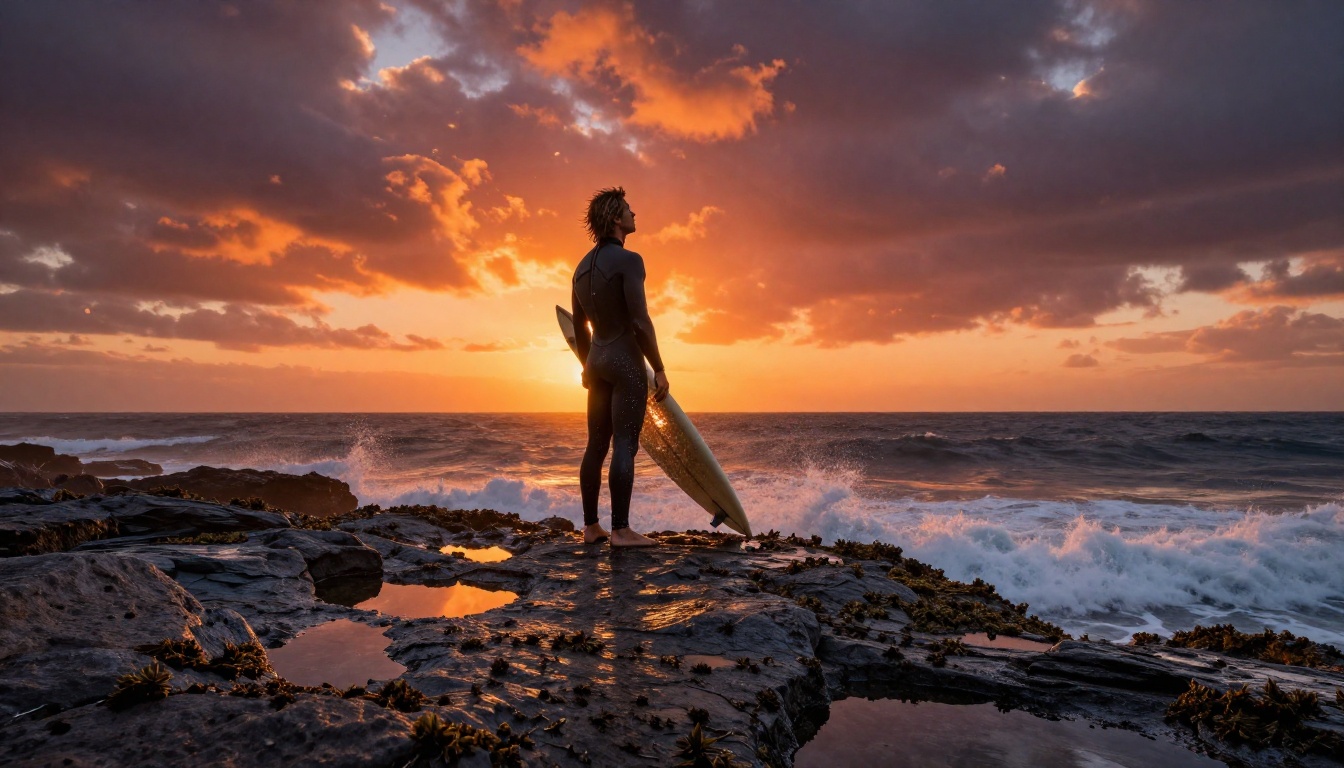
For content creators who need visuals that match a specific topic without licensing stock photography, Photon offers something no stock library can: imagery generated exactly to specification. The exact scene, lighting, subject, and mood you have in mind, generated in seconds.
This is particularly valuable for niches where stock photography is thin or generic. Hyper-specific scenarios, unusual cultural contexts, precise emotional tones, shots that require specific weather conditions.
What Photon Gets Wrong
No model is without limitations, and being clear about Photon's shortcomings is more useful than overselling it.
- Text rendering: Like virtually all diffusion models, Photon struggles with generating readable text within images. Avoid prompts that require legible typography.
- Exact replication: You cannot give Photon a reference image and ask it to reproduce the same scene from a different angle. Each generation starts fresh.
- Consistent characters: Generating the same person across multiple images is not reliably achievable with Photon alone. Character consistency requires additional tooling.
- Abstract compositions: Photon's photographic bias means it performs less well on highly abstract or non-representational imagery. For that, other models are better choices.
Try It on PicassoIA
Luma Photon represents a genuine step forward in AI image generation for photorealistic output. The results, especially for human subjects, natural environments, and material surfaces, are in a different class from most other text-to-image models available today.
If you have been settling for AI images that look like AI images, Photon is worth testing. The difference is immediately visible, and once you adjust your prompting approach to match its photographic sensibility, the outputs can be genuinely indistinguishable from photographs.
Both Luma Photon and Luma Photon Flash are available on PicassoIA right now, alongside a wide range of other text-to-image models including Flux Dev and Flux Schnell. Write a prompt that describes a scene as a photographer would, and see what Photon produces.


