Lyria 3 Pro Prompts: How to Write Better Music Prompts
Vague prompts give generic songs. This article shows how to write Lyria 3 Pro prompts with a repeatable formula for genre, instruments, tempo and mood, then add structure tags, timestamps, lyrics and reference images, with copy-ready templates for lo-fi, cinematic and indie pop tracks.
Most Lyria 3 Pro prompts fail for one simple reason: they describe a feeling instead of a song. "Sad piano music" gives the model nothing to decide, so it decides everything, and you get a pleasant track that could sit under any video ever made. The fix is not a longer prompt. It is a more specific one. This article breaks down how to write music prompts for Lyria 3 Pro that land close to the song in your head within one or two generations: what to include, what to cut, how structure tags and timestamps work, and ready-to-paste examples for lo-fi, cinematic and pop.
💡 Short answer: a strong Lyria 3 Pro prompt names a genre, two or three instruments, a tempo, a mood and a song structure. Everything else is a bonus.
Why Most Prompts Fall Flat
Lyria 3 Pro turns a written description, or a handful of reference photos, into a full song of up to three minutes with vocals, instruments and an arranged structure. That is hundreds of small decisions made from a few lines of text. Every detail you leave out becomes a coin flip, and coin flips average out to "nice but forgettable".
Vague Words, Vague Songs
Words like "epic", "emotional", "chill" and "cool" mean different things to different listeners, and the model cannot ask which one you meant. Concrete nouns and numbers beat adjectives every time.
Weak prompt
What goes wrong
Stronger rewrite
Sad piano music
No tempo, no setting, no arrangement
Slow solo upright piano at 62 BPM, minor scale, soft felt hammers, room noise, no vocals
Bright 2010s pop at 118 BPM, claps, plucked guitar, big chorus with stacked harmonies
Relaxing music
Relaxing for sleep, a spa or a cafe?
Soft ambient pads, 60 BPM, distant piano notes, no drums, no vocals
Rock song
Decade, mood and instruments all missing
Gritty garage rock, overdriven guitar, live drums, shouted chorus, 150 BPM
What the Model Responds To
The model page lists exactly what Lyria 3 Pro reads: genre, instruments, tempo, mood, lyrics, section tags such as [Verse], [Chorus] and [Bridge], time-coded instructions and up to ten reference images. Each item on that list is a lever you can pull. Anything outside it ("make it sound expensive", "like a hit") is a guess the model has to make for you.
💡 Rule of thumb: if you cannot hear a detail in your head, do not write it. If you can hear it, write it as a noun, a number or a named instrument.
The Anatomy of a Strong Prompt
Think of a prompt as a short brief to a small band. A good brief answers five questions in the same order every time, which also makes it easy to change one variable and compare results:
[Genre + era]. [Lead instrument, bass, rhythm]. [Tempo] BPM. [Mood in two words]. [Structure]. [Vocals or instrumental only].
Start With Genre and Era
Genre sets the biggest box. Era and texture shrink it. "Indie pop" is wide; "dreamy indie pop with a nostalgic edge" is a neighborhood. Pairing one genre with one texture word (warm, dusty, tight, airy, gritty) does more than stacking three genres together, which usually produces a muddy compromise. Pick one genre, add one era or one texture, and move on.
Name the Instruments
Three named instruments are plenty: a lead, a bass and a rhythm layer. The lo-fi sample on the model page does it in one line: "Warm Fender Rhodes piano melody with gentle bass and light percussion." That sentence gives the lead (Rhodes), the low end (bass) and the pulse (percussion), plus an adjective for each. If you do not want something, say so directly: "no vocals", "no drums", "no brass".
Set Tempo, Mood, and Scale
Write tempo as a number. BPM is the most reliable way to control energy because a number cannot be misread. The scale matters too: "C Major" pulls bright and simple, "A minor" pulls darker. Use the table below as a starting point, then nudge up or down by 5 to 10 BPM.
Style
Typical BPM
Mood pairing that works
Ambient
55 to 75
Calm and spacious
Lo-fi chill hop
70 to 90
Cozy and reflective
Indie pop
100 to 120
Nostalgic and uplifting
House
120 to 128
Warm and driving
Chiptune
130 to 150
Playful and bright
Drum and bass
170 to 175
Tense and relentless
For mood, two words that pull in slightly different directions work better than one. "Nostalgic and uplifting" is richer than "happy", and "tense and hopeful" gives the arrangement somewhere to travel.
Structure Tags and Timestamps
A song without structure drifts. A song with structure has a first verse, a lift and a payoff. Lyria 3 Pro gives you two ways to ask for that, and you can use either one or mix them.
Section Tags: Verse, Chorus, Bridge
Tags in square brackets tell the model how to arrange the track. Put the tag on its own line, then describe what that section should sound like.
[Intro] Soft piano alone, 4 bars.
[Verse 1] Fingerpicked guitar enters, intimate and close.
[Chorus] Full band, stacked harmonies, big open drums.
[Verse 2] Back to guitar, add a light shaker.
[Bridge] Strip everything but bass and voice, then build.
[Chorus] Final chorus, one step higher, bigger drums.
Numbering repeated sections ([Verse 1], [Verse 2]) matches how the sample prompts on the model page are written and helps the model treat them as separate parts. A one-line description per tag is enough. Three words of description beat none.
Timestamps for Exact Control
Time-coded blocks let you place events at exact moments, which is what you need when music has to match a video of a known length. The pattern is a start and end time in brackets, followed by the instruction.
[0:00 - 0:15] Intro: Soft lo-fi beat with muffled vinyl crackle and distant rain.
[0:15 - 0:45] Verse: Warm Rhodes melody, gentle bass, light percussion at 85 BPM.
[0:45 - 1:15] Chorus: Full arrangement, lush pads, subtle strings.
Three rules keep timestamps clean:
Make the blocks touch. No gaps and no overlaps between one block and the next.
Stay under three minutes. That is the model's maximum length.
One instruction per block. If a block feels crowded, split it into two shorter ones.
Writing Lyrics Inside the Prompt
Lyria 3 Pro sings the words you put under a section tag. That is powerful, and it is also where most vocal tracks go wrong, because lyrics written like prose make awkward songs.
Line Length and Rhyme
Keep lines short and similar in length, roughly six to ten syllables, so they land on the beat. Rhyme in pairs or on alternate lines. Make the chorus the shortest, most repeatable part. The indie pop sample on the model page shows the shape:
[Chorus]
We are the echoes in the night,
burning brighter than the light,
hold on tight, don't let me go,
we are the echoes down below.
Four lines, one image, a repeated hook. After the lyrics, add a plain line with the genre, mood and tempo ("Genre: Dreamy indie pop. Mood: Nostalgic and uplifting. Tempo: 110 BPM") so the sound is described as precisely as the words.
When to Skip Vocals
Vocals add variance. For background music, podcast intros, product videos or game loops, write "Instrumental only, no vocals" and put the effort into the instruments instead. A short chiptune loop is a good test. The model page sample is just: "A bright chiptune melody in C Major, retro 8-bit video game style at 140 BPM. Instrumental only, no vocals."
Prompt Templates You Can Copy
Replace the details and keep the order. Every template follows the same anatomy, so you can swap a single variable and hear exactly what it changes.
Use case
Genre
Tempo
Lead instruments
Study or focus video
Lo-fi chill hop
85 BPM
Rhodes, soft bass, brushed drums
Trailer or intro
Cinematic orchestral
90 BPM
Cello, low strings, taiko
Song with vocals
Dreamy indie pop
110 BPM
Jangly guitar, synth pads, voice
Lo-Fi Study Track
Lo-fi chill hop, cozy and reflective, 85 BPM. Warm Fender Rhodes melody, soft round bass, brushed drums, muffled vinyl crackle and distant rain. Intro with crackle only, a verse with Rhodes and bass, a fuller chorus with pads and subtle strings, a soft fade-out on piano alone. Instrumental only, no vocals.
Why it works: genre, mood and tempo come first, every instrument has an adjective, and the texture details (crackle, rain) make it feel like a place rather than a loop.
Cinematic Trailer Score
Cinematic orchestral, dark and hopeful. Instrumental only.
[0:00 - 0:20] Solo cello, slow and low, sparse notes, large hall reverb.
[0:20 - 0:50] Low strings ostinato enters, steady pulse at 90 BPM, tension rising.
[0:50 - 1:20] Taiko drums and brass swell, full orchestra, powerful.
[1:20 - 1:40] Sudden drop to cello alone, then one final brass hit.
Why it works: the timestamps give the piece a shape, and the drop at 1:20 is a detail no generic prompt would produce by luck.
Dreamy Indie Pop
Dreamy indie pop, nostalgic and uplifting, 110 BPM. Jangly guitar, warm synth pads, soft drums, airy female vocal.

[Verse 1]
Walking through the morning rain,
city lights begin to fade,
every window hums a name,
every street a serenade.

[Chorus]
Hold the moment, let it stay,
we were never far away,
hold the moment, hold it near,
every song says you were here.
Why it works: the description line sets the sound, the tags set the order, and the chorus is short enough to repeat.
Steer the Sound With Images
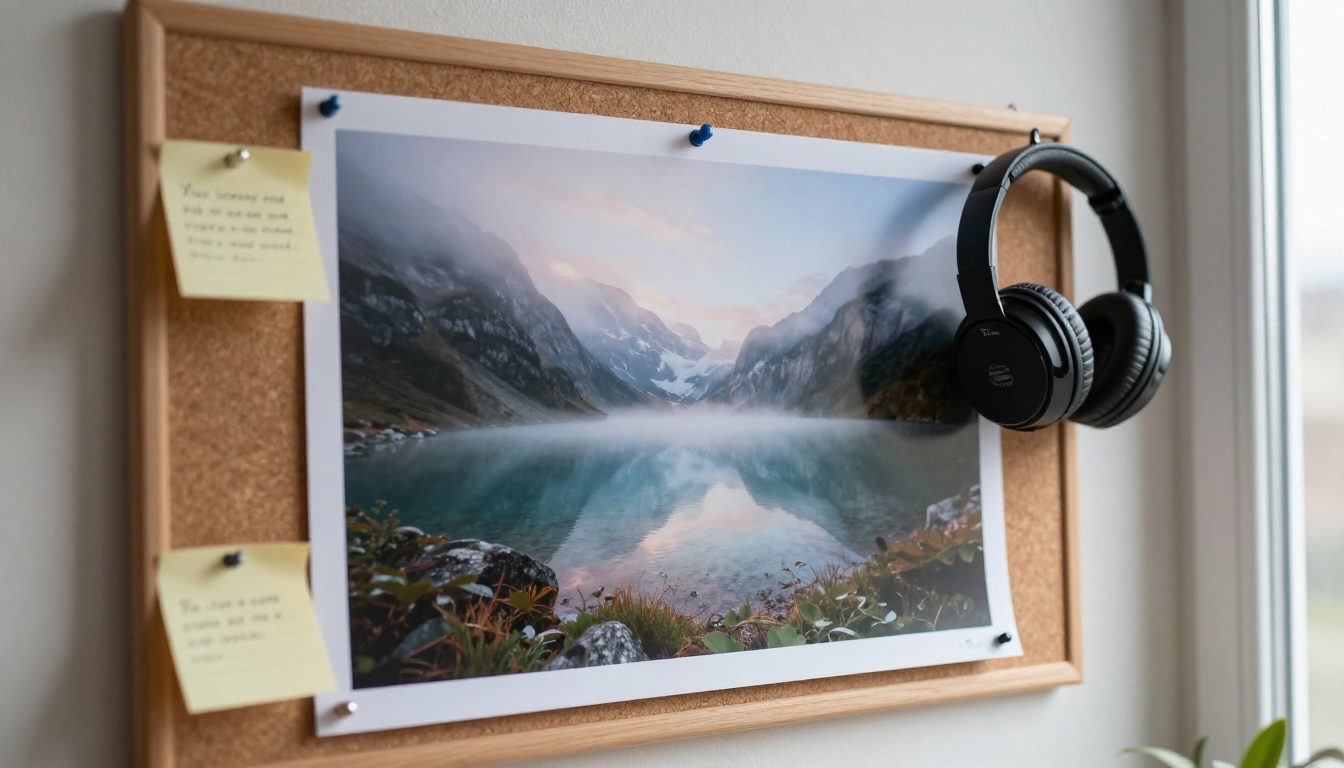
Lyria 3 Pro accepts up to ten reference images alongside your text. The images shape atmosphere, texture and mood, while your text still decides genre, tempo and structure. That split is the whole trick: pictures for feeling, words for facts.
From Photo to Mood
A misty lake at sunrise pulls toward ambient pads and slow piano. A rainy city street at night pulls toward muted trumpet and brushed drums. Choose images with one consistent palette and one clear subject, because mixed signals produce mixed music. Three or four images is a good start; ten is a ceiling, not a target.
You can make the reference images yourself. Generate a moody photo with a text-to-image model such as Seedream 4.5, P-Image or GPT Image 2, then drop it into the music prompt. It is a quick way to keep a track and its artwork in the same visual world.
💡 Pairing tip: write the genre in text even when you use images. "Ambient piano, 60 BPM" plus a lake photo beats the photo alone.
Scoring an AI Video
Generating the video first and the music second keeps both honest. Make a short clip with a text-to-video model such as Seedance 2.0 or Veo 3.1, note its length, then write timestamps that match its beats: the intro as the shot establishes, the lift when the subject moves, the release on the last frame. Some video models add their own audio, but a dedicated track gives you control over structure and lets you reuse the same music across several clips.
Use Lyria 3 Pro on PicassoIA
Lyria 3 Pro is available on PicassoIA, which lists it as a free AI music generator. The model takes two inputs: a text prompt (required) and up to ten images (optional).
Open the model page. Go to the Lyria 3 Pro page in the AI music generation collection.
Write the brief. Paste a template from above: genre, instruments, tempo, mood, structure.
Add structure. Use [Verse], [Chorus] and [Bridge] tags, or timestamps if the track has to fit a video.
Add images if you want atmosphere. Upload up to ten reference photos.
Generate and listen twice. First for the overall feel, then for the single biggest miss.
Change one thing. Swap one instrument, shift the BPM by 10 or reword the mood, then generate again.
Changing one variable per run is the fastest way to find out which words steer the model and which ones it ignores.
When Another Model Fits Better
The same anatomy works across PicassoIA's music models. Run one brief through several of them and keep the one whose sound you prefer.
Tags and timestamps are documented for Lyria 3 Pro, so test them on other models before relying on them.
Your Turn: Write the Next Prompt
Pick one template above, change two details, and press generate on Lyria 3 Pro. Swap the genre, move the tempo by 15 BPM, or turn an instrumental into a track with a four-line chorus. Then build the visuals for the same track with an image or video model and see how far one idea can stretch.
Picasso IA puts music, image and video generation in one place, so a single idea can become a song, a still image and a clip in the same afternoon. Open the full model library, write your first brief, and hear what a specific prompt sounds like.