Lyria 3 Pro vs Suno: Which AI Music Generator Is Better?
Lyria 3 Pro and Suno both turn a text prompt into a finished song, but they differ on track length, structure control, reference images, editing, pricing and licensing. See which one fits your project, plus a step by step Lyria 3 Pro workflow.
Two AI music generators dominate the conversation right now, and they come from very different places. Suno built its reputation on catchy, vocal-forward songs that sound ready for a playlist. Lyria 3 Pro, Google's longer-form music model released in March 2026, makes a different promise: songs that follow a written arrangement, section by section, down to the second. If you are weighing Lyria 3 Pro vs Suno for a YouTube channel, a game, a podcast intro, or a melody that will not leave your head, the right pick depends on how much control you want over the result.
This comparison sticks to documented features, plan limits, and the sample outputs published for each tool. It is not a blind listening panel, so treat it as a map and settle the final tie with your own ears using the test prompt further down.
Who Wins in Short
Neither tool wins every round, and that is the honest answer. Suno is the faster route to a song with personality. Lyria 3 Pro is the better route to a song that matches a plan. Here is the whole matchup on one screen before the details.
Feature
Lyria 3 Pro
Suno
Maker
Google
Suno
Max track length
About 3 minutes
Up to 8 minutes on current models
Inputs
Text prompt plus up to 10 reference images
Text prompt, lyrics box, style tags, audio uploads
Structure control
[Verse], [Chorus], [Bridge] tags and time-coded instructions
Section tags in the lyrics box, plus extend tools
Vocals
Sung lyrics written in the prompt, or instrumental only
Vocal-first, many voice styles
Provenance
SynthID watermark on every output
Depends on plan and platform terms
Strongest at
Scores, brand tracks, structured arrangements
Fast, catchy songs with strong vocals
💡 Quick rule: if you can describe the song as a list of sections, start with Lyria 3 Pro. If you can only describe it as a vibe and a chorus idea, start with Suno.
Pick Lyria 3 Pro If
You need a specific arrangement, such as a 15-second intro, a verse, a lift into the chorus, and a quiet outro.
You want instrumental scores for video, games, or presentations where vocals would compete with dialogue.
You have a photo or mood board and want the music to match it.
You care about provenance, since every Lyria output carries Google's SynthID watermark.
Pick Suno If
You want a full song with strong vocals from a rough idea and a few lines of lyrics.
You need tracks longer than three minutes, up to roughly eight minutes on current models.
You want to extend, remix, or export stems after the first generation.
You like to generate many variations quickly and keep the best one.
Here is how the two tools line up project by project:
Project
Better starting point
Why
YouTube intro (15 to 30 seconds)
Lyria 3 Pro
Timestamps pin the hits to your edit
Full pop single with vocals
Suno
Vocal-first, longer ceiling
Meditation or ambient loop
Lyria 3 Pro
Reference images set the mood
Game boss theme
Lyria 3 Pro
Section-level control
Podcast bed under dialogue
Lyria 3 Pro
Clean instrumental-only output
Songwriting demo
Suno
Fast vocal drafts from lyrics
Sound Quality and Vocals
Audio quality is subjective, so the useful question is not "which sounds better" but "which sounds better for my kind of song."
How the Vocals Compare
Suno is built around the sung hook. Its songs lean toward confident, radio-style vocals and a chorus designed to stick, which is why it became the default name in AI songwriting. If your goal is a demo that sounds like a real artist recorded it, Suno is a natural first stop.
Lyria 3 Pro sings too. The model page confirms you can write original lyrics straight into the prompt, and one of its published examples is a dreamy indie pop track with a verse, a chorus, and a second verse at 110 BPM. It also handles instrumental-only requests cleanly, which is a real advantage when the music has to sit under a voice-over.
Three vocal tips work on either tool:
Describe the singer. "Breathy alto, close microphone, no vibrato" beats "female vocals."
Keep lines short and rhythmic. Long, crowded lines are where AI pronunciation slips.
Spell tricky words phonetically if the first take mispronounces a name.
Instrumentals and Genre Range
On instrumentals, the Lyria 3 Pro samples are revealing. One prompt asks for lo-fi chill hop at 85 BPM with a Fender Rhodes melody, vinyl crackle, and distant rain. Another asks for a bright 8-bit chiptune melody in C Major at 140 BPM. Those are specific requests, and they show a model built to follow instrument, tempo, and mood directions rather than only a genre label.
Suno's range is wide, especially in vocal genres such as pop, rock, country, and hip hop. It is the safer pick when the genre is the main instruction and the details can stay flexible.
💡 Listening tip: judge every track on studio monitors or good headphones, then once on a phone speaker. A mix that sounds huge in headphones can collapse on a phone, and that is where most of your audience will hear it.
Control Over Song Structure
This is where the two tools part ways most clearly.
Tags and Timestamps
Lyria 3 Pro reads structural tags like [Verse], [Chorus], and [Bridge], and it also accepts time-coded instructions. A prompt can say what happens from 0:00 to 0:15, what changes at 0:45, and when the outro starts. For anyone cutting music to picture, that is a big deal: you can plan the lift in the chorus to land on your cut.
Suno also responds to section tags in its lyrics box, and most serious users rely on them. In practice the tags steer the arrangement, but the workflow is built around iterating on results and extending sections, not writing a second-by-second plan.
Here is a timestamped prompt in the style Lyria 3 Pro rewards:
[0:00 - 0:15] Intro: Brushed drums and warm upright bass, 96 BPM.
[0:15 - 0:50] Verse: Soft female vocal, close and breathy, fingerpicked acoustic guitar.
[0:50 - 1:20] Chorus: Full band, layered harmonies, rising strings.
[1:20 - 1:50] Verse: Stripped back again, add light piano.
[1:50 - 2:20] Chorus: Bigger drums, final lift in the last eight bars.
[2:20 - 2:40] Outro: Guitar alone, slow fade.

Genre: Indie folk. Mood: Hopeful and warm.
Images as Musical Input
Here Lyria 3 Pro has no real rival in this matchup. It accepts up to ten reference images, so a landscape photo, a brand color palette, or a set of film stills can shape the tone of the track. The model page suggests turning a landscape photo into an ambient track for a meditation app, or scoring a short film by uploading reference images and describing each scene's emotional arc.
Suno's inputs are text, lyrics, style tags, and audio. That is plenty for songwriting, but it cannot read a mood board.
Length, Speed, and Editing
Track Length and Speed
Lyria 3 Pro tops out around three minutes. That was the headline upgrade over Lyria 3, which was limited to 30 seconds. Three minutes fits a pop single, an ad, a trailer cue, or a YouTube intro with room to spare.
Suno goes further, with tracks up to about eight minutes on its current models. If you need a long background piece for a livestream or a study playlist, that ceiling matters.
On speed, the three example generations on the Lyria 3 Pro model page finished in roughly 32 to 64 seconds, which makes iteration cheap. Suno is quick too, though queue times depend on your plan and the time of day.
Editing After Generation
Suno behaves more like a workstation. You can extend a song, work with stems, and rebuild sections, so a first draft becomes a project. That is a real advantage for songwriters who want to keep shaping the track.
Lyria 3 Pro works differently: you edit the prompt, not the waveform. Change one instruction, regenerate, and compare. When a track is close, export the file and finish it in a digital audio workstation, trimming the ending or balancing levels against dialogue.
Pricing and Commercial Rights
Free Plans and Paid Tiers
Suno runs on credits. Published 2026 plan comparisons describe a free tier that uses an older model and carries no commercial rights, a Pro plan at roughly $8 to $10 per month that adds commercial use and the newest model, and a Premier plan at roughly $24 to $30 per month with a much larger credit pool. Plans shift often, so confirm the current numbers before you subscribe.
Google offers Lyria 3 Pro in the Gemini app for paid subscribers, through Google AI Studio and the Gemini API for developers, and in public preview on Vertex AI. On PicassoIA, Lyria 3 Pro is listed as a free AI music generator that needs no music skills, which makes it the easy way to test the model before committing to anything.
Rights, Watermarks, and Platforms
Every Lyria 3 and Lyria 3 Pro output embeds Google's SynthID, an imperceptible watermark that marks the audio as AI-generated. You will not hear it, and it helps with transparency if a platform or client asks how a track was made.
For commercial work, the rule is the same with both tools: read the licence that applies to your plan on the day you generate the track. A Suno song made on the free tier is not cleared for commercial release, while paid plans grant broader rights.
💡 Client-work habit: save the prompt, the date, the plan tier, and the model name next to every track you deliver. If anyone asks about rights later, you will have the answer in one folder.
Use Lyria 3 Pro on PicassoIA
The quickest way to settle the Lyria 3 Pro vs Suno debate is to run your own test. Lyria 3 Pro on PicassoIA takes two inputs: a required text prompt and an optional list of up to ten images. Here is the full workflow.
Write a Structured Prompt
Open the model page, then paste a prompt that names the genre, instruments, tempo, mood, and sections. Use the timestamp example from earlier as a template. Three habits make a difference:
Put tempo and instruments in the first lines so they apply to the whole track.
Add "Instrumental only, no vocals" when you need a bed under dialogue.
Write lyrics in short lines under [Verse] and [Chorus] tags if you want them sung.
Add Reference Images
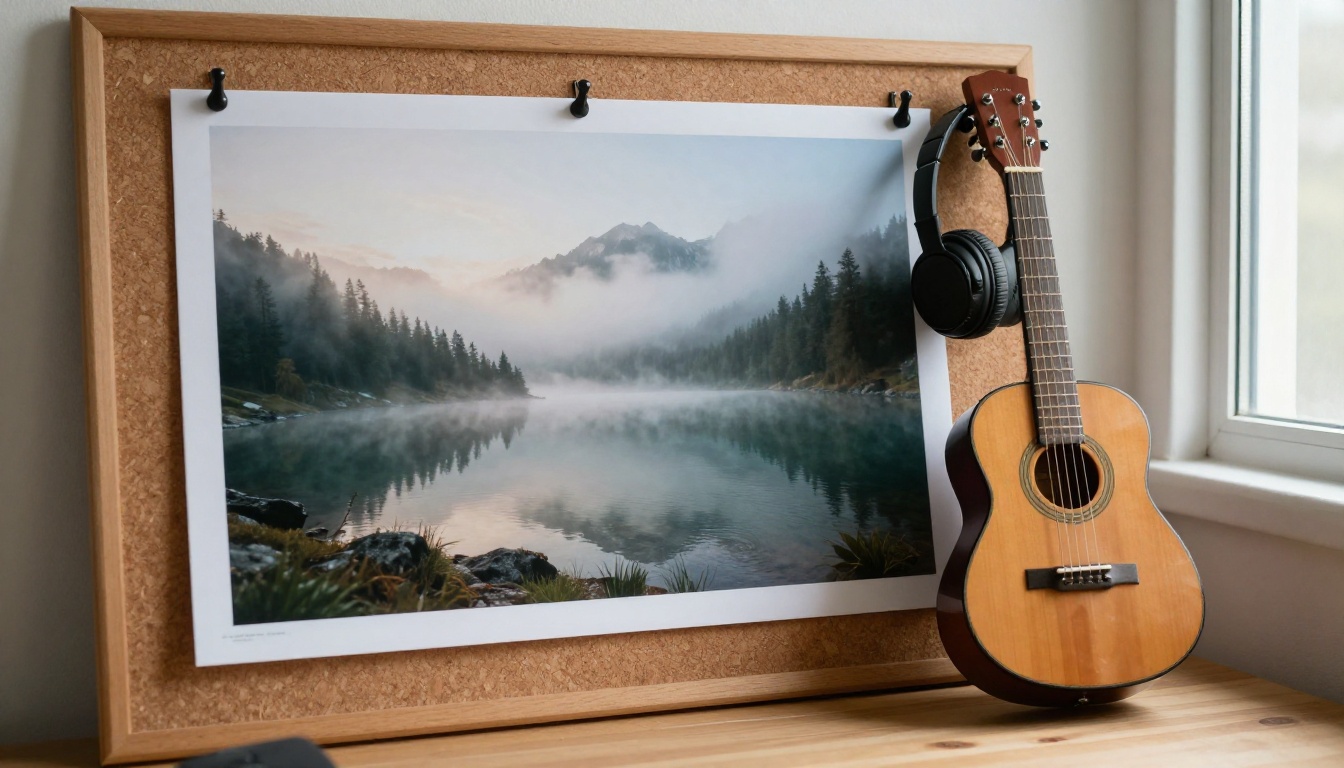
Optional, but powerful. Upload a landscape, a product shot, or a film still and let it set the mood. A misty lake photo pushes the result toward calm, spacious sounds, while a busy street photo pulls it toward rhythm and energy. Combine the images with a text prompt rather than replacing it.
Generate, Listen, Adjust
Generation takes about a minute. Listen once without touching anything, then change one instruction and run it again. Changing one thing at a time tells you what each phrase actually does. After two or three rounds you will have a track that fits.
Most disappointing first results trace back to one of three mistakes:
Stacking genres. "Jazz metal reggae pop" gives the model nothing to commit to. Pick one lead genre and one influence.
Skipping the tempo. Without a BPM, the pace is a guess. A number like 96 or 120 anchors the whole arrangement.
Overlong lyrics. A verse of twelve crowded lines rarely lands in a short window. Trim it to four lines and let the chorus repeat.
Want a fair head-to-head? Run the same description in both tools, then compare the results on three points: the vocal, the arrangement, and how closely each followed your instructions. Also worth a test on PicassoIA, depending on what you need:
A finished track is only half a release. YouTube, Reels, and Spotify canvases all expect something to watch. Picasso IA keeps the whole chain in one place.
For motion, Veo 3.1, Seedance 2.0, and Kling v3 Video turn a text prompt or a still image into a short clip you can loop under your song. For artwork, thumbnails, and lyric-video backgrounds, Nano Banana Pro, FLUX 2 Pro, and GPT Image 2 create sharp, photorealistic frames that match your track's mood.
A simple workflow: generate the song, write down its mood in three words, then use those words as the opening of your image and video prompts. The visuals will feel like they belong to the sound.
Make Your First Track Today
So, which AI music generator is better? For songs where the voice carries the emotion and you want length and editing tools, Suno earns its reputation. For arrangements you can plan, scores that follow a picture, and music shaped by reference images, Lyria 3 Pro is the sharper tool.
You do not have to pick on faith. Open Picasso IA, paste the timestamped prompt from this article, and listen to what comes back in about a minute. Then change the genre, swap in your own lyrics, or upload a photo that captures the feeling you want. When a track clicks, build the video and the artwork around it with the models above.
Browse the full catalog at picassoia.com/en/all-models and start experimenting with music, video, and images in one place.